
 2 hours ago
3
2 hours ago
3
Keychron first announced its new Q6 Ultra 8K at CES 2026 — a full-size, wireless mechanical keyboard with a hot-swappable PCB and up to an 8,000 Hz polling rate. Which isn't too unique, until you take a look at the rated battery life: up to 660 hours, over a 2.4GHz wireless connection with an 8,000 Hz polling rate (and the lighting turned off). That's significantly longer than any other 8 KHz polling rate keyboard (or peripheral), and it's because the Q6 Ultra 8K is one of the new Keychron keyboards that utilizes ZMK firmware instead of QMK firmware — ZMK is optimized for wireless efficiency, and, well, it clearly makes a difference.
The Q6 Ultra 8K is a large, sturdily-built keyboard with a full aluminum body and double-shot PBT keycaps, which makes it a good option for gamers who want a full-size board (there aren't that many out there). But it's going to need more than a very impressive battery life to land a spot on our list of best wireless keyboards. The Q6 Ultra 8K is available now for $239.99, in both black and white colorways.
Design and Construction of the Q6 Ultra 8K
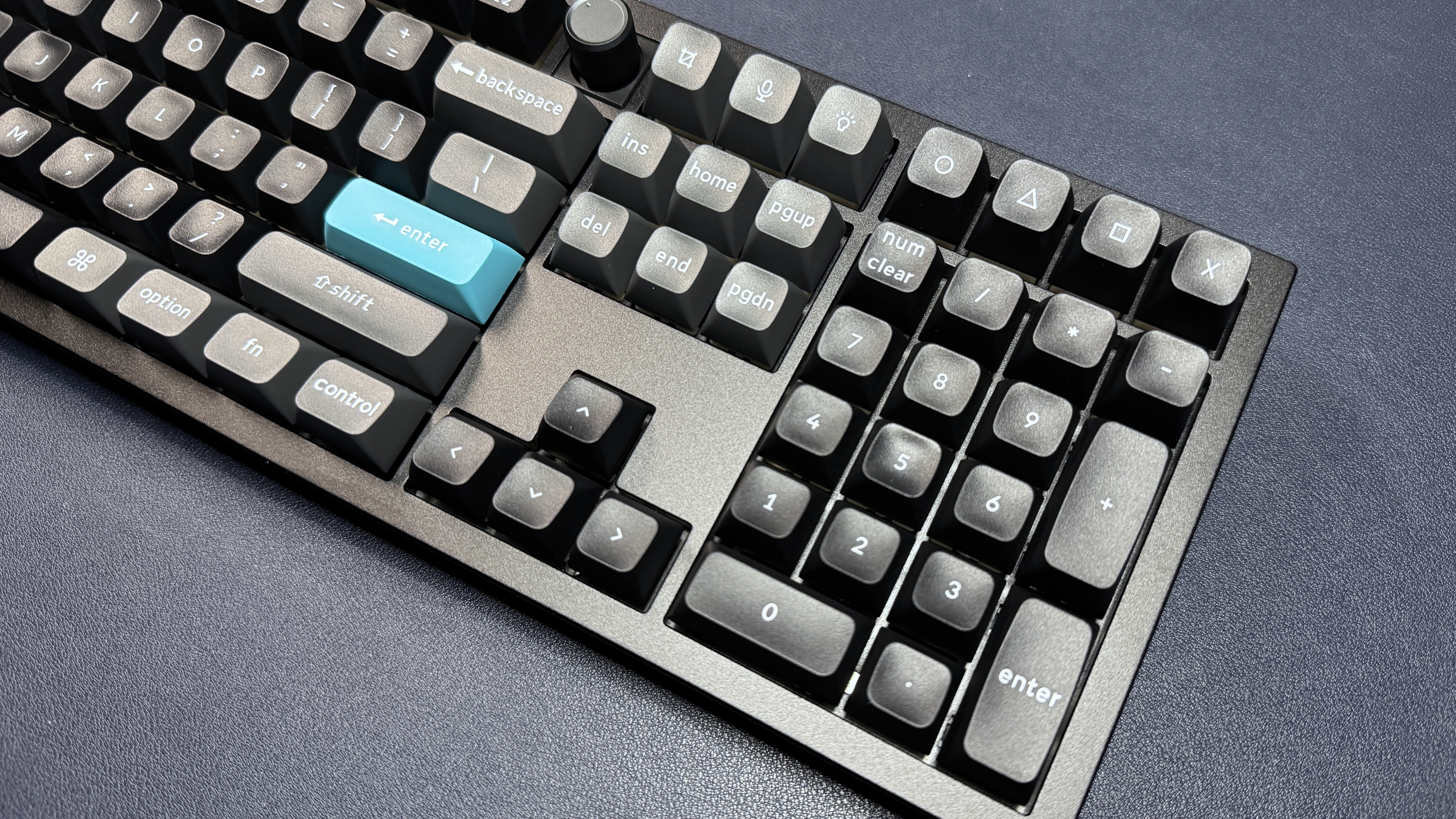
The Q6 Ultra 8K is a wireless mechanical keyboard with a roomy, full-size layout, an all-metal build, and a double-gasket design. It comes fully assembled, with a programmable rotary knob, in black (black case and black and dark gray keycaps with teal accent keys) or white (white case and white and gray keycaps with red accent keys). Our review unit came in black.
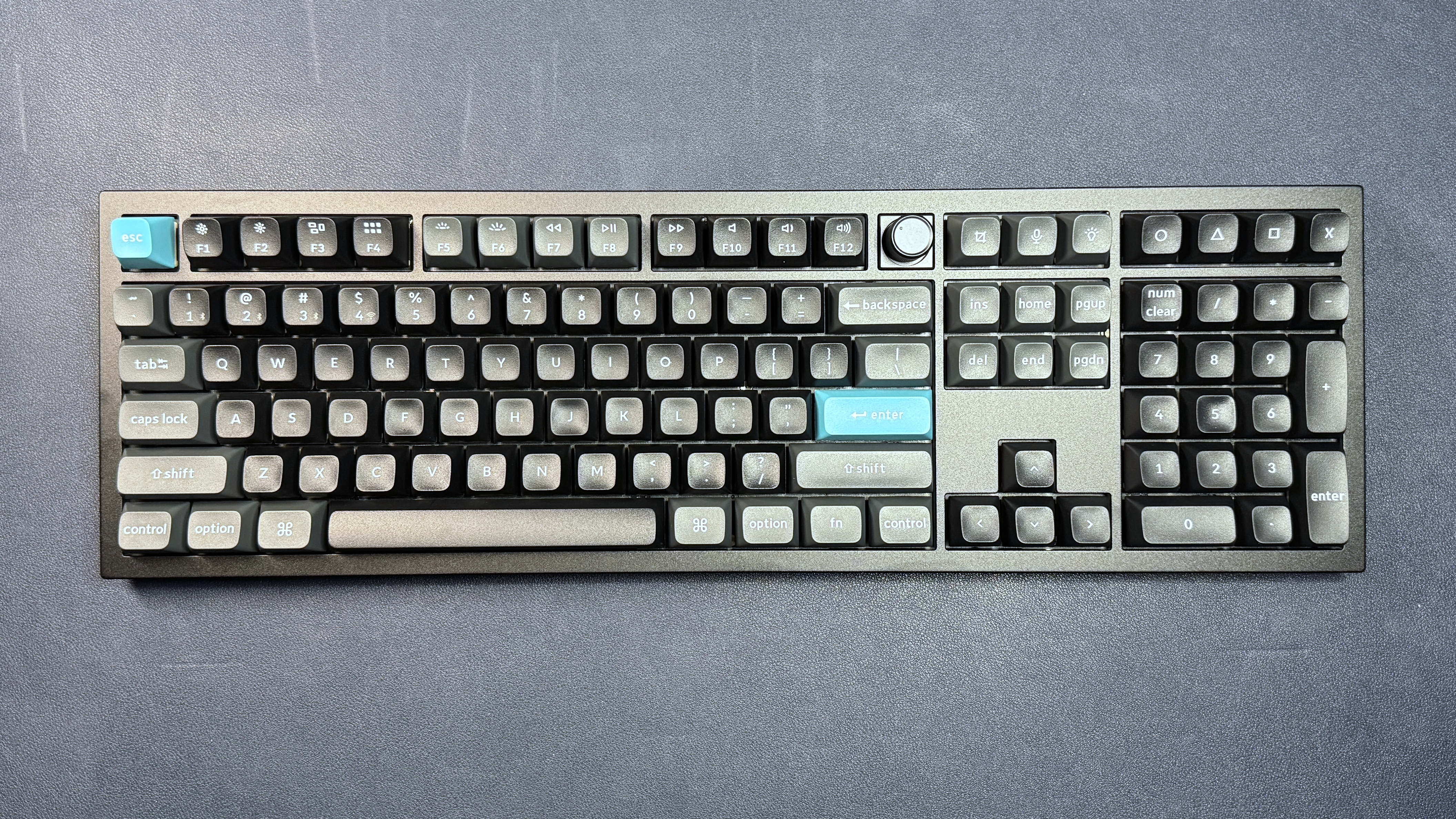
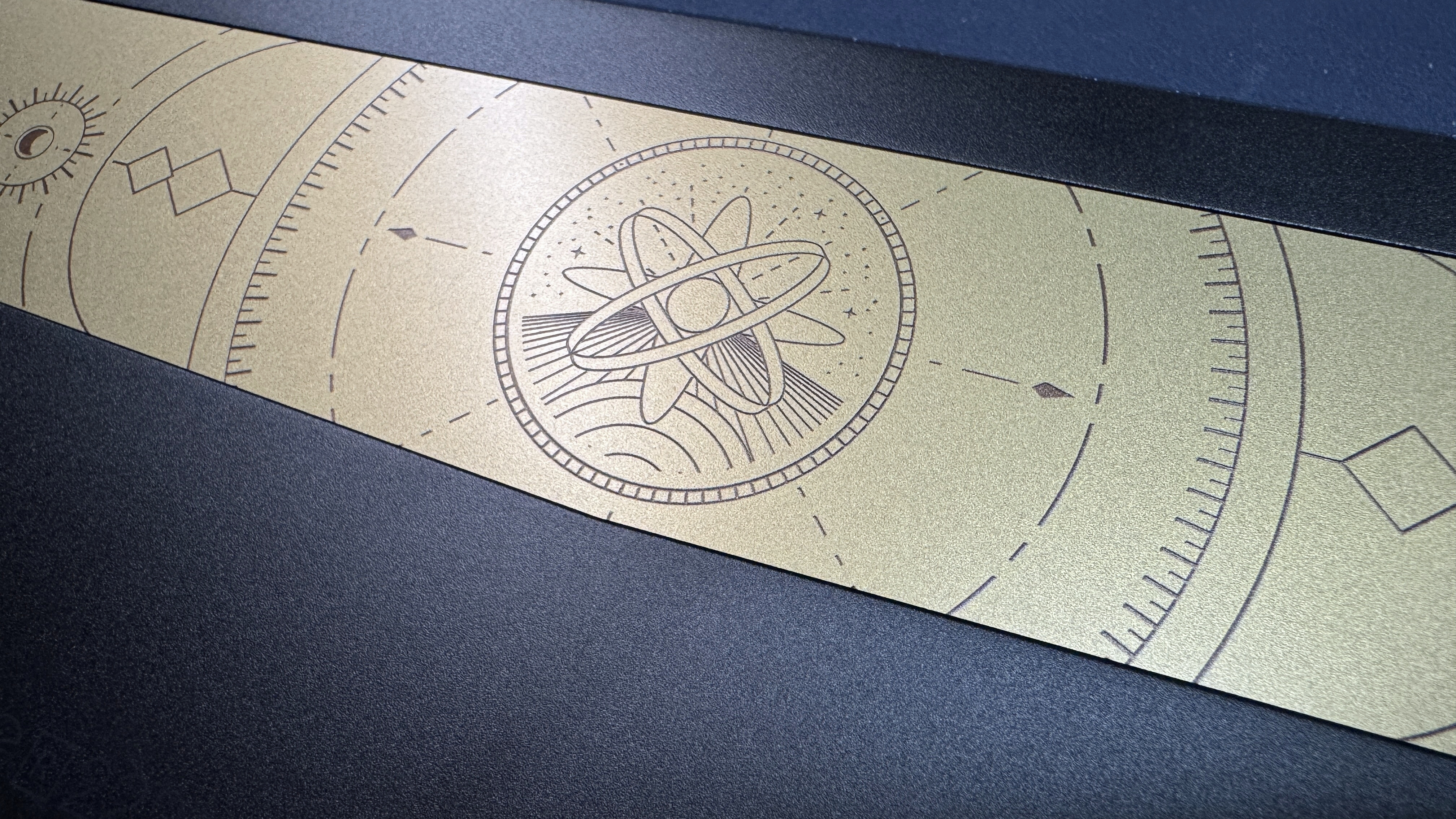
The Q6 Ultra 8K is a sturdy, well-built keyboard housed in an all-metal chassis. Unsurprisingly, it's pretty hefty, weighing in at just under five pounds (4.93lbs / 2,238g). Its black aluminum top case features sharply angled corners and a moderately-sized bezel; it's not particularly unique, but it does look very clean. The bottom case is slightly smaller — also black aluminum, with a standard 5.3-degree typing angle. The back features a decorative gold-colored back plate with a futuristic celestial pattern printed on it.
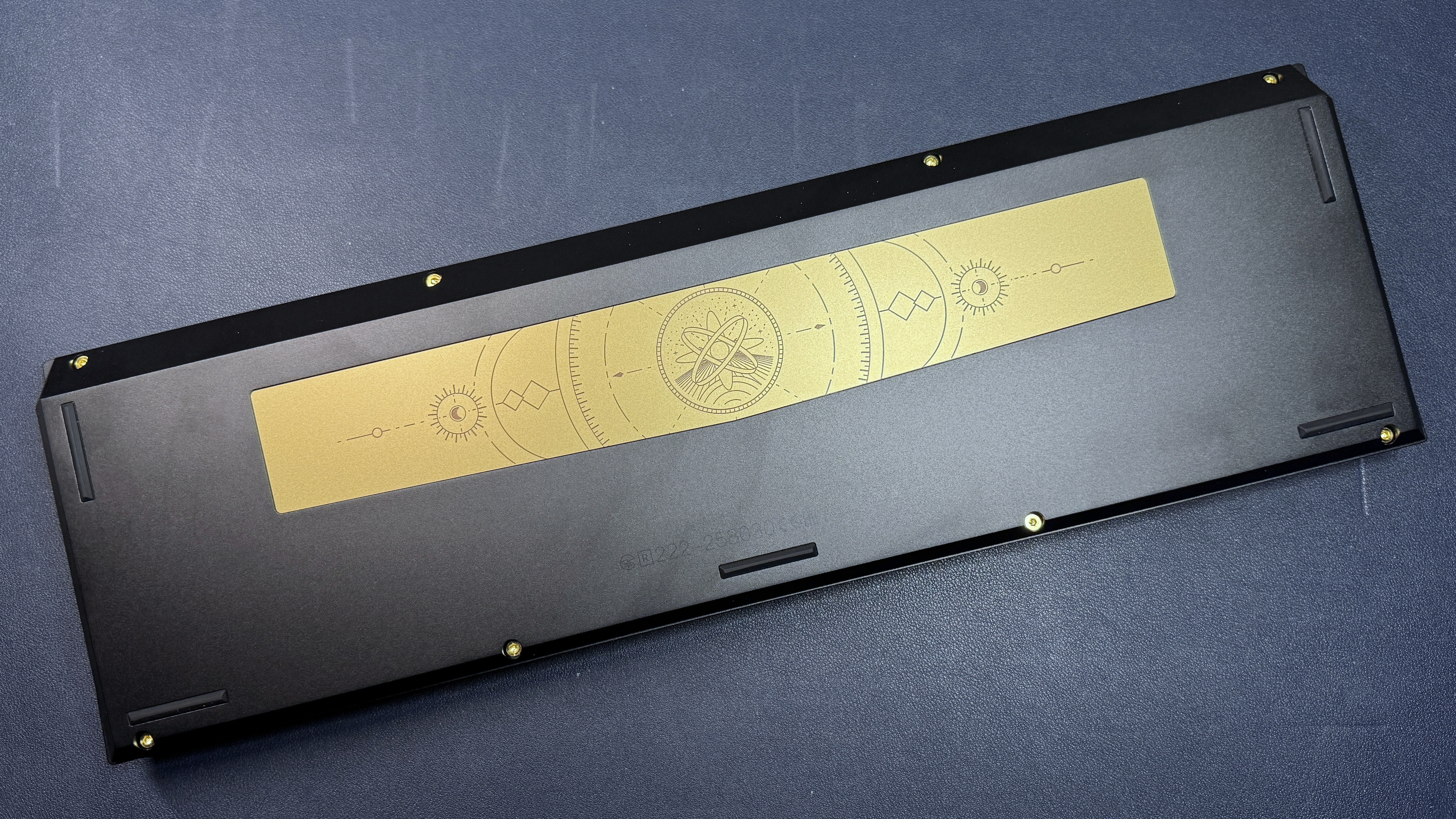
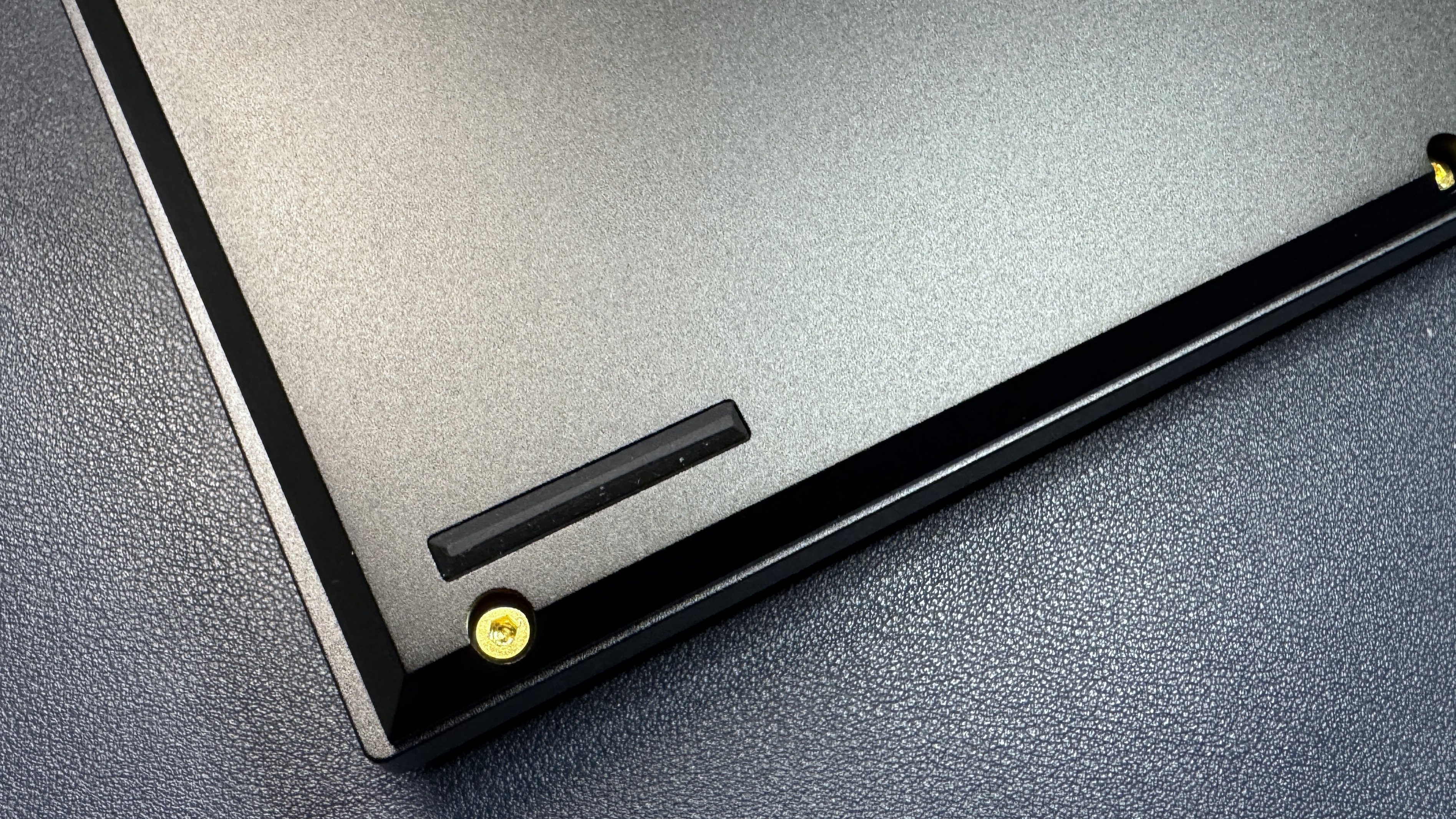
This is a large, full-size keyboard, with alphanumeric keys, a full navigation cluster, a 10-key numberpad, and a set of four extra macro keys above the numberpad. It measures approximately 17.56 inches (446mm) wide by 5.39 inches (137mm) deep, and is 1.22 inches (31.09mm) high at the back, not including the keycaps. With the keycaps, it's just under 2 inches (50mm) high at the back, and is approximately 1.37 inches (34.8mm) at the front. It's a relatively high keyboard, and I expect most people will feel more comfortable with a wrist rest.
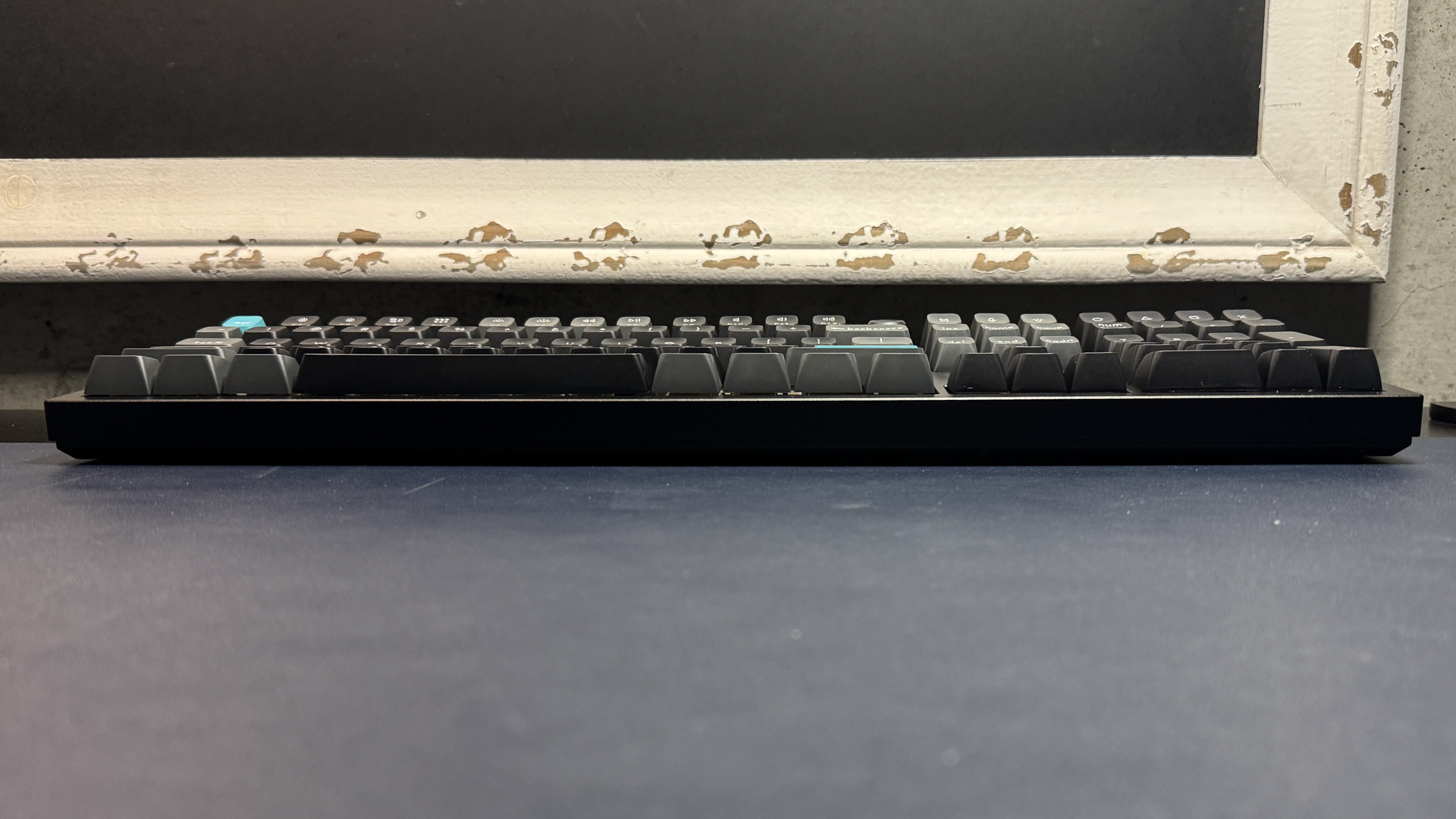
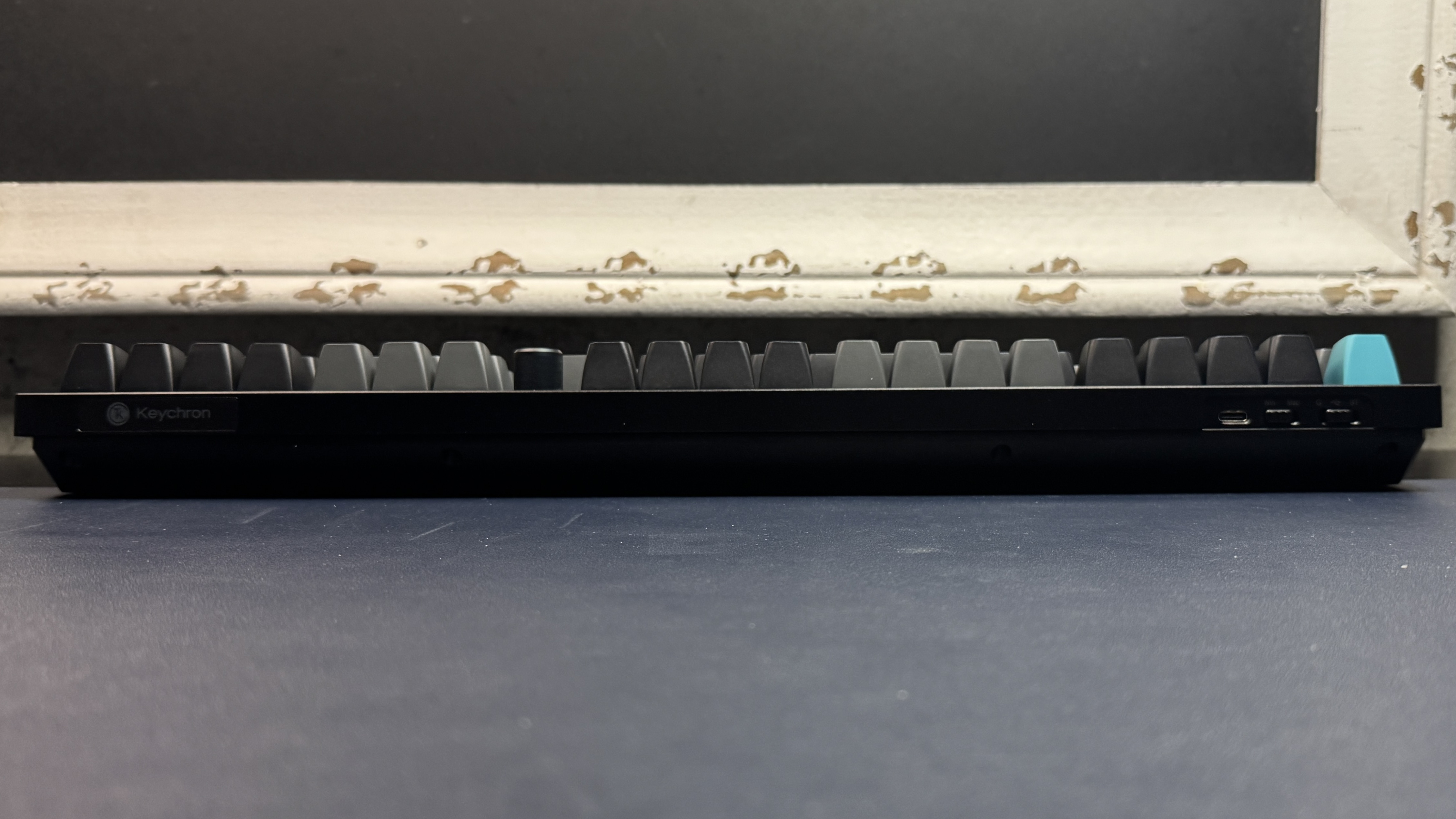
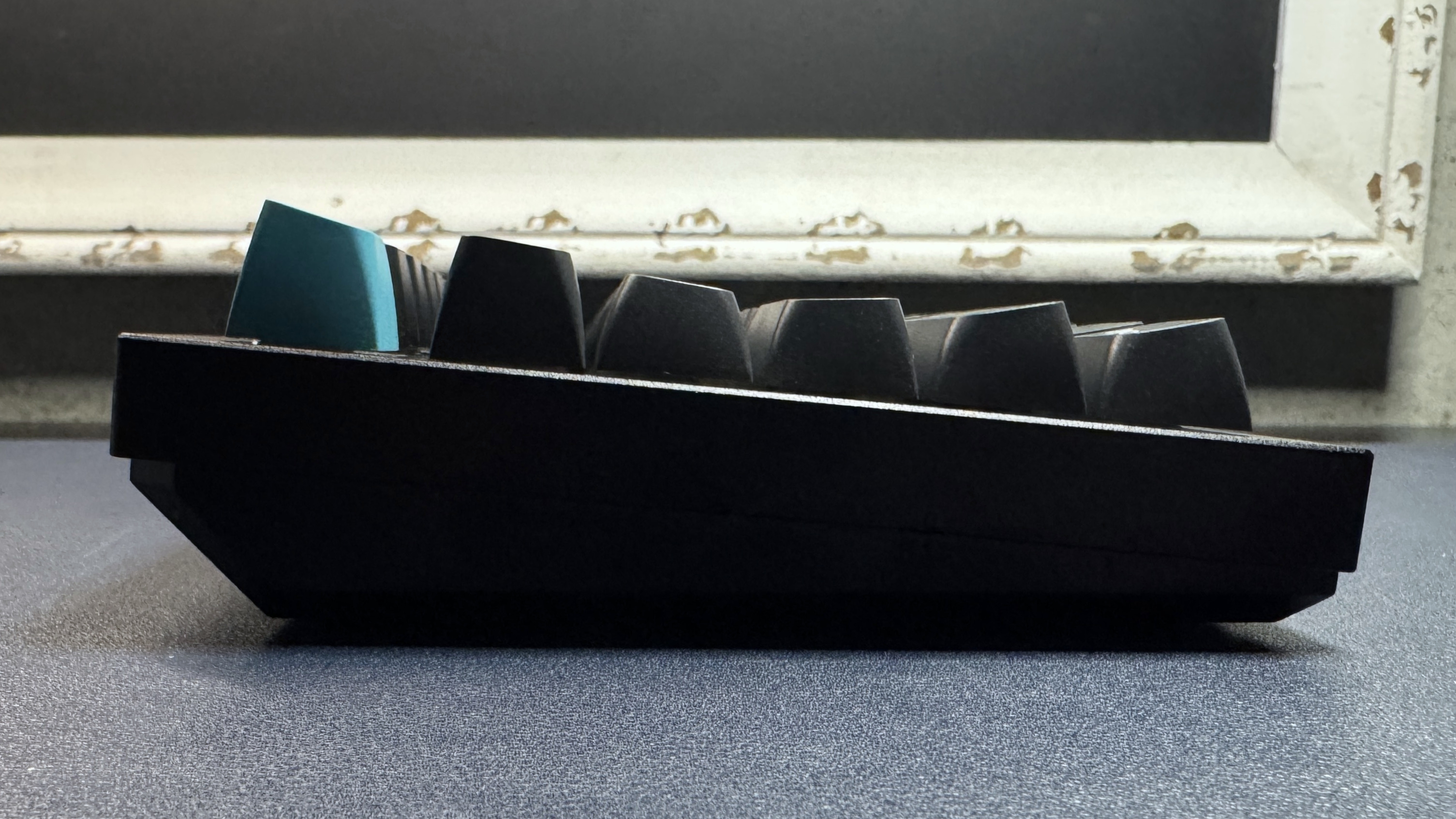
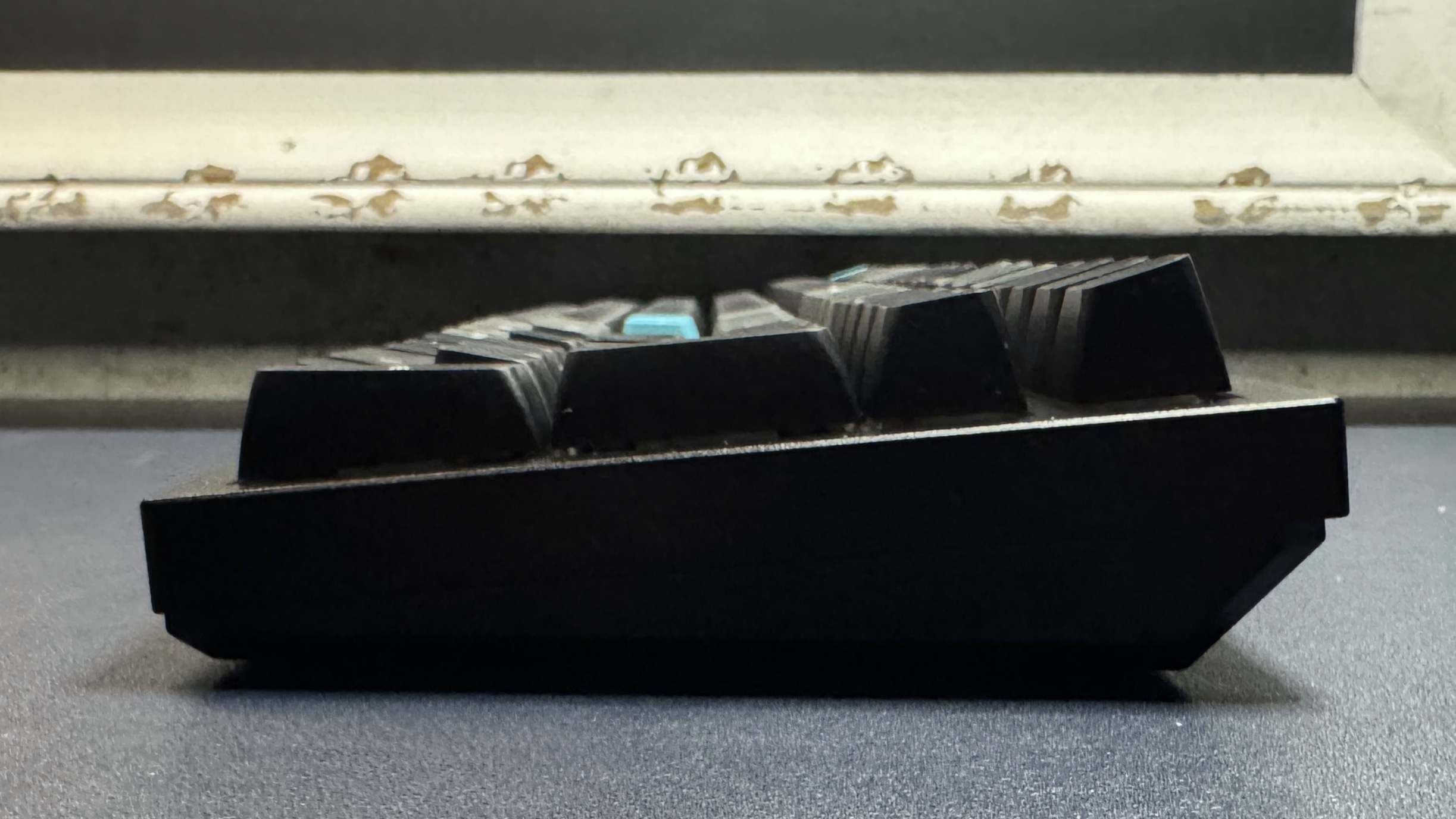
The keyboard comes with double-shot PBT keycaps in a KSA profile, which is a Keychron redesign of the SA profile. The keycaps are tall, with sculpted rows and narrow, deeply curved tops. They have printed, non-shine-through legends, and a few keys have secondary legends printed (in a smaller, gray font) in the lower right corners. The keyboard's function row doubles as its media keys (set up for Mac users), and there's a CNC aluminum rotary knob located between the function row and the navigation cluster. The knob is clickable, notched, and well-made, and can be programmed in Keychron's companion app.
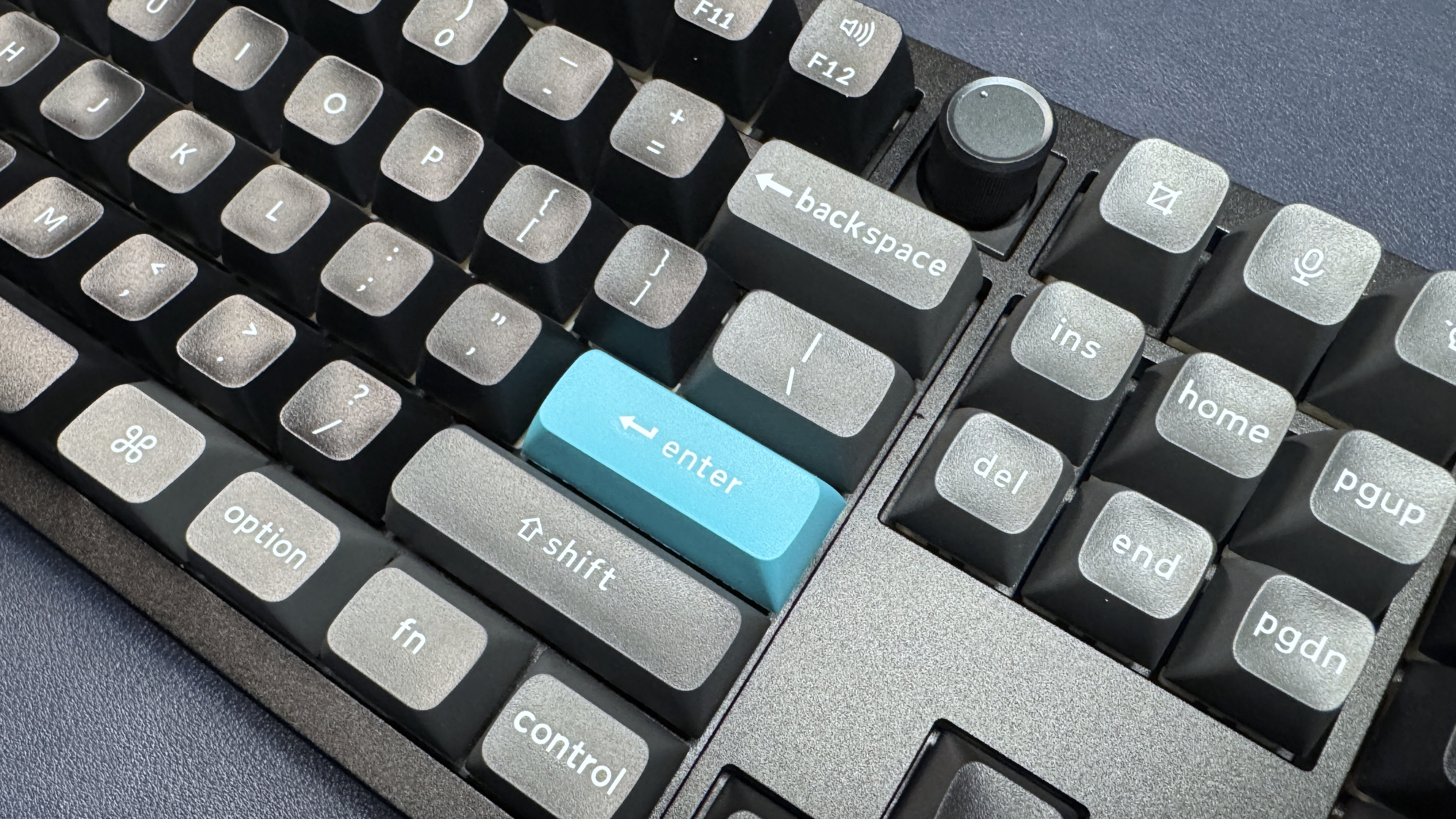
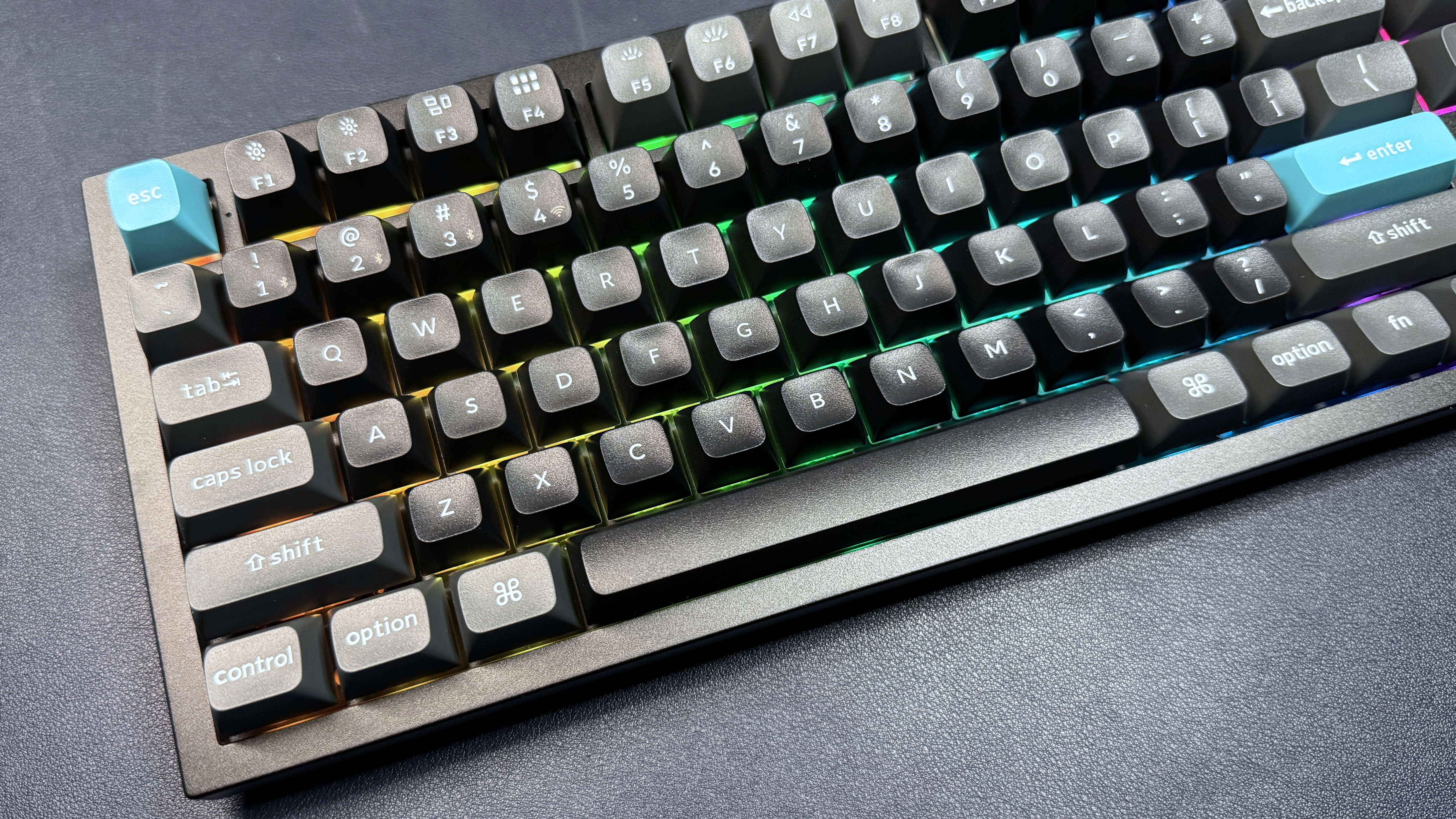
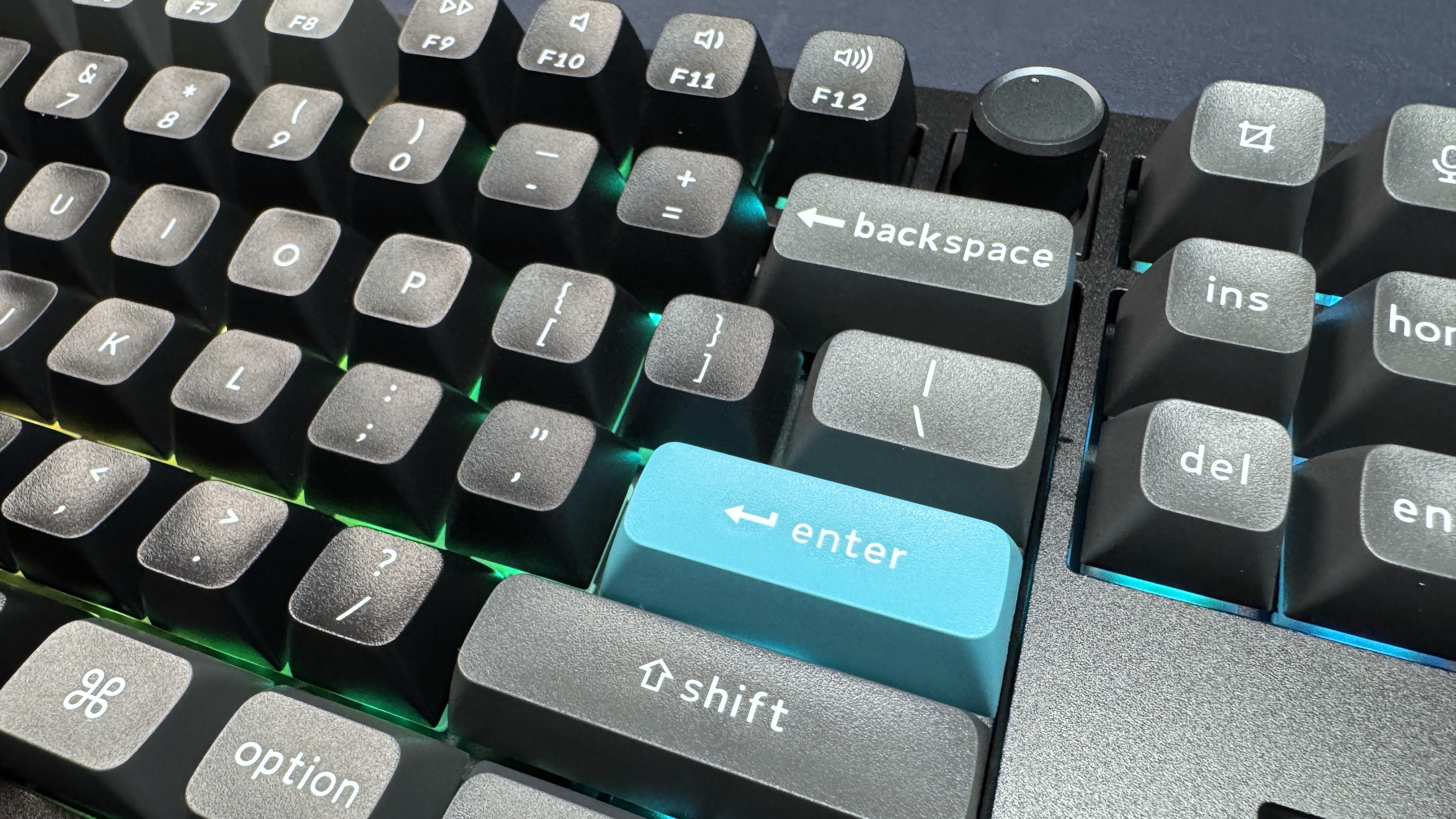
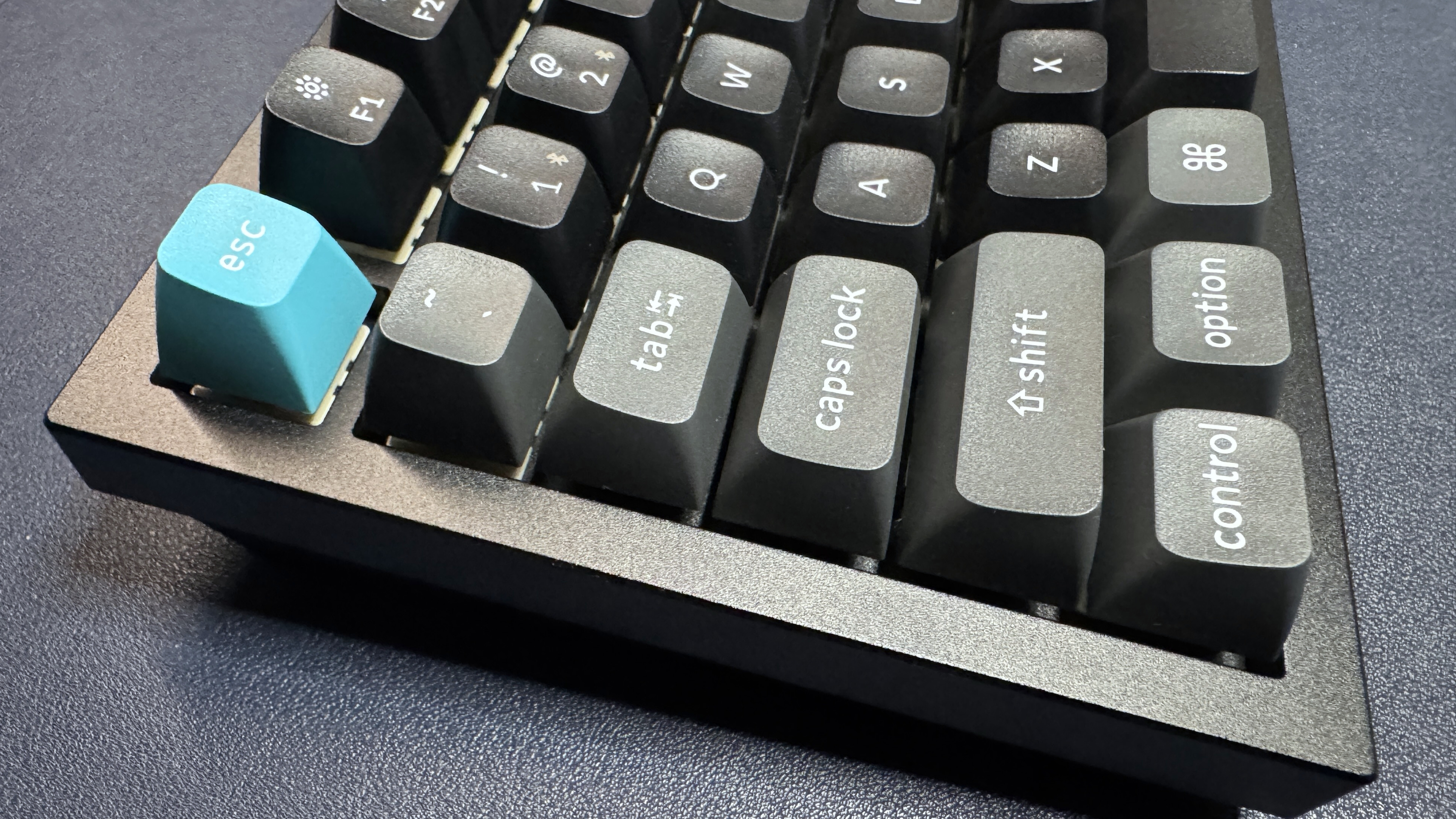
There's a USB-C charging port along the top left of the keyboard, as well as two switches — a power switch that lets you toggle between 2.4GHz wireless and Bluetooth, and a Win/Mac switch that lets you toggle between PC and Mac modes. While I'm definitely not a Mac person, one thing that's nice about the switch is that the function row is already set up to perform media/lighting functions in Mac mode, which means you can just flip the switch and access your media keys and then flip it back to access your function keys. (Yes, you can also use the Fn key, which is made for just this, but I don't use media keys that often.)
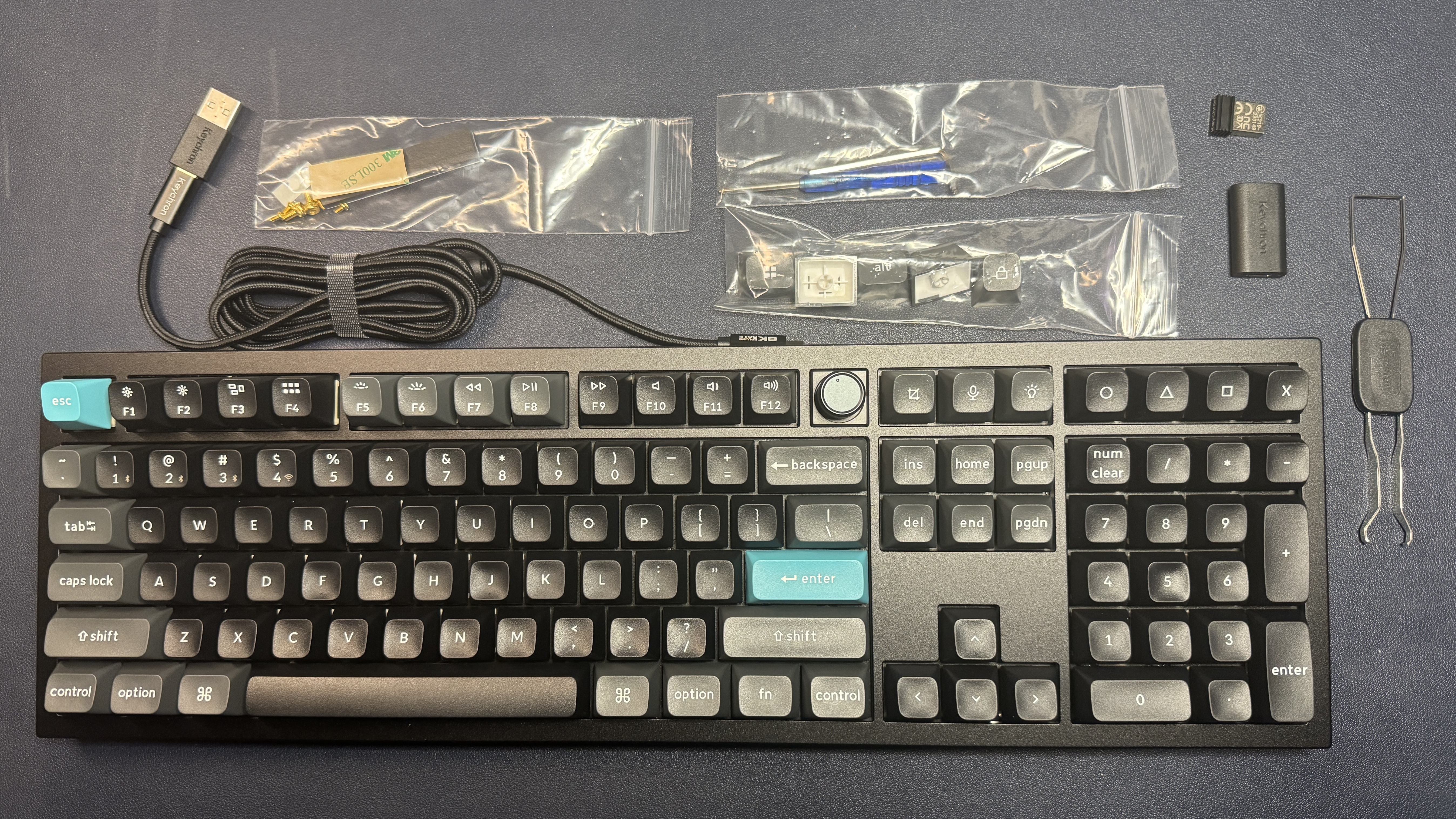
In the box, the Q6 Ultra 8K comes with several accessories: a 6-foot (1.8m) braided detachable USB-C to USB-C cable, a USB-C to USB-A adapter, a USB extender, and a 2.4GHz wireless USB-A dongle. It also comes with a screwdriver and a hex key for opening the board up, a dual keycap/switch puller, extra gaskets and screws, and alternate keycaps for Windows/Mac users.
Specs
Swipe to scroll horizontally
Size | Full-size |
Switches | Keychron Silk POM switches (Brown - Tactile, |
Backlighting | Yes |
Onboard Storage | Yes |
Dedicated Media Keys | Yes (knob) |
Game Mode | Yes |
Additional Ports | |
Connectivity | 2.4GHz wireless, Bluetooth, wired (USB-C) |
Cable | USB-C to USB-A |
Keycaps | Double-shot PBT |
Construction | Plastic chassis |
Software | Keychron |
Dimensions (LxWxH) | 17.56 x 5.39 x 1.22 inches / 446 x 137 x 31.09 mm |
Weight | 4.93lbs / 2238g |
MSRP / Price at Time of Review | $239.99 |
Release Date | Jan. 2026 |
Typing and Gaming Experience on the Q6 Ultra 8K
The Q6 Ultra 8K is a mechanical keyboard with a hot-swappable PCB. It comes with your choice of Keychron Silk POM switches, in Red (linear), Brown (tactile), or Banana (tactile). Our review unit came with Keychron Silk POM switches in Brown, which have an operating force of 55g, a pre-travel distance of 2mm, and an overall travel distance of 4mm. The switches are factory-lubed and tactile, which means they have a tactile bump — though it's a very soft tactile bump — but no audible click when pressed.
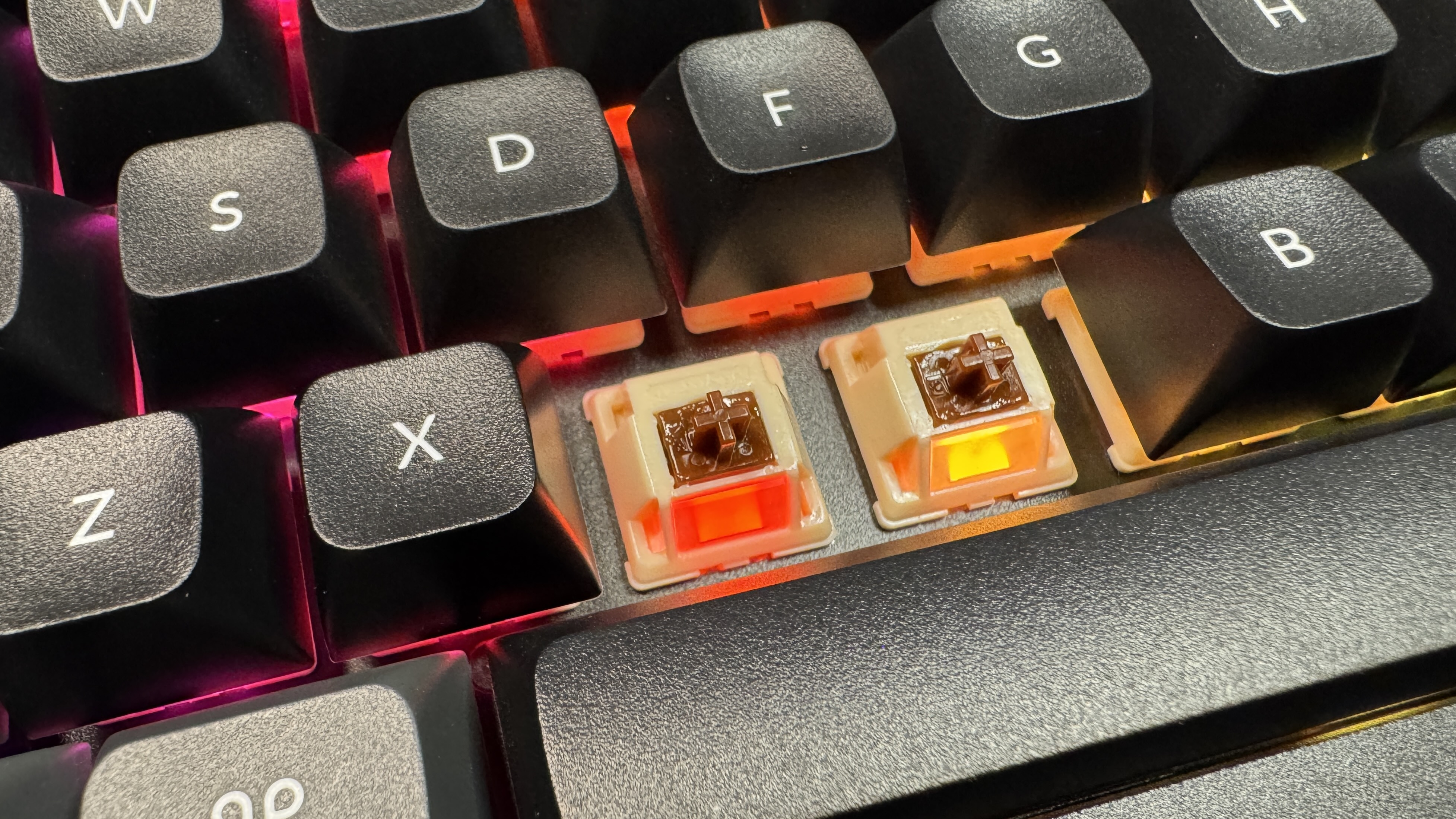
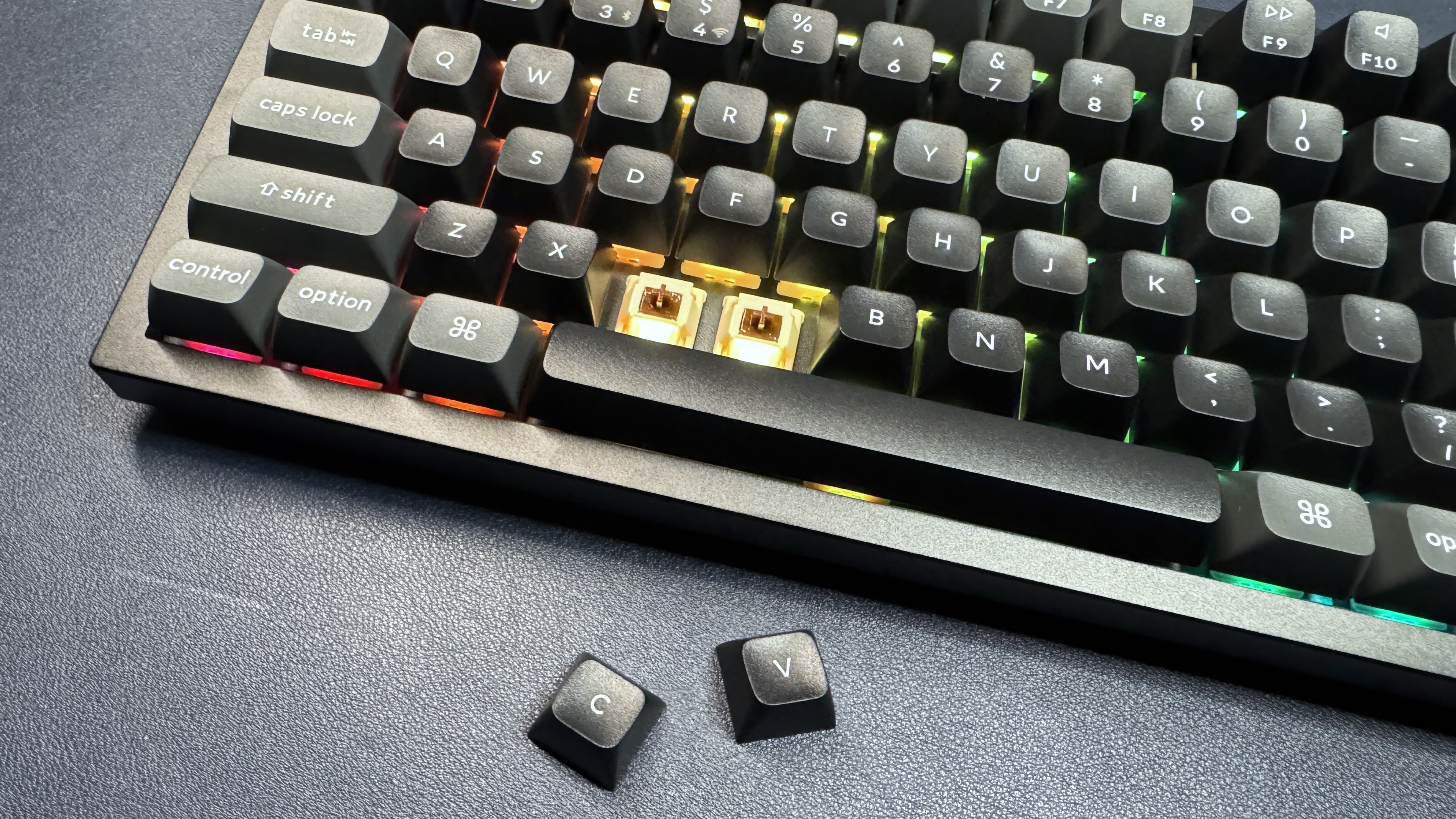
I didn't really like typing on the Q6 Ultra 8K for a couple of reasons. The combination of switches and keycaps just wasn't for me. I'm picky about tactile switches, and the Keychron Silk POM Browns were a little too heavy to actuate and the soft tactile bump made them feel more like sticky linear switches than actual tactile switches. The switches were relatively smooth and stable overall, but the higher keycap profile and heavier actuation meant I found myself missing a few keystrokes here and there. Moving my fingers across the board felt sluggish, even though typing tests suggested that my speed and accuracy didn't take a significant hit. I managed to consistently type at around 115 words per minute (wpm) at 98% accuracy on this board, which is worse than my typical speed of around 125 wpm, but not that much worse. However, it definitely felt worse, and I was still missing letters occasionally, even after a week of using the board.
The keyboard sounds pretty decent — the case is well-dampened, and the switches give you a slightly bright, clacky sound with each stroke. It's not my favorite sounding keyboard, but nothing stood out as problematic.
As far as gaming goes, the Q6 Ultra 8K is pretty solid. The higher-profile keycaps didn't bother me while I was gaming, as I'm not usually trying to hit quite as many different keys in quick succession — and travel distance between keys isn't as much of an issue. The keyboard doesn't have magnetic switches — though there is a magnetic switch version of this keyboard, the Keychron Q6 HE 8K — so it doesn't benefit from things like RapidTrigger, but it does have an 8 KHz polling rate and an impressive battery life (when the lighting is turned off), which means it might be worth a look if you want a high polling rate and you hate plugging things in.
Features and Software of the Q6 Ultra 8K
The Q6 Ultra 8K can be configured via Keychron's web-based Keychron Launcher. While I agree that the trend of web apps can be frustrating for those who want to adjust their keyboard settings and don't have an internet connection, this is a large, full-size keyboard — I don't think most people are going to be traveling with it, and are likely to be connected to the internet whenever they want to go in and tweak settings.
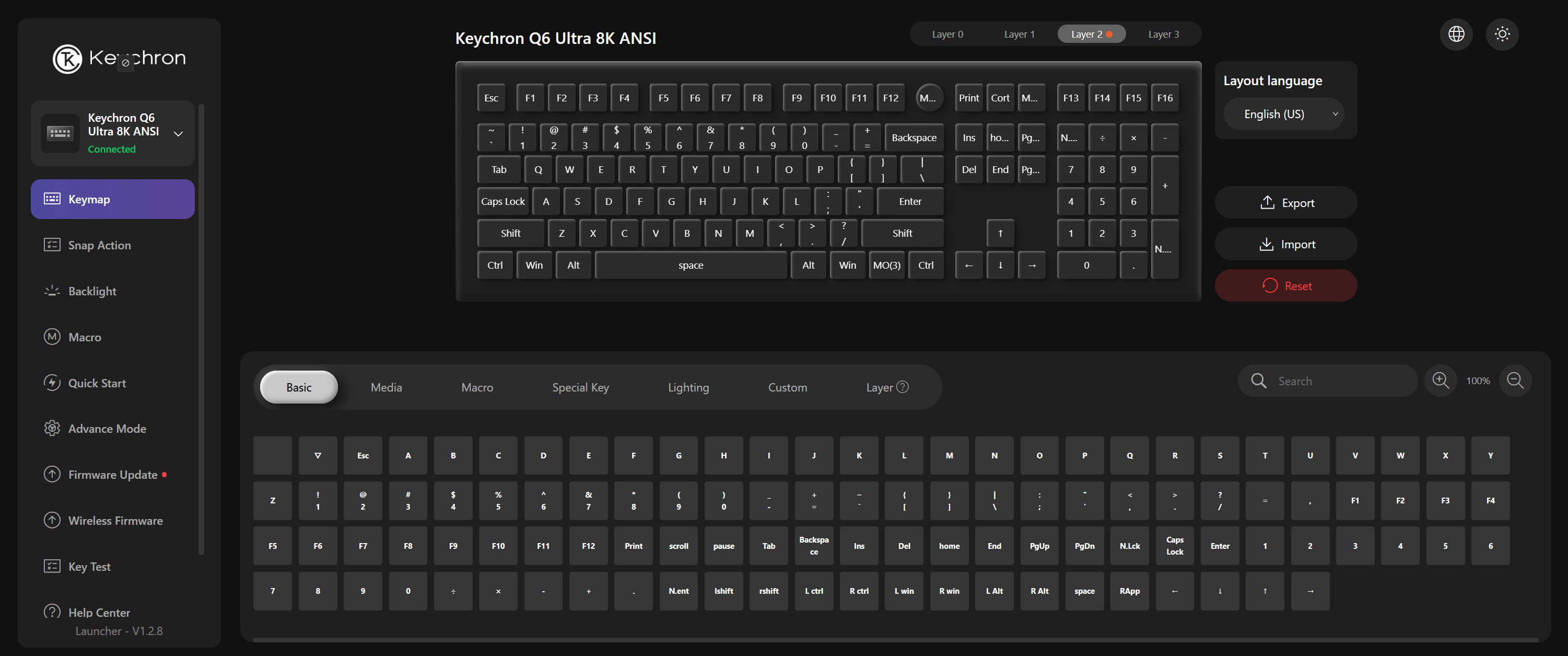
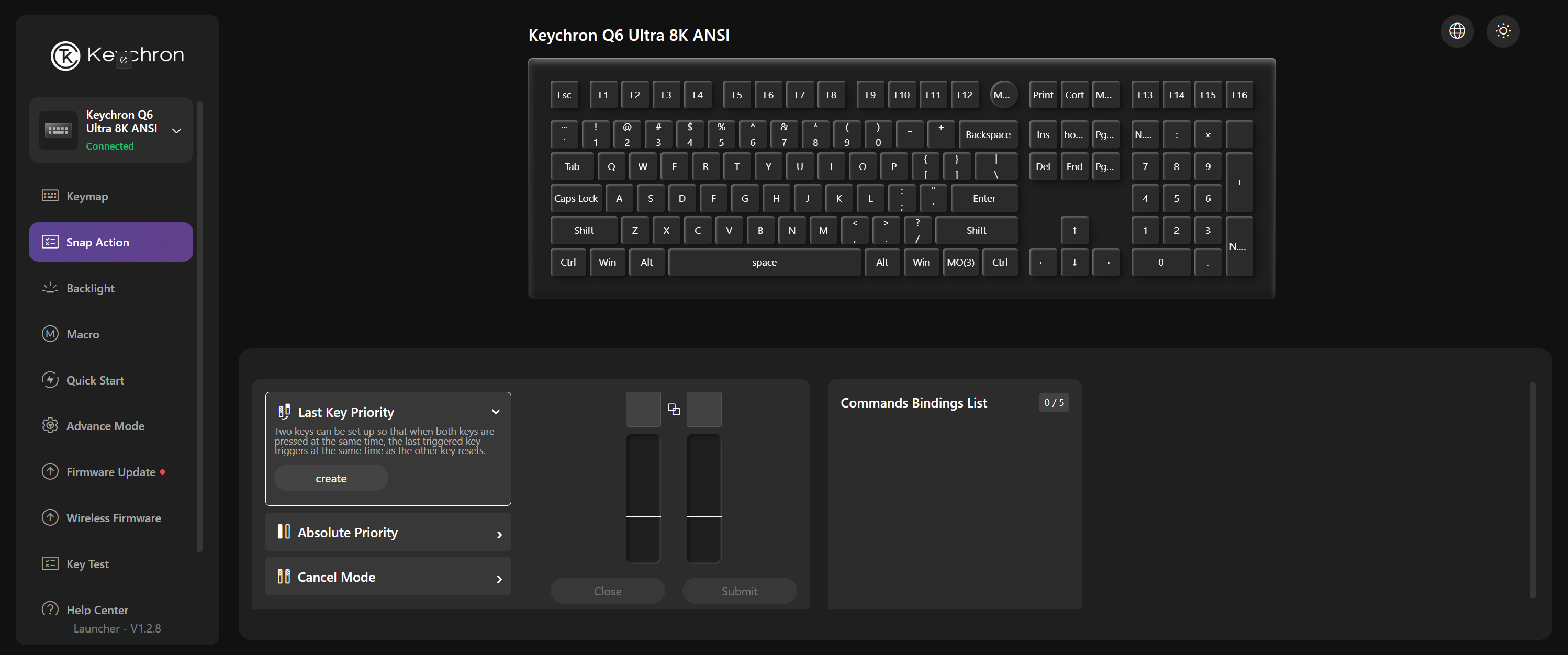
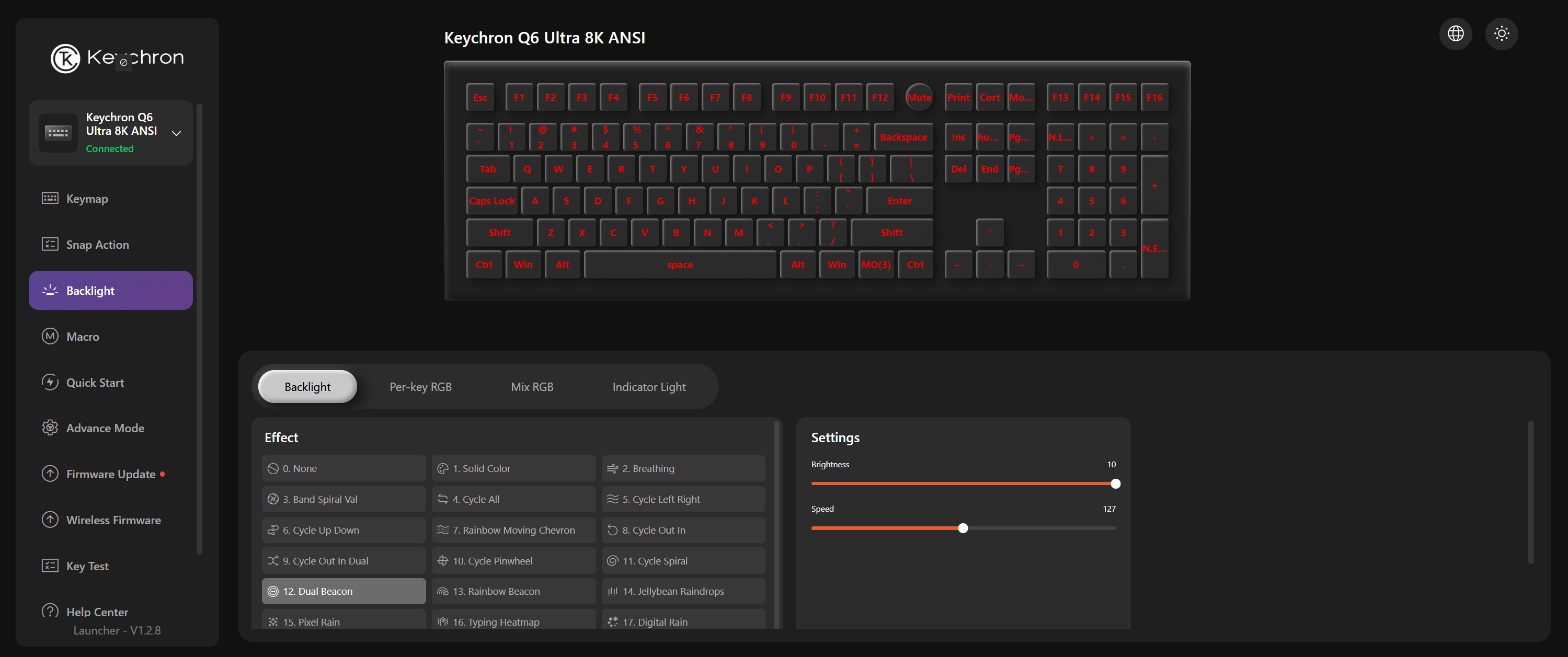
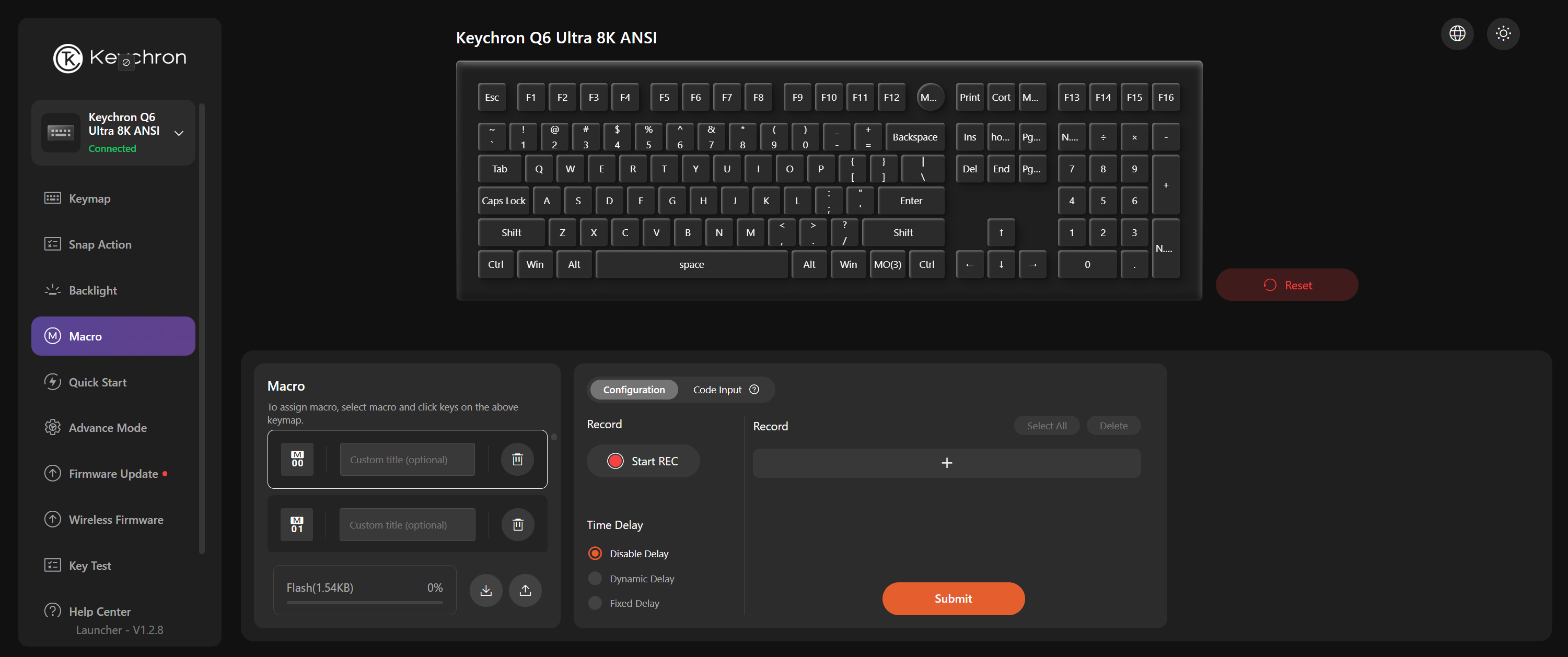
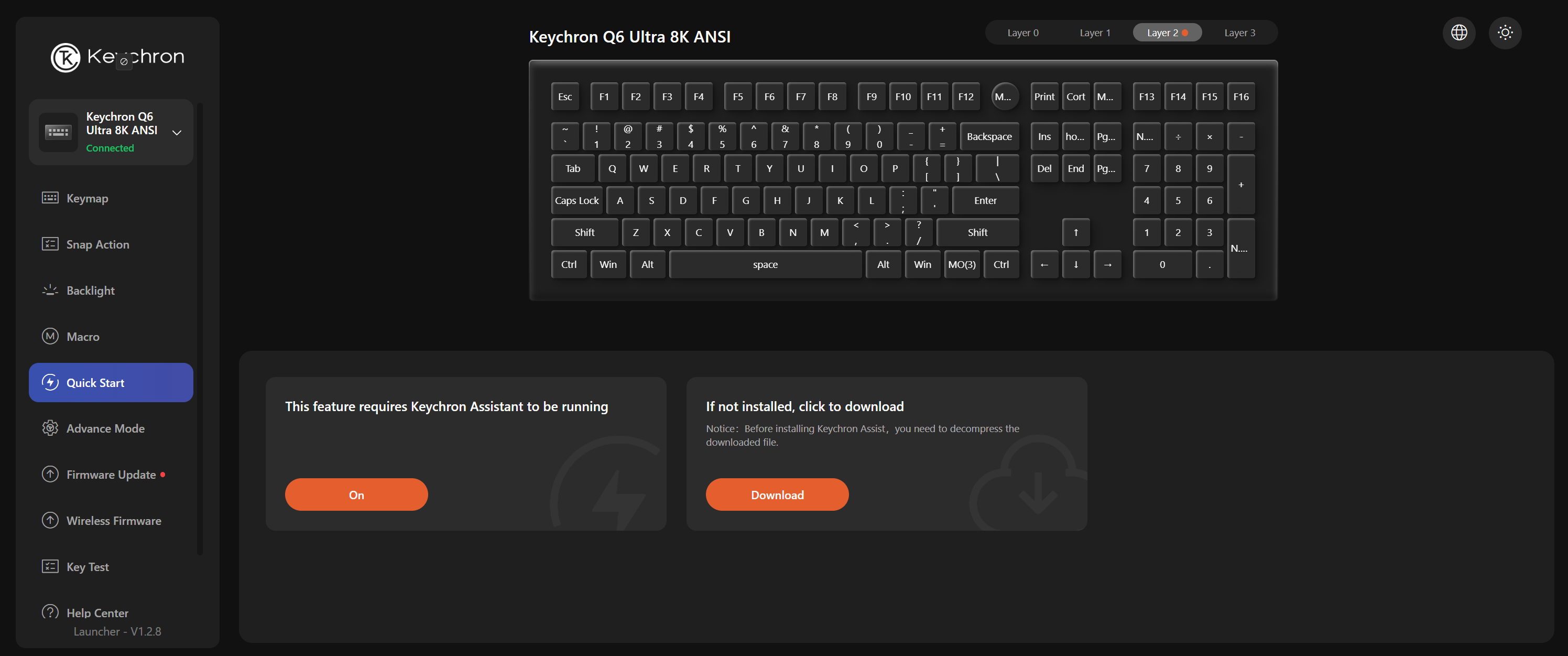
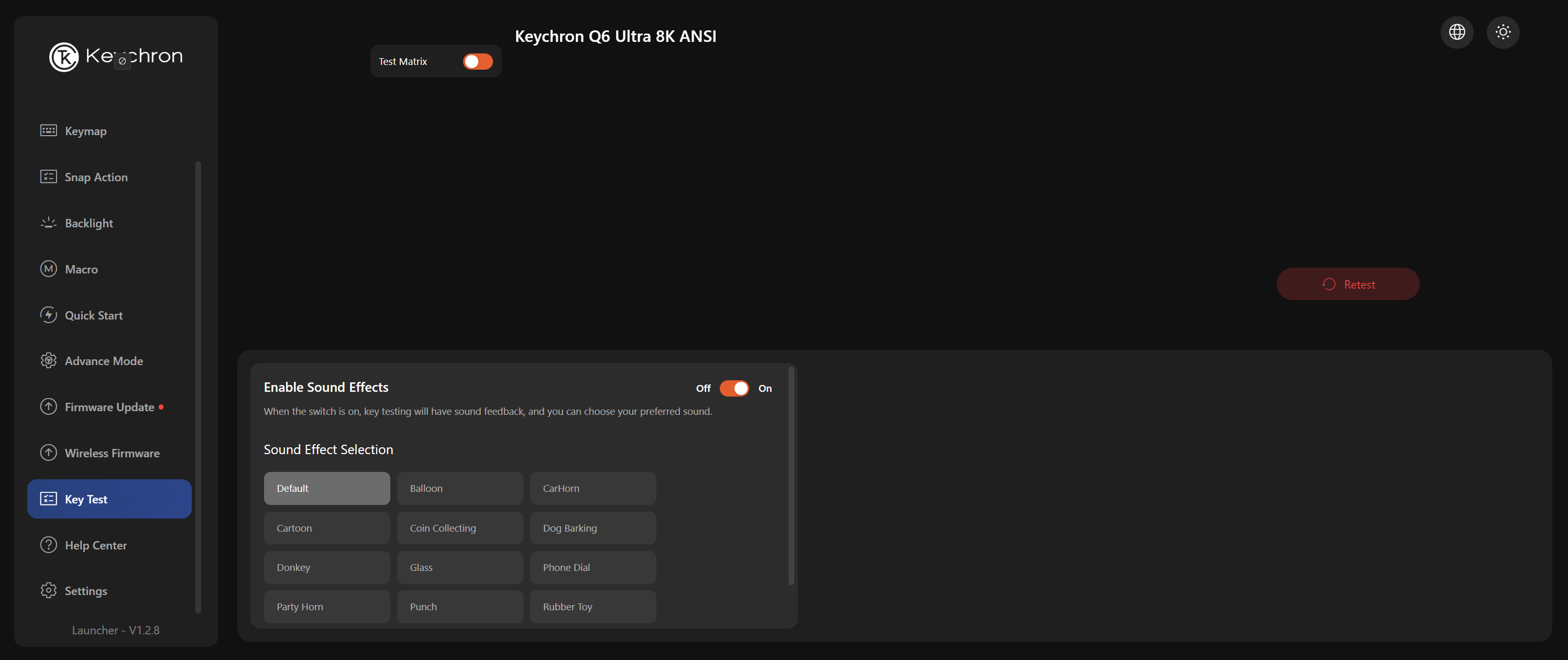
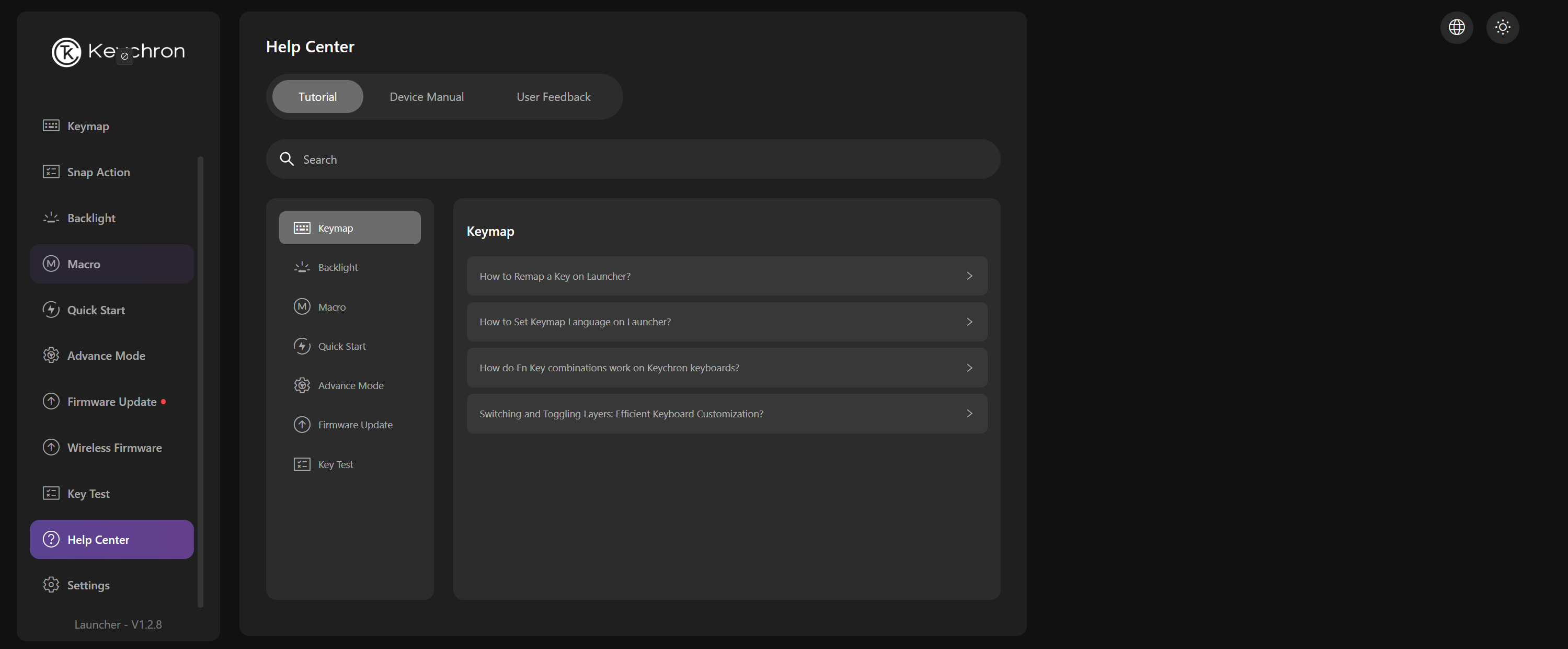
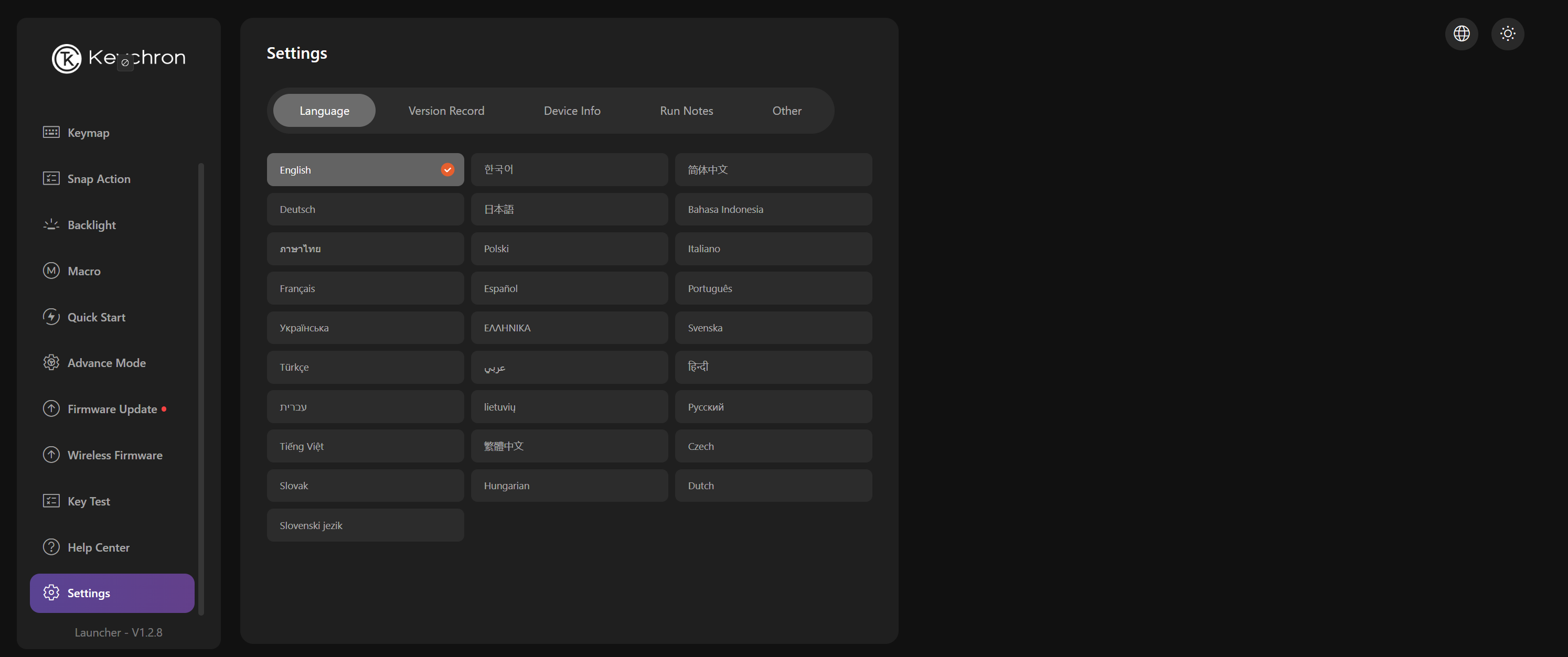
You can do several things in the web app, including remapping keys, setting up snap action, recording macros, adjusting the keyboard's backlighting, updating the firmware, and changing other settings. The keyboard does ship with an 8,000 Hz polling rate out of the box, so you don't need to connect the keyboard to the app (unlike most 8 KHz polling rate peripherals, which ship with 1,000 Hz polling rates and require you to go in and change the polling rate).
Perhaps the most impressive feature of the Q6 Ultra 8K is its battery life, which Keychron rates at up to 660 hours with an 8,000 Hz polling rate and the backlighting turned off. This does drop to just 200 hours with the backlighting turned on at its lowest level, but that's still pretty good considering the 8 KHz polling rate. The reason this keyboard is so much more efficient than most wireless 8 KHz polling peripherals is because it uses ZMK firmware (instead of QMK), which is optimized for wireless performance.
The Bottom Line
The Keychron Q6 Ultra 8K is a full-size wireless mechanical keyboard with a wildly impressive battery life. While most wireless peripherals with an 8,000 Hz battery life can barely last a full day without needing to be plugged in, the Q6 Ultra 8K can last months — even with the backlighting turned on. Which is great — however, perhaps not quite as necessary in a full-size keyboard like this. (Where are you going with it, that you can't plug it in every once in a while?)
While it wasn't my favorite keyboard for typing, it is hot-swappable and, with different keycaps, could be perfectly usable. Plus, there aren't that many full-size wireless gaming keyboards on the market, as many gamers prefer something more compact — like a TKL or a 75-percent, or even a 96-percent like the Asus ROG Strix Morph 96 Wireless we recently looked at.







 English (US) ·