
 3 hours ago
2
3 hours ago
2

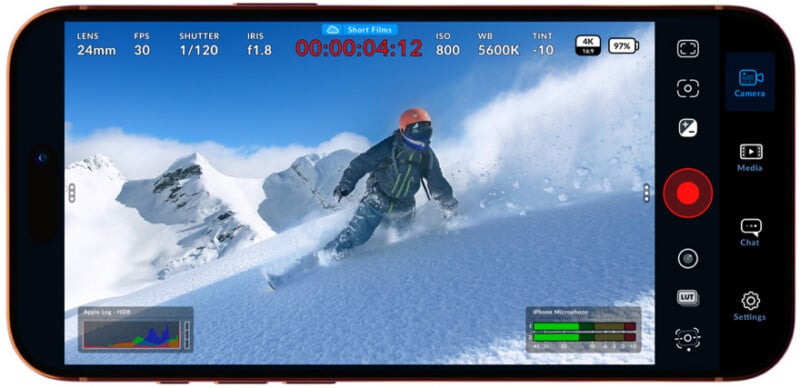
Blackmagic Design has released version 3.3 of its Blackmagic Camera app for iOS, introducing a range of new features to expand the iPhone’s role in professional video production. The update adds Apple Watch control, deeper integration with ATEM switchers, and support for Blackmagic’s Focus and Zoom Demands.
Apple Watch Control for Remote Shooting
One of the headline additions in version 3.3 is a new Apple Watch companion app, allowing users to control and monitor their iPhone camera remotely. This enables operators to start and stop recording, check framing, and monitor audio levels directly from their wrist. Despite this being a headline feature, Blackmagic has not supplied images of it in action.
The feature is particularly useful when an iPhone is mounted in hard-to-reach positions, such as on rigs, gimbals, or overhead setups, where physically interacting with the device could be difficult or introduce unwanted camera movement.
“We really want to help everyone use their iPhones in professional productions and to come up with new ways that the iPhone can be used,” said Grant Petty, CEO of Blackmagic Design.
“The Apple Watch companion app does that because it means you can mount an iPhone anywhere and still have full control of it from your wrist.”
Turning the iPhone Into a Studio Camera
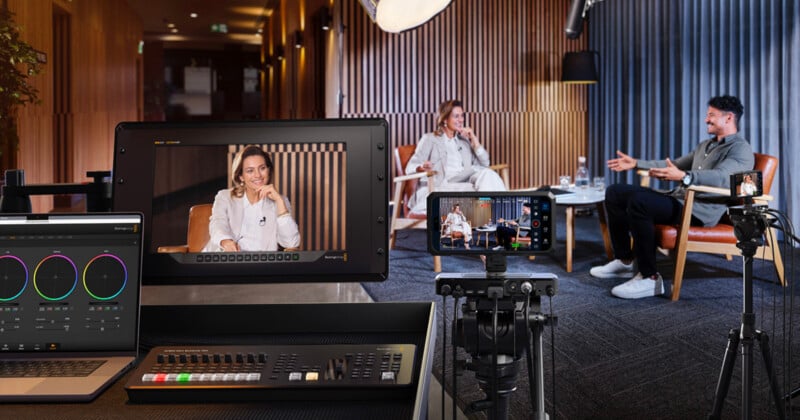
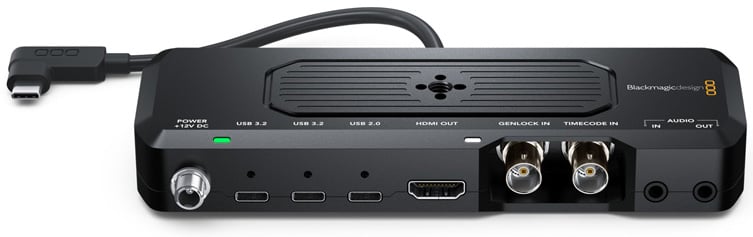
The update also expands the app’s live production capabilities through support for ATEM camera control. When paired with the Blackmagic Camera ProDock and connected to an ATEM Mini switcher, users can send video, tally, and camera control over a single HDMI connection.
This allows operators to adjust key settings such as ISO, white balance, and shutter remotely via ATEM Software Control, while also triggering recording and managing camera parameters as part of a live production workflow.
“The most exciting feature is the brand new support for ATEM camera control and the Blackmagic Zoom Demand and the Focus Demand. This means you can use the iPhone as a studio camera while holding onto the tripod handles to focus and zoom,” Petty says.
Broadcast-Style Lens Control
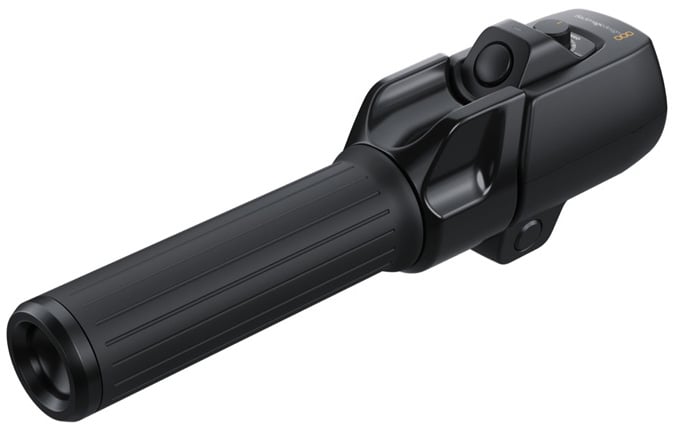
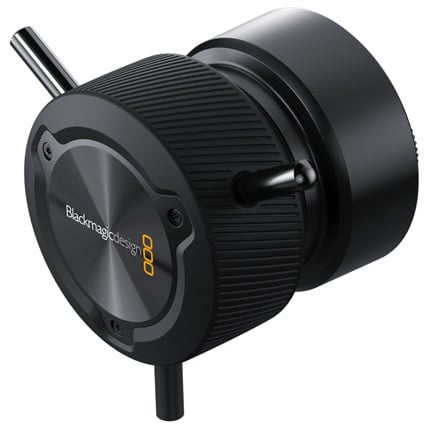
Blackmagic Camera for iOS 3.3 also introduces support for Blackmagic Focus and Zoom Demands, giving users tactile, hardware-based control over lens adjustments.
When connected through the ProDock, these accessories allow operators to control focus and zoom with precision, without needing to touch the iPhone itself. The controls can be mounted to tripod handles and customized for different functions, offering a more traditional broadcast-style shooting experience.
Additional Updates and Improvements
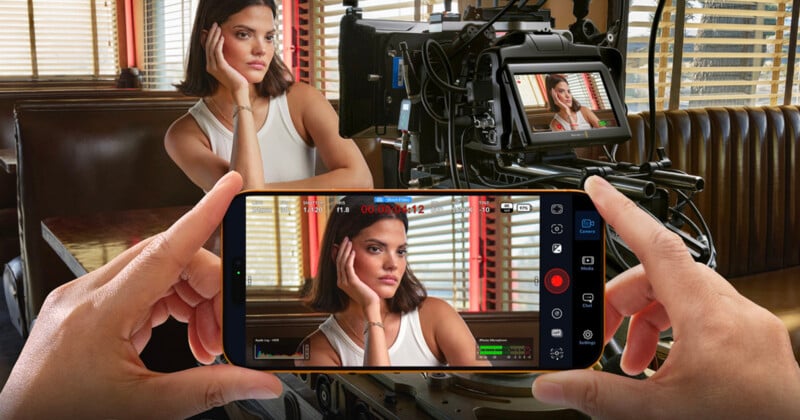
Beyond control and integration features, the update includes several workflow and compatibility improvements. These include support for full-screen portrait HDMI output, improved front camera orientation handling on newer iPhone models, and ProRes RAW stabilization support on newer versions of iOS.
Blackmagic Camera continues to offer manual control over key settings such as frame rate, shutter angle, ISO, and white balance, along with direct integration with Blackmagic Cloud for collaborative workflows in DaVinci Resolve.
Availability
Blackmagic Camera for iOS 3.3 is available now as a free download from the Apple App Store.
Image credits: Blackmagic


 English (US) ·