

Super Bowl LX kicks off this Sunday at 6:30 PM ET on February 8th when the Seattle Seahawks go up against the New England Patriots. It’s streaming on Peacock and Hulu, as well as TV providers that offer NBC. You won't want to miss out on this clash because of a sports blackout or a vacation outside the US – and that's where a VPN comes in handy.
The TechRadar team has spent hundreds of hours testing today's best VPNs. Our Super Bowl picks have the right combination of speed, unblocking power, and US servers to ensure that you can keep up with every kick and scrum in HD.
Quick overview
Our top 5 recommendations
Why you can trust TechRadar We spend hours testing every product or service we review, so you can be sure you're buying the best. Find out more about how we test.
The best VPN overall

1. NordVPN
The best VPN for streaming, security, and the Super Bowl
The best option for streaming
Excellent NordLynx speeds
Thousands of North American servers
Prices jump when renewing
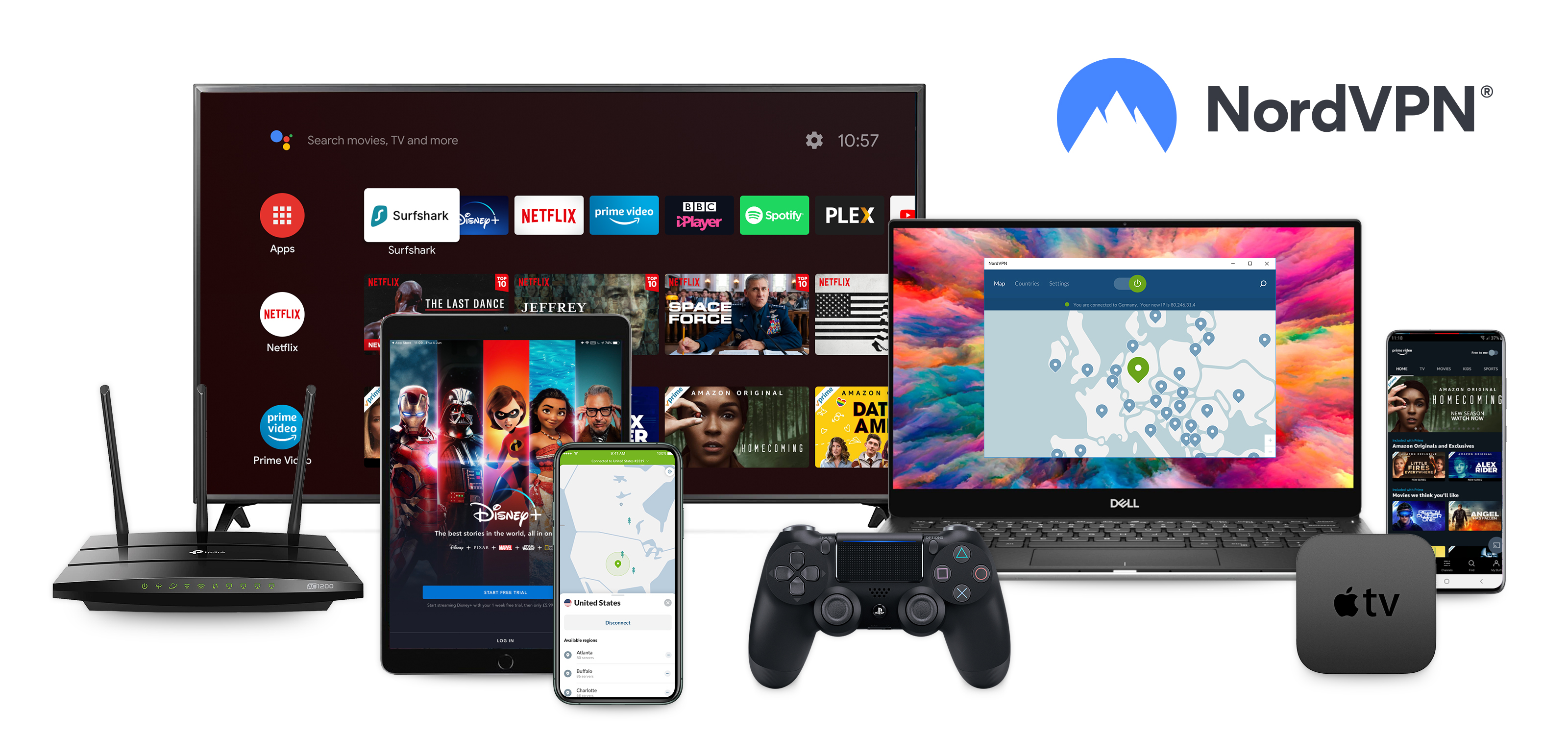
NordVPN takes the #1 spot in our Super Bowl ranking because it's the strongest VPN in key areas: streaming, speed, and a great roster of tools you can use even after the game has ended.
Our streaming tests found that NordVPN provides reliable access to pretty much every streaming service you can think of – including dedicated sports platforms and channels. This also covers the likes of Peacock, Fubo, and DAZN, which we were able to check out without needing to switch servers or deal with pesky pop-ups telling us to switch off our VPN.
Read more about NordVPN ▼
In terms of speeds, NordVPN consistently ranks at the top of our in-house performance tests. We use a 10 Gbps line to put VPNs through their paces, and NordVPN's proprietary protocol, NordLynx, delivered the best results. Our local connection (UK to Dublin) clocked in at 1256 Mbps.
These speeds are enough to stream the Super Bowl in 4K resolution many times over. So, there's no need to worry about a low-quality picture spoiling a game-winning touchdown.
When we switched to a transatlantic connection, we saw results of 900 Mps. While that’s a significant drop-off compared to some of the other providers on our list, it’s still well above what you’ll need to stream sporting events live and in HD.
NordVPN also offers a wide choice of VPN server locations in the US. At our last count, NordVPN has 39 separate locations in North America including New York, Los Angeles, and Chicago. This means there should be a server local to you if you're currently in the States, or one based in your hometown if you're overseas for work or vacation.
NordVPN allows 10 simultaneous connections per account, which is about what you’d expect from a premium VPN. Currently, you can buy the Basic plan at $12.99 per month, which gives you access to NordVPN's core roster of features. Upgrading to one of NordVPN’s more premium plans unlocks features like a Password Manager, ID Monitoring, and 1TB of cloud storage, but you’re unlikely to need these features if you’re just interested in streaming.
The best secure VPN
2. Proton VPN
The best combination of Super Bowl access and security
Massive server network across 120+ countries
Swiss-based with audited no-logs policy and open-source apps
Free plan available with unlimited data
NetShield tool can interfere with streaming
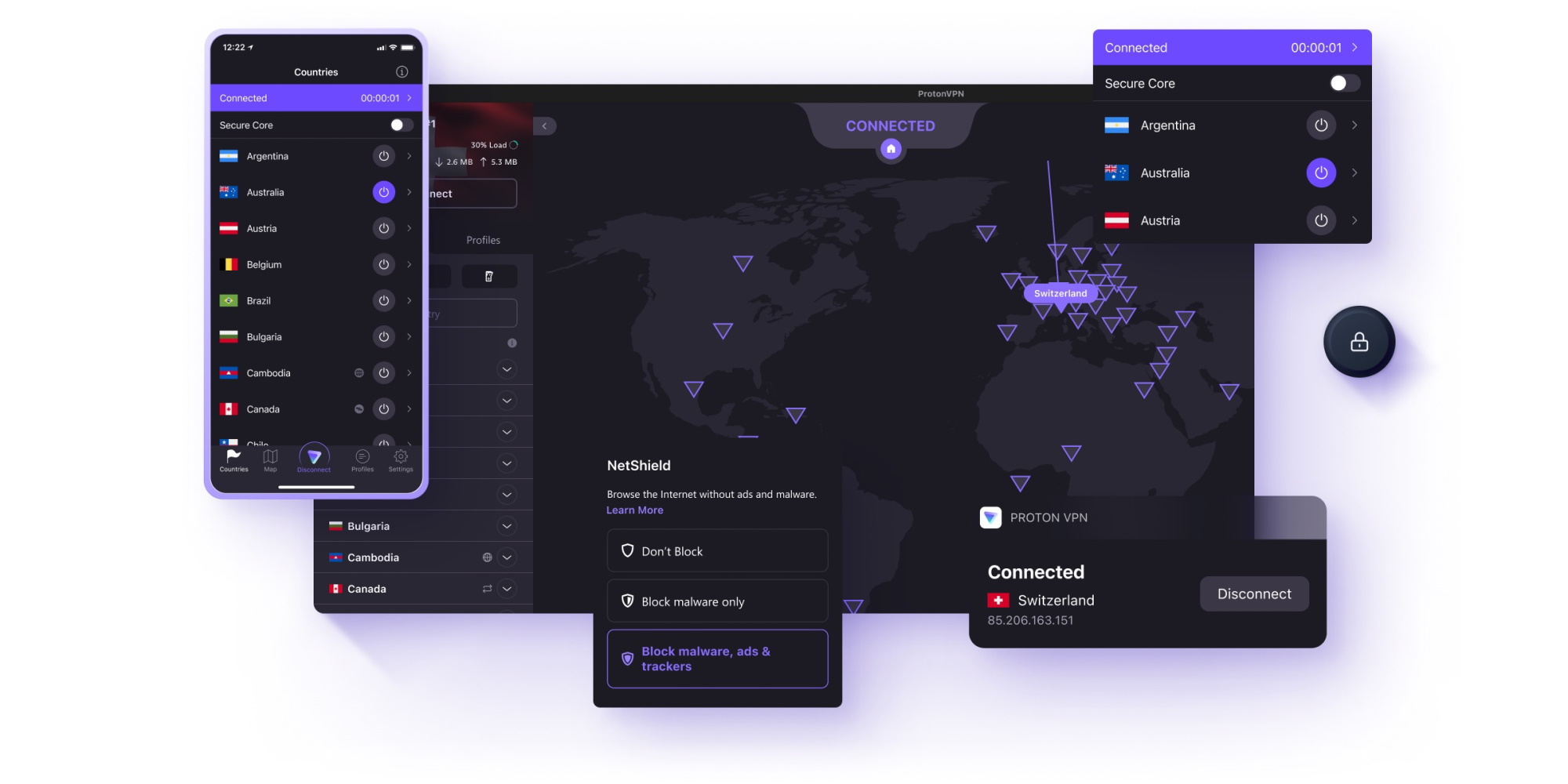
Proton VPN ticks off all the security credentials you'd expect from one of today's top VPNs – but it knows how to have fun, too. With speeds on par with the quickest providers out there, and great unblocking power, it's a top-notch Super Bowl option for anyone looking to enjoy the game and ramp up their privacy in the meantime.
We saw Proton VPN step things up in terms of speed, recently, which makes it a fantastic streaming VPN. Using the WireGuard protocol, and the VPN Accelerator tool, our UK-to-Dublin connection clocked in at 1,521 Mbps. Switching to the States, our results were equally as impressive, at 1,242 Mbps.
Read more about Proton VPN
So, if picture-quality is your main concern, and you don't want big plays spoiled by buffering, Proton VPN is well worth checking out.
The same goes for expats and vacationers looking for access to US-based streaming services. Proton VPN works well with most platforms, including Peacock, Fubo, and Netflix, and we even managed to get it working with US YouTube – which Surfshark couldn't manage.
In terms of North American server coverage, Proton VPN falls behind NordVPN and Surfshark – but only by a whisper. 32 locations across the continent are still more than enough to work with.
Proton VPN is unusual in that it’s one of the only top-tier VPN providers that offers a genuinely free tier with no ads or bandwidth restrictions. However, there's a pretty significant catch - you can't manually select a server to connect to (and there are only 10 countries available). Ultimately, this makes Proton VPN Free a less-than-ideal choice for streaming, and why we'd recommend sticking with the premium version for the Super Bowl and other sports.
That said, Proton VPN’s base plan is actually pretty cheap at only $9.99 per month. This gets you all of the core VPN features, and access to servers in more than 120 countries. Buying yearly drops this price down to $3.99 per month, whereas the two-year plan costs $2.99 per month. Both plans renew at $83.88 for the year.
The best cheap VPN
3. Surfshark
The best value for a household of sports fans
Unblocks all major streaming platforms
Unlimited simultaneous connections
Budget-friendly prices
Some inconsistent long-distance speeds during peak hours
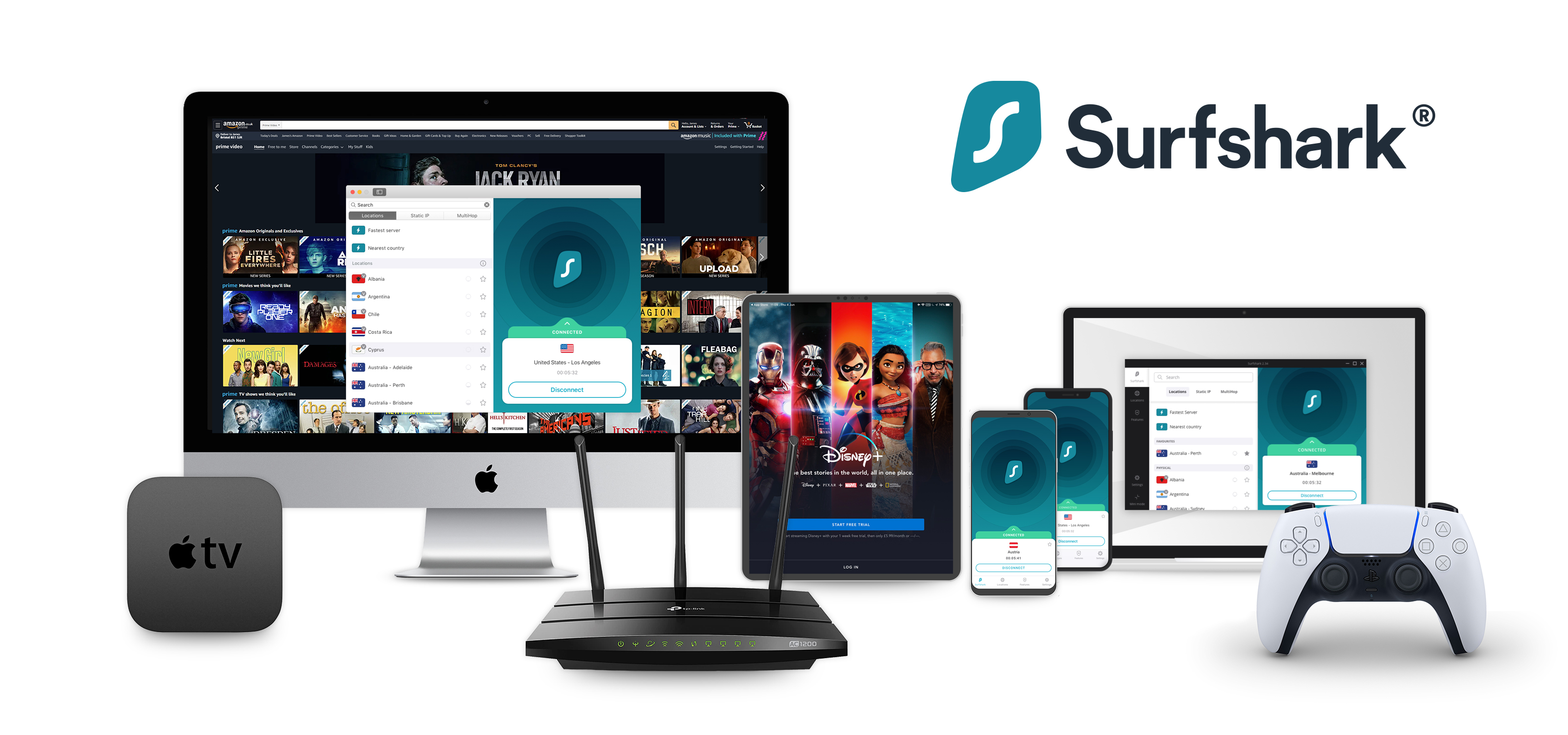
Surfshark's budget-friendly price points are tempting all-year round – doubly so if you're already paying for a sports streaming subscription to catch this year's Super Bowl. From just $1.99 per month, you'll have access to one of the fastest VPNs we've tested.
During our internal testing, we clocked a high of 1,615 Mbps when connecting to a nearby Dublin server from the UK. It's an absolutely blistering result that's more than fast enough for smooth, HD streaming.
Read more about Surfshark ▼
Those speeds dropped off to 355 Mbps when we connected to the States. It's more of a drop-off than we'd expect from Surfshark, given its past performance, but the results are still well within the range you need to enjoy clear playback.
It is also worth noting, however, that Surfshark posted the highest latency to the US in our tests by a wide margin at 171 ms. This won't cause too many issues while streaming, but it could cause minor hiccups (like latency and slowdown) if you have plans to game online or join a video call.
We also think that Surfshark could do better when it comes to streaming US-based content. We had no trouble tuning in to Peacock and US Netflix, but struggled to enjoy US YouTube, no matter how many times we switched servers – which could be a sticking point if you plan on watching highlights or player interviews after the dust has settled.
To get the most out of Surfshark, you'll want to pick up one of its long-term subscriptions. It's where the biggest and best savings are. A single year of Surfshark Basic costs $3.19 per month, but if you opt for the 2-year plan, that price drops to $1.99 (though remember, you'll need to pay for your plan upfront).
Surfshark also offers unlimited simultaneous connections at a budget-friendly price point, which makes it an excellent choice if you're streaming the Super Bowl across multiple devices. Most competitors limit you to around 10 devices, meaning a decently sized family would have to take out more than one VPN subscription. That’s not the case with Surfshark: one subscription covers all of your devices.
An speedy, mid-range pick for the Super Bowl
4. Norton VPN
A privacy-focused option that can handle HD and live sports
Affordable prices (and a free plan)
Strong streaming performance
Great speeds from both WireGuard and OpenVPN protocols
Limited server network compared to competitors
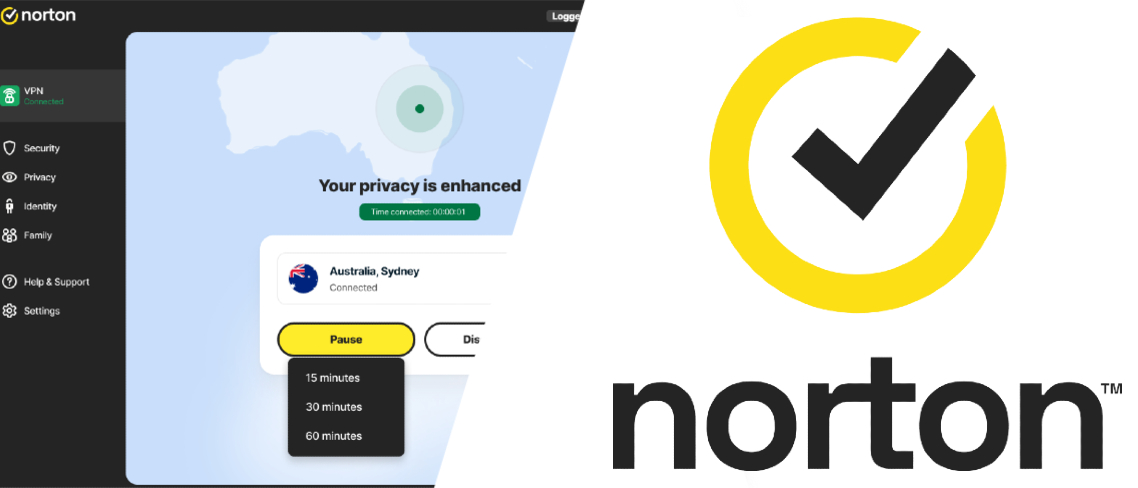
A recent revamp saw Norton VPN become a real contender in the VPN space – and it's an undeniably good pick for the Super Bowl, too, thanks to the double-whammy of awesome speeds and unblocking power.
Most people will be more familiar with Norton's antivirus software, but its new, overhauled VPN product is making waves, too. Fans wanting to follow every play of Super Bowl LX will be glad to hear that Norton VPN is an excellent choice for streaming. It works with most US-based streaming platforms we tested, including US Netflix, though we did fail to crack US YouTube.
Read more about Norton VPN▼
This isn't a total surprise, given how new Norton VPN is to the market, but it's something to keep in mind for anyone who wants to tune into clips, analysis, or interviews after the game.
The news is better when it comes to speed. Using the WireGuard protocol, we saw results of our UK-to-Dublin connection come in at 909 Mbps. These roughly halved when we switched to a US server, and though 463 Mbps lags behind the likes of ProtonVPN and ExpressVPN significantly, we didn't experience any major issues when streaming (and this is still quick enough to keep up with multiple 4K streams - just in case somebody else in the household wants to watch the Winter Olympics, instead).
Currently, there are 25 US-based servers offered by Norton VPN, and they're spread out pretty evenly across the continent. This is good news for locals and expats alike, though we'd always recommend picking the server closest to you, geographically, for the best, most stable connection.
A 1-year Standard Norton VPN plan comes in at $3.33 per month, and we think the VPN deserves credit for being up front about how prices jump to $6.66 on renewal. Plenty of VPNs do this - but Norton VPN is one of the only services we've seen that are transparent about it. If it all seems a bit steep, a generous 60-day money-back guarantee is available, so you can try Norton VPN out over Super Bowl weekend, risk-free.
The best VPN for Windows
5. ExpressVPN
Intuitive apps and great speeds, a solid pick for live sports
Impressive Lightway Turbo speeds
Reliable streaming with most platforms
Great place to start with VPNs
Not as fast, overall, as other top VPNs
If you're more of a sports aficionado than VPN expert, ExpressVPN is a great place to start. Its apps are nice and easy to use, a recent upgrade introduced a whole host of new tools, and it has enough North American servers to make tuning in to your local broadcaster (or NBC) as simple as picking a location in your home state.
ExpressVPN's speeds are solid and well-suited to streaming live TV in HD. There are a few protocols to choose from, though. Alongside OpenVPN and WireGuard, ExpressVPN also has its own proprietary VPN protocol, Lightway, which comes in two flavors: the standard version and Lightway Turbo.
Read more about ExpressVPN ▼
We'd recommend sticking to Lightway Turbo if performance is your main concern (though be aware it currently only works with Windows devices – Mac users are better off with Lightway or WireGuard).
Using Lightway Turbo to connect to Dublin, we recorded results of 1,479 Mbps, and these dipped slightly when connecting to the US to 1,374 Mbps. It's the best transatlantic result we've seen, from all our top-ranked VPNs, and bodes well for anyone overseas wanting to keep up with action from Levi’s Stadium.
When we put ExpressVPN's streaming capabilities to the test, we were just as pleased. ExpressVPN works well with US Netflix, Hulu, Fubo, and Peacock, and at no point did we have to switch servers to get around lag or playback issues.
Finding a US or North American server to join won't be a problem with ExpressVPN, either, seeing as there are 70 locations to choose from. This is practically double the amount offered by NordVPN, Surfshark, and Proton VPN – and ExpressVPN is one of only a handful of VPNs that has servers in all 50 states.
ExpressVPN’s pricing is now much more in line with its competitors after a pricing overhaul. The Basic plan sits at $12.99 a month, which is a little less expensive than Surfshark. For this price, you’ll get 10 simultaneous device connections and all of ExpressVPN’s core features, including a basic ad-blocker. Buying the yearly plan drops this price to $3.49 per month, whereas the two-year plan costs $2.44 per month and throws in four extra months for free.
We test and review VPN services in the context of legal recreational uses. For example: 1. Accessing a service from another country (subject to the terms and conditions of that service). 2. Protecting your online security and strengthening your online privacy when abroad. We do not support or condone the illegal or malicious use of VPN services. Consuming pirated content that is paid-for is neither endorsed nor approved by Future Publishing.








 English (US) ·