
 4 hours ago
2
4 hours ago
2
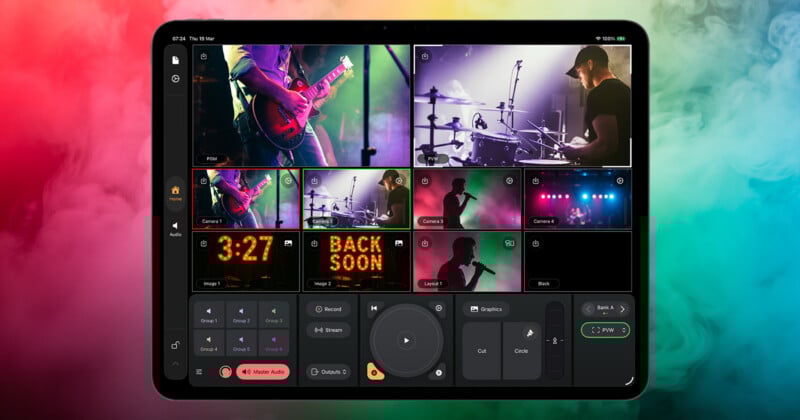
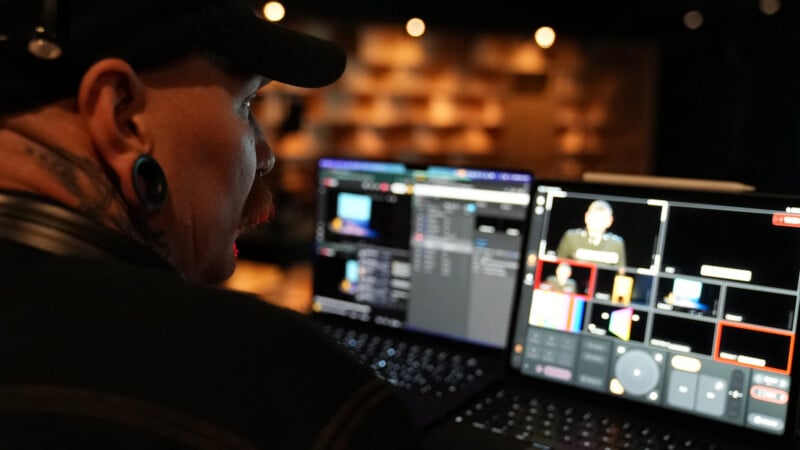
Mavis has introduced a new iPad app aimed at transforming mobile devices into full-scale live production tools. Announced at NAB 2026, Mavis Studio combines multi-camera switching, streaming, recording, graphics, and audio mixing into a single, portable platform designed for creators and production teams.
A Broadcast Toolkit Built for the iPad
At its core, Mavis Studio is designed to bring traditional broadcast capabilities into a compact, mobile-first workflow. The app integrates multi-camera video switching, playback, graphics, audio mixing, recording, and live streaming within a single interface optimized for touch.
The platform supports direct streaming to services like YouTube, Facebook, and Twitch, while also offering RTMP and SRT protocols for custom workflows. Internal recording is included, along with support for professional codecs such as Apple ProRes.
Mavis positions the app as a solution for a wide range of use cases, including video podcasts, live performances, corporate events, and educational productions, all without requiring a traditional studio setup.
Multi-Camera Production With NDI Integration
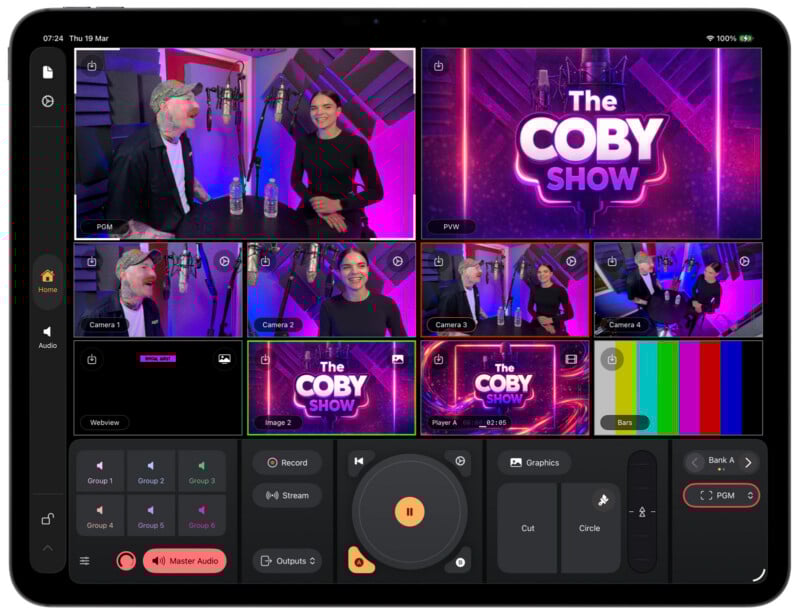
A key feature of Mavis Studio is its support for multi-camera workflows. The app can manage up to four live inputs, combining them with internal media sources such as video playback, still images, and web-based graphics.
It is also NDI-certified, supporting HX3, allowing video signals to be transmitted over standard networks. This enables flexible IP-based production setups, where multiple cameras and sources can be connected without dedicated broadcast hardware.
“Mavis Studio is designed for productions that want the quality and features typically associated with a traditional broadcast production but with the ease of use and pricing model of a consumer-based app,” says Patrick Holroyd, CEO of Mavis.
The app can receive up to four synchronized NDI feeds while also sending an NDI output, making it possible to deliver both clean and branded feeds simultaneously.
Integrated Graphics and Scene Control
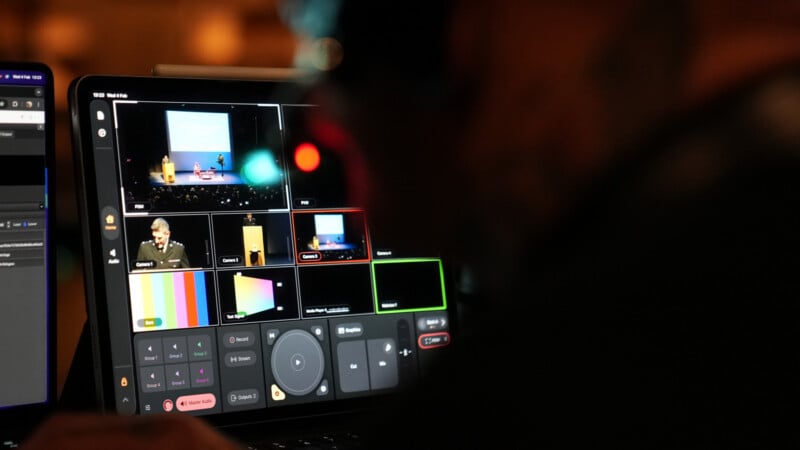
Beyond switching, Mavis Studio includes built-in tools for shaping the visual presentation of a live production. Users can incorporate video clips, still images, and HTML5-based graphics overlays, all with support for alpha channels.
Custom and preset layouts allow for flexible scene building, from simple two-person interviews to more complex multi-layer productions with branding and overlays. The touch-first interface enables quick source selection and layout adjustments directly on the iPad screen.
Audio as a Core Part of Production
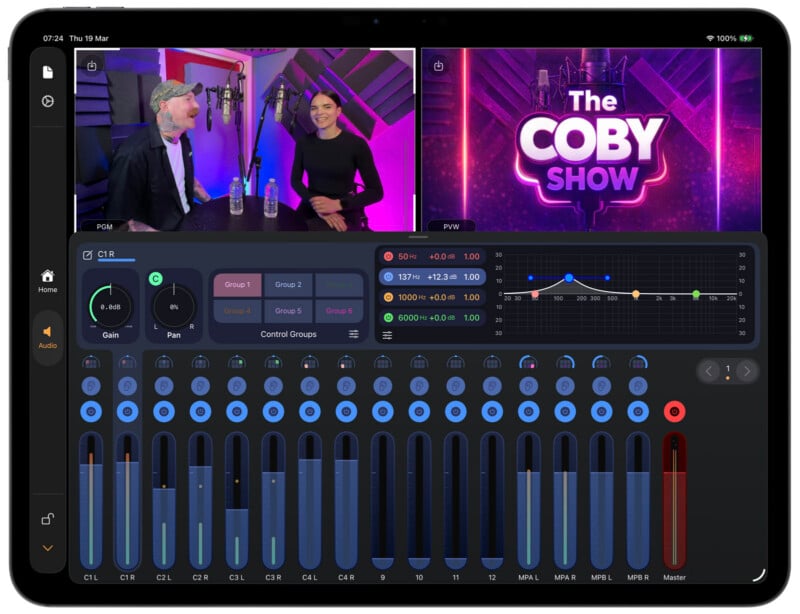
Unlike many mobile production tools, Mavis Studio places a strong emphasis on audio. The app features a 16-channel audio desk with controls for gain, EQ, panning, grouping, and master output.
This allows users to mix audio directly within the app, making it suitable for podcasts, live music, and event coverage where sound quality is critical.
“Creators who want professional multi-camera output should not have to invest in fixed, expensive systems to get it,” says Miguel Coutinho, Head of NDI.
“By building NDI certification into Mavis Studio, that level of production quality is now accessible to a much wider audience.”
Portable Production Without the Traditional Setup
Mavis Studio reflects a broader shift toward mobile-first production workflows. By leveraging the power of modern iPads, the app aims to replace larger, fixed broadcast systems with a more flexible and portable alternative.
The ability to combine multiple cameras, graphics, audio, and streaming into a single device makes it particularly appealing for small teams and independent creators who need professional results without the complexity of traditional gear.
Pricing and Availability
Mavis Studio is available as a free download on the App Store. The free version includes a watermark on output, which Mavis says can be removed through a subscription. A standard subscription costs $25 per month or $80 per year, while the highest-tier option, which removes the watermark and enables NDI functionality, costs $40 per month or $130 per year.
Image credits: Mavis Studio




 English (US) ·