
 2 days ago
5
2 days ago
5
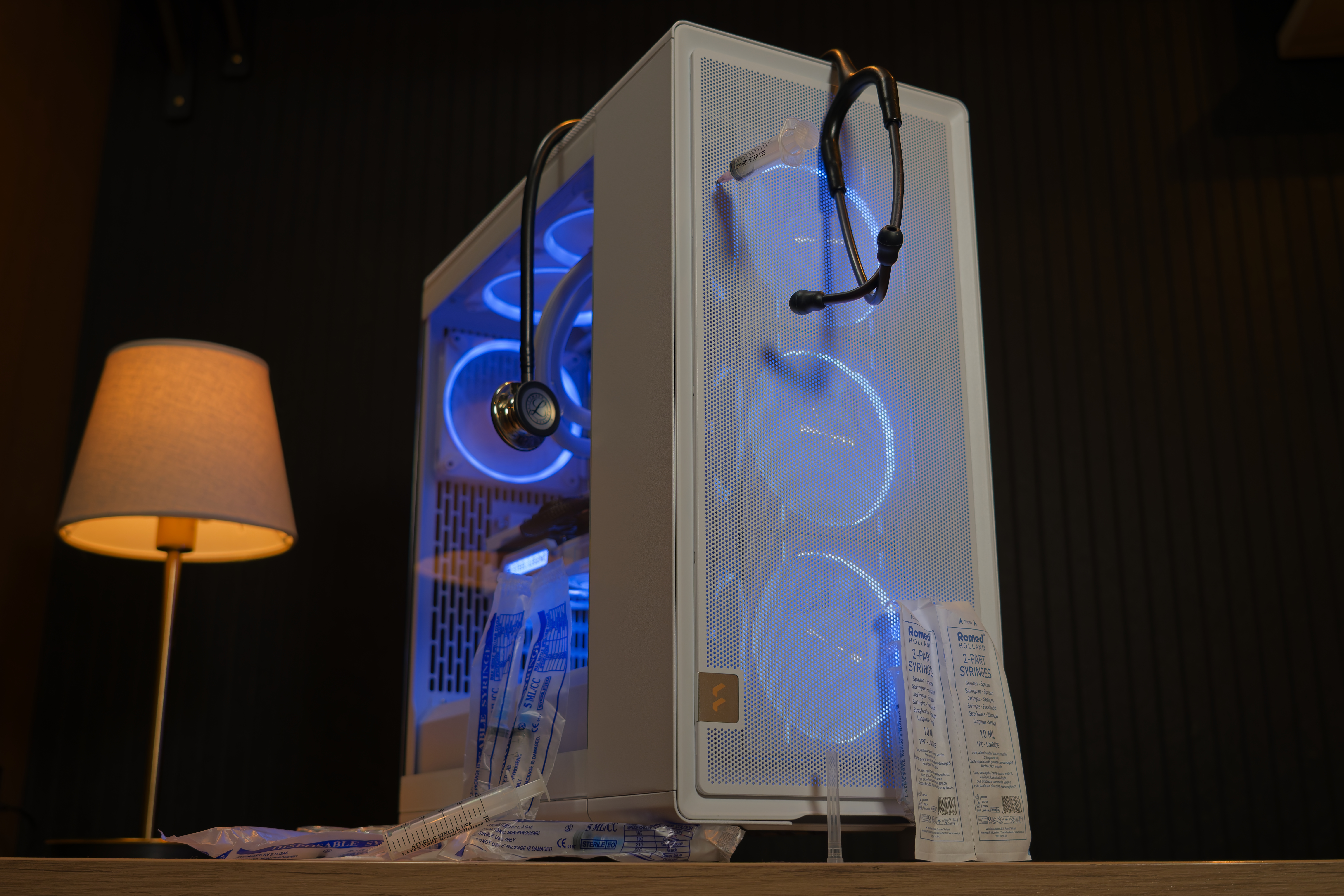
In my previous Rising Phoenix build, I ran a disclaimer that I was only here to stir the pot. Well, I’m back again, and guess what I’m here to do? For this latest build, I’m going to be breaking quite a few unwritten rules, but I’ll explain why. Some rules were broken intentionally, and others were broken for us.
This time around, we’re building a productivity-focused rig, featuring no AMD or Nvidia, and it’ll be white!
A brief word about builds at Tom’s Hardware
A few months back, we published the Rising Phoenix, a gaming rig with a small twist, to kickstart the series. And for this build, we’re going with a “Life Support” theme. When I first started collecting parts and writing this, it was October, and I thought this was a fitting theme for a spooky build – but I got buried in Tom’s Hardware Premium Stout Owl build, and here we are in a whole different year, but the prices of RAM and storage are certainly still scary.
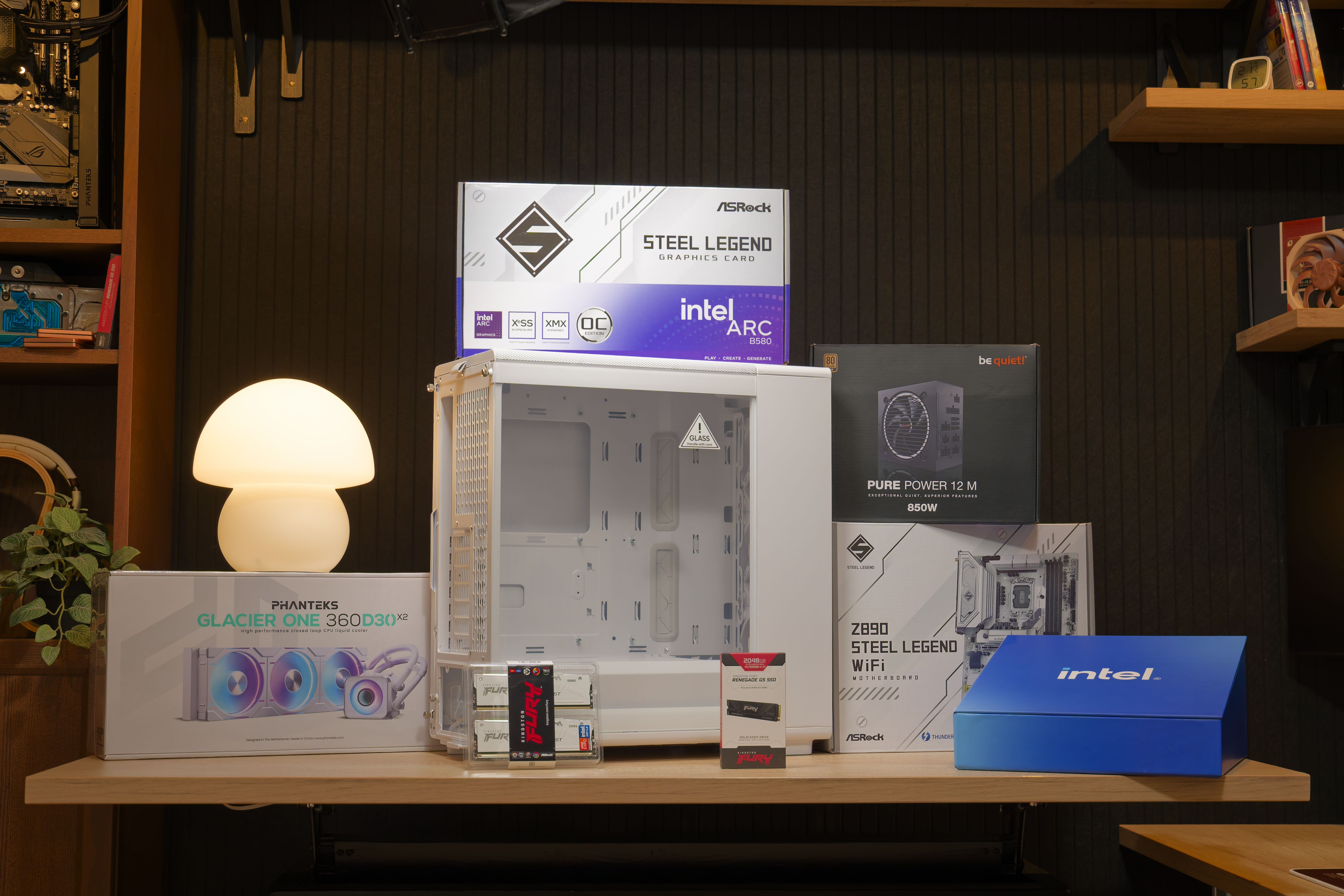
The aim of this build series is to inspire creativity, to build something a little more unusual, with another goal being to help you unlock your inner artist and turn your PC into something truly yours, but still something sensible and achievable. We aren’t trying to offer the best value per dollar for these systems, but to showcase hardware that pairs well together, both visually and practically.
For the best value propositions, have a look at our Best Builds page.
Life Support
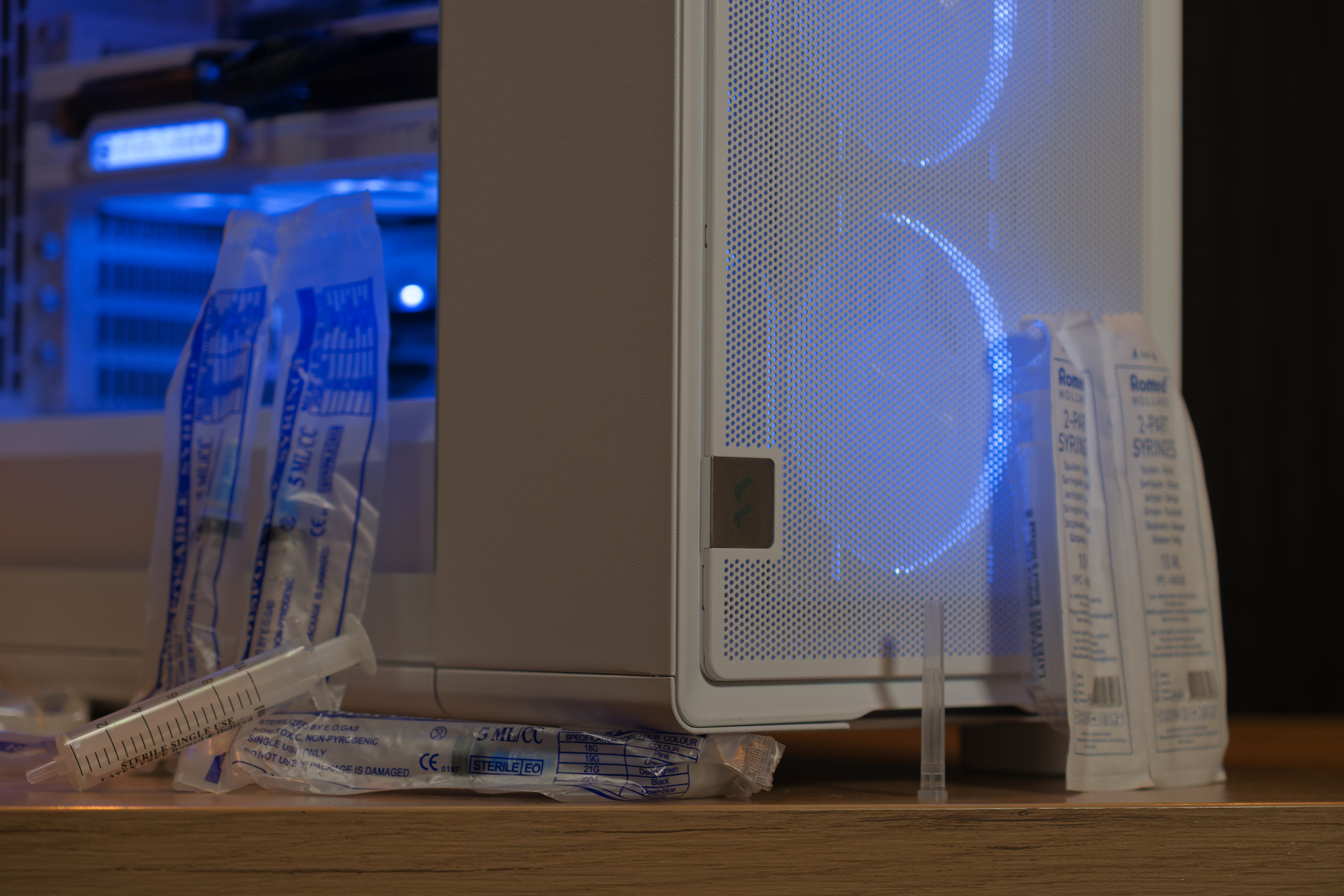
For this feature build, we’re not focused on gaming at all, but rather, a productivity-first rig. With the theme Life Support, this is a PC that’s supposed to look like something you might find it in a medical laboratory. Or, you know, something used as a prop PC in a bad-taste Hollywood horror lab flick where the set designer is somewhat up to speed with custom PC hardware.
Intel Core Ultra 7 265K
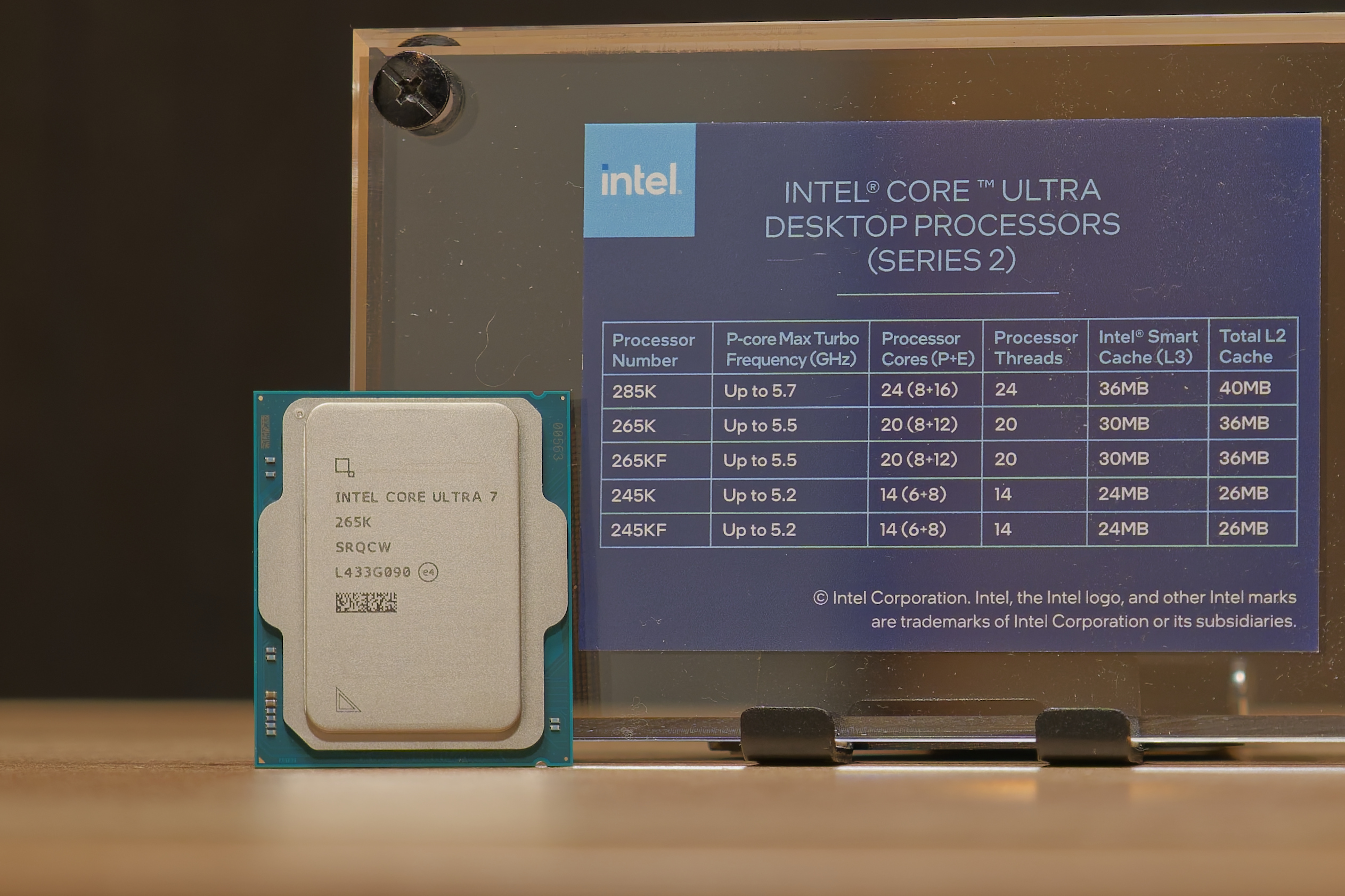
If you think laboratory, AMD doesn’t come to mind. Intel does (or at least it does to me). Intel may currently be lagging behind in gaming performance, but when it’s productivity you’re after, Arrow Lake CPUs pack a massive punch.
The Core Ultra 7 265K features 20 CPU cores, with 8 performance cores and 12 efficiency cores. Clock speeds can spike to 5.50 GHz, all while maintaining very good efficiency, especially at partial and idle loads.
What’s better is that it’s currently priced around $300, and if gaming is not your priority, it offers a heap of CPU power for that money.
ASRock Intel Arc B580 Steel Legend
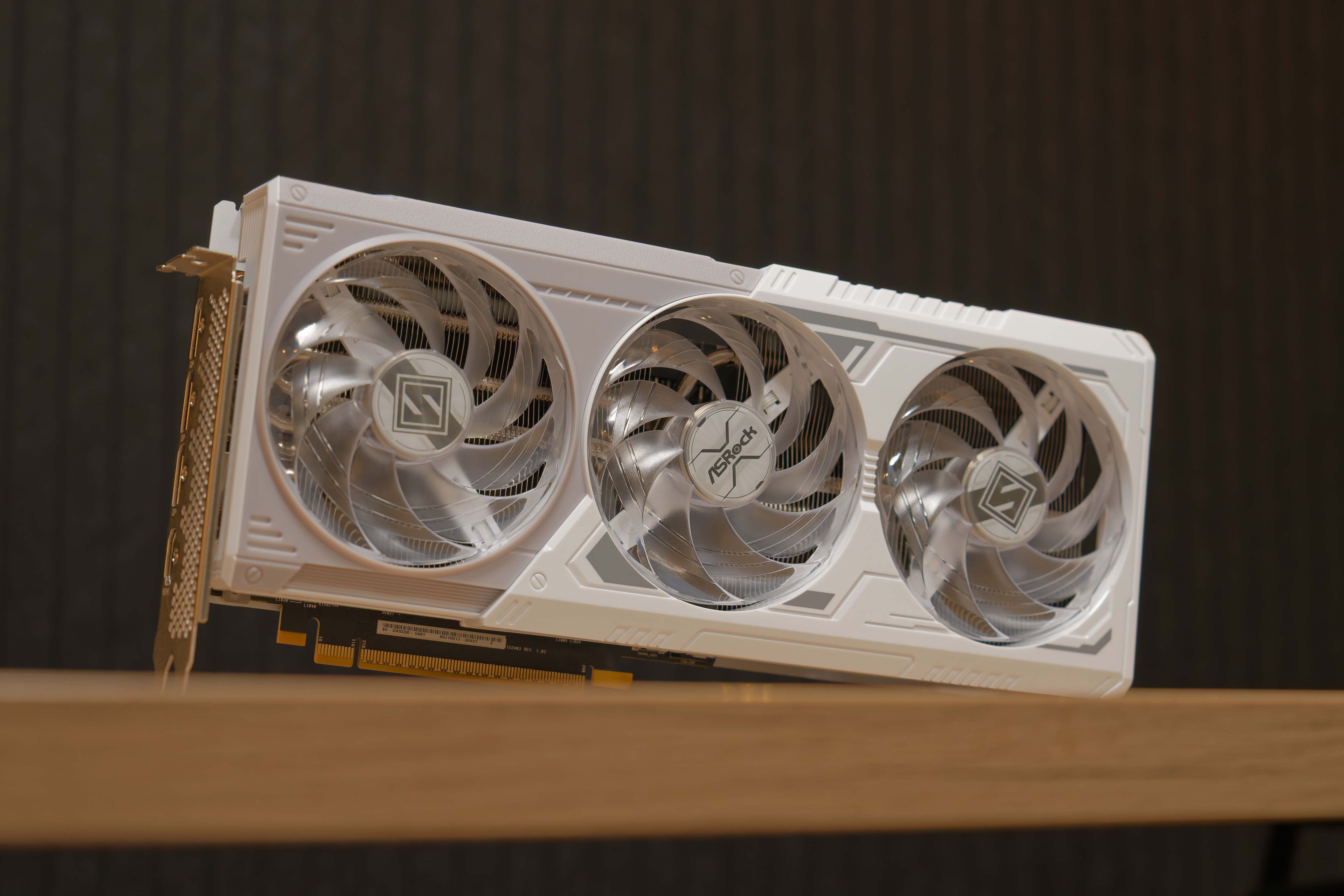
Sticking to the theme, for this build we’re going with an Intel B580 GPU. It’s a bit of an underdog GPU, which sounds strange if you consider that it’s made by Intel, but the chipmaker is quite new to making modern discrete graphics cards (discrete: not baked in as part of the CPU).
What’s interesting about the Intel Arc series GPUs is that they tackle a segment of the GPU market that AMD and Nvidia have been largely ignoring. This is a graphics card that is also priced around $300. And with Intel’s XESS upscaling, it packs a solid gaming punch for the money. What’s more important for this build, though, is that with Intel Quick Sync, it makes for a fantastic video encoder if you’re into video editing. And 12 GB of GDDR6 memory is especially generous at this price point.
ASRock Z890 Steel Legend
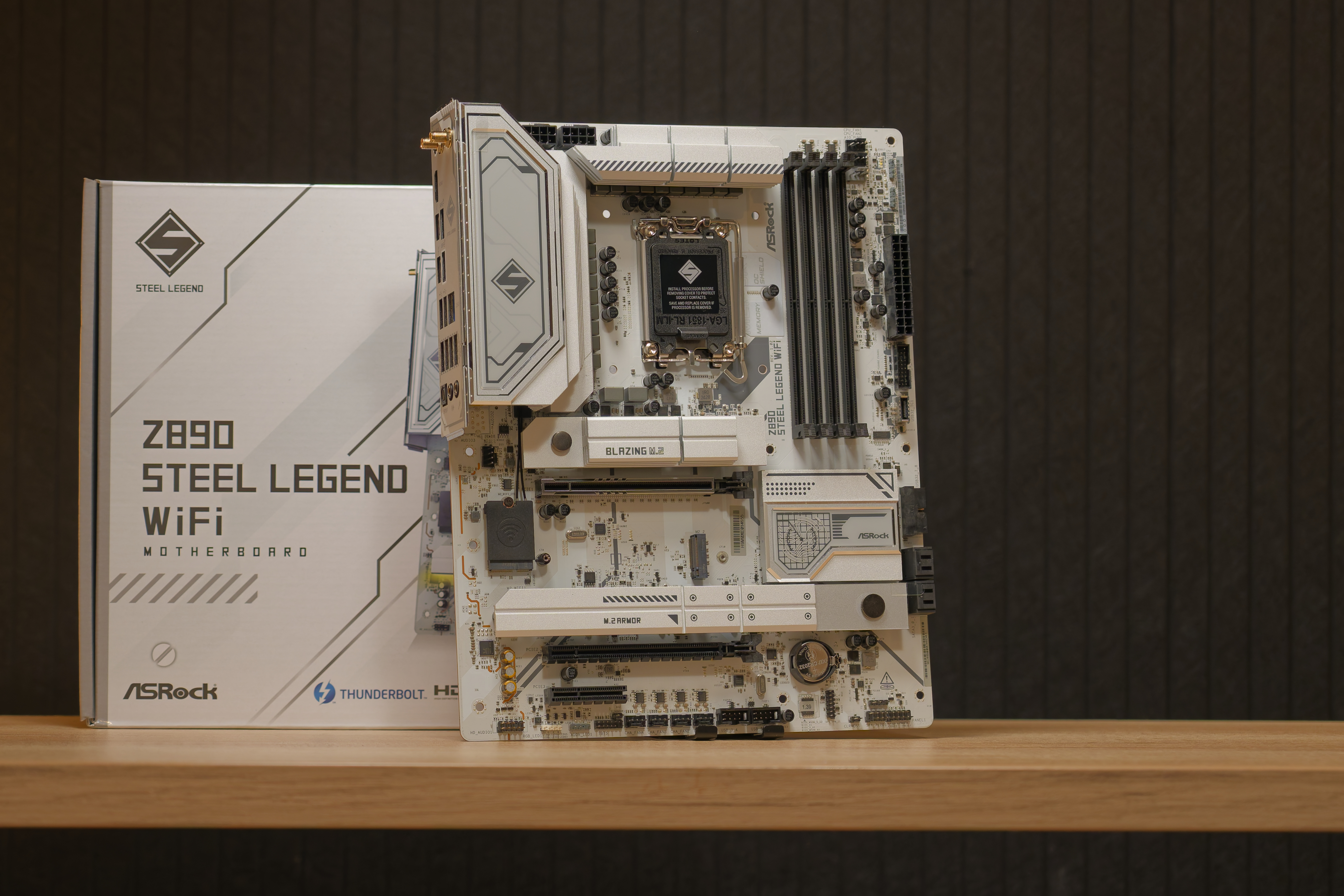
If you’re looking for a value-oriented motherboard to pair with a high-performance Arrow Lake chip, the ASRock Z890 Steel Legend offers fantastic connectivity with tons of room for future expansion.
Kingston Fury Beast RGB 64 GB (2x 32GB) DDR5-6000
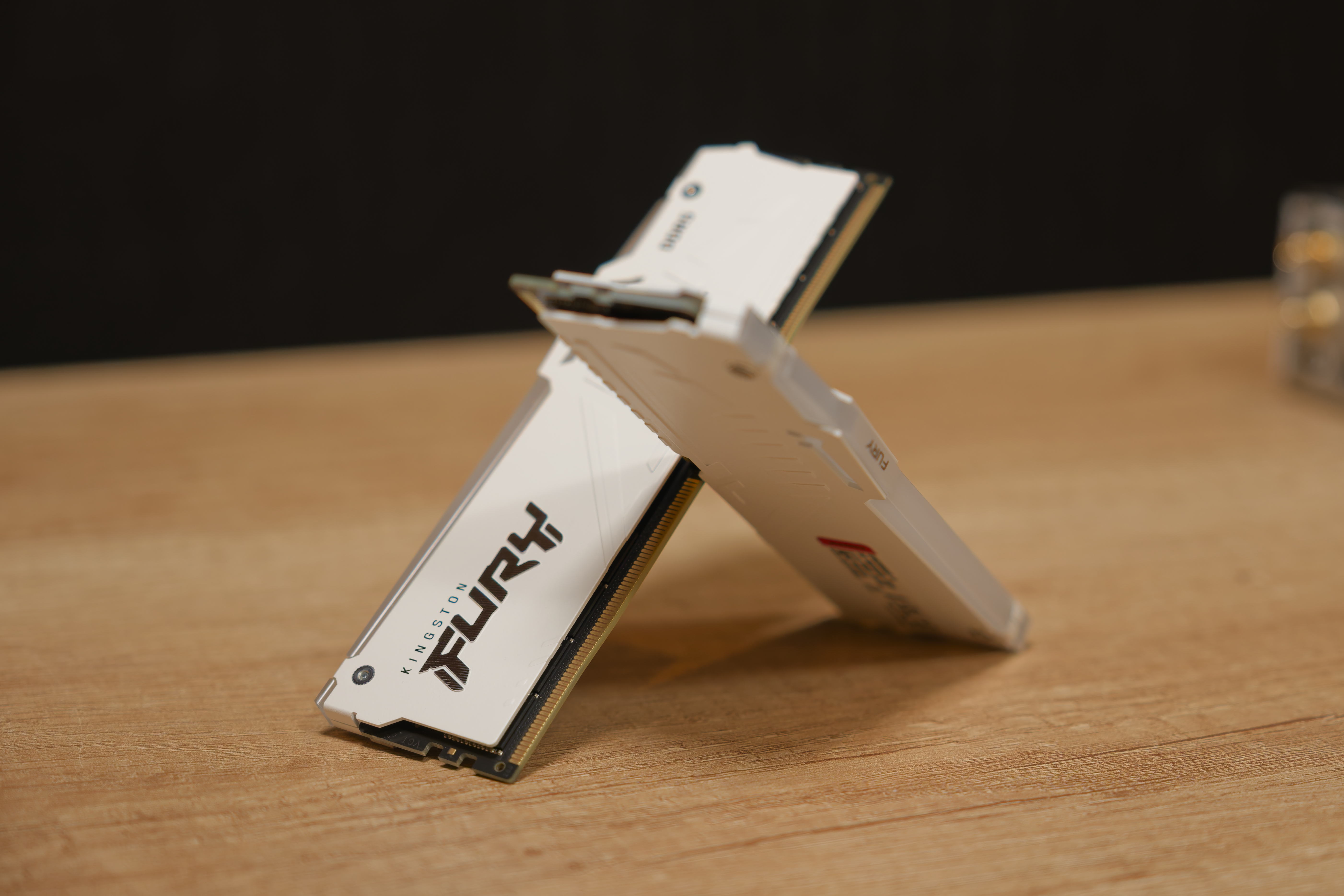
This is where the largest point of contempt comes in with this build. At the time I sampled this memory, the DRAM crisis hadn’t hit yet, and it was a memory kit that cost about $250. At this price, it was a no-brainer to opt for 64 GB in a productivity build. Unfortunately, it’s a kit that today sells for a painfully pricey $1349, and although I’m happy that it matches the design language of the motherboard, at this price, it’s tough sell, and it massively changes the total build cost of this system.
For those who are into virtualization, data analysis, or video editing, it may still be worth justifying a 64 GB kit, but you may be better off hunting down a 32 GB kit without RGB from the Best Memory page to save some money.
Kingston Renegade G5 2TB
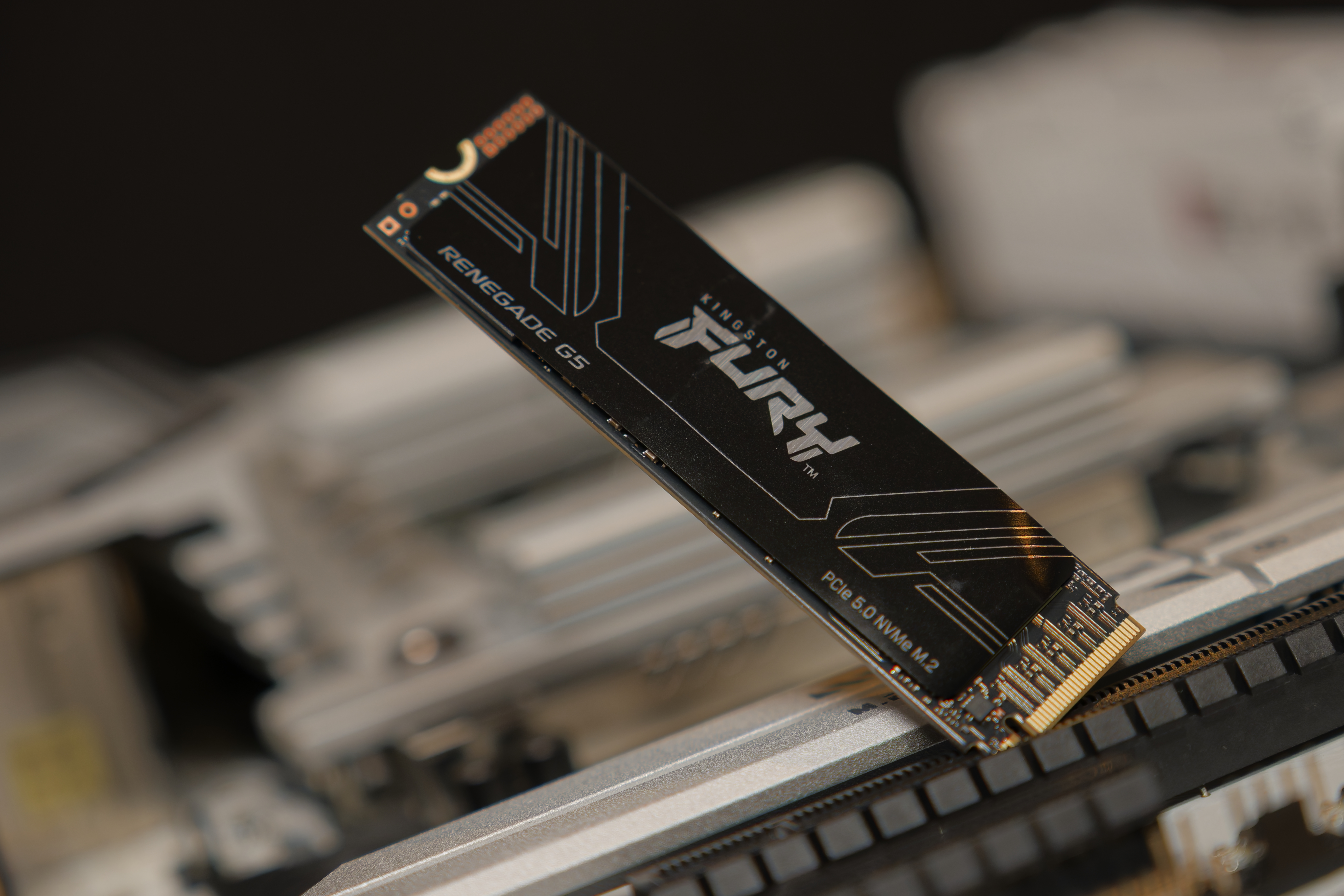
Although the Kingston Renegade Fury G5 is one of the Best SSDs and we gave it a glowing review, it suffers from a similar issue that DDR5 does: It has become quite expensive. Priced at roughly $500 currently, I can only recommend it to those who know they need 2 TB and a drive that properly saturates the PCIe 5.0 NVMe bus.
If that is what you need, though, the Renegade Fury G5 is a beast of an SSD – it’s got a shockingly high durability rating. It’s also efficient, but most importantly, it just writes, and writes, and writes – this is not an SSD that fills up the cache and comes to a crawl – it’s an SSD that handles sustained large writes with ease. This is an SSD that would go to waste as a system and game drive. It’s the kind of SSD you want to write large datasets to, raw video footage, work off, and then clear it up again at the end of the day, over and over again.
Fractal Design Epoch
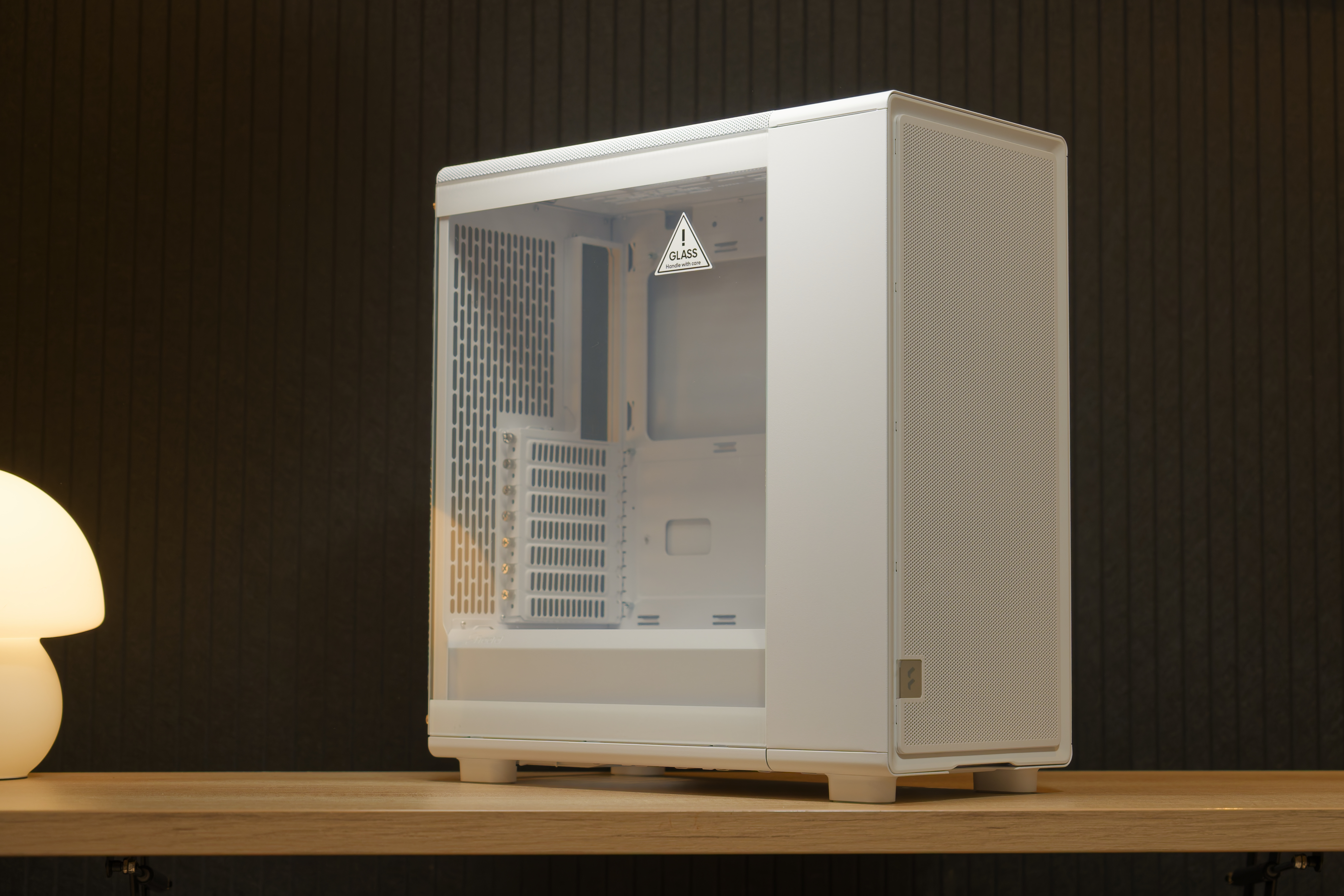
For the case of this Life Support system, we decided to work with Fractal Design’s new Epoch chassis. It’s affordable at $110, well-built, and its charmingly simple elegance serves it well for fitting into the theme.
The mesh intake at the front ensures great cooling, and it’s got plenty of space for building in. With top-mounted IO, it also serves well as a case for placing on the floor.
Phanteks Glacier One D30 X2
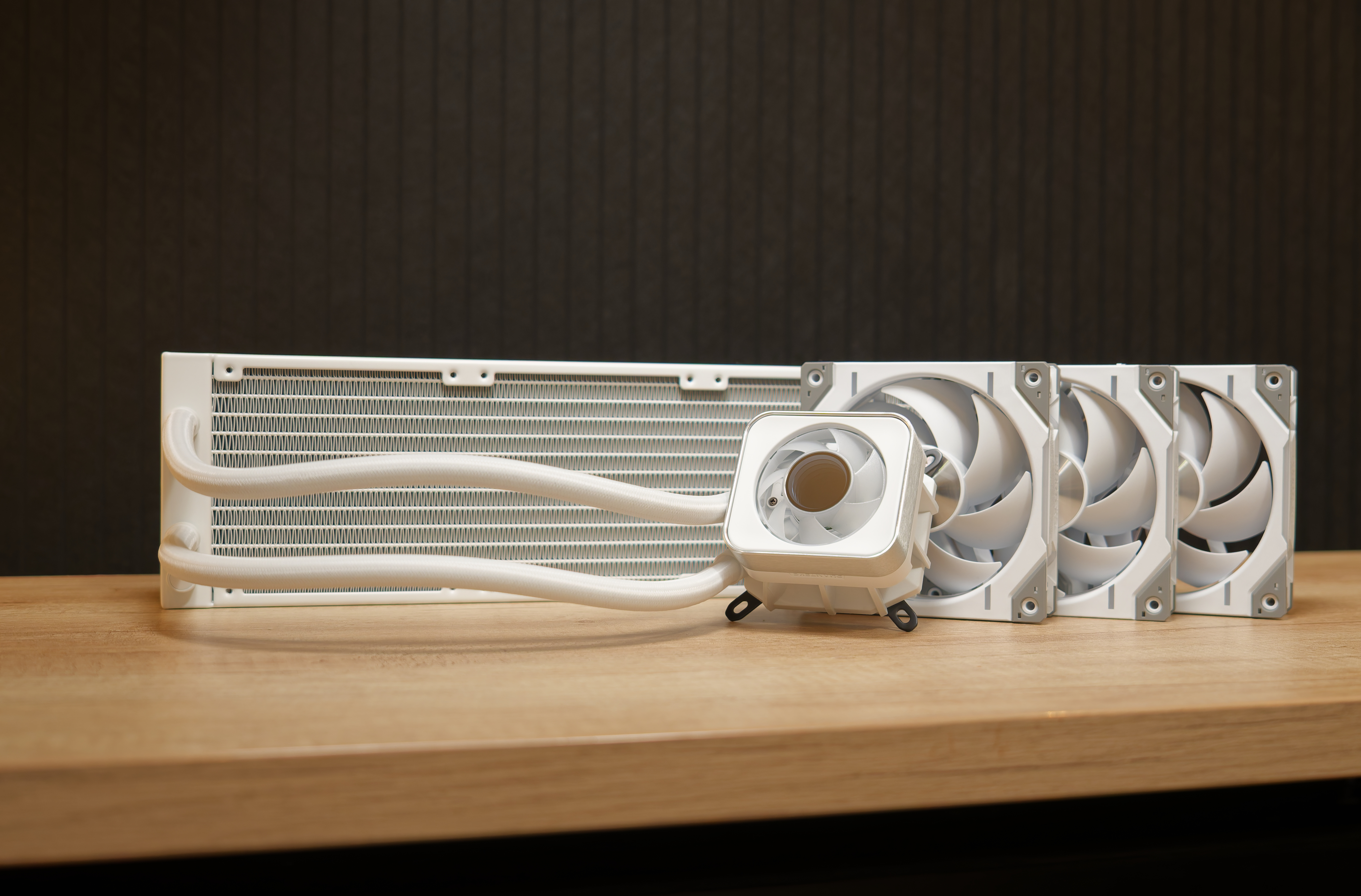
The Intel Core Ultra 7 265K is a beast of a productivity chip, but it can run quite hot when fully taxed for long periods. As such, a powerful liquid cooler is almost a requirement, and Phanteks’ Glacier One D30 X2 is one that’s more than up to the task. With a copper cold plate, aluminum radiator, and three D30 spinners, this is a CPU cooler that can tame the 265K without breaking a sweat.
The D30 fans are an RGB variant of the T30’s, which are 5mm thicker than most other 120mm fans, giving them loads of airflow debit at low RPMs.
The cooler’s CPU block also comes with a fan inside it, which blows some air to the area surrounding the socket to cool the VRM circuitry, memory, and the primary SSD.
be quiet! Pure Power 12M 850W
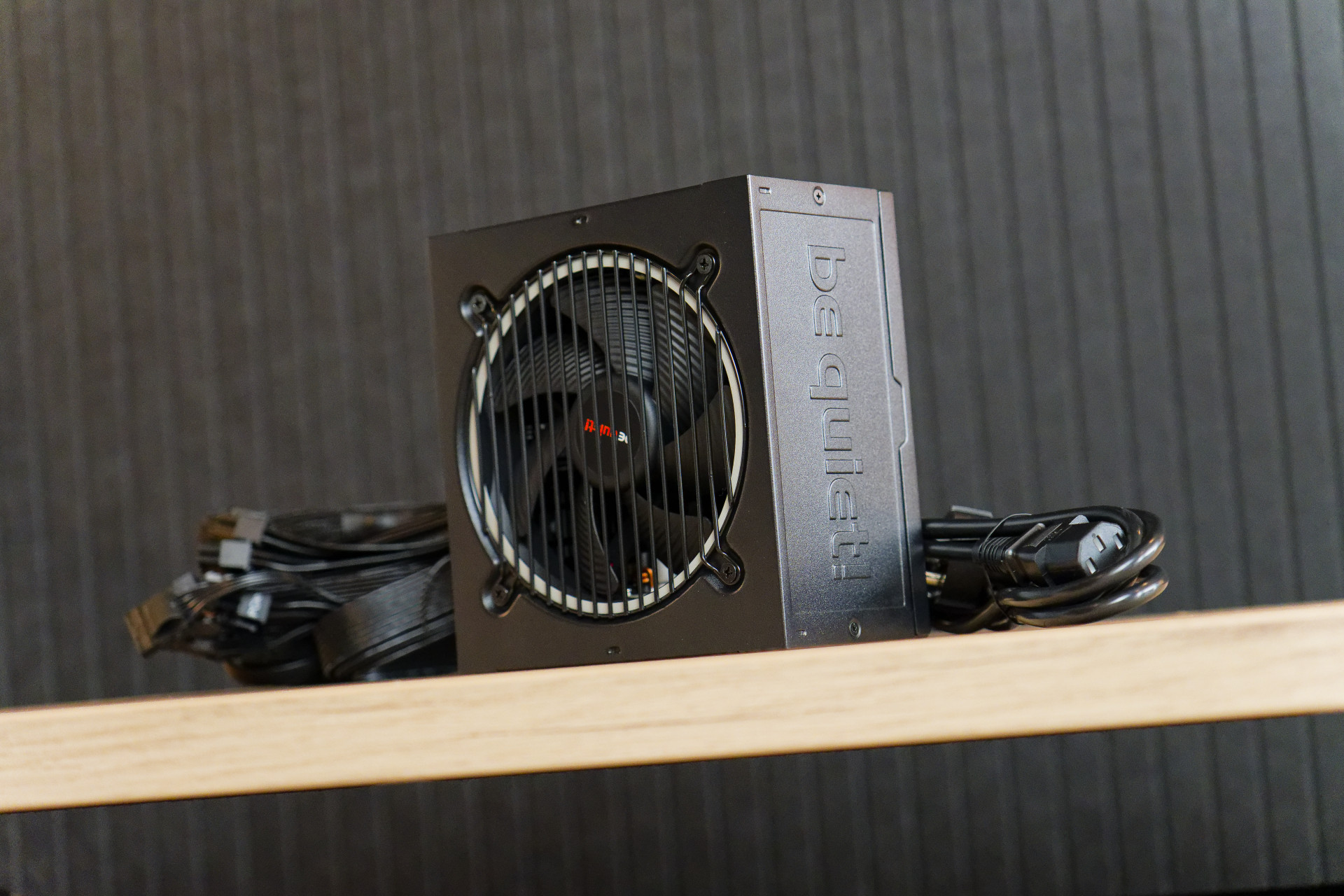
850 W might be more than necessary for this PC, but power supplies run at their most efficient around 50% duty. Load up the CPU and GPU with typical workloads, and you’ll sit just shy of this spot.
Be Quiet’s Pure Power 12M series PSUs come with modular connectivity, and generally run quietly and reliably, year after year. The company also backs their PSUs with a 5-year warranty, and at $110, is there anything else you really want from a power supply?
Swipe to scroll horizontally
MORE: Best Gaming Desktops
MORE: How To Build A PC
MORE: All PC Builds Content





 English (US) ·