
 14 hours ago
17
14 hours ago
17
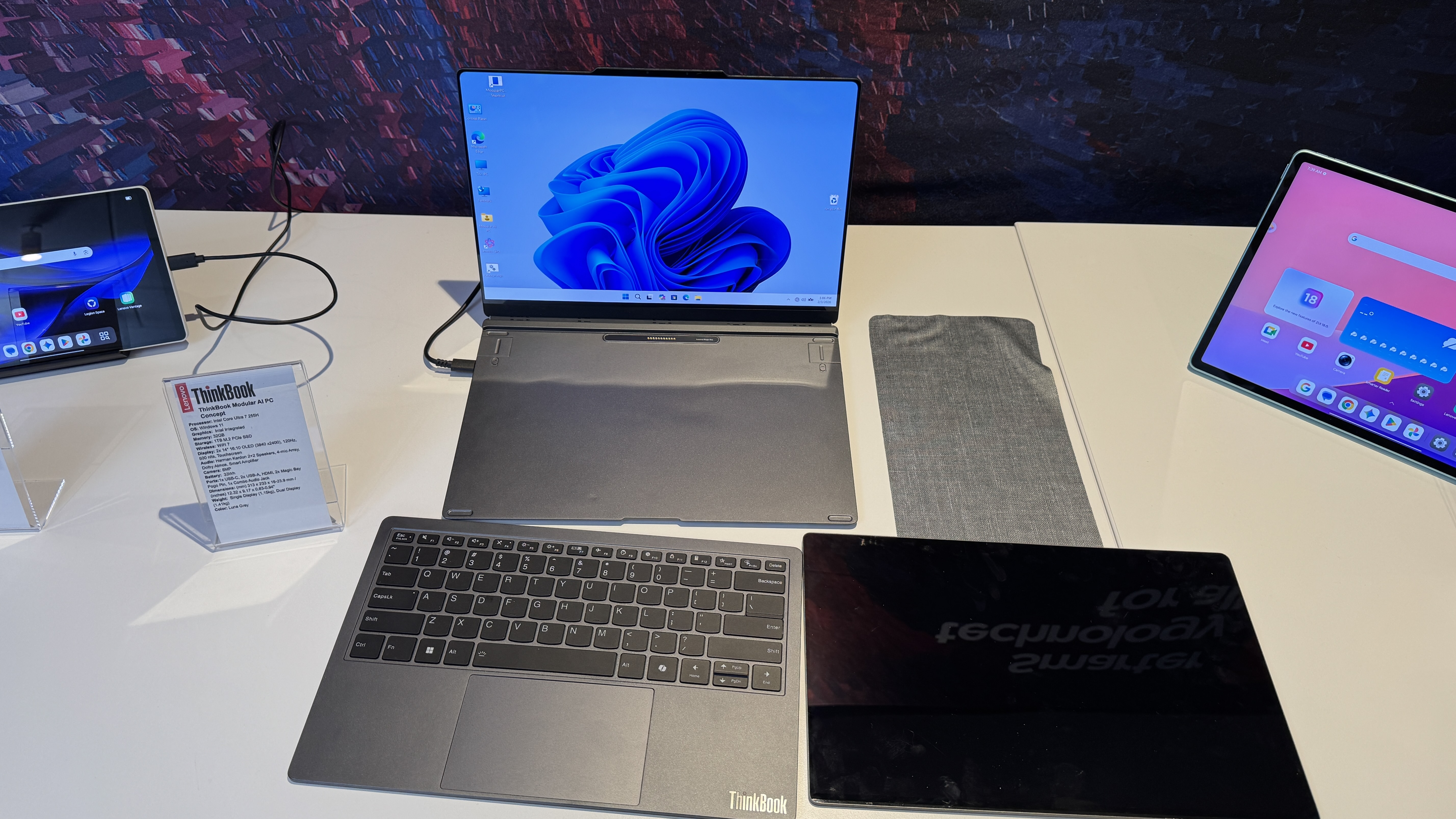
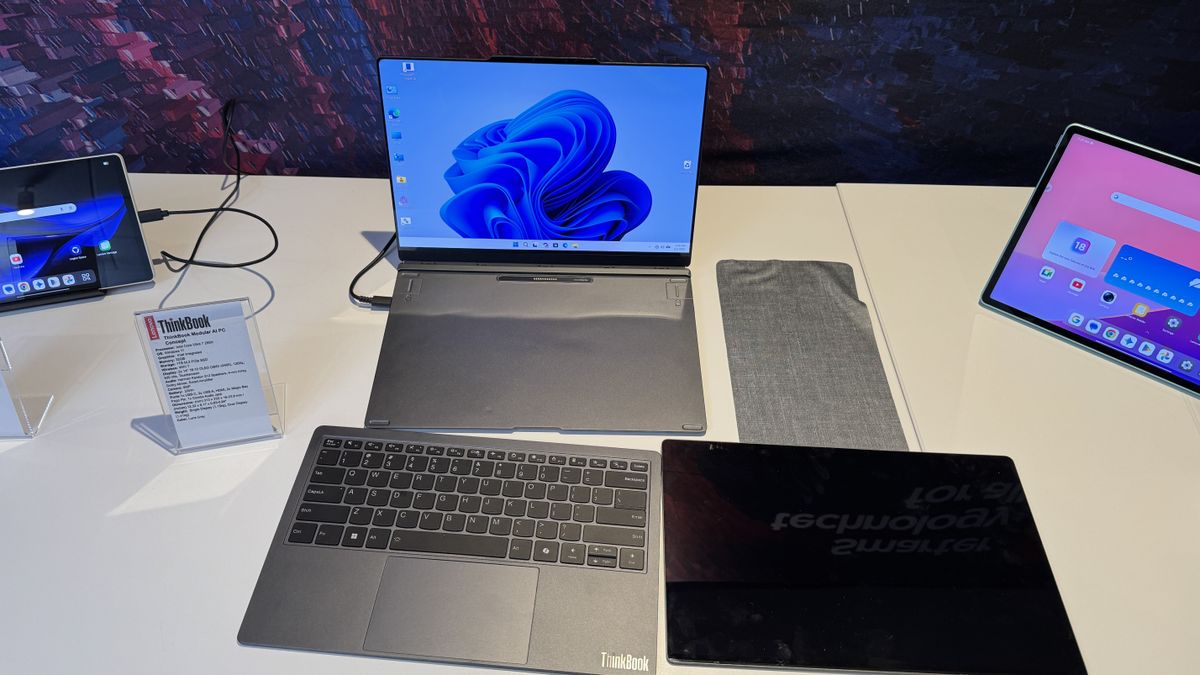
Some of Lenovo's laptops have one screen. Some of them have two. With a new concept device shown at Mobile World Congress 2026, the company is suggesting that it can split the difference with a "selectively modular" system that lets you move parts around based on the way you use the system.
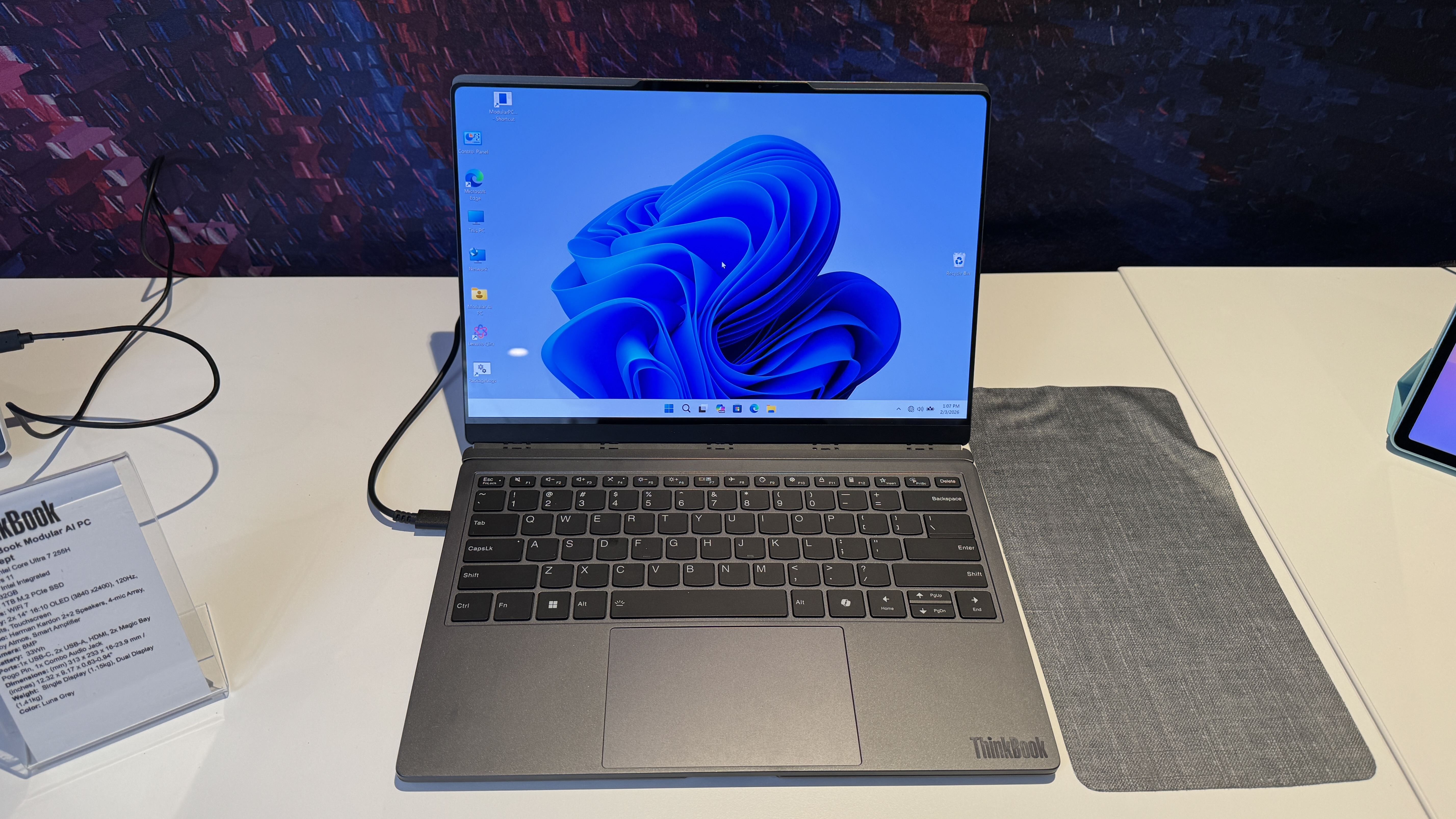
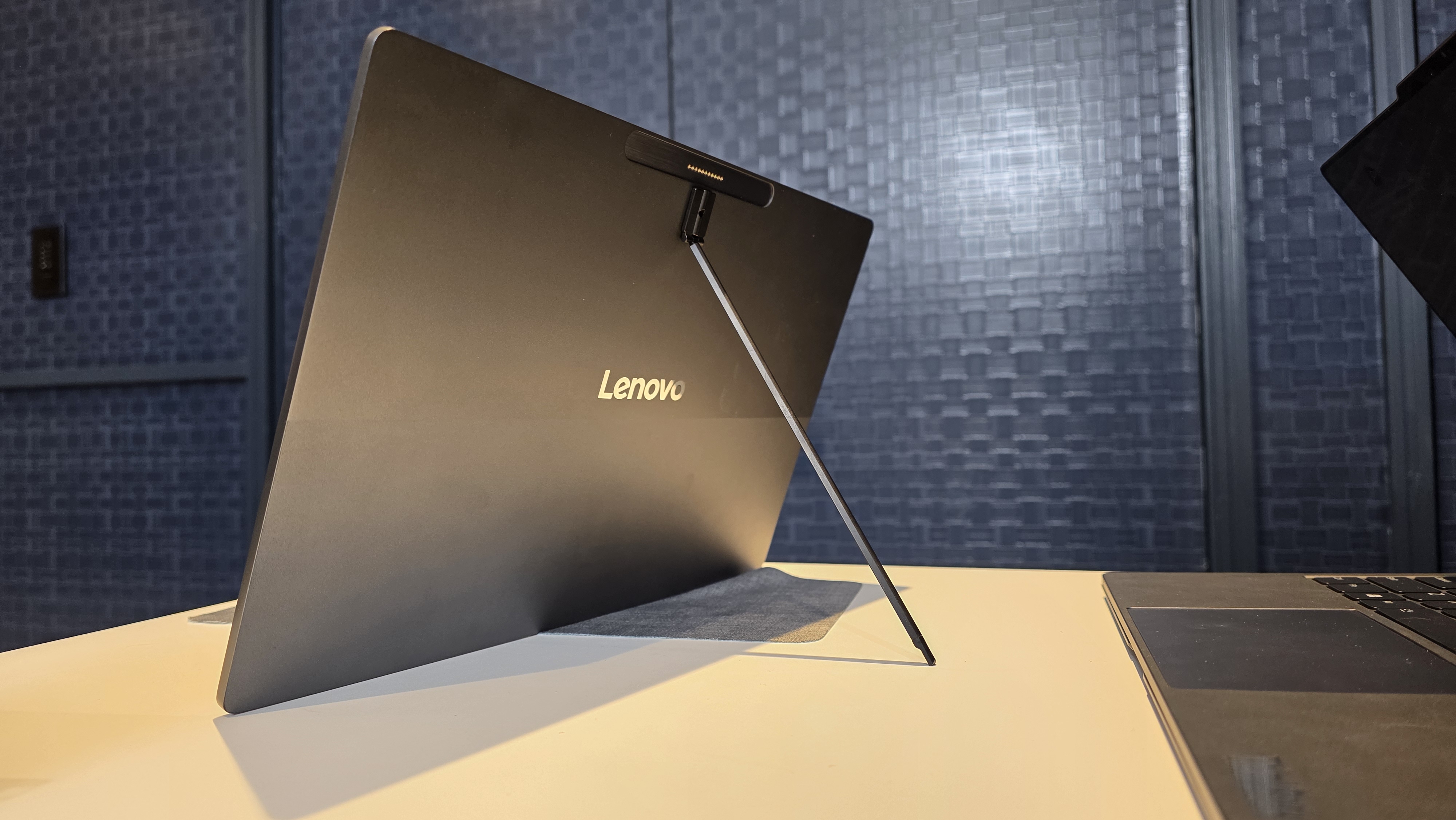
The PC is built around a metal base with a single built-in top display. On both the deck (where the keyboard would normally attach) and the back of the display, Lenovo has added its Magic Bay to connect accessories with pogo pins. This gives you a lot of flexibility, allowing you to put the second screen on the keyboard deck, similar to a Yoga Book 9i or an Asus ZenBook Duo. When you don't need a dual-screen experience, you can swap it for a keyboard.
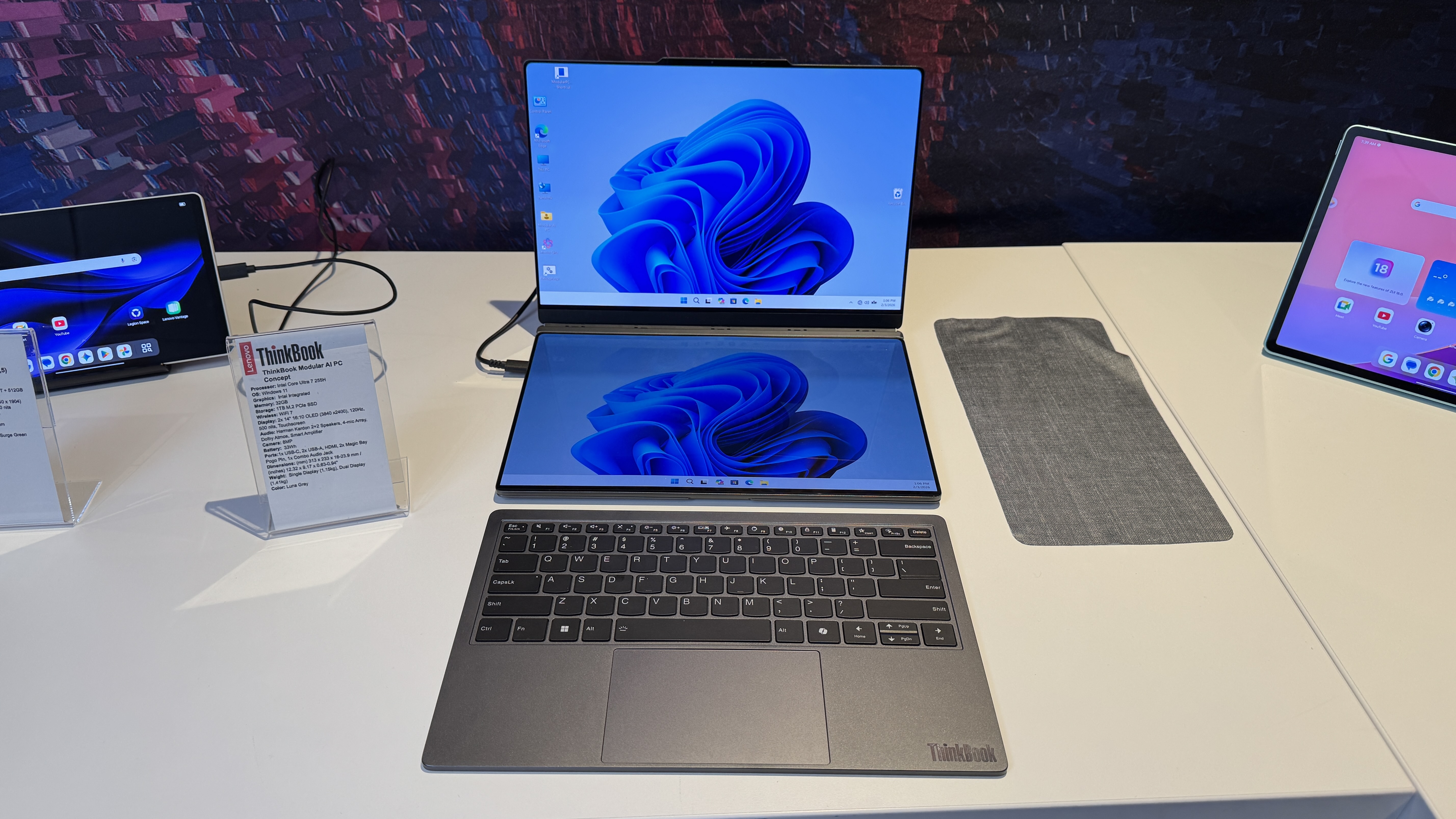
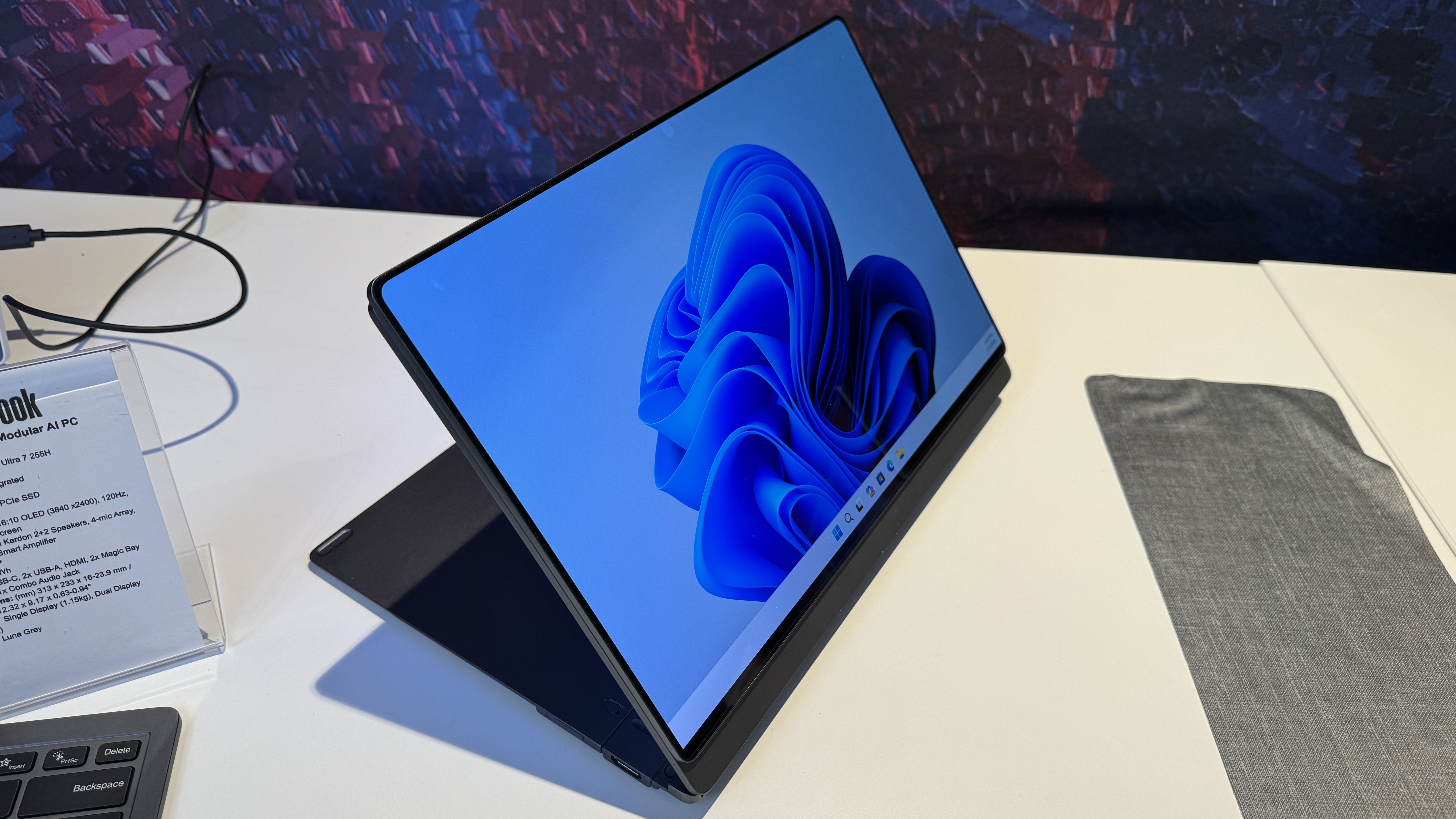
You can also place the second screen on the lid of the laptop, which Lenovo suggests is good for presentations or even using the system with the lid closed. I found this made the prototype way too top-heavy, and I feel like you could accomplish the same thing with an external display.
Clearly, Lenovo saw some of that, because the second display can be used with a kickstand and a USB-C cable to use it like the best portable monitors. The magnetic stand they had on hand was pretty flimsy and finicky, so if this makes it to release, I'd like to see something sturdier.
Swipe to scroll horizontally
CPU | Intel Core Ultra 7 255H |
Memory | 32GB |
Storage | 1TB M.2 PCIe SSD |
Display | 2x 14-inch, 3840 x 2400, 120 Hz, OLED touchscreens |
Battery | 33 WHr |
Ports | 2x Magic Bay, Choose between USB-C, USB-A, HDMI, 3.5 mm headphone jack |
Camera | 8MP |
Weight | 2.54 pounds (1.15 kg) with single display / 3.11 pounds (1.41 kg) with two displays |
But you can't do anything you want. I tried putting the keyboard on the lid of the system, and while it fit, I couldn't actually type. (Honestly, fair.)
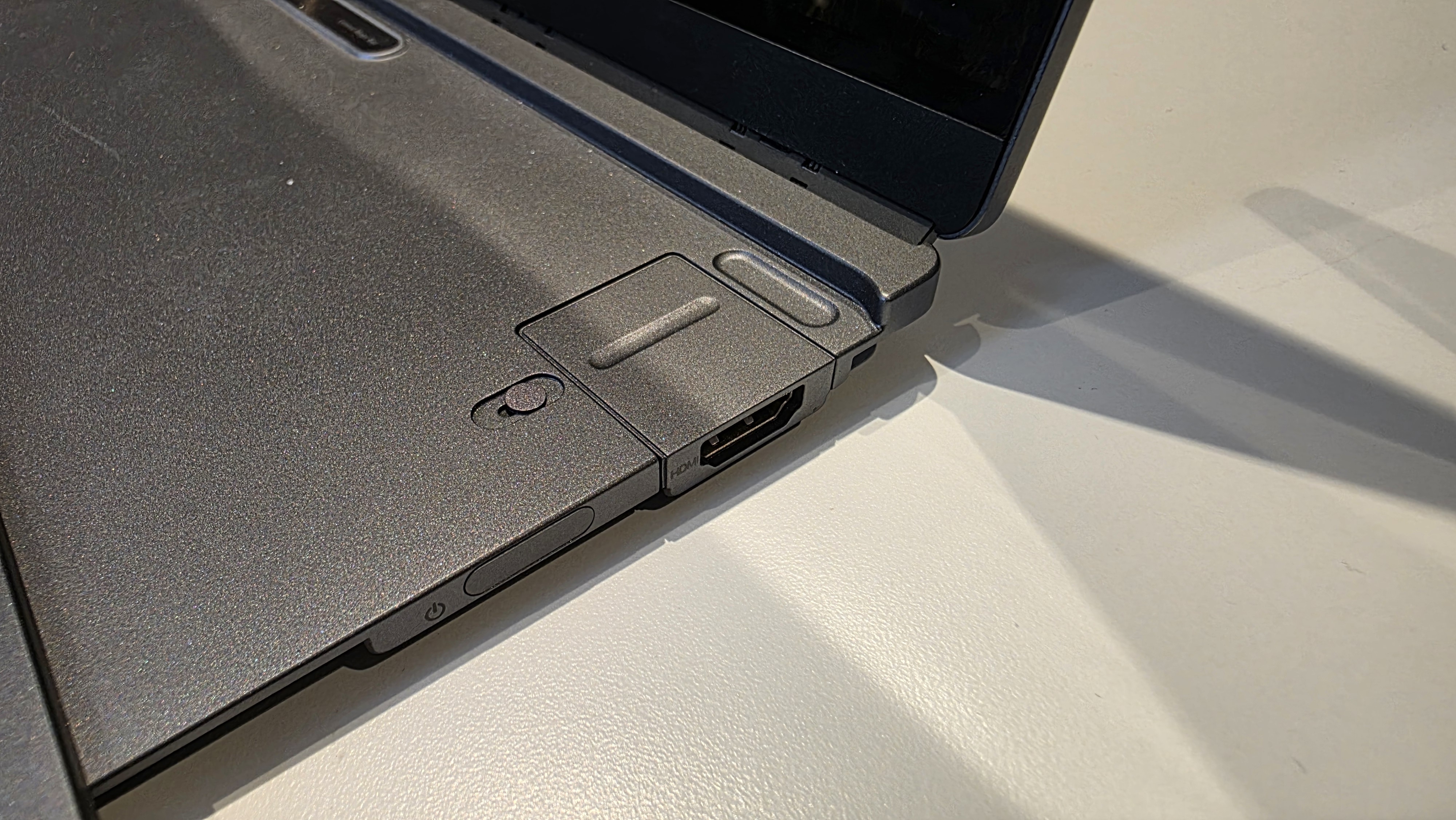
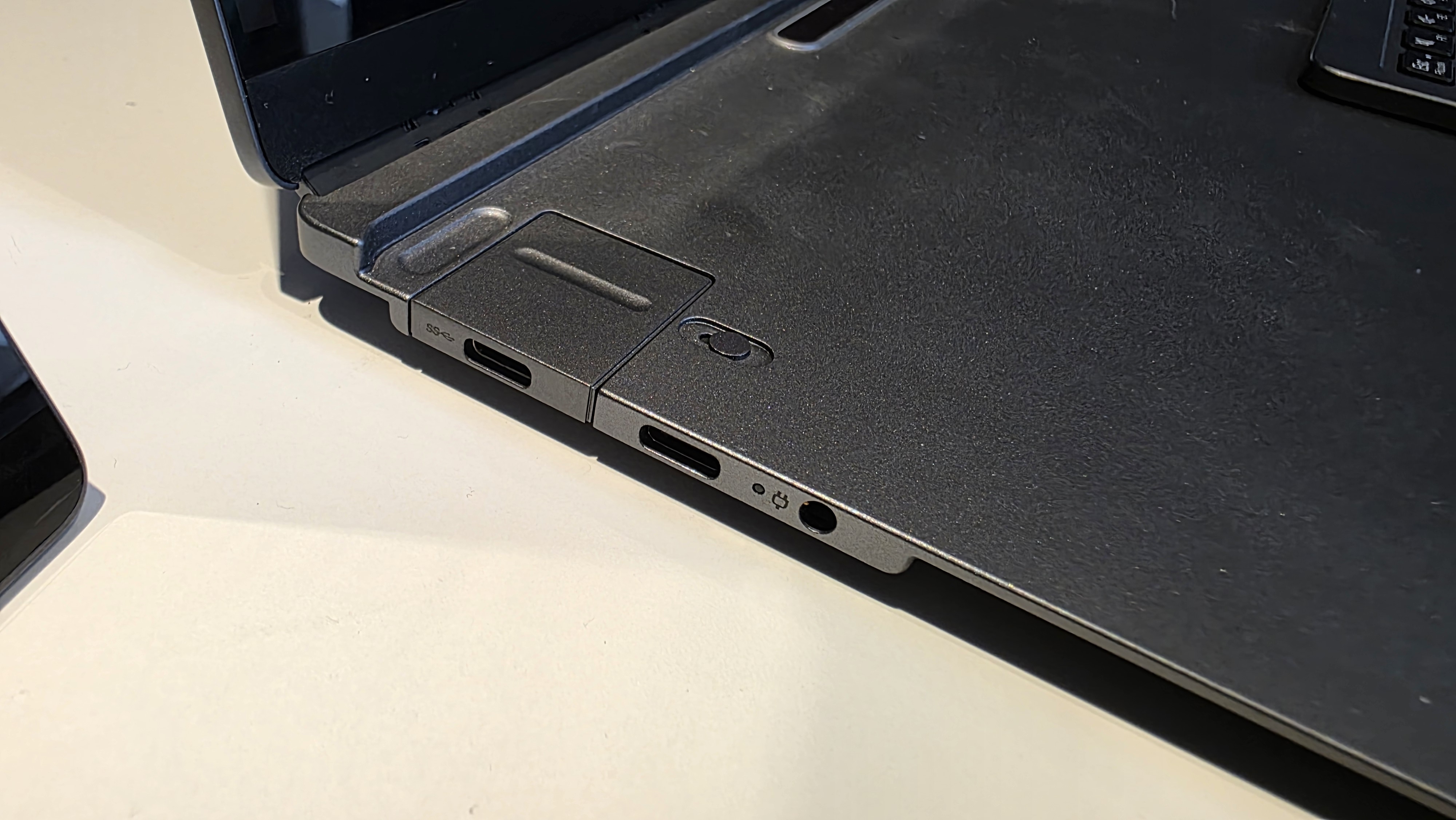
The other modular parts are the ports. There's room for two, with one on either side of the notebook. There are small divots in the modules that let you pull them out and insert new ones. Your options are USB-C, USB-A, and HDMI. Unlike Framework's laptops, which use USB-C adapters, these attach directly to the motherboard. Lenovo also has a fixed USB-C port and 3.5 mm headphone jack in the concept unit.
In some ways, the idea of the Modular AI PC is enticing. I don't always need or want two screens, so the ability to have it and then switch to a lightweight laptop on the go feels like a good idea. But I was also slightly overwhelmed with all of the parts in front of me. With Framework, you pick your internals and change those at most once a year or so. With this, you change your externals to suit your needs, which could be once a day, but also possibly even more often. It definitely seemed like a neat way to pack all your gear up in one place.
Lenovo was powering the concept unit with a Core Ultra 7 255H, 32GB of RAM, a 1TB SSD, and a 33 WHr battery. That last one is a bit concerning, as it's far smaller than what you typically see in the best ultrabooks, and I'm worried about how long that battery could power a pair of OLED touch displays.
That being said, the battery is only really theoretical right now. Lenovo hasn't suggested any price or release date for a project based on the concept, so it has plenty of time to make changes — and make the keyboard work on the back of the display if they want to give me a laugh.




 English (US) ·