
 3 hours ago
3
3 hours ago
3
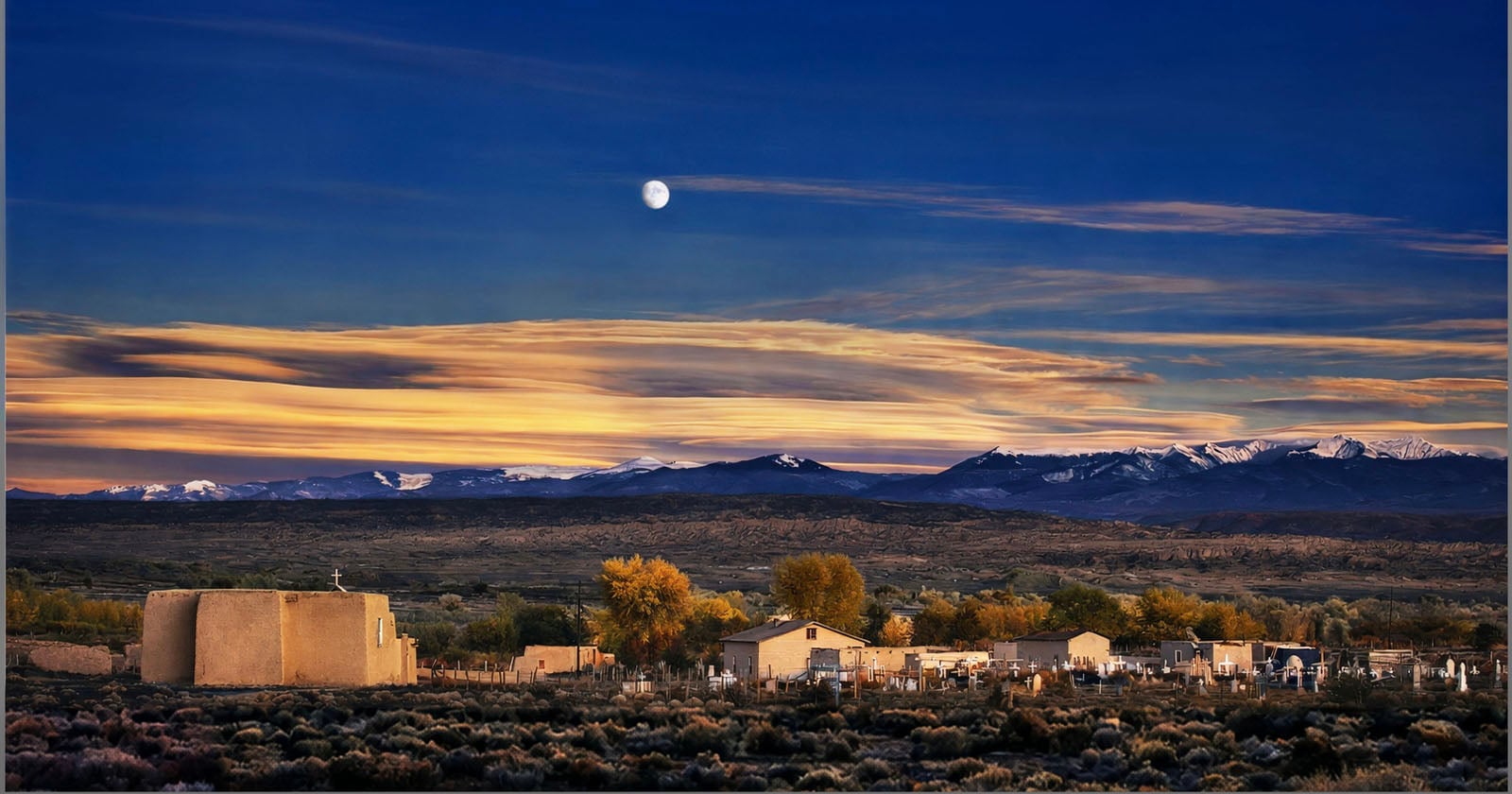
Flat-looking landscape edits are one of the most common complaints, and the fix is simpler than most tutorials make it out to be. The problem usually isn't exposure or color: it's tonal range, and specifically how it's distributed across the frame.
Coming to you from William Patino, this practical video walks through a concept called atmospheric perspective and how to apply it in post-processing to make landscape images feel more three-dimensional. The core idea: things closer to the camera should carry the darkest tones, and as the eye moves toward the background, those tones should gradually lift. When everything in a frame sits in the same mid-tonal range, the image looks flat because the eye has no tonal gradient to follow. Patino demonstrates this using real images submitted by viewers, working through adjustments in Camera Raw with local brushes rather than global sliders, which is an important distinction. A global contrast boost affects the whole image equally, while local adjustments let you darken the foreground and gradually brighten the mid-ground and background independently.
In the first example, Patino works on a waterfall scene and applies a contrast increase to the foreground rocks and log using an adjustment brush, which pulls the dark tones down without blowing out the highlights on the lit surfaces. He then lifts the shadows and blacks in the middle of the frame, and raises exposure in the background. It's essentially digital dodging and burning, the same principle painters have used for centuries to create the illusion of depth. What's notable is how subtle the changes are individually: it's only when you see the before and after that the difference in depth and visual flow becomes obvious. Patino also emphasizes building adjustments in small increments, saving progress, and coming back with fresh eyes rather than pushing everything in one session.
The second example is a JPEG file, which limits how far the adjustments can go without degrading the image. Despite that constraint, the process is the same: bring the overall exposure down to establish darkness as the foundation, apply local contrast and dehaze to the foreground, and then carefully restore light in the areas where it actually existed in the scene. One technique Patino adds here that doesn't come up in the first example involves color temperature. Cooling the shadows slightly while keeping the highlights warm creates an additional layer of perceived depth through color contrast alone, separate from any luminosity adjustment. It's a small move, but it reinforces the same principle from a different angle.
Understanding why an image feels flat, and having a repeatable process to fix it, is the kind of practical editing knowledge that transfers to every landscape scene you shoot. Check out the video above for the full rundown from Patino.




 English (US) ·