
 2 hours ago
8
2 hours ago
8
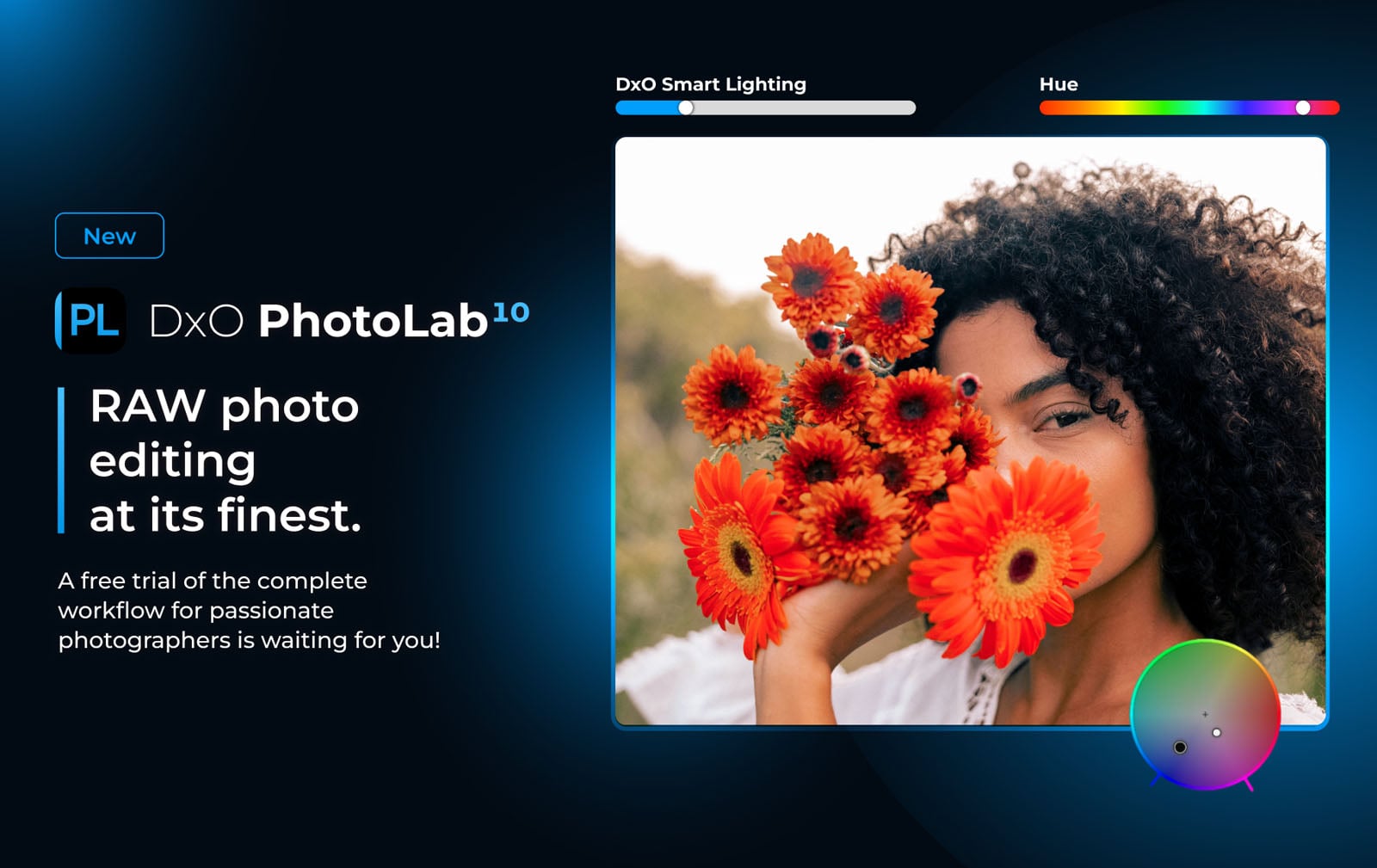
DxO has announced PhotoLab 10, the latest version of its subscription-free Raw editor. The new iteration of the app offers more advanced masking tools, a new color grading wheel, automatic sensor dust removal and direct connectivity to Affinity, all under the company’s perpetual license.
DxO is bringing its AI-powered Depth Masks to PhotoLab10, along with plenty of other masking updates, automatic sensor spot removal and a new color grading wheel.
 DxO
DxOMost of the updates revolve around masking changes. That includes the addition of Depth Masks, which it previously released as part of Nik Collection 9 earlier this year. DxO says the feature uses AI to build a detailed depth map from any Raw file, based on distance from the camera, even without embedded depth data. It allows photographers to independently target the foreground, midground or background for more precise editing.
 The updated AI Masks feature lets photographers mask all people at once, combine only chosen individuals or isolate each person separately.DxO
DxO is also expanding some of PhotoLab’s existing AI-based masking tools. The company says that the AI Masks tool can now identify every person in a scene and allows photographers to create a single mask for all people, combine only selected people into one mask or create individual masks for every person. For even more control, the tool even allows photographers to select individual features of people, such as eyes, hair and lips.
Users can now also select individual features such as eyebrows, eyes (as a whole or breaking out the iris, pupil and whites), teeth, facial hair, face skin and lips from the list of selectable AI Mask categories. It should offer even more fine-tuned control while retouching portraits. The masking updates also include an expanded U Point toolkit, DxO’s approach to creating local adjustments based on the color and luminosity of a sampled point. Users now have access to a brush-based Control Brush and elliptical Control Points alongside the existing circular ones.
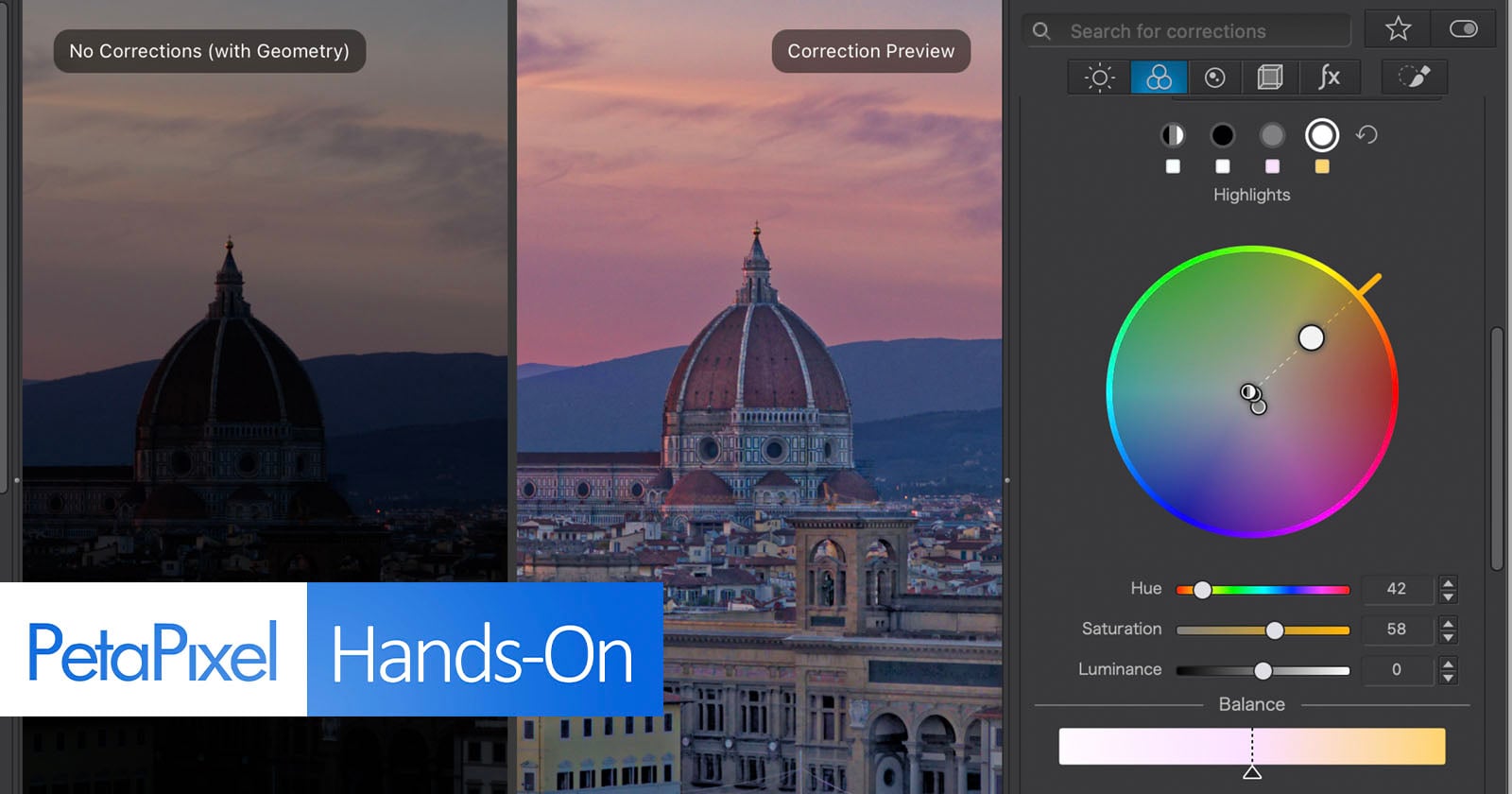
 DxO brought its color grading wheel from Nik Collection 9 into PhotoLab 10, offering tone-zone color control separate from the existing hue-based wheel.DxO
PhotoLab 10 adds more than masking changes. DxO has brought over the color grading wheel introduced with Nik Collection 9, which puts shadows, midtones, highlights and global color on a single wheel. It’s tone-based grading, distinct from the hue-targeted color wheel that remains in the app. It also added an AI-powered sensor dust removal tool that automatically removes sensor spots on Raw files. Lastly, there is now a new export option for Affinity, Canva’s now-free professional image editing software, so photographers can send images directly to that platform for additional editing.
PhotoLab 10 is available starting today for macOS and Windows. A new license costs $250, while upgrades from PhotoLab 8 or 9 are $130. A 30-day free trial is available on DxO’s site.
Want to stay up to date on the latest product news and releases? Add DPReview as a preferred source to ensure our independent journalism makes it to the top of your Google search results.





 English (US) ·