
 3 hours ago
2
3 hours ago
2
Ever fired up a high-end build only to hear loud fan noise ruining the experience? Would you like a cooler that looks as good as it performs, complete with a built-in screen showing performance metrics at a glance?
Well you’re in the right place, because we’re looking at two air coolers from manufacturer Sudokoo – a relatively new cooling brand that we first encountered at CES 2025. The SK620V and SK700V combine striking checkerboard aesthetics, rail-based fan installation, impressively low noise levels, and a unique digital display that actually shows useful information like CPU frequency, power draw, temperatures, and load.
Cooler specifications
Swipe to scroll horizontally
Cooler | Sudokoo SK620V/SK700V |
Colors | Both coolers are available in black or white, with or without the digital display |
MSRP | $89.99 for SK700V |
Lighting | None |
Warranty | 5 years |
Socket Compatibility | AMD AM5 |
Heatsink dimensions | 396 (L) x 120 (W) x 28mm (H) |
Maximum TDP (Our Testing) | >242W with AMD’s Ryzen 9 9950X3D for SK620V >250W for SK700V |
Features of Sudokoo’s SK series air coolers
▶️ Supports AMD AM5 only, comes with a high-strength metal contact frame
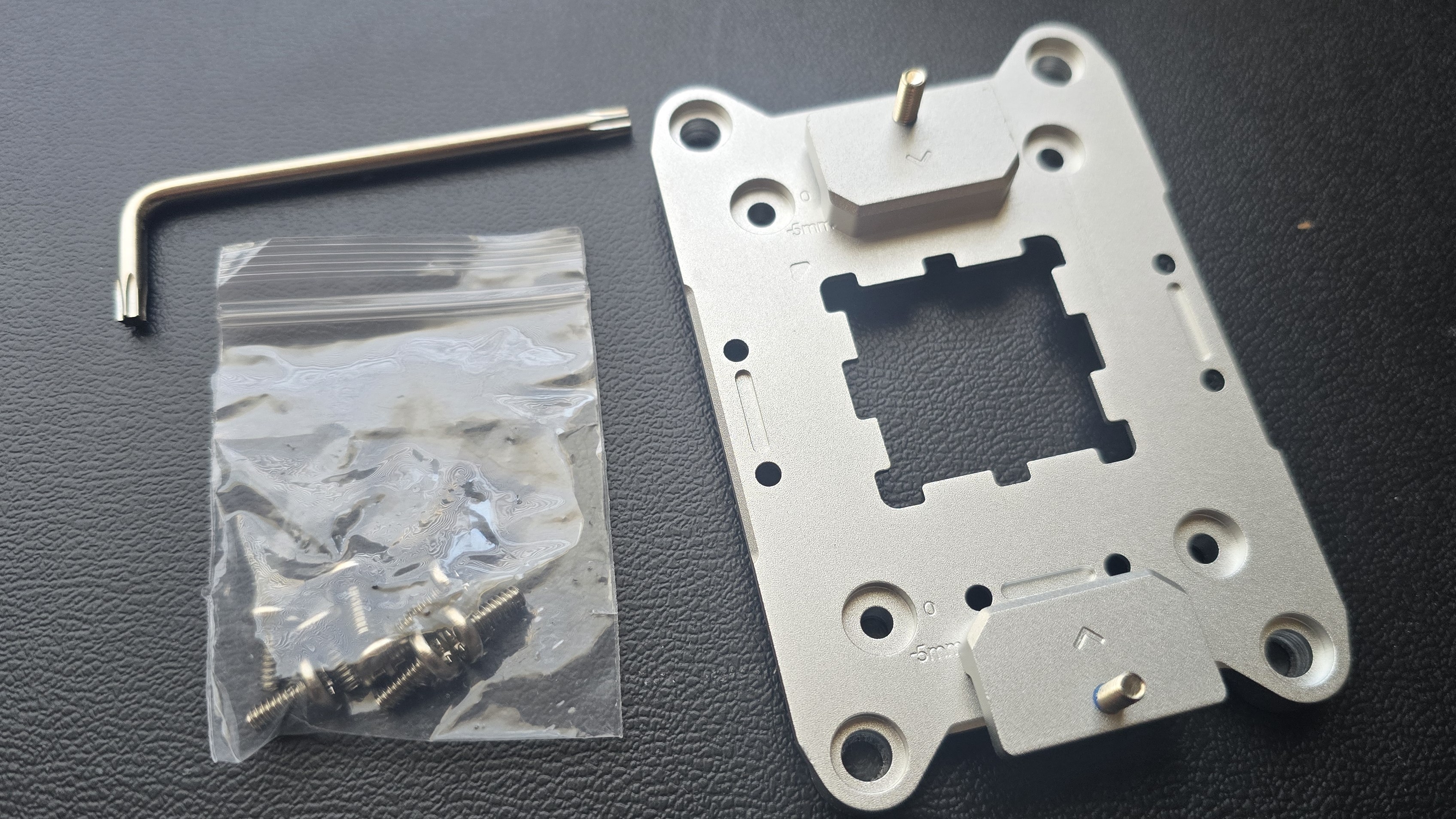
The SK620V and SK700V we’re looking at today oddly only support AMD AM5 systems, and incorporate something you don’t see very often on Ryzen PCs: a solid metal anti-bending frame.
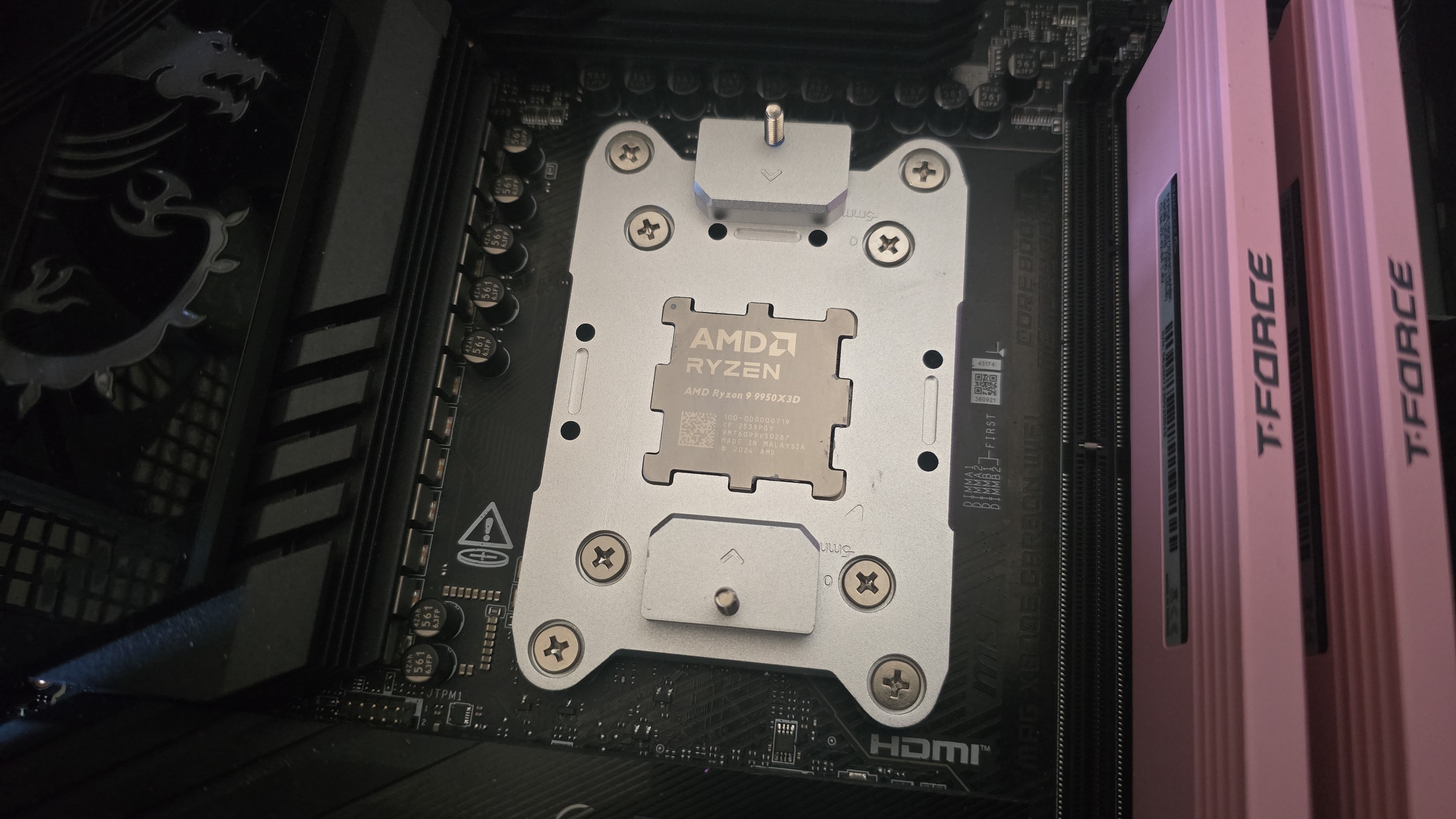
While a design like this has potential advantages, installation is more difficult (and riskier) because it requires complete removal of the default CPU retention mechanism.
▶️ Checkerboard Matrix fins and heatsink design
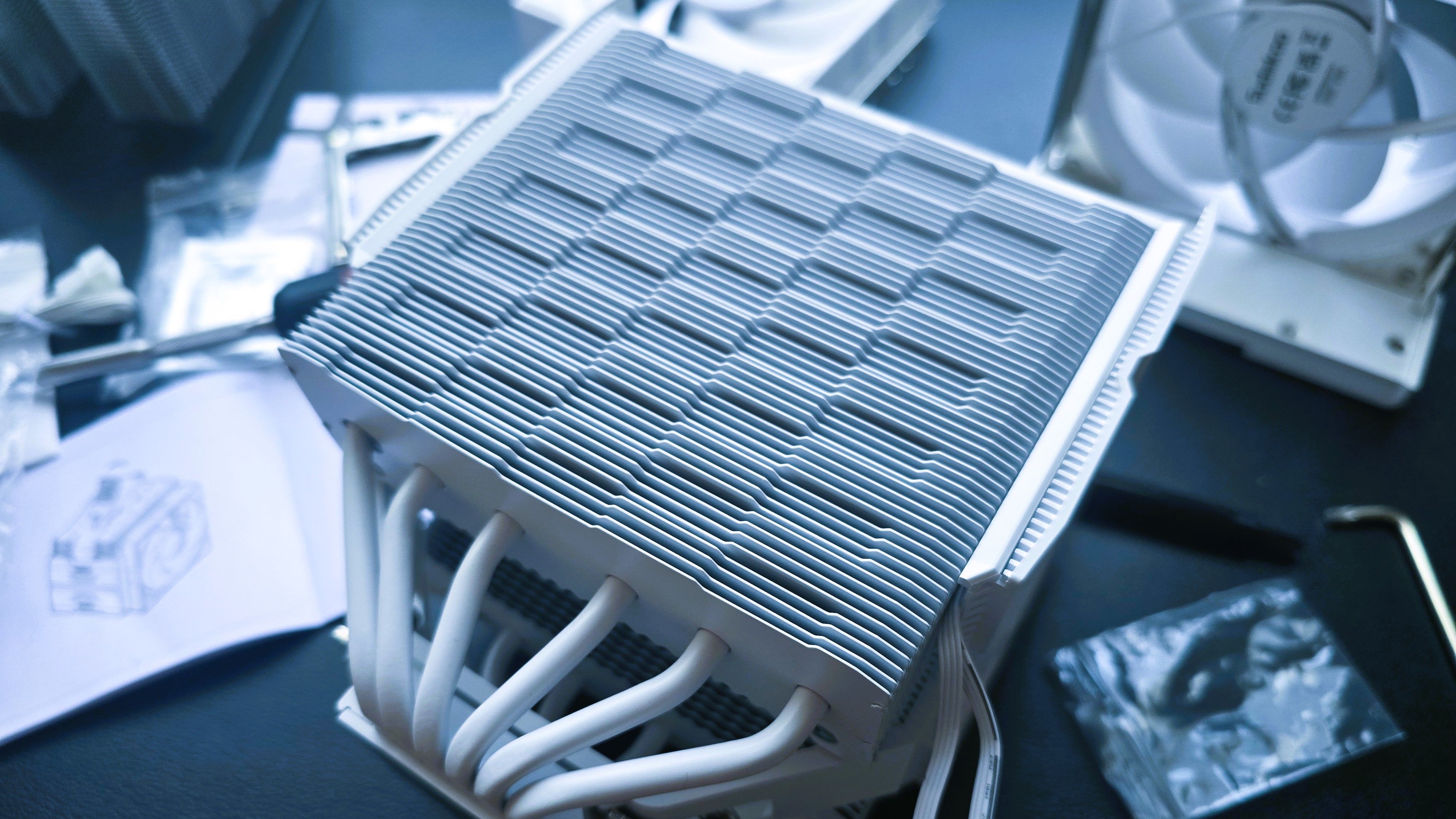
The engineering team seems to have been inspired by DeepCool, having incorporated a checkerboard matrix design into the heatsink fins, which is said to have an impact on overall static pressure.
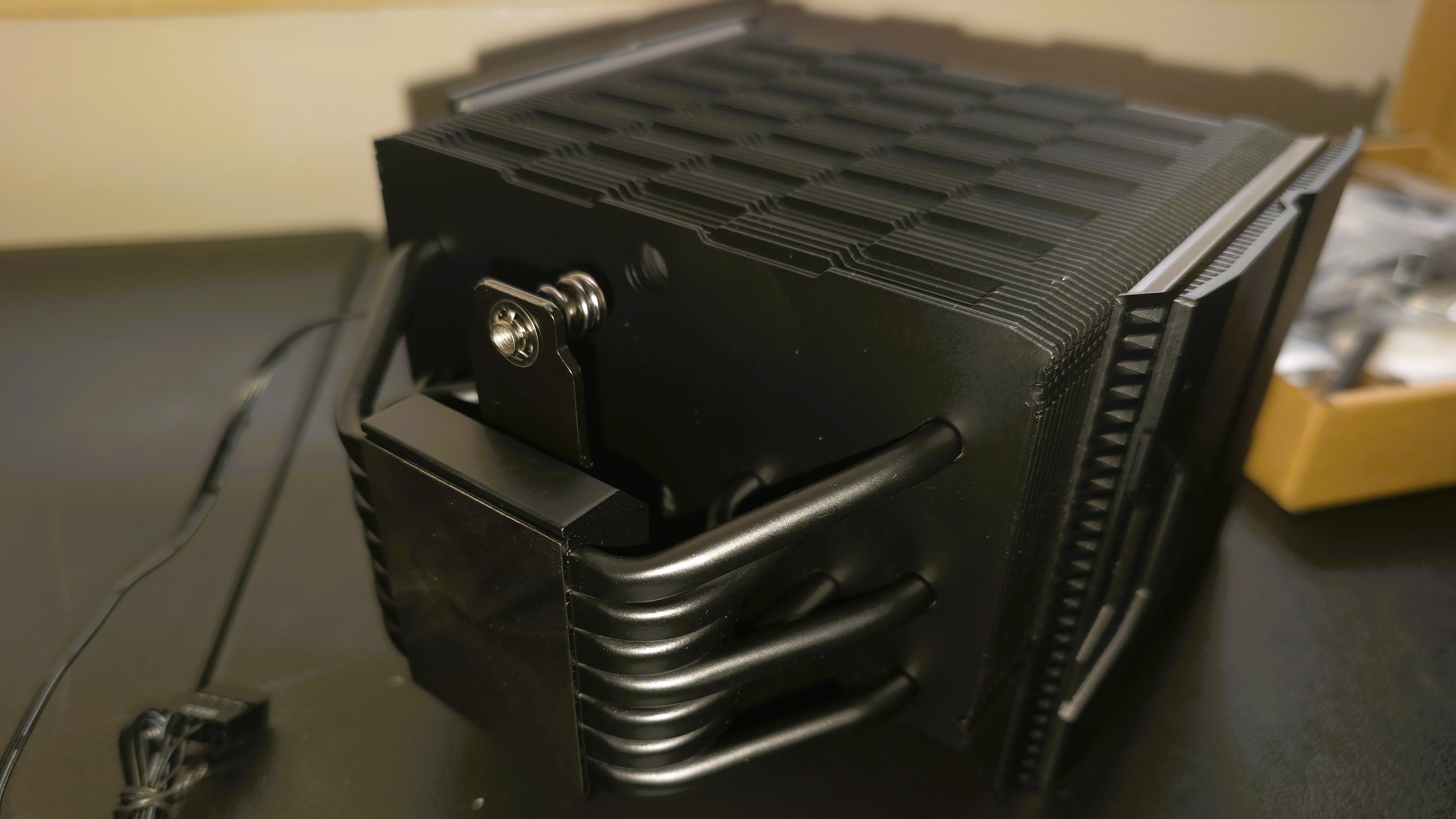
Each heatsink (of course) utilizes copper heatpipes to transfer heat to the fin plates. The SK620V features six heatpipes in a traditional spacing split across two smaller towers, whereas the SK700V has seven staggered copper heatpipes feeding one wider tower.
▶️ Packaging
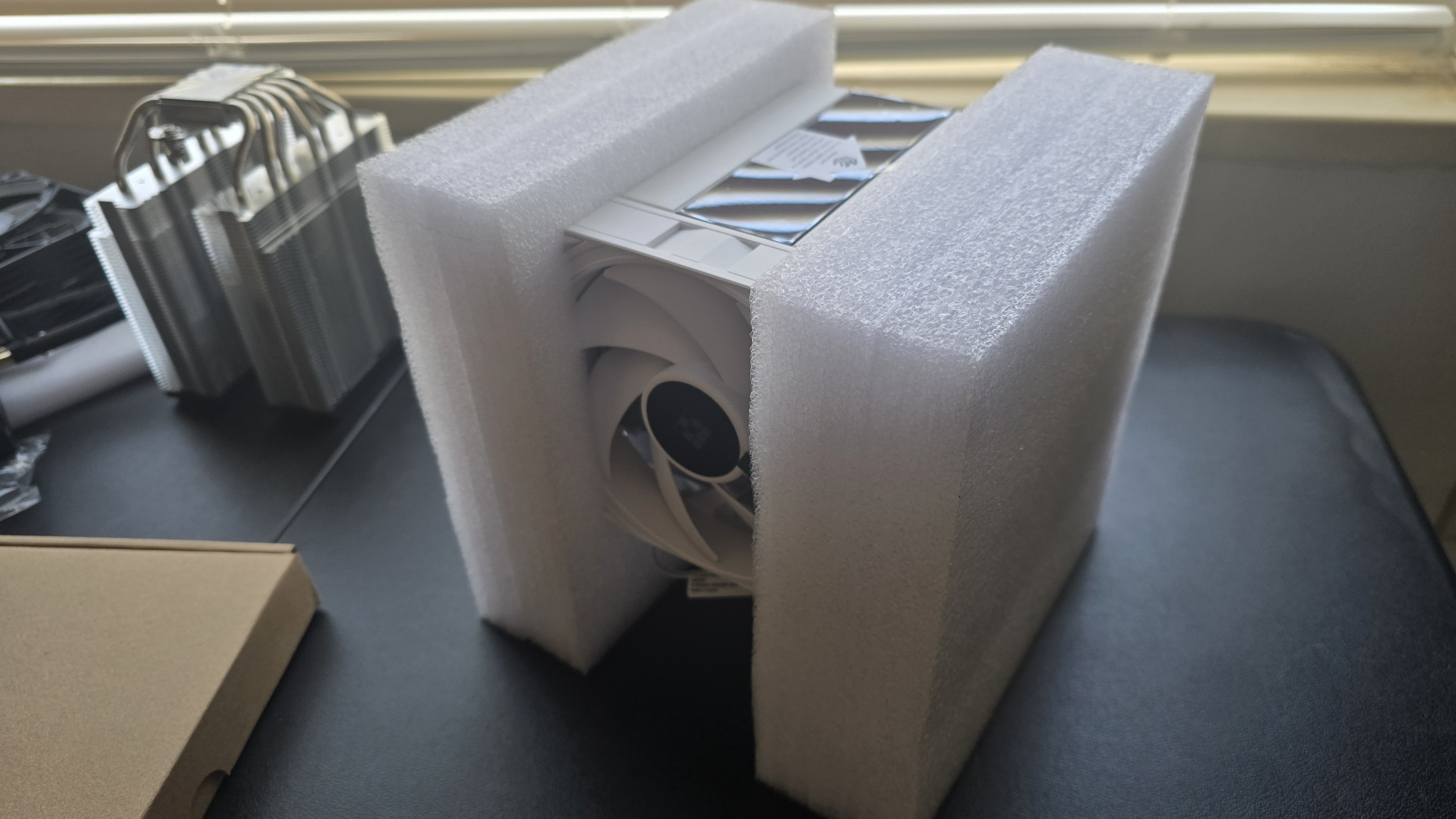
The heatsink and fan are protected by molded foam, with the remaining parts in a smaller brown box.
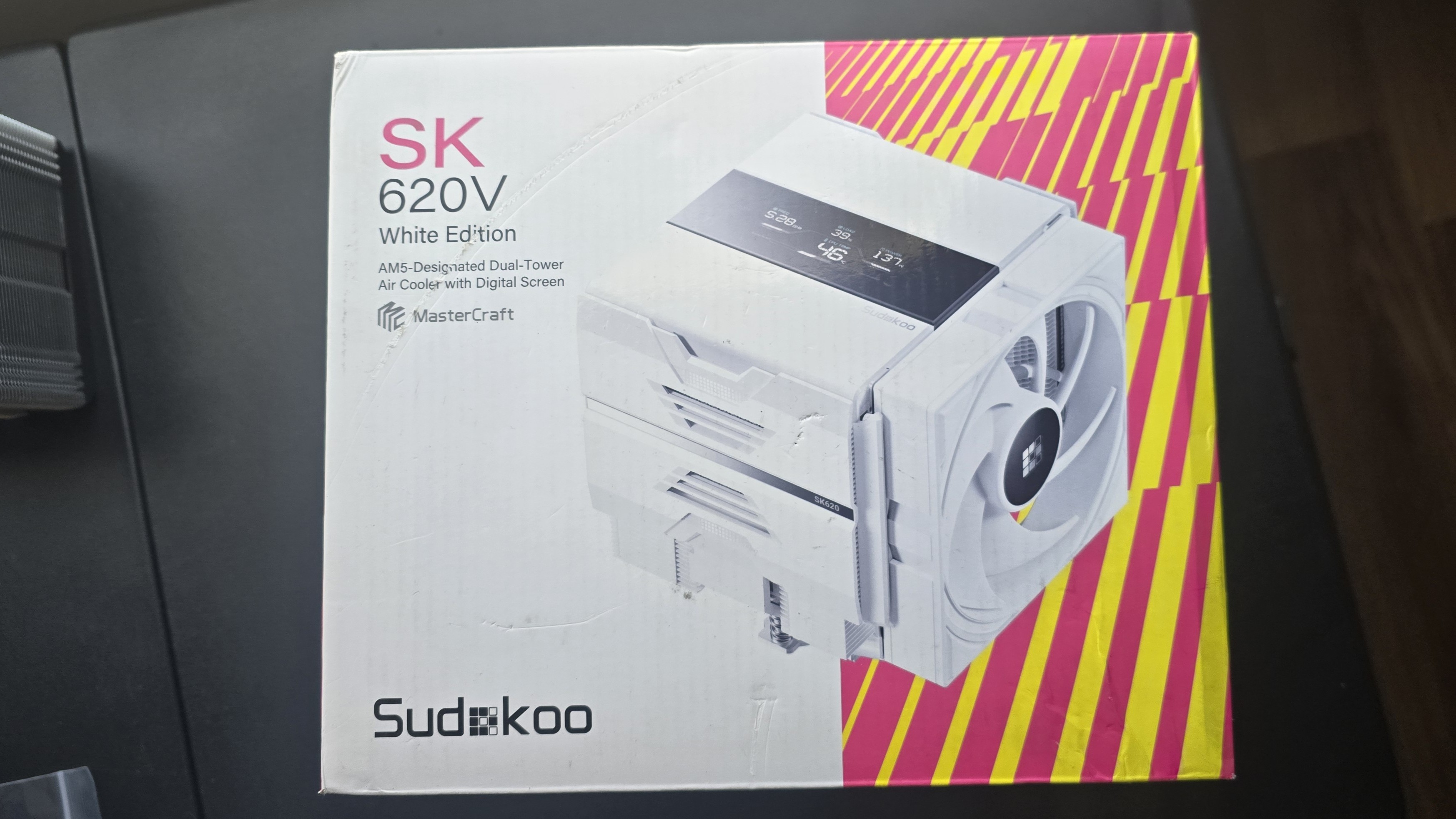
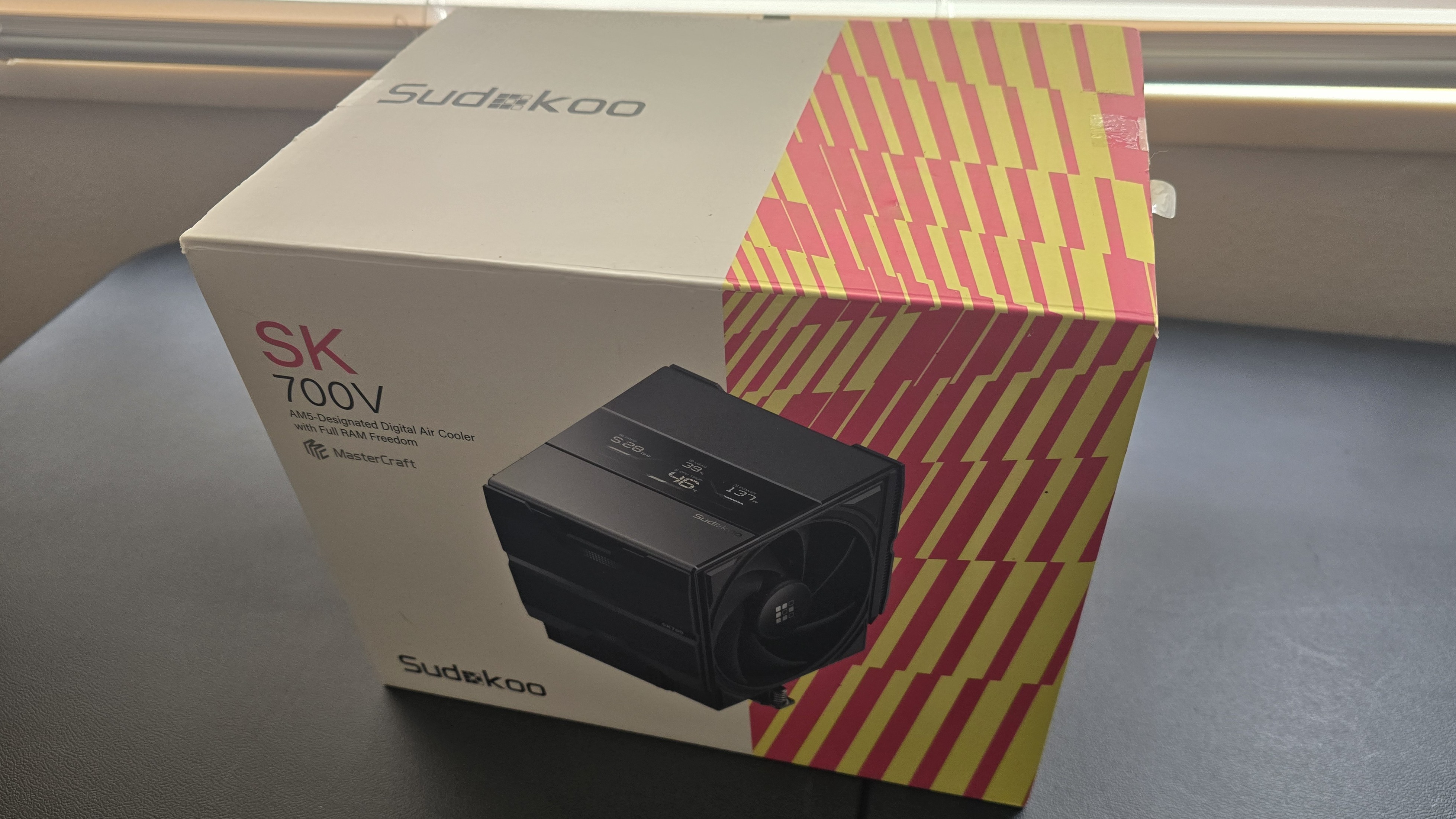
The box these coolers come in is designed to get your attention, with a photograph of the cooler in the middle and contrasting backgrounds on each side: white on the left, orange and dark pink stripes on the right.
▶️ Fans install via sliding rails
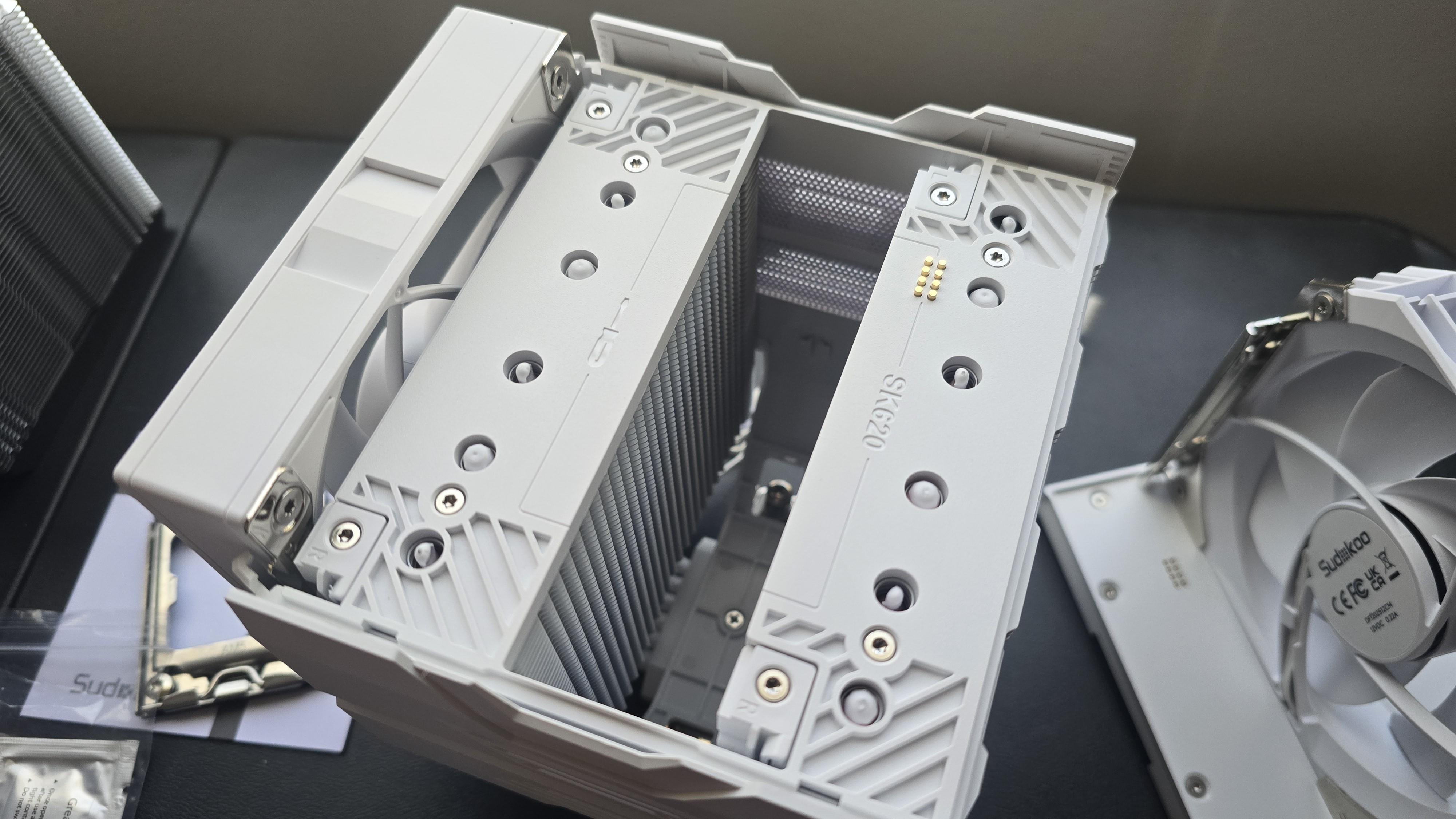
There’s more to a cooler than just the heatsink; the included fans have a direct impact on noise levels and cooling performance. While the fans on both the SK700V and SK620V are similar and installed via sliding rails, there are slight differences.
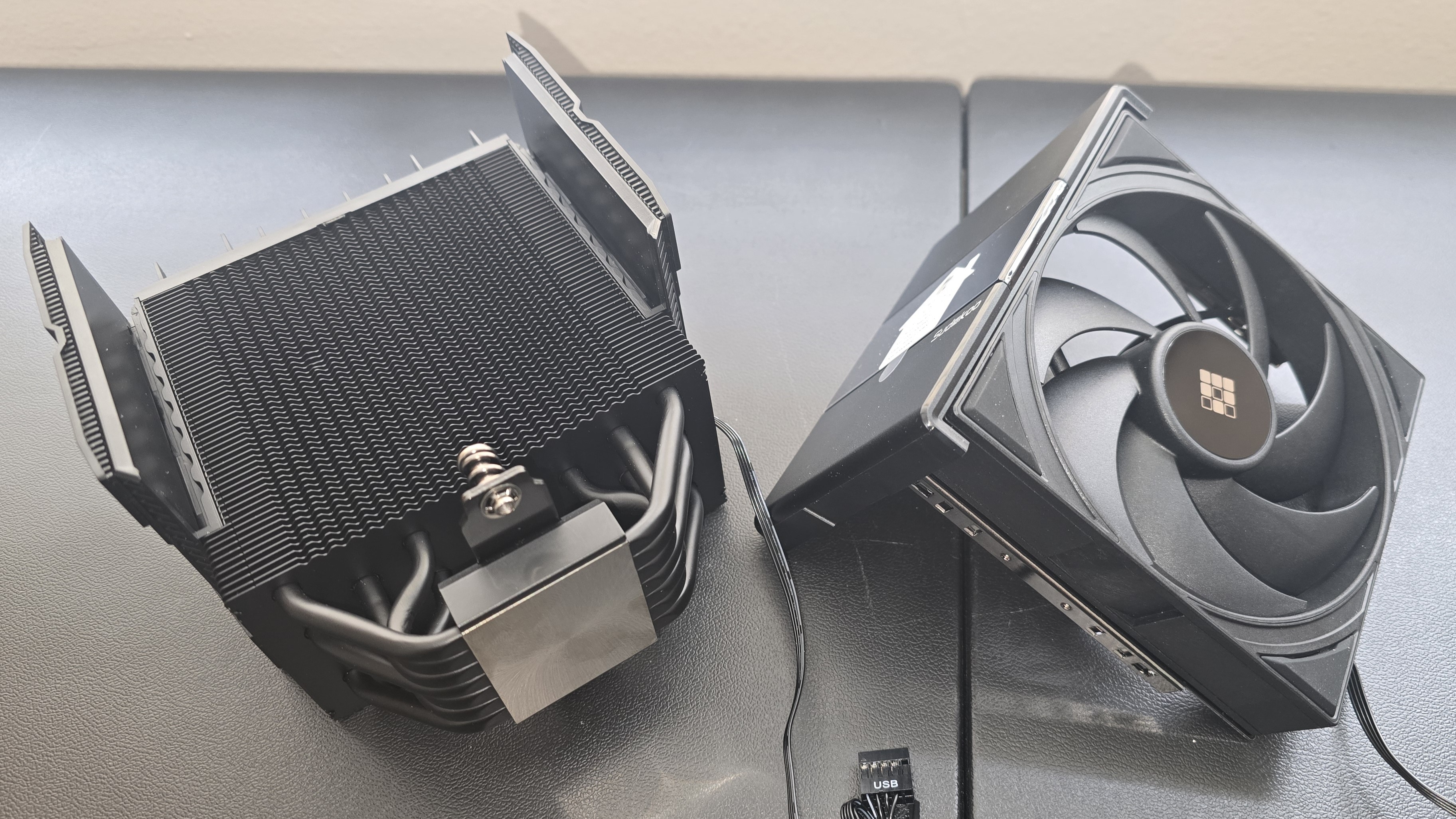
The SK700V includes only one fan, which runs at up to 2200 RPM while supporting a rated 66.29 CFM of airflow, and 3.74 mmAq air pressure levels.
The SK620V instead incorporates two quieter-running fans, with a lower air pressure of 2.93 mmAq, and each having airflow rated at 56.46 CFM. The rear exhaust fan can be lifted up and down as necessary, so it doesn’t interfere with your motherboard’s VRM heatsinks.
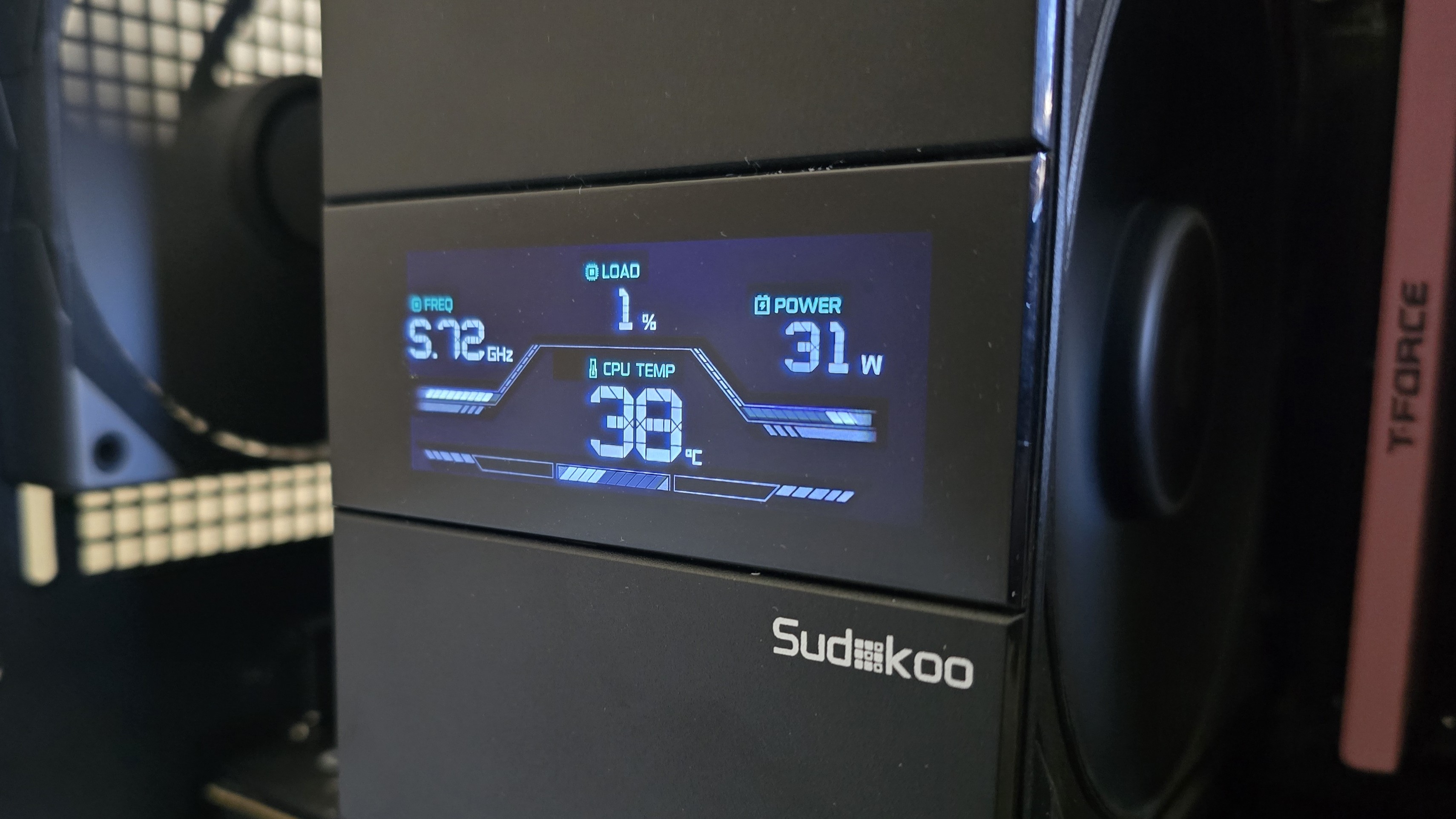
▶️ Digital display with CPU performance metrics
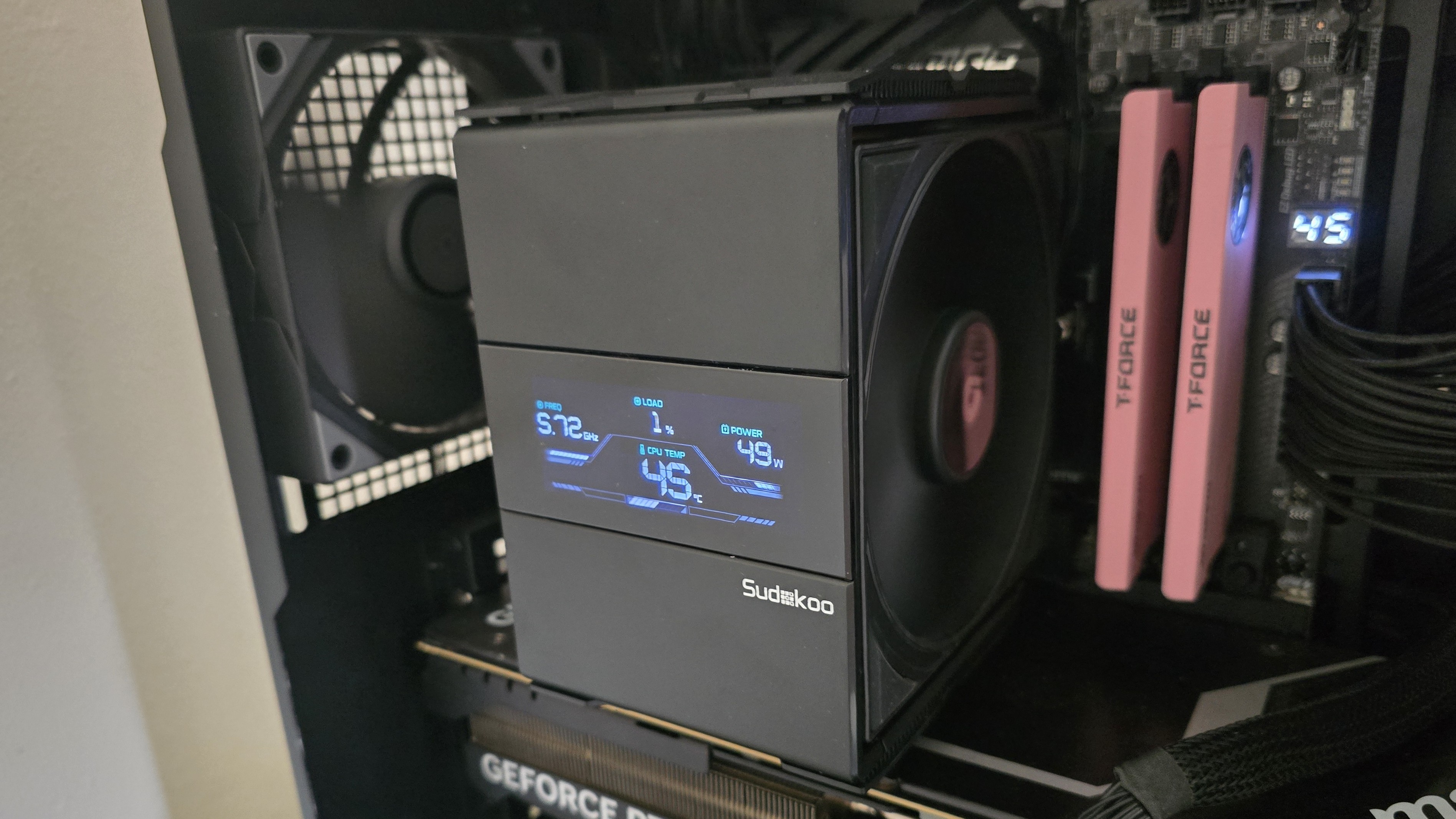
Both SK620V and SK700V air coolers have digital displays that show the frequency, load, power, and temperature levels of your AMD Ryzen CPU.
▶️ AM5 Installation
The installation process is both difficult and simple at the same time. It’s difficult because it utilizes a custom metal frame – which just like on Intel systems, requires removal of the entire default socket. To do this, I placed the motherboard’s backplate against my knee to keep it secure when removing the screws and socket and installing the frame.
After installing the custom metal frame, apply the included thermal paste. If you’re not sure how to do that, we have a handy thermal paste application guide that covers the different methods you can use.
The rest of the process is simple. Place the heatsink against the CPU block, and use the included screwdriver to secure it.
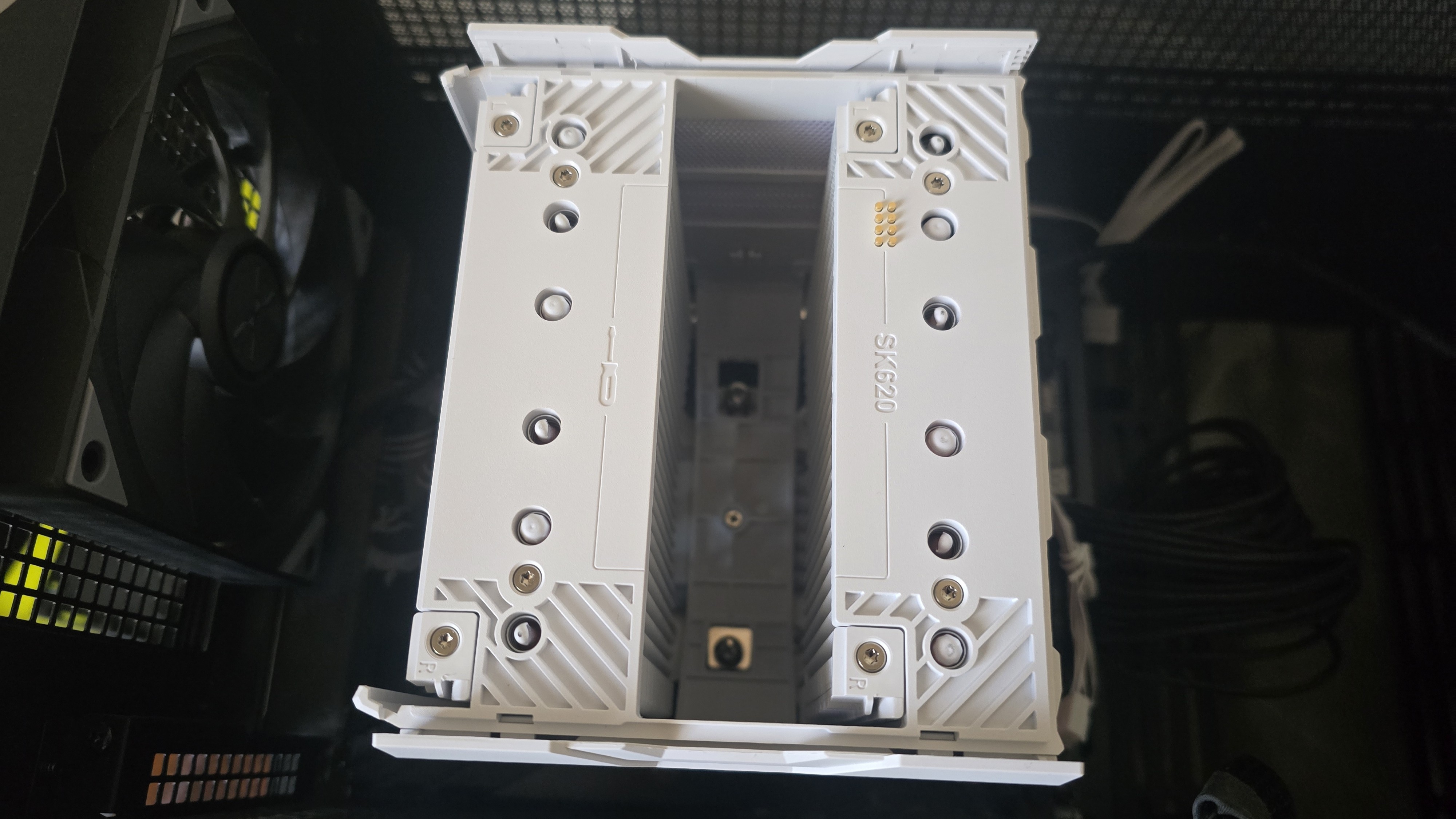
Once the heatsink is secured, all that remains is to slide the fans into place and connect the PWM and USB cables to your motherboard. Well, there is one last step: You’ll need to download and install Sudokoo’s MasterCraft software to configure the built-in display.
Real-world testing configuration – AMD AM5 platform
We’ve tested coolers with both the Ryzen 9950X3D and its non-V-Cache sibling, the 9950X. There are some differences in how the 9950X and 9950X3D CPUs are impacted by thermal events. While the heat output of the CCDs of AMD’s 9950X3D are relatively balanced, the 9950X I’m using has one CCD that runs much hotter than the other, with a difference of over 10 degrees Celsius in some scenarios, shown below.
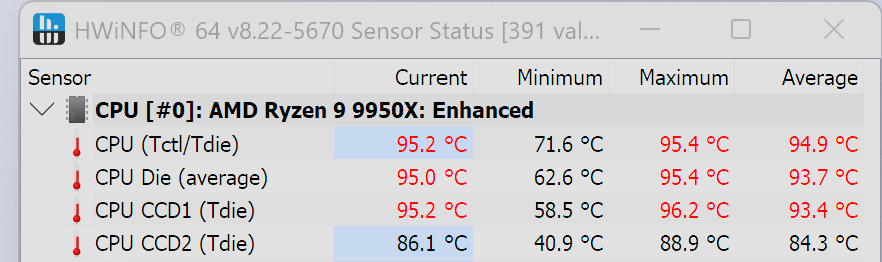
We’ve since returned to using a 9950X3D for cooler testing, as it has a more balanced heat profile, and is almost certainly a more widely adopted CPU.
The benchmark results shared in these reviews may differ from others because I place an emphasis on having results that are comparable to real-world use.
This means that I generally test CPU coolers inside of a closed desktop case, which increases cooling difficulty compared to other testing methods. Many tes coolers on an open test bench, with lowered ambient temperatures. This can make weak coolers appear stronger than they really are. Some publications have also used generic thermal plates to test cooling solutions. I reject both of these methods because they don’t accurately reflect real-world cooler conditions.
Swipe to scroll horizontally
Our latest testing setup uses the FLOVA F50 computer case from Tryx.
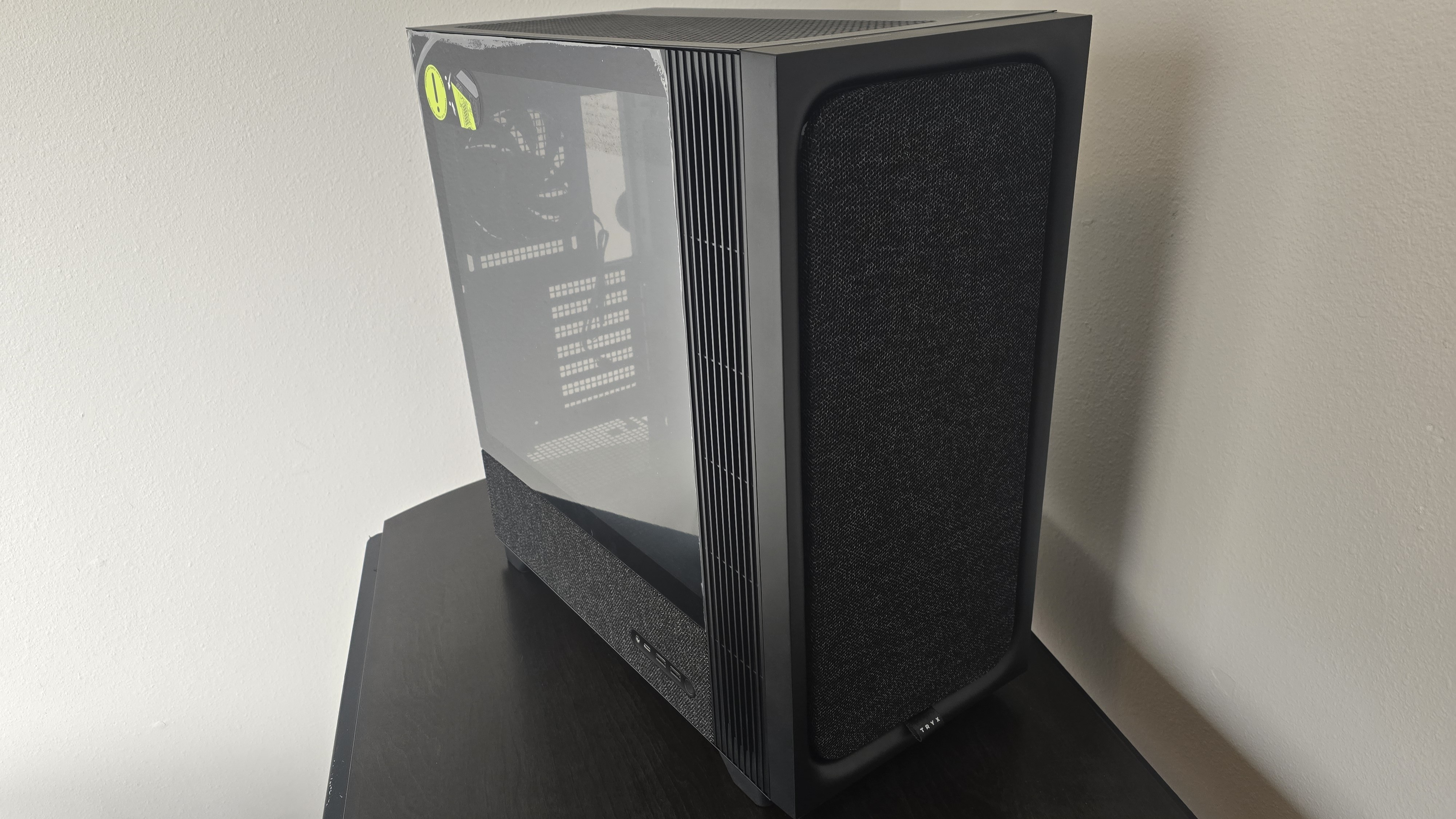
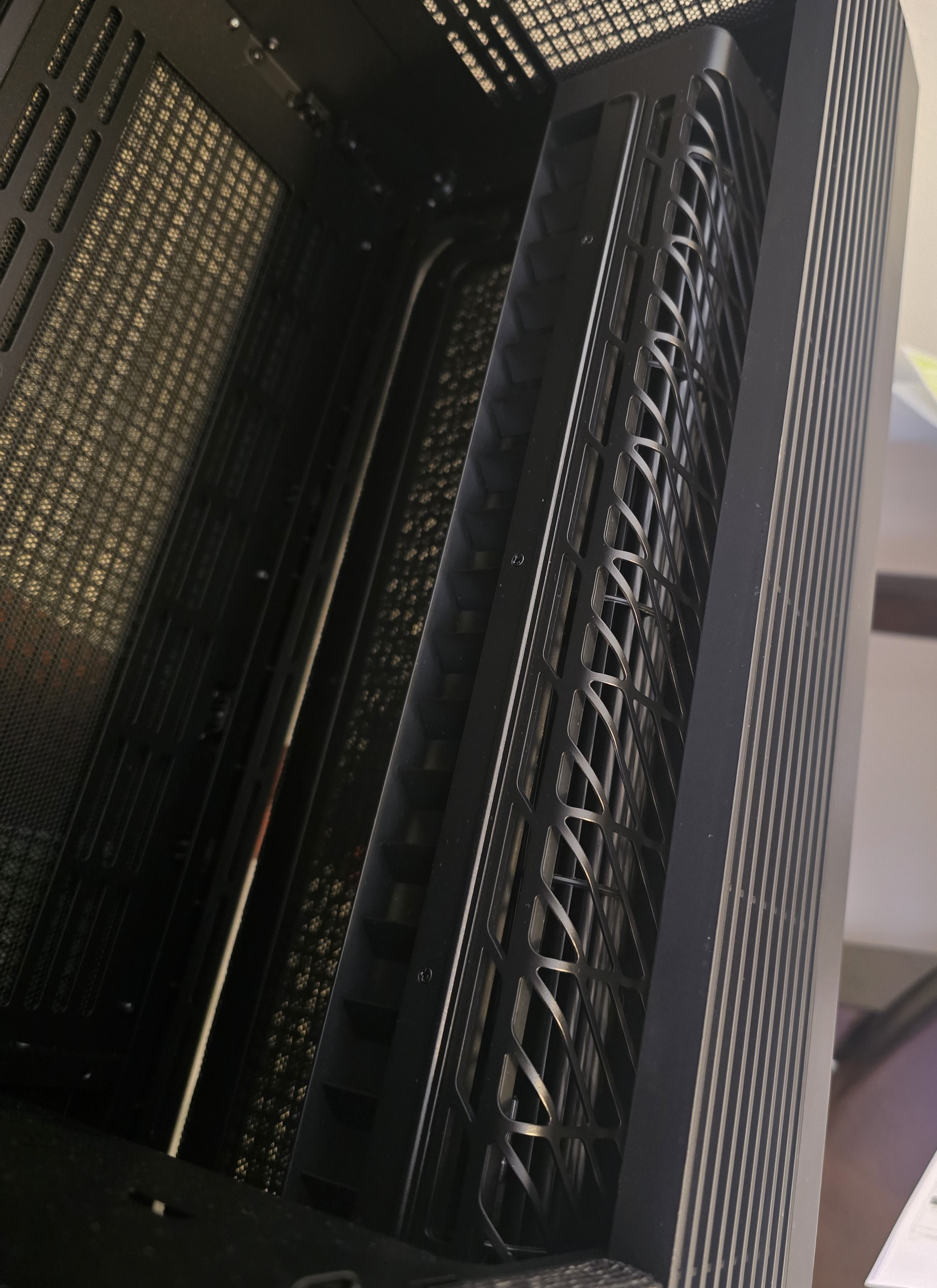
This case features a unique “crossflow” fan that pulls air from the side, which the company claims is more effective than traditional intake fans. For air cooling tests, we’ve added a single Noctua NF-A12 G2 intake fan.



 English (US) ·