
 5 hours ago
4
5 hours ago
4
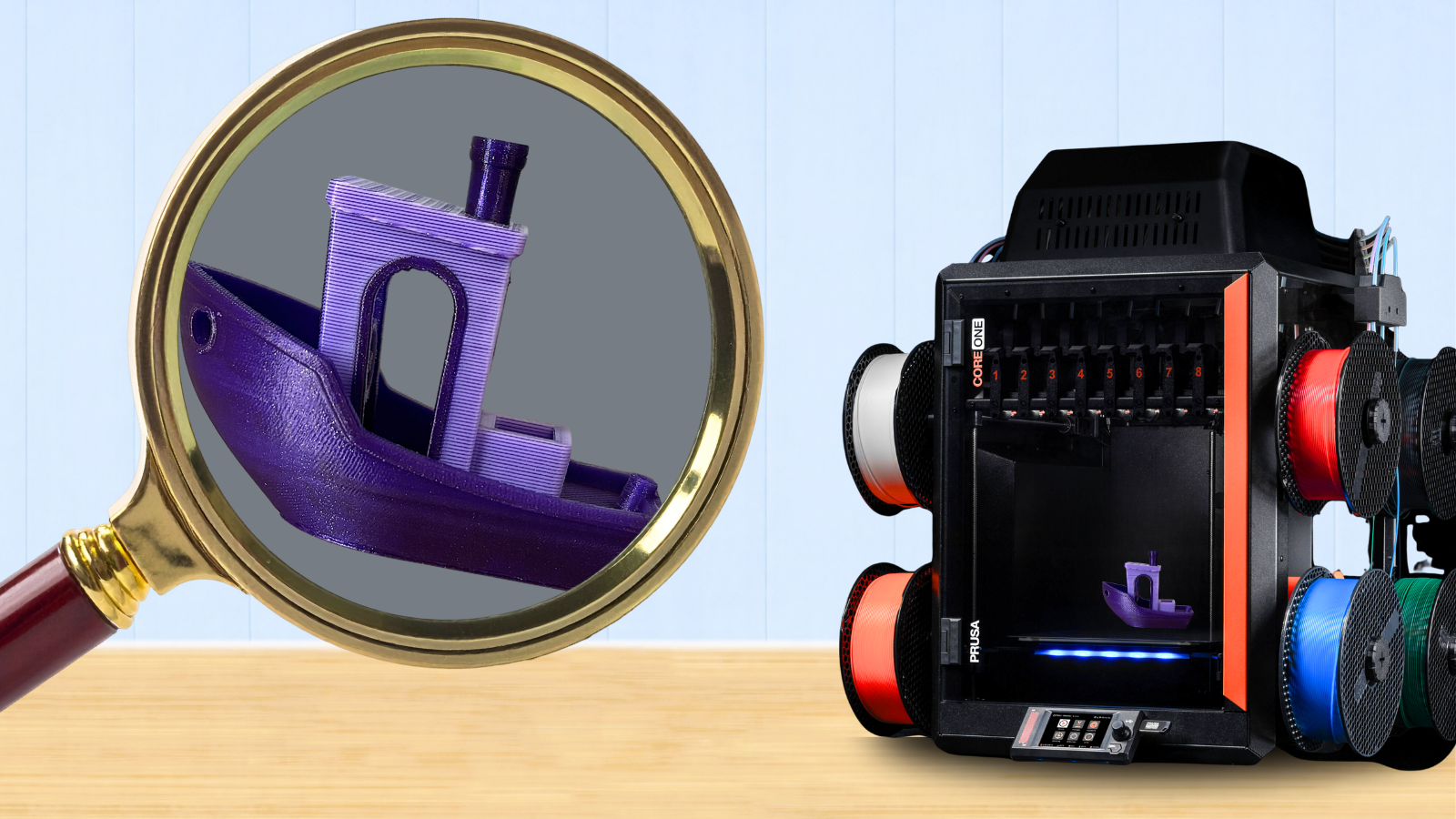
Prusa Research has announced a new open-source ColorMix engine for both PrusaSlicer and its web-based EasyPrint slicer, joining Snapmaker and Bambu Lab in the race to see who can best implement “Full Spectrum” color printing. Prusa Research recently went into detail on its development in a video and blog post.
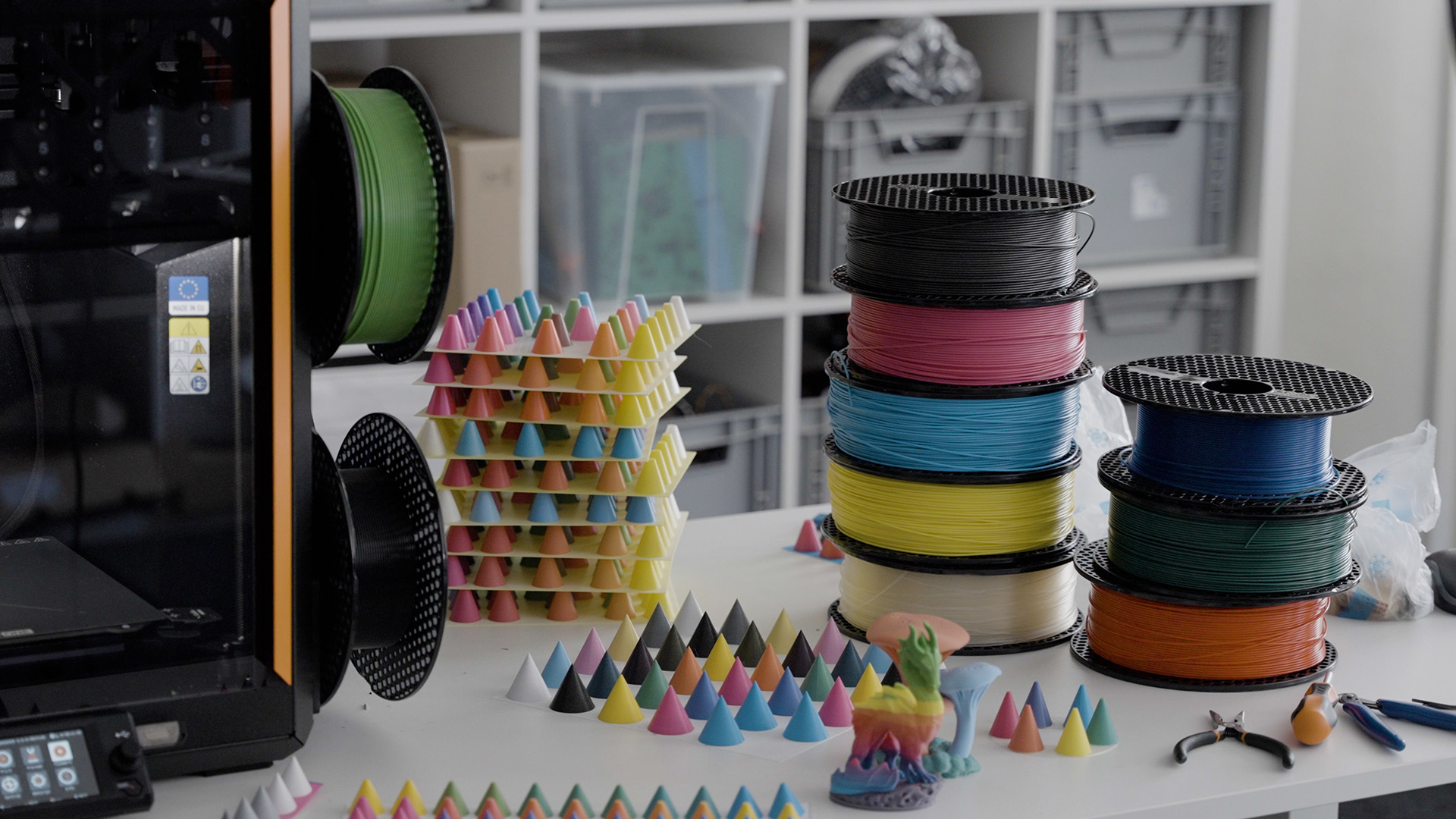
Full Spectrum is a method of visually blending FDM filaments to create an endless color palette. The technique is gaining popularity with the rise of toolchangers and similar multimaterial 3D printers. The method works best when you print at ultra-thin layer heights, which toolchangers can achieve with relative speed and minimal waste.
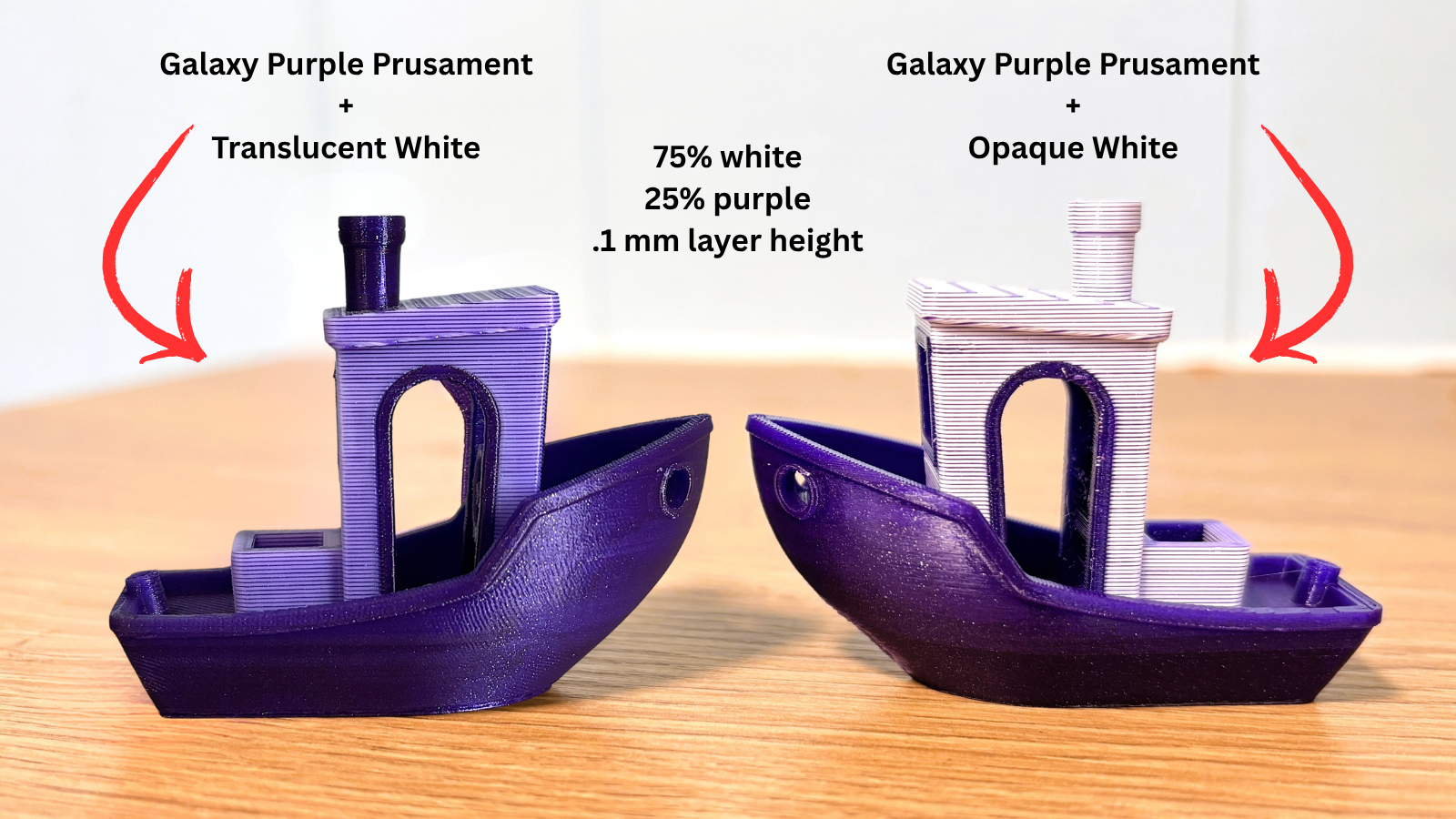
We doubt that color mixing will replace having individual spools of precise color anytime soon. Besides the extra time, Full Spectrum colors can exhibit rather obvious banding, especially when using opaque materials. But it can create subtle shades and hues that are otherwise difficult to find. On the Benchy’s below, I used the same 75% white with 25% purple. The boat on the left used a translucent “high speed” white, which blended much better than the standard opaque white on the right.
We tested ColorMix on a 3D Benchy using a Prusa MK4 with an MMU3, and it took over 7 hours to create a 66-gram purge tower. On a Prusa XL toolchanger, the time was reduced to 2 hours and 46 minutes, with only 22 grams of waste. Prusa’s new INDX should be able to increase print speed while reducing waste to nearly nothing.
Originally developed by Radu (aka Ratdoux) using OrcaSlicer and a Snapmaker U1 toolchanger, his technique is very much like HueForge’s color painting. While HueForge images are super thin and meant to be viewed from the top down, Full Spectrum can be applied to ordinary models and is best viewed from the side.
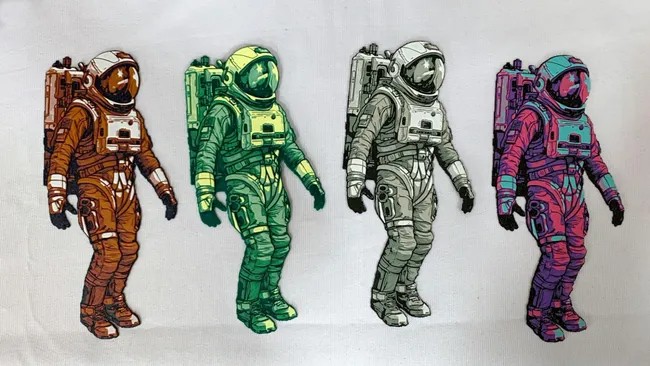
The challenge to "filament painting” an FDM print is that plastic filaments can’t mix together like paint or ink. Instead, you need to create the illusion of color by tricking the eye. The team at Prusa Research noticed a similarity between Ratdoux’s method and halftoning, which produces color images by spacing small dots. If you've ever looked closely at printed comic books, newspapers, or magazine photos, you’ve seen halftones at work.
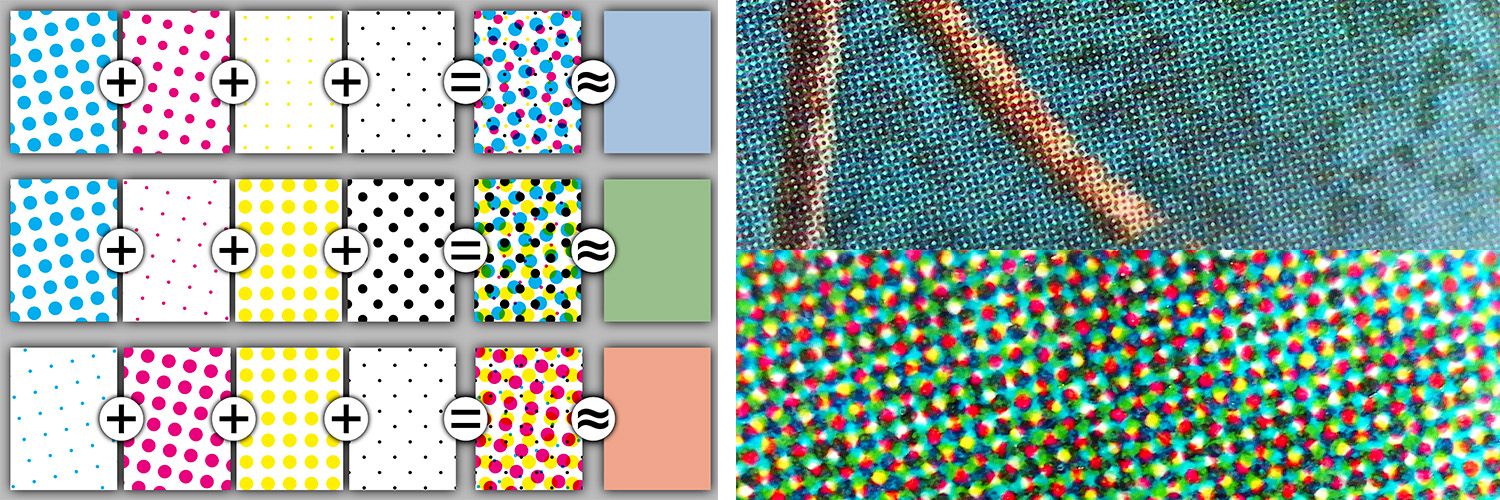
Paper printing presses use what’s known as CMYK, with four standard colors of ink: cyan, magenta, yellow, and black. White is provided by the underlying paper. ColorMix uses five filament colors, which the team at Prusa Polymers is currently working to standardize as part of its method. If you want to try ColorMix right now, they suggest using Prusament Azure Blue, Ms. Pink, and Pineapple Yellow. We expect Prusament’s CMYKW to be a bit translucent as well, which will further help blend the color.
Prusa Research built on ideas started by others in the open-source 3D printing community: Ratdoux’s OrcaSlicer-FullSpectrum, Justin H. Rahb’s filament mixer, and the PeggyPalette model, which makes it easy to compare results. Prusa Research is also utilizing its Open Tag project, a library full of thousands of filaments from dozens of brands, and has created the Prusa FDM Mixer to virtually create new colors from filaments you already have.
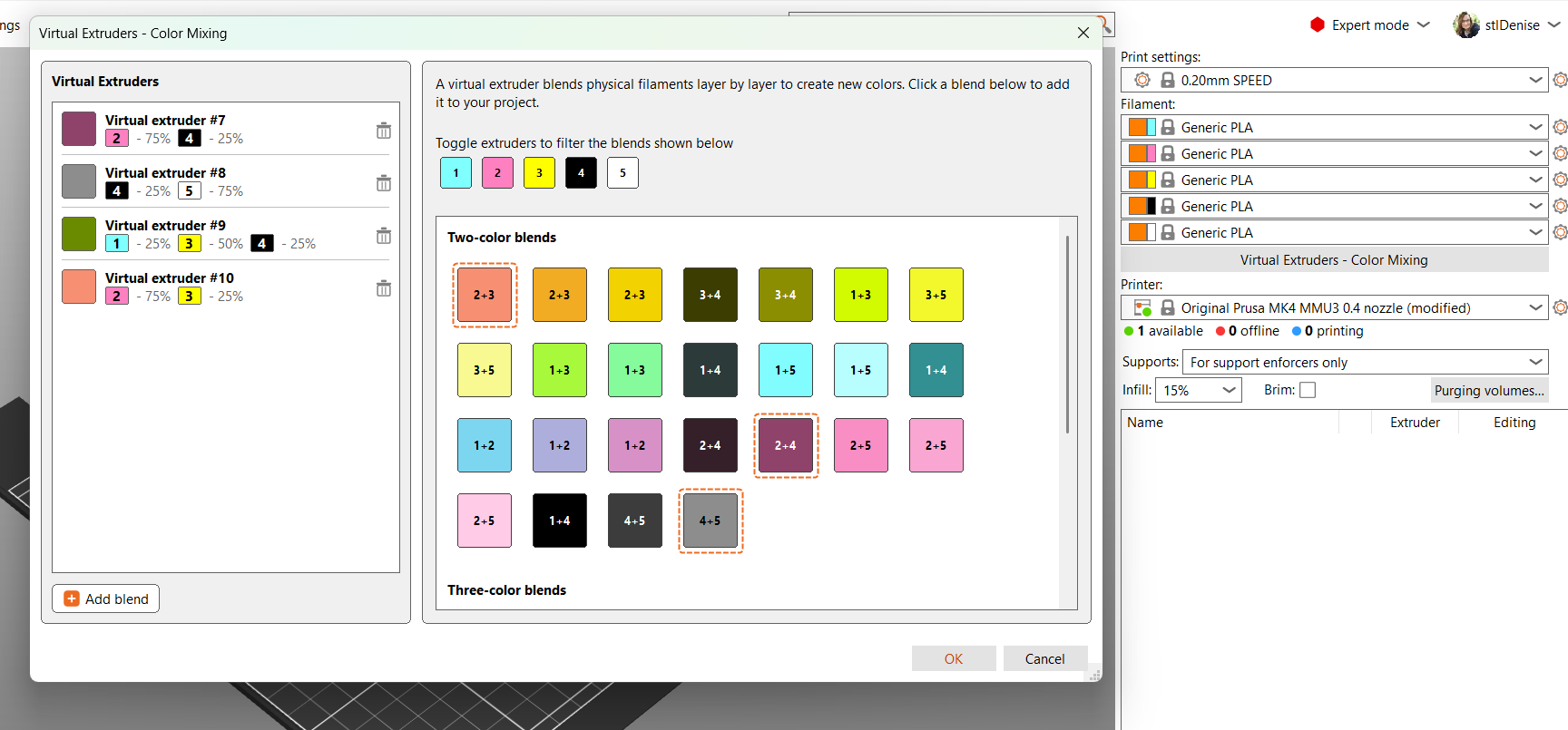
We expect PrusaSlicer 3.0 to include tools that will make ColorMix even simpler to use. At the moment, you can use ColorMix by downloading a PrusaSlicer beta version 2.9.6 and using Prusa FDM Mixer separately to estimate your color values.
PrusaSlicer has always been a little clunky to use with its multicolor machines, as it was developed for the single-color MK line. While it allows you to select colors using a Windows-style color picker (RGB and HSL values), it does not let you enter filament color by name on the spool. If you want a more precise estimate, you need to manually transfer the RGB color values from the FDM Mixer to the PrusaSlicer filament selection.

Follow Tom's Hardware on Google News, or add us as a preferred source, to get our latest news, analysis, & reviews in your feeds.





 English (US) ·