


Published Apr 5, 2026, 6:00 AM EDT
Austin King is the Senior Editor of Gaming at ScreenRant and has been with the site since 2020 with a focus on RPGs and tabletop games. He previously managed content for Geek to Geek Media, and has served as a writer for sites like Nintendad, Geek Fitness, and more.
In addition to his work at ScreenRant, he also hosts the Dragon Quest FM podcast and is the author of several books, including co-writing Nimbus (a #1 bestseller in 2013). His latest is the nonfiction The Dragon Quest Book, available now.
He's written about pop culture, video games, and genre studies over the course of his career. You can find him on BlueSky, X, and at Dragonquestaustin.com
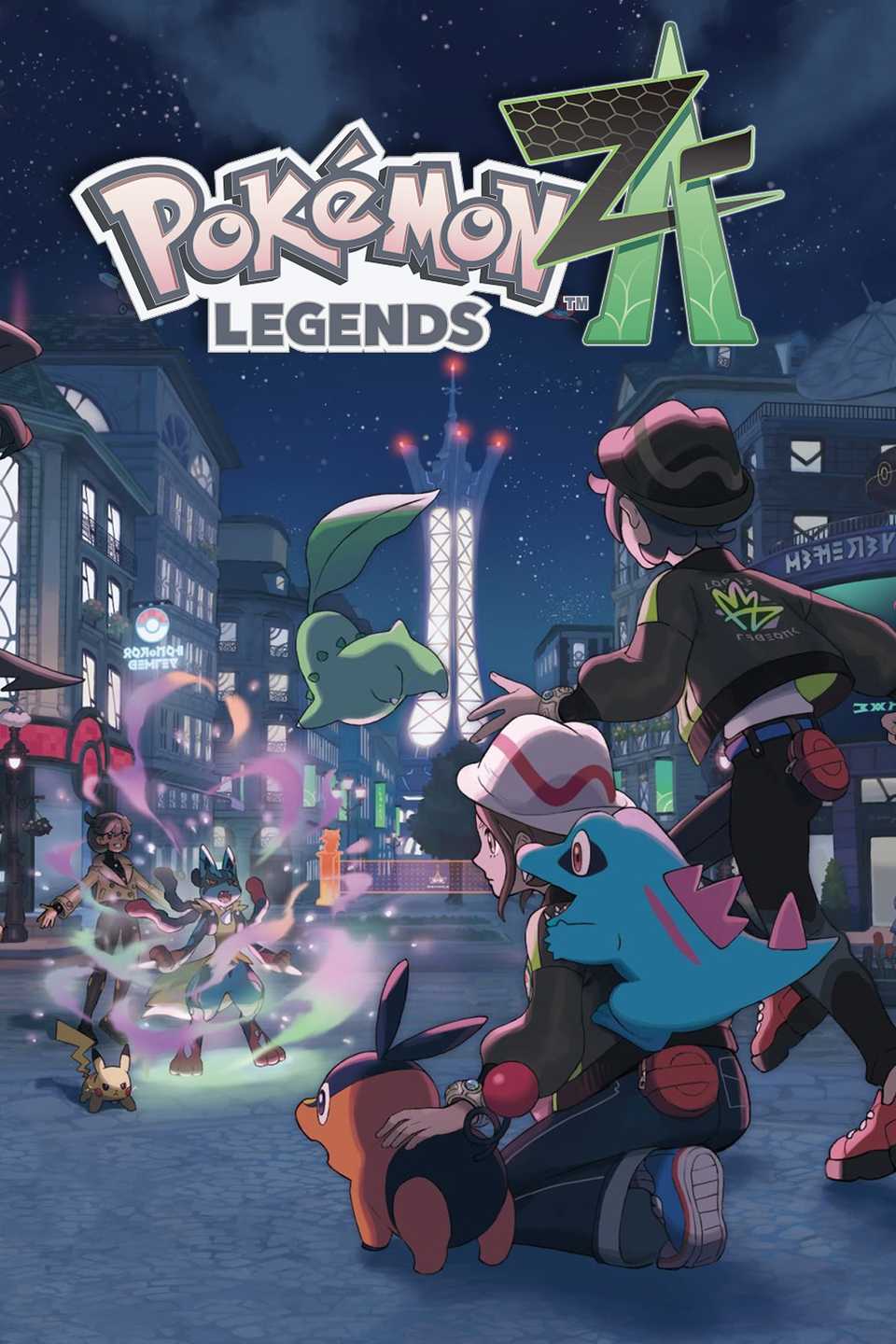
Pokémon Legends: Z-A is hitting its 6-month mark since launch, and that milestone is also being celebrated by finally adding Pokémon HOME connectivity to the game. For anyone keeping a living 'Dex in HOME like yours truly, that's certainly good news. However, transferring Pokémon between the two comes with a bit of a catch.
Over on the official Pokémon website, details regarding connectivity between Legends: Z-A and HOME have been outlined. There are a few warnings listed there:
• Pokémon cannot be transferred from Pokémon Legends: Z-A to previous titles in the Pokémon video game series.
• If you transfer a Pokémon from a previous title to Pokémon Legends: Z-A, you will no longer be able to transfer it to previous video games in the Pokémon series.
• The Pokémon you can transfer to each game via Pokémon HOME are limited to Pokémon that can appear in those games.
In other words, it's a one-way trip for the Pokémon you're sending into Legends: Z-A (unless you want to transfer them back into HOME). Putting newer moves and Pokémon into older games would cause all sorts of issues, which is the reason behind that caveat, so think carefully before you send them forward.

None of this is all that surprising, but it is nice to have a heads-up nonetheless. Transferring an older Pokémon into Legends: Z-A means you won't be able to then use it again in, say, Scarlet and Violet. And sadly, you also can't send Pokémon like Lucario Z into older games either.
In other words, think twice before you send any older Pokémon into Legends: Z-A. While you can't transfer them back, you'll mostly likely be able to transfer many of these Legends: Z-A Pokémon into Winds and Waves when the Gen 10 games release. Typically, HOME transfers work that way. Always moving forward, never backward.
A Standard Practice That's Still A Bit Disappointing

This has become standard for Pokémon games getting HOME support, since older games may not have the same gimmicks, ability animations, or even Pokémon as the latest entry does. However, it still may be disappointing for anyone who was hoping to wreak havoc in Paldea with their Mega Garchomp Z or Mega Dragonite.
If you have Pokémon HOME already, be sure to deposit a Pokémon or two into the Switch version of HOME at the very least. Doing so will earn you an Alpha Chikorita, Alpha Tepig, and Alpha Totodile as Mystery Gifts that can be used in Pokémon Legends: Z-A and the upcoming Pokémon Champions.
Released October 16, 2025
ESRB Everyone 10+ / Fantasy Violence, In-Game Purchases
Developer(s) Game Freak, Creatures Inc.
Publisher(s) Nintendo, The Pokemon Company
Engine Proprietary






 English (US) ·