
 4 hours ago
6
4 hours ago
6

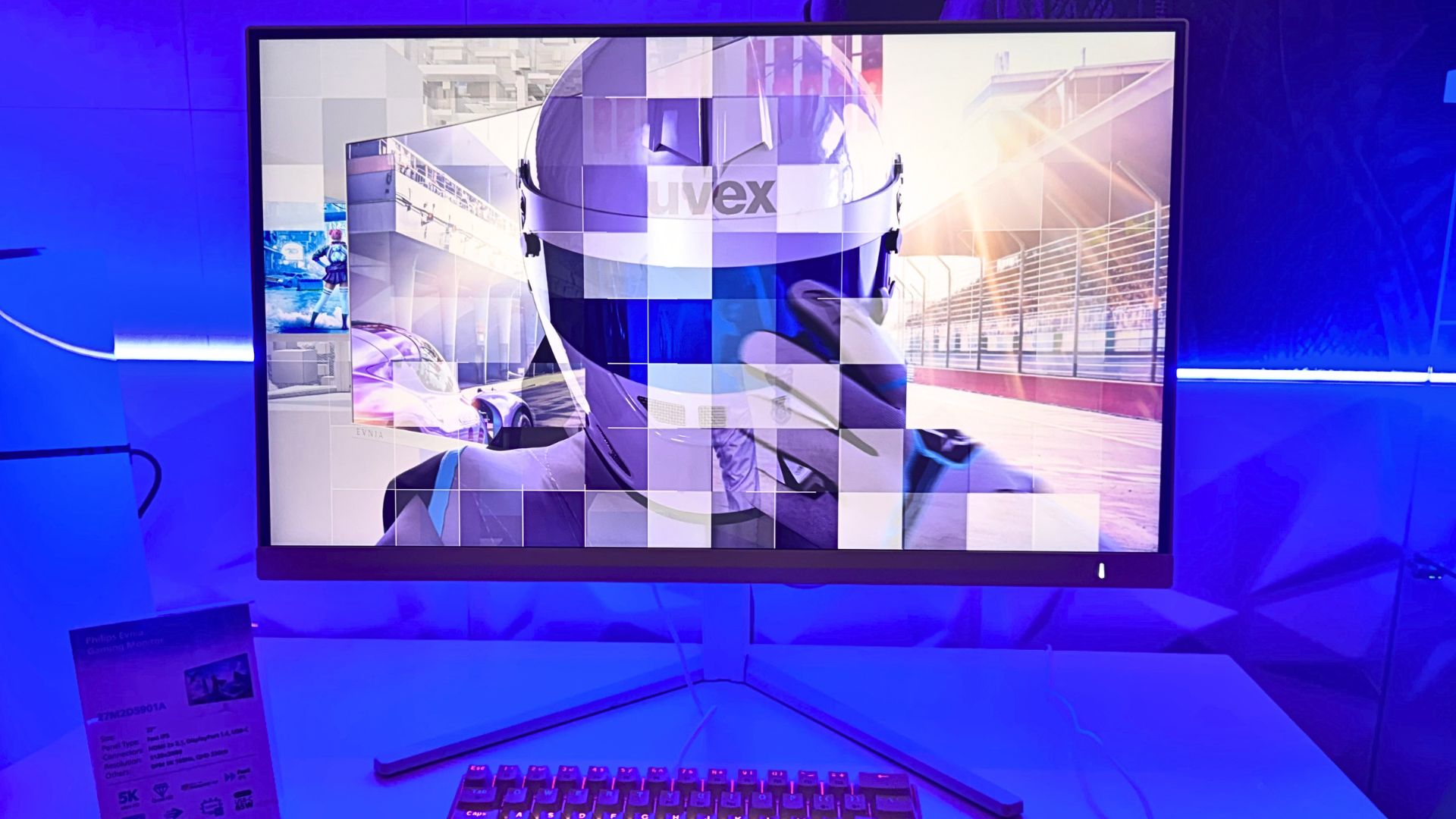
A few weeks ago, Philips announced the Evnia 27M2G5800, a poetically-named, 27-inch, 5K dual-mode gaming monitor for sale in China, and today, the company has announced a western counterpart—the 27M2D5901A (yeah, monitor names are like that). I managed to get hands-on experience with the screen at a press event in Croatia, and dual-mode works as well as I'd want it to.
The all-white panel is capable of swapping between 5120 x 2880 (165 Hz) and 2560 x 1440 (330 Hz). The use case here is putting one game on its highest possible resolution for those pretty, immersive games, and swapping to 1440p for competitive play in another. 330 Hz is certainly on the high-end in that regard, while 5K is more or less wasted on the likes of Counter-Strike 2.
Also, if your rig is a tad lacking and you plan on upgrading in the future, you can focus on 1440p for the time being, then swap when you finally have the power to justify 5K—though there's very little out there with the power to justify 5K at the moment.
Cesar Reyes Acosta, the European Commercial Leader for Philips' sister company AOC, tells me "ours is the same [as the 27M2G5800], but ours is more equipped."
The 27M2D5901A, as well as having that all-white look, has Philips Ambilight built in. That means it has lights on the back which you can sync up to your games. As part of this, Philips' new 5,000-8,000 series (the mid to top-end) all come with Philips' own AI lighting system and Matter compatibility. This means you can hook up your monitor to your smart lights and blast your entire room with light when you get a flashbang hurled at you… theoretically.
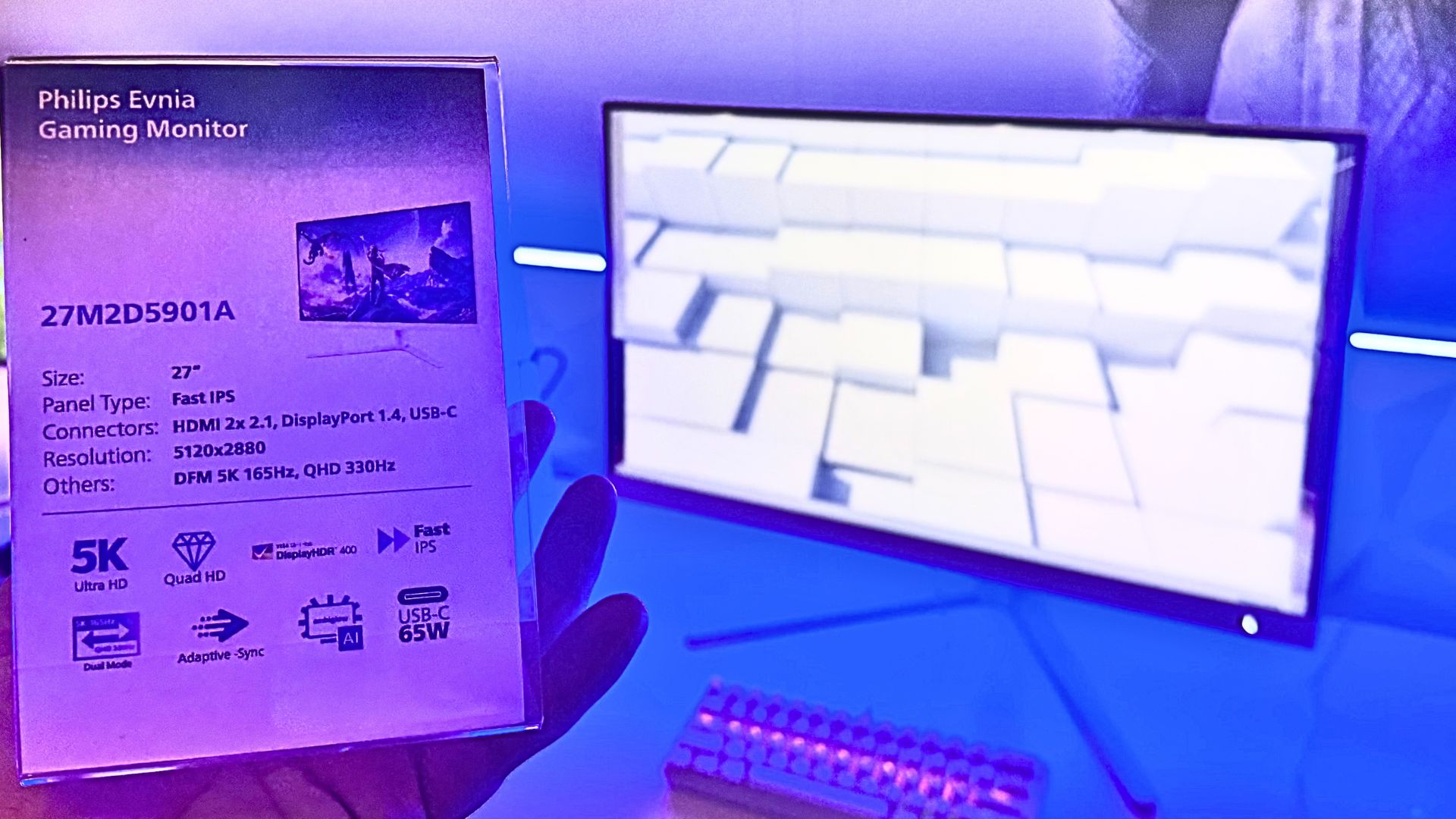
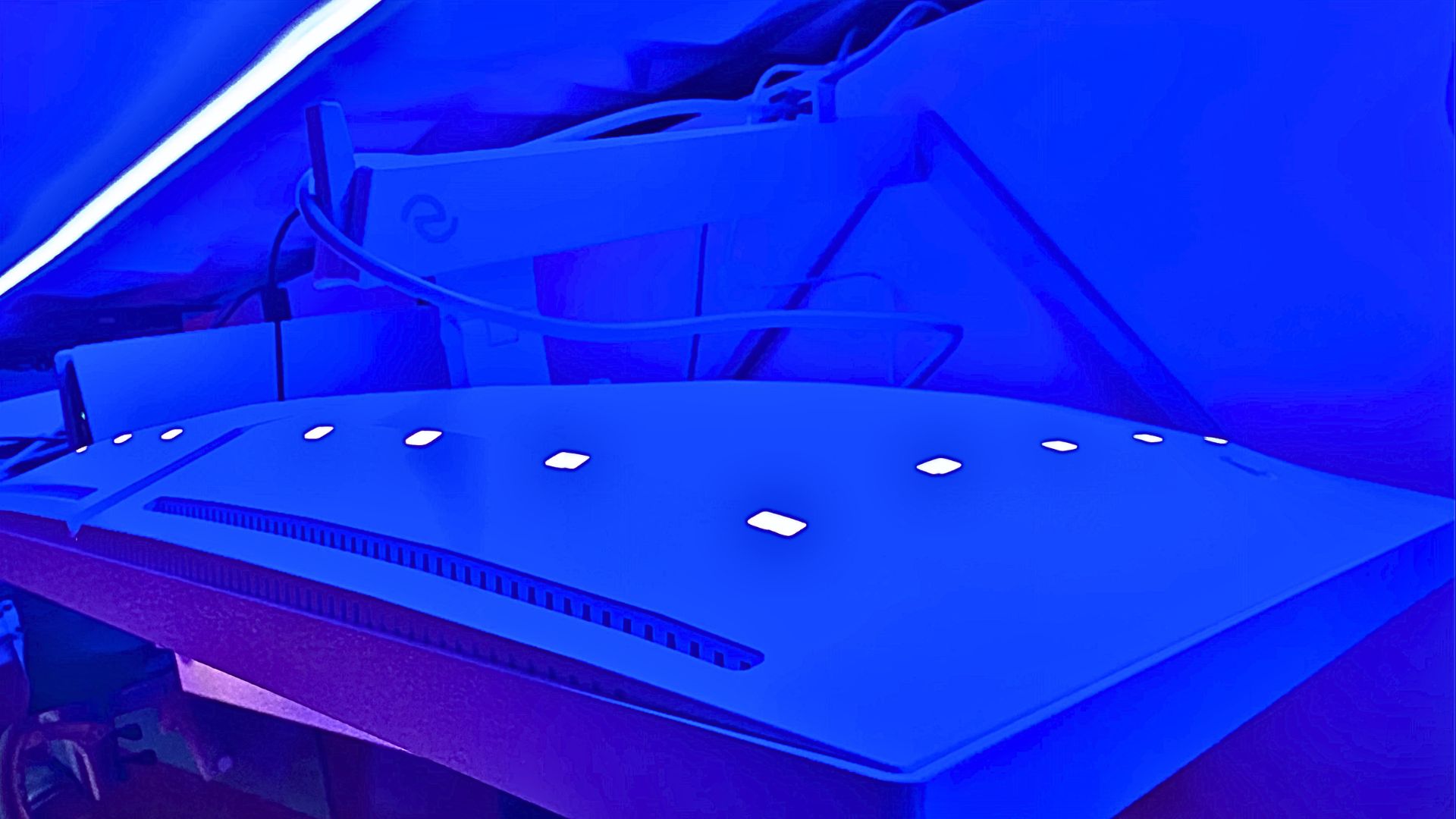
It also comes with a 65 W USB Type-C in the back, so you can charge your laptop from it while it's plugged in, or use it to power a USB hub in a pinch.
The 27M2D5901A will be available in July this year, and comes in at a recommended price of €799. Roughly exchanged, that works out to $940 at the time of writing, but I'm told there aren't yet any plans to launch the monitor in the US. Hopefully, that will change in the future.
On paper, it's rather similar to the Asus ROG Strix XG27JCG. Both monitors offer 5K dual-mode, and they're the same size. AOC's offering, if it launches in the US, will likely come in at north of $900, but Asus's is available for $849. Both are IPS, and AOC's comes in at 50 nits brighter. That means there's a slight upgrade in brightness, a neat look, and some flashy lights in exchange for the extra cash.
In testing, I managed to swap between the resolutions mostly easily (thanks to the new OSD), and it happened in just a few seconds. The little bit of gaming I managed to get on the monitor was certainly pretty , and that 5K resolution is killer. €799 is an eye-watering fee for an IPS panel, but not out of the norm for 5K, especially with dual-mode.
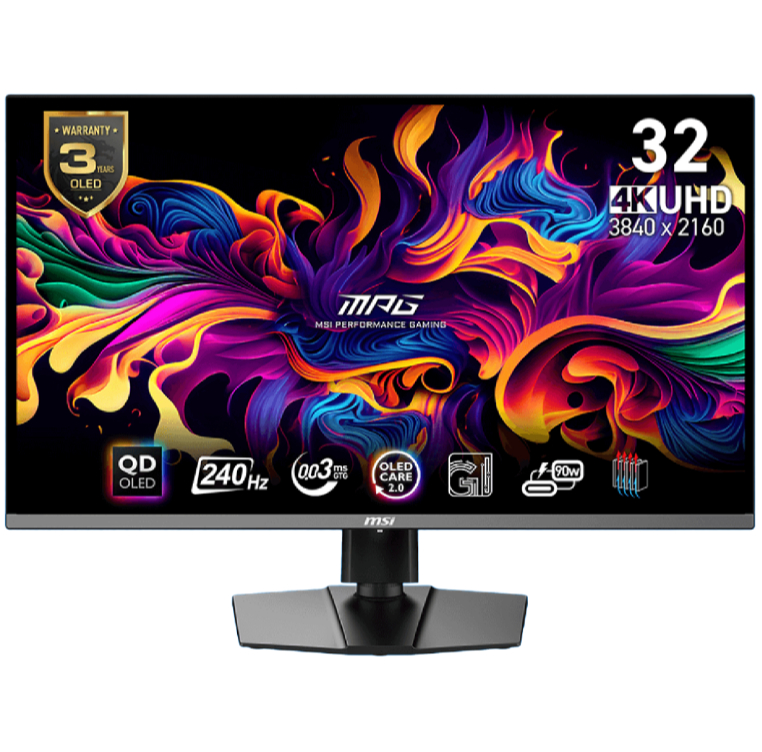
But my eyes have become so accustomed to OLED at this point that I'm not entirely convinced I can go back, and 5K is a budding field, so whether or not you want to get in on the ground floor is a tough decision. You are getting a relatively low brightness here, and 5K is likely only due to get better with time, but I can't say I wasn't impressed by the panel, the monitor, and the pretty lights nonetheless.







 English (US) ·