
 2 hours ago
7
2 hours ago
7
The latest liquid cooler from MSI to land on our test bench is the new MPG Coreliquid P22 360. While it packs a budget price of only $129.99, it doesn’t cut corners, featuring good thermal performance, low noise levels in common scenarios, and a fancy 2.1-inch IPS display.
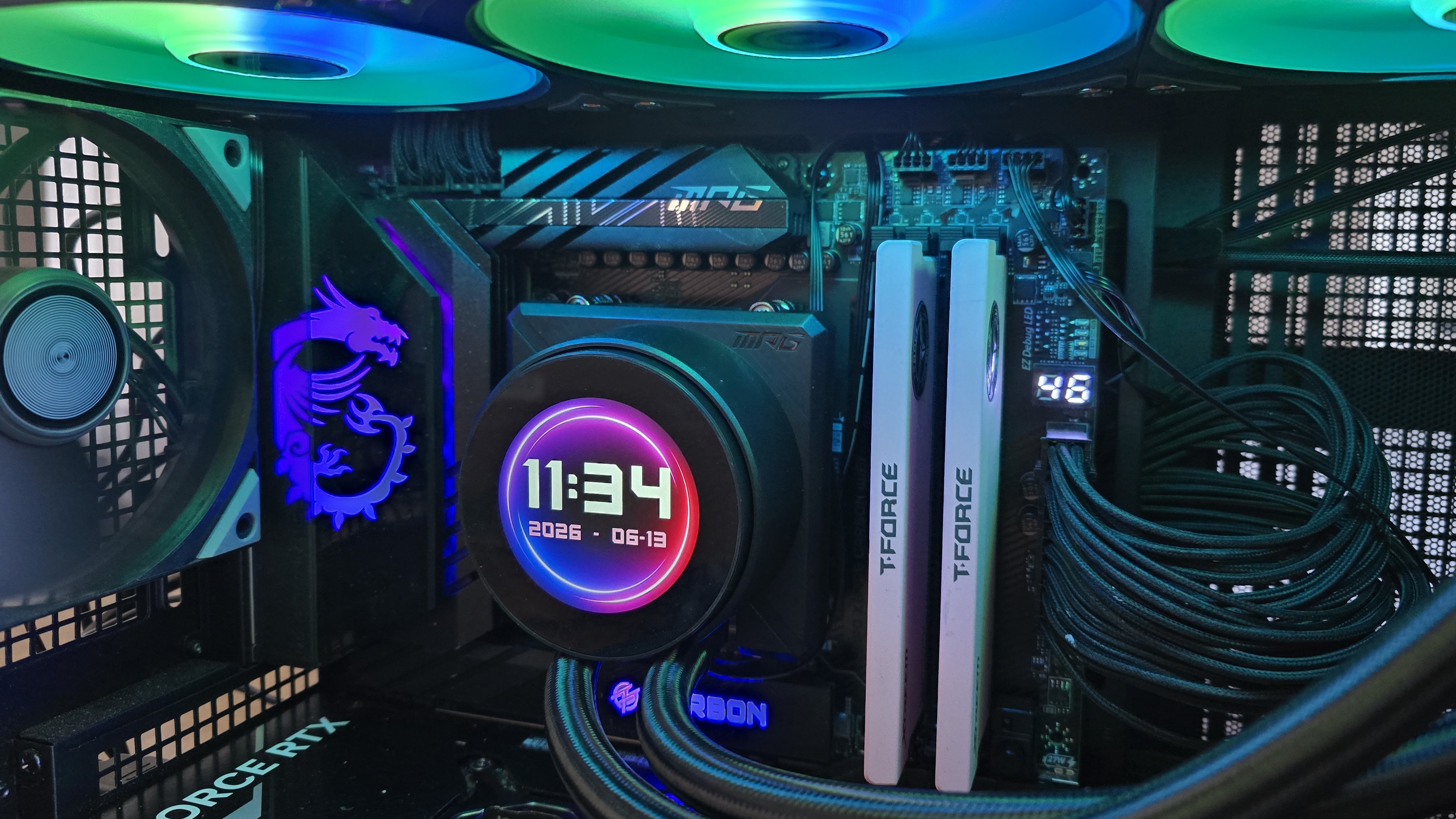
Let's take a look at the specifications and features of this eye-catching AIO, then we’ll go over thermal and noise benchmarks, and decide if MSI’s MPG Coreliquid P22 360 deserves to make our list of the best CPU coolers.
Cooler specifications
Swipe to scroll horizontally
Cooler | MSI MAG CoreLiquid P22 360 |
Colors | Black or White |
MSRP | $129.99 |
Lighting | ARGB |
Display | 2.1-inch 540x540 IPS display, 300 nits brightness |
Warranty | Three years |
Socket Compatibility | AMD AM5/AM4 |
Radiator dimensions | 394m (L) x 119.2mm (W) x 27.2mm (H) |
Maximum TDP with AMD’s Ryzen 9 9950X3D (Our Testing) | Full speed fans: >265W Noise-normalized: >255W average |
Features of MSI’s MPG Coreliquid P22 360
▶️ Frame compatible with both AMD and Intel systems
Latest Videos From

Usually when you purchase an AIO, there’s at least one frame included, designed for a specific AMD or Intel socket.
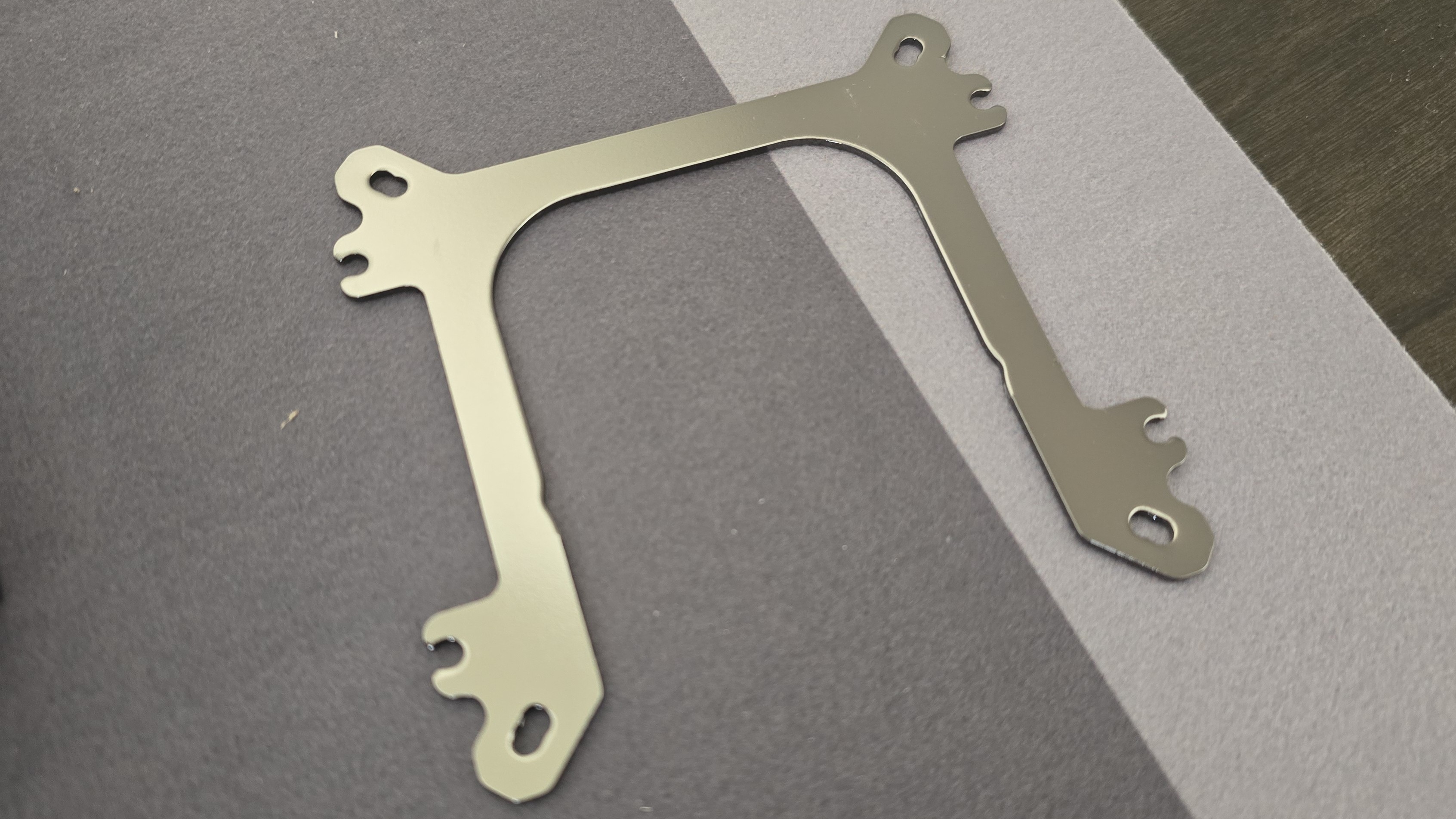
MSI has simplified the install process here, with a single-frame design that’s compatible with both AMD AM4/AM5 and Intel LGA 1700/1851.
▶️ 2.1-inch 540x540 IPS display
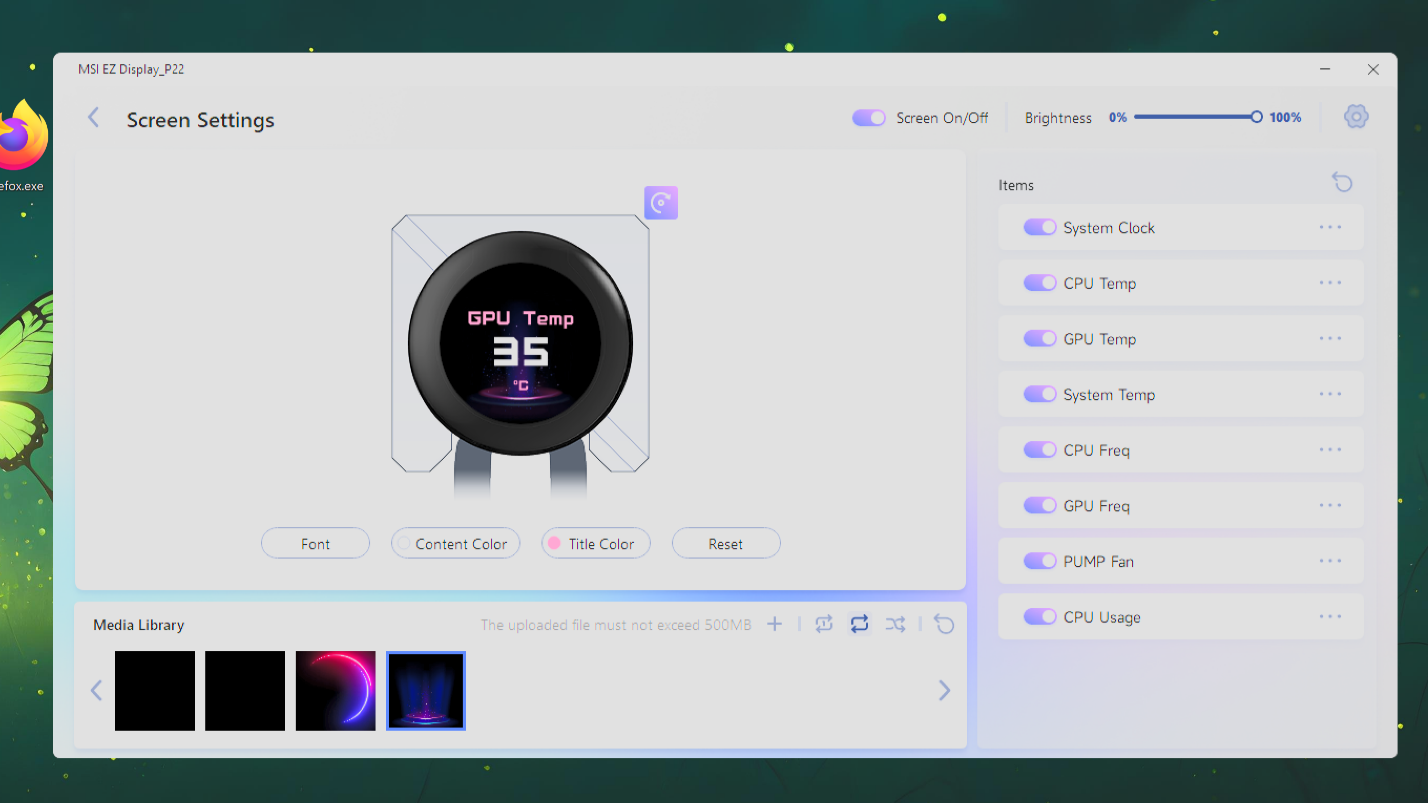
A 2.1-inch IPS display with a resolution of 540x540 is included with this AIO, allowing users to observe performance metrics by glancing at the screen. Four preset backgrounds are included with the AIO’s software, and custom images and videos up to 500MB are supported.
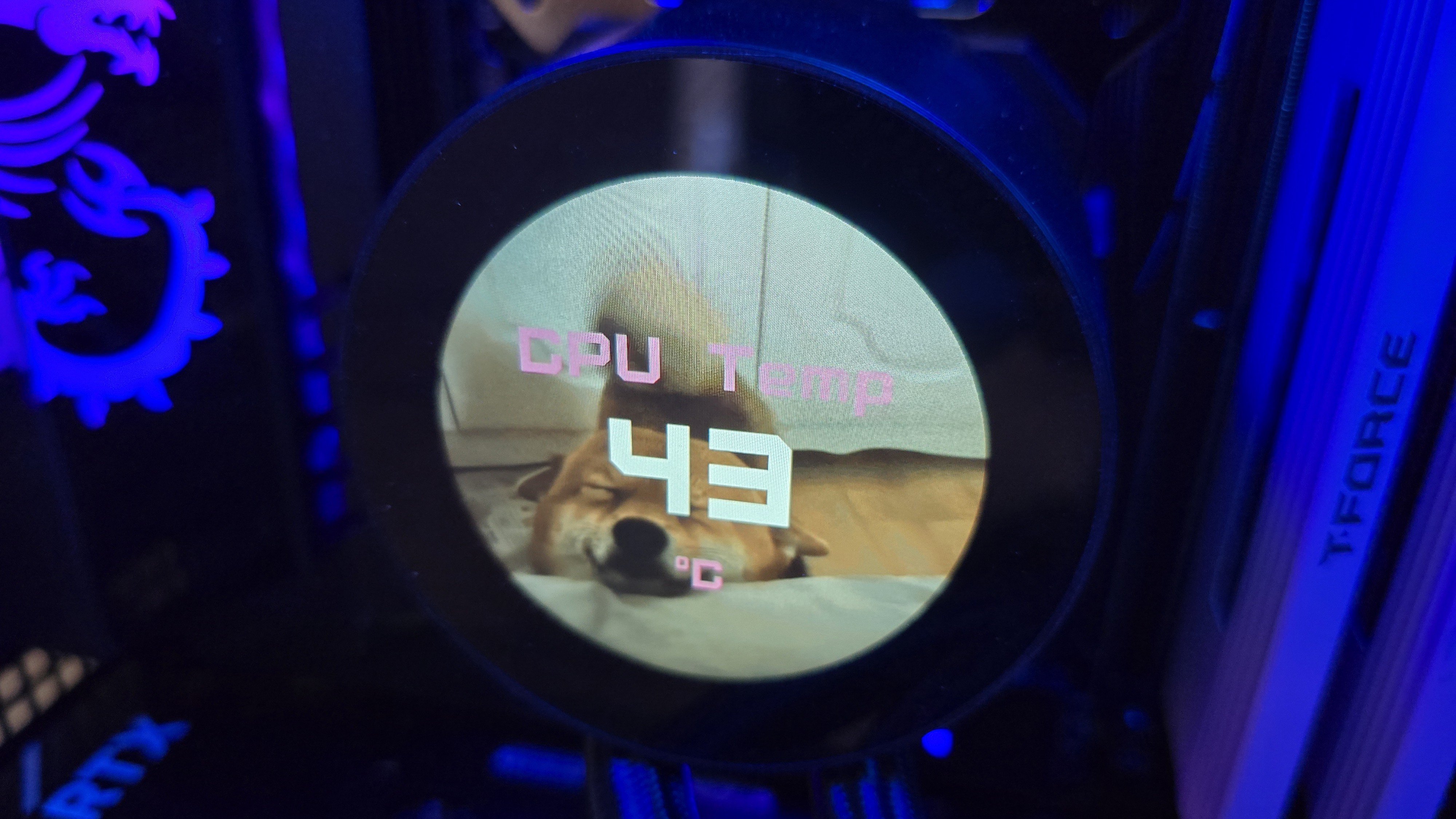
To customize the AIO, you’ll need to download MSI’s EZ Display software, which is simple to use but a little rough around the edges. You can set it to use one background by enabling the “repeat” button, or you can have it alternate between the images and videos you have loaded in the software.
My biggest complaint here is that you can’t disable or remove the preset images, which means they’ll be included in the rotation of images displayed unless you’ve set the AIO to show only one image or video by selecting the “repeat” button.
▶️ RAM Clearance
As with most liquid coolers, the design of thisAIO is such that the CPU block doesn’t overhang or interfere with the DIMM slots in any manner, ensuring that all sizes of RAM, no matter how tall, are compatible.
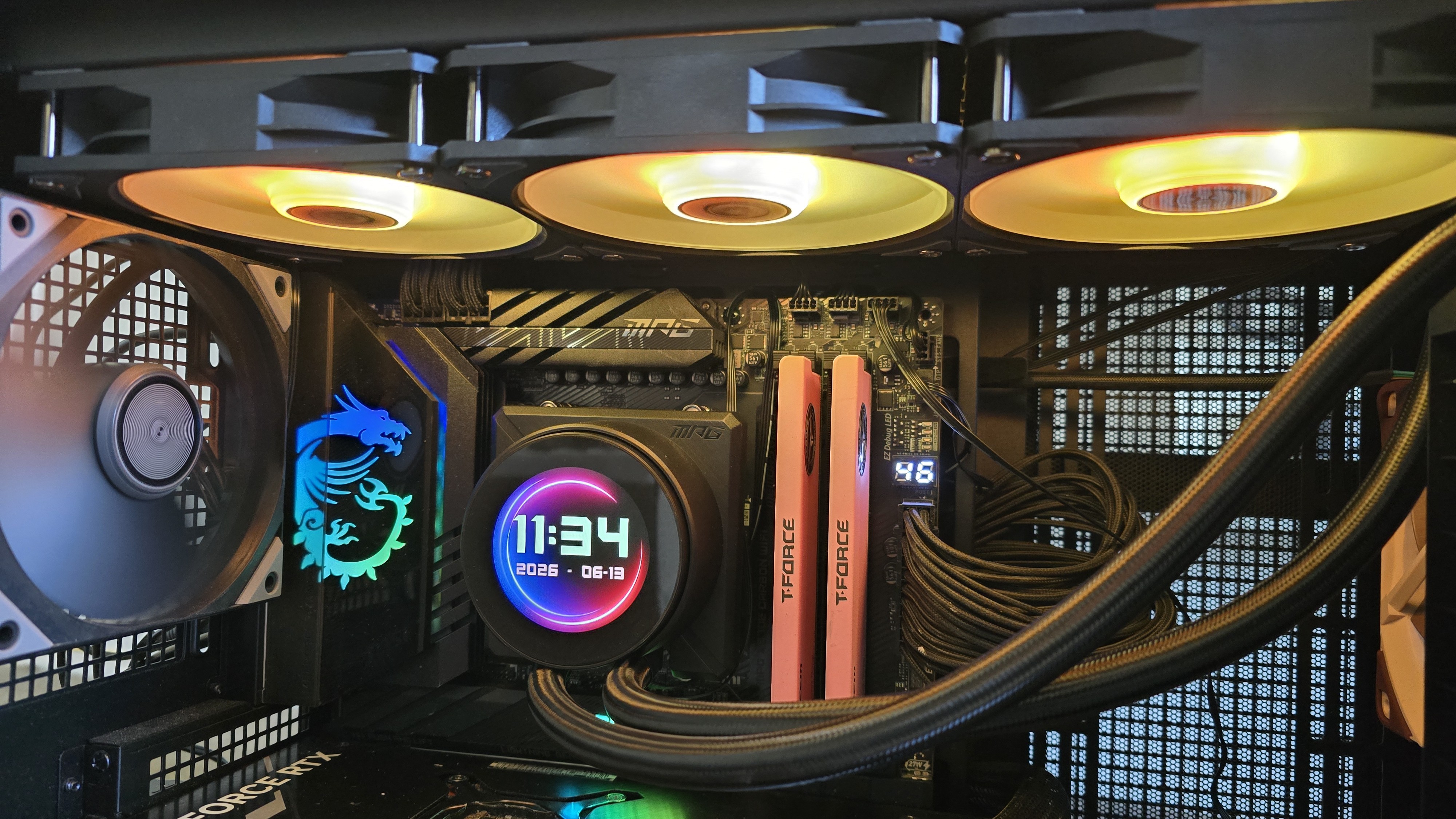
▶️ 120mm fans
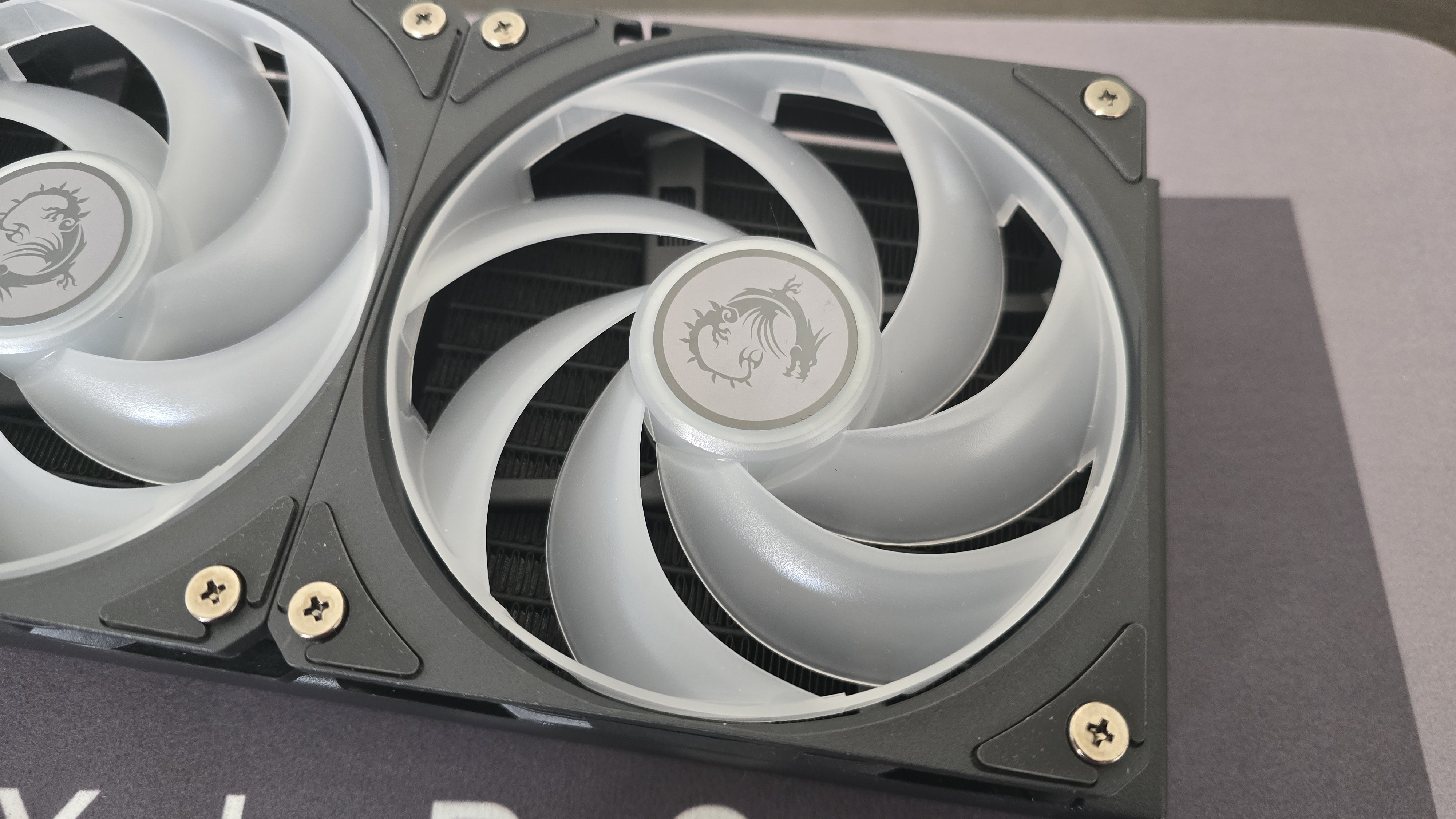
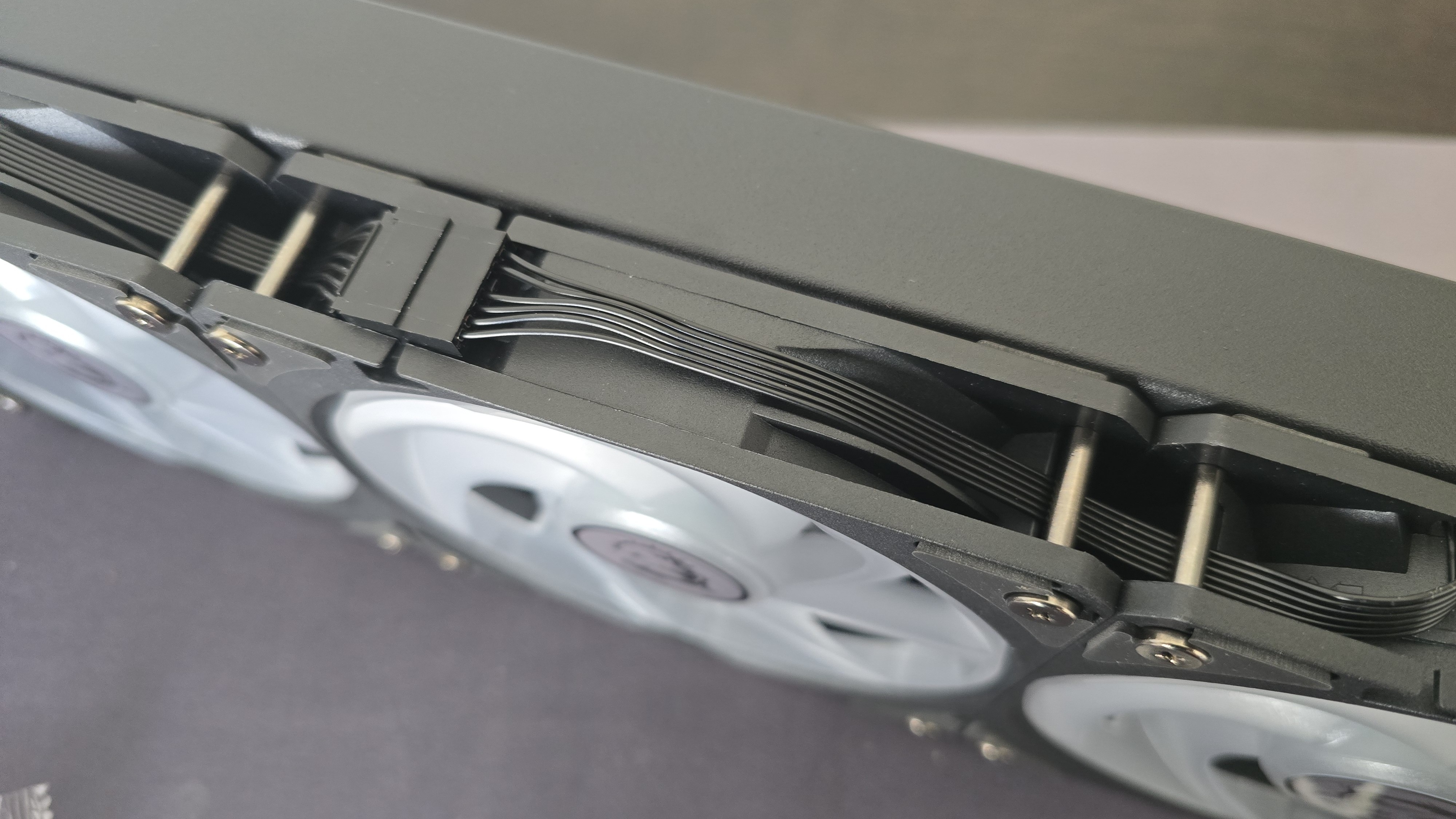
There’s more to a cooler than just the radiator and pump. The included fans have a direct impact on aesthetics, noise levels, and overall thermal performance. Conveniently, the trio of fans here arrive pre-installed, saving a few moments during installation. They also feature a daisy-chaining quick-connect system, designed to eliminate cable clutter.
Swipe to scroll horizontally
Fan Speed | 500-2000 RPM (±10%) |
Dimensions | 120 x 120 x 25 mm |
Airflow | 62.6 CFM |
Air Pressure | 2.36 MMH20 |
▶️ Packaging
The outer packaging is a bit flashy, at least, in comparison to your normal AIO box. It features a rendering of the cooler against a background of black, blue, purple, and pink.
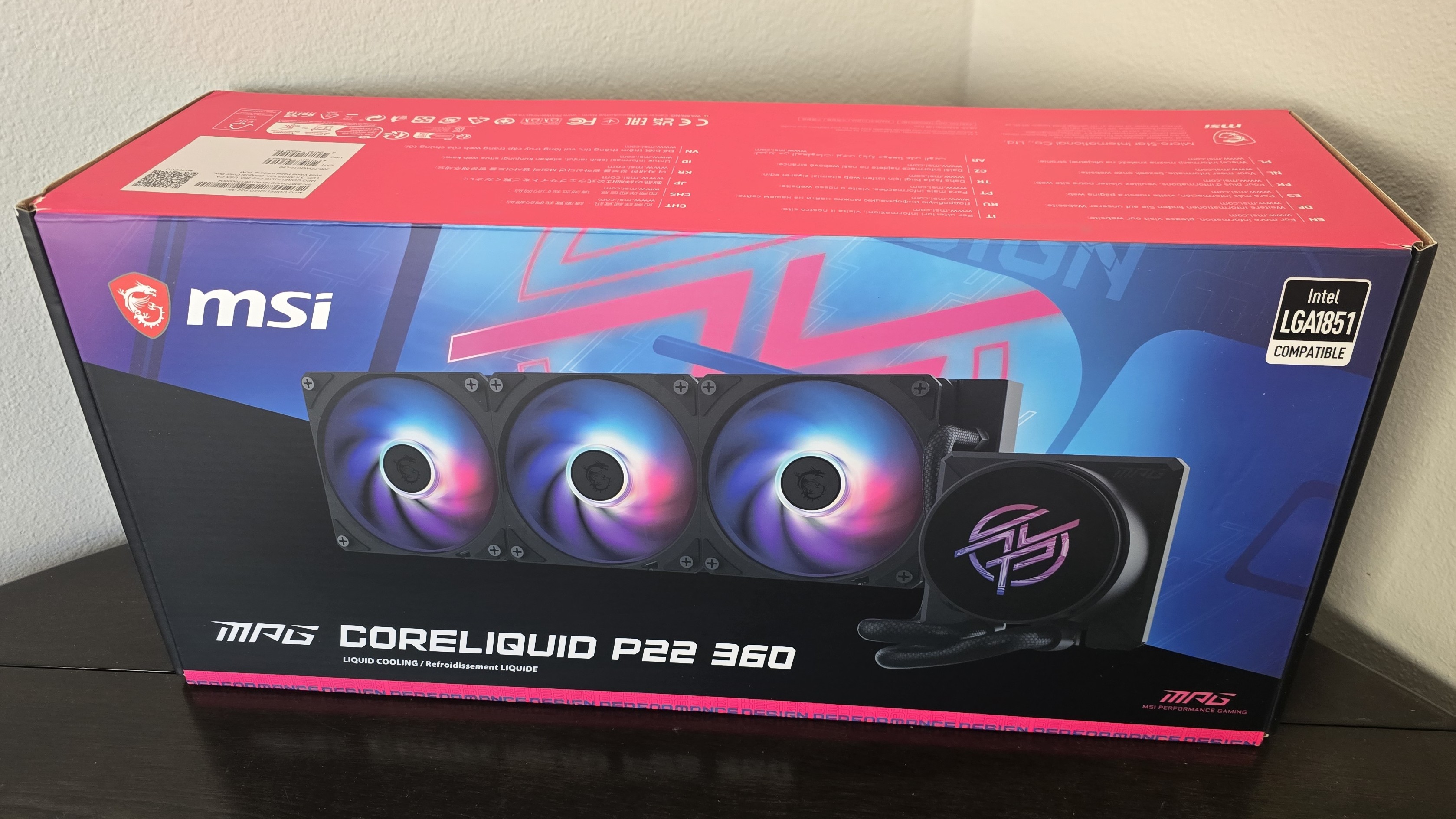
The inner packaging is typical of most liquid coolers, with molded foam, cardboard, and plastic coverings protecting the contents during shipping.
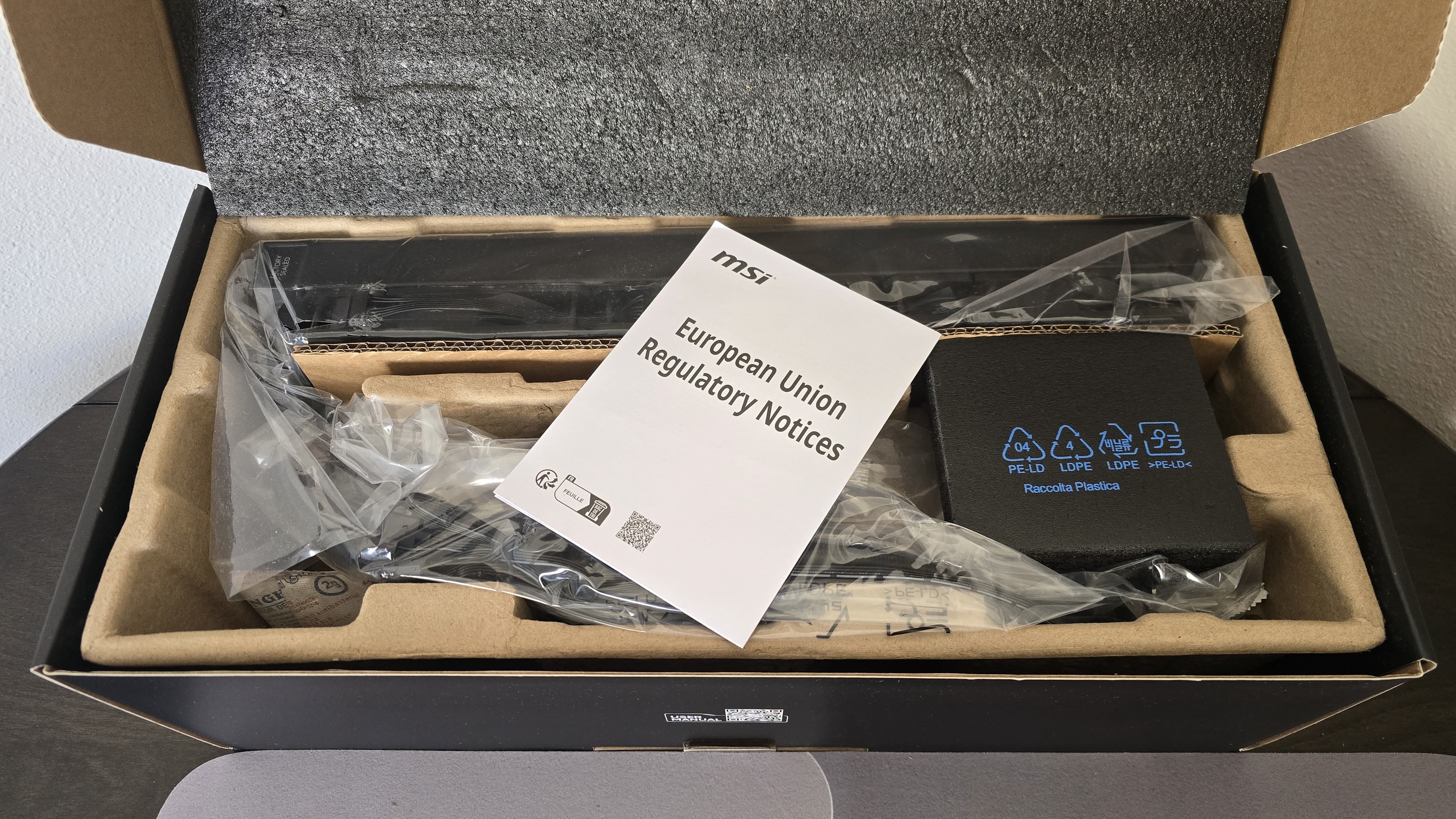
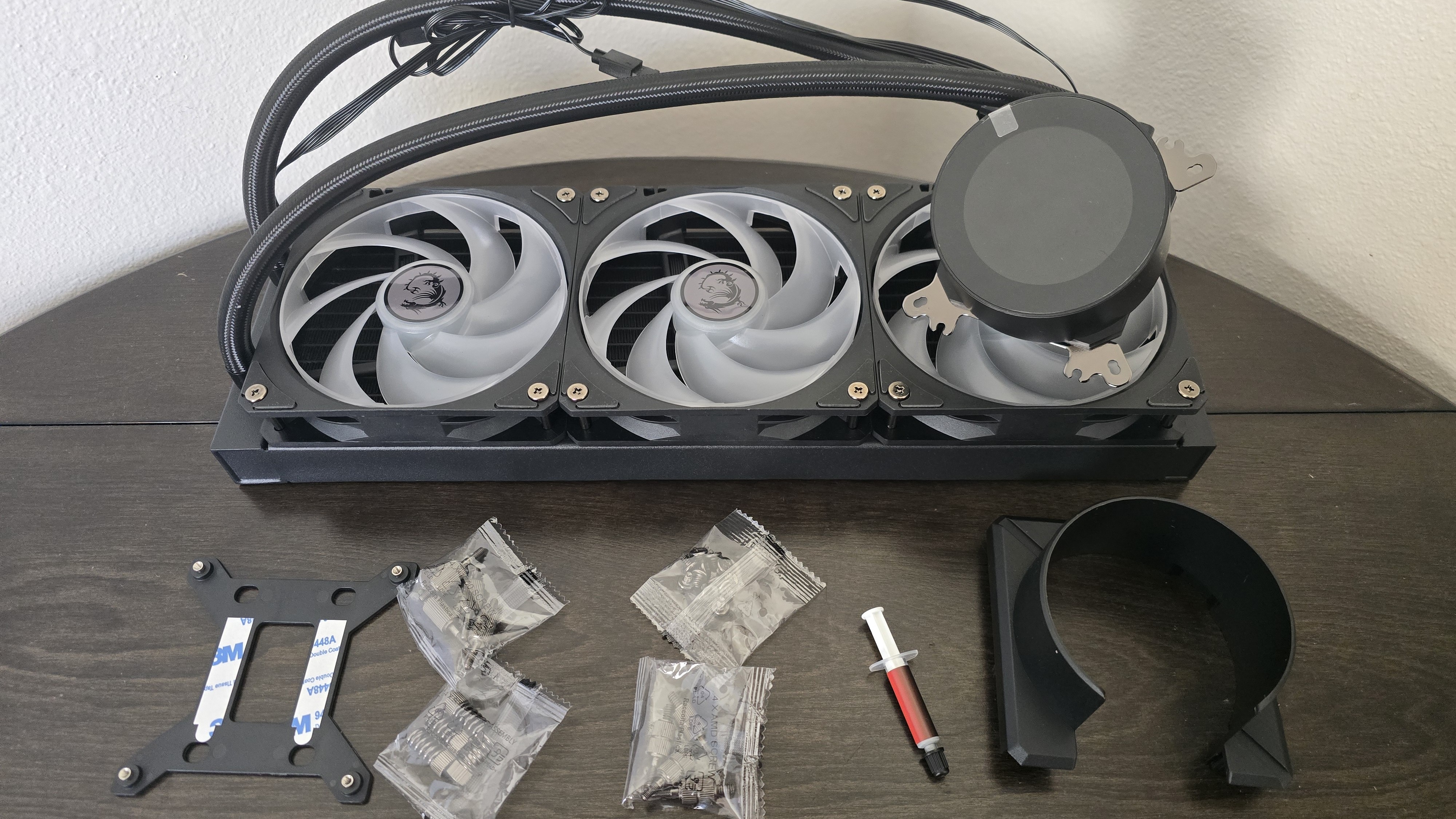
Included with the package are:
- Mounting hardware for AMD and Intel platforms
- Aesthetic cover for mounting hardware
- A small tube of thermal paste
- 360mm radiator and pre-installed 120mm fans
- 2.1-inch display
▶️ AM5 Installation
This section assumes you’ve already mounted the 360mm radiator. Installation of AIOs is much easier when you have already secured the radiator to your case.
To begin putting things together, you’ll first need to remove the default AM4/5 retention.
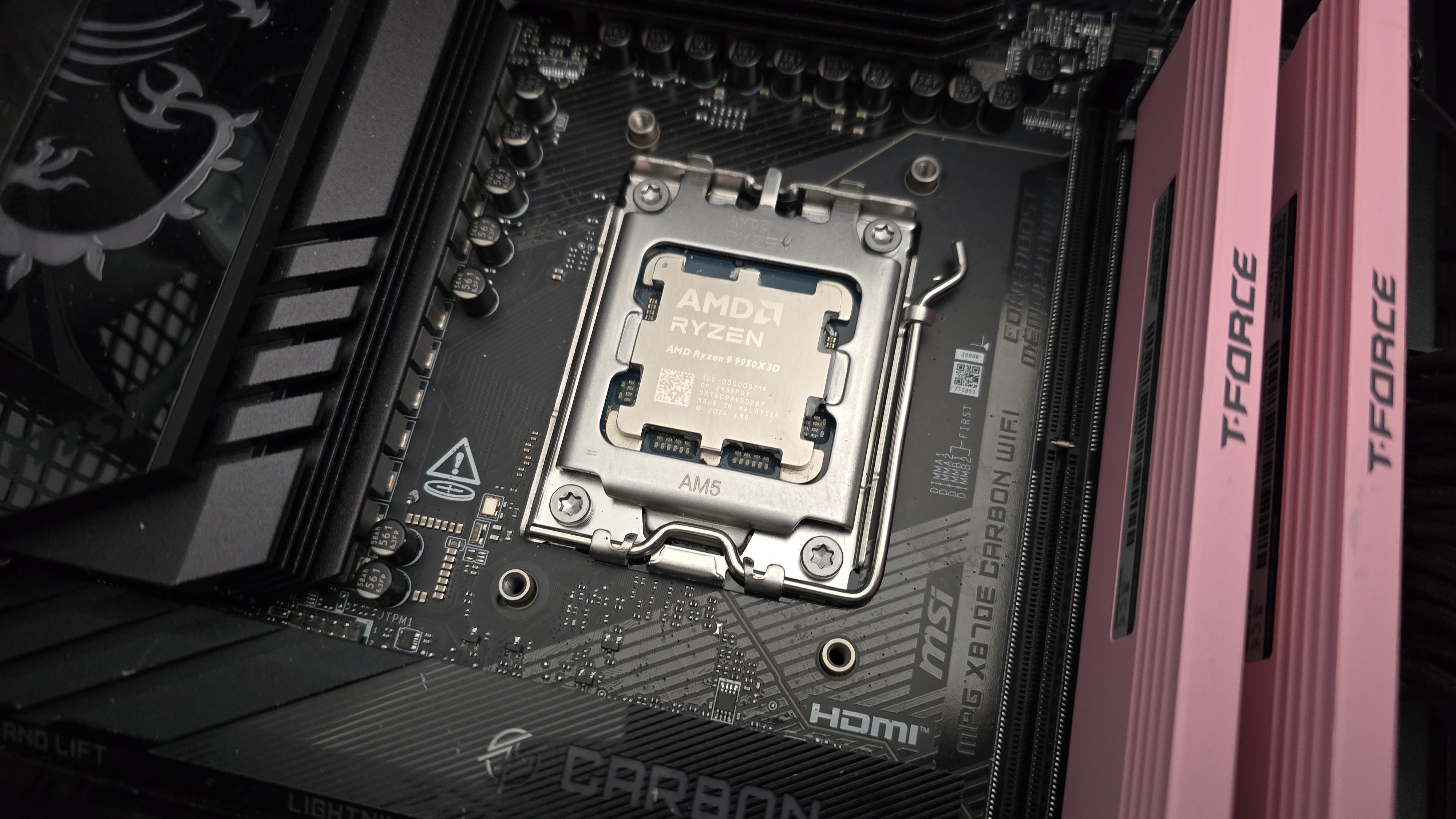
The next step is to screw in the mounting studs, followed by an application of thermal paste to the CPU. If you’re not sure how to do that, we have a handy thermal paste application guide that covers the different methods you can use.
After thermal paste is applied, take the CPU block and press it against the studs, using the included screws and a screwdriver to secure it in place.
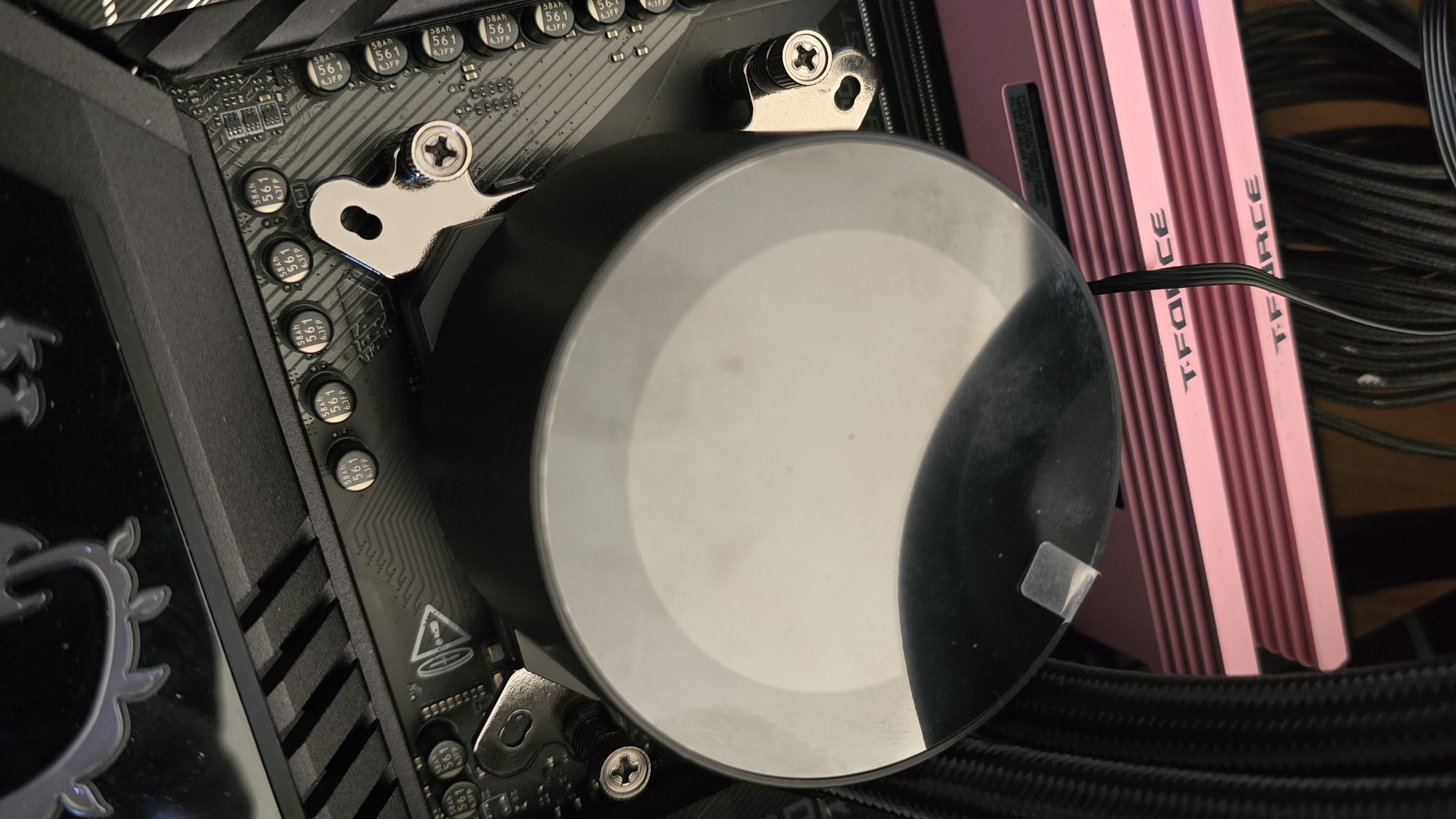
There are two final steps. First, place the aesthetic cover on the CPU block. Then attach the USB, PWM, and ARGB connections to their corresponding motherboard headers.
Real-world testing configuration – AMD AM5 platform
We’ve tested coolers with both the Ryzen 9950X3D and its non-V-Cache sibling, the 9950X. There are some differences in how the 9950X and 9950X3D CPUs are impacted by thermal events. While the heat output of the CCDs of AMD’s 9950X3D is relatively balanced, the 9950X I used has one CCD that runs much hotter than the other, with a difference of over 10 degrees Celsius in some scenarios, shown below.
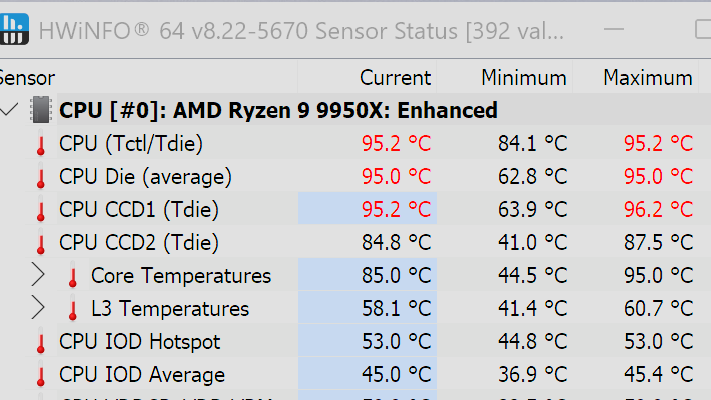
We’ve since returned to using a 9950X3D for cooler testing, as it has a more balanced heat profile, and is almost certainly a more widely adopted CPU. The benchmark results shared in these reviews may differ from others because I emphasize results that are comparable to real-world use. This means I generally test CPU coolers inside of a closed desktop case, which increases cooling difficulty compared to other testing methods.
Many reviewers test on open test benches, which have a combination of lesser airflow needs and lowered ambient temperatures. This results in making weak coolers appear stronger than they really are. Some have also used generic thermal plates to test cooling solutions. I reject both of these methods because they don’t accurately reflect real-world cooler conditions.
Swipe to scroll horizontally
CPU | AMD Ryzen 9 9950X3D |
GPU | MSI Ventus 3X RTX 4070Ti Super |
RAM | TeamGroup Diamond Rose T-Force Xtreem DDR5-7200 |
Motherboard | MSI X870E Carbon Wifi |
Case | Tryx FLOVA F50 |
Our latest testing setup uses the FLOVA F50 computer case from Tryx.
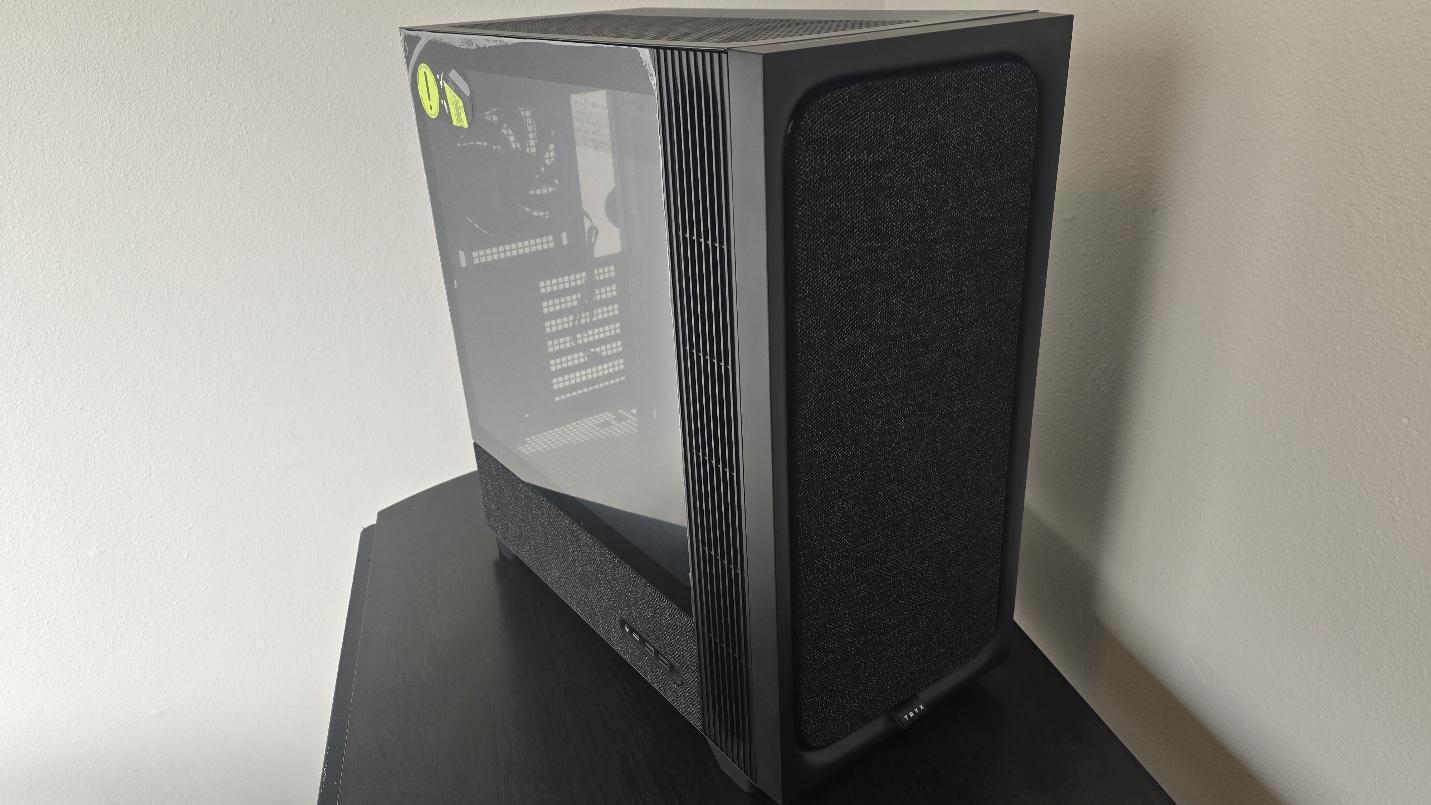
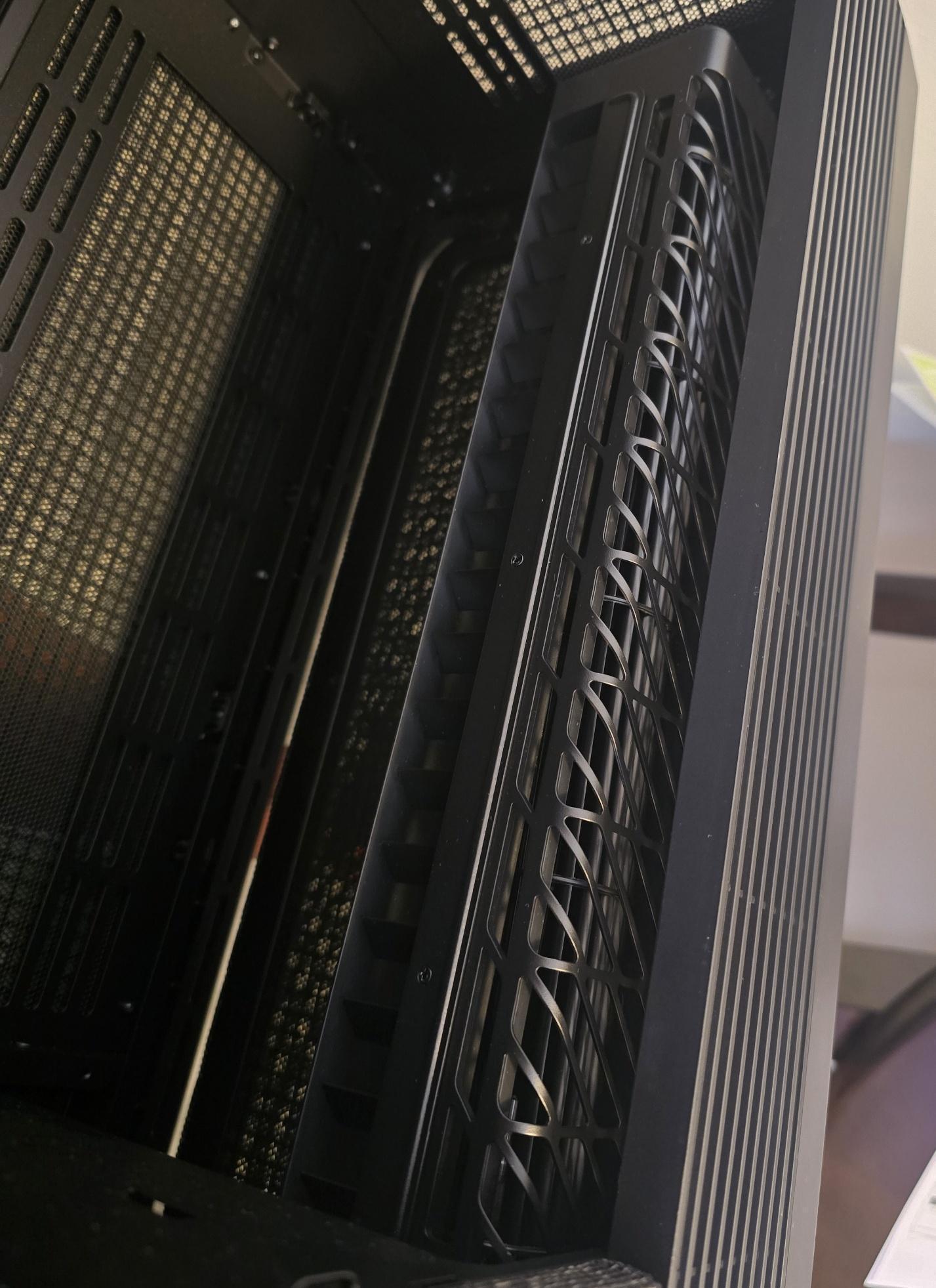
This case features a unique “crossflow” fan that pulls air from the side, which the company claims is more effective than traditional intake fans. For air cooling tests, we’ve added a single Noctua NF-A12 G2 intake fan.





 English (US) ·