
 3 weeks ago
39
3 weeks ago
39
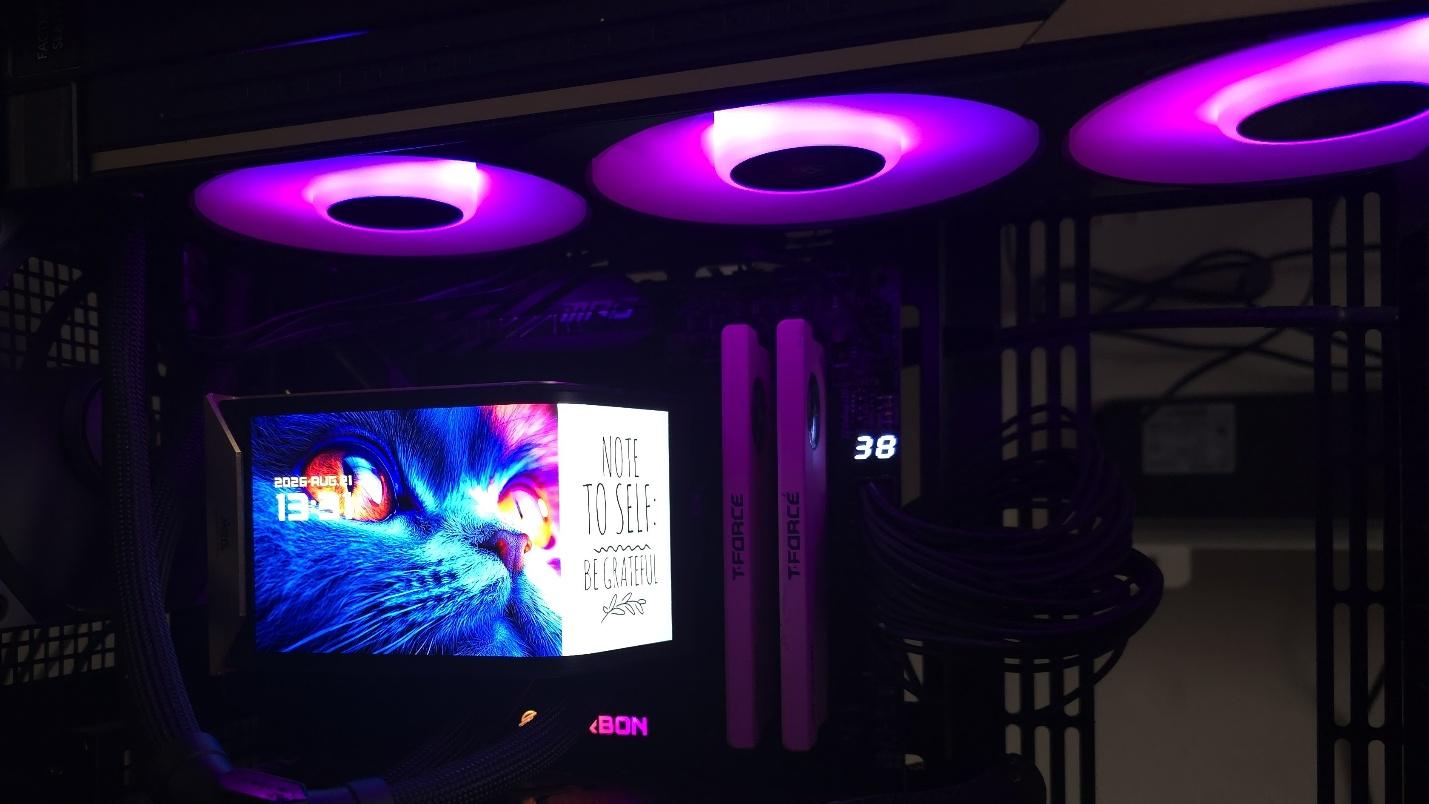
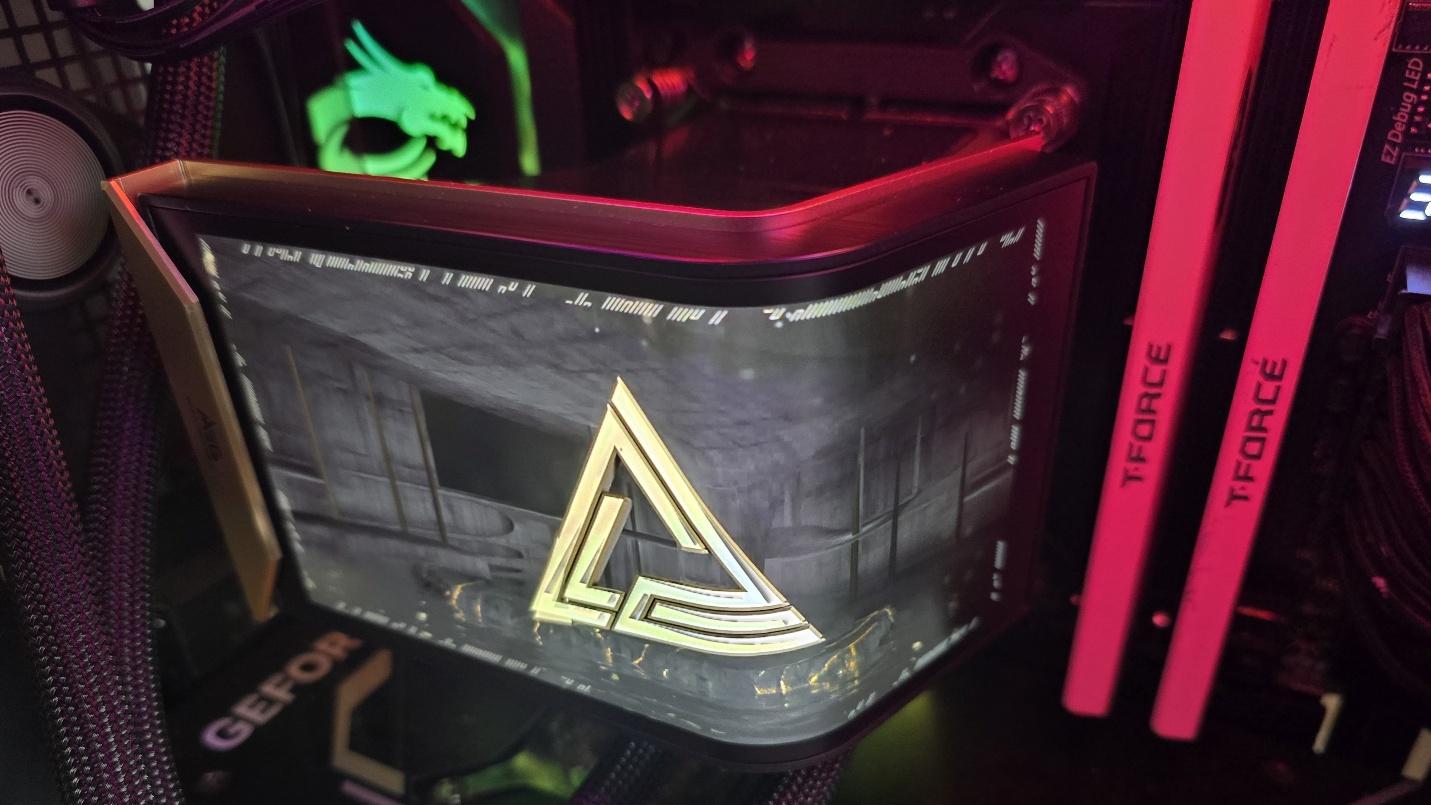
Today we’re testing MSI’s latest flagship AIO, the MEG Coreliquid E15 360, a luxury AIO with a premium black-and-gold aesthetic symbolizing authority and elegance. So we’re expecting market-leading thermal performance. Of course, the feature that stands out the most is the stunning 6.67-inch curved 2240x1080 AMOLED screen. The whole design looks and feels premium, with a price tag to match.
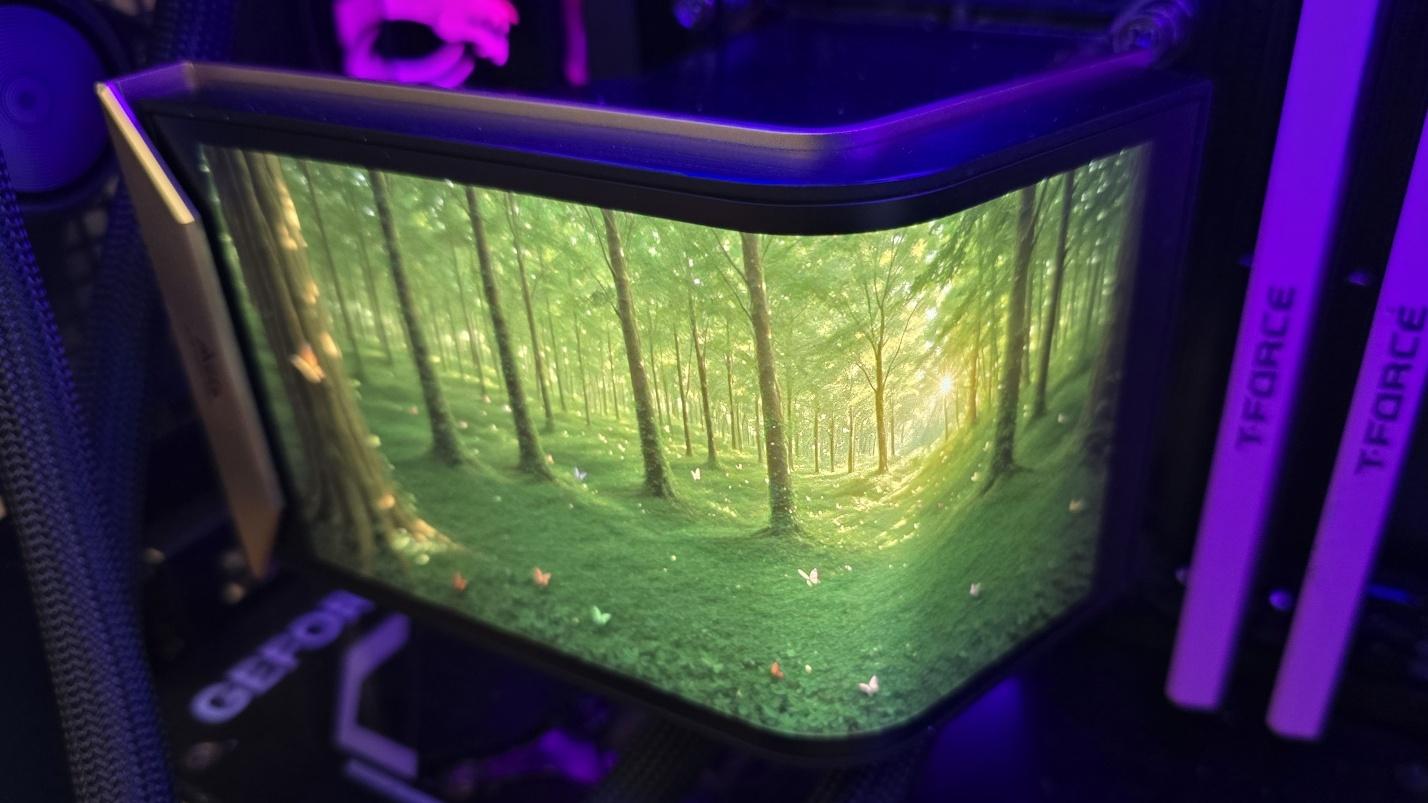
Let's take a look at the specifications and features of this CPU cooler, then we’ll go over thermal and noise benchmarks to decide if the MEG CoreLiquid E15 360 is good enough to make our list of the best CPU coolers on the market.
Cooler specifications
Swipe to scroll horizontally
Cooler |
MSI MEG CoreLiquid E15 360 |
Colors |
Black with Gold |
MSRP |
$399.99 |
Lighting |
ARGB on fans |
Warranty |
6 years (cooling components) |
Socket Compatibility |
AMD AM5/AM4 |
Dimensions |
138.95 (W) x 136.47 (D) x 167.3mm (H)/ 133 (W) x 114 (D) x 161mm (H) |
Maximum TDP with AMD’s Ryzen 9 9950X3D (Our Testing) |
>265W with AMD’s Ryzen 9 9950X3D |
Features of MSI’s MEG CoreLiquid E15 360 AIO
▶️ Premium black-and-gold aesthetic
Latest Videos FromTom's Hardware
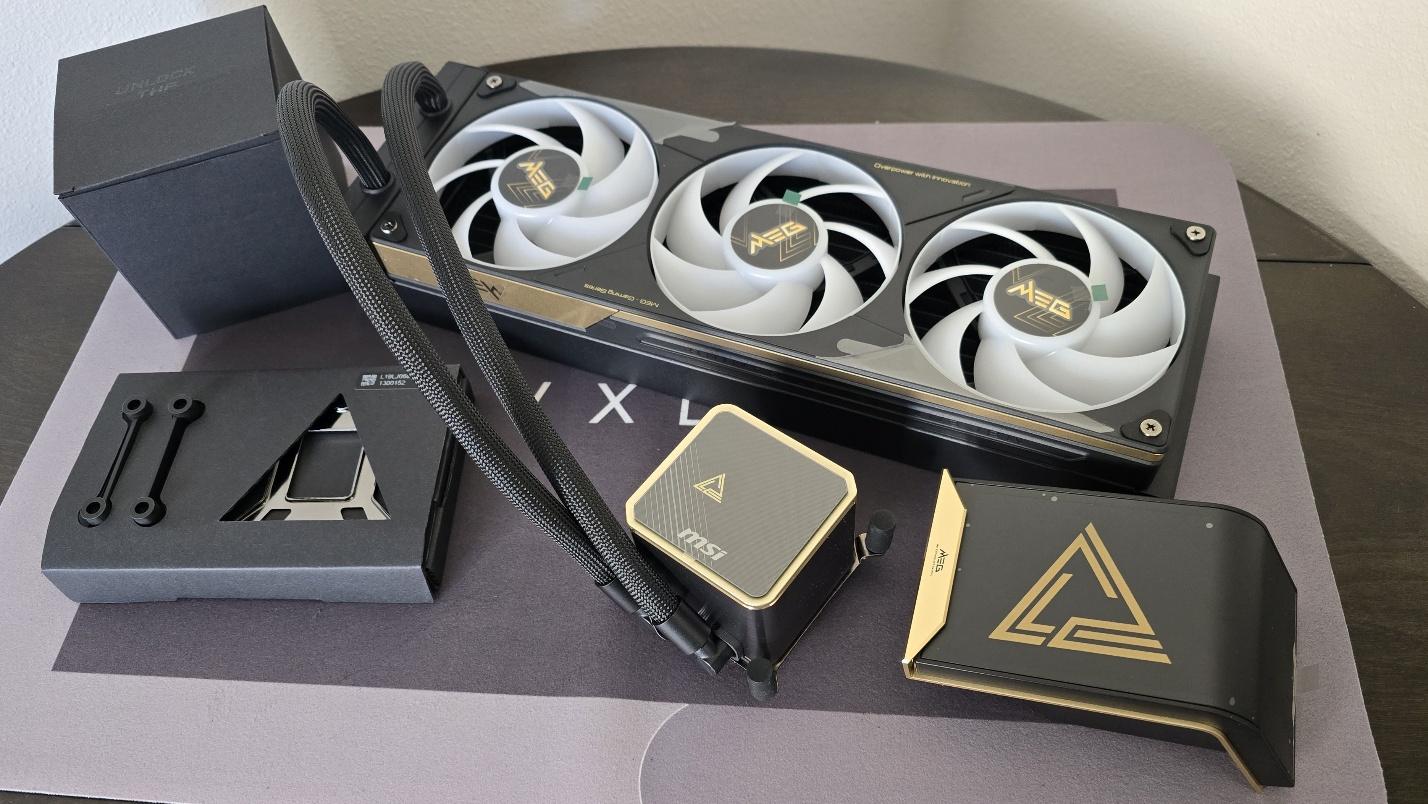
MSI’s MEG CoreLiquid E15 features a design that just oozes a feeling of premium quality – each component is precision-made using high-quality components, with gold colored plating flanking black metal. The highlight of this cooler, of course, is the premium curved screen, but if, for some reason, you’d prefer not to use the screen, a stylish black-and-gold pump cover is also included.
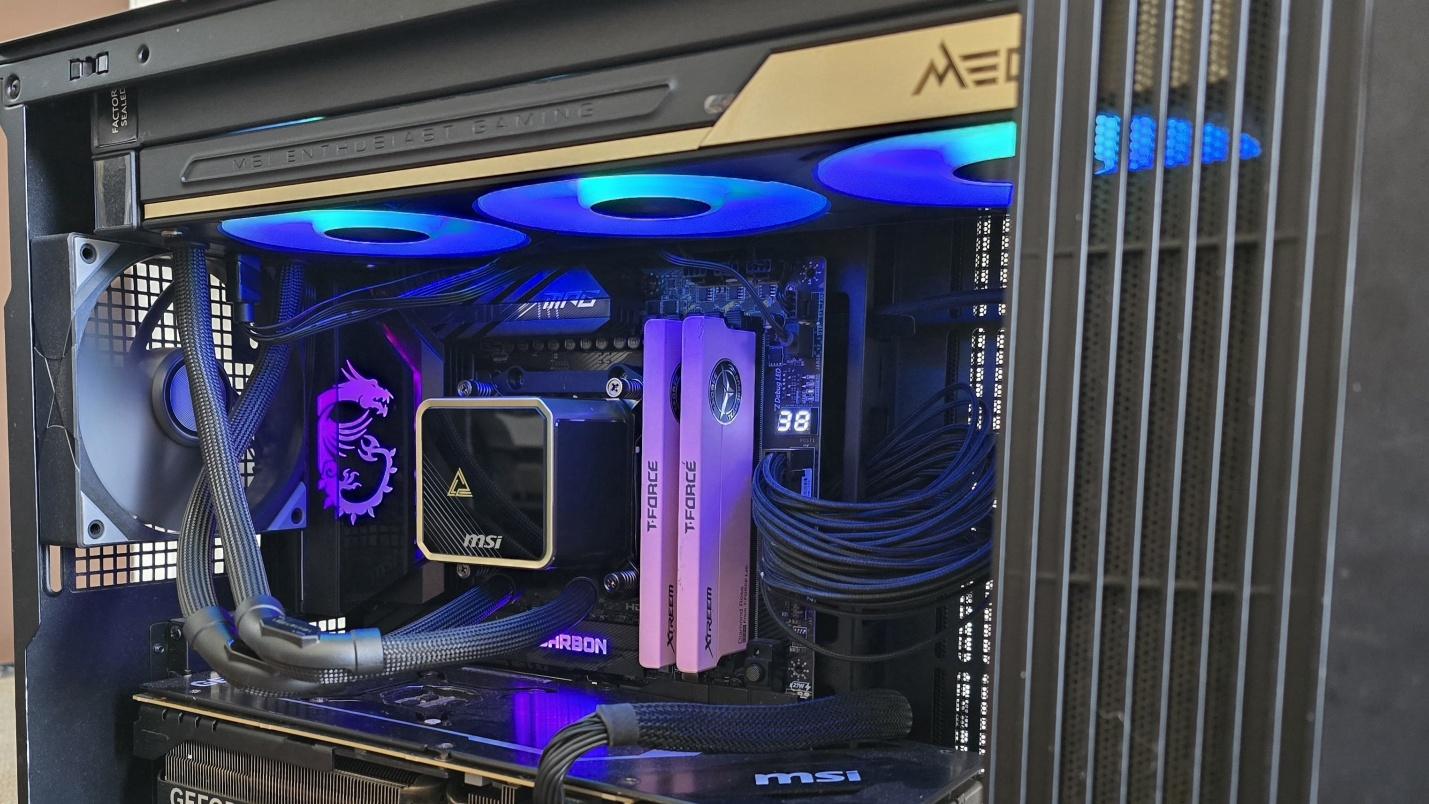
▶️ RAM Clearance
As with most AIOs on the market, MSI’s E15 doesn’t overhang or interfere with RAM DIMMs at all, allowing for compatibility with all sizes of DDR4 or DDR5 DIMMs, no matter how tall.
▶️ Magnetic Penrose Triangle
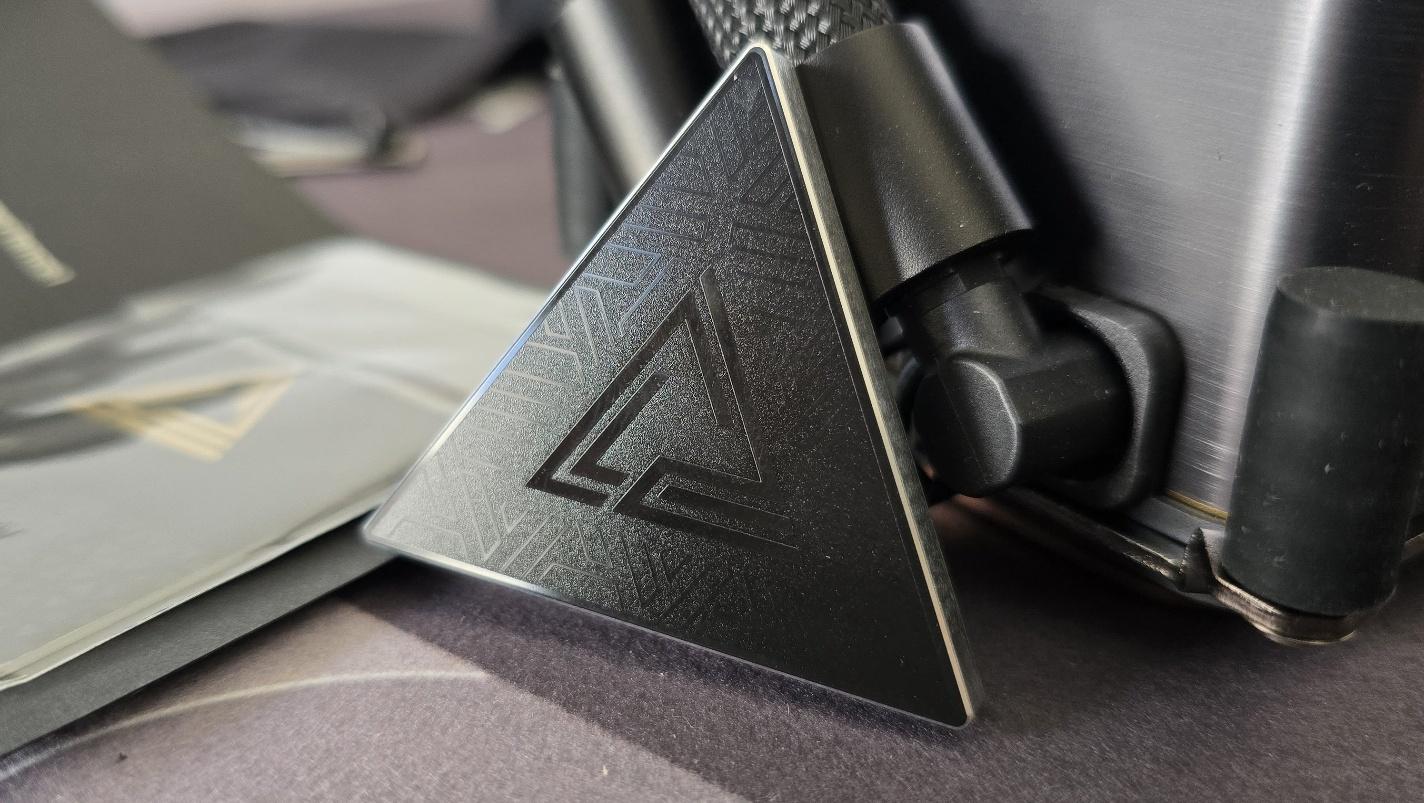
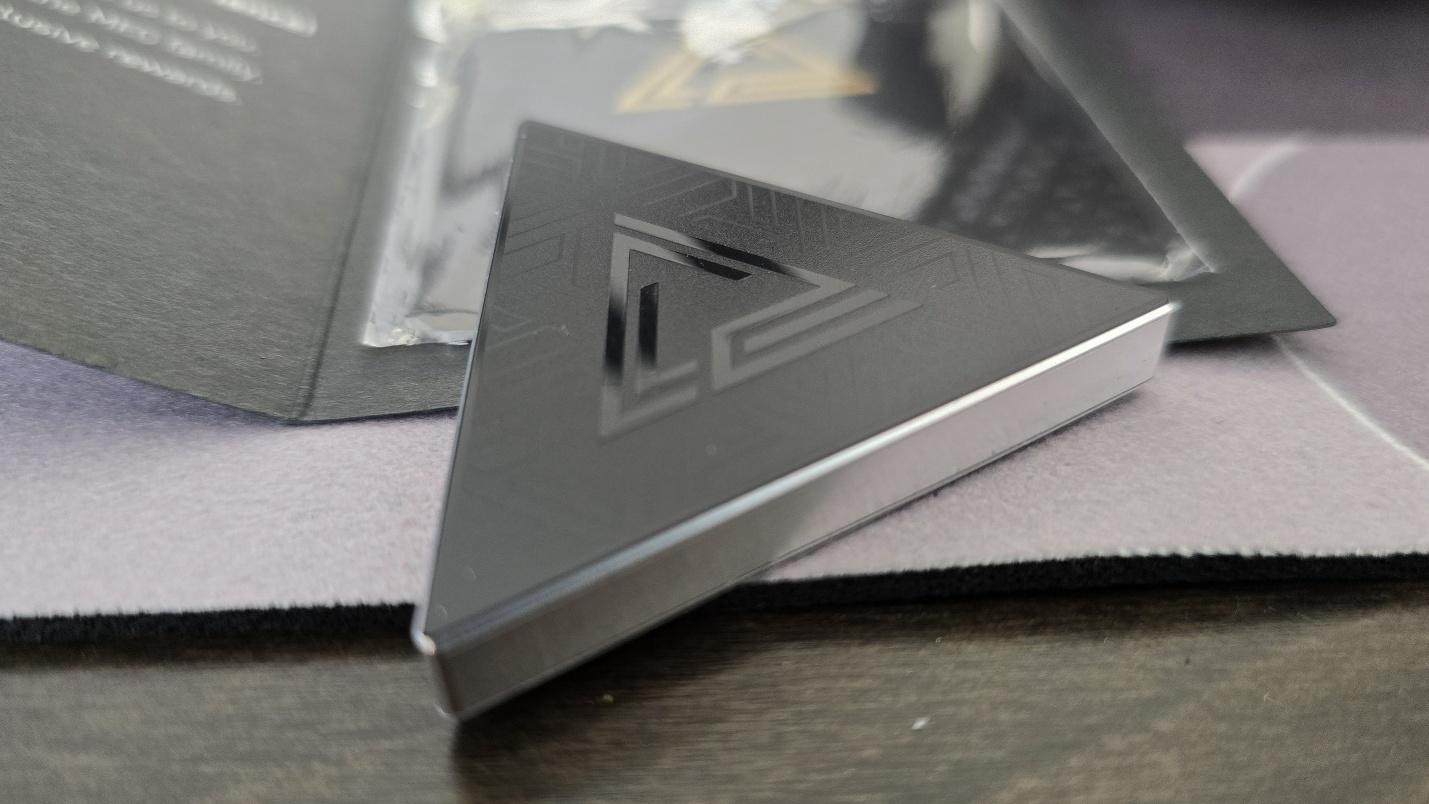
A pretty nifty piece of swag included with this AIO is a magnetic Penrose triangle and, boy, let me tell you, this magnet is strong! How strong? I threw it across the living room to a metal door and it instantly secured itself to the door!
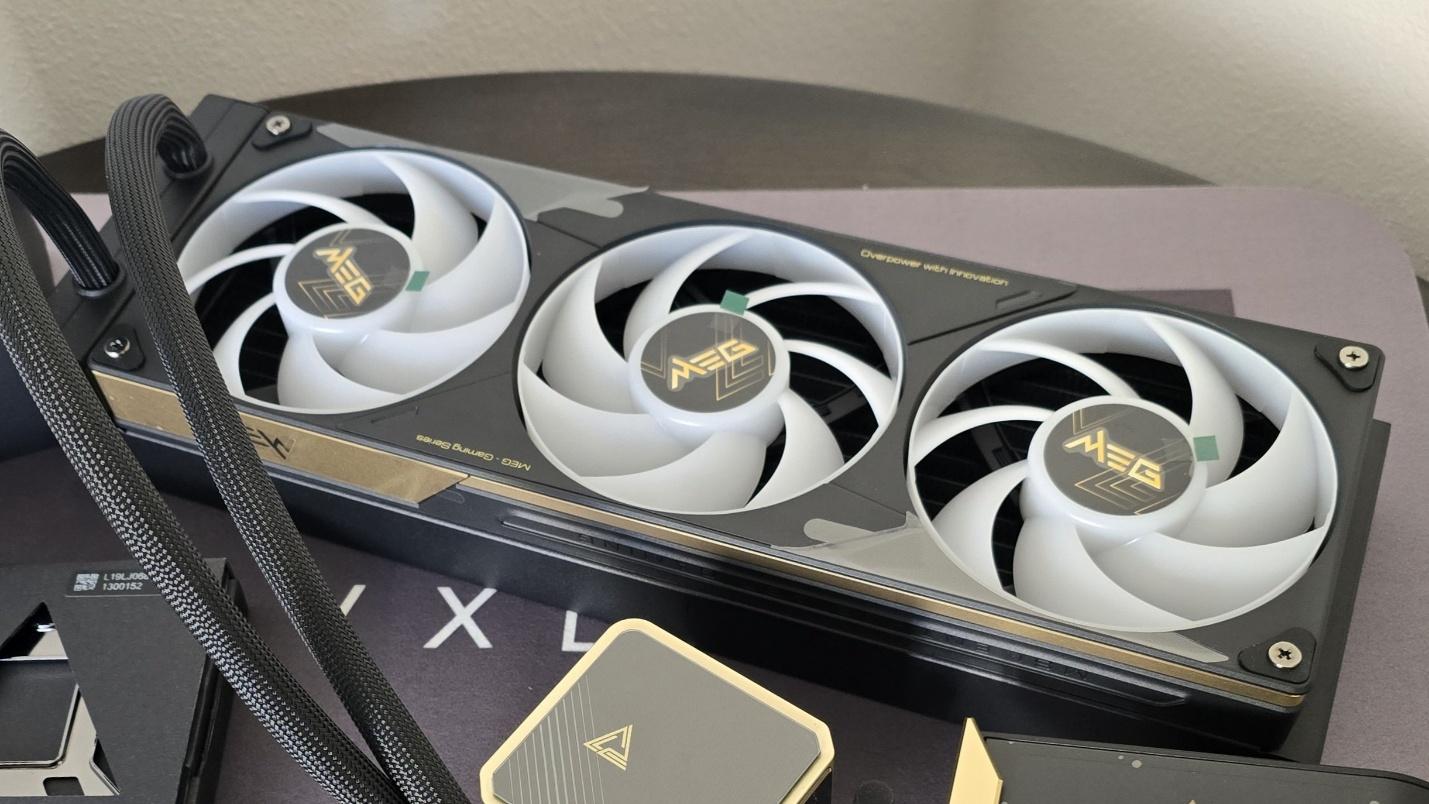
▶️ 28mm thick single-frame fans
There’s more to a cooler than just the heatsink. The included fans have a direct impact on aesthetics, noise levels, and overall thermal performance. The E15 features a 360mm single-frame fan unit, and it is pre-installed for user convenience, saving a few moments during cooler installation.
Swipe to scroll horizontally
Fan Speed |
800–2300 RPM ±10% |
Dimensions |
362 x 125 x 28.4 mm |
Airflow |
217.91 CFM |
Air Pressure |
3.84 MMH20 |
▶️ MSI EZ Display software – Pros and Cons
Strictly speaking, you don’t actually need to install MSI’s EZ Display software to enjoy the functionality of the included screen. The E15’s default animation shows a Penrose triangle against a background strongly reminiscent of the brutalist Isu ruins from The Fate of Atlantis DLC in Ubisoft’s Assassin’s Creed: Odyssey.
If you’re happy with this default animation, no software installation is necessary. It’s only if you want to customize the screen that software installation is necessary.
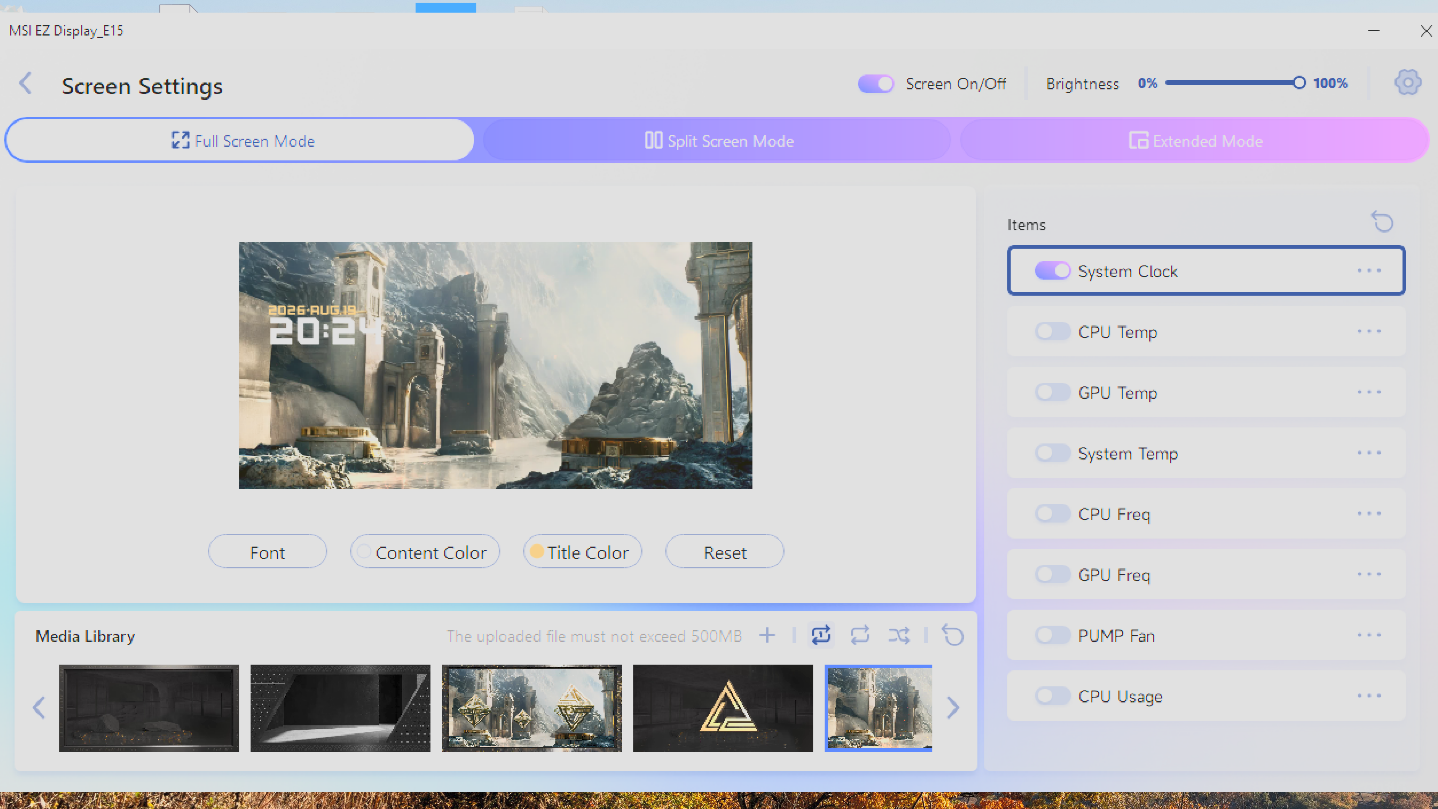
Once the MSI EZ Display software has been installed, there are three primary configuration styles. The first is a “full screen” mode that has several stunning animations, each unique but in the same style as the others.
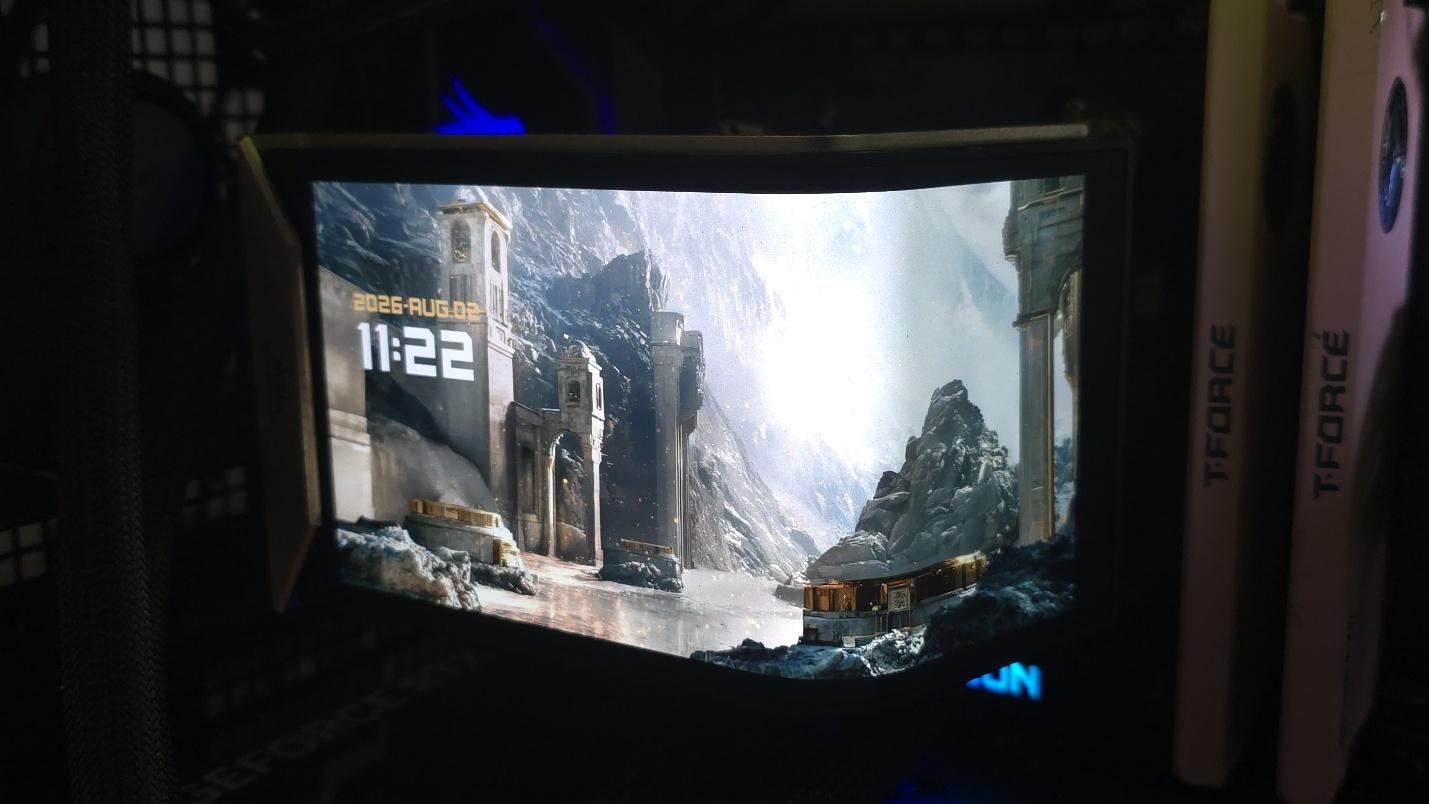
In addition to the visual theme, you can choose to enable several metrics on the screen. In the image above, I’ve enabled the date and time, but you can opt for other things, like CPU and GPU temperatures, processor frequencies, etc.
These are nice features and certainly look good, but that’s where the customization ends for metrics. The EZ Display doesn’t currently let you change the position or size of the metrics displayed. If MSI wants this AIO to appeal to tech enthusiasts, that’s a feature they’ll need to implement – especially when you consider the E15’s luxury price tag. This lack of proper customization is especially annoying when trying to display metrics with a custom image, as shown below.
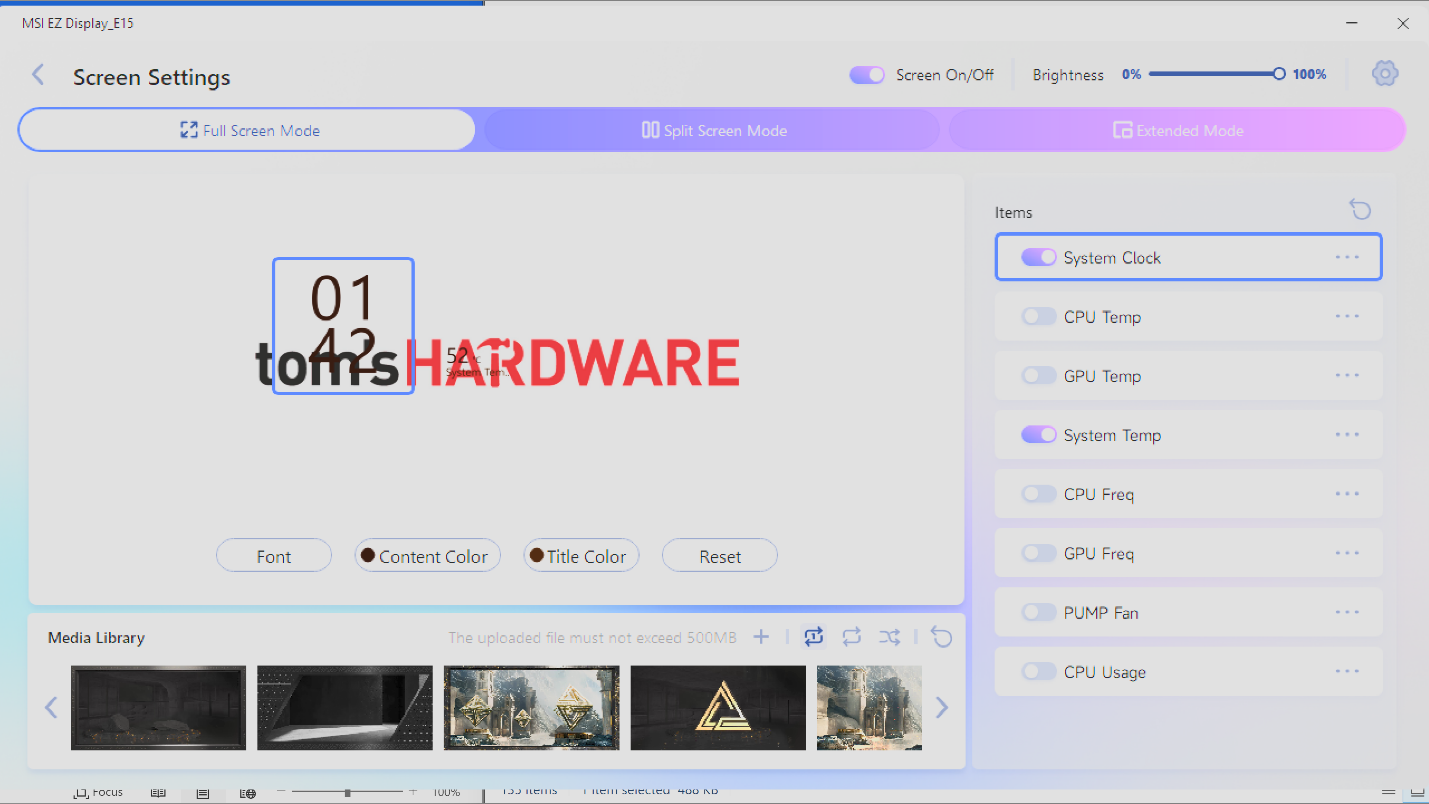
Another aspect I would like to see improved is the ability to deselect themes in the “playlist.” Currently, if you let the animations shuffle or loop, every single animation (preset and custom) that you have included in your library is played.
Image 1 of 2
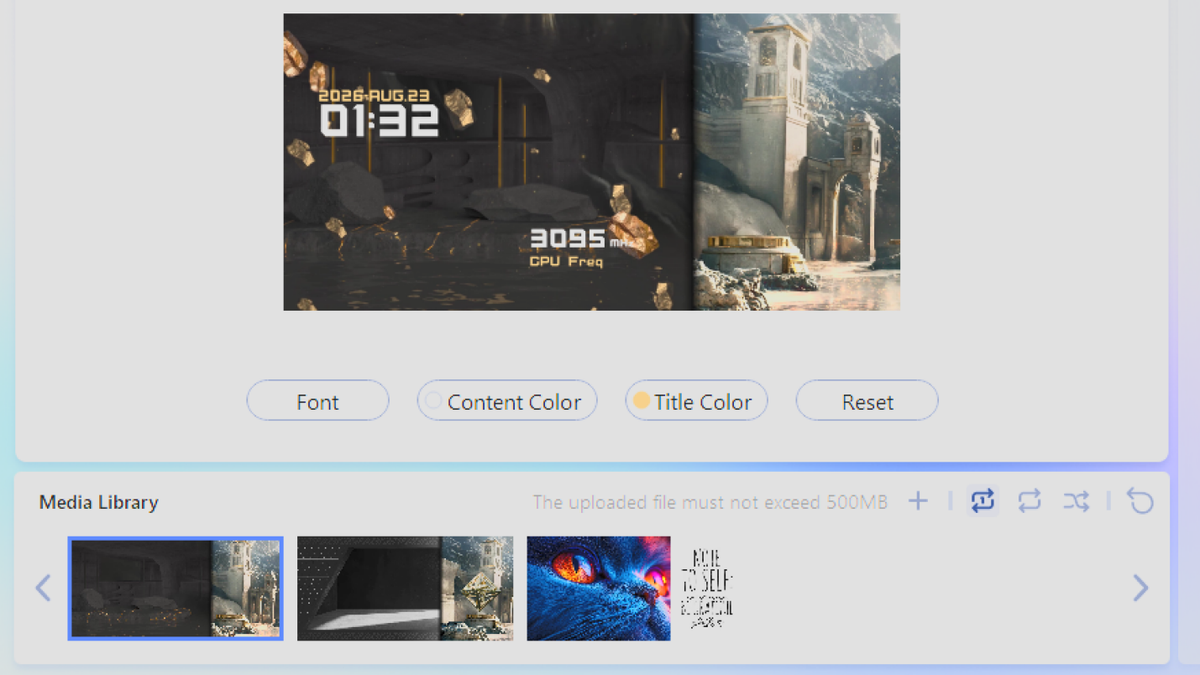
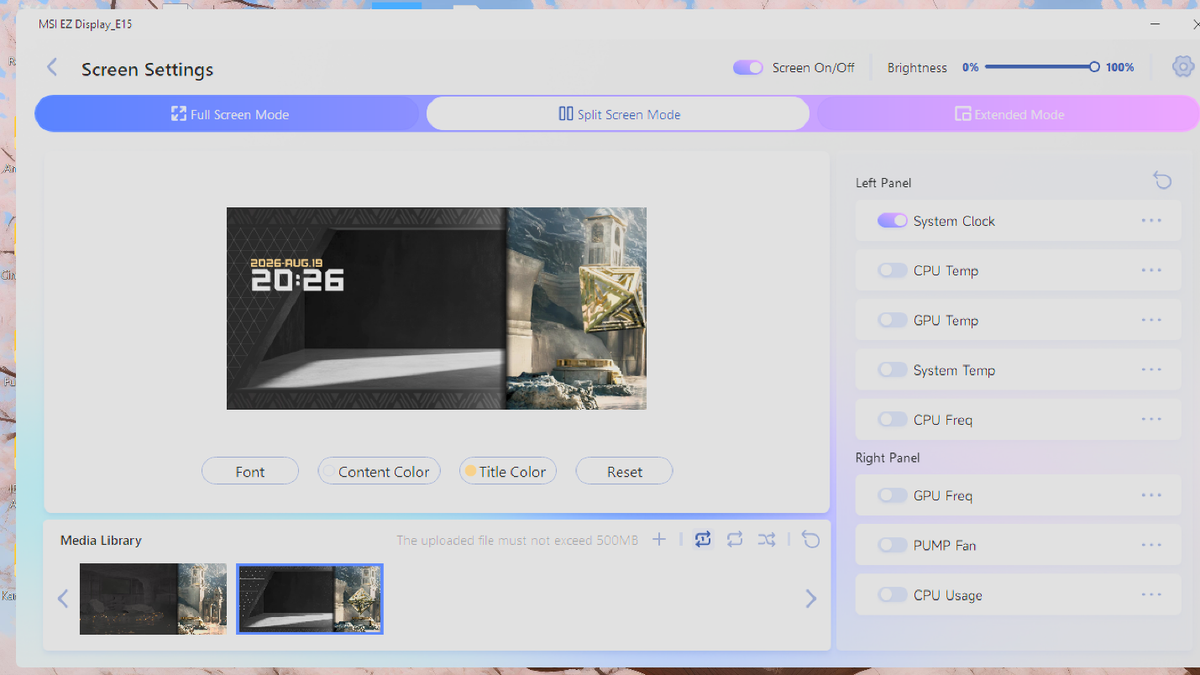
The second configuration mode available for this screen is a “split-screen” option, which currently has only two presets. As the mode’s name implies, this splits the display into two parts, allowing for one animation or image on each side of the display.
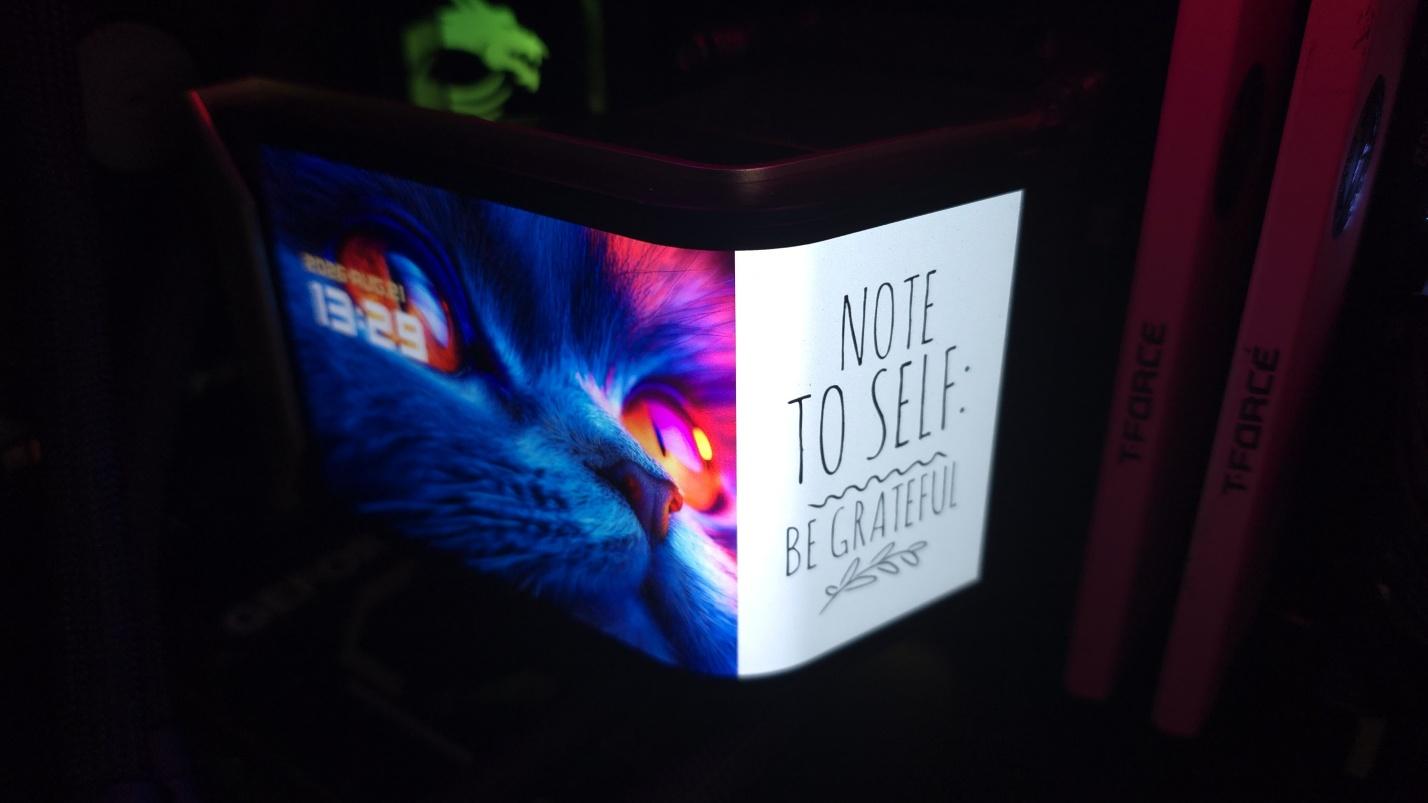
The last mode available for this screen is extended mode, which allows you to use the display as a secondary monitor with Windows.
This allows you to use your own software and show off themes and images entirely of your own creation, play movies of any length, etc. There is one downside though: when I tested this mode, HDCP would not work on either the MSI display or my primary LG ultrawide monitor when streaming video from Amazon Prime on my primary monitor, resulting in degraded video quality.
▶️ Packaging
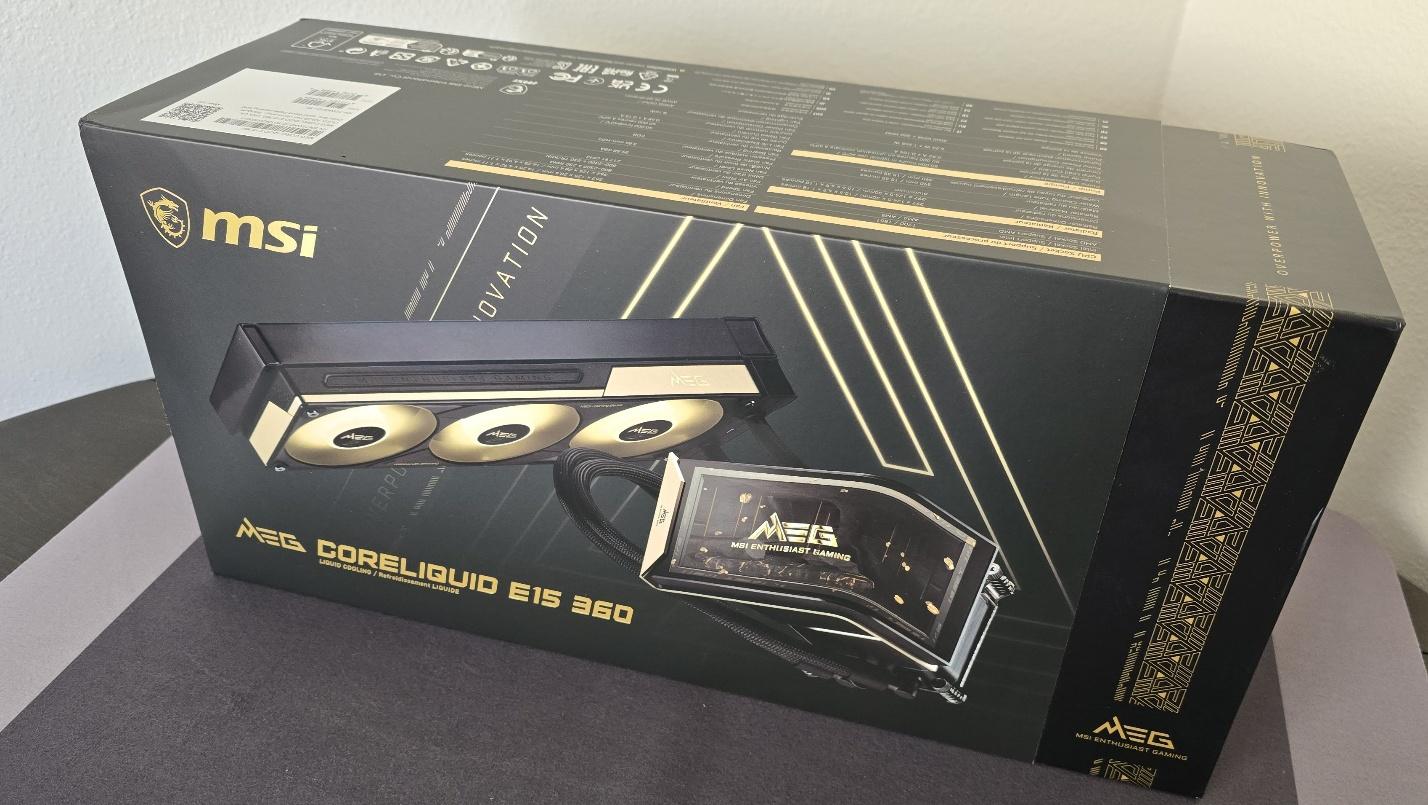
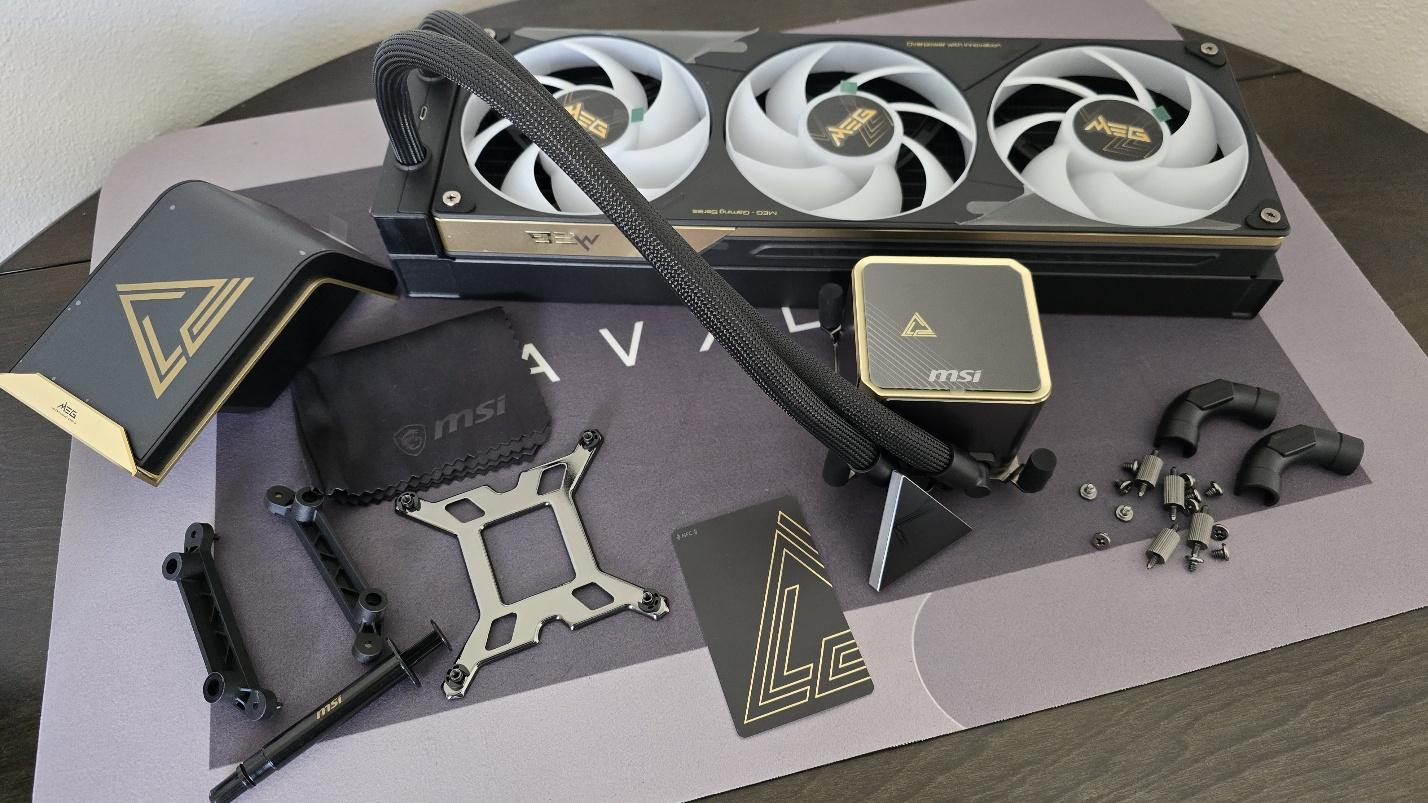
The outer packaging loudly advertises the product, with a stunning black-and-gold theme and the AIO’s image on the front. The individual parts in the package are protected with cardboard, with mini boxes for the radiator, pump, accessories, and etc.
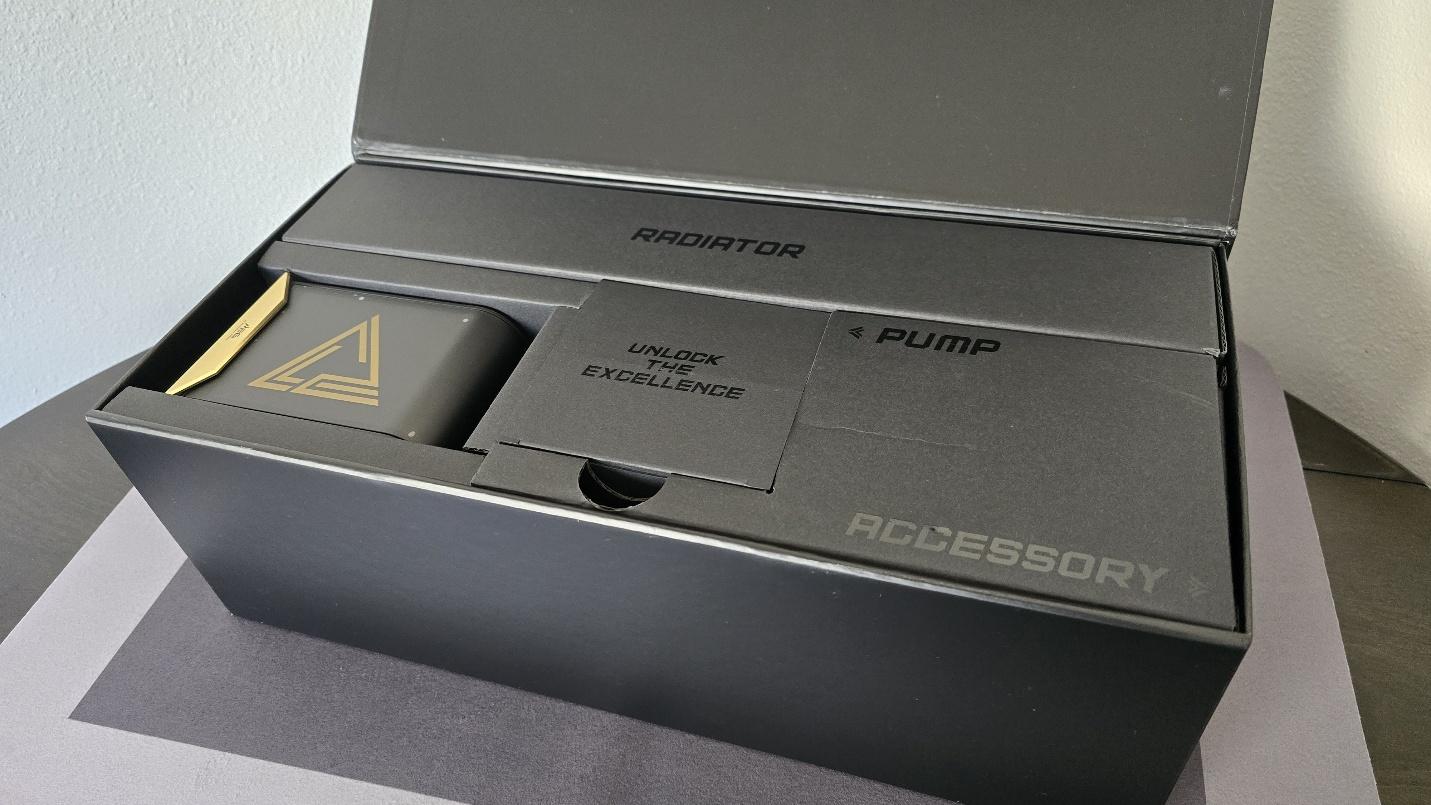
Included with the package are:
- Mounting hardware for AMD and Intel platforms
- 120mm fans
- Thermal paste
- Magnetic Penrose triangle
- Bending tube clips
▶️ MSI MEG CORELIQUID E15 360 AM5 Installation
To begin putting things together, you’ll first need to remove the default AM4/5 retention brackets and replace them with the included mounting bars for the AIO.
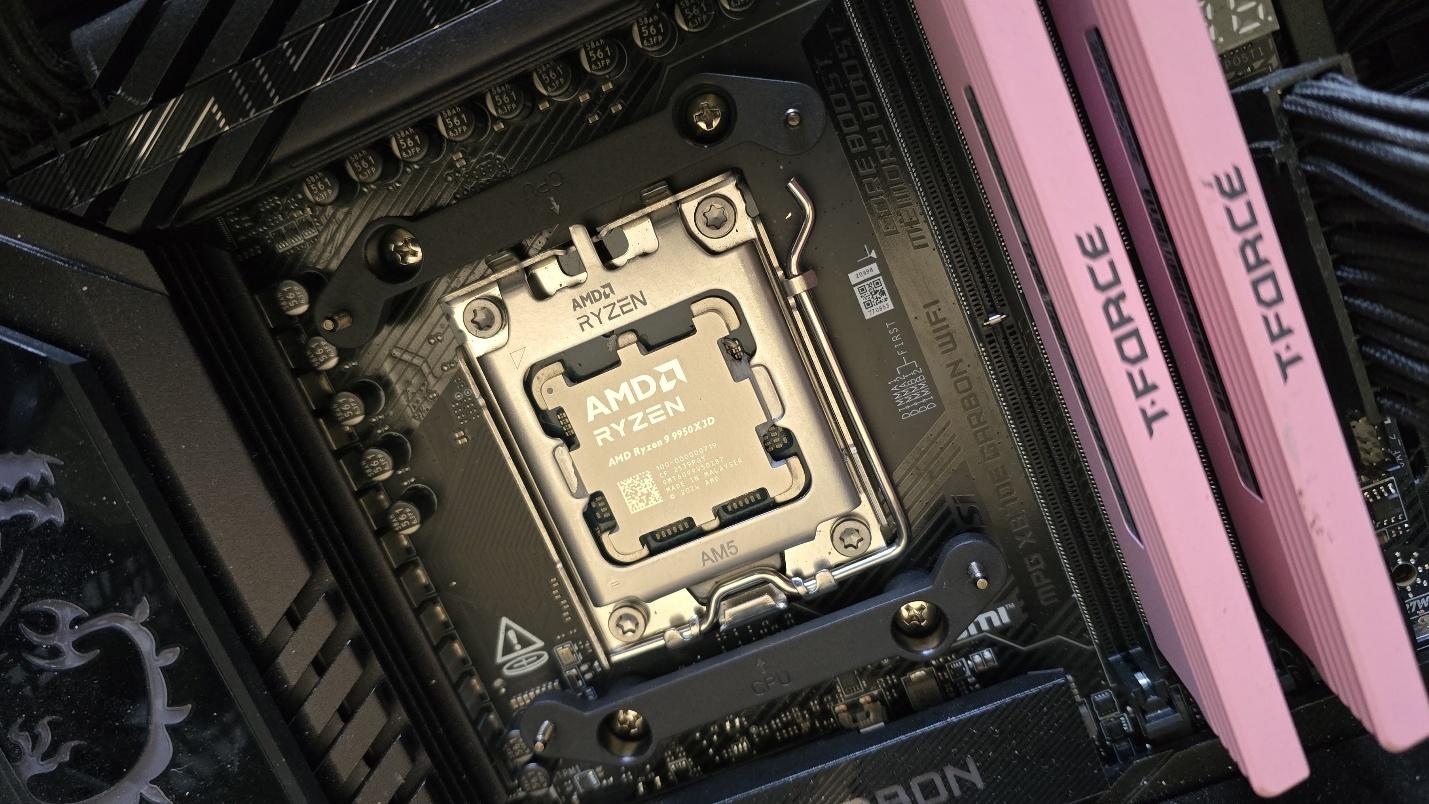
Next, take the mounting bars and secure them with the included screws.
Now it’s time to apply the thermal compound. If you’re not sure how to do that, we have a handy thermal paste application guide that covers the different methods you can use.
After thermal paste is applied, take the CPU block and press it against the mounting bars, using the built-in screws to secure it in place.
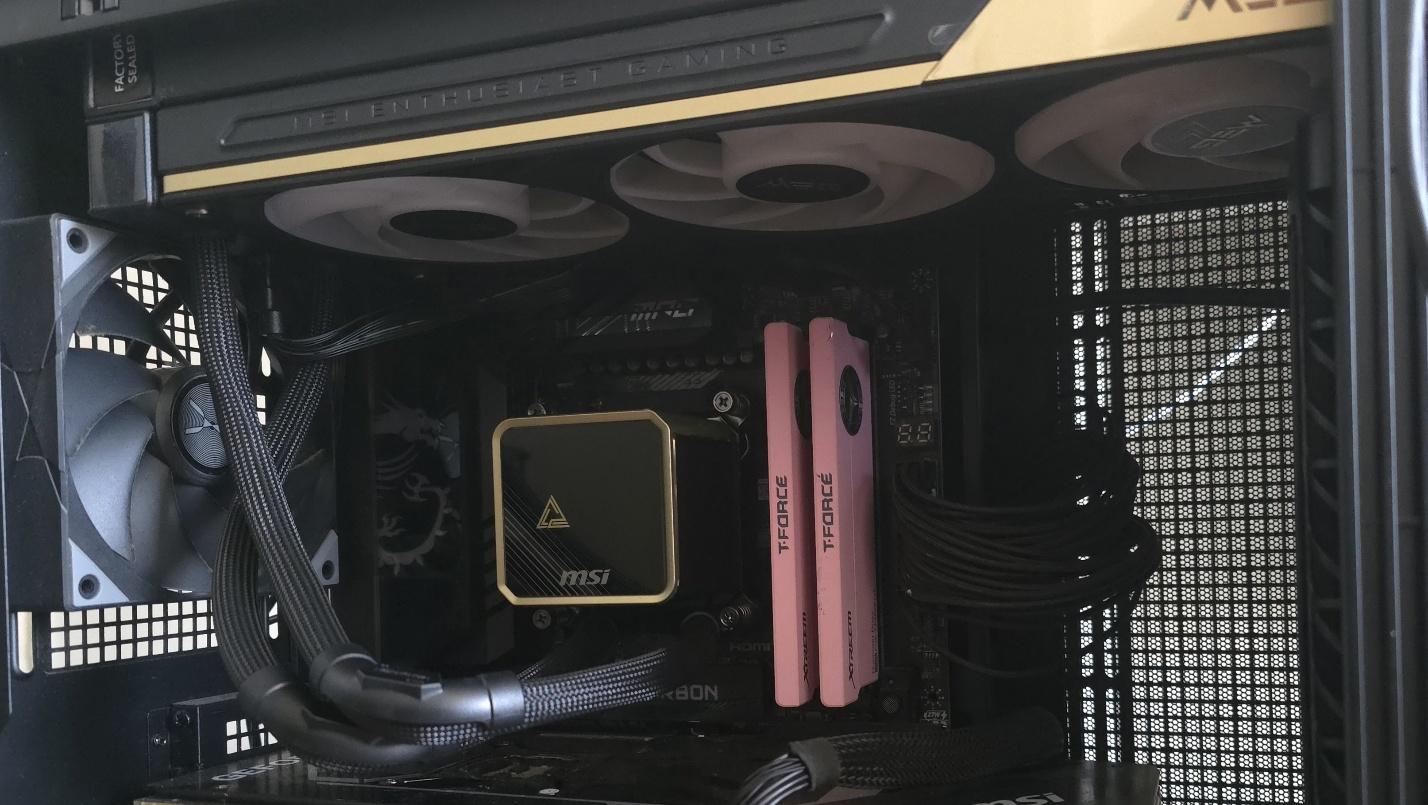
At this point, you’re mostly good to go. You can leave the AIO set up as above if you want, but most users will want to take off the cover from the CPU block and place the screen on top of it instead.
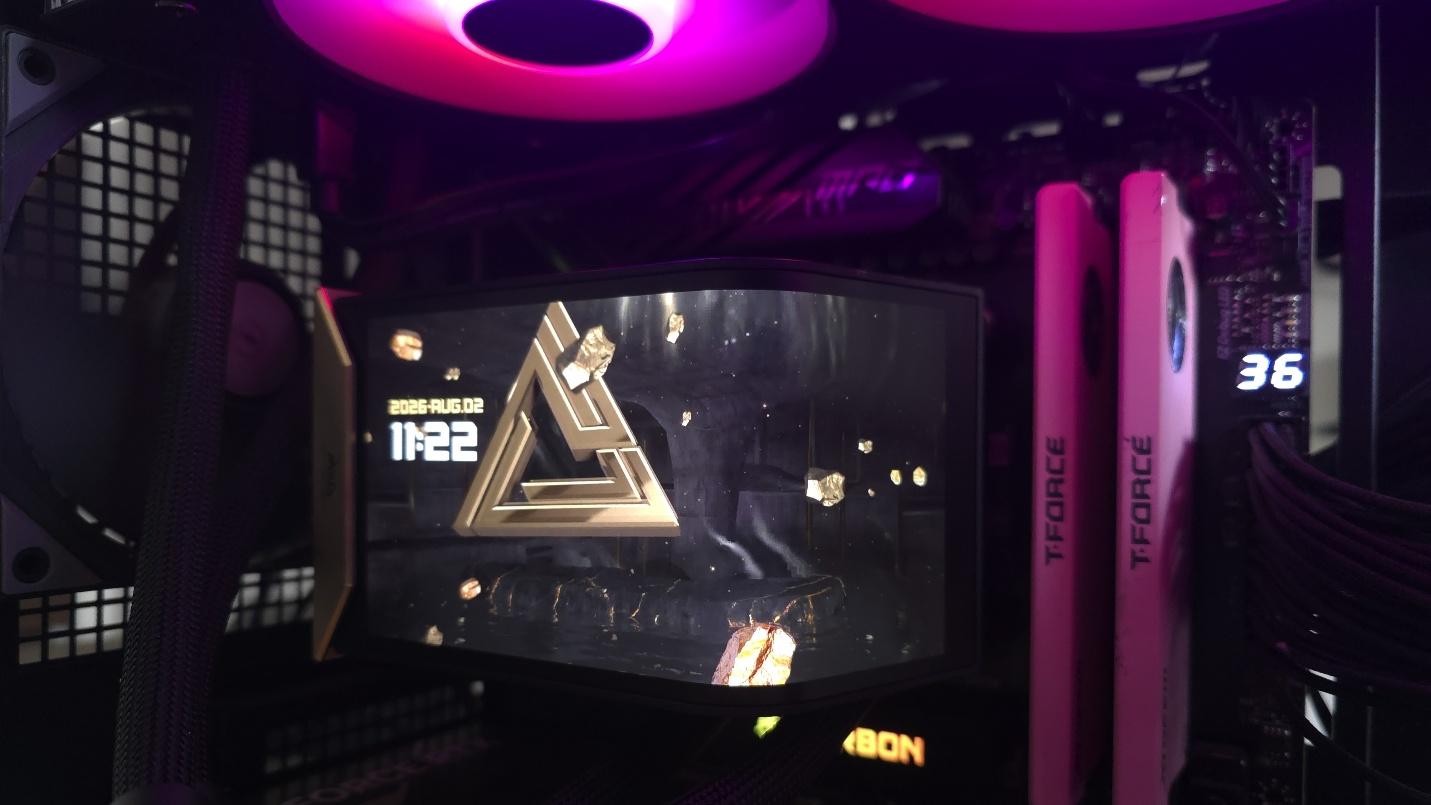
The final step, of course, is to connect the AIO’s cables – ARGB, USB, and PWM.
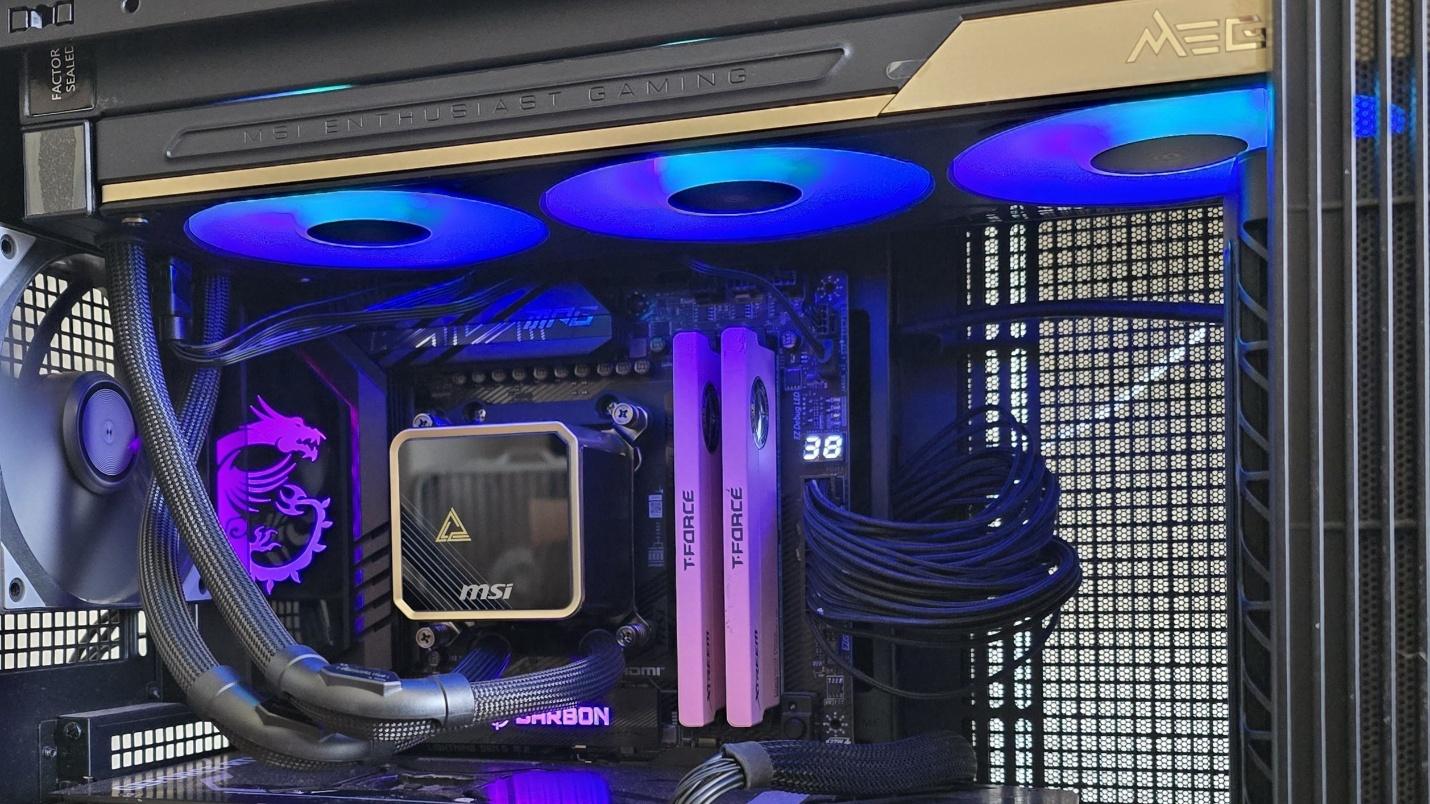
Real-world testing configuration – AMD AM5 platform
We’ve tested coolers with both the Ryzen 9950X3D and its non-V-Cache sibling, the 9950X. There are some differences in how the 9950X and 9950X3D CPUs are impacted by thermal events. While the heat output of the CCDs of AMD’s 9950X3D is relatively balanced, the 9950X I used has one CCD that runs much hotter than the other, with a difference of over 10 degrees Celsius in some scenarios, shown below.
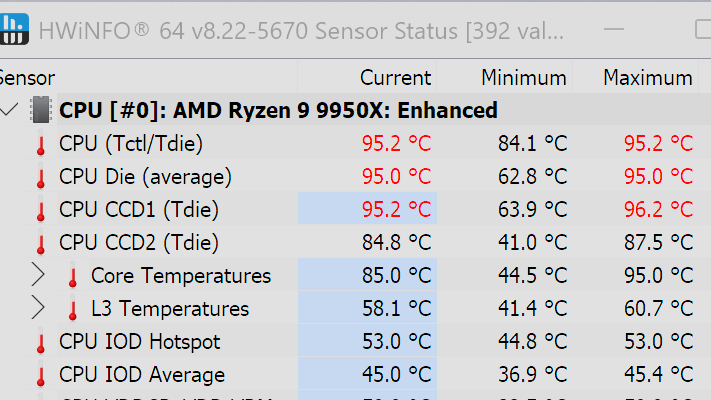
We’ve since returned to using a 9950X3D for cooler testing, as it has a more balanced heat profile, and is almost certainly a more widely adopted CPU. The benchmark results shared in these reviews may differ from others because I emphasize results that are comparable to real-world use. This means I generally test CPU coolers inside of a closed desktop case, which increases cooling difficulty compared to other testing methods.
Many reviewers test coolers on open test benches, which have a combination of lower airflow needs and lowered ambient temperatures. This can make weak coolers appear stronger than they really are. Some publications have also used generic thermal plates to test cooling solutions. I reject both of these methods because they don’t accurately reflect real-world cooler conditions.
Swipe to scroll horizontally
CPU |
AMD Ryzen 9 9950X3D |
GPU |
MSI Ventus 3X RTX 4070Ti Super |
RAM |
TeamGroup Diamond Rose T-Force Xtreem DDR5-7200 |
Motherboard |
MSI X870E Carbon Wifi |
Case |
Tryx FLOVA F50 |
Our latest testing setup uses the FLOVA F50 computer case from Tryx.
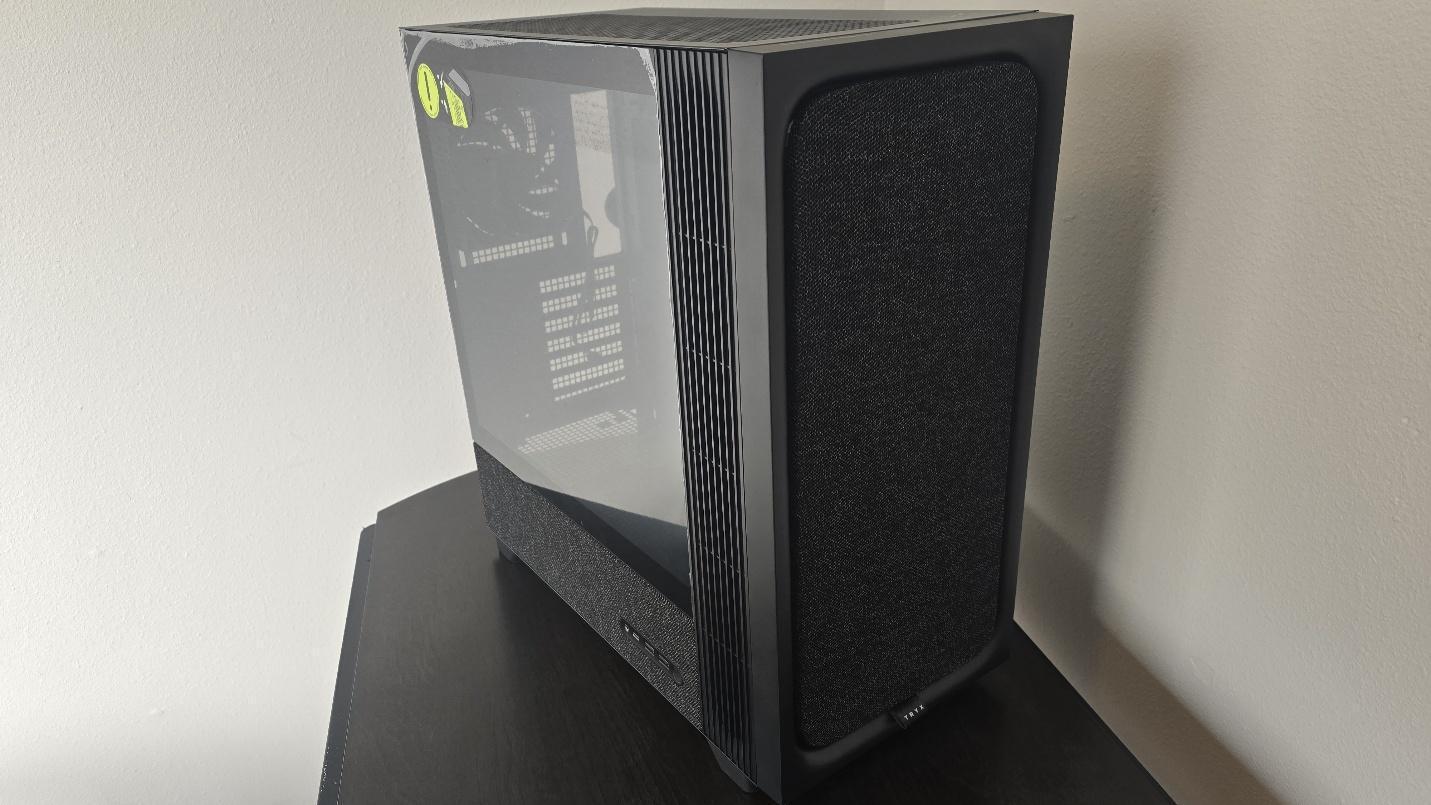
This case features a unique “crossflow” fan that pulls air from the side, which the company claims is more effective than traditional intake fans. For air cooling tests, we’ve added a single Noctua NF-A12 G2 intake fan.






 English (US) ·