
 3 weeks ago
46
3 weeks ago
46
I don’t usually reach for my iPhone Camera app for much beyond quick clips, social posts, and photos, and I’ve certainly never put any accessories or lenses on it. Then came the Moment T-Series II lens set, and now that very well might change.
Ever since Apple Log became available for iPhone, my interest has been piqued. Can I really make cinematic footage by augmenting iPhone’s sensor with some higher-quality glass?
Locking Down the Settings
Before mounting a lens, let’s set some ground rules so that we can evaluate these lenses with fewer variables in play. Since I am using Moment glass exclusively, I filmed everything using the Moment Camera App, which turned out to be an excellent pairing. Not only does this app provide pro manual control of the sensor — unlocking RAW, allowing for ProRes Log capture, 4K open gate, shutter, sensitivity, and focus controls — it also logs all of the lenses into clip metadata, though you’ll have to remember to switch it manually every time you swing a lens. Best of all, it also desqueezes the anamorphic footage automatically during preview and record, so no extra processing needed in post.
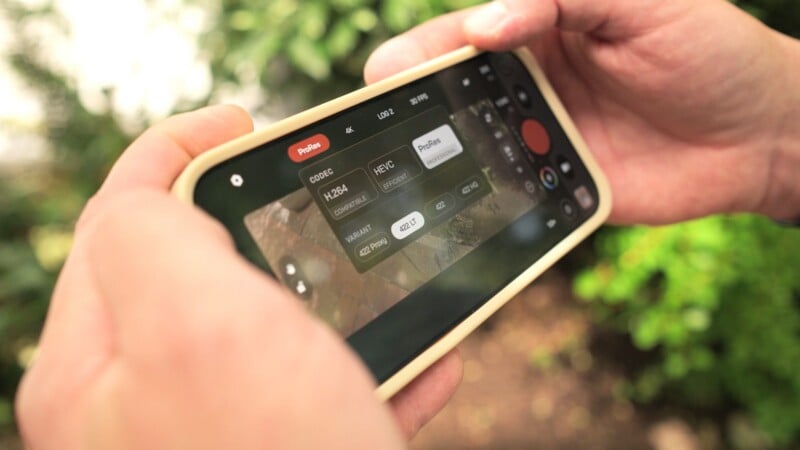
I recorded this entire project in Apple ProRes Log 2. I’ve never used it prior to this, but I have been curious about the look and dynamic range. The phone has plenty of memory, so I locked in 4K at 30 frames per second (FPS). I briefly tested 24 FPS to try and match Fujifilm X-H2s BTS footage, but it looked a bit too jittery both in preview and playback (an issue I’ve previously heard about), so I settled on 30. I set a 180-degree shutter (1/60 at 30fps) to match a normal cinematic look, tried to keep ISO at 400 or below to minimize noise, and used a variable ND so I could adjust exposure without touching ISO/shutter, since the iPhone lens has a fixed aperture.
The Lenses
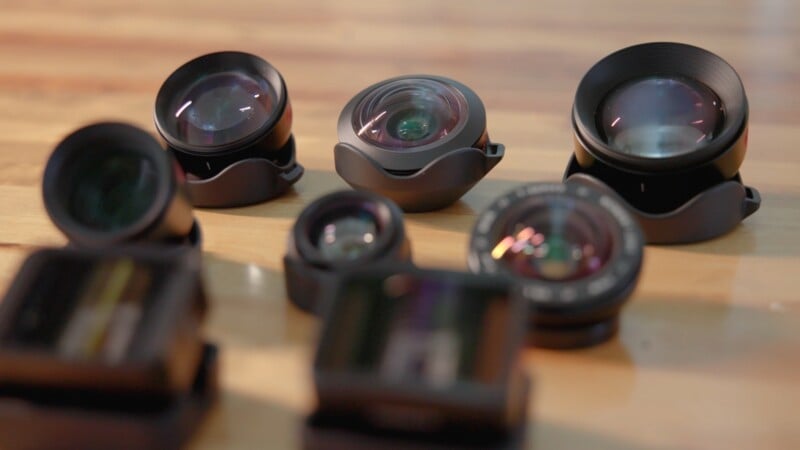
Once we got our settings locked in, it was time to actually give these lenses a proper test drive. This kit is is massive. The variety of lenses covers a huge range, from fisheye to anamorphic to long telephoto, which gives you the option to play with many creative looks.
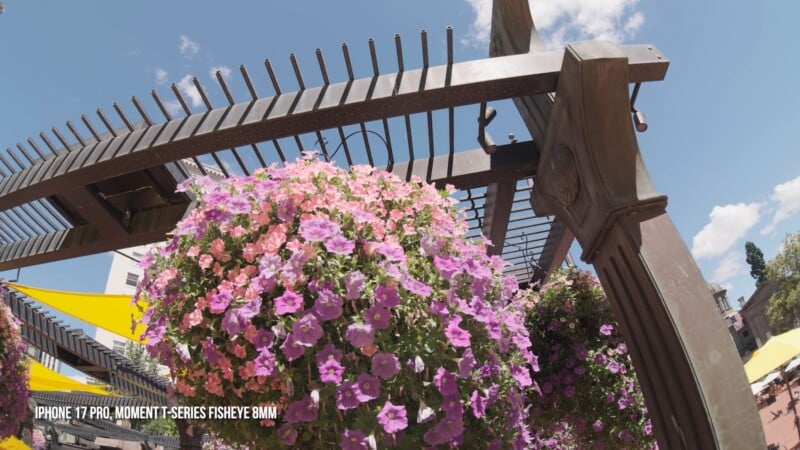
I do love a great wide angle, so the 8mm fisheye was a fun one: not too wide and not too crazy, but still clearly looking like a fisheye. The distortion doesn’t make it too wacky, and the lens stays sharp edge to edge. This would be awesome to use for a music video or some exaggerated face close-ups.
The 16mm wide was fantastic as well. It had a wider angle of view than the standard iPhone main lens, but stayed rectilinear with minimal distortion. It doesn’t have much character, and it seems to render a scene very close to what an iPhone would capture. This is perhaps good to use for establishing shots and landscape scenes.
The 58mm telephoto was quite a pleasant surprise. After putting this one on, I actually forgot that I was filming with an iPhone for a minute. While it felt a bit wider than what a 58mm would actually feel like, it offered a very pleasant cinematic medium lens look, and I felt like I could really capture some emotional mediums and close-ups of faces.
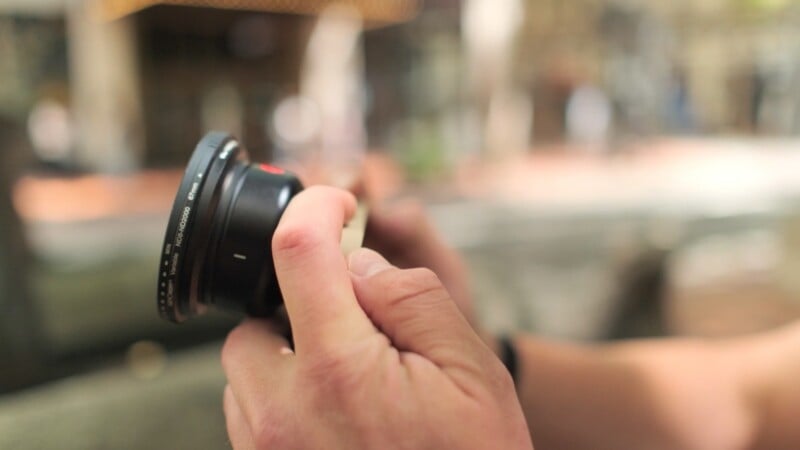
Then, we make a huge leap to the 240mm telephoto. This lens is long. It is still physically compact like all the others, but man does it have some reach. Even with stabilization enabled, you can see real wobble while operating handheld. I think it’s a great option if you’re filming on a tripod, but that feels like a narrow application at the end of the day. This one might make more sense if you’re only taking photos, as that length makes it really difficult to use for video capture. I would’ve loved to have an extra mid-tele lens to bridge the giant leap between the 58mm and this 240mm.
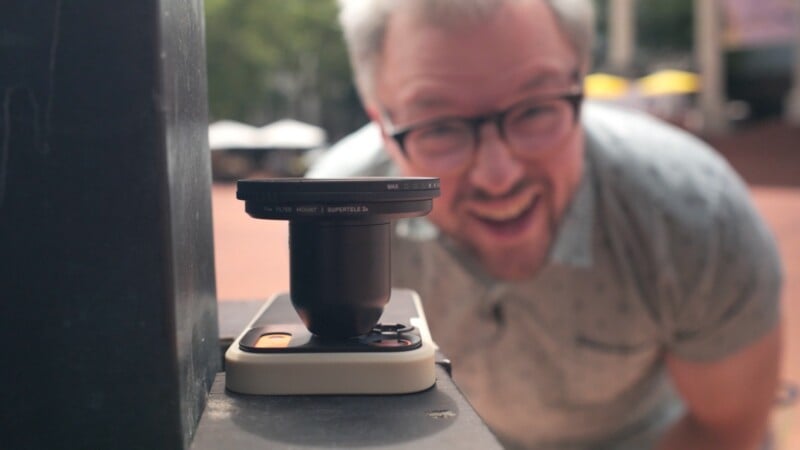
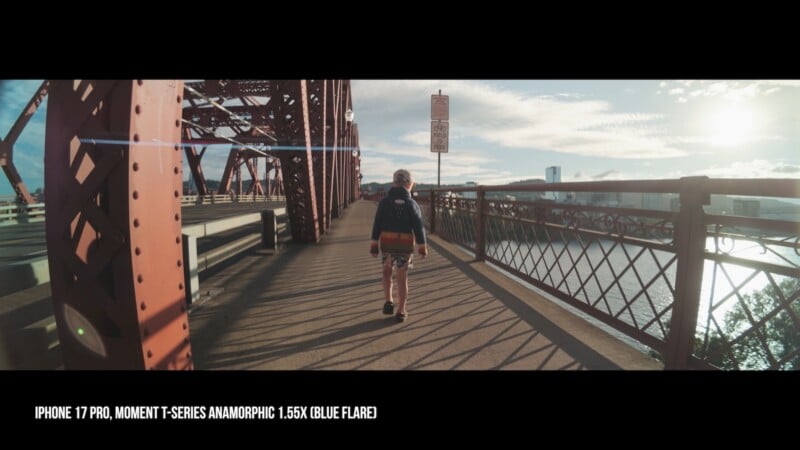
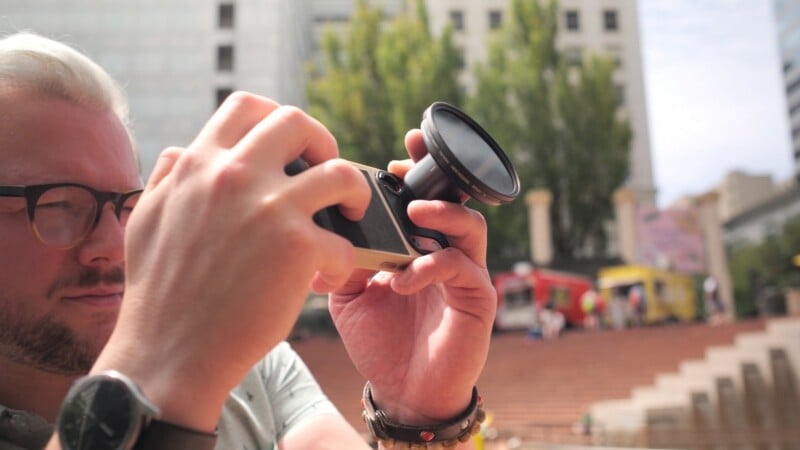
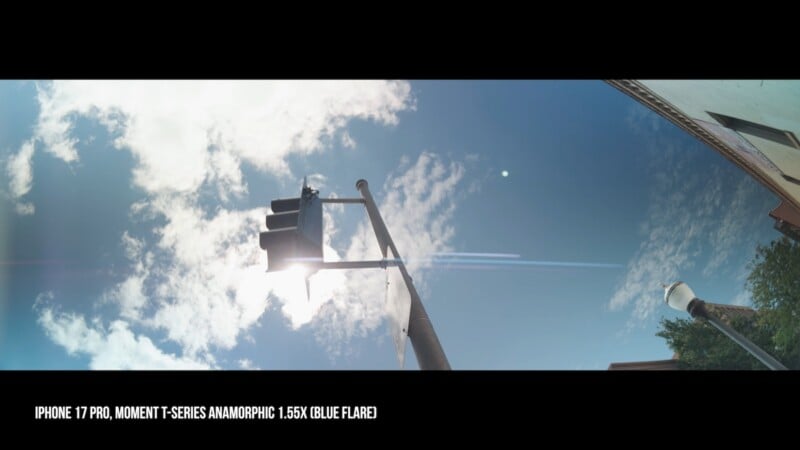
Now comes the real fun stuff: anamorphic adapters are what I feel like Moment is best known for in the video space, and both the 1.55x and 1.33x always looked fantastic to me. Each has its own flare character here. My units featured blue on the 1.55x and gold on the 1.33x, although you can pick any combination if you were to buy your own. Seeing these desqueezed in the app was a huge bonus and allowed me to pick my shots and find those flares without guesswork.
Lastly, there are two macros: a 10x and a 75mm macro, and let me tell you: they are extremely macro. The 10x feels like it just adjusts the focus range of the existing iPhone lens without actually changing the focal length, while the 75mm understandably punches in. Regardless, both moved the range so close to the front of the lens that it was hard to get focus without touching the glass to the object that I wanted to film. That means it was great for capturing textures super close, but again, like with the 240mm, that’s a narrow application.

Field Notes
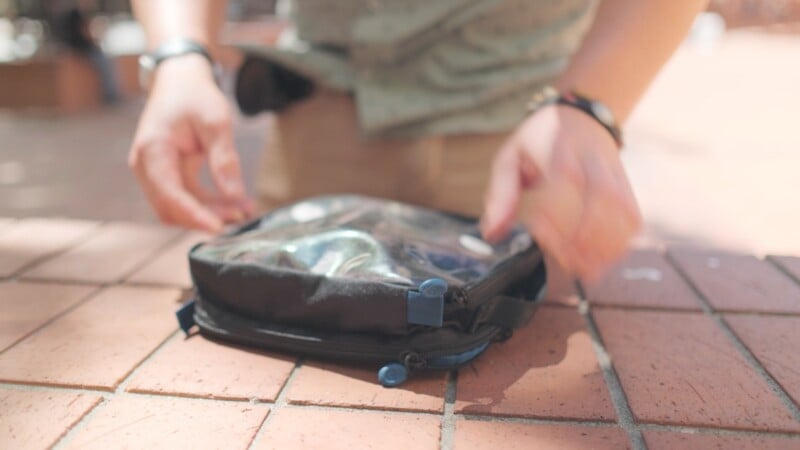
The first thing I noticed when taking these out for a day is that these lenses absolutely need the right carrying case, and I definitely brought the wrong one. While they all had individual protective pouches, it’s easy to get them mixed up in a larger container. A bag with individual slots, maybe a fanny pack, would let a solo operator swap lenses right on their lap without ever putting the phone down. With a kit like this, the right pack feels essential.
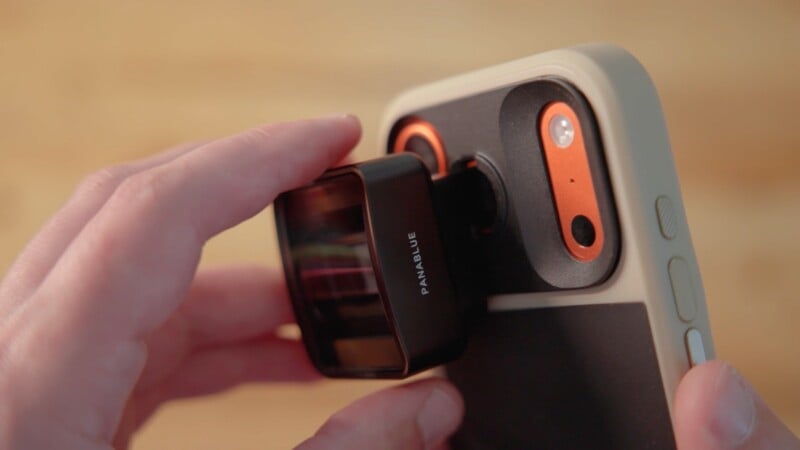
The more significant issue was the mount. The lenses themselves are made of aluminum, but the phone case and mount are plastic. After repeated on-and-off cycles, that plastic started to deform. It wasn’t a problem for the spherical lenses, which seem to look the same, however, they’re twisted. But the anamorphic adapters rely on the case’s hard stops to align properly in order to desqueeze horizontally, and even if there is just the slightest bit of play, you can see it. Moment confirmed it is aware of this issue and is working on a solution for the next generation of iPhones.
Lastly, even with the app locking everything down, there are things you simply can’t control on an iPhone. Aperture is fixed, and stabilization strength and quality are out of your hands, and on that 240mm, you feel every vibration. Focus is the other sticking point: you’re either tapping the screen or using manual focus, which has a short throw and is sometimes difficult to land.
Those are issues with the iPhone control scheme, though, and I can’t really hold those issues against Moment.
So, Can We Create Cinematic Footage?
Absolutely. Apart from the few caveats above, these lenses, paired with Apple ProRes Log, create some beautiful imagery. I’m most excited to use this combo by putting it into places a mirrorless camera can’t go: flat against a wall, jammed into a tight corner, etc. Also, Apple Log seems to match really well with Fujifilm F-Log2C, so I’m excited to incorporate this into my main workflow and capture an occasional creative shot using fisheye, anamorphic, or macro.
I came away thoroughly impressed with the Moment T-Series 2 set. Filming on an iPhone with real professional settings for the first time really showed how accessible cinematic quality is nowadays, and a combo like this can really get you to create amazing pieces with minimal gear.
Affiliate Disclosure PetaPixel articles may include affiliate links; we may earn a commission if you buy through one.



 English (US) ·