
 3 weeks ago
42
3 weeks ago
42
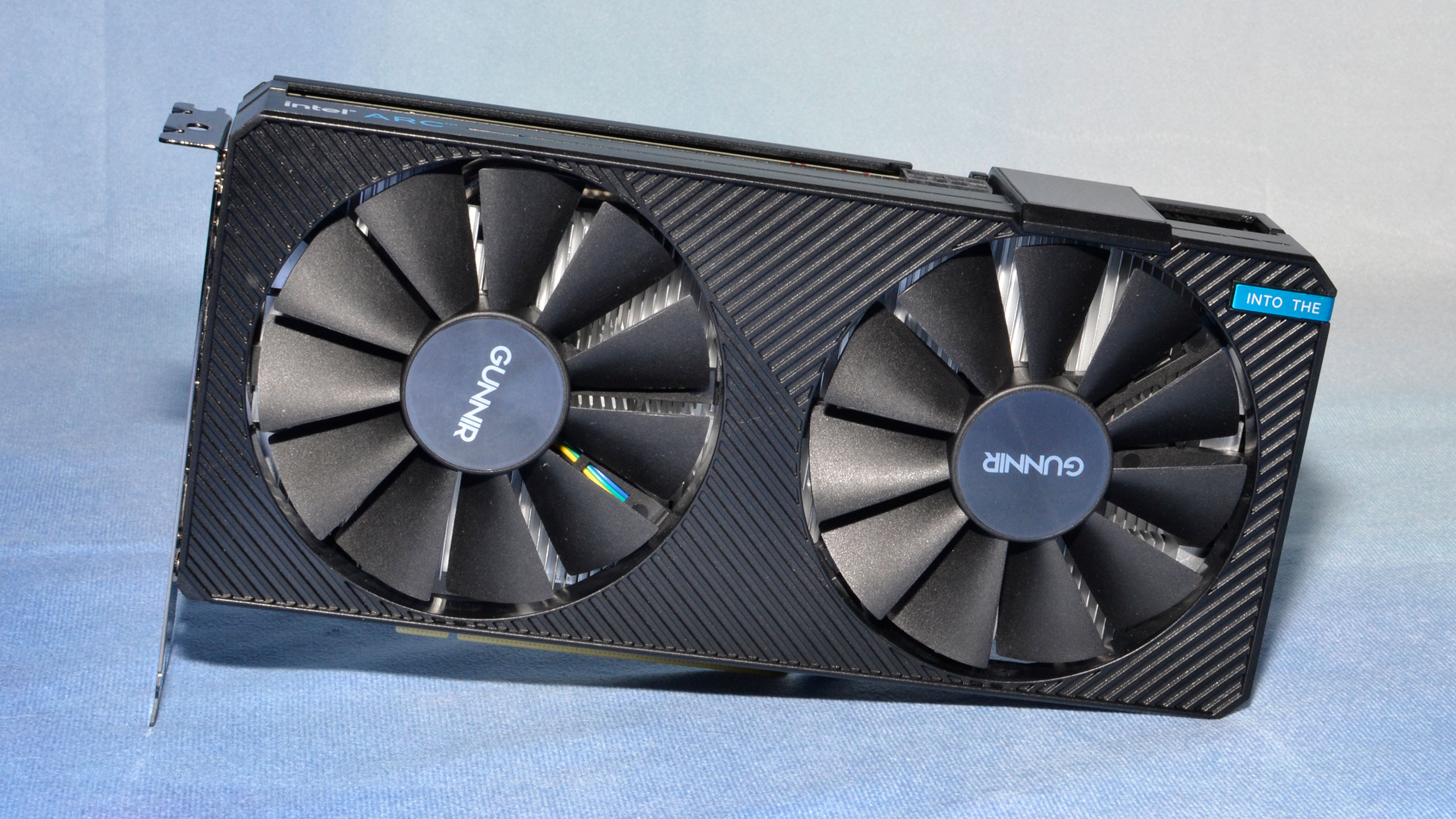
Intel just enabled XeSS 3 Multi-Frame Generation (MFG) across multiple Intel Arc discrete GPUs and Intel Core Ultra integrated GPUs with Xe2 or Xe3 cores. As a result, YouTuber Alva Jonathan decided to test how far Intel’s frame gen tech can go by testing it on an ASRock Arc A380 low-profile 6GB GPU.
While thArc A380 isn’t exactly Intel’s weakest GPU, it’s still an entry-level card and our review of the Intel Arc A380 showed that its gaming performance ranges from acceptable to abysmal. However, the latest driver drop, which enabled XeSS 3 on even the lowest-performing Intel GPUs, appears to have allowed budget gamers to gain extra frames (though they’re “fake”).
Jonathan’s test bench included the ASRock Arc A380 LP 6GB GPU, an AMD Ryzen 5 7500F CPU, an ASRock B650M-HDV/M.2 motherboard, 32GB (2x16GB) Adata XPG DDR5-6000 CL30 memory, a 1TB Adata XPG Mars 980 Pro NVMe SSD, and an FSP Vita GM 750W PSU.
There’s one interesting part in the video, though. Alva said, “As a brief note here, Intel has not provided official drivers and software to multi-frame gen on the A-series or Arc B-series, so we have to a do a little modification of the driver or rather the library.” The creator copied two files — igxell.dll and igxess_fg.dll — from the Graphics_101.8362 folder to the Graphics_101.8452 folder, then installed the driver from the latter to reveal the XeSS Frame Generation Override dropdown menu in the Intel driver control panel.
Preview: Intel XeSS 3 Multi-Frame-Gen on ARC A380 (ft. ASRock ARC A380 LP) - YouTube
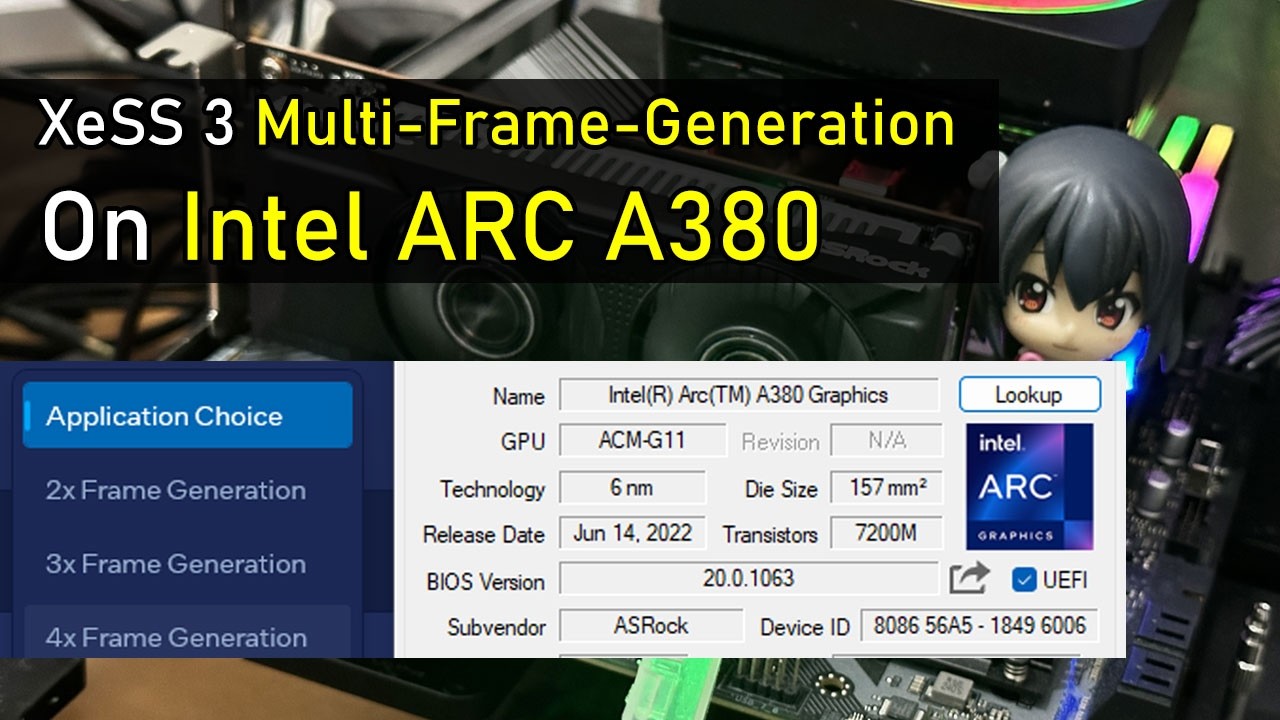
They ran the test in Cyberpunk 2077 at 1080p with the graphics set to the low preset, with Intel XeSS Super Resolution 2.0 enabled at Ultra Quality. They initially played with Frame Generation turned off, and the game achieved a base frame rate of 55-60 FPS. They then enabled Frame Generation using Intel XeSS (set to 4x in the driver control panel) and achieved an average of 135-140 FPS. However, note that x4 multi-frame generation (MFG) is quite taxing on hardware, reducing the base frame rate to 33-35 FPS, and there’s also noticeable “mouse lag.”
The creator said that for multi-frame generation x4, the recommended frame rate is between 180 and 240 FPS, as a base frame rate below 45 FPS often does not deliver a good experience. To fix this, they retested Intel XeSS Frame Generation, this time set to 3x. With this configuration, they achieved approximately 120 FPS in-game, giving them a base frame rate of around 40 FPS. While this is still below the ideal 45 FPS, the game showed improved input latency. Unfortunately, unlike Nvidia’s DLSS MFG, which can measure latency using the NV Reflex API, Intel lacks a comparable way to test it, so the creator could only judge it by feel.
This is great news for budget gamers: even though they still have to stick to low graphics settings, XeSS Frame Generation would give them a much smoother experience, even on basic hardware. This is also useful for those limited to integrated graphics, especially gaming handhelds like the MSI Claw family. The only downside is that the game should support Intel XeSS 2 MFG if you want to try this technology and see higher frame rates, which, hopefully, more developers would implement, especially with the arrival of Intel’s next-generation Panther Lake CPUs.

Follow Tom's Hardware on Google News, or add us as a preferred source, to get our latest news, analysis, & reviews in your feeds.






 English (US) ·