
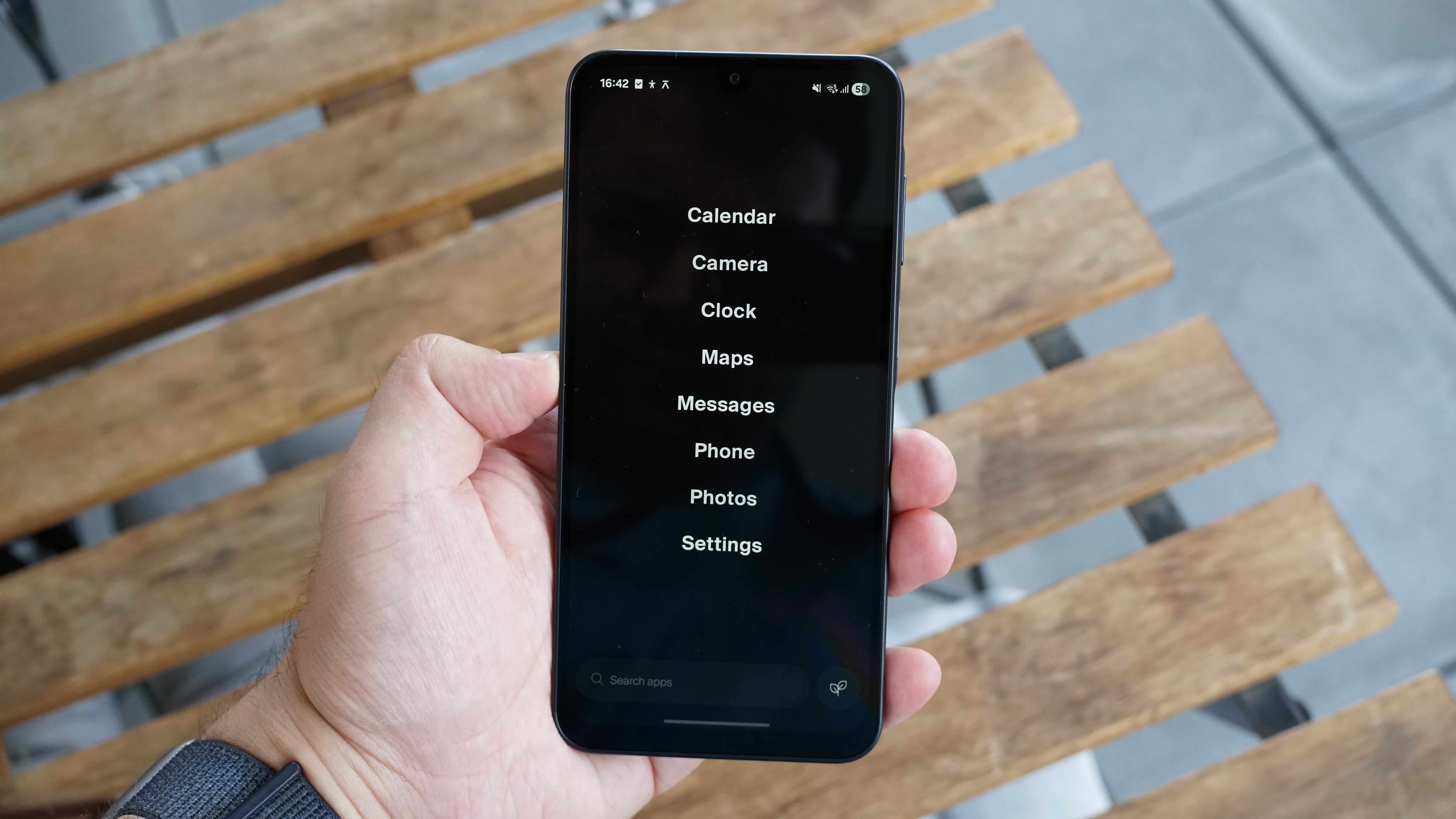
Are you keen to spend less time staring at a screen, but don't want to sacrifice the practical benefits of owning a smartphone? The “balance” of the Balance Phone is that it’s about halfway between the dumbphones of yesteryear and the attention-grabbing overload of today’s best phones.
Crucially, it is still a smartphone (a basic Samsung one, to be specific), so it solves all the usual dumbphone issues of lacking WhatsApp, maps, and music, but runs a limited operating system called Balance OS that’s designed to help curtail your scrolling habits.
I just spent a week using the Balance Phone as my main device to get a feel for how effective its digital detox features are. Would it help me reclaim my time, be more present, or be more productive? Or would this glimpse into a post-social-media-ban future for kids leave me bored and left out? The answer is complicated.
What is the Balance Phone, and what does it block?
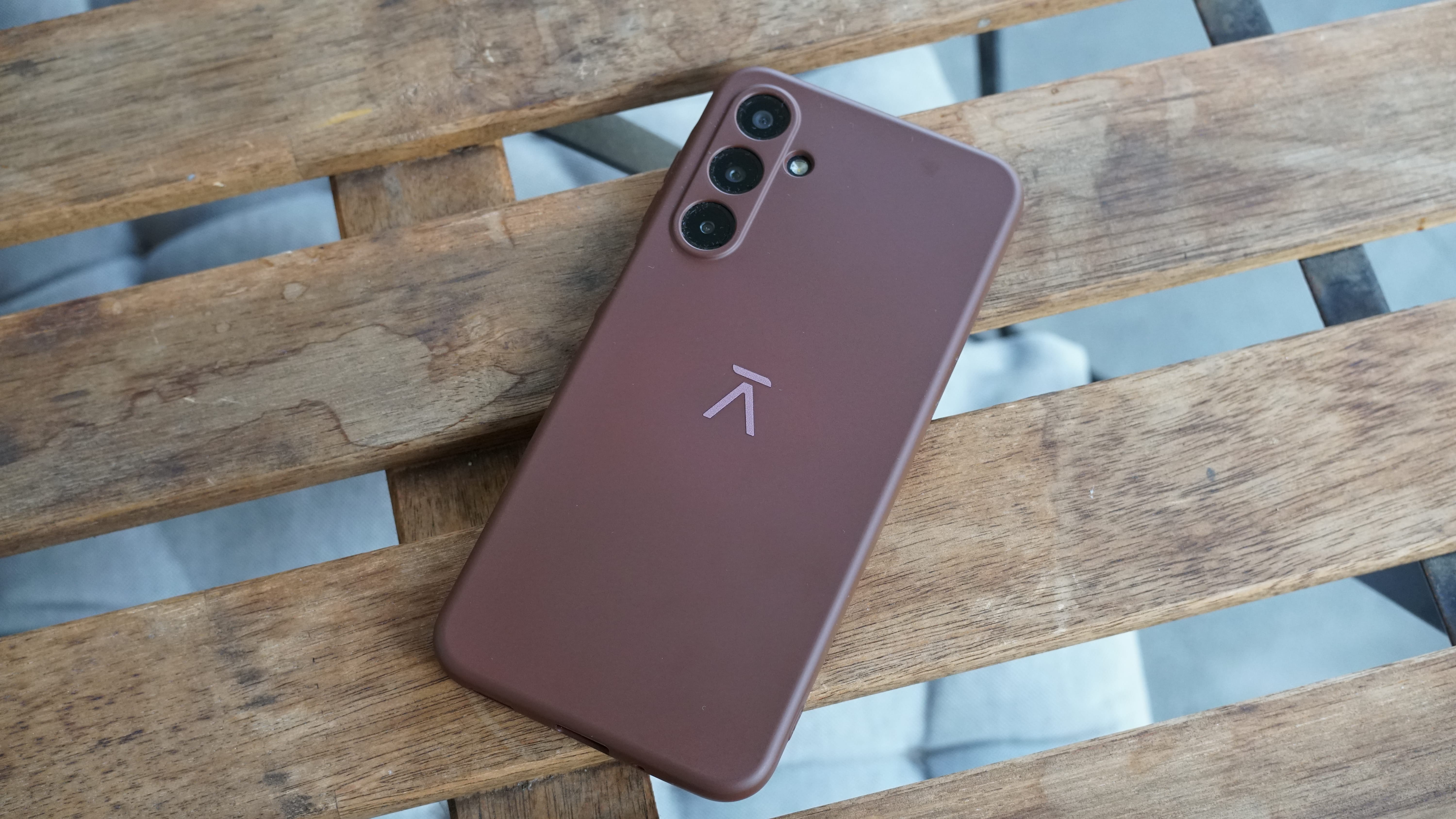
The Balance Phone is essentially a Samsung Galaxy A37 running Balance's locked-down Balance OS. Balance also offers the lower-spec Balance Phone Kids (a Galaxy A17) and higher-spec Balance Phone Pro (a Galaxy S25), and all three phones cost a touch more than their non-restricted Samsung counterparts. The model I tested for this article was a previous version of the Balance Phone based on the Galaxy A16.
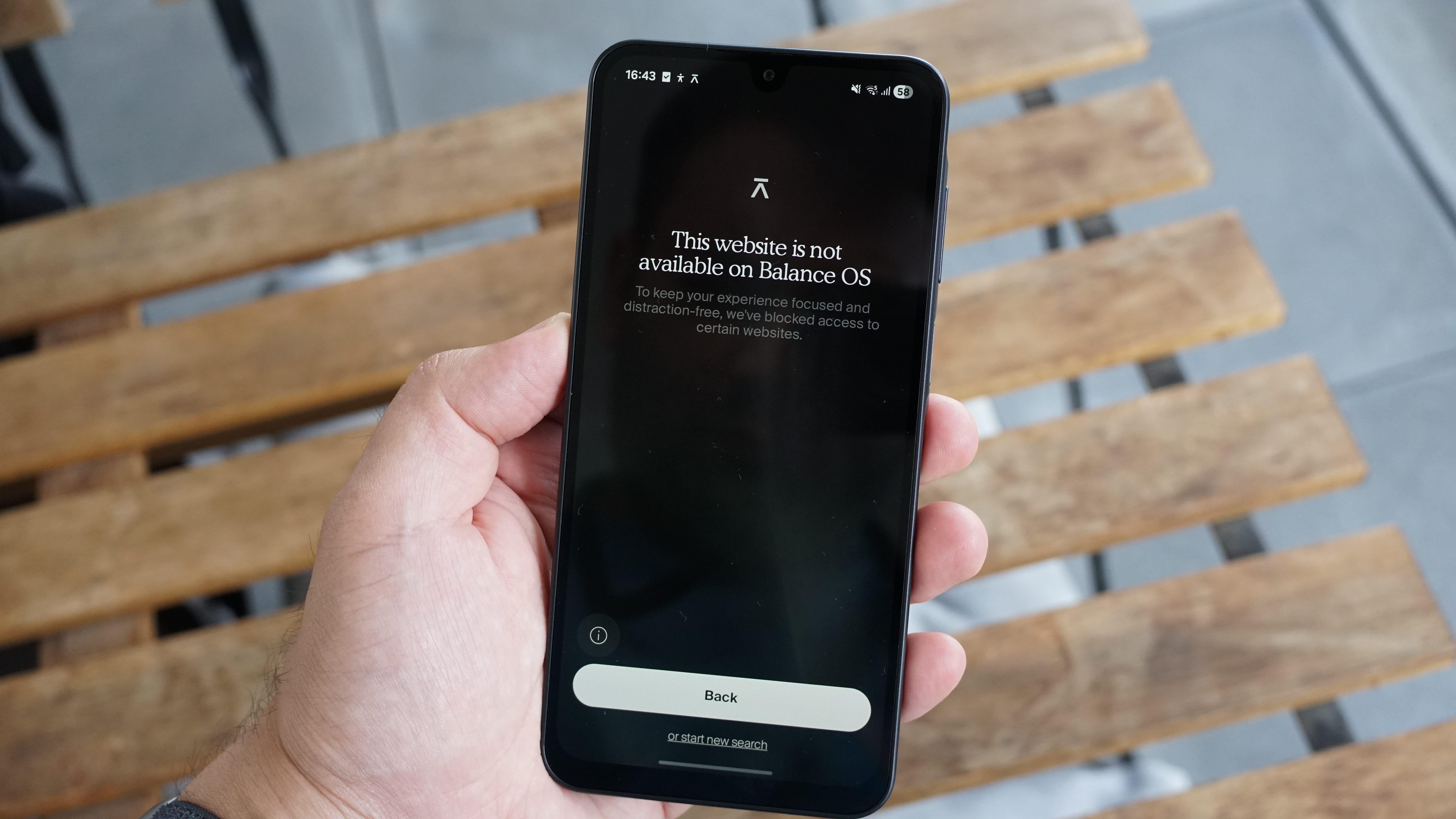
Much like the UK's impending under-16 social media ban, the Balance Phone blocks social media platforms (including X, Snapchat, TikTok, YouTube, Instagram, and Facebook) while exempting messaging services like WhatsApp and Signal.
It puts pretty aggressive limits on your browsing behavior, too, by not only blocking access to adult content, but also stopping adult image searches altogether and even blocking various news websites and blogs (you can’t even use browsers that aren’t Chrome — imagine!).
Does it help with your screen time?
Yes, I’d actually say that the Balance Phone is one of the most effective solutions for getting you off your phone that I’ve experienced so far.
You can’t remove or alter the OS even if you wanted to, so I reckon it’d be a great phone for getting kids off social media, too. It would make an ideal first phone for younger users, and is super simple and intuitive to use.
In many ways, it’s a phone that’s made not to be used. In the past, I’ve felt Nothing’s handsets were designed to be used less, with their minimalist designs and purpose-driven OS, but the Balance Phone takes the latter to another level.
If you pick the Balance home screen during setup, it’s just a customizable black screen with the names of eight apps (of your choosing) on display. You can get to an app library view with a couple of swipes, but it’s limited by default.
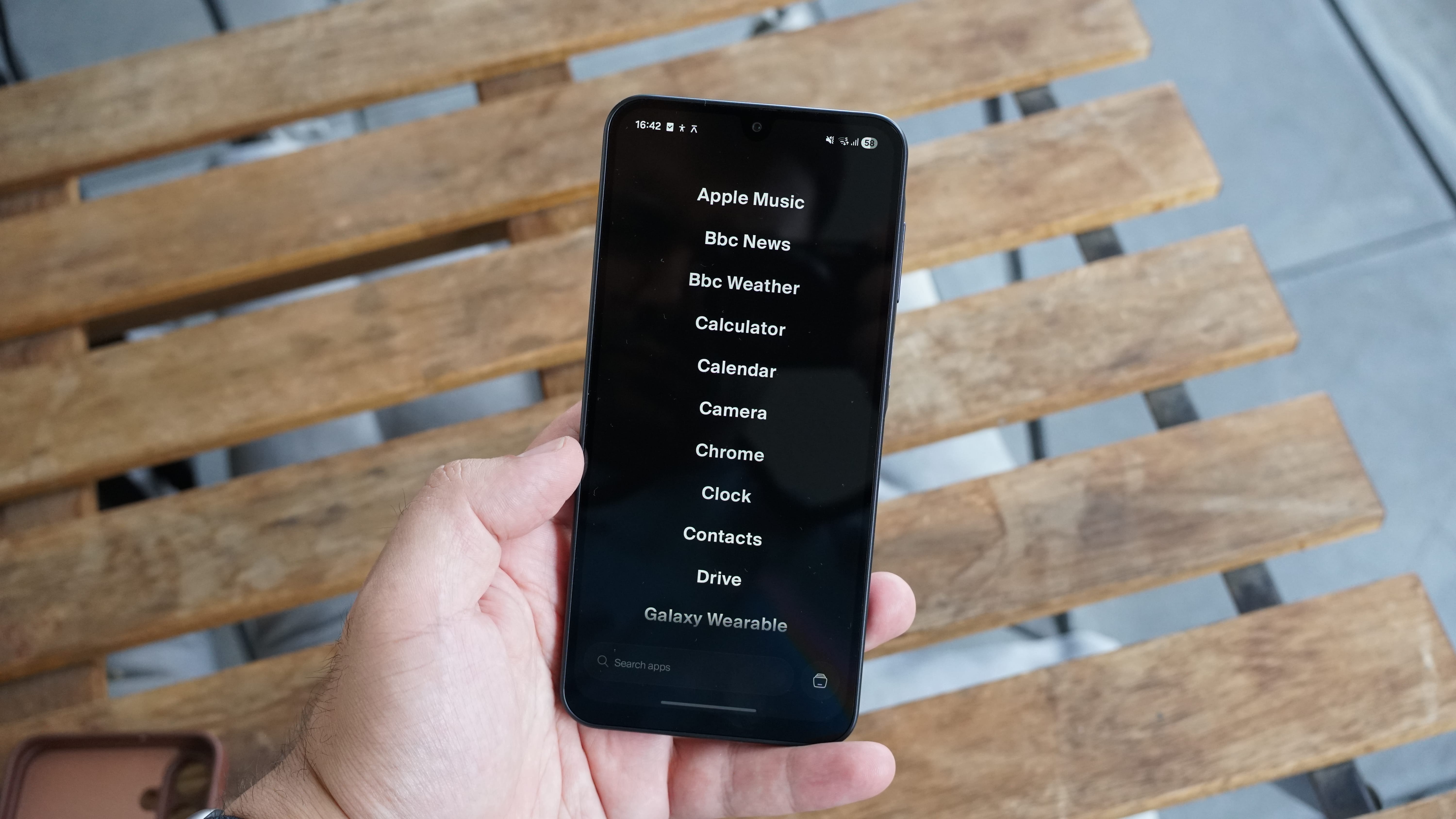
I compared the amount of time I spent on the phone to the previous week on my iPhone 17 Pro — and the difference was huge. My screen time dropped from around 5 to 6 hours a day to under an hour (about 30 to 45 minutes of use). While I’ve been mainly working at home and not using the Balance Phone for navigation, I’ve mainly found myself on emails or reading on the device, as I can still load up apps like Instapaper and Kindle. I’ve not been able to retreat to my usual distractions of TikTok, Instagram or Reddit.
Did it make me more present or productive, though? I think that’s much more debatable. The Balance Phone can force you to change your habits, but that doesn’t mean you automatically change or become more efficient; I found myself still picking up the phone to try to scroll or just do something, even if there was nothing to do on it. And, yes, I found I got a bit more bored during one week of using it. If you’ve been using smartphones for a long time, you’ll find the habits are pretty ingrained.
What I missed in my week with the Balance Phone
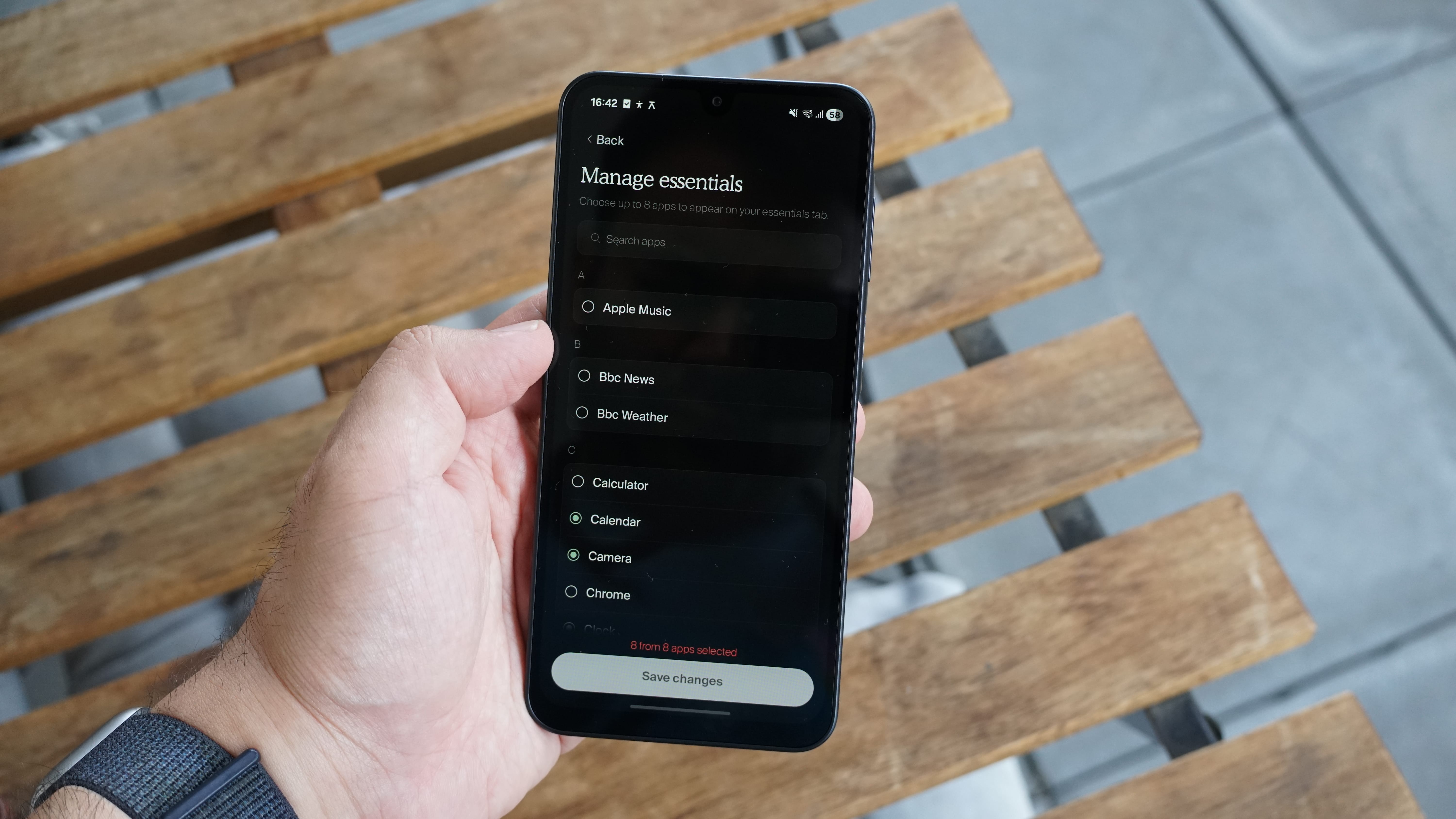
While I used the Balance Phone, I felt I kept up with reading articles I’d saved in Instapaper or cracking on with the book I’m reading in the Kindle app. But the lack of Reddit and relatively poor browsing experience meant I didn’t read quite as much news, and I did notice all the extra friction for social media apps in both positive and negative ways.
A self-imposed social media ban is great at stopping you from scrolling away your days, but I also found I missed out on some of the more fun aspects of social media. I was out of the loop on some entertaining memes, and my wife ended up gathering a long list of TikToks and Instagram Reels that she wanted to send me during the week. I got these in one big batch at the end of the experiment!
Of course, it’s all just random House of the Dragon commentary and silly cat videos, so arguably nothing serious or important, but it feels like I missed out by not being able to share these things in the moment.
It makes me wonder: we can all agree social media is addictive, but a blanket ban ignores that it’s something enjoyable in moderation, too. I expect that if I actually used the Balance Phone full-time, I’d still want to use a normal tablet or laptop where I can reply to messages on Instagram and watch YouTube videos, to be honest.
Who is this phone actually for?
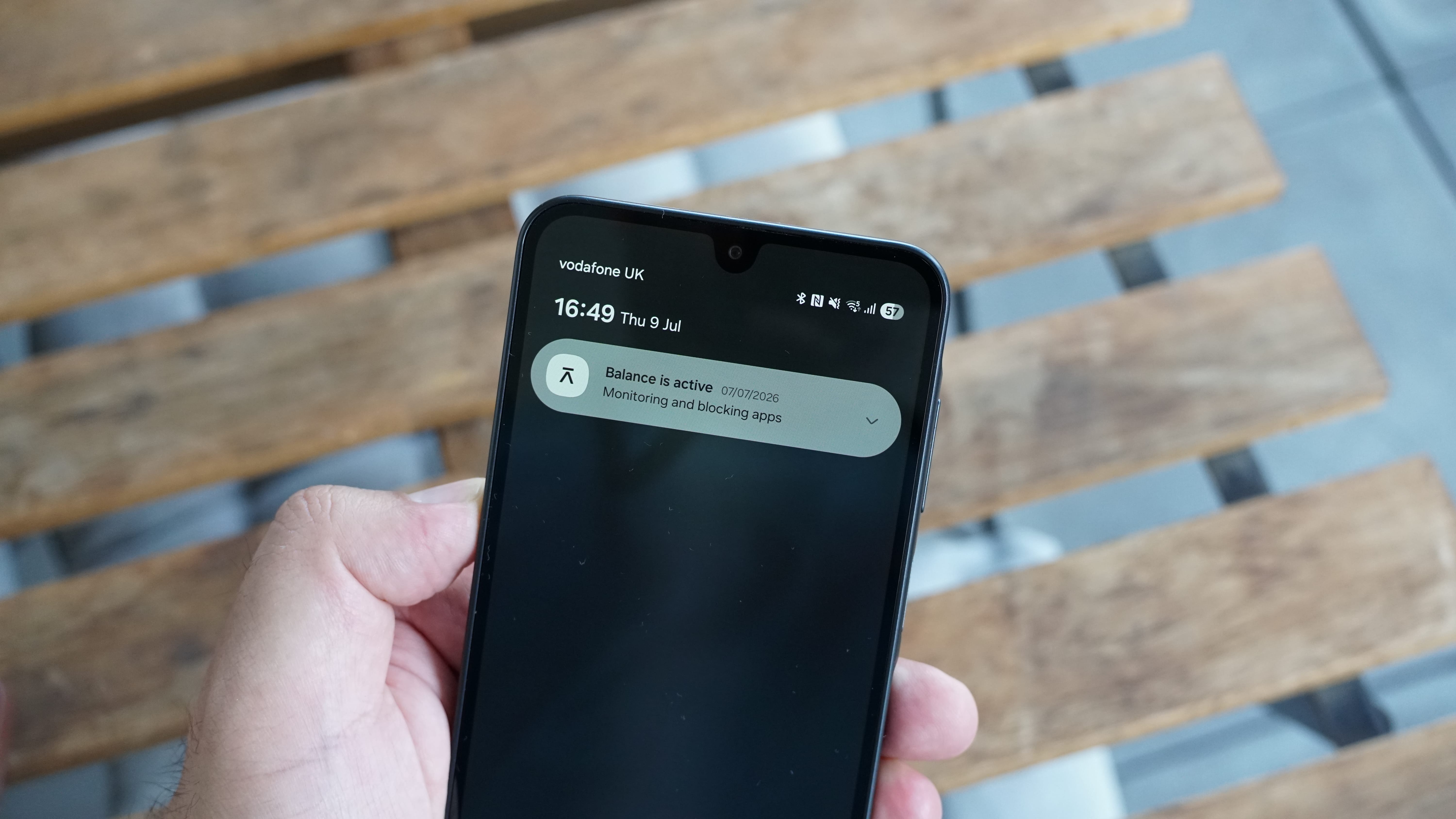
If you want your phone to be restricted to the apps you need to communicate, listen, read, plan and navigate, the Balance Phone does the job well. You can load up your calendar, books, messaging apps, music, email and maps, but no video apps, social media or anything with infinite scroll.
And, because the Balance Phone is ultimately a phone that’s not meant to be used, it really is best for digital minimalists. If you’re already trying to give up social media and are comfortable with the extra restrictions, you’ll get on with the enforced digital detox. I think it also could function well as a work phone. You can put Slack, Gmail, Outlook, and the like on it, and then just stick to using it in the office.
We can all agree social media is addictive, but a blanket ban ignores that it’s something enjoyable in moderation, too.
Overall, I found it highly effective at limiting my screen time. And that’s why I’d also recommend it for kids. As a first phone, the Balance Phone is ideal and mirrors the coming social media ban and adult content restrictions for children. So, it works for kids and serious detoxers (for more child-friendly phone recommendations, check out our guide to the best phones for kids).
However, the lack of adjustability to its limits makes the Balance Phone harder to recommend for everyone else. It would be interesting if it had a little more nuance for app time limits or focus modes at particular times of day, for instance.
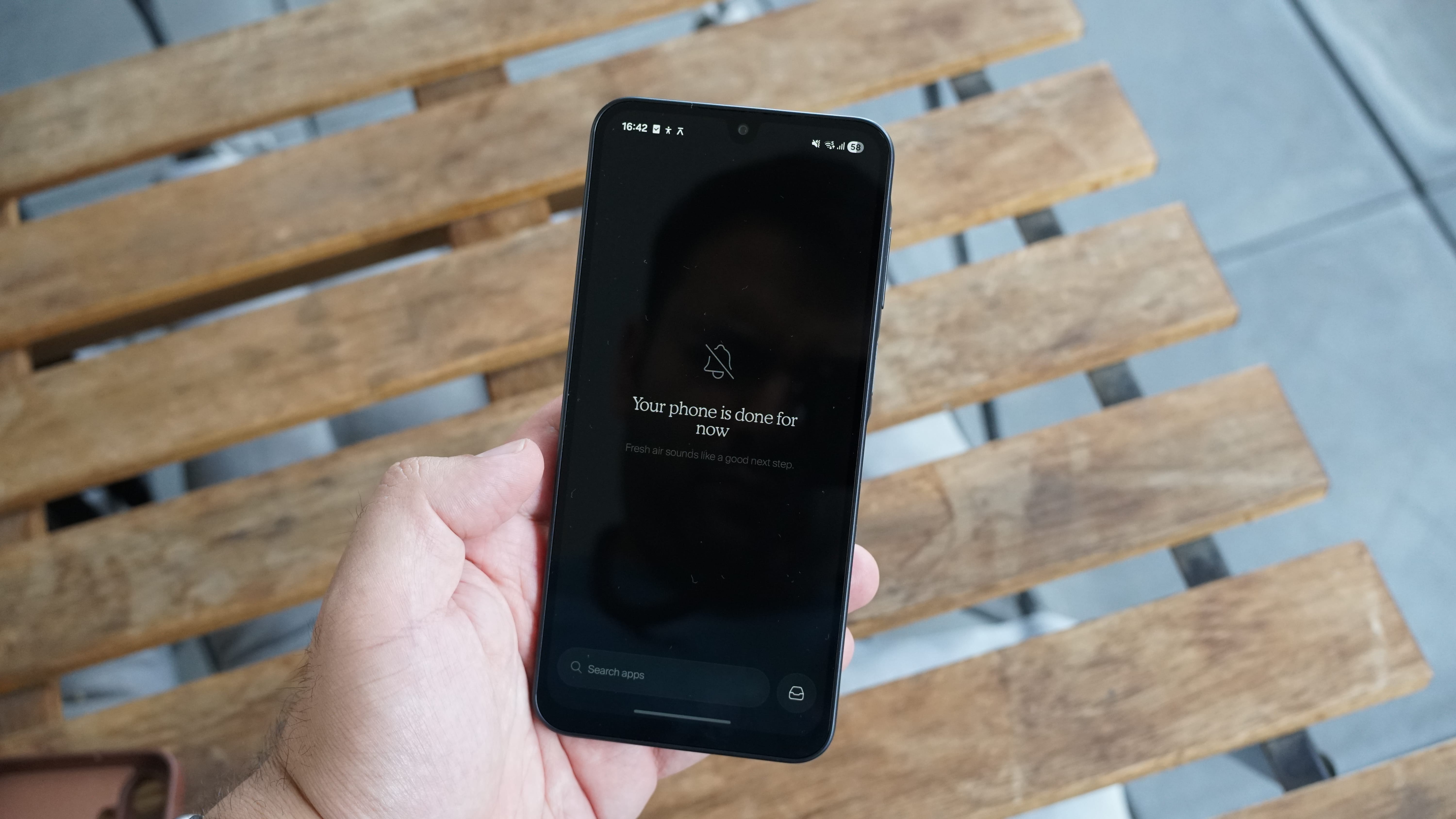
And a quick word on the phone's hardware: while the fingerprint scanner, underlying OneUI base software and simple Balance OS are all solid, the weak performance of the lower-end models makes the Balance Phone a little harder to recommend. The Samsung Galaxy A16 phone I tried was seriously slow and laggy, even when simply opening and switching between apps, and while the newer Galaxy A37 version will almost certainly offer better performance, I'd keep your expectations low.
Still, even for kids, I’d recommend the Galaxy A37 option over the cheaper Galaxy A17, as it’s just that bit more likely to keep you going for longer. Adults should consider the Balance Phone Pro, too, even if just because the cameras on the Galaxy S25 are leagues ahead of those on the other two models (it also has a slightly smaller 6.2-inch screen size).
Would you consider using a distraction-free phone like the Balance Phone? Let us know in the poll or comments below.

Follow TechRadar on Google News and add us as a preferred source to get our expert news, reviews, and opinion in your feeds.





 English (US) ·