
 3 weeks ago
43
3 weeks ago
43
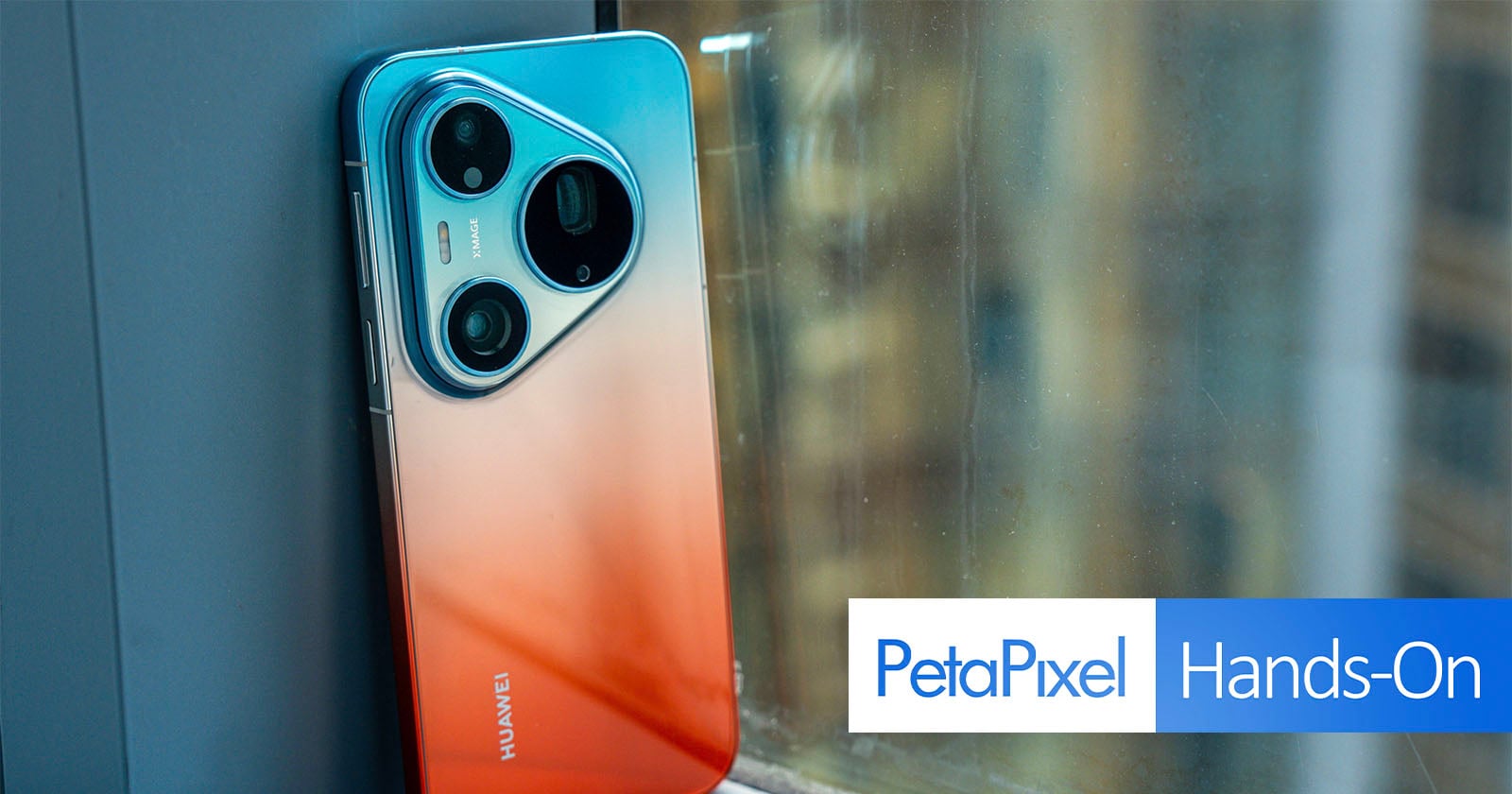
Huawei is back — sort of. The brand that once looked like a serious market disrupter in multiple markets only seven years ago is launching its photography-focused flagship phone for global users. The Huawei Pura 90s Pro Max nomenclature is an obvious reference (at least to me) to competitors but the imaging focus is what the Pura models are about.
For me, this is the first Huawei phone I’ve tested since 2020 when I had the P40 Pro. It’s a premium model in both design and functionality, with a capable camera, making my first impressions feel like the company could do more to push the envelope. I’ll reserve full judgment until I complete a full review, but my hands-on time with the device before the global launch in Kuala Lumpur left me with some takeaways.
Colorful and Customary
The vibrant 6.9-inch LPTO OLED (2880 x 1308) is entirely flat and protected by a new anti-reflective, scratch-resistant (and Huawei-owned) Kunlun Glass, which claims to cut reflections by up to 70%, achieve 16 times higher scratch resistance, and offer 25 times greater drop resistance compared with ordinary glass. The lower reflections hold some merit based on me using it on a bright day with sunny spells in Kuala Lumpur. Time will tell about the others.
The screen’s adaptive 1-120Hz refresh rate is standard, while peak screen brightness is unclear. It gets bright, that much I can say, but I will have to update this when I get confirmation on exact numbers.
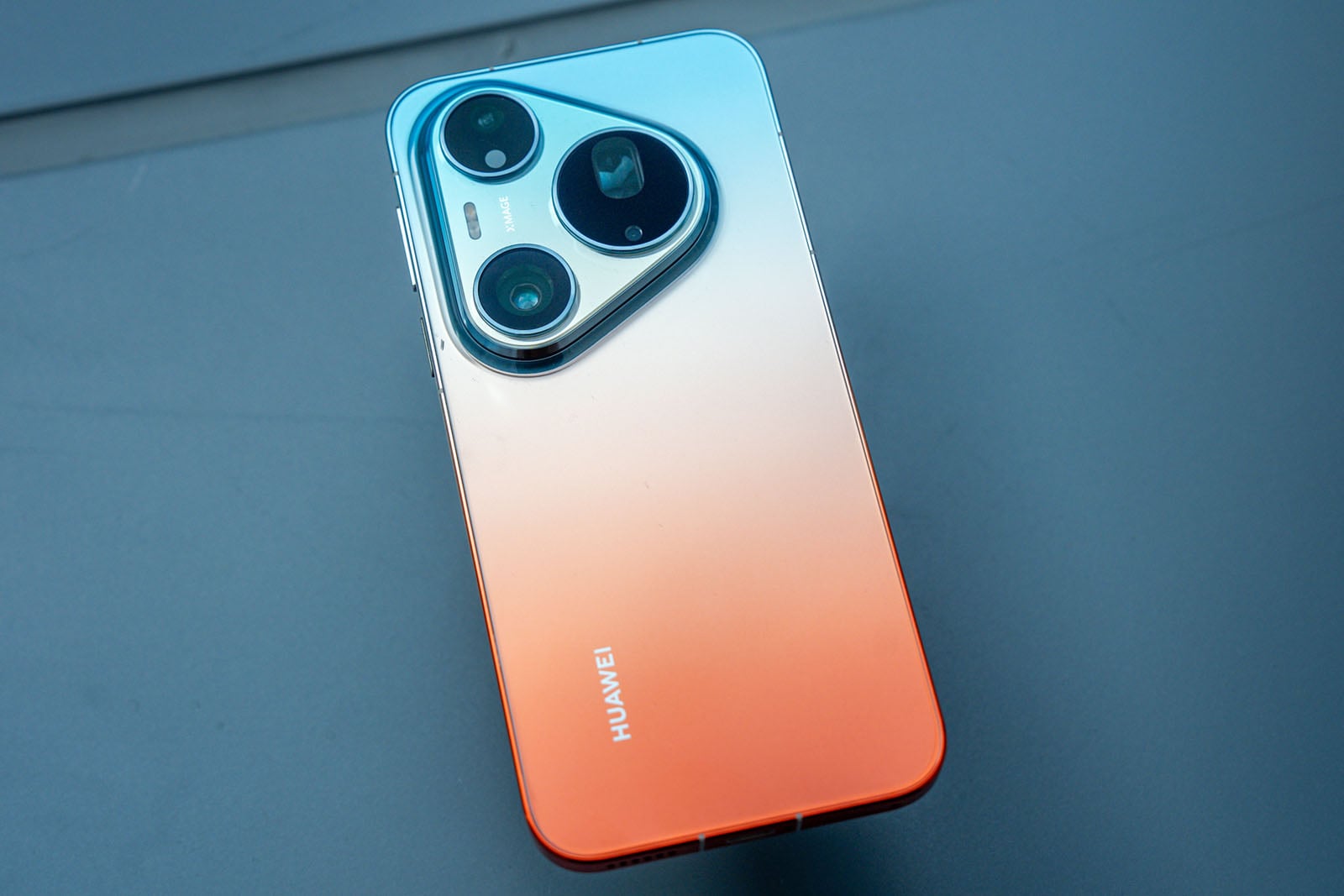
There are bolder gradient colors, with the Pura 90s Pro Max coming in Blush Gold, Orange Ocean, Blaze Purple, and Graphite Black. The Pura 90s Pro — which I didn’t test out — takes a lighter approach with Orange Soda, Guava Soda, Coconut White, and Mulberry Black.
Though the Orange Ocean variant uses an interesting dual-tone gradient that fuses two tones directly into an aluminum back that doesn’t appear painted or coated, it’s also done on a shiny back that’s a fingerprint magnet. Fortunately, Huawei includes a clear silicone case to cover it without messing up the color scheme.
The Pro Max supports up to 100W wired SuperCharge, though this may be lower in other markets. The Pro model taps out at 66W by comparison. Both models also support wireless SuperCharge on top of the same 6000mAh battery both use. IP68 and IP69K dust and water resistance give it the kind of durability one expects from an Android flagship today.
Software Workarounds
The elephant in the room is the lack of Google Mobile Services (GMS), but there’s a way around that through an app called GBox. This is basically an APK (Android Package Kit) file that installs onto the phone’s existing EMUI system and sort of works in parallel with it. You can get to it through Petal Search on the phone, but if that doesn’t work for any reason, it’s an easy find through a browser.
You do need to ensure your region is one where Huawei phones are available (I chose the U.K.) and go through the motions to set it up. Fortunately, it’s a pretty seamless and automated process.
With that done, I had access to the Google Play Store and could download editing apps like Lightroom to work on RAWs I captured with the phone. That also applies to third-party apps, regardless of focus, including those you subscribe to. For instance, I could listen to tunes on Spotify while also checking out videos on YouTube. I could also purchase apps or services through Google Play.
It also makes it possible to use AI models, like ChatGPT and Claude, despite the fact Huawei’s own Celia assistant also runs across the series with broadened natural-language capabilities in English. Celia is baked in in ways that the others aren’t, including on-device capabilities for offline use as well.
Camera Array
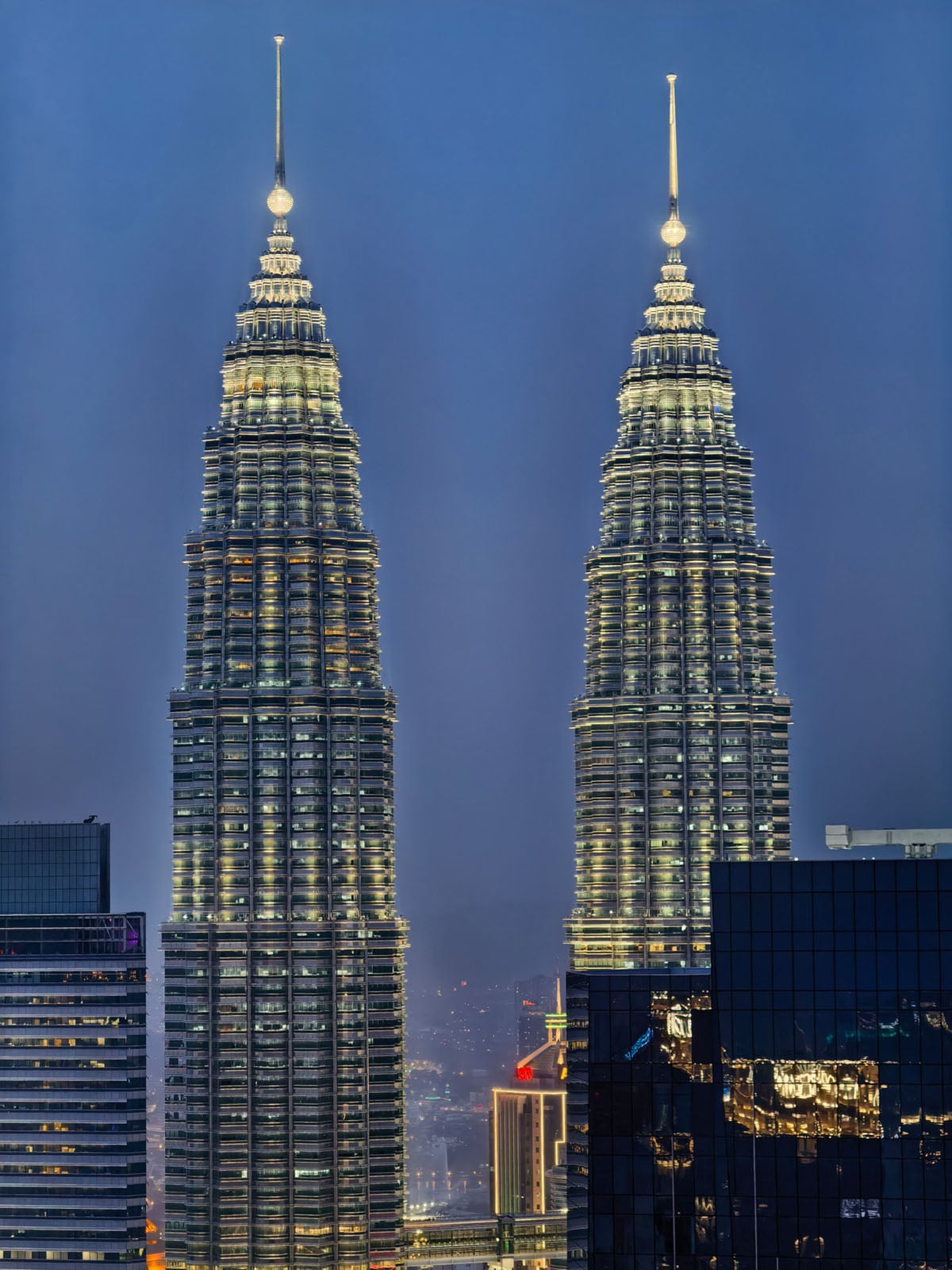
Huawei says it “rebuilt” the Pura 90s Pro Max camera system around three areas: telephoto reach, dynamic range, and color accuracy. First is the 200-megapixel Ultra Large Sensor Telephoto Camera (96mm equivalent), built on a Type 1/1.28 sensor with an f/2.6 aperture and optical image stabilization. This is, in many ways, the crown of the rear camera array, considering the resources and time put into it and talking about it.
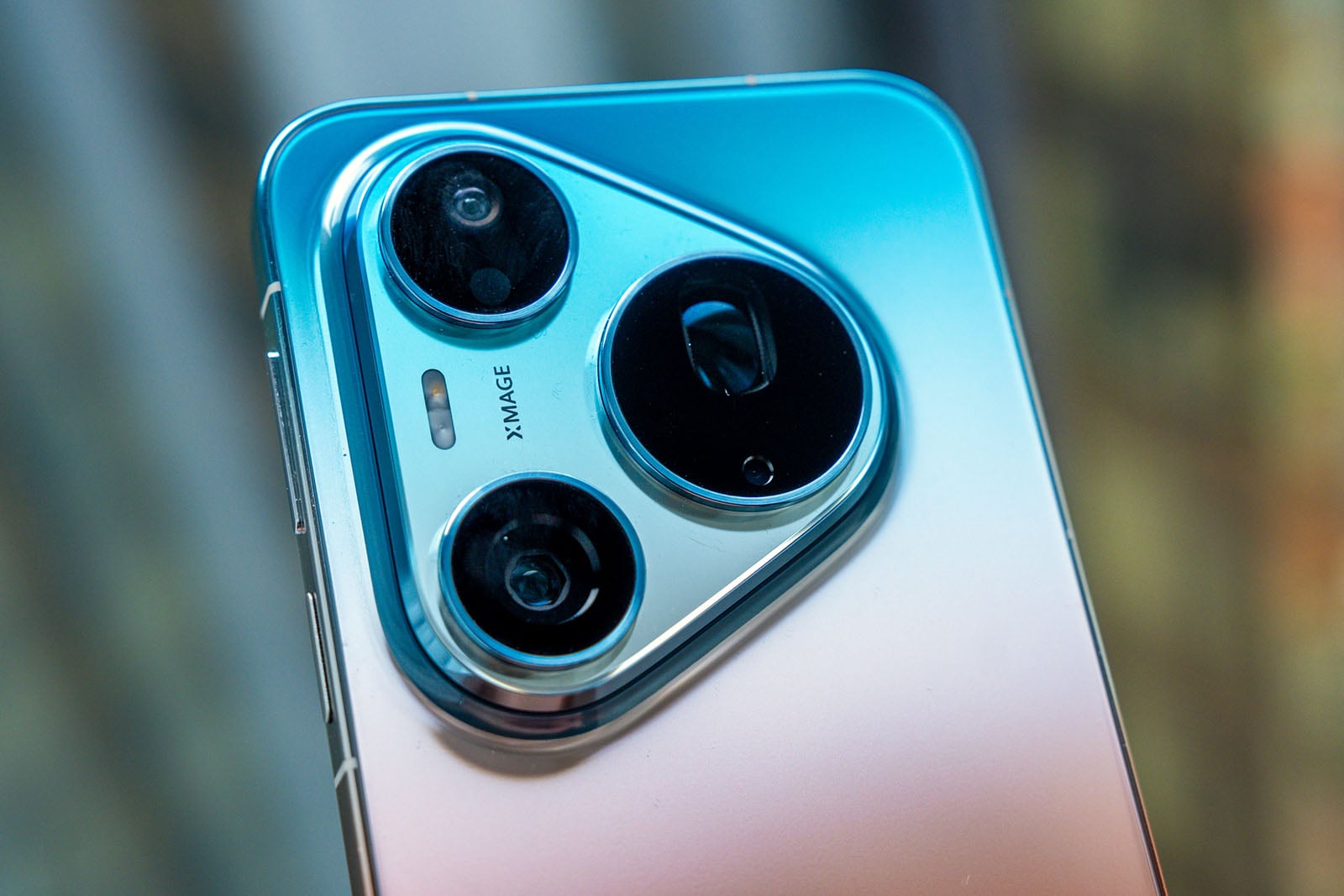
Huawei pairs it with a “first-of-its-kind” 3-in-1 Ultra Lighting Prism to boost light intake, plus CIPA 7.0-rated stabilization to try keeping long-range shots sharp under more difficult conditions.
This also offers video benefits through chip-level 200-megapixel RAW real-time processing for clearer 20x telephoto hybrid zoom video. Having never tried the preceding model, the Pura 80 Ultra, I can’t tell if there is the difference the company claims there is, which is at least double the recording and output clarity. The practical use cases are varied, but Huawei sees this as particularly useful when pulling in tight on a performer at a concert or an unfolding play at a sporting event.
Apart from being a Sony sensor, it’s not entirely clear which one it is. That actually applies to the full array as well, since Huawei doesn’t reveal those specs. RYYB sensor technology dates back to the excellent Huawei P30 Pro from 2019, which replaces green in an RGB Bayer filter with yellow to capture more light.
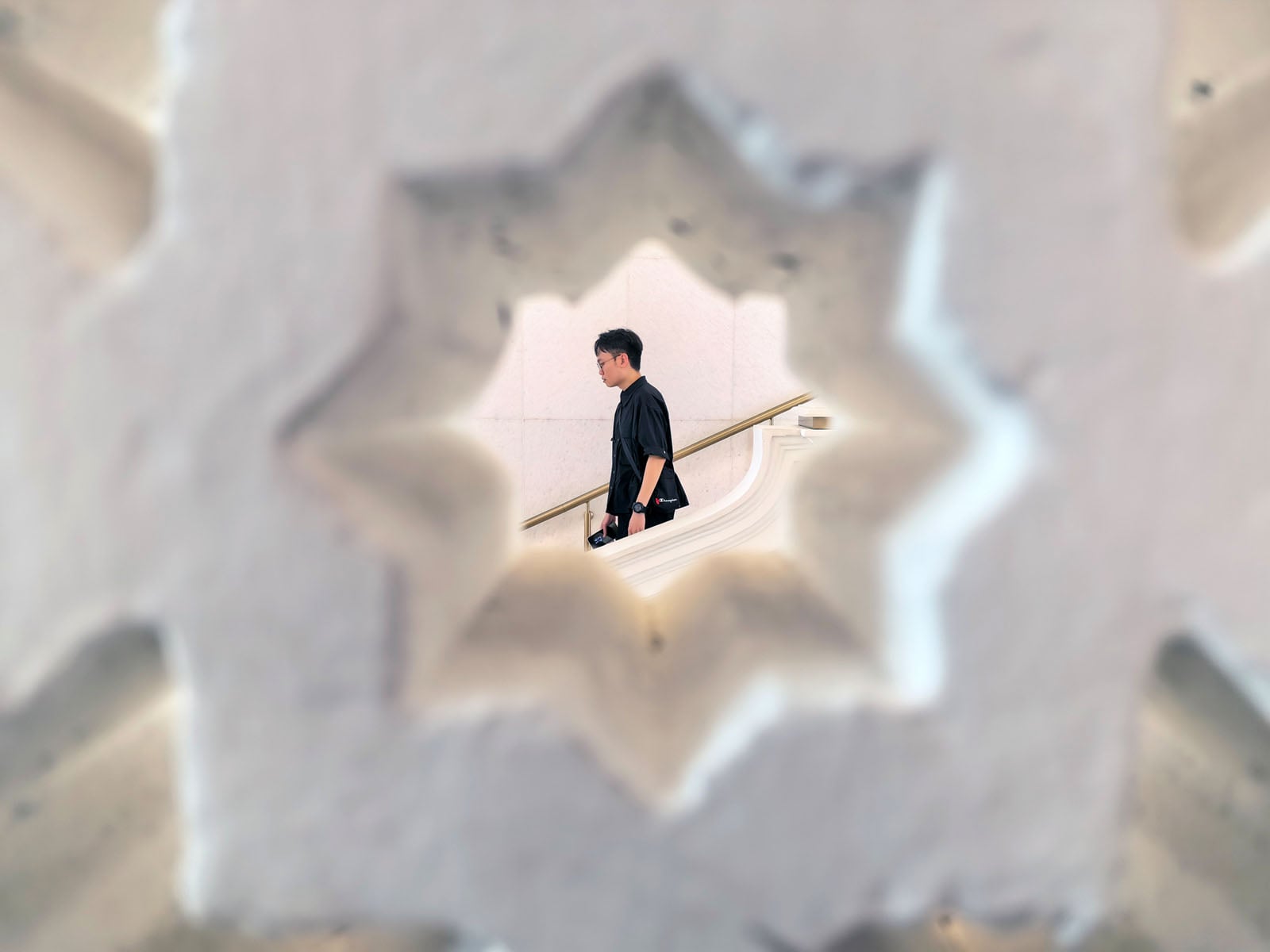
Sitting alongside the telephoto lens, the 50-megapixel main camera (24mm equivalent) 16EV Ultra Lighting HDR Camera uses the same Type 1/1.28 RYYB sensor — with a mechanical variable f/1.4-4 aperture only available in Pro mode. There’s not much noted about the 40-megapixel ultra-wide (13mm equivalent) with an f/2.2 aperture. The True-to-Color sensor in the rear handles nuances such as skin tones, backlit subjects, and stage lighting.
Image Quality First Impressions
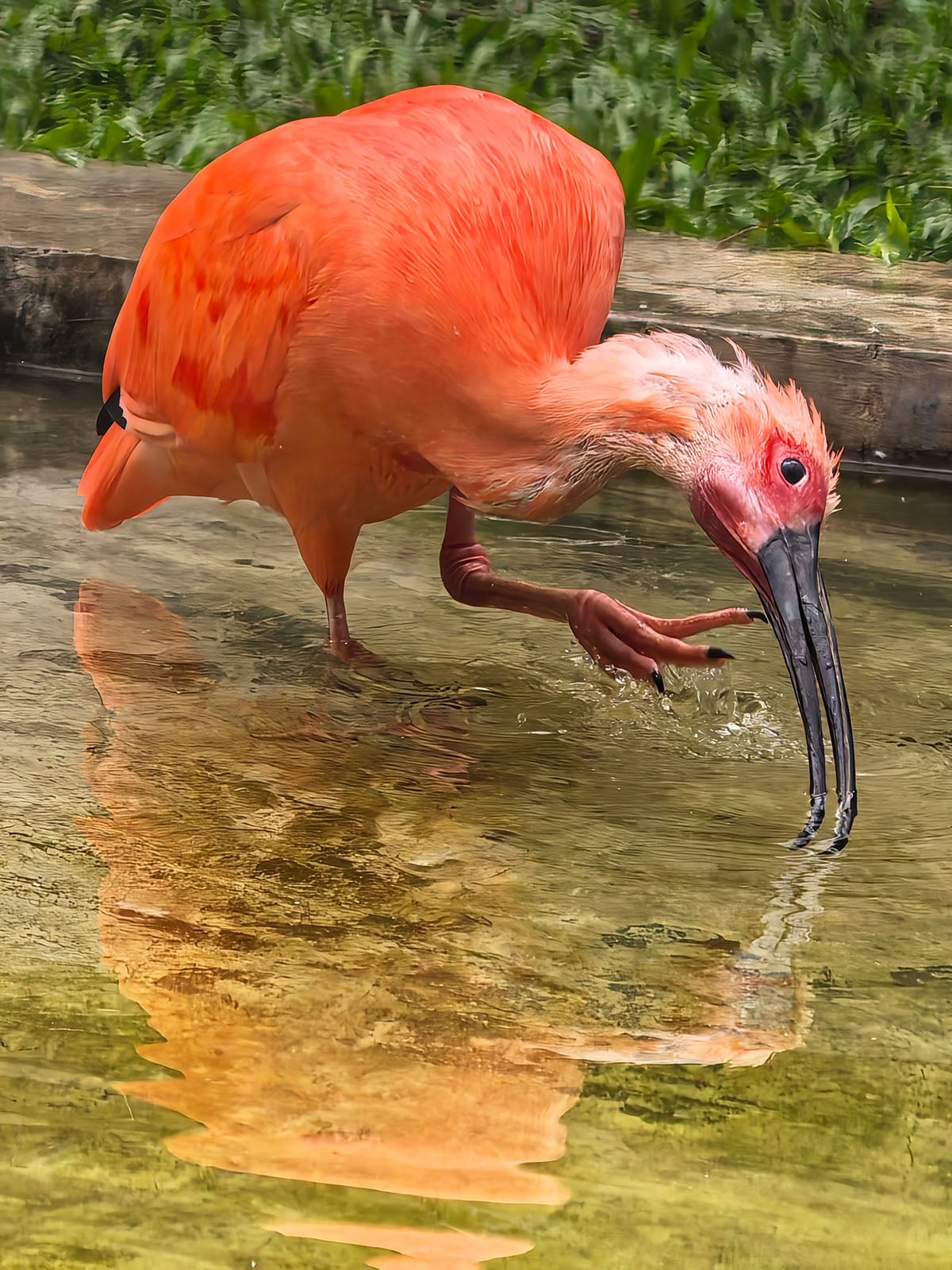
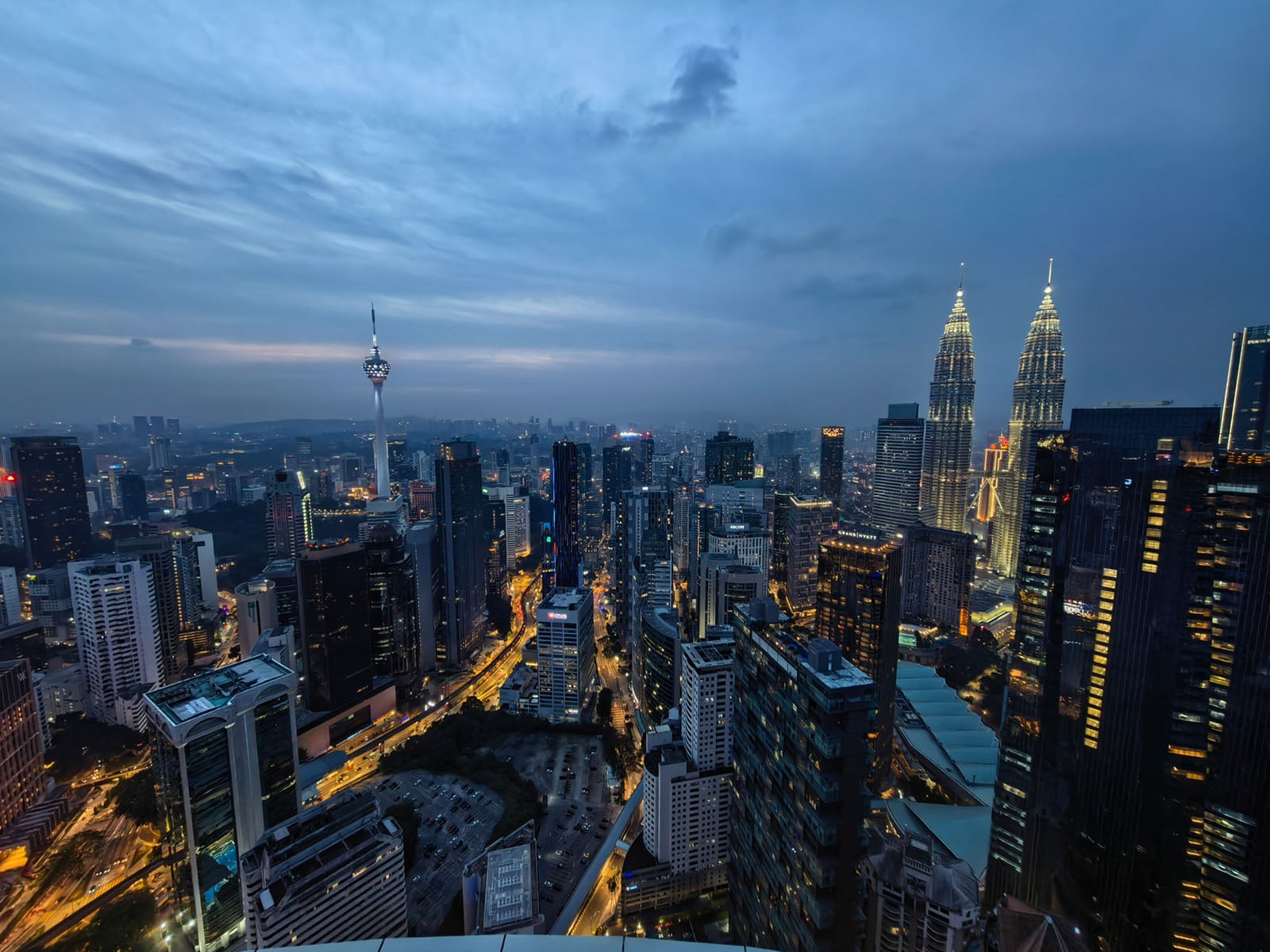
So far, the Pura 90s Pro Max proves it can take some stellar photos. Colors are nice, and the dynamic range shows it can handle more difficult conditions. There’s some variety among the shooting modes in the camera app, and a quick shutter and reasonably fast processing help make the phone a reliable option. While I’ll need more time to really push things with the device, I generally like what I see.
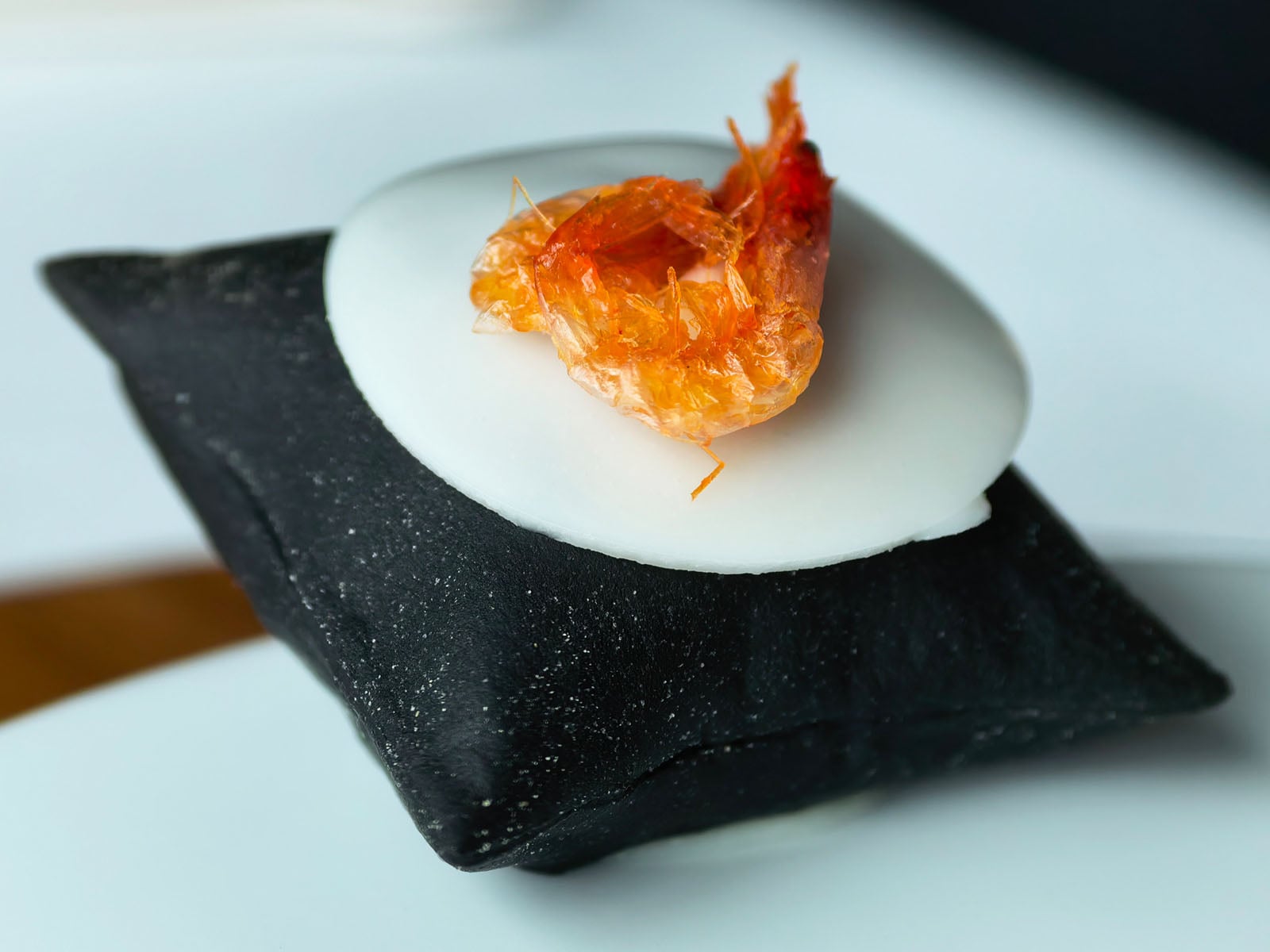
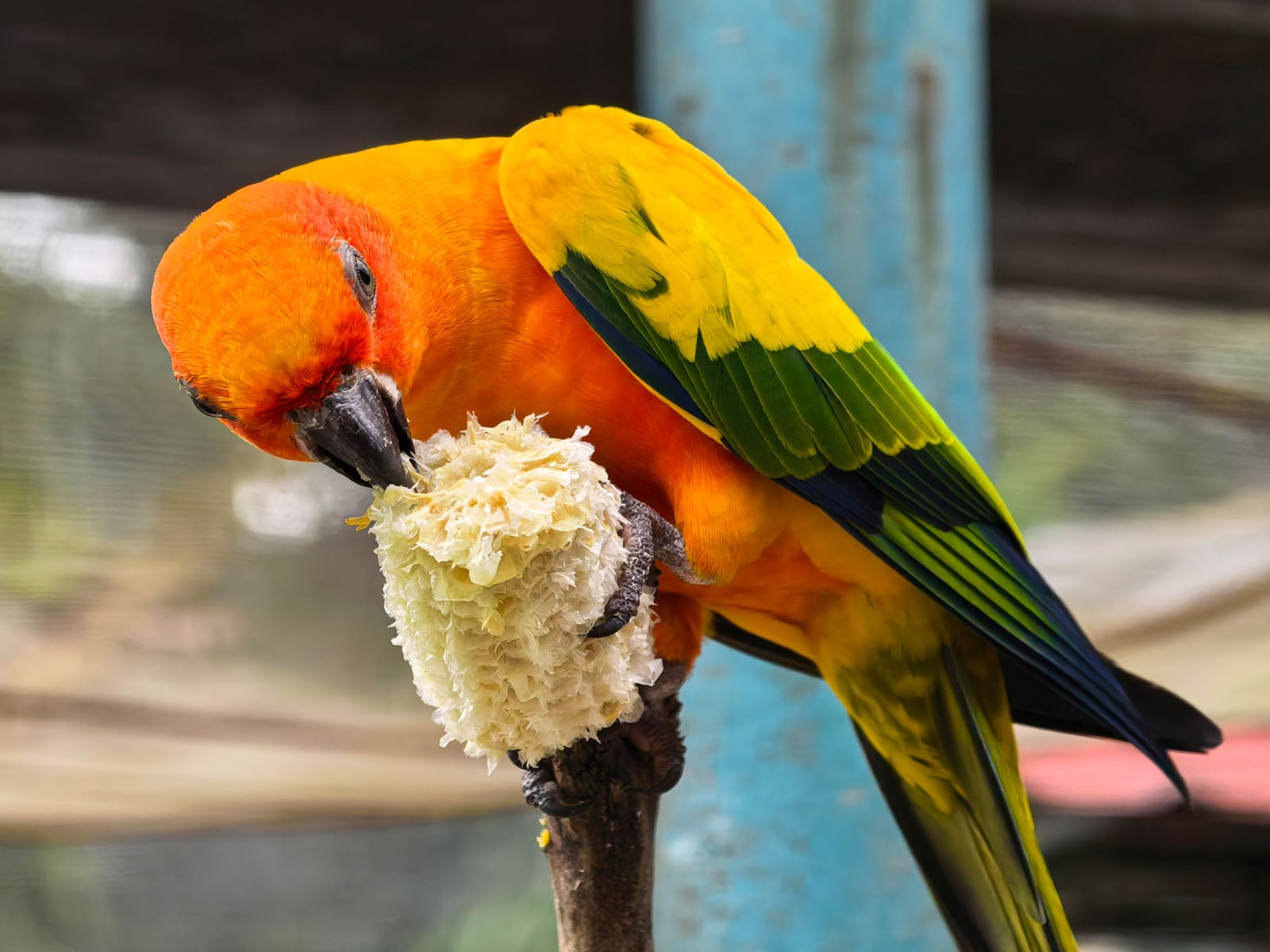
There is an option in the settings to reduce pixel binning from the standard 12.5 megapixels to 25 megapixels instead. This increases processing time but also makes images easier to crop later (within reason).
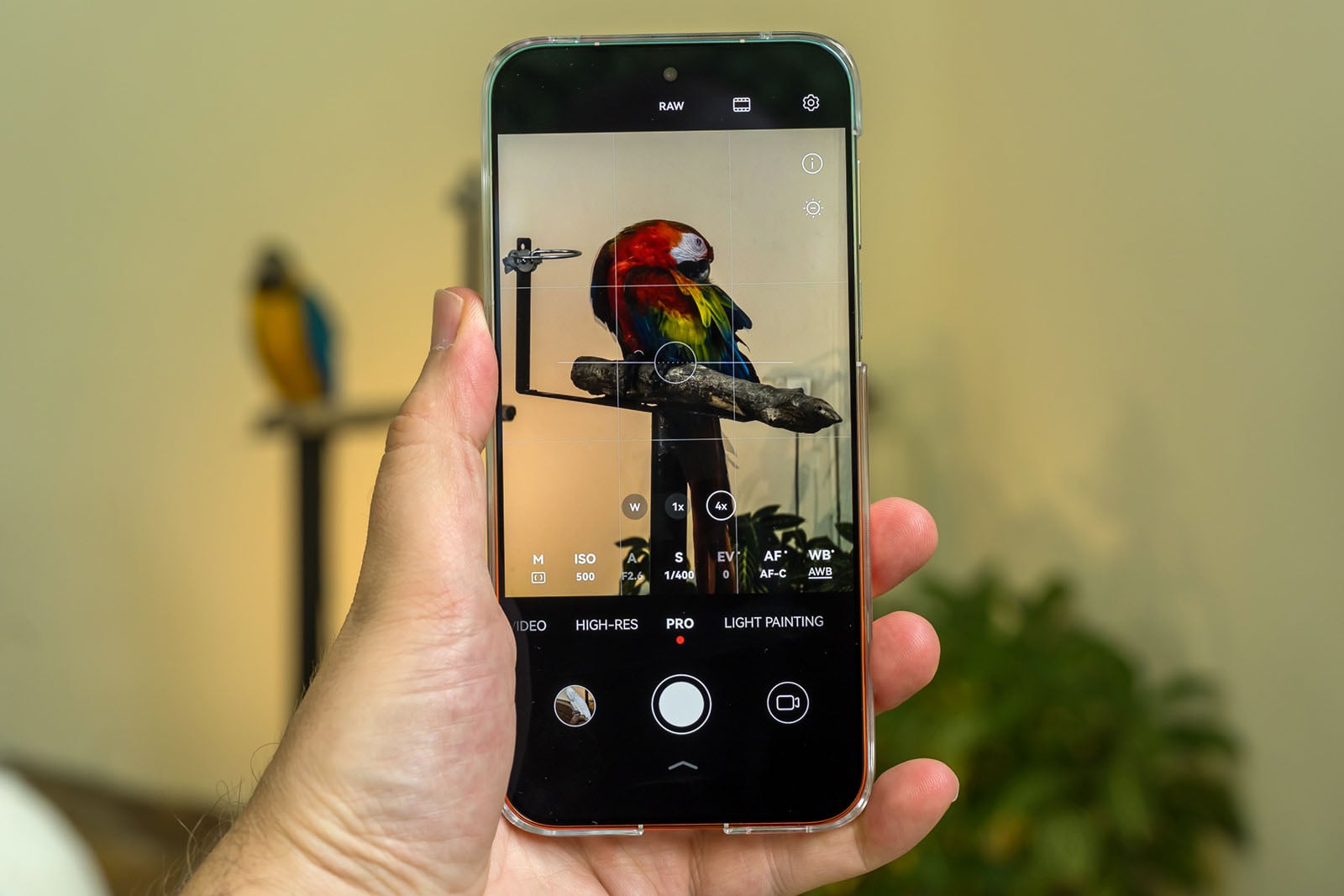
While I like the variable aperture in Pro mode, a bigger sensor would’ve been nice to make the telephoto camera even more dynamic. The 10x zoom surprises me a little with its versatility, though I find it very odd that there’s no shortcut to 20x zoom on the interface in spite of Huawei promoting it as a workable solution. Most phones simply switch to the baked-in hybrid zoom lengths by tapping on the corresponding number onscreen. That doesn’t happen here. Instead, I have to pinch-to-zoom and try landing on that number with precision.
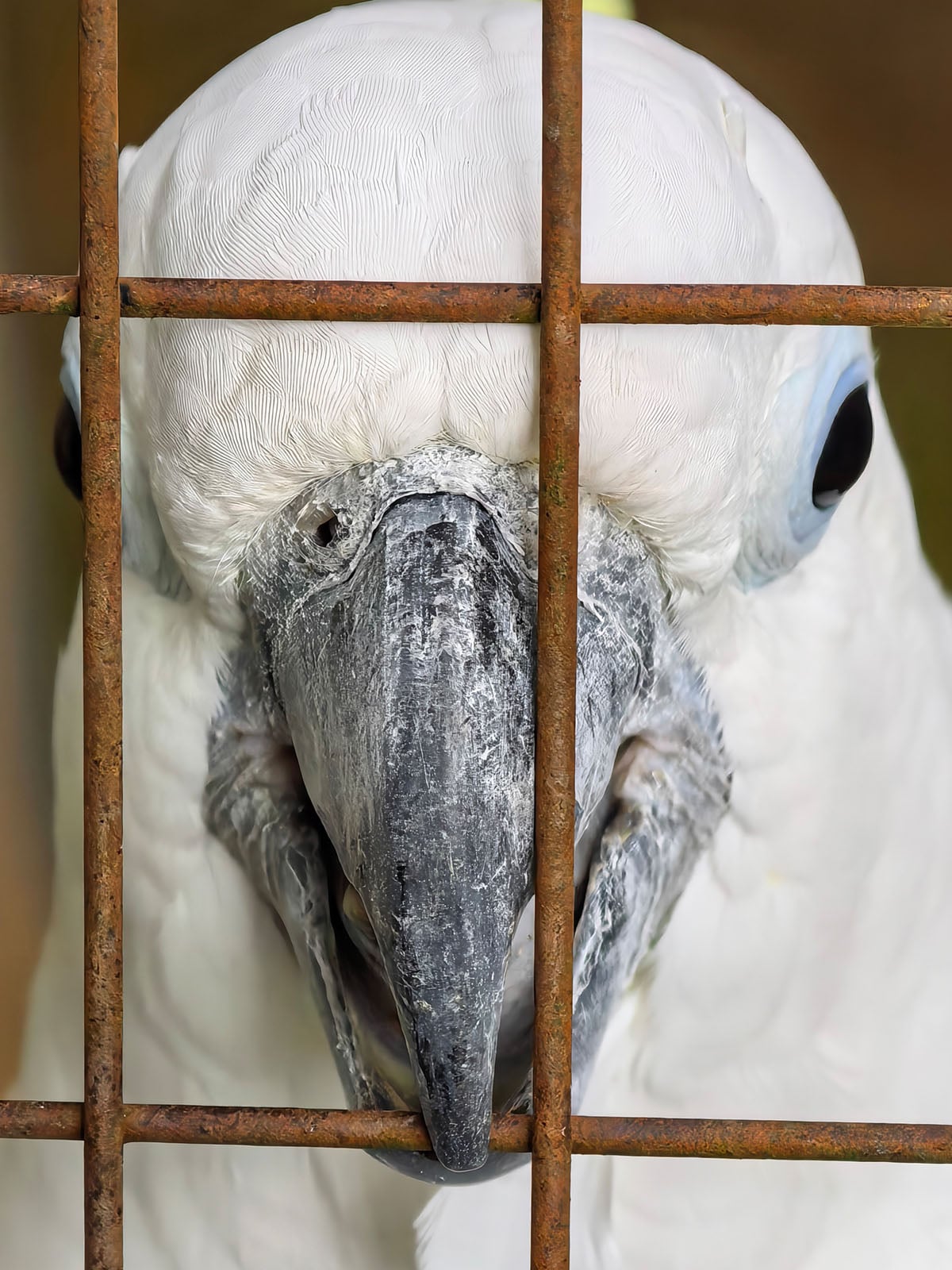
In that same vein, there’s no shortcut to a 35mm length for the main camera, either — an even bigger miss considering the 25-megapixel binning actually makes those crops less of a quality issue. Stranger still, the device’s Chinese variant actually offers the very same shortcuts I’m pointing out here. Time will tell if Huawei addresses these omissions in upcoming software updates for the global model.
Other interface oddities stick out, too. The timer is inexplicably buried in the main camera settings section, rather than in the quick settings when swiping the bottom arrow up, like everyone else does. Since there’s no way to customize the interface, it forces you to go through multiple steps to make timer changes, regardless of what you’re doing.
There’s no exposure compensation, either, unless you use Pro mode. You can, however, control metering by locking focus and moving the metering circle to another part of the image. It’s good in certain situations but exposure compensation is more of a difference maker in my opinion. While it may matter less in the grander scheme, Huawei also separates its main photographic styles (under Xmage) with the onboard filters within the same quick settings below.
None of the video modes, including Pro Video, offer 24fps as a frame rate option, leaving you with only 30 and 60fps. If you want 120 or 960fps, you need to use Slo-Mo mode for that.
AI Tools, but Not All of Them
Master AI is like others in that it reads a scene and tunes color and processing for what it sees. It’s something I tend to leave off, but less experienced mobile photographers might like it. More interesting is the AI Composition tool that will analyze what’s in the frame and suggest composition markers by way of one or two white circles. Move the camera to cover the circle with an outline, and you can either snap the photo right away, or it will zoom in and let you do it then.
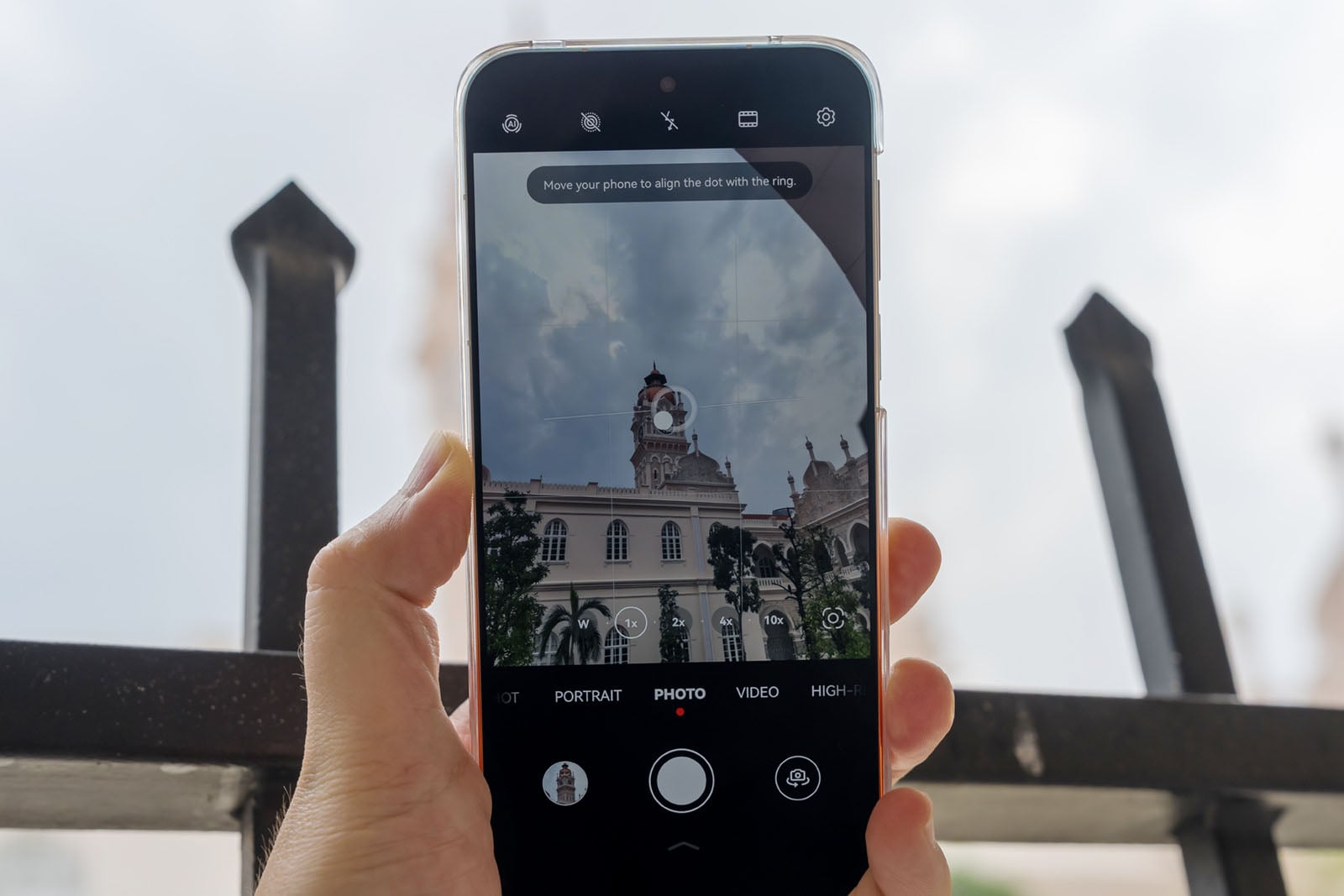
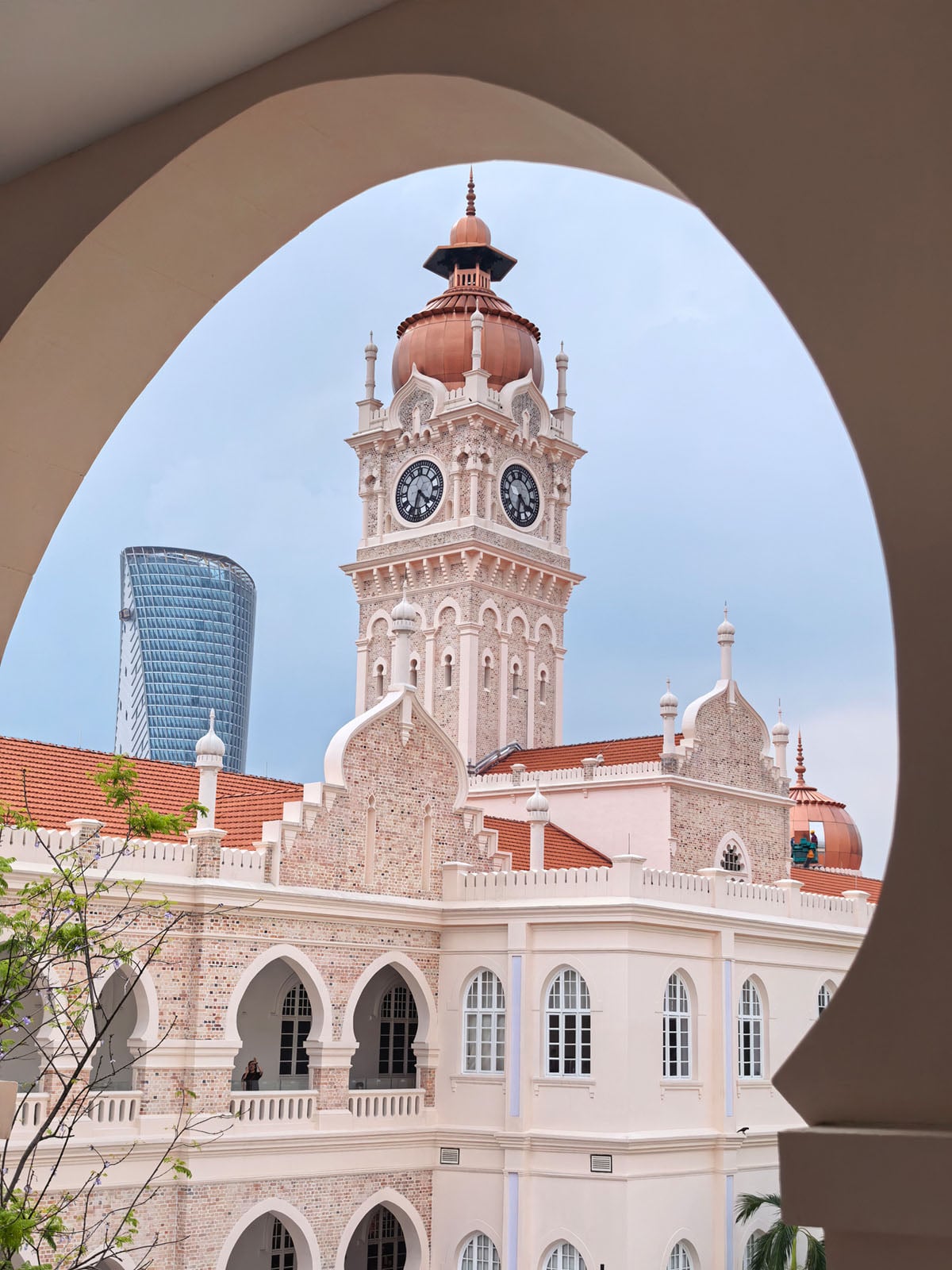
This generally works with the main camera because it’s handing off to the telephoto rather than the other way around. I’ll keep playing with this but it has the potential to be a handy tool for those who are learning to capture better images. The one caveat is that it doesn’t always understand true intent, so while I might be trying to frame a subject in the background, it assumes I want to isolate it instead, leading to a zoom I don’t want. Again, seasoned shooters wouldn’t use this tool anyway but at least it shows signs of competence and usability for those who do.
Not all the AI features in the Chinese variant are making it over to the global version — at least not in Europe. Only AI Composition will be available. Thus, others like AI De-glare and AI Move are left out. There are nuances to that, though, in that the Asia-Pacific version (outside of China) will get the full AI gamut, whereas the European models are the ones limited to just AI Composition.
Availability
Huawei is pricing the Pura 90s Pro Max starting at 1,149 Euros (about $1,300 USD), though I’m not entirely sure yet about what the availability will be by region. However, it is coming soon, and I’ll be back soon with a full review covering the camera performance.





 English (US) ·