
 3 hours ago
3
3 hours ago
3
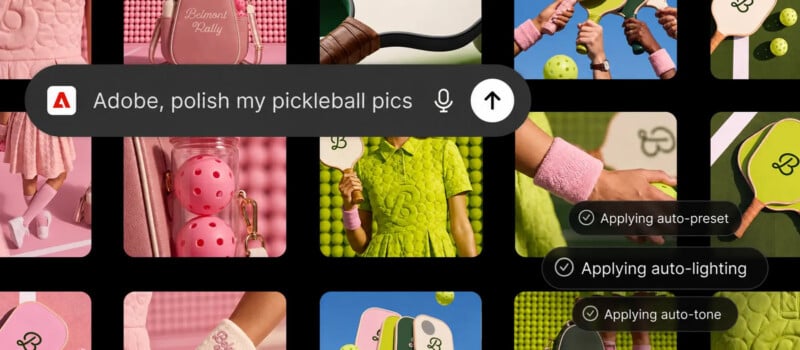
Late last year, Adobe introduced integrations for Photoshop, Express, and Acrobat inside OpenAI’s conversational AI platform, ChatGPT. Now Adobe has upped the ante and announced the Adobe plugin in ChatGPT, which brings every Adobe app inside ChatGPT.
Without ever leaving ChatGPT, users can now use over 70 different Adobe tools across the company’s software suite, including Firefly, to edit photos, resize videos, generate polished social media assets, and more. There are tools from Photoshop, Lightroom, and Premiere, plus Express, Firefly, Acrobat, Illustrator, InDesign, Stock, and more.
“We’re building ChatGPT to connect our users with the best capabilities for the task at hand. Adobe’s category-leading creative and productivity tools help people express their creativity, communicate and be more productive, and we’re excited to expand our partnership with Adobe to bring those capabilities into ChatGPT with the Adobe plugin in ChatGPT,” says Vibhor Chhabra, product lead for the ChatGPT Ecosystem at OpenAI.
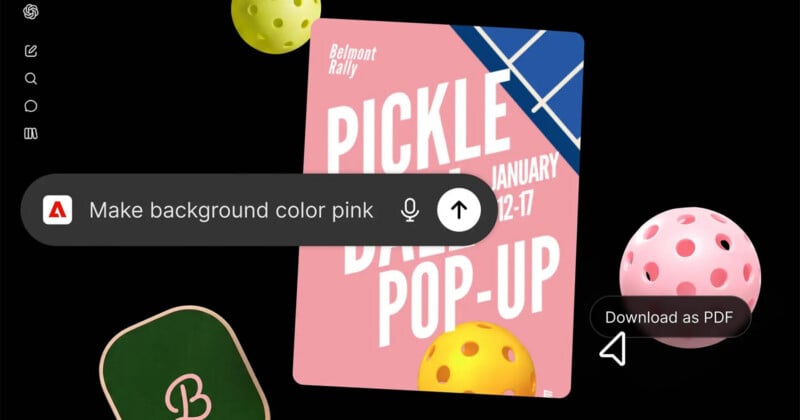
While photographers are likely still going to stick with Adobe’s dedicated apps for serious photo editing tasks, this new ChatGPT integration seems to be targeting something like Canva, an AI-powered creativity platform designed for less experienced users.
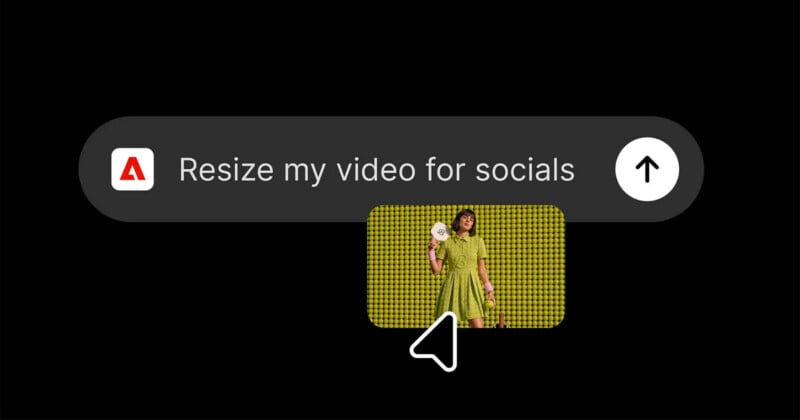
Adobe’s Deepti Pradeep identifies a wide range of use cases, including users uploading images to ChatGPT and asking the AI to improve them automatically using Adobe’s tools, creating assets either from scratch or using inspiration, resizing video content for specific social media platforms, editing videos into highlight reels, changing key parts of existing visual assets, and more. The plugin even supports batch photo editing, which could be useful for users who need to edit a bunch of product photos for a specific campaign.
“Over the past few months, we’ve expanded access to Adobe’s tools across leading AI chatbot platforms, including ChatGPT, Claude and Copilot, with Slack and Gemini coming soon,” Pradeep writes. “The Adobe plugin in ChatGPT builds on that work by bringing the power of our creative and productivity apps together in one unified plugin that draws on the same tools and capabilities that power our own agents in Adobe apps. That means you’re creating with the same trusted pro-grade tools that creative professionals and digital workers use every day, backed by Adobe’s expansive creative and productivity app ecosystem, the only one with the breadth and depth to support end-to-end creative and document productivity workflows.”
The Adobe plugin for ChatGPT is now available inside ChatGPT. It can be used either as a guest or, for a better experience, with an Adobe account. When signed in to an Adobe account, users can utilize Adobe’s generative AI inside ChatGPT, access their Creative Cloud files, and save their work across sessions.
“The Adobe plugin in ChatGPT is designed to meet you where you’re already working, making it easy to move from ideas to high-quality content inside ChatGPT. When your project calls for deeper creative exploration, advanced editing or pixel-level precision and control, Adobe’s apps are where you can push your ideas even further,” Pradeep concludes.
Image creditsAdobe
Affiliate Disclosure PetaPixel articles may include affiliate links; we may earn a commission if you buy through one.






 English (US) ·