
 3 weeks ago
22
3 weeks ago
22

Image via Amistech Games
Hopefully, we get an easier way.

|
Published: Jan 3, 2026 08:54 am
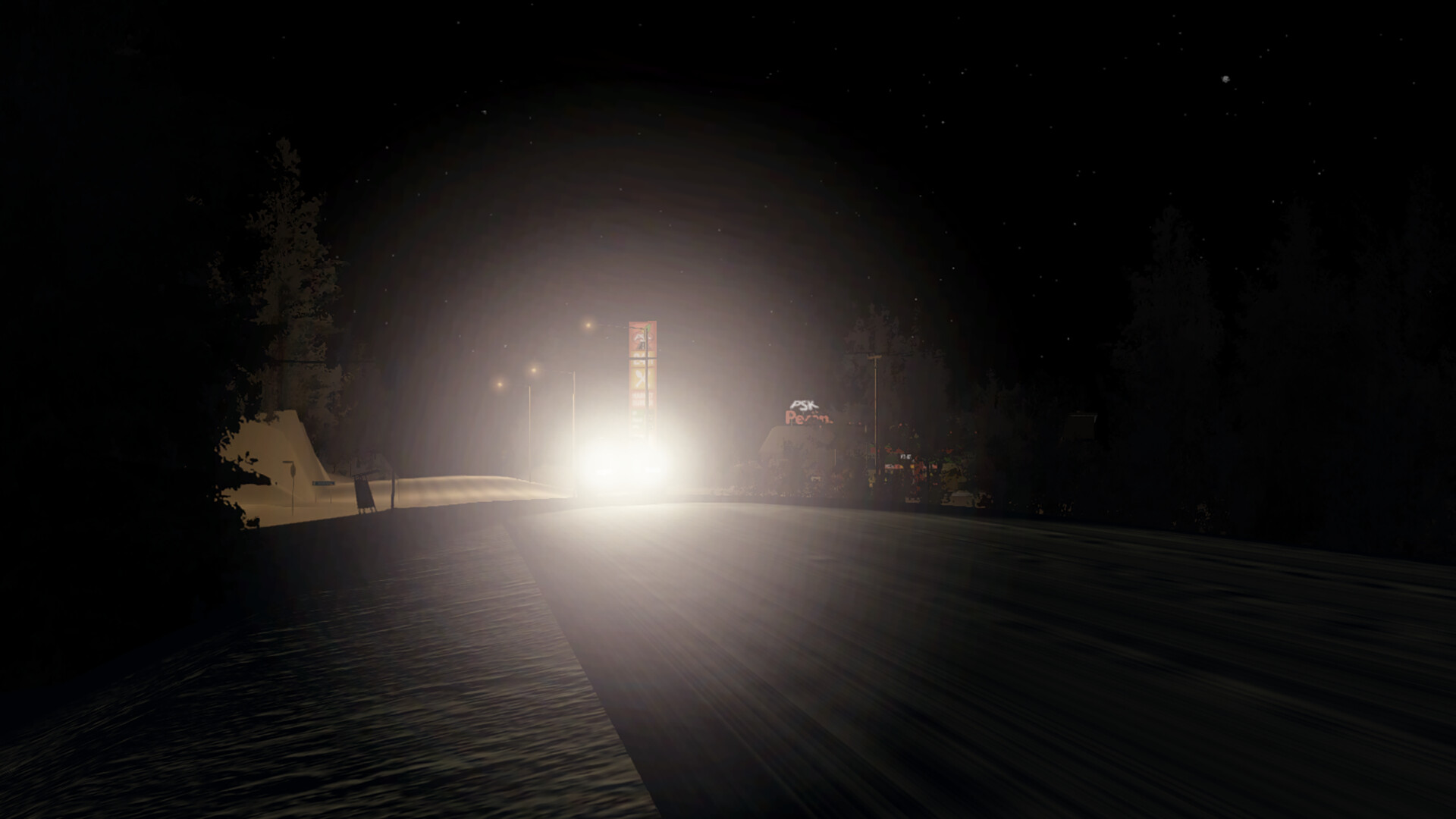
Using console commands in My Winter Car‘s early access version is extremely hard, but there’s a backdoor way with the help of available mods.
My Summer Car, the predecessor, has a list of functioning console commands that allow you to access advanced options. My Winter Car also has its own console commands meant for the developers to use. However, there’s no direct way of enjoying their benefits. Thankfully, you can bypass the limitations with mods.
How to enable console commands with mods in My Winter Car
The easiest way to enable console commands in the current build of My Winter Car is by using the Developer Toolset mod. This mod allows you to enable the developer console inside the game, and you can then enable the different options that would otherwise be unavailable under normal circumstances.
- You’ll first have to install and enable the BepInEx mod manager (clicking on the highlighted link will automatically begin the download).
- Download the required files for BepInEx from here, and then extract the files to your main game folder.
- Launch the game to create all the necessary folders.
- Download the Developer Toolset mod.
- Open the downloaded folder, and you’ll find a BepInEx folder inside.
- Copy all contents from the folder to the BepInEx folder in your main My Winter Car Folder.
- Run the game, and the developer tools will be enabled automatically.
Once done, you can use the fully-featured in-game console for executing commands. Commands that work successfully will appear in green. You can use default and custom commands based on your requirements.
Additionally, the Developer Toolset lets you take advantage of features such as Runtime Inspector, Player Dev Controller, PlayMaker Globals Editor, and more. You can also set convenient hotkeys based on your needs.
Destructoid is supported by our audience. When you purchase through links on our site, we may earn a small affiliate commission. Learn more about our Affiliate Policy




 English (US) ·