
 3 weeks ago
18
3 weeks ago
18

Image via Amistech Games
Don't forget the four digits.

|
Published: Dec 31, 2025 04:56 pm
The credit card is an essential item in My Winter Car, and you’ll need to use it regularly for various tasks.
All financial transactions in My Winter Car primarily happen via the digital medium. While there’s cash, you’ll need to withdraw it at the ATM with the credit card, but you will need to set your PIN to do so.
What’s your credit card PIN in My Winter Car
When you start playing the game, your credit card won’t have a PIN. The first four-digit code you use will be your PIN for the remainder of the save. To do so, go to any ATM and use the credit card (you can try the one at the Gas Station).
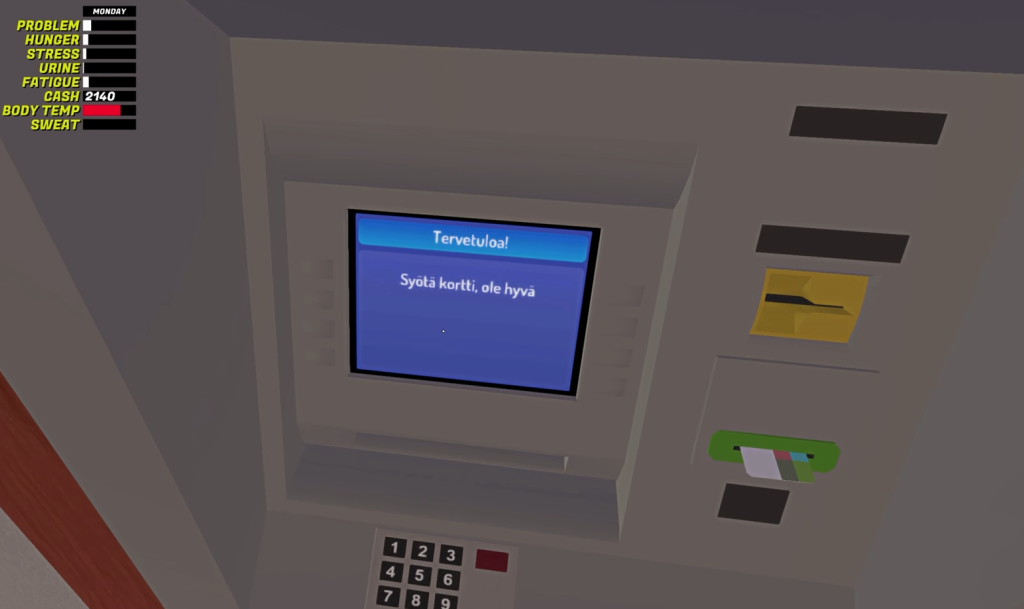 Image via Amistech Games
You can’t change it directly from within the game, so be sure to remember it. There’s an external workaround, though, in case you must make a change.
How to change the credit card PIN in My Winter Car
This part is slightly tricky, so follow the instructions as mentioned here.
- Open the LocalLow folder in AppData (can be found in the root directory of your PC).
- Open the subfolder Amistech, and then go to the My Winter Car folder.
- Inside, you’ll find a SaveFile.txt. Open the file and load it into the MSCEditor.
- Look for the entry creditcardpin, and you’ll find your PIN. You can change the PIN from here and save to modify your older security code.
How to use the credit card in My Winter Car
Once you find an ATM, complete the following steps.
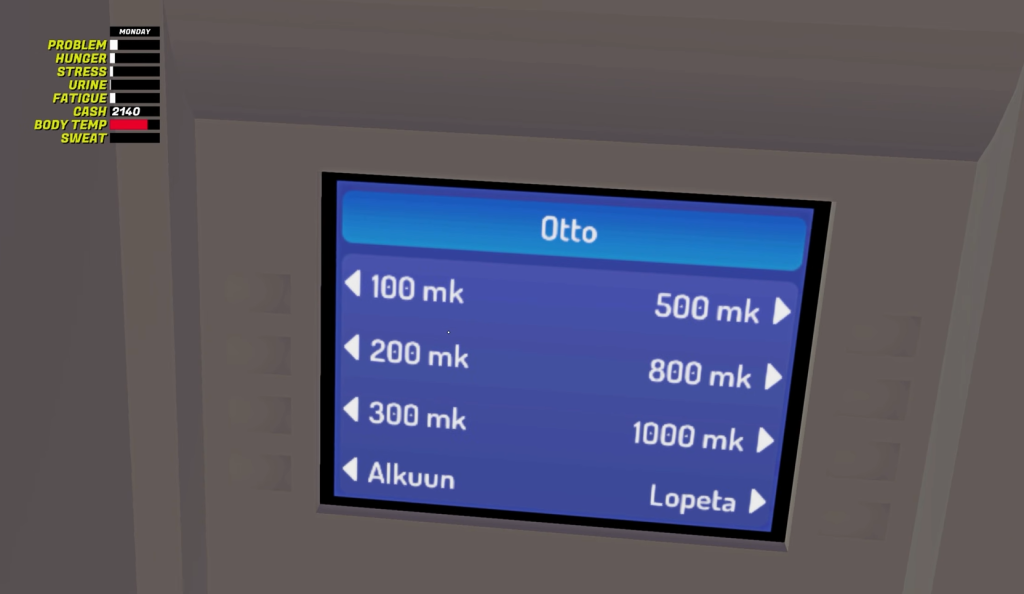 Image via Amistech Games
- Use the credit card and enter your PIN.
- If you want to withdraw, choose Otto.
- If you want to view transactions, choose Tapahtumat.
- Select the correct amount.
Once done, pick your credit card and the cash (this will automatically reflect on top of your screen, along with other player attributes).
Destructoid is supported by our audience. When you purchase through links on our site, we may earn a small affiliate commission. Learn more about our Affiliate Policy






 English (US) ·