
 3 weeks ago
28
3 weeks ago
28
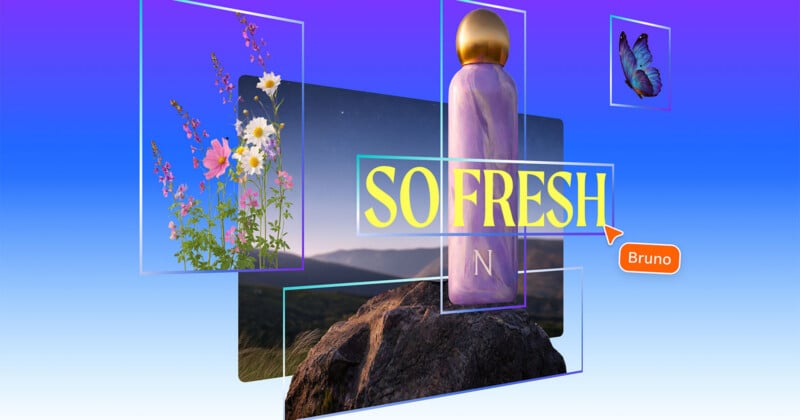
Canva has announced Magic Layers, a new artificial intelligence feature that transforms flat images into fully editable, layered designs within the Canva editor.
With Magic Layers, users can upload a flattened design or image and have it automatically broken into editable components. The system separates visual elements, converts text to editable fields, and preserves the original layout so creators can continue refining a design without having to regenerate it from scratch.
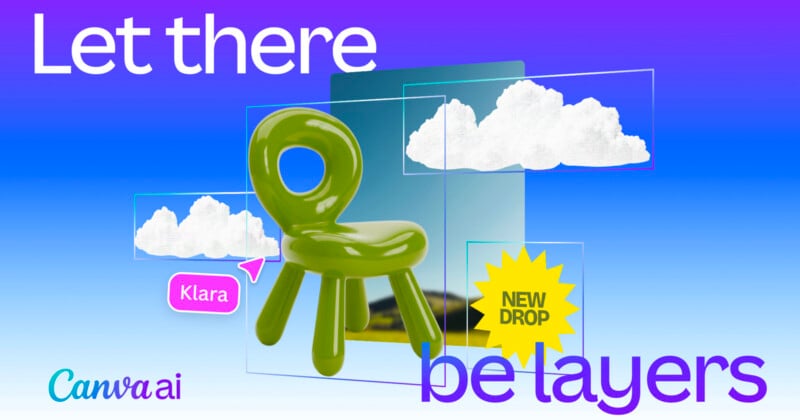
Turning Static AI Images Into Flexible Design Assets
The rapid rise of generative AI tools has produced an enormous volume of visual content, but much of it remains locked inside static files. Even small changes often require a new prompt or full regeneration, which can alter details across the entire design.
Magic Layers is designed to change that workflow by converting flat files into structured designs inside Canva. Once processed, elements such as graphics, text, and layout components become individual layers that can be moved, edited, or replaced.
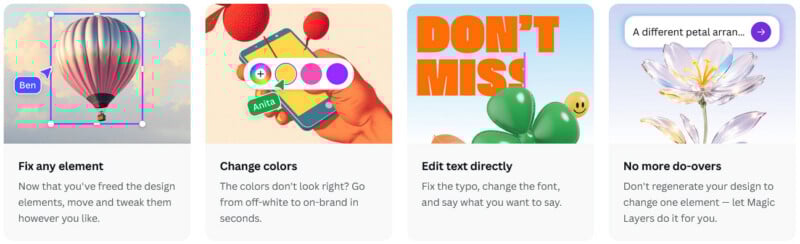
Users can upload any single-page PNG or JPG files during the beta phase. After the image is analyzed, Canva separates the design into movable elements while maintaining the relationships between objects in the original composition. Text elements are restored as live text boxes that can be edited directly within the editor.
The result is a design that behaves like one created inside Canva rather than a fixed image file.
Built on Canva’s AI Design Model
Magic Layers is powered by the company’s proprietary Canva Design Model, an AI system built to generate and manipulate visual designs. According to Canva, the model has already been used to produce hundreds of millions of presentations, documents, and social media graphics since its launch.
Unlike traditional vector tracing tools that simply outline shapes in an image, Magic Layers aims to interpret a design’s structure. The system analyzes relationships between elements, identifies text areas, and separates visual components while maintaining the overall composition.
“There’s been an explosion of AI-generated content that has, until now, been a dead end,” said Cameron Adams, co-founder and chief product officer at Canva.
“You’d get a finished image you couldn’t edit, refine, or make your own. We think AI should spark creation, not stop it.”
Adams added that Magic Layers allows creators to treat AI-generated images as a starting point rather than a final output. But again, Magic Layers works on any compatible flat image file, not just AI-generated ones.
Expanding Creative Control for AI Workflows
Magic Layers also integrates with Canva’s existing AI-powered design tools, enabling users to generate visuals via prompts and refine them in the editor. Once the layered design is created, elements can be repositioned, backgrounds swapped, fonts adjusted, or components replaced without rebuilding the entire image.
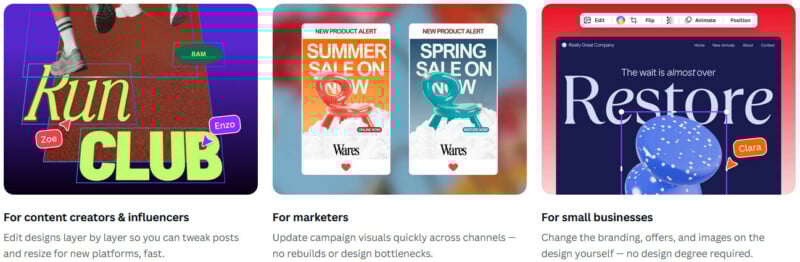
The feature is intended to support a wide range of users, from marketing teams refreshing campaign materials to small businesses updating branding assets and creators adapting visuals for social media or presentations.
Pricing and Availability
Magic Layers is available as a premium AI feature within Canva and counts toward a user’s monthly AI usage allowance. The number of available uses varies depending on the user’s Canva subscription plan, with the allowance shared across the platform’s suite of premium AI tools.
Canva says Magic Layers is rolling out now in public beta in the United States, United Kingdom, Canada, and Australia, with broader global availability expected to follow as development continues.
Image credits: Canva







 English (US) ·