
Looking for the best data recovery software? There are hundreds of applications on the market that claim to bring back your lost data, but not all of them might work for you. This is why we’ve put in the effort to find only the best data recovery platforms that actually work.
In this article, we’ll be reviewing Auslogics File Recovery. Available only for Windows, it can help you recover deleted files, even from reallocated disks, and search multiple drives simultaneously. So, is this the hard drive data recovery software you need? Our Auslogics File Recovery review will help you decide.
Auslogics File Recovery: Plans and pricing
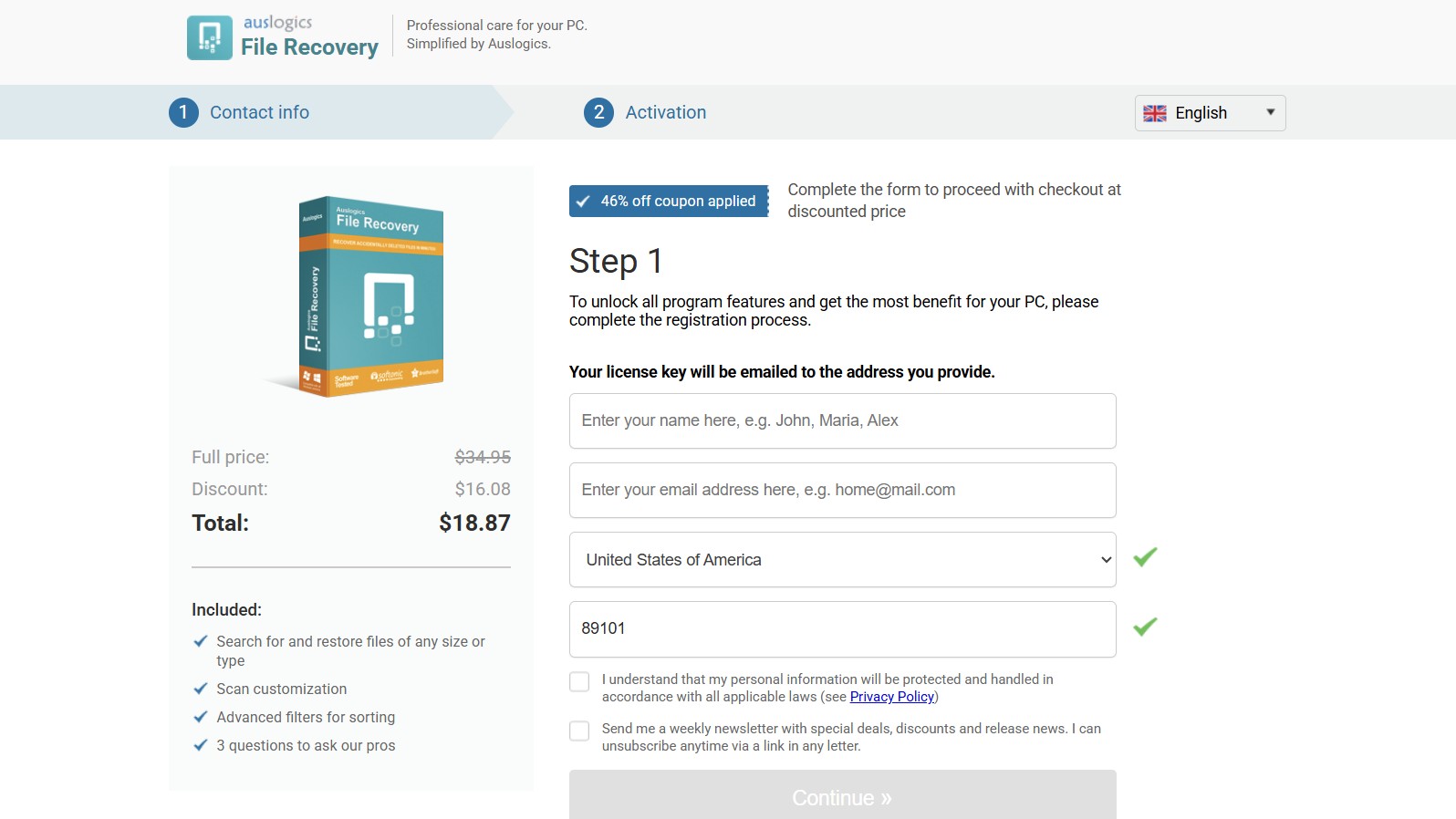
Auslogics File Recovery is one of the most affordable data recovery software options on the market, costing just $18.87 per year for three PC licenses. This comes down to around $6 to recover your data on each PC.
However, my biggest complaint with Auslogics is that it has a very limited free plan, which only lets you recover lost applications. You cannot search for or restore images, videos, audio, or documents with the free plan.
In comparison, peers like EaseUS, Wondershare Recoverit, and Stellar Data Recovery allow limited recovery of various file types even on their free versions. But there's a 30-day money-back guarantee, so you can try the complete Auslogics package risk-free before committing.
Auslogics File Recovery: Features
Auslogics goes beyond the traditional functionalities of a data recovery software, offering several other add-ons for comprehensive system upkeep and recovery. For starters, the software supports all major file types, including NTFS, FAT16, FAT32, and exFAT, on devices such as hard drives, memory cards, and USB storage devices. That said, it cannot recover data from CDs or DVDs.
Even if you have lost a disk partition on your drive, Auslogics' partition recovery feature allows you to scan and restore files from reallocated disks. There's also a pretty useful disk image tool, which allows you to make an exact copy of your drive with all the information on it, including deleted information. This freezes the current state of your drive, allowing you to work safely without risking total disk failure.
Another useful feature is the Wipe Free Space utility, which permanently removes previously deleted files so that they cannot be recovered at a later stage. When you usually delete files on a system, they aren't completely erased. The system marks that space as available, while the actual data sits there until new data overwrites it.
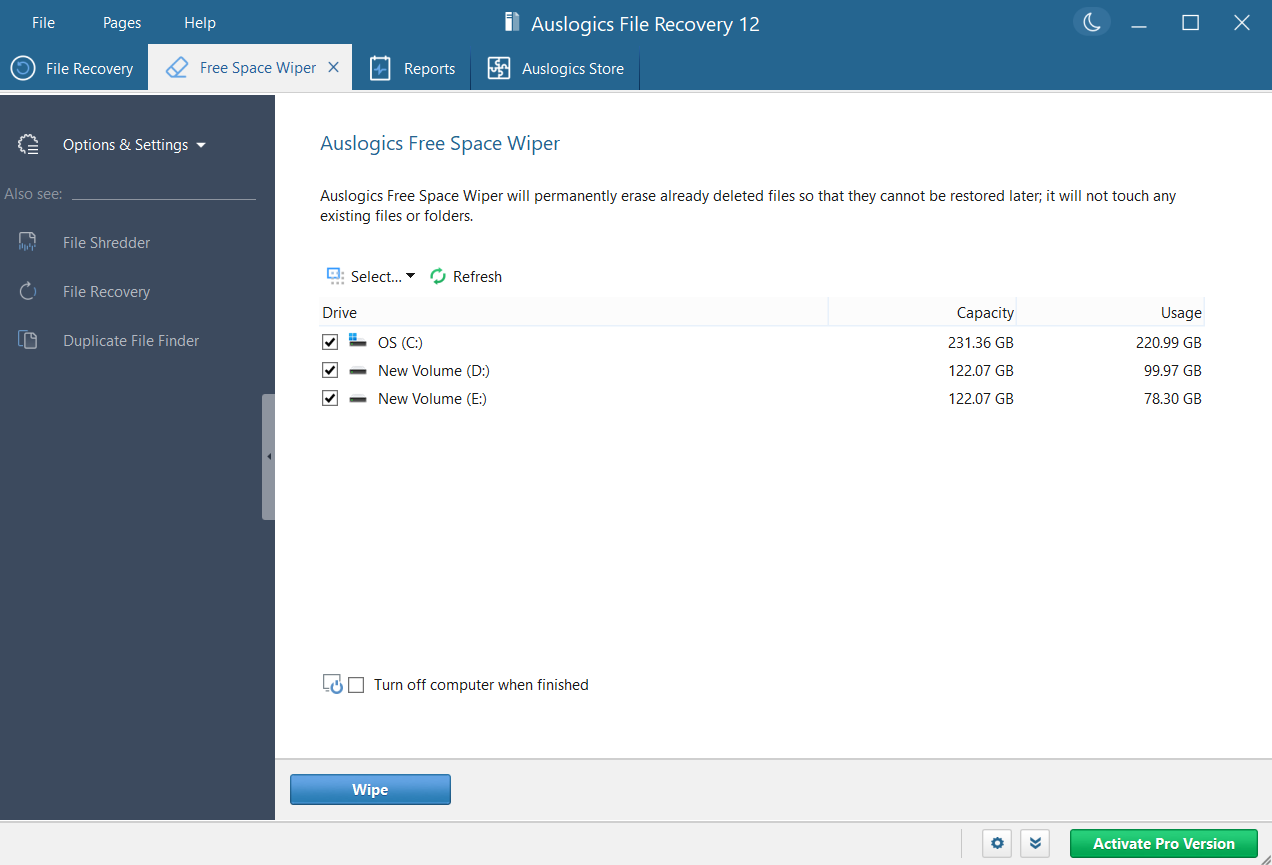
Auslogics’ Wipe Free Space overwrites the free space with random data, thereby erasing traces of previously deleted files. This can come in handy when you've deleted sensitive information or while selling or donating your hard drive.
Scanning
Auslogics’ scanning is fairly quick. We “quick” scanned 400GB of data on our Windows 11 Intel Core i5 system, which it was able to complete within 7 to 10 minutes. Once the scan is done, you can sort results based on file type and date, and also view them in three modes – list, detailed, and preview.
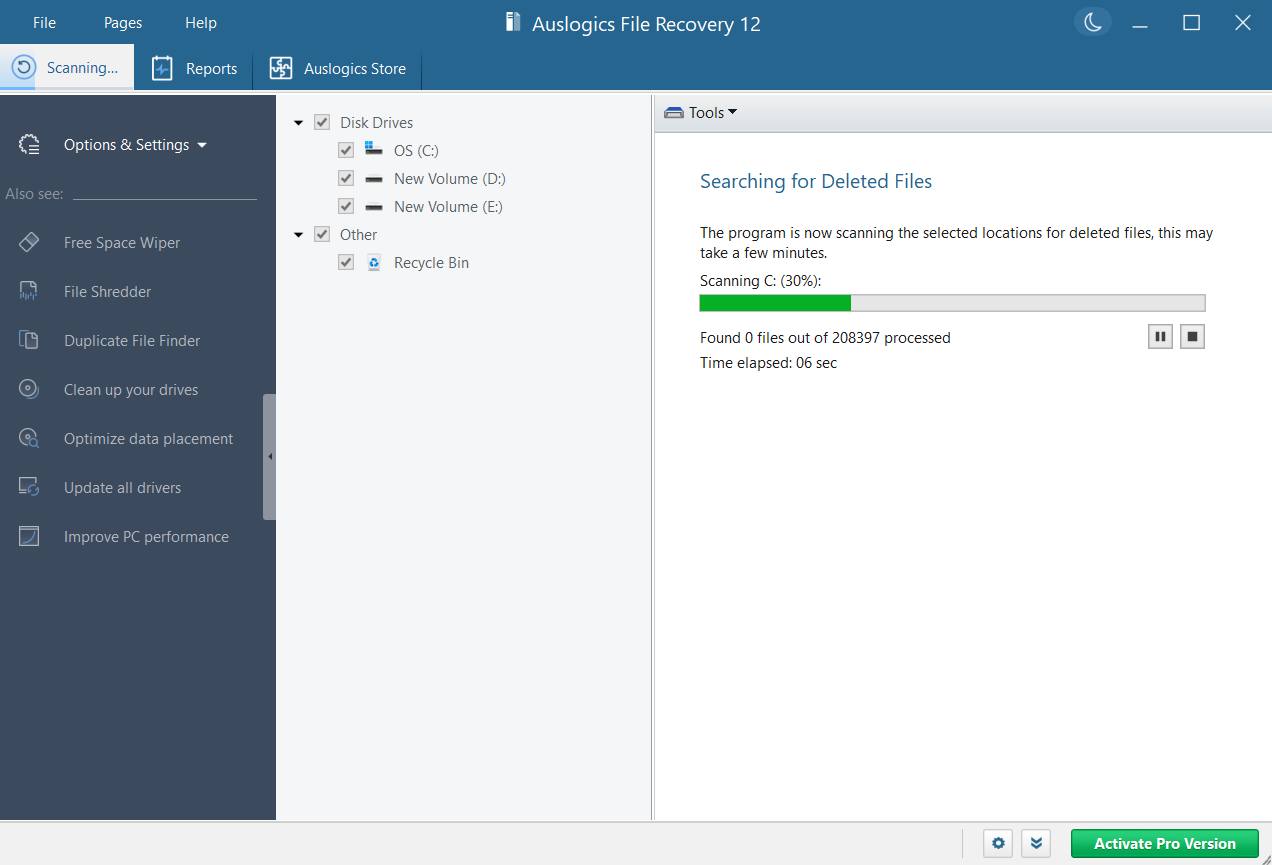
However, you can only view the deleted files once the scan is complete. This means that even if you’re trying to recover a small application, you'll have to wait for the entire deep scan to finish, which can take up to two to three hours depending on your disk size.
That said, what I like the most about Auslogics is that it allows you to customize various search criteria before starting the scan for more accurate results.
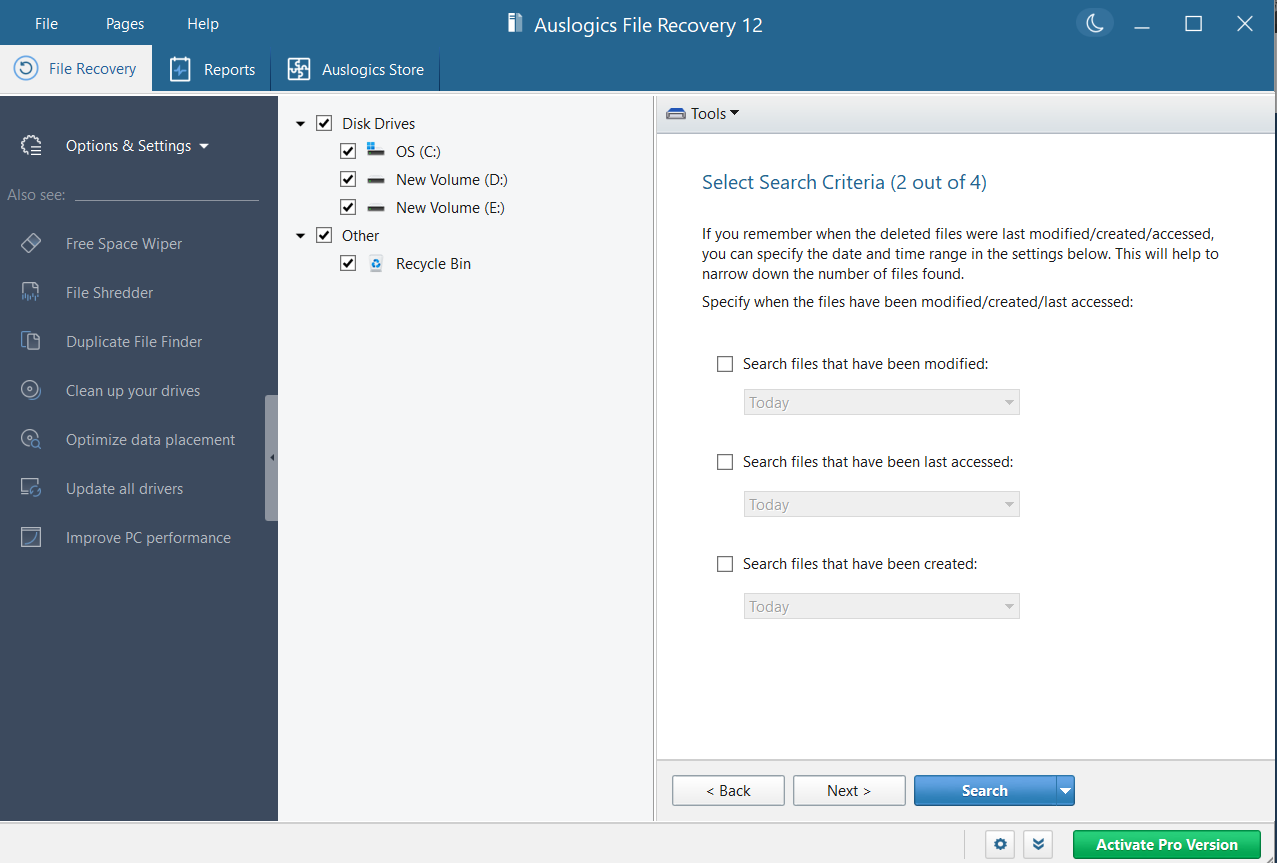
For instance, if you remember exactly when the deleted files were last modified or accessed, you can specify that time and date range in the settings.
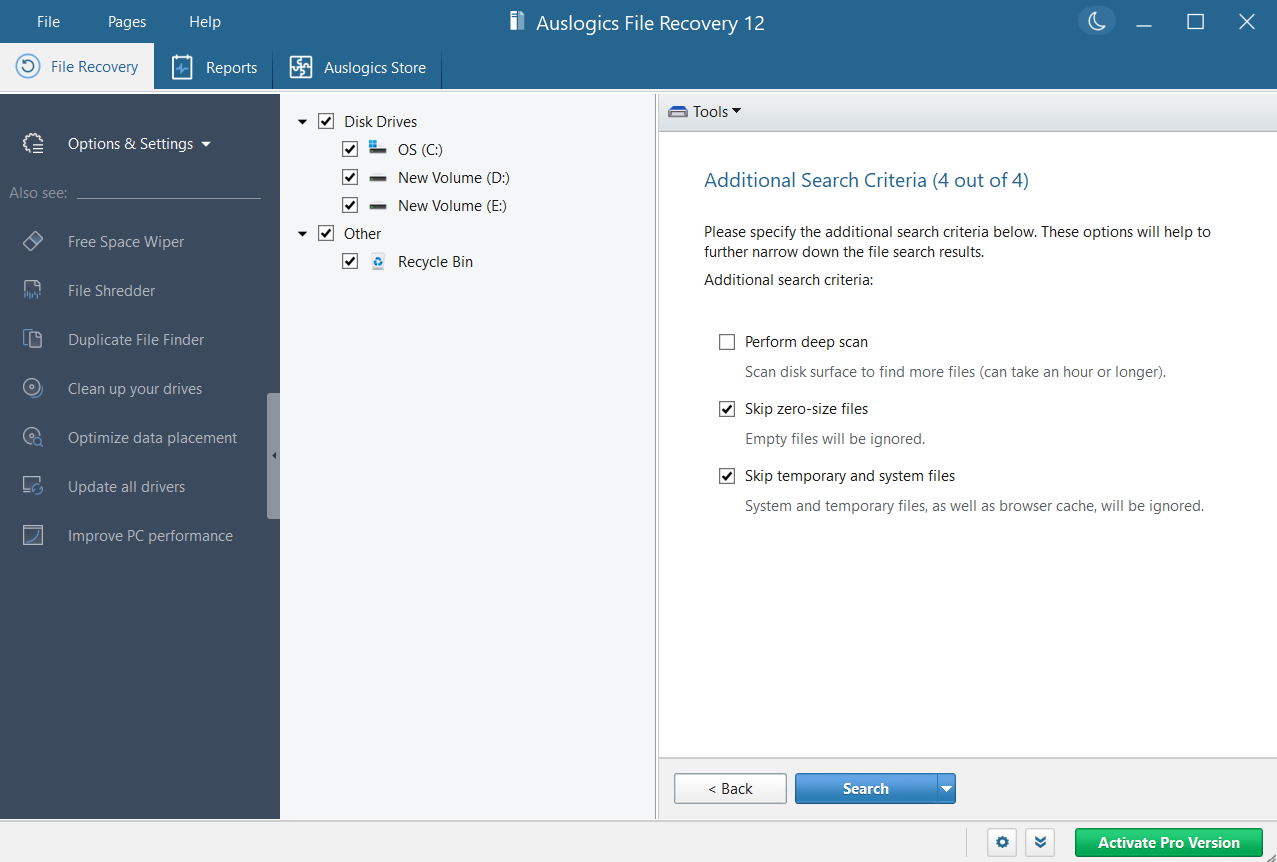
Similarly, you can also search by specific file names or choose to skip zero file size and temporary system files. There is also an option to perform a deep scan.
Auslogics File Recovery: Installation and in-use
Installing Auslogics is pretty simple. You will find the free download button on the homepage. Just click on that to start the download and install the file once it completes. The main interface is well designed, with a window divided into three panes. Although it isn’t as modern as EaseUS or Stellar, it is surely an upgrade over DMDE’s old-school interface.
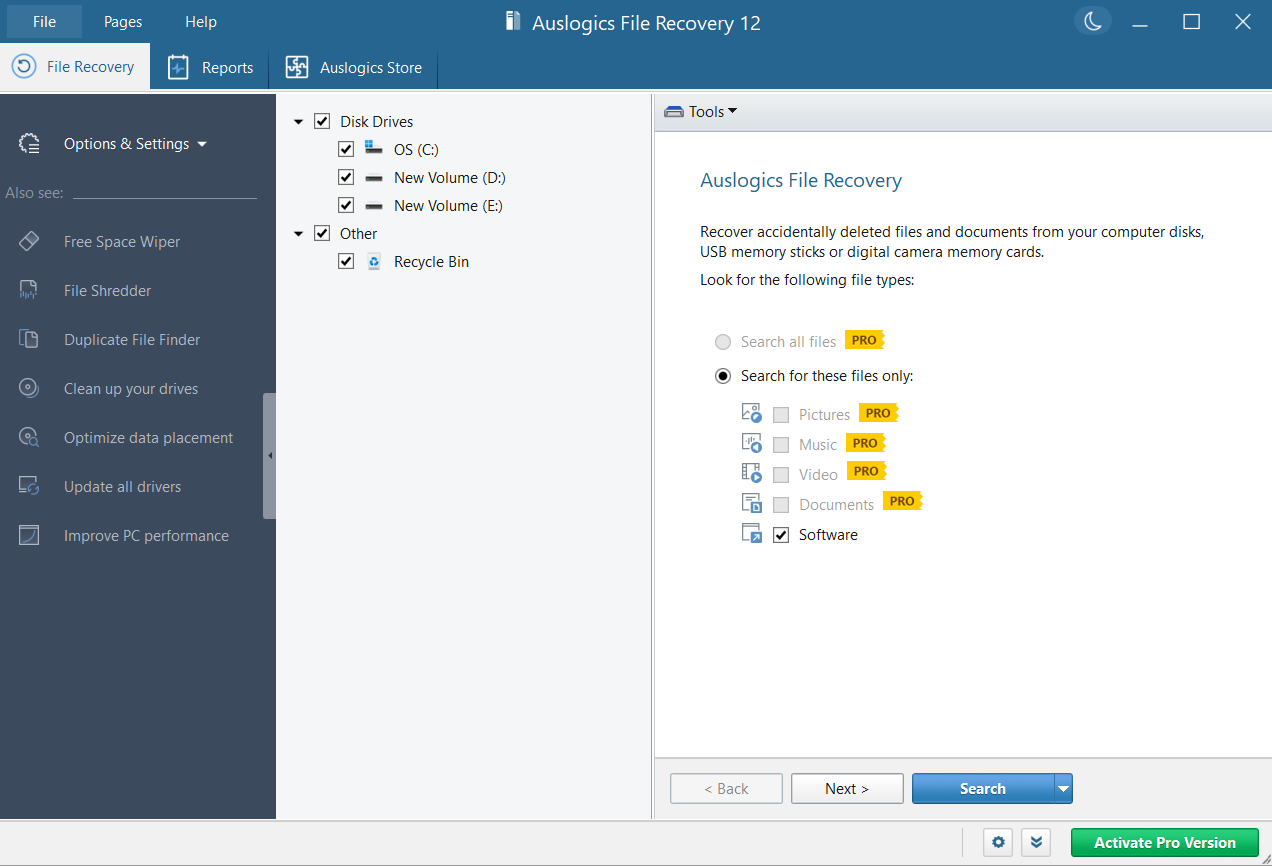
On the left-hand side, you will see various tools that Auslogics offers, whereas at the center, there is an option to select which items you want to scan.
There is a very handy in-built reports utility that shows you system metrics such as CPU usage, disk and network speeds, and memory consumption at a glance. You can also hit the create system report button to create a pretty detailed report with information like operating system, installed programs, partitions, CPU and cache properties, power management functions, and a whole lot more.
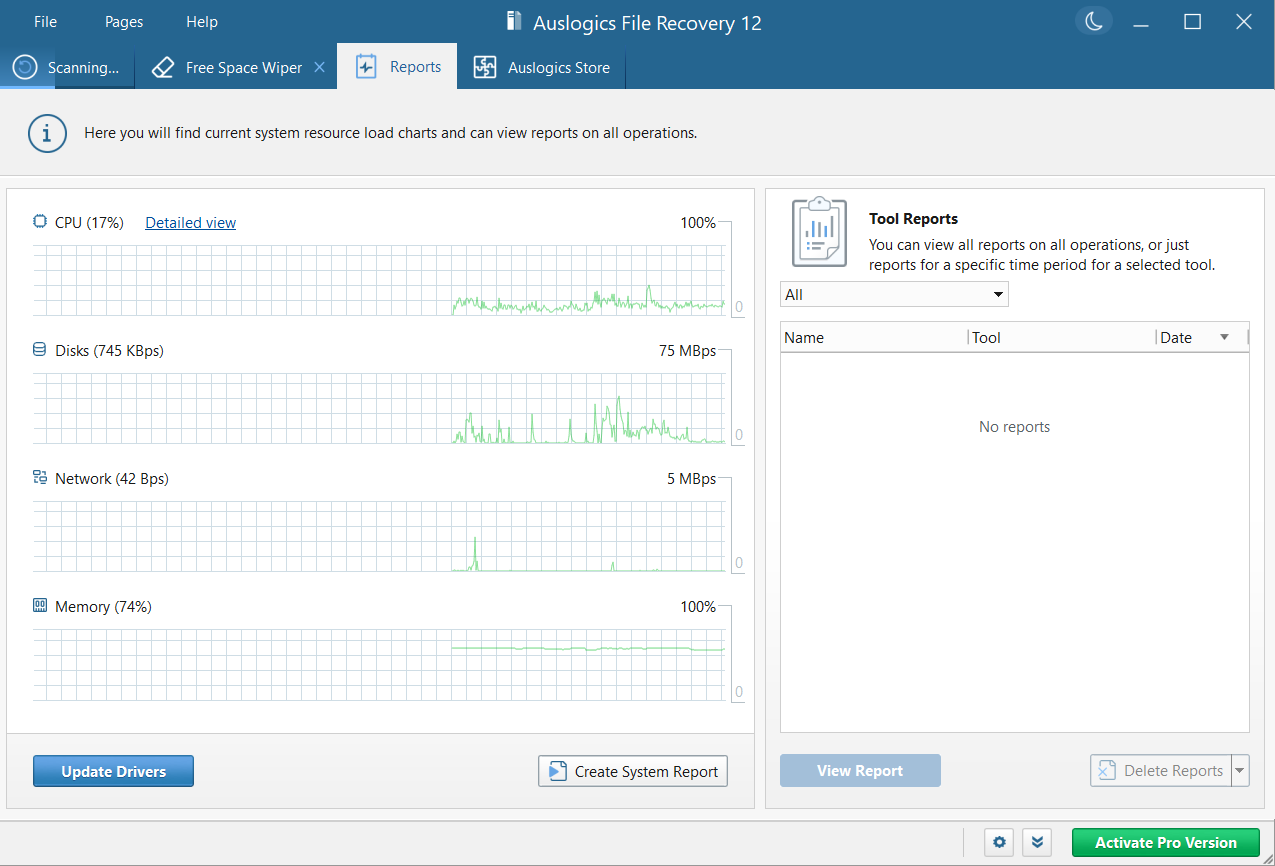
Instead of digging through multiple Windows settings, you get all critical system insights in one place, saving time and simplifying diagnostics.
Auslogics File Recovery: How we tested
We have tested several data recovery software, and in doing so, we usually download Mozart's album from the Internet Archive, copy them onto an external hard disk, and then delete them to test out the software's capabilities. This album contains a mix of various file types: PNG, JPG, MP3, and torrent.
However, since Auslogics only allows recovering software, we followed a slightly different approach. We scanned our entire Windows 11 system to look for deleted applications. The scan ran for a good 7-10 minutes, after which it pulled up a list of lost software. We randomly clicked on an application and hit restore, which Auslogics was able to do successfully.
Auslogics File Recovery: Support
The company’s website has fairly detailed answers to commonly asked questions, so that’s a good place to start if you run into issues with the software.
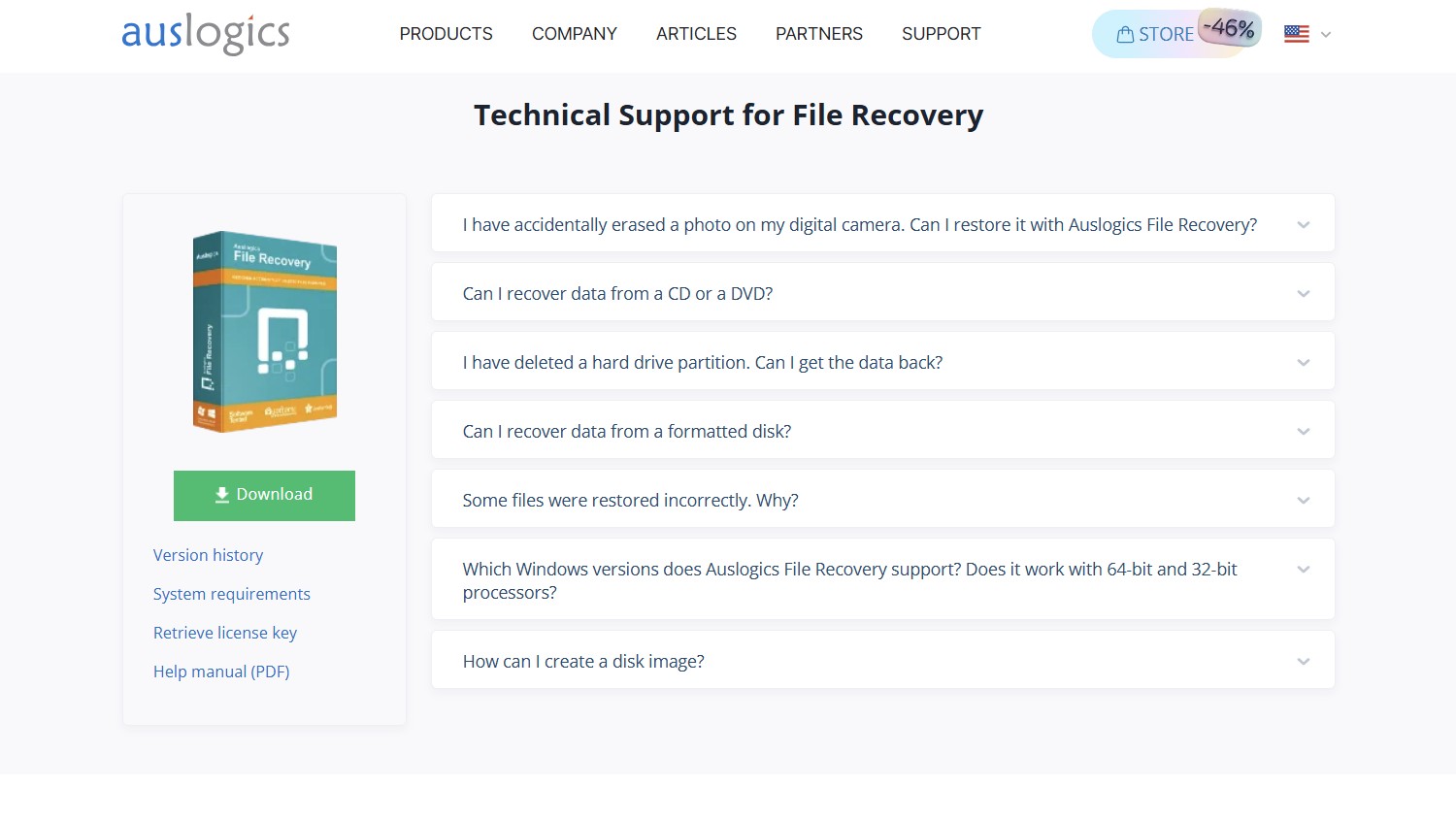
You can also submit your queries directly through the “Contact Us” section, which allows you to raise tech support requests as well as media, business, or partnership-related inquiries. This provides a straightforward way to reach the team for more specific concerns that may not be covered in standard support resources. However, there's no live chat or phone option.
Auslogics File Recovery: Final verdict
Auslogics is one of the most affordable data recovery software options you can get, costing less than $10 per PC for an entire year. However, this doesn’t mean that the product compromises on features. You get utilities like partition recovery, which lets you restore files from unallocated spaces, and a disk imaging tool that helps you save failing hard drives by allowing you to create an exact copy.
The software supports various common file types, such as FAT16/32 and exFAT. There is also a handy built-in reports feature that lets you pull complete system information with just a click. The installation is straightforward, and the user experience has been designed with beginners in mind. That said, it is only available for Windows systems, and its free plan does not allow you to recover images, videos, documents, or audio files.








 English (US) ·