

- Microsoft has admitted there's a bug in the latest Windows 11 update
- The September preview update causes some games and apps to crash
- According to some reports, this patch is also leading to sluggish performance, or even boot failures, so tread very carefully
Windows 11's latest update has a bug that's causing havoc with some PC games and apps, or worse still, according to reports that have found the upgrade breaking their entire system.
Windows Latest highlighted a post on the Windows health dashboard where Microsoft admits there's a problem with September's optional update, which was released almost two weeks ago now.
Bear in mind that this patch (KB5124010) is a preview update, then, but there certainly seem to be quite a few issues for gamers here based on some of the feedback on social media. These problems affect Windows 11 26H2 and 25H2 users, as well as those still on 24H2.
Microsoft tells us that: "Some applications which require the decoding of AC-3 (Dolby Digital) audio might close unexpectedly."
The company adds: "Affected applications may vary and can include games, media players, and certain productivity applications."
The bug may cause the game or app to completely fail to launch, or it might crash, and in some circumstances things could be fine until certain features are used, notably playing music.
At least Microsoft assures us that "many modern applications do not use Windows for this type of encoding and therefore will not encounter this issue," but clearly there are problems here.
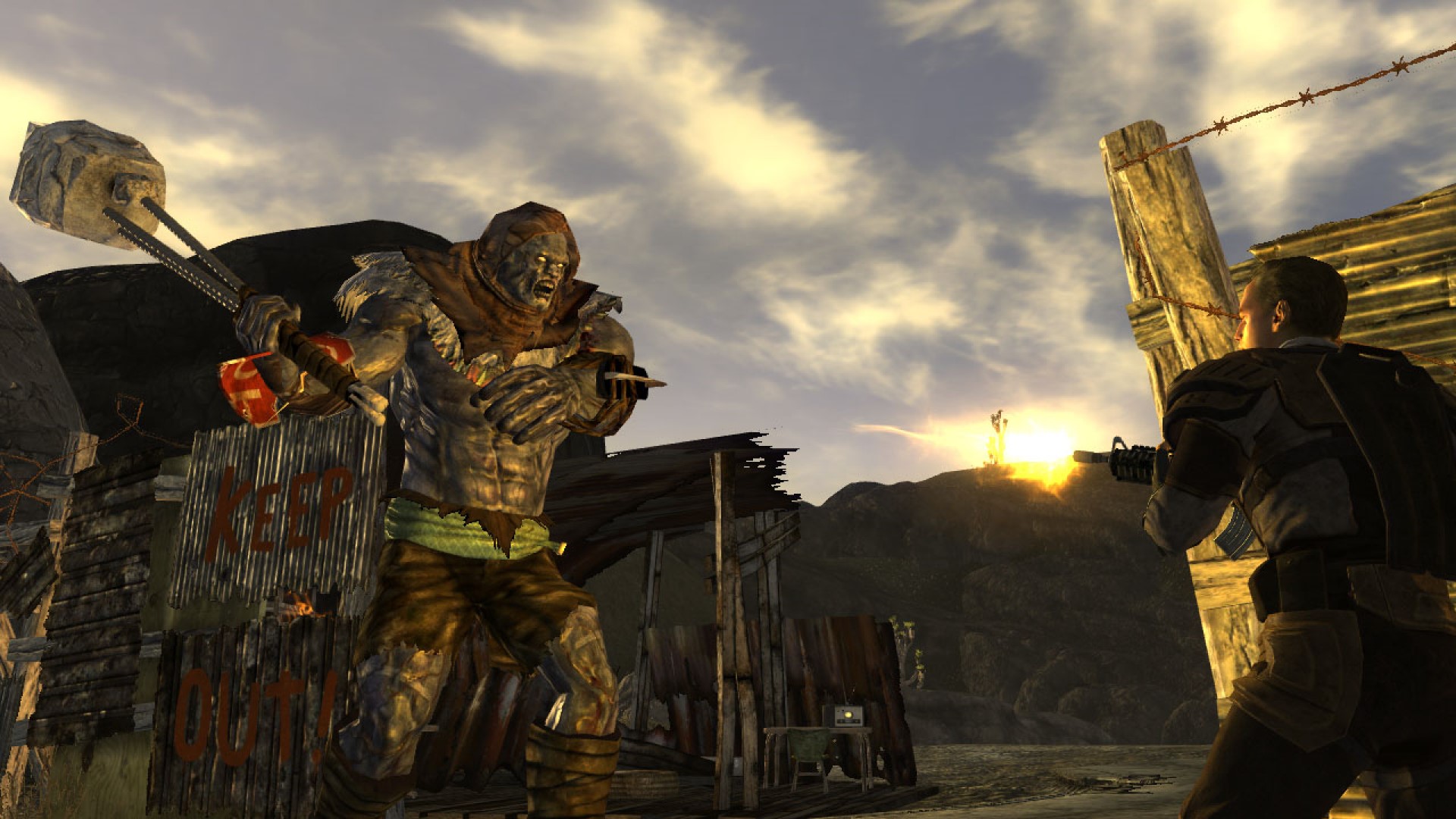
There are reports on Reddit from gamers expressing their displeasure at witnessing crashing with, for example, Fallout: New Vegas, Elder Scrolls IV: Oblivion and Wardogs. In all cases, players found that the problems started after installing the September preview patch, and ceased when the update was removed.
What's more worrying is that some of the affected gamers are reporting more serious issues that include the system ending up broken with boot failures, or very slow performance for booting or shutting down the PC. Other complaints include general sluggishness on the desktop.
As one Redditor observes: "KB5124010 was a disaster on one of my Win11 25H2 PCs. It caused boot issues, very slow shutdown/search, and after uninstalling it the machine got stuck at the Asus logo and stopped booting. Clean reinstall in the end."
Another agrees: "I thought I was going insane with slow boot up. File Explorer issues. Just big grey boxes taking forever."
Analysis: this needs a quick fix
Microsoft says: "We are working on releasing a resolution for this issue in a future Windows update. We will provide an update when more information is available."
Well, this is a nasty one by all accounts, so Microsoft better muster all its bug squashing powers pretty swiftly. After all, while this is a preview update now, it becomes the full October update for Windows 11 a week tomorrow – so that's not far away at all.
Also, there are some folks who may have wanted to grab this optional update straight away because it packs a fix for a previous bug in the September (non-preview) update which broke a backup feature in Windows 11. So, they could have downloaded KB5124010 and been happy to receive this particular fix, only to find that their games or apps are suddenly in hot water (or worse). Sadly this kind of situation is all too common with Windows 11 these days.
Furthermore, this is a warning to be careful around preview updates, because seemingly the only cure for the bugs here is to uninstall the patch – there's no workaround. Also be aware that if you have selected the option to 'Get the latest updates as soon as they're available' in Windows 11 then you will get all these preview updates automatically, and possibly be hit by bugs like these.
That's why I'd be cautious about exercising this right, even if you are very keen to receive new Windows 11 features as soon as possible.

Follow TechRadar on Google News and add us as a preferred source to get our expert news, reviews, and opinion in your feeds.








 English (US) ·