
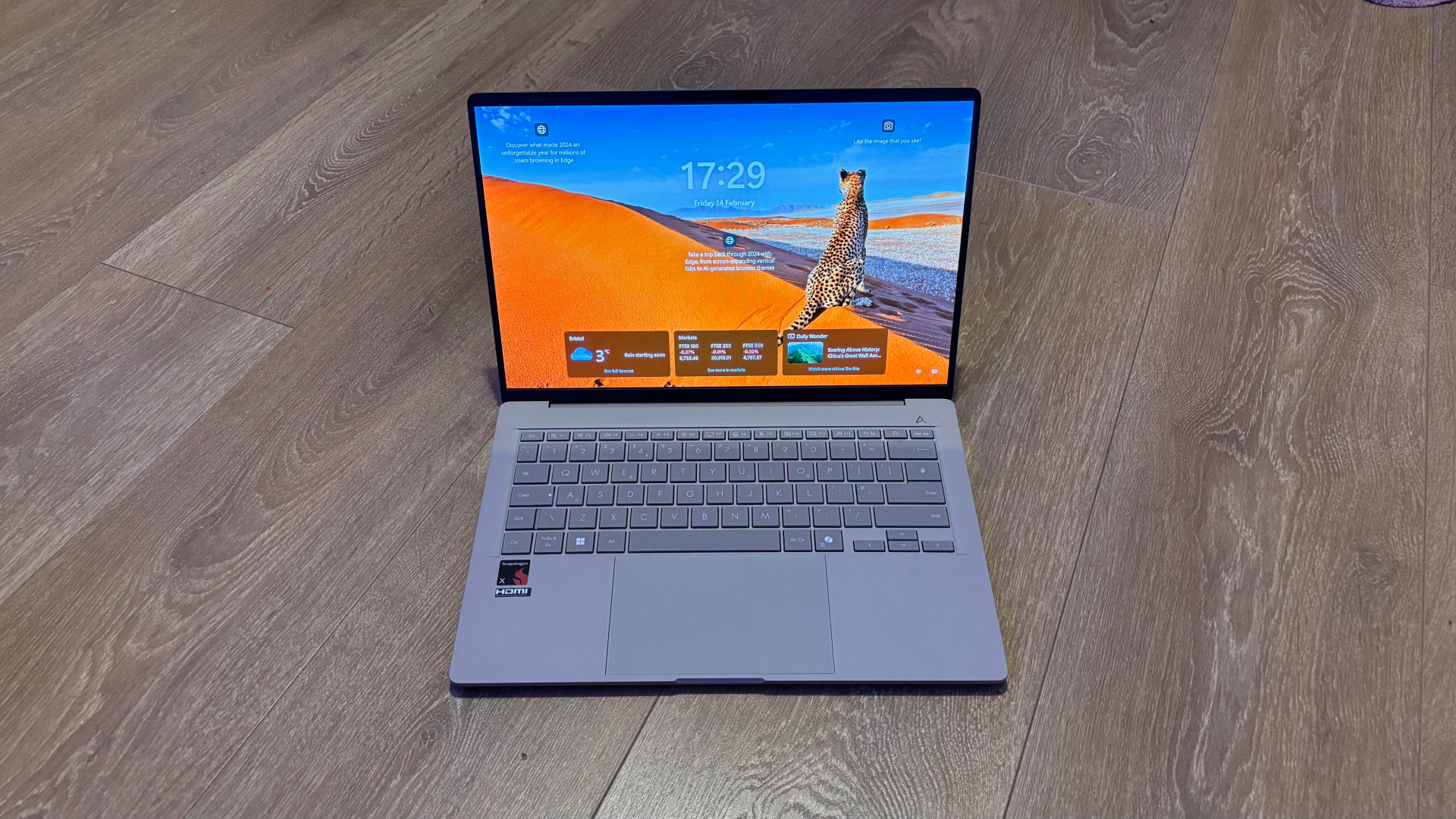
- Windows 11 25H2 is now available to all eligible PCs
- You should be able to get it today if you want the upgrade
- Otherwise it will be automatically rolled out to all Windows 11 users anyway over the next couple of months
Windows 11 users can now grab the 25H2 update, as Microsoft has officially made it available to all compatible PCs.
Windows Latest noticed that Microsoft updated its Windows release health dashboard to announce the broad availability of Windows 11 25H2, indicating that it's now considered fit for wide deployment.
Microsoft said: "Windows 11, version 25H2 is now available to all eligible Windows 11 devices for users who have turned on the setting Get the latest updates as soon as they're available."
The software giant further explained that an AI-based "intelligent rollout" has now begun for PCs with Windows 11 Home and Pro – specifically, the consumer versions outside of Windows 11 editions managed by IT departments – and that "these devices will automatically receive the update to Windows 11, version 25H2 when they're ready."
As Windows Latest observes, version 25H2 is also now being offered as a direct upgrade for those on Windows 10 (with eligible PCs, of course).
So, what does all this mean, and where does it leave you? Let's break down the specifics.
Do you want Windows 11 25H2 now – or are you happy to wait?
The long and short of the situation is that if you want Windows 11 25H2, you should be able to get it now – and if you don't, you'll likely get it fairly soon anyway.
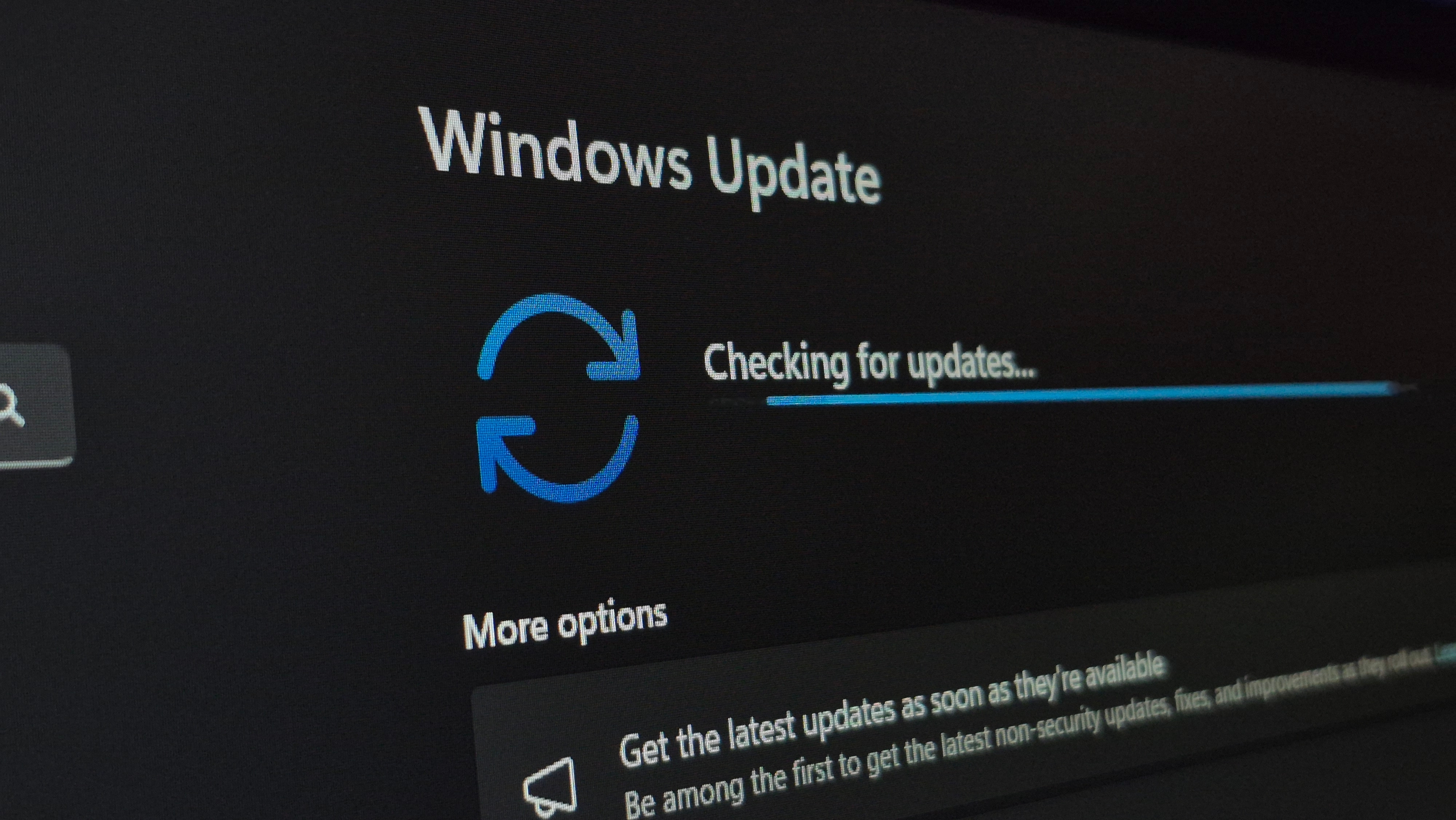
If you want the 25H2 update on your PC now, the first thing to do is to simply check for updates. Type Windows Update in the search box on the taskbar, and click 'Check for updates' (or go into Settings > Windows Update and click on 'Check for updates'). You may well see the Windows 11 25H2 update offered here.
If it doesn't show up, then you need to turn on 'Get the latest updates as soon as they're available' as Microsoft suggests. You'll find the switch for this in the Windows Update panel, too – it's the first thing you'll see in the 'More options' section directly underneath where you check for updates.
Once you've enabled that option, hit the 'Check for updates' button again, and this time you should see the 25H2 update. If not, reboot your PC and try again, or come back and try later in the day (or the following day, by which time you should definitely get the upgrade).
After the 25H2 update has been installed, you can turn off the 'Get the latest updates as soon as they're available' switch. I'd advise you to do this, because if you leave it on, you'll get preview updates for Windows 11 on your PC (which are still in testing, and you likely don't want).
If you don't want the 25H2 update, you don't have to do anything. However, at some point when you check for updates – or your system does automatically – version 25H2 will appear, and you'll have to install it. (On Windows 11 Home anyway, though you can delay the installation for a short time.)
If you're not sure whether or not you want 25H2 on your PC, just know that it doesn't do anything hugely exciting (or much at all, in fact). It may help you get the new and improved Start menu faster, assuming you didn't already, but that's not guaranteed, as the rollout of this refreshed part of the interface is coming to those on 24H2 as well.
Many folks will probably be happy to wait for 25H2 to come through of its own accord, then, but at least now you know how to grab it as soon as possible, if you want to.
Follow TechRadar on Google News and add us as a preferred source to get our expert news, reviews, and opinion in your feeds. Make sure to click the Follow button!
And of course you can also follow TechRadar on TikTok for news, reviews, unboxings in video form, and get regular updates from us on WhatsApp too.





 English (US) ·