
I've worked with many NAS systems over the years. I have far more storage than I know what to do with at this point across the companies I work with outside my journalistic work. I've got well over a dozen active NAS systems set up, running different areas at any given time.
One branch of what I do is overseeing a photo, video, graphics, and media team. Right now, that is three people, and they have a data warehouse of sorts for their content library that I believe is around 68 TB. The majority of it is stored in Google Drive. When they are editing the files, they obviously cannot pull from Google Drive.
I have been trying to come up with a solution for a while: how I can sync down enough so they have what they need at their fingertips, without downloading 68 TB of storage onto hard drives that could fail. With storage prices rising, I didn't want to buy SSDs or redundancies.
Latest Videos FromTechRadar
That's when I saw this NAS announced. I was absolutely floored and unbelievably excited, especially because another growing issue was that we knew we had duplicate files. We just didn't have the time or patience to go through and manage it all.
I've had this NAS up and running for 164 days at the time of writing this. Yes, that's a long time, but I also wanted to make sure it was as stable as I thought before I put my stamp of approval on it.
Ugreen NASync IDX6011 Pro: Price and Availability
This powerhouse originally launched on Kickstarter, and is now available direct from Ugreen's website.
Prices vary depending on the configuration you choose, with my review unit costing around $2,600 with the specs I have.
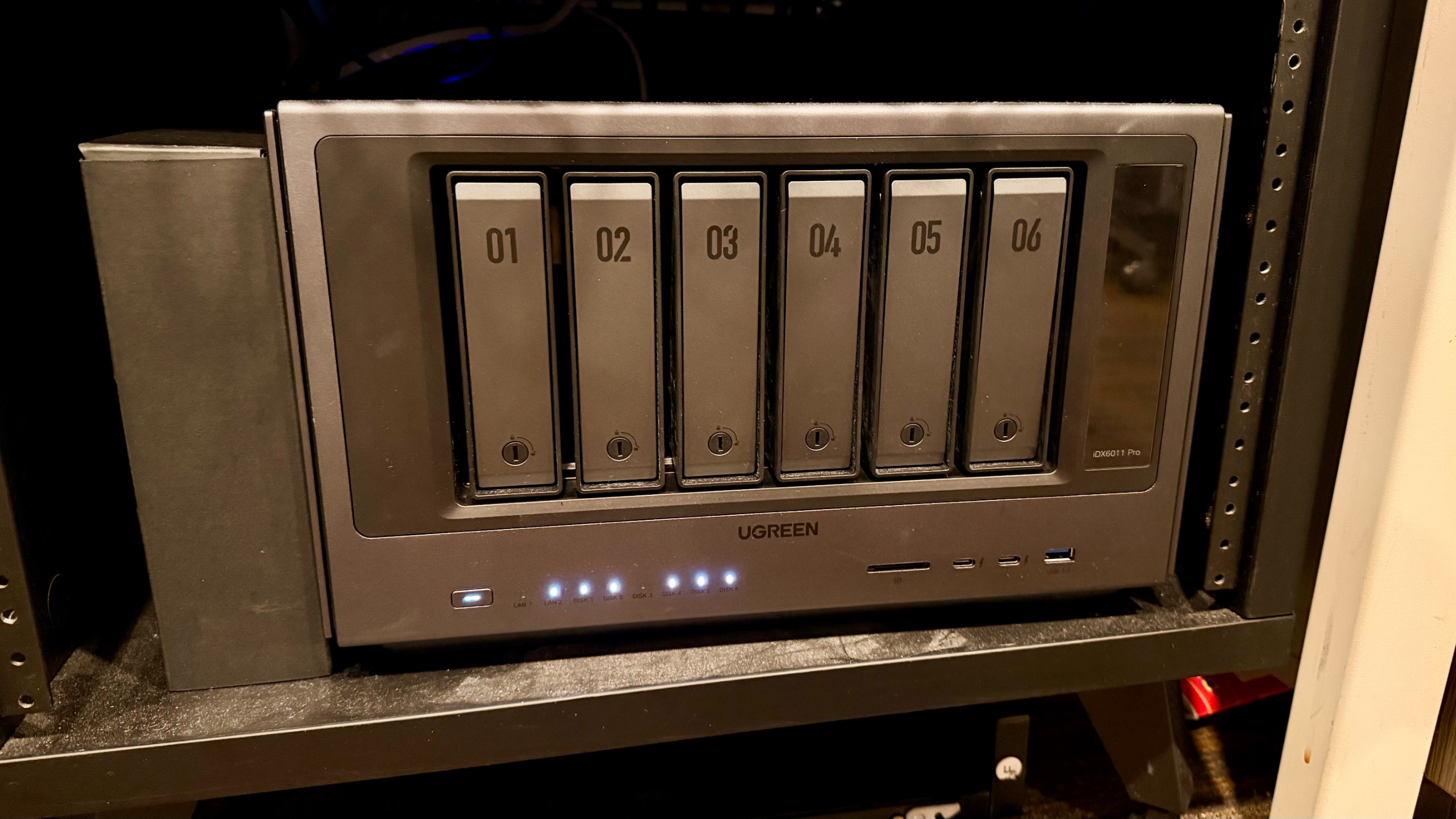
Ugreen NASync IDX6011 Pro: Unboxing and First Impressions
Out of the box, this is a fantastic unboxing experience. The unit itself is very well built, so much so that even the drive trays are toolless. The trays slide out, and unlike others, where you have to pop out some side pieces to be able to mount your drives, these drives slide apart. The housing fits the drives and then snaps back into place, holding them steady.
Once I got all my drives installed, I was able to plug in power and network and get set up fairly quickly. Because I have access to it, I also plugged in the HDMI to be able to see what was on screen, but really, all it did was point me towards using the network to finish setting everything up.
I also realized during the setup process that there is a companion app that allows me to manage almost everything I would need from that app as well, more than I've seen with other tools. I can set new users, change passwords, and see status all from my phone, which is spectacular, especially if you're the kind of person who has their entire business running on this.
Ugreen NASync IDX6011 Pro: Design and Build Quality
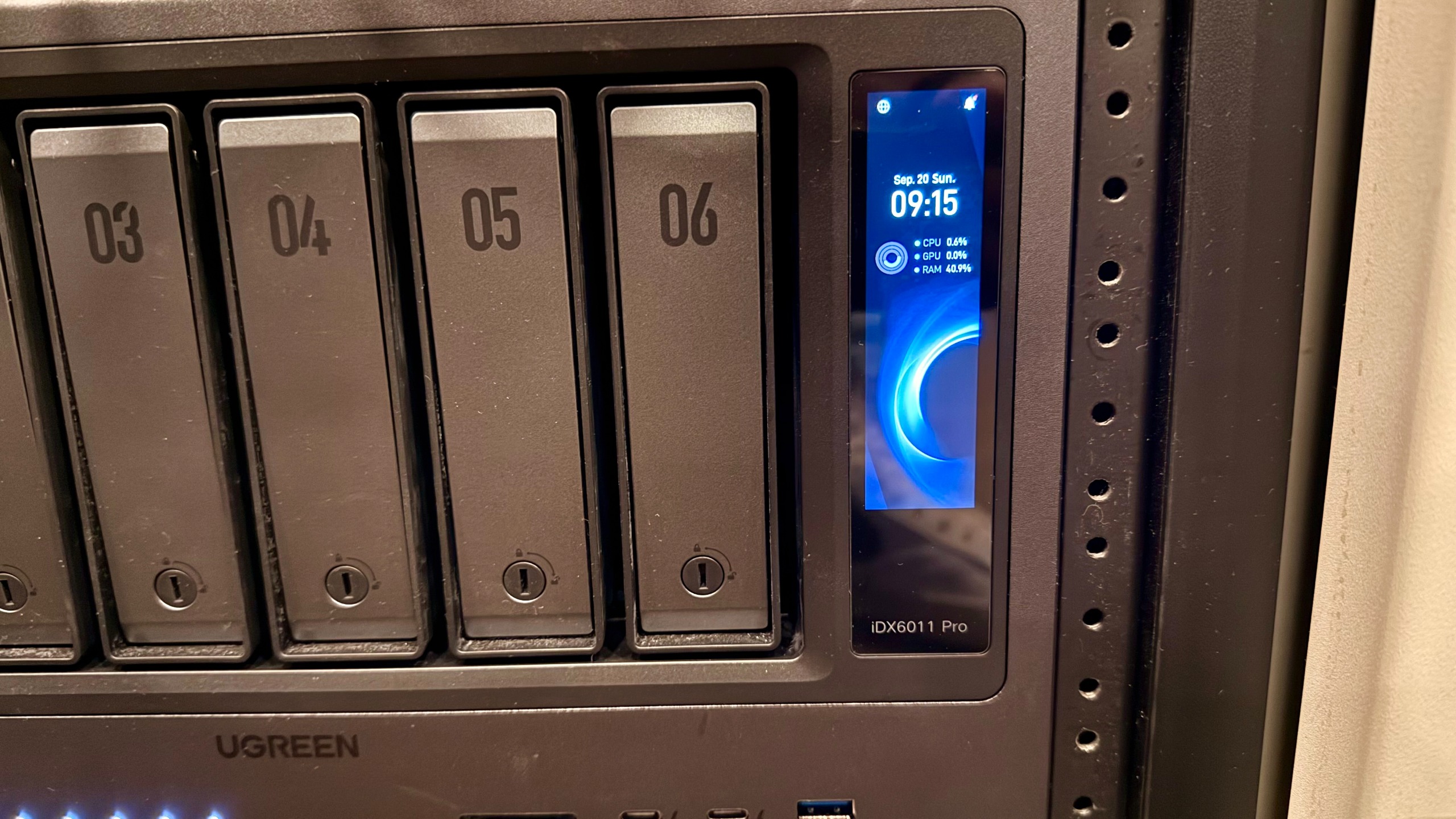
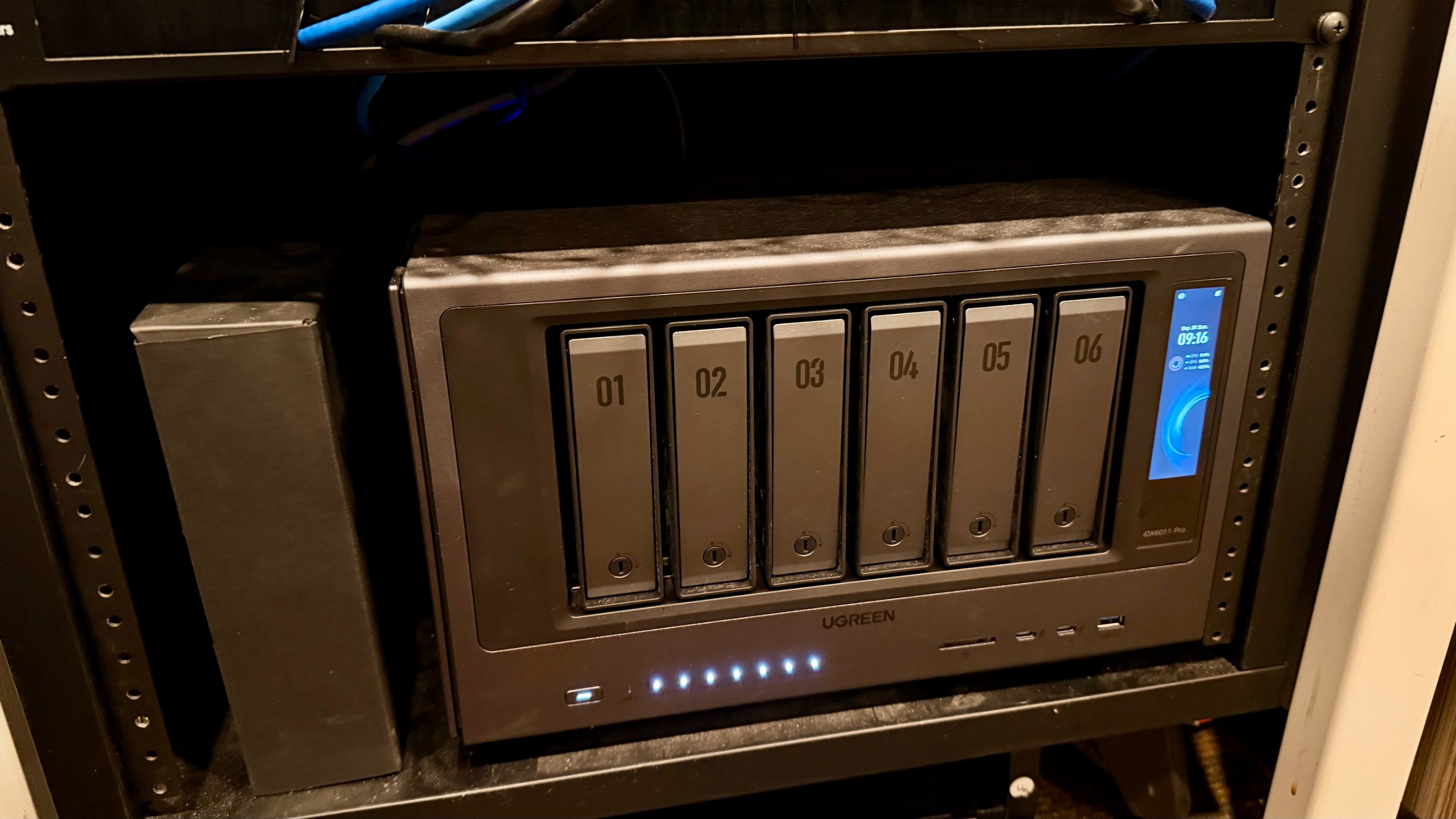
The design and build quality of this unit is also truly great. It's sharp and professional-looking, which I appreciate. Some NAS units have gone down the line of looking friendlier, more playful, or like a home server, and I appreciate that Ugreen has kept this one professional. That's partly due to the aluminum chassis and partly to the built-in screen. Regardless, I love the look of this storage device.
Another thing worth mentioning is that even the M.2 access panel is easy to reach. Granted, it does require a hex key, but that's not the end of the world. It is still very easy to wake up.
Moving back to the front of the device, the onboard screen is very handy for checking storage, heat, and transfer speeds. Anyone who's having a nice clock on for something cool to look at.
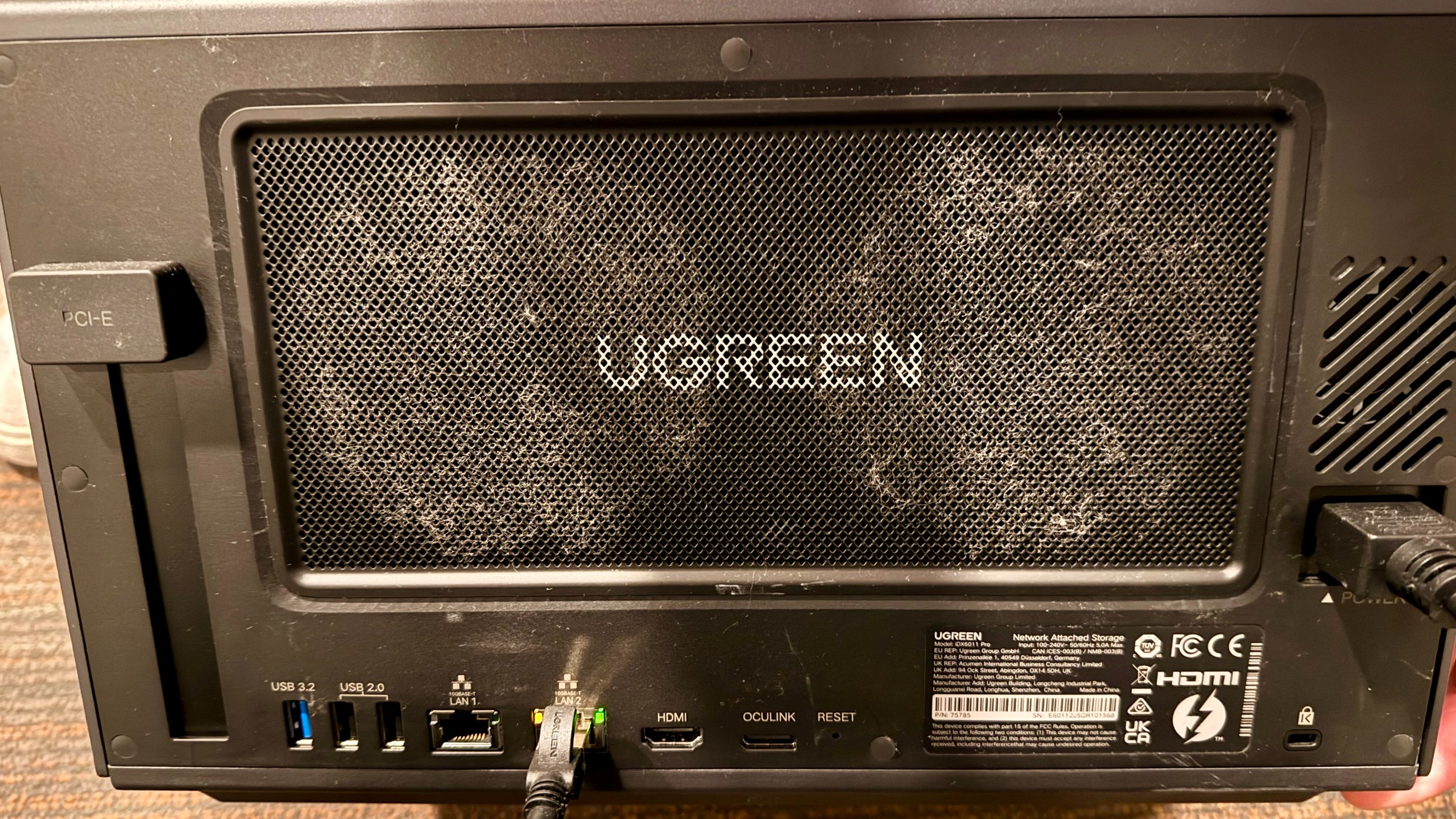
At the back, magnetic dust filters help keep things tidy.
Ugreen NASync IDX6011 Pro: In use
Utilizing this NAS server over the last 160 days has been everything I hoped it would be... Almost. I've been able to set up Google Drive syncs. I've been able to connect four different computers via a network switch to these drives, pull content off them, and even edit the media files stored there.
That's right: I have someone editing 6K content, pulling from media files on this drive and editing them in DaVinci Resolve. I've also been able to use the AI feature to deduplicate terabytes of storage, which has been incredibly helpful and something I never would have had time to do on my own.
I've also been able to set up automatic ingestion for when people plug in SD cards, or in my team's case, Samsung T7 drives from many of the cameras that record video. This automatically dumps to one folder that then any of my team can pull up on their computer to process before saving, archiving, or deleting.
One big bummer is that, right now, Ugreen cannot sync with Google Drive shared drives. I've talked to them about this multiple times, and I believe it will be coming down the line.
Ugreen NASync IDX6011 Pro: Final verdict
At the end of the day, I don't know of any other device that can do this and run this workload for me the way this one does. Its AI deduplication feature has freed up terabytes of space.
I've been able to empower my editors to run multiple streams of video editing. I'm able to have terabytes and terabytes of storage space, fast enough computing power to be able to actually be helpful instead of just giant storage pay, but actually a media server of sorts to be able to house and be a key player in data management.
I've solved an ingest problem: previously, my users had to log in to ingest data on their computers, but now they can just plug in and go. All that's possible with the UGREEN AI NAS. I've tested it here, and it's empowered me to do all of this from the comfort of my phone for 90% of my administrative tasks, which is a huge added benefit.
If you are in the creative space or a small business and you're looking for an app that can solve a lot of problems, not just store files, this is absolutely worth checking out. However, if you don't need most of the features I mentioned above, this is 100% overkill and not worth spending money on.
For more storage solutions, we've tested out the best NAS hard drives.



 English (US) ·