
Turbo VPN impresses on paper: 21,000 servers across 140+ locations, consistently priced plans from just $3.33 a month, broad streaming unblocking, and a beginner-friendly interface.
Unfortunately, testing exposed fundamental flaws, including IP leaks and severely outdated security components. Combined with an as-yet unaudited no-logs policy, a suspected Chinese-owned parent company, and a deliberately obstructive cancellation process, Turbo VPN is impossible to recommend without sweeping changes.
Pricing, Value & Billing Traps
Turbo VPN offers one-month, one-year, and two-year subscription plans, each available in two tiers: Gold and Platinum. The key difference between tiers is the number of simultaneous connections – 10 versus 20.
Latest Videos FromTechRadar
As with most VPNs, the monthly option ($11.99 for Gold, $13.99 for Platinum) carries the highest per-month cost in exchange for short-term flexibility. One-year plans deliver 58% savings, working out at $5 (Gold) and $5.83 (Platinum) per month. The best value lies in the two-year plans: Gold includes three additional months free and, at 72% off, costs $3.33 per month, while Platinum, discounted at 67%, comes to $4.58.
These prices sit broadly in line with leading providers, and encouragingly, renewal rates remain consistent rather than increasing after the initial term, as some competitors do.
More concerning, however, is Turbo VPN’s convoluted cancellation process for website signups. There’s no option to disable auto-renewal within the account dashboard, which also doesn’t tell you about the renewal.
Canceling requires email verification, contacting support, explaining our reasons, and declining a retention offer – all compounded by the requirement to contact support at least three working days before renewal. Signing up through an app store is a safer bet – you can manage subscriptions yourself. All plans include a 30-day money-back guarantee.
App Experience, Features & Usability
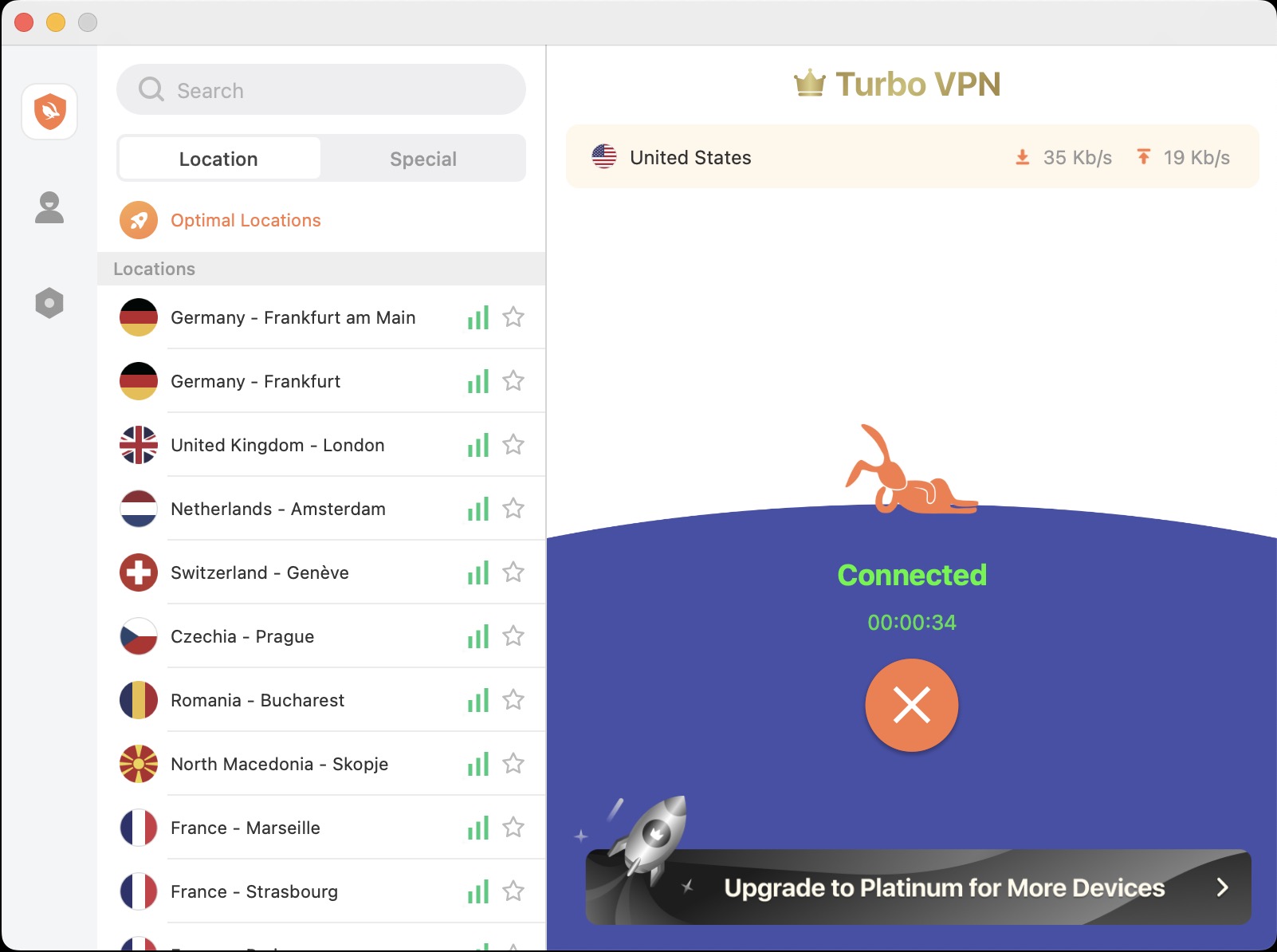
Turbo VPN has apps for Windows, Mac, Android, and iOS, plus a Chrome extension. However, there are no apps for Apple TV, Amazon Fire TV, or Linux, and router support is absent. It does offer a Smart DNS feature, which may provide a workaround for bypassing geo-blocks on devices that can’t run VPN apps.
The apps themselves are refreshingly beginner-friendly. On mobile, a minimalist interface shows a rabbit silhouette and a quick connect button (complete with a carrot graphic), while the desktop apps add a left-hand server list.
Once connected, the desktop apps display additional details such as connection duration, upload and download speeds, and – on Windows – the VPN IP address. Power users may find the apps overly simplistic, but less experienced users will appreciate the ease of use.
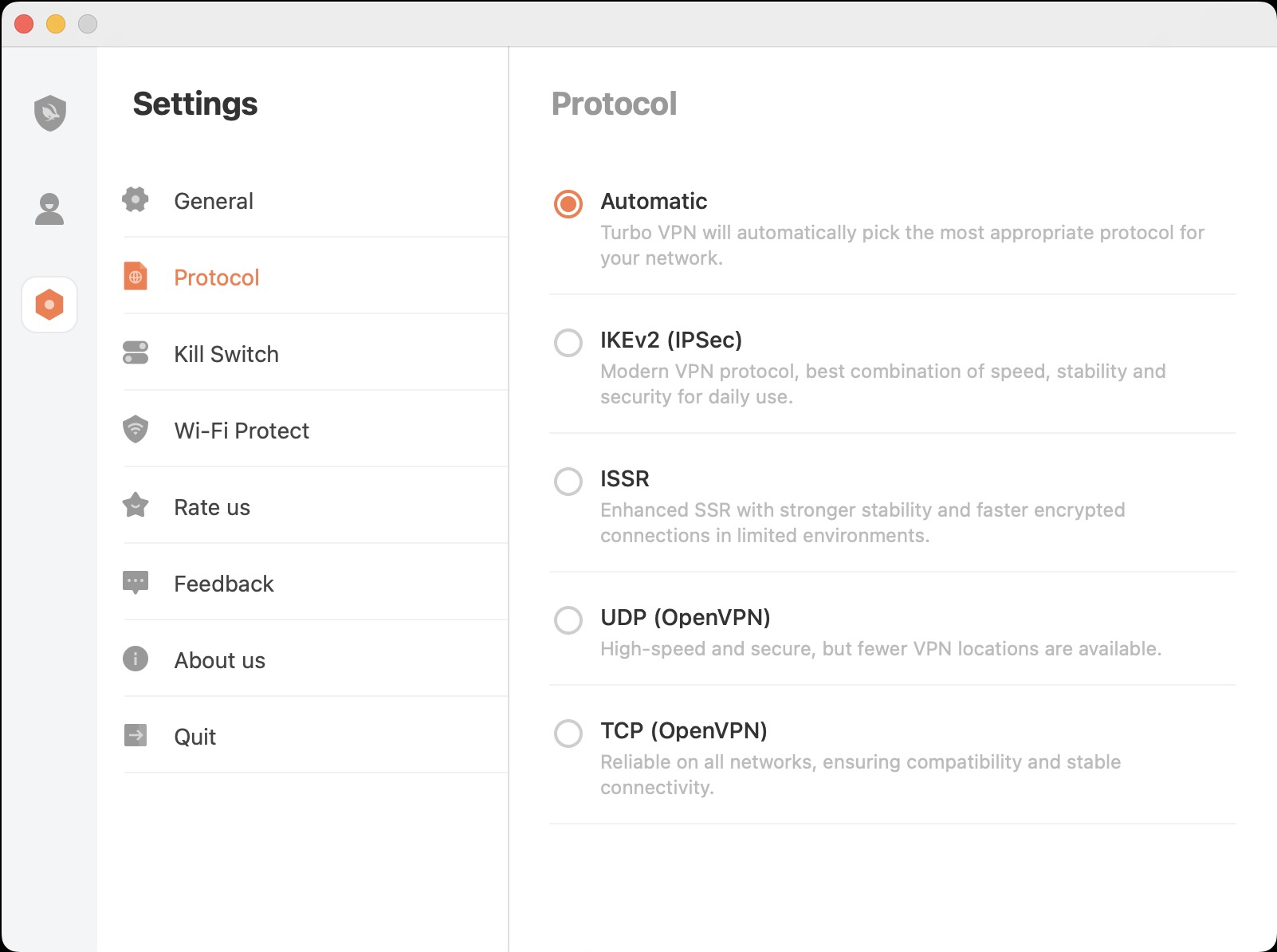
Protocol support is generous, though uneven. Windows and Mac both offer OpenVPN TCP, Lepus, and LinkSentinel, but Mac users get the broader selection with OpenVPN UDP, IKEv2, and ISSR also available. Notably absent is WireGuard – a strange omission given the speed and security advantages that have made it the most popular VPN protocol.
More worrying still are the results of our leak testing. The custom Lepus protocol failed to mask the user’s IP address entirely on Windows, while LinkSentinel suffered from persistent IPv6 leaks. Turbo VPN subsequently issued an emergency Windows update in response to these findings, but it highlights concerning gaps in the app’s security fundamentals.
The underlying technology shows its age elsewhere, too. Inspection of the Windows app’s files suggests it ships OpenVPN 2.4.7, released in April 2019 – meaning years’ worth of security patches and bug fixes are missing. Combined with the absence of WireGuard support, it’s a picture of outdated security foundations.
Split tunneling is limited to Windows and Android, although it covers both websites and apps. The caveat is that only exclude lists are supported – you can route all traffic around the VPN except selected apps, but you can’t do the reverse. That’s a drawback if you only need the VPN tunnel for one specific app, such as Netflix.
Turbo VPN claims P2P support, and that held up in testing, with files downloading without issue. However, there are no dedicated P2P servers, and the lack of port forwarding may deter more serious torrent users.
Server Network, Privacy & Infrastructure
Turbo VPN boasts 21,000 servers – far more than most VPNs offer. The website says these span 111 locations, though our count found more than 140, suggesting a rapidly growing network. All the most popular locations are covered, including over two dozen cities in the US.
Unlike the vast majority of VPNs, Turbo VPN offers particularly strong Asia coverage spanning 33 countries. On the flip side, Oceania gets just two locations (one each in Australia and New Zealand), and Canada is under-represented with only Toronto and Richmond Hill.
Connecting via the Windows, Mac, or iOS apps puts you behind an in-app kill switch. Oddly, this isn’t on by default and has to be enabled manually in settings. Once activated, the Windows kill switch performed flawlessly in testing, cutting our internet connection immediately when we simulated an app crash.
Turbo VPN claims to operate a strict no-logs policy, saying it doesn’t retain identifying information such as your browsing history. That’s promising, but the privacy policy is vague, leaning on qualifiers like “such as” when describing collected data – suggesting the full picture isn’t being painted. Worse, the no-logs claim has never been verified by an independent audit, so it rests on the company’s word alone.
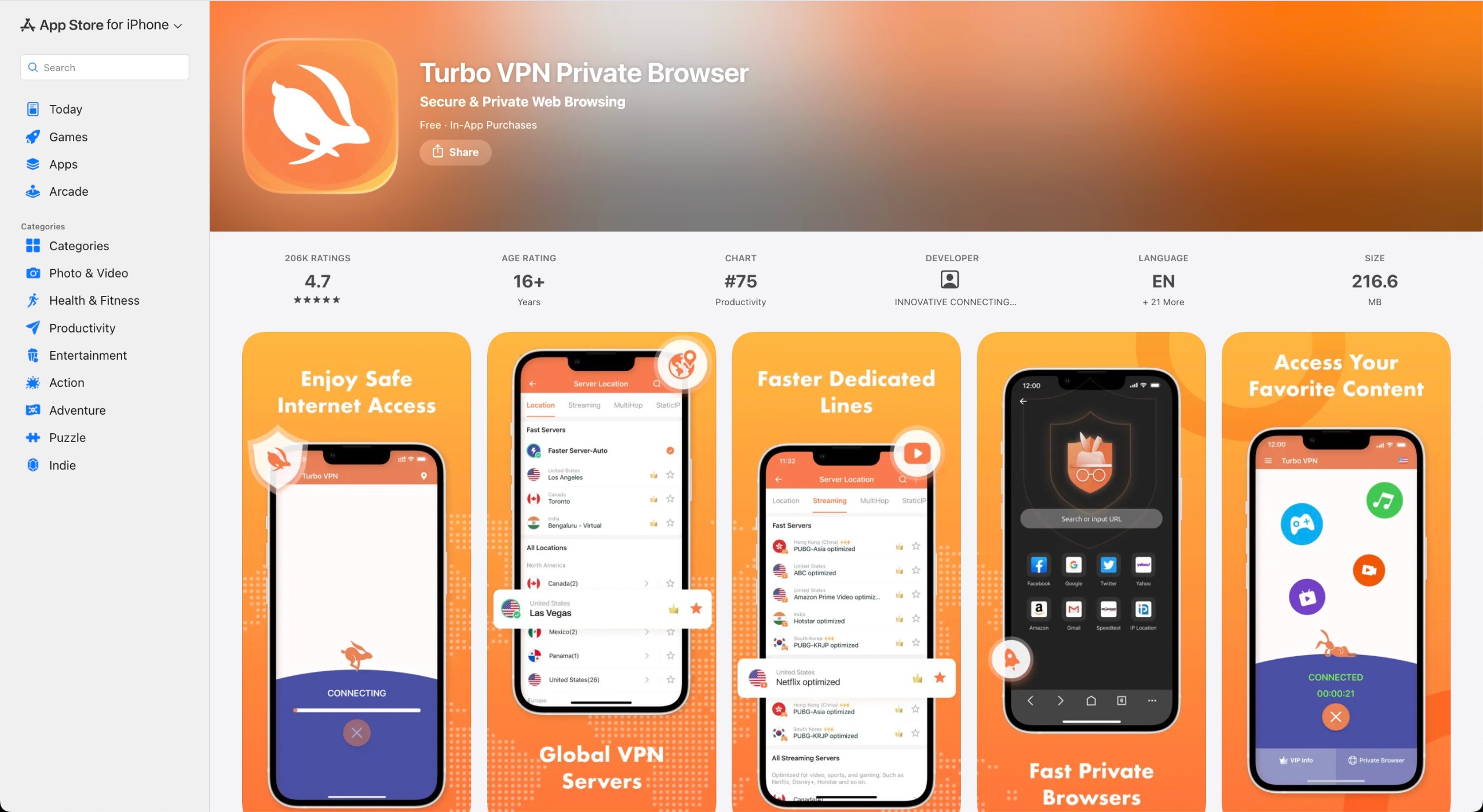
Finally, while the parent company, Innovative Connecting PTE Ltd., lists an address in Singapore, research indicates it’s owned by a Chinese company. This raises legitimate concerns about potential government access to customer data.
Speed Performance & Streaming Unblocking
Turbo VPN doesn’t support WireGuard so for our speed tests, we instead connected via Lepus, one of Turbo VPN’s custom protocols. Using the nearest available server (USA East), we averaged 339 Mbps. As expected, speeds dropped over greater distance, with a UK server averaging 283 Mbps when connecting from the US.
Either way, those speeds are comfortably fast enough for bandwidth-heavy activities like streaming, torrenting, gaming, and video calls. It’s just that they trail well behind the fastest VPNs we’ve tested.
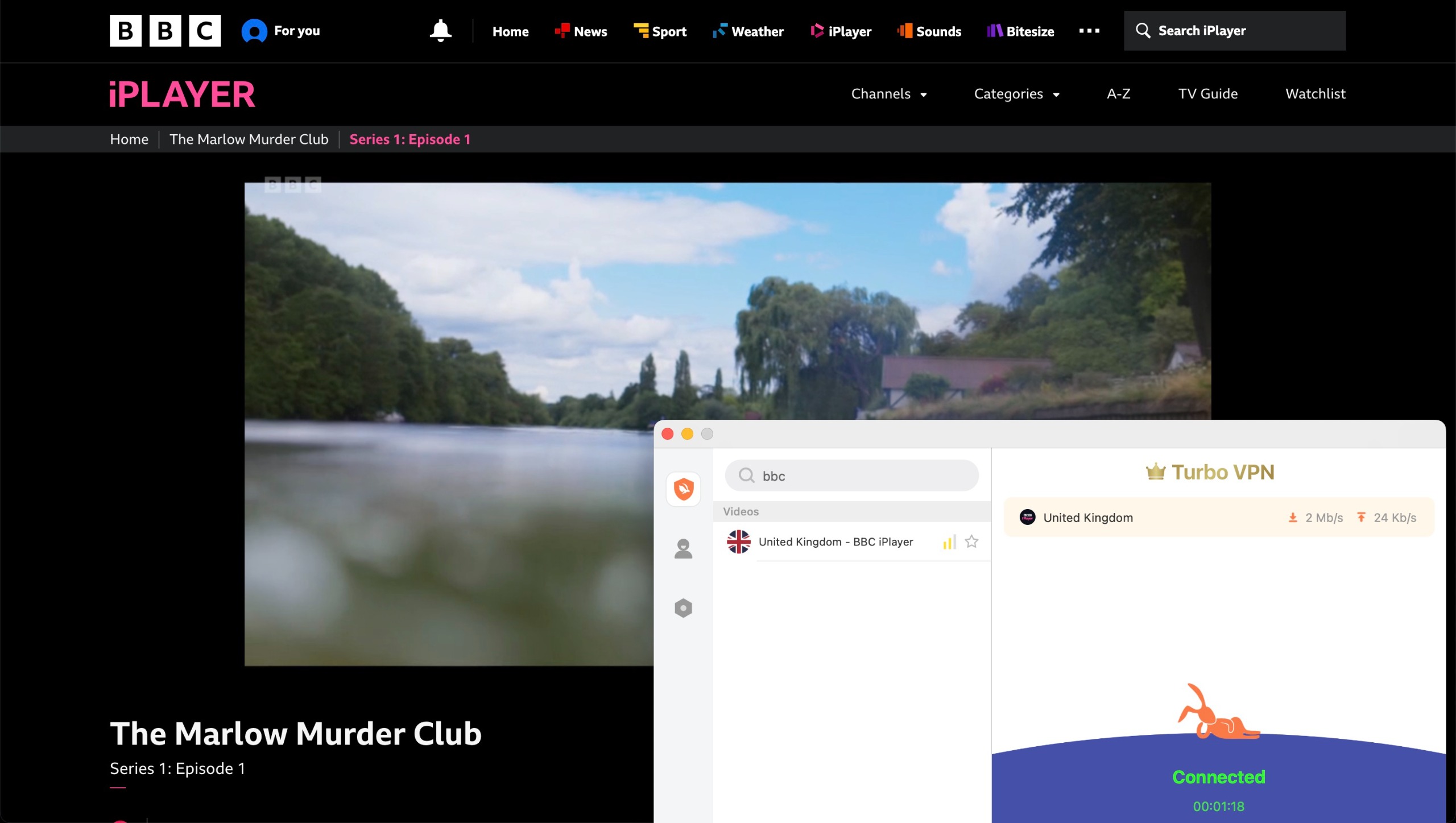
Streaming-optimized servers cover platforms in over two dozen countries, and unblocking performance was generally strong. In testing, we successfully accessed multiple country versions of Netflix, Prime Video, Disney+, DAZN, and YouTube. Smaller local services posed no problem either, with BBC iPlayer, ITVX, 7Plus, 9Now, and TVNZ+ all accessible.
Still, few VPNs have a flawless unblocking record, and Turbo VPN is no exception. It failed to get around blocks on Disney+ in the UK and Australia, DAZN in the UK, New Zealand, and Canada, and both Prime Video and DAZN in Canada.
The overall picture is a dependable VPN for everyday streaming. However, if raw speed is your top priority, rivals with WireGuard support simply offer more headroom.
Support, Accessibility & Reviews
As VPN support sites go, Turbo VPN’s is decent, with a good number of troubleshooting articles and a search function that reliably surfaces relevant results. However, some articles contain outdated or outright wrong information – incorrectly describing the kill switch’s function and even suggesting PPTP for better speeds, a protocol Turbo VPN dropped years ago. Annotated screenshots to accompany the step-by-step tutorials wouldn’t go amiss either.
A chatbot exists, but it’s essentially another keyword search. Live chat with an agent can be requested through it, and support is also reachable via email or directly in the app. We received a knowledgeable response within 20 hours.
Accessibility is mixed: the app supports keyboard navigation but offers little visual feedback, while the website scored just 36% on AccessibilityChecker, with contrast and keyboard-navigation issues flagged.
App store ratings tell a more positive story: Turbo VPN’s Android and iOS apps carry excellent scores that rank among the industry’s best. Its Chrome extension is notably weaker, with recent complaints pointing to unreliable connections and slow speeds.
Final Verdict
Turbo VPN’s cheap long-term plans, broad streaming unblocking, and strong coverage in the US and Asia make it superficially appealing. Yet a VPN’s core job is protecting your traffic – and our testing found the custom Lepus protocol failing to mask users’ IP addresses on Windows, with persistent IPv6 leaks on LinkSentinel.
Privacy concerns compound the problem: an unaudited no-logs policy, outdated components like OpenVPN 2.4.7, and a parent company with Chinese ties. For audited security and reliable performance, look instead to the best VPN services like ExpressVPN and NordVPN.







 English (US) ·