If you ever travel with your laptop, want to game on a console in places where you don't have access to a TV, or just want a second (or third) screen for your desk, a portable monitor is a must-have. And with many screens at all-time lows, veering into impulse-buy territory, there's never been a better time to pick one up.
But how do you know what to buy when there are dozens of brands (especially on the low end) that you've probably never heard of (I haven't, and I've covered tech for 20 years)? Below are a few quick portable monitor shopping tips, followed by four of our favorite current deals.
LCD, IPS, or OLED? OLED is the best in terms of color saturation and deep blacks, but it costs much more. IPS has better viewing angles than lesser screen technologies, and is becoming the standard even on budget screens. So you should stick to IPS or OLED at this point.
Get a monitor with a kickstand. Most portable monitors still have floppy folding covers that double as stands. I've had a screen with one for years and it's awful. A rigid kickstand that's attached to the back and swings out will make you want to use your monitor more often and in more places. All of our deal picks below have kickstands.
Pay attention to brightness. This spec is often buried on product pages, but it matters a lot, especially if you use the monitor in bright spaces. If using it with your laptop, try and get something that is close to the brightness of that screen. You don't want a washed-out second display.
Get a cover or sleeve. Since these screens have a kickstand, they likely don't come with a protective cover. But you'll certainly one something to at least protect the screen while traveling. So budget in some extra money to protect your second-screen investment.
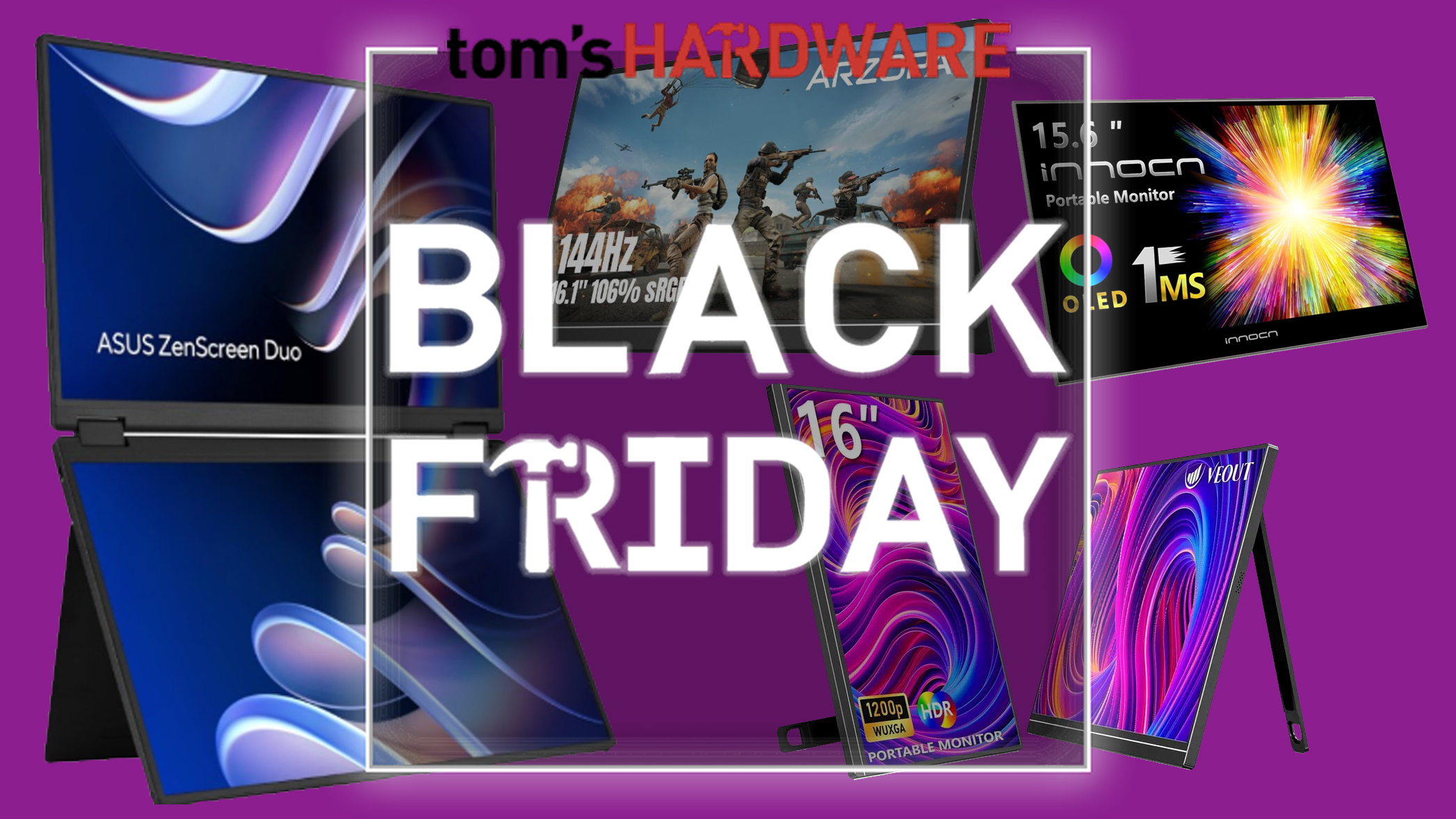
The VE-1 isn't quite the cheapest portable screen we've seen, but I'd argue it's the biggest bargain. It's a little larger than most, thanks to its 16:10 display, which also gives it more pixels for getting work done. It's also rated to 300 nits of brightness and is slim and light for travel. It comes in different colors if you're willing to pay a few dollars more. I like this deal so much that I bought one to replace my aging portable monitor from 2018.
Better for games and movies: Arzopa A1 15.6-inch portable monitor
This FHD, higher-refresh model is better for movie watching and games, as it's 16:9 and the screen is more colorful and responsive. It's rated to 300 nits of brightness and sports two USB-C ports and a Mini HDMI.
Affordable dual-screen dream
What's better than a portable monitor? How about two in a fold-up package that you can connect to your laptop with a USB-C cable (or HDMI) and prop up with a built-in kickstand? There are cheaper dual-screen portable screens available. But most are from no-name brands and/or cost nearly as much as this one from Asus. And this Asus model has a higher brightness rating than most dual-screen alternatives.
The high-res, battery-packing OLED touchscreen champ: Innocn PU15-Pre
Yes, the Innocn PU15-Pre is more expensive than some other deals here. But it's also a 4K OLED panel, with deep blacks, vibrant colors, and a 282 PPI pixel density that's probably better than your laptop screen. It also has a rated 400 nits of brightness that puts it ahead of most portable monitor competition. On top of that, it brings its own battery, so you won't be quickly running down your laptop's cells to keep it going.
If you're a photo or video editor on the go or you just want a pixel-dense screen that will look good next to your laptop's OLED display, this is one of the best premium options we've seen so far during this deals season. The main downside seems to be that this model lacks a kickstand, so you'll have to use the included wrap-around sleeve as a stand, and those tend to be fiddly or flimsy (and sometimes both).
More Black Friday Tech Deals
Download the Tom's Hardware app for up-to-the-minute updates on iOS and Android.
* The listed previous prices can vary based on retailer, as many use different metrics, like 90-day rolling averages or ‘estimated value’ due to ongoing shortages and price hikes.
After a rough start with the Mattel Aquarius as a child, Matt built his first PC in the late 1990s and ventured into mild PC modding in the early 2000s. He’s spent the last 15 years covering emerging technology for Smithsonian, Popular Science, and Consumer Reports, while testing components and PCs for Computer Shopper, PCMag and Digital Trends.

 1 hour ago
3






 English (US) ·