
 3 hours ago
4
3 hours ago
4
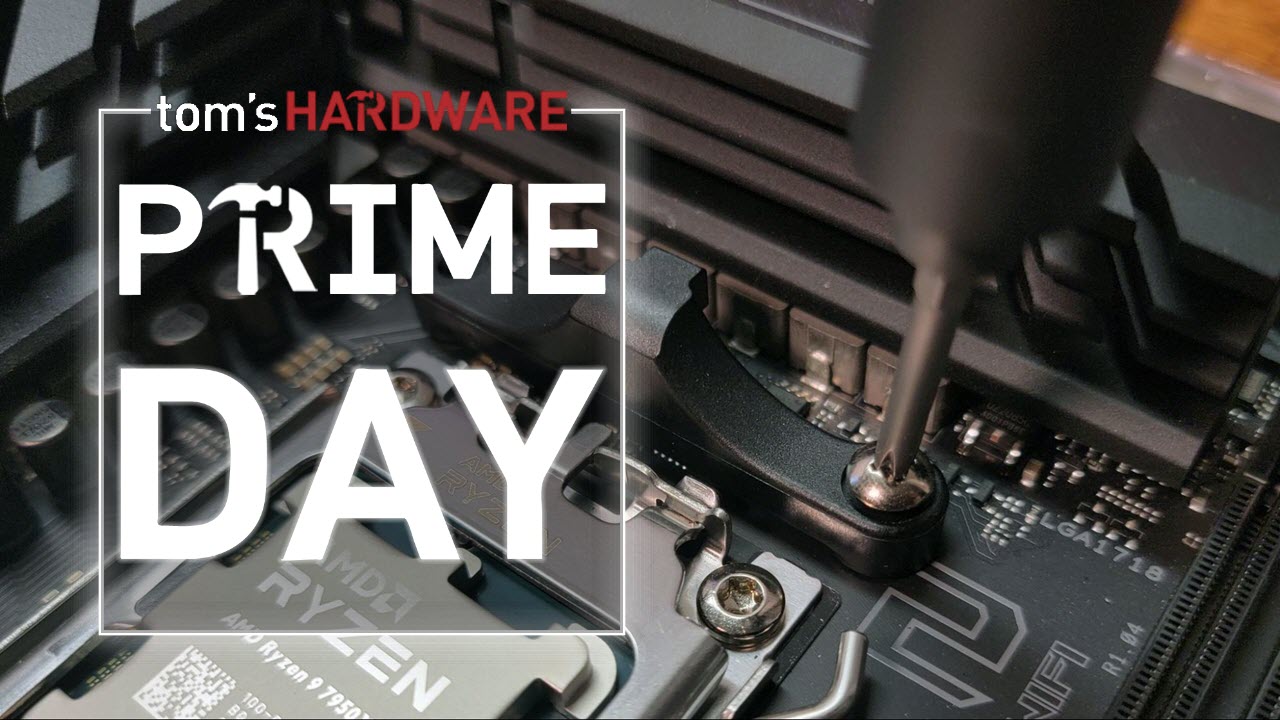
Building a PC is a great experience. We sit there with a spreadsheet and multiple browser tabs, poring over the best CPUs, the best GPUs, PC cases, motherboards, RAM deals, and many more components.
The package arrives, and we are excitedly tearing into the boxes, putting the parts on the table, and we are ready to build! We reach into the toolkit and dig out the rusty old screwdriver we used to open a paint can back in 2014. We then spill standoffs and screws over the floor, ready for an unsuspecting foot at 2am!
But wait, it doesn't have to be like this! We've all done this, made the mistakes, and now we share my knowledge and that of the Tom's Hardware staff so you don't have to.
So tool up, and let battle commence!
Precision Kits
All the gear, and lots of ideas?
You need to start somewhere, and these kits have pretty much every tool that you could need to maintain a PC, all in a handy case. In my office/workshop, I have a general set of screwdrivers for general tasks, and a set of Hoto screwdrivers and bits for servicing my PC and any other parts I review.
Whether you call them Hex or Allen wrenches, this part of our toolbox is often overlooked. Why? Because we get one in every set of flat-pack, DIY furniture that's why! You can get cheap sets of Hex wrenches, but they are ultimately made from a material softer than Play-Doh, or have the power to strip a head. You need a good set of Hex wrenches and this set from Wera is awesome.
German made precision, strength, and a ball head to enable access to awkward screws. Grab this set now, and thank yourself later!
Everyone should own these great electric screwdrivers!
At least five Tom's Hardware editors own a Hoto screwdriver. I am one of them. It should be difficult to extol an electric screwdriver. After all, it is really just a motor that spins and screws / unscrews. But Hoto's new Pixel Drive is easy to glorify!
The main screwdriver chassis is chunky and features a rubberized finish to prevent it from slipping from your hands. The twist power ring offers three levels of torque, and the simple push-button forward/reverse is a joy to use. Throw in a bonus LED light ring, and you are ready to build and maintain PCs and have plenty of power to put up those shelves in the living room. All of the details are displayed on the LED display, so you know how much power you are putting down, and how much the screwdriver has left!
Screw Kits
Don't screw up your next PC build!
Let's be honest. We've all scrabbled around for a spare stand-off or screw to secure a motherboard to a chassis. We've cannibalized other components to ensure that our main rig has everything it needs to keep the motherboard in place and the GPU firmly attached to the case. But what if we just spent less than $10 for 400 screws?
That's right, for less than $10, we can have 400 screws, stand-offs, and insulation rings to secure every part of our PC.
In the kit, there are:
- Hard drive screws
- Motherboard screws
- Chassis fan screws
- SSD screws
- Insulation gaskets
- High-strength chassis screws (think GPUs)
- M2 screws
- Flat Phillips screws
- M3 Stand-offs
- Chassis hand twist screws
I bought myself a similar pack years ago since I deal with motherboards and system components on the daily, and it has proven its worth on more than a few occasions.
For less than $10, just throw it into your basket without thinking!
Flashlights
Save money on this 'illuminating' flashlight deal
A good flashlight is one of the most rewarding tools that we can own. It lights up the dark, helps us see obstacles and what we are working on, and could be used to signal planes, should you be trapped on the island from Lost.
Air dusters and cleaners
Clean the filth from your PC!
Air blowers/dusters are a popular choice for quickly blowing out fans and filters to remove any collected dust and fluff. They can also blow out the crumbs that linger under your keyboard. Air blowers are a great alternative to single-use compressed air cans.
The Wolfbox MegaFlow 100 (MF100) may sound like a 1990s Euro Rock tribute act, but it has 150,000 RPM of power to blow dust out of your PC at 45 meters per second!
This convenient blower is battery-powered and supports USB Type-C charging. The MF100 fully charges in 2.5 hours and provides up to 100 minutes of runtime on the first setting. The MF100 is small and compact, weighing only 0.66lb, so it can be easily stored when not in use. The MF100 is also supported by a 24-month guarantee and 24/7 customer service.
Not everyone wants to buy an $80 air duster. There are plenty that cost less that still move a lot of air and come with several attachments that are plenty useful for cleaning out your PC.
I clean out my desktop PC once or twice a year and my blower did a great job, but there were times when the amassed collection of dead skin cells, dog and cat hair, and other fluff was too much for my much weaker air duster. So I bought some cans of compressed air, and not the dollar store stuff either! I don't use them often, but they are handy when you need a little more power in a precise point.
Sometimes compressed air or turbo-force USB-powered jet fans aren't enough, and so you must get your hands dirty. Cleaning any electronic components should be done with care. Components aren't as static sensitive as their predecessors but we should take care not to trash our kit.
These nylon anti-static brushes come in a range of sizes and shapes to clean dust from components and inside drive bays, and to keep caked-on dust from your fan blades. It also includes a keycap puller and tweezers to deep clean the harrowing scene that lurks under your keyboard.
The final cleaning product that you need for building and maintaining PCs is Isopropyl Alcohol, IPA. Yes, 99% is overkill; heck, it's medical grade for first aid use, but if you really want to eke it out, get some distilled water and water down your mix to 70%. I don’t because it works well as it is.
My top tip, though, is not to spray it when the components are hot. There is very little risk of fire, but it will evaporate rather quickly. That said, in the electronics hobbyist world, rapidly evaporating IPA is used to identify super-hot chips, typically those that have shorted.
Thermal pastes
Thermal paste etiquette — pea-sized blob, an X, or a smooth layer like peanut butter?
Let's all agree that, however you apply thermal paste, that is the right way, ok? Thermal paste / TIM or thermal pads bridge the hot side of a component to a heatsink or heatpipe, which wicks away heat, keeping the component cool.
Thermal material is essential to keep your system cool, and I asked the team what they use. Our Editor-in-Chief, Paul Alcorn, said that MX-6 is his go-to thermal paste. So I looked around and found this handy kit that contains 4G of thermal paste and six handy wipes. The wipes are essentially isopropyl alcohol on a cloth, and they are used to prepare the surface for the new paste. They will wipe off the old paste, dust, dead skin (ewww) and leave the surface ready for pasting!
If you spot something better, or want to tell me I am wrong, hit the comments!
Best gaming laptop deals | Best GPU Deals | Gaming Chair | Best monitor deals | Best SSD deals | Best CPU deals | Gaming Chair | Best hard drive HDD deals | Best PC case deals | Best Dell and Alienware deals | Best 3D printer deals | Best PC peripherals deals | Best motherboard deals | Best CPU cooler deals | Best gaming chair deals | Best laptop PC deals | Best Gaming PC deals | Best RAM deals | Best Wi-Fi Router deals





 English (US) ·