
Razer Kiyo V2 webcam: Two-minute review
Razer is a household name in the webcam space, with its Kiyo brand being one of the most popular choices for streamers and PC gamers. The latest Kiyo V2 is another sterling example of Razer's commitment to premium build quality and high-end components, and for the most part, it's a great product.
Delivering either 4K recording at 30 frames per second or 1080p at 60, the Kiyo V2 captures quality video with a high degree of customization via the Razer Synapse software. It's fairly pricey (don't expect to see it on our list of the best cheap webcams), but for a 4K webcam with this sort of build quality and feature set, it's actually quite competitively priced.
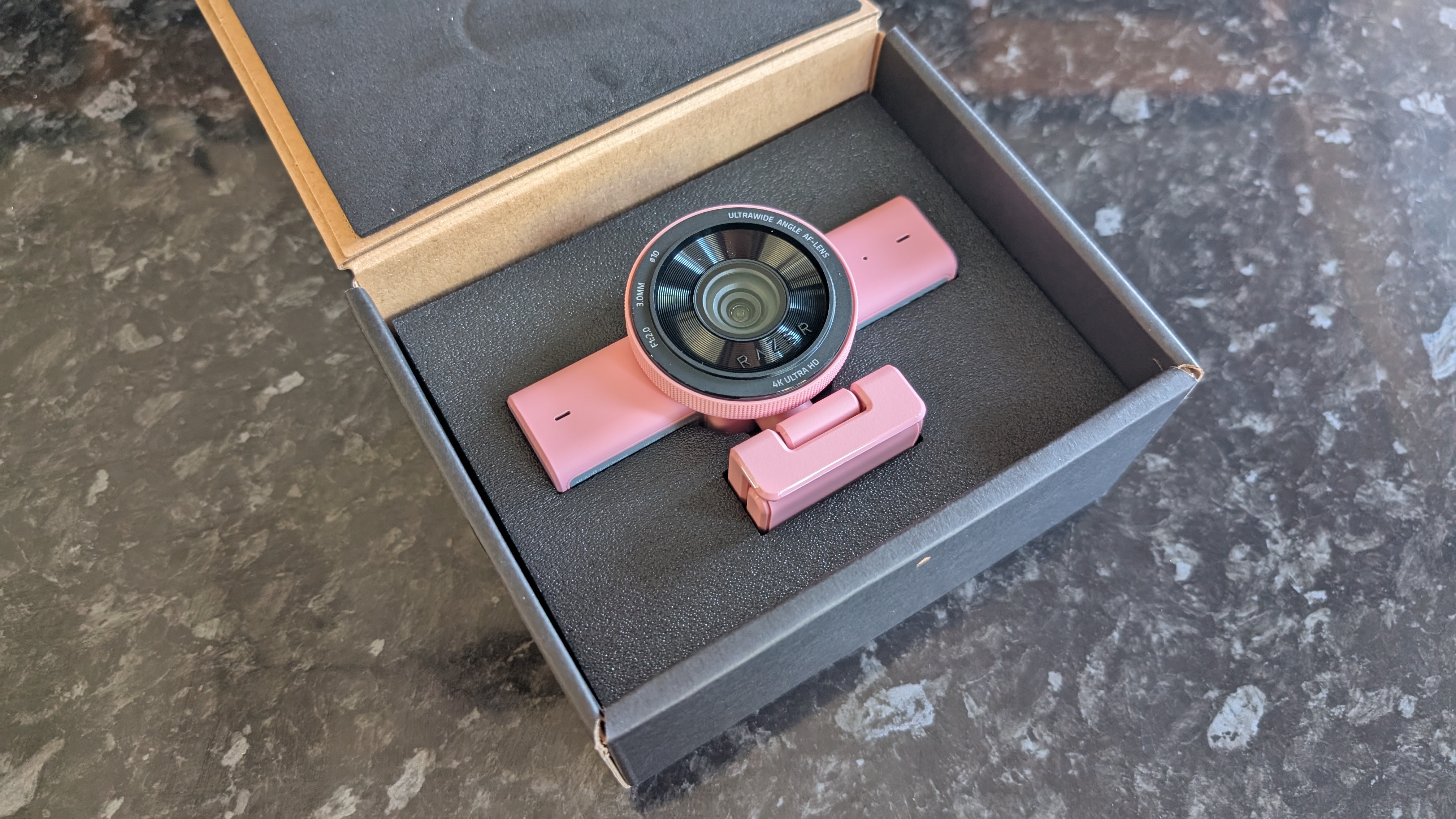
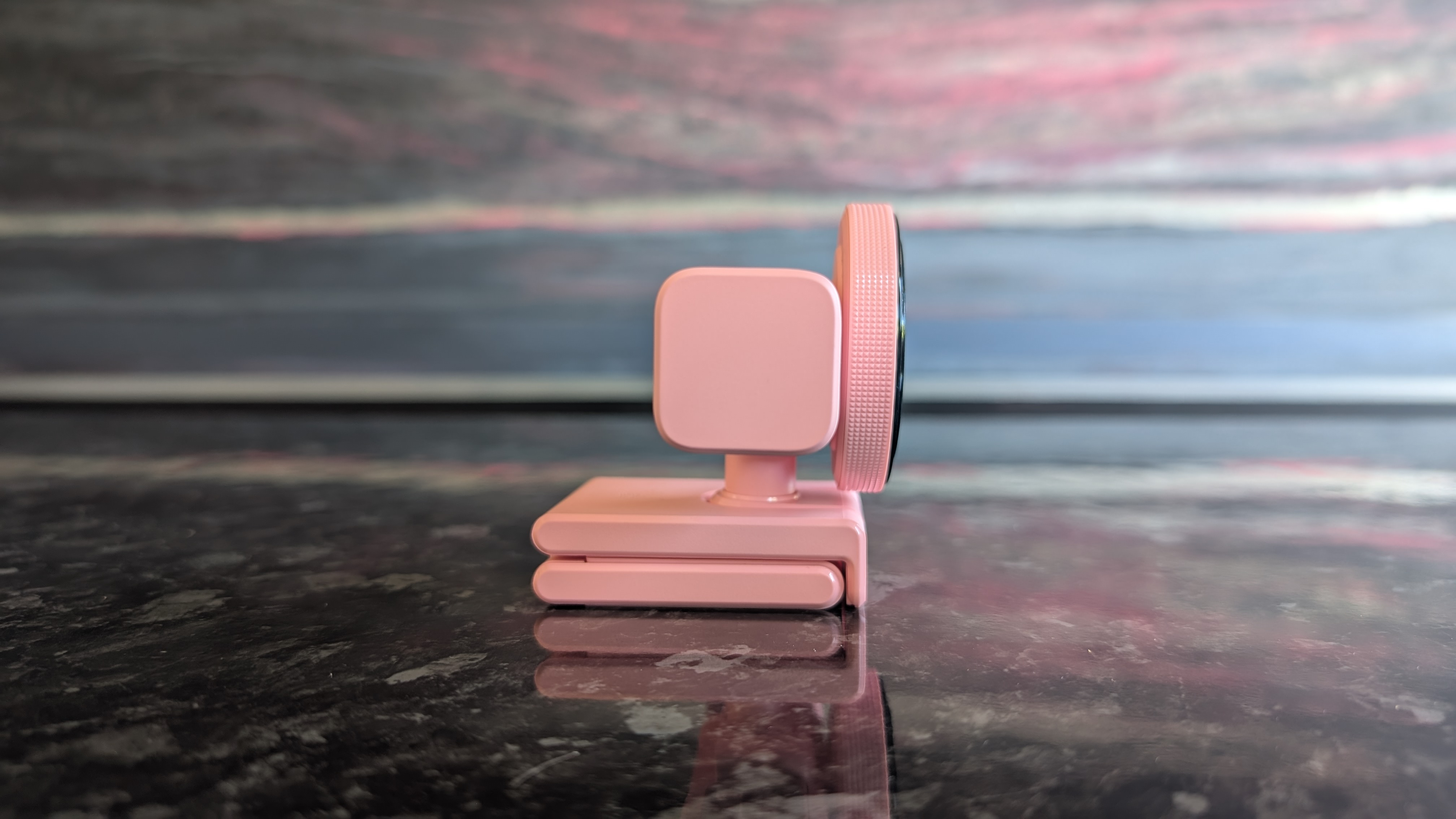
Coming in black, white, and pink colorways (mine is the pink 'Quartz' model), the Razer Kiyo V2 is an extremely well-constructed product. It's durable and pleasingly tactile. The base can be extended and rotated to capture the perfect angle, and it easily clasps onto any monitor; I tested it both with the two monitors in my home desktop setup and my laptop, and it snapped into place with no issues. It's a little heavy, however, so laptops with flimsier display hinges might struggle.
Latest Videos FromTechRadar
The design is a departure from previous Razer webcams, which typically opted for a singular large casing surrounding the lens construction. Instead, it's a smaller lens housing with an oblong body, immediately reminiscent of the Logitech MX Brio 705.
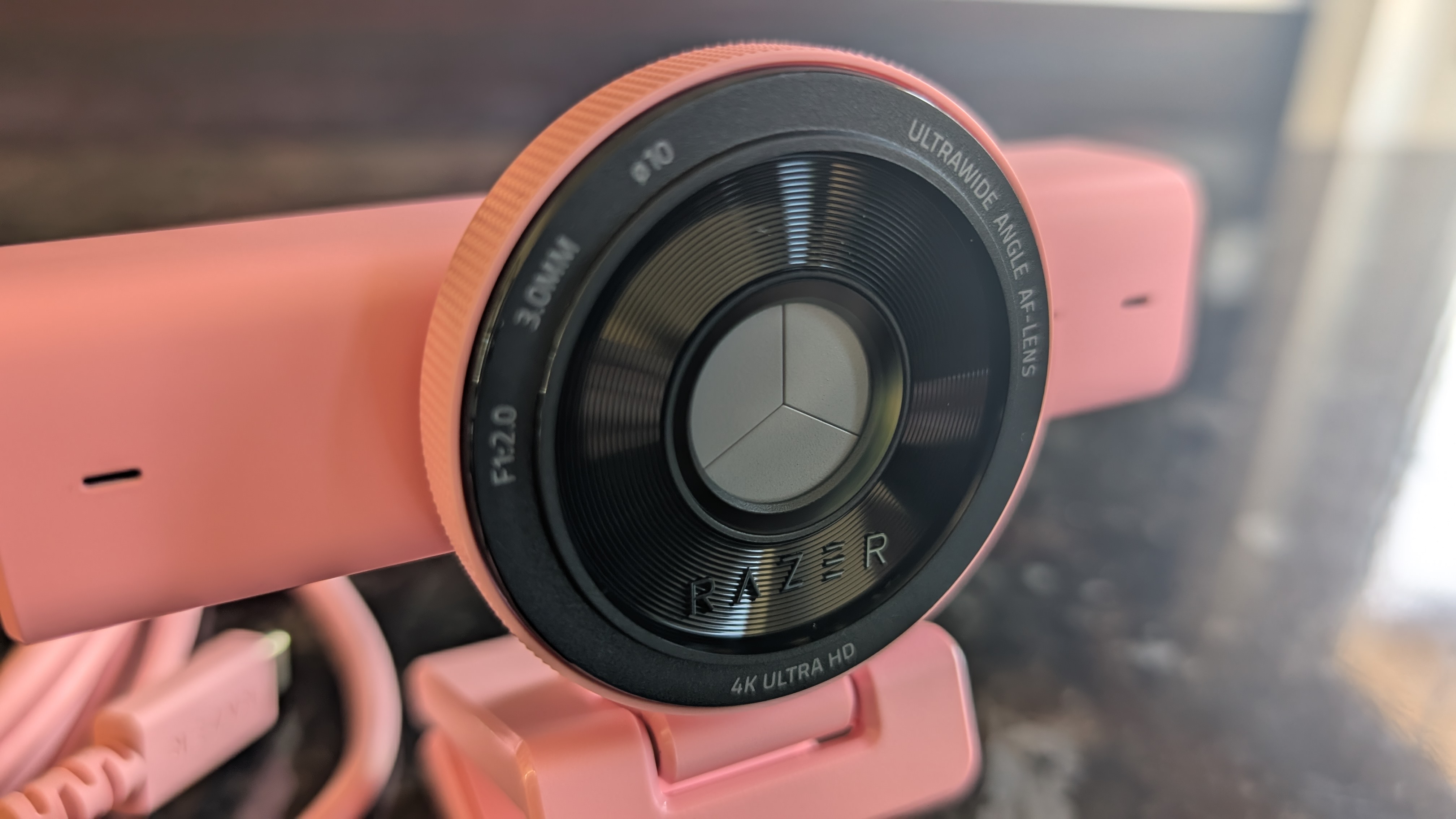
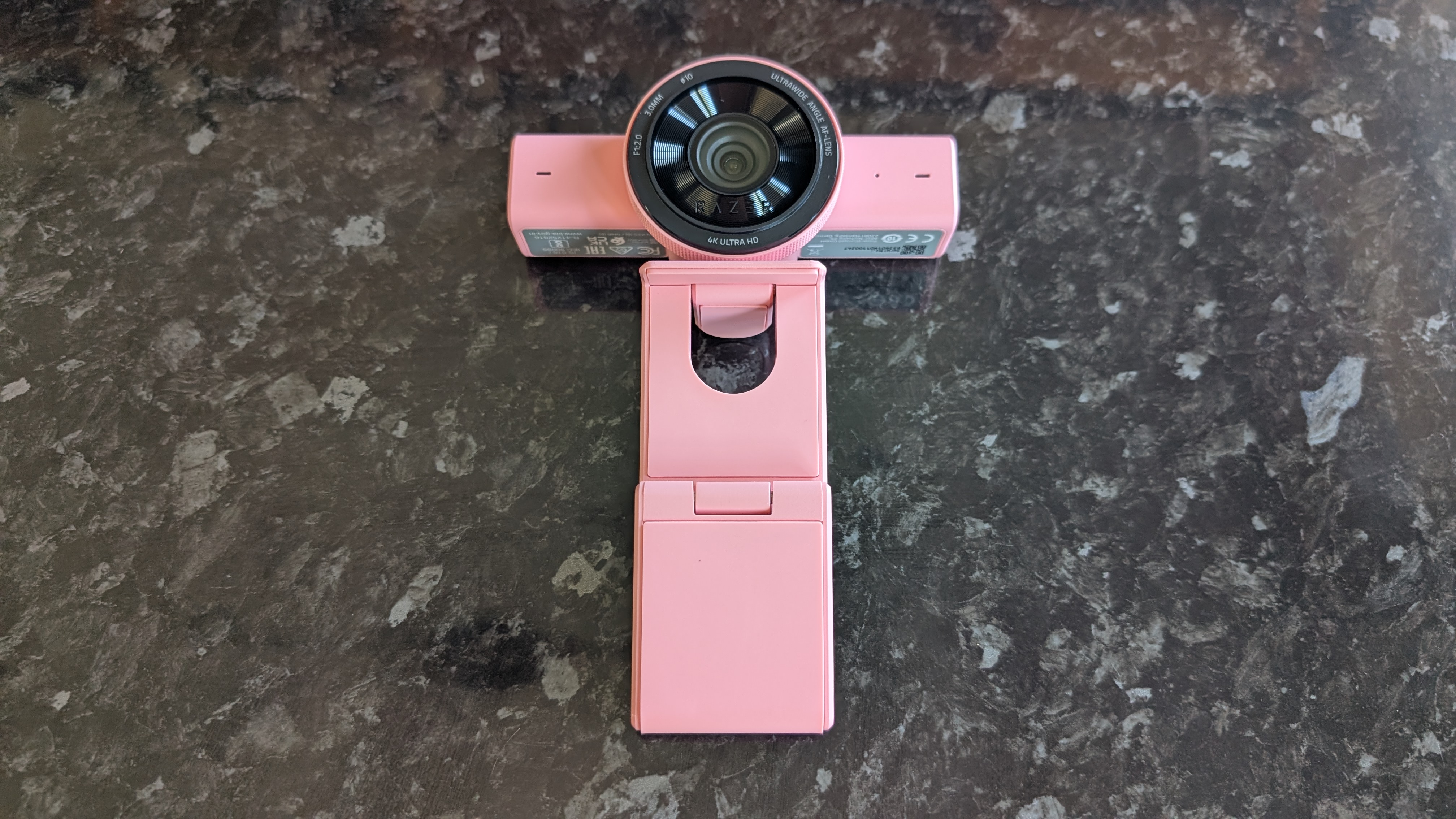
Not everything has been abandoned with this new design, however. The lens housing, like previous Kiyo models, includes a pleasingly tactile rim that can be twisted to close the built-in physical privacy shutter. I'm always a fan of privacy solutions like this, though given the large size of the glass lens face, it would've been nice to see a lens cap included to keep it dust- and scratch-free.
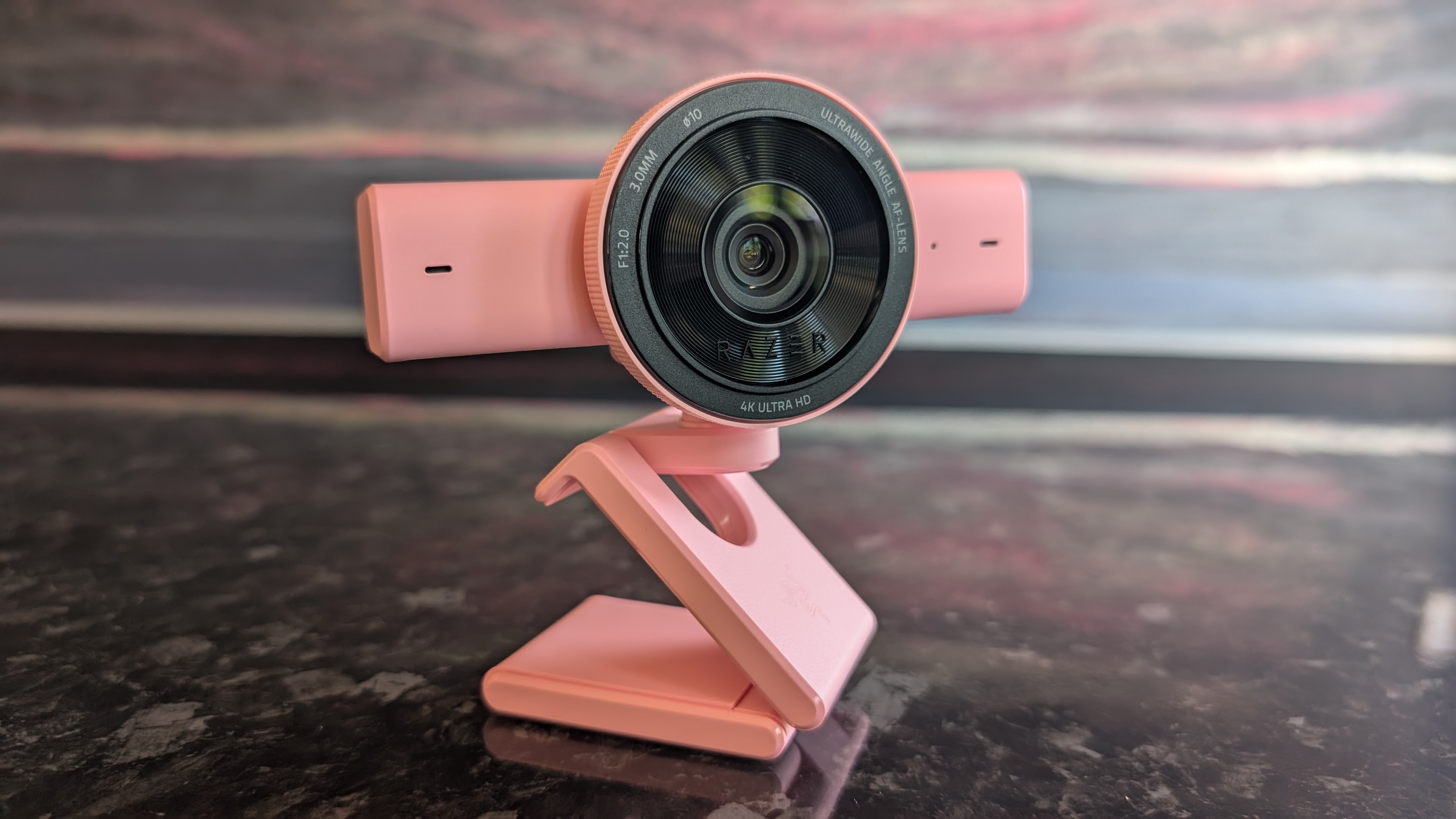
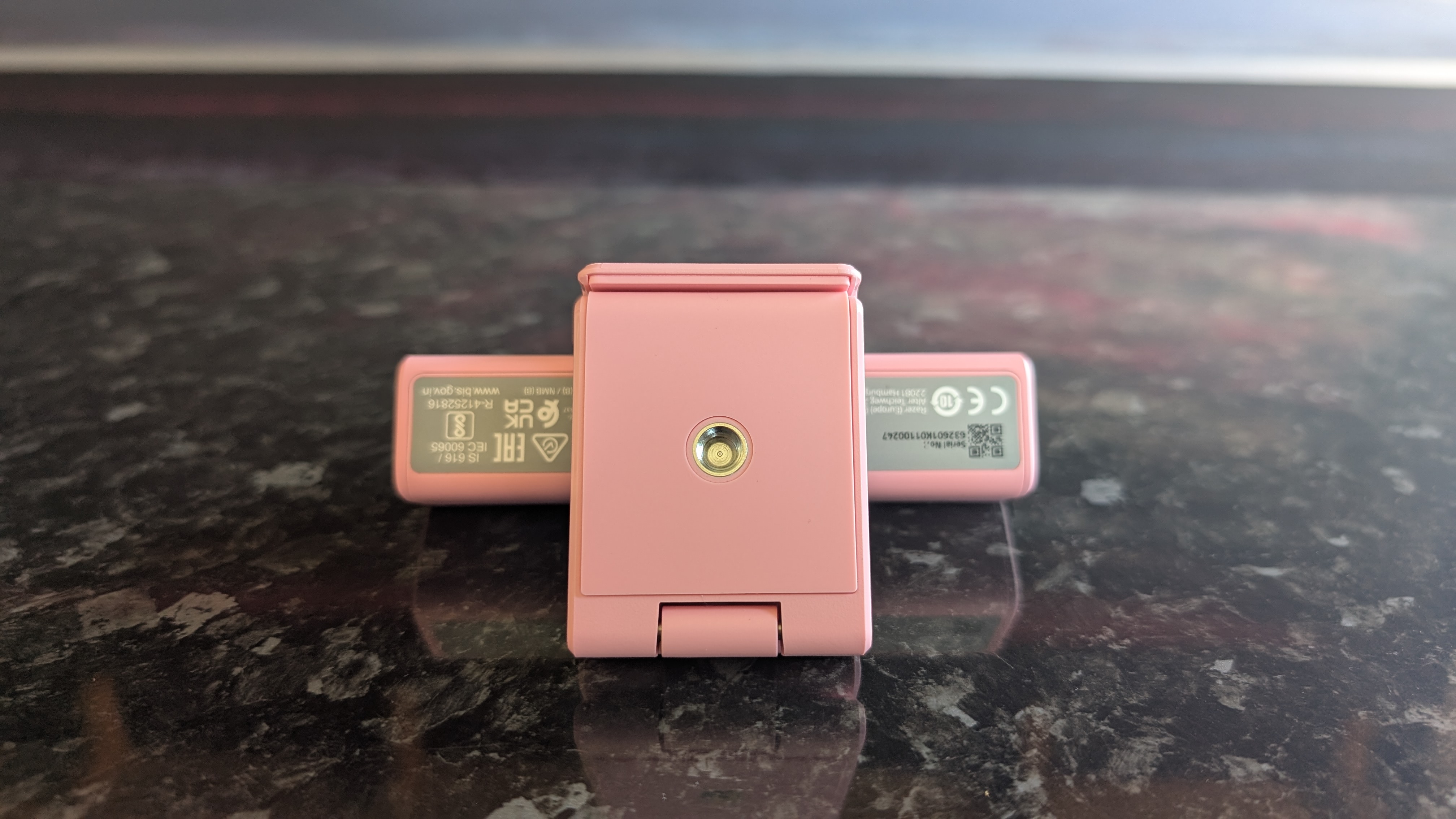
It would potentially be nice if the webcam could be detached from the attached mount in order to fit it to a different mount; many content creators will have their own video setups and may want to use their own camera stands. However, the mount does have a threaded screw connector on the base, letting you fit it atop most industry-standard camera mounts.
In terms of video quality, it's great. 4K video is sharp and colorful, and even zoomed in, I found I looked perfectly detailed in the footage I recorded. Color reproduction is great, and the camera performed well in a range of light conditions. Low-light performance resulted in some mild oversaturation, but I've seen worse performance in more expensive cameras. It also supports HDR, though only at 30fps even at lower resolutions.
The autofocus works well, but I found it was a little slow to adjust if I quickly moved closer or further from the camera. Having tested quite a few webcams in my time, I feel that a webcam in this price range should be a bit snappier to focus.
That big lens means that the default field of view is huge. A 93-degree FOV means that the Kiyo V2 is liable to capture not just yourself but the entire room you're in, but thankfully it's easy enough to tweak this via the zoom and crop tools in Razer's Synapse software.
On the topic of Synapse, it's still a frankly rather clunky piece of software, but for webcam users who want granular control over their hardware, it does a solid job. In addition to zoom and crop tools, you can also manually tweak the autofocus, auto exposure, and color balance.
The Kiyo V2's software-side feature set also includes a selection of AI-powered tools, which are covered prominently in the marketing material for the webcam. These include dynamic light correction and noise reduction, but these features already existed in Synapse, and to be honest, I'm not entirely clear on what AI brings to the table here.
Look, Razer: I get it. I'm sure there's tremendous pressure from your shareholders to make everything AI-powered, because it's the buzzword du jour. But anyone who actually wants AI in their webcam (for whatever inane reason) likely isn't going to be better served by the Kiyo V2 than any other cutting-edge 'AI' webcam, like the Obsbot Tiny SE.
One element that does actually benefit from the involvement of machine learning is the auto-framing feature, which uses AI-powered head-tracking to keep you in the center of the frame even if you move around. However, since the Kiyo V2 lacks a mechanized gimbal, it can't alter the frame while fully zoomed out and can only track you so far; it can keep you in center frame if you move by a foot or two, but it won't follow you around a room.
On the bright side, you don't actually have to use Synapse and the AI features at all. The Kiyo V2 works great straight out of the box; just plug in the bundled cable, and you're off to the races, assuming you're happy with the default wide-angle FOV.
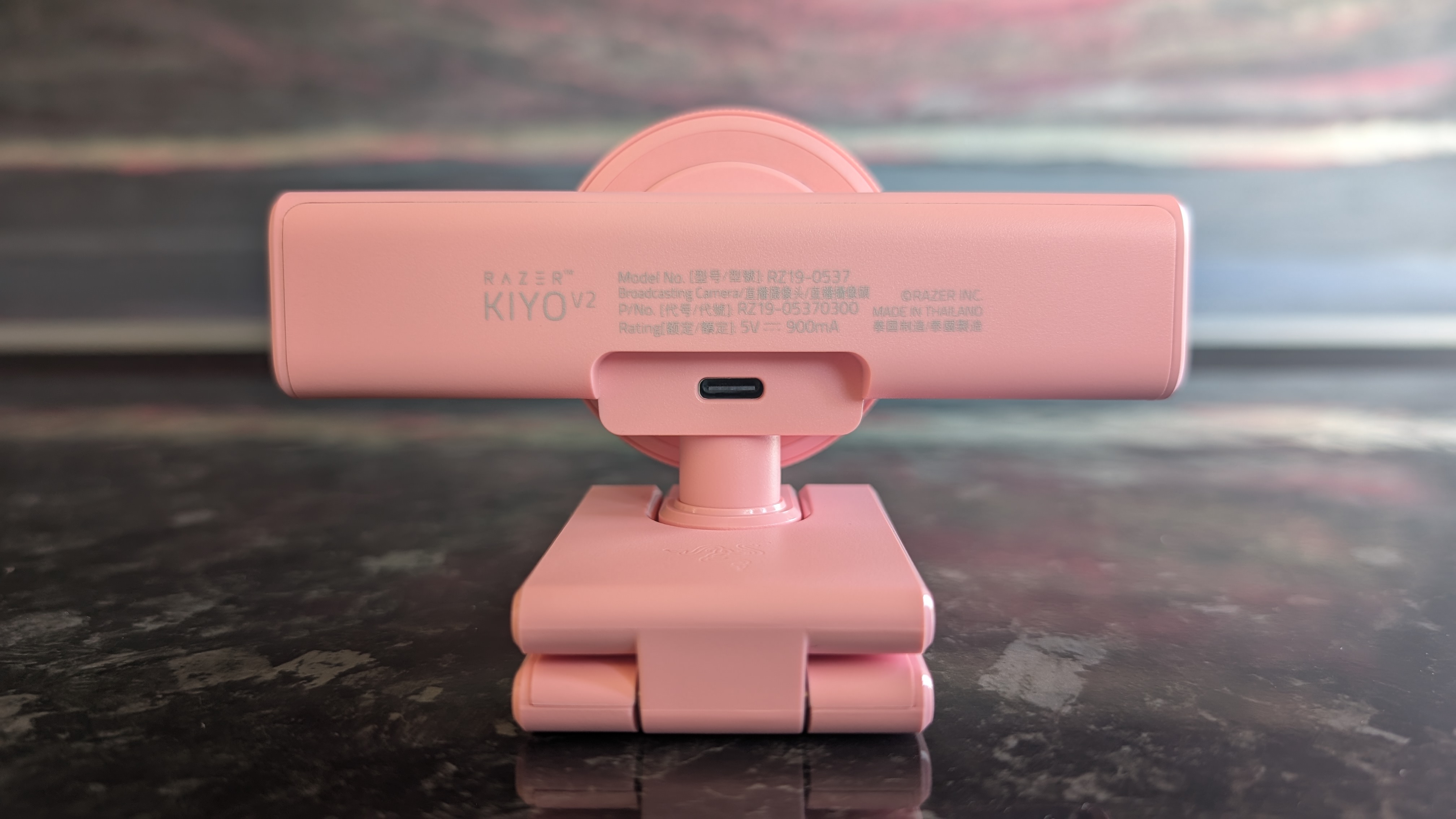
Now, for the only real problem I have with the Razer Kiyo V2. It comes with a USB-C to USB-C cable in the box (the one with my review unit is pink, like the webcam itself), and as far as I can tell, you have to use this cable to access the full 4K functionality of the camera.
Considering that the cable is USB-C-exclusive, you'll need a free USB-C 3.0 port to make full use of the Kiyo V2. I tested it out with a USB-C to USB-A adapter, as well as using one of my own USB-C cables; no dice. It's frustrating, because USB-C ports can be in short supply for users connecting multiple peripherals, and the bundled cable is a bit short and inflexible.
Lastly, the built-in microphone is... fine, I guess. It's good enough for video calls, but anyone aiming to produce professional-level video content should definitely use a proper standalone microphone.
It's fair to say that the Razer Kiyo V2 deserves a spot among the best webcams on the market. There are a few niggling issues, but nothing that should ruin the experience for a gamer who wants a high-end webcam. For hardcore content creators, it remains a sound choice, but you should be aware of the downsides.
Razer Kiyo V2 webcam: Price & availability
- How much does it cost? $149.99 / £149.99 / AU$279.95
- When is it available? Available now
- Where can you get it? The US, UK, and Australia
At $149.99 / £149.99 / AU$279.95, the Razer Kiyo V2 is significantly cheaper than the brand's own older Kiyo Pro webcam. If you're looking for a high-quality 4K cam, it's not an unreasonable price.
Sure, you could easily get a cheaper 4K webcam, but you'll need to risk it on a less established brand, and you almost certainly won't be getting the same rich feature set seen in the Kiyo V2. Similarly effective models from other premium brands like Logitech and Elgato will cost a comparable amount, so I'm pleased to say that despite its reputation for pricey hardware, Razer got the price right this time around.
Razer Kiyo V2 webcam: Specs
Swipe to scroll horizontally
Price: |
$149.99 / £149.99 / AU$279.95 |
Supported resolutions: |
4Kp at 30fps, 1440p at 60fps, 1080p at 60fps |
Sensor: |
8.3 MP Sony STARVIS |
Field of view: |
93 degrees |
Connection: |
USB-C |
Features: |
Digital zoom, AI auto-framing, AI autofocus, dynamic color correction, HDR, mechanical privacy shutter |
Software Integration: |
Razer Synapse |
Should you buy the Razer Kiyo V2 webcam?
Swipe to scroll horizontally
Value |
The Razer Kiyo V2 is still fairly expensive, but it's reasonably priced for a high-end 4K webcam and much better value than the previous Kiyo Pro. |
4 / 5 |
Design |
A fresh chassis design that retains the excellent physical privacy shutter of older Kiyos, but the forced USB-C is annoying. |
4 / 5 |
Performance |
Audio is merely decent, but the picture quality and color balance are fantastic and Razer Synapse packs a ton of extra features. |
4 / 5 |
Avarage rating |
A high-quality webcam with a broad feature set and more competitive pricing, the Razer Kiyo V2 is a great product with only a few small flaws. |
4 / 5 |
Buy it if...
You want 4K
At this price point, the Kiyo V2 is competitive within the 4K webcam space - you could find cheaper ones, but only if you're willing to accept a drop in quality.
You need wide-angled recording
If you're aiming to capture a larger space (or multiple video participants), the 93-degree FOV of the Kiyo V2 is perfect.
Don't buy it if...
You're short on ports
Since it needs to use the bundled USB-C cable to access full 4K recording, the Kiyo V2 is a poor choice for anyone who already has lots of ports in use on their PC.
You're on a budget
At $149.99 / £149.99 / AU$279.95, the Kiyo V2 is still pretty darn expensive, even if it's far better value for money than the older Kiyo Pro.
Razer Kiyo V2 webcam: Also consider
Insta360 Link 2C
Our current top pick of the 4K webcams available on the market right now, the Link 2C offers superior low-light performance and autofocus while also offering the same high-quality video and AI features as the Kiyo V2.
Read our full Insta360 Link 2C review
Obsbot Tiny 2
The Tiny 2 from Obsbot delivers 4K video along with AI-powered tracking via its mechanical gimbal mount. For those who want a high-end video experience, this is a great pick.
Read our full Obsbot Tiny 2 review
How I tested the Razer Kiyo V2 webcam
- Tested the webcam in video calls and recording
- Compared image quality to other webcams
- 8+ years of experience reviewing computer hardware
I replaced my usual webcam (the Insta360 Link 2 4K) with the Razer Kiyo V2 for two weeks, using it for all my normal video calls during the workday. I also tested it in various different lighting conditions by recording video separately and comparing the clips side by side. Naturally, I installed (well, reinstalled) Razer Synapse to properly test out all the software-side features as well.
I've been testing and reviewing PC hardware for more than eight years, starting at the PC-building hobbyist magazine Maximum PC before making the leap to TechRadar's computing team. I put all of my knowledge and experience behind each and every one of my product reviews, so you can be assured that you're getting an informed and bias-free judgement.
- First reviewed July 2026







 English (US) ·