
 3 days ago
10
3 days ago
10
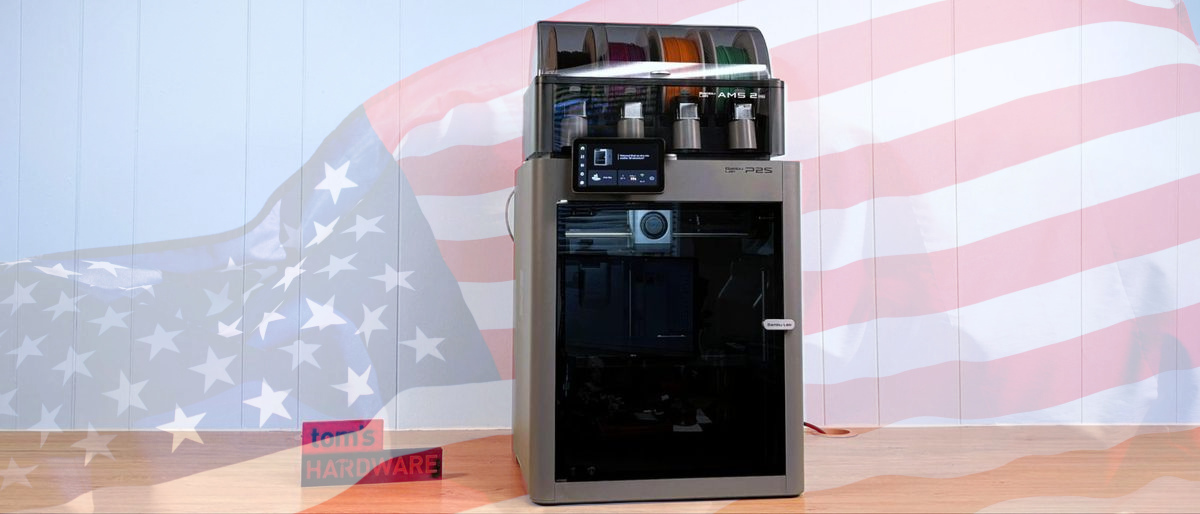
The Bambu Lab P2S, a 3D printer that we recently reviewed and gave an Editor's Choice Award to, is now available in the United States after previously launching in other parts of the world last month. The omission was caused by "logistics" in the form of tariffs, which would've made the printer prohibitively expensive. But it seems that this has been overcome, and the price has not been impacted by tariffs, with the printer now on sale for $549, or as part of a combo with the new AMS2 Pro for $799.
Specifications: Bambu Lab P2S
Swipe to scroll horizontally
Build Volume | 256 x 256 x 256 mm (10 x 10 x 10 inches) |
Material | PLA/TPU/ABS/PC (up to 300 degrees) |
Extruder Type | Direct drive |
Nozzle | .4mm hardened steel |
Build Platform | PEI textured spring steel sheet, heated |
Bed Leveling | Automatic |
Filament Runout Sensor | Yes |
Connectivity | USB, WiFi, Bluetooth |
Interface | 5 inch Touchscreen |
Machine Footprint | 392*406*478 mm (15.4 x 15.9 x 18.8 inches) |
Machine Weight | 14.9 KG (32.8 lbs) |
In our review, we loved the unboxing experience; everything was there to enable us to get printing. The only omission was a USB flash drive to record timelapses, but we all have spare USB flash drives, so this wasn't an issue. With the printer on the bench, you have clear instructions via a paper manual and a video to get printing. Setup and calibration are all done automatically, but you can choose to repeat the setup yourself; in fact, this is something that we should do for all our 3D printers from time to time.
Print volume is the familiar 256 x 256 x 256mm, and the Core XY framework means that your prints will be done quickly and precisely. The chamber has no dedicated heater; instead, the heated print bed is used to warm the chamber for those more technical filaments. In our review, we tested PLA, PETG, ABS, and TPU, with no issues.
The new color touchscreen, first added to the H2 series printers, is a big improvement over the P1S, which had a simple LCD screen and D-Pad controls.
The AI camera has been upgraded to 1080P, and the AI aspect of the camera can detect "spaghetti monsters" and stop the print before you waste a lot of filament and time.
Bambu Lab P2S Combo - Print in multi-color
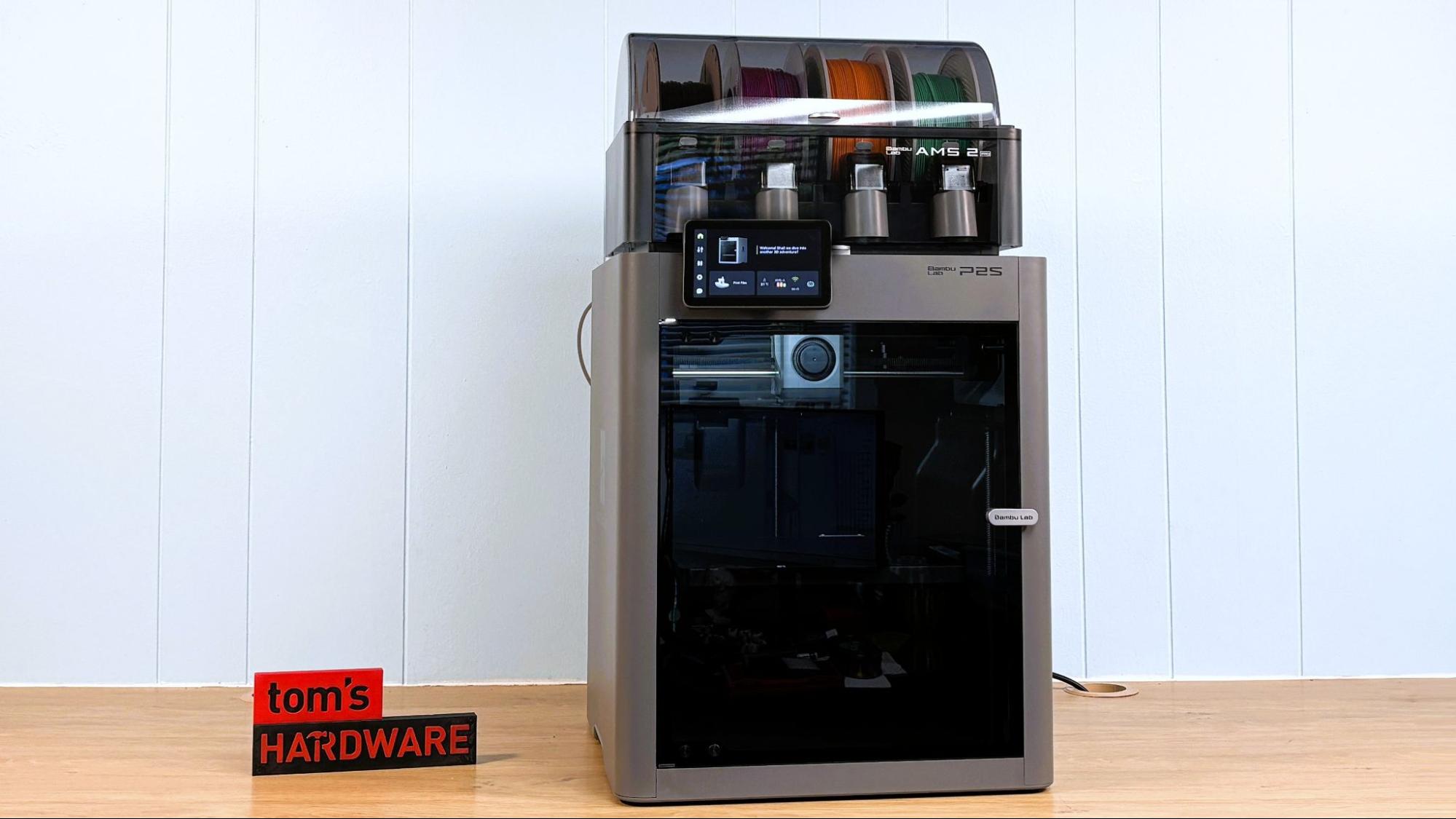
The ability to print in multiple colors or filaments comes via the $799 P2S Combo package. In that package, you get the Bambu Lab P2S and the new AMS2 Pro. This box sits on top of the P2S and feeds filaments down multiple tubes into the P2S. The custom slicing software, Bambu Studio, is largely based on Prusa Slicer, and it is used to set up the filaments in the AMS. You just tell Bambu Studio what filament is in which slot and then tell it where to use the filaments in the print. This is great for multi-color prints or for those projects where multiple filaments are used.
The Bambu Lab P2S is a low-cost printer for the maker who wants to get projects out of the door. The price, speed, quality and ease of use are all examples of why this printer received an Editor's Choice award. US readers can now grab their own P2S and start printing big and while spending small.

Follow Tom's Hardware on Google News, or add us as a preferred source, to get our latest news, analysis, & reviews in your feeds.



 English (US) ·