
 2 weeks ago
21
2 weeks ago
21

Steam just released its Client Beta patch notes, and it’s adding a major new feature designed to make game reviews better. According to the company announcement, users will now have the ability to include their system specifications in any new or updated review they write. This would make it easier for potential game buyers looking at reviews to see how the reviewer’s hardware might have influenced their feedback.
Go deeper with TH Premium: GPUs
At the moment, the only way you can see the specs of a reviewer’s system is if they intentionally add it into the review or into their profile. However, only a few people do that, so if a reviewer criticizes or praises a game, especially based on its performance, you’re unsure if you’ll get the same experience. But if you can see the specs of the reviewer’s system, you can then gauge if the issue they encountered is truly a problem with the game or if it’s only caused by a mismatch with their system and the minimum specifications listed on Steam.
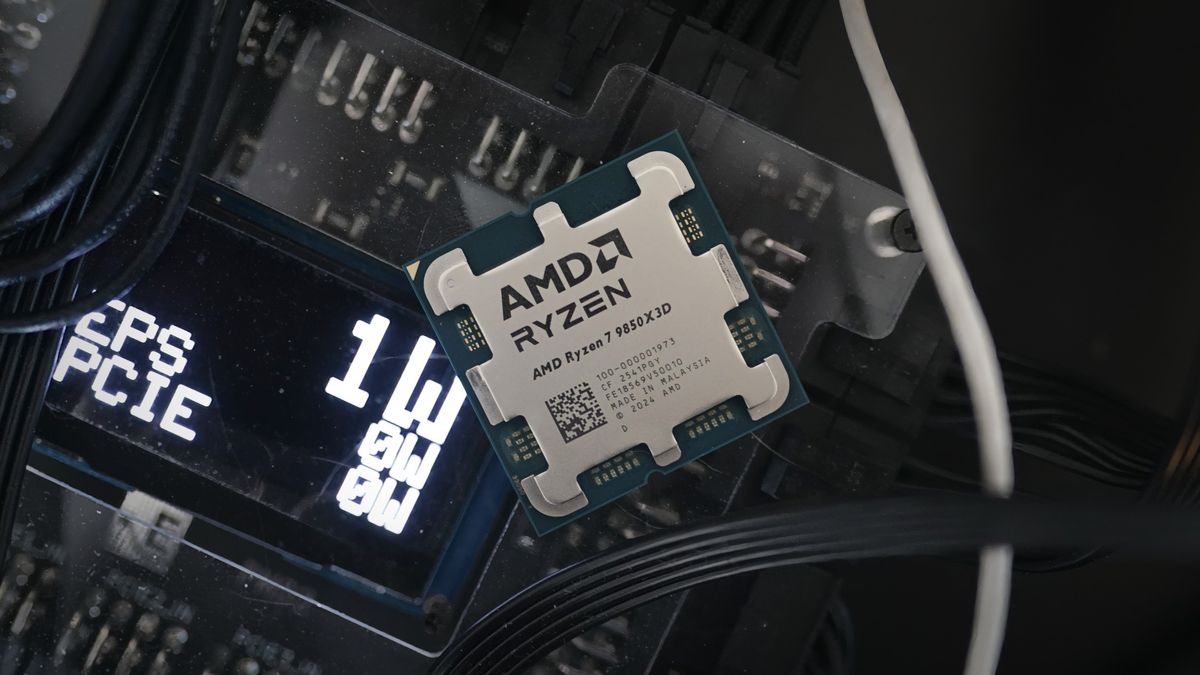
Alternatively, a person saying that the game runs smoothly and without any problems might be running an AMD Ryzen 7 9800X3D, which offers devastating gaming performance, that’s paired with a powerful (and definitely expensive) MSI RTX 5090 Lightning Z. This is especially true in some modern AAA titles like Indiana Jones and the Great Circle, which demands a ray-tracing GPU and an Intel Core i7-10700K for its minimum requirements. So, if you’re only driving a modest AMD Ryzen 5 5500 and an old GTX graphics card, then your experience will be completely different from what you read.
It’s unclear if Steam will automatically get your specifications, like how it extracts data for the Steam Hardware Survey, or if gamers will need to manually input their components into their profile. The former would make it far easier to implement this feature, although this would definitely raise some privacy concerns regarding the client. On the other hand, the latter could be problematic, as users could lie and skew the data. But whichever route Valve takes, this is an optional feature, and you can keep it turned off if you don’t want the world to know that you’re keeping a monster PC stowed in your basement.

Follow Tom's Hardware on Google News, or add us as a preferred source, to get our latest news, analysis, & reviews in your feeds.





 English (US) ·