
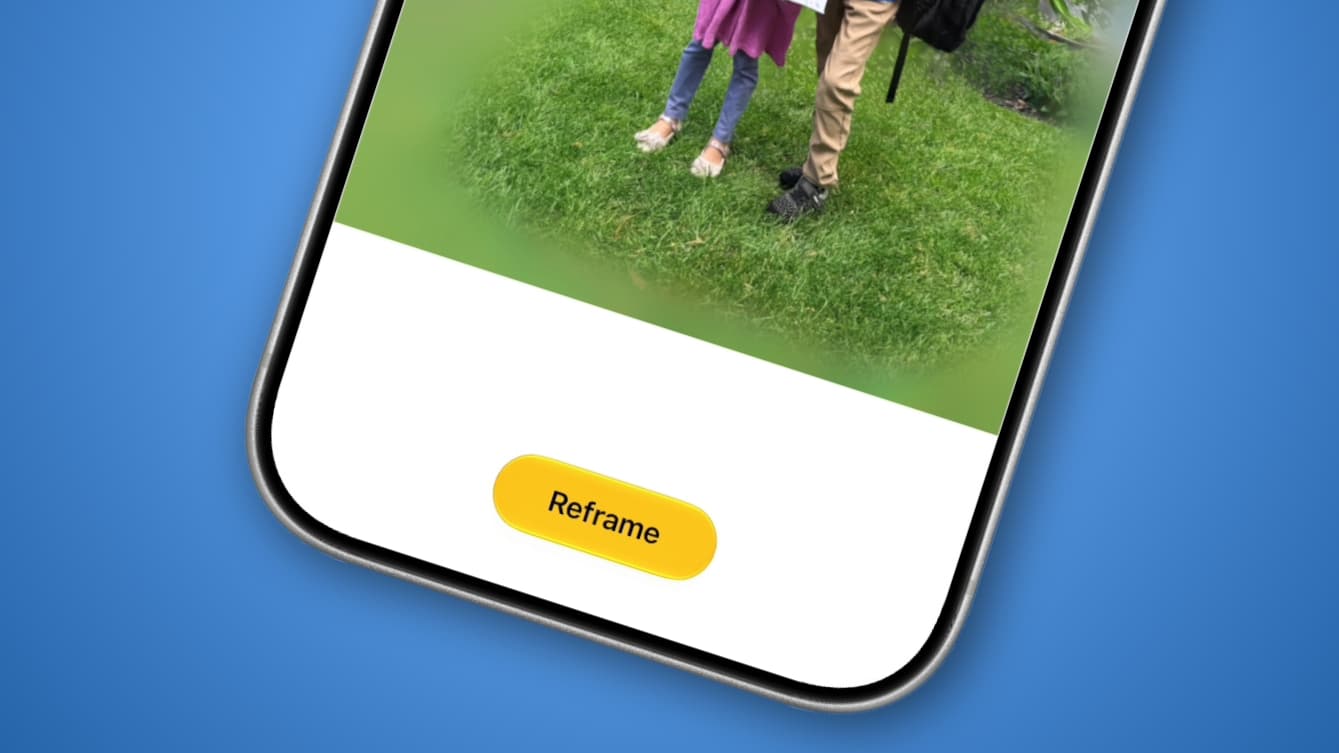
As artificial intelligence (AI) worms its way further and further into our daily lives, one increasingly popular way to edit photos is to use AI to help adjust your images in ways that would normally be impossible after the fact.
Yet this is also a deeply contentious subject among photographers, as it blurs the lines between reality and fiction. If you can go back in time to shoot an image from a different angle, for example, why not just go the whole hog and drum up something entirely artificial?
Apple has decided to enter this swirling storm with the iOS 27 updates it showed off at WWDC 2026, and one feature in particular has piqued my interest.
Apple calls it Spatial Reframing. The idea is that you can load up a photo whose composition is not quite to your liking, then use AI to adjust its angle and framing to get the result you wish you’d captured the first time around.
Instead of messing up a once-in-a-lifetime moment or taking multiple photos in the hope that one is right, you just need to shoot once and edit later if necessary. Not only might that help improve my images, but it could also free up storage space on my devices and in the cloud. It could be just what I’ve been needing to take my iPhone photography up a notch.
Ending a bad old habit
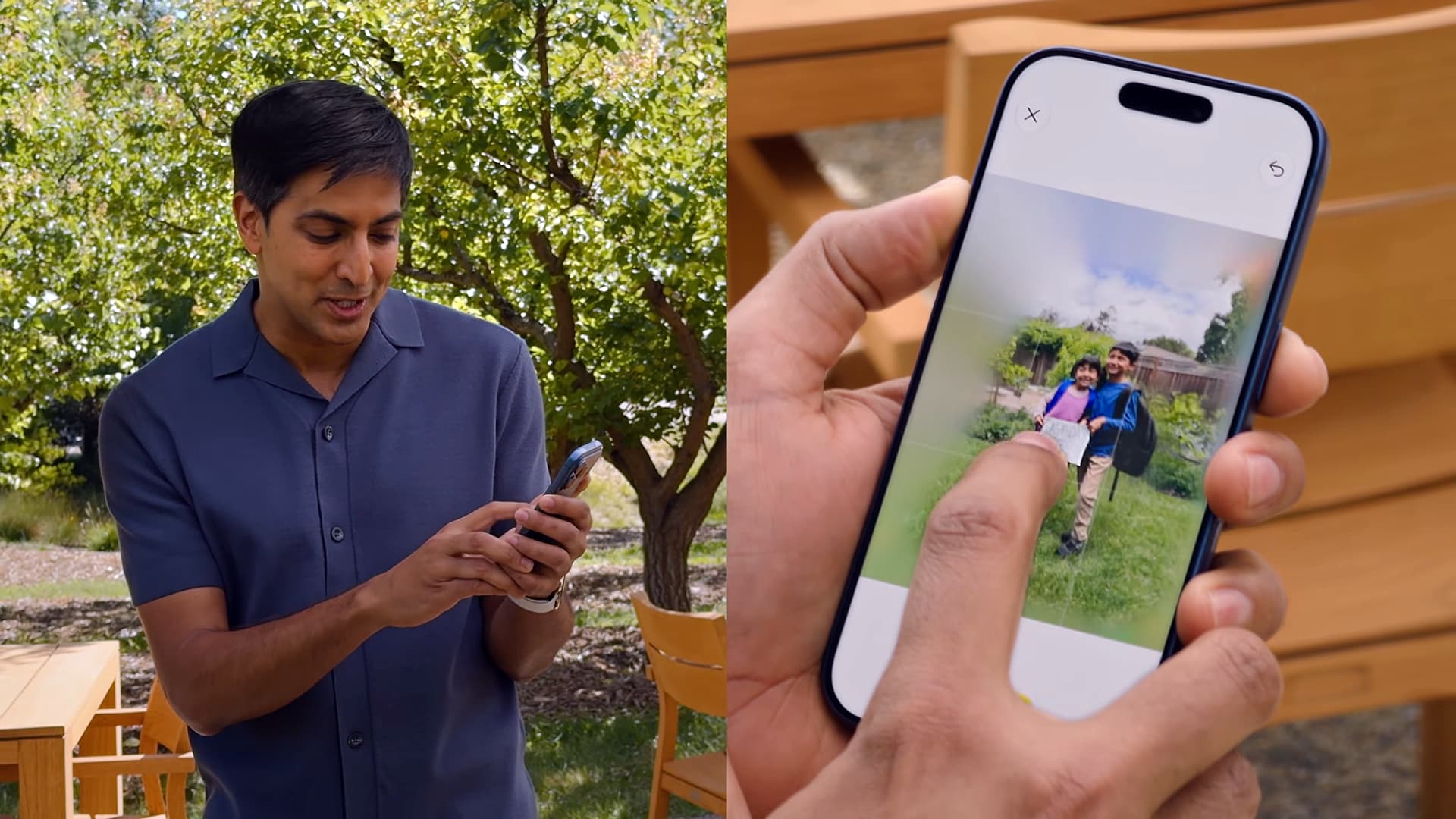
Here’s how Spatial Reframing works. When you tap the Edit button on an image in the Photos app, there’s a new Tools button on the right-hand side. Tap it, then select Reframe. Once Apple Intelligence has analyzed your picture, you can touch and drag it to adjust its framing and perspective. The feature also lets you zoom in and out and will generatively infill content where needed.
There are other AI image-editing tools in iOS 27 too, including improved Clean Up capabilities and an Extend option that can generate additional content around your subject to expand the photo’s dimensions.
Those new tools look interesting, but it’s Spatial Reframing that could be the most useful of the bunch for me.
You see, I’m one of those people who are never entirely satisfied with the images they capture. Whenever I line up my iPhone to take a photo, I end up snapping several from different angles, just in case I look back later and decide my original framing was off.
As you can imagine, this fills up my storage space fast and makes sorting through my pictures a chore. I don’t want to miss a moment thanks to poor composition, but I also don’t like the burden it puts on me and my storage. Not to mention the extra cost of needing a more capacious iCloud library to accommodate everything.
But with Spatial Reframing, I might finally be able to let go of that bad old habit and just settle for a single shot at a time, content in the knowledge that I can go back later and reframe my photos if anything appears to be off. That’s the kind of AI boost I can get behind.
A controversial move
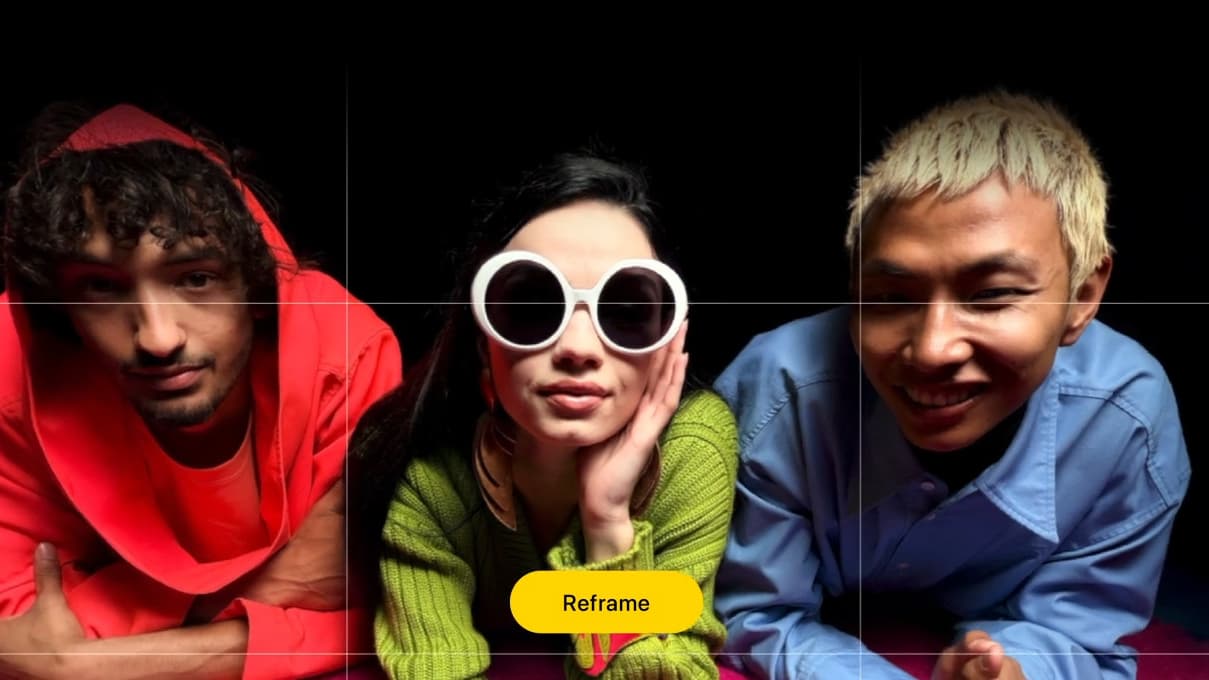
That said, Spatial Reframing certainly isn’t without its critics. AppleInsider, for example, said it has the potential to create “nightmare fuel” and isn’t quite ready for prime time.
YouTuber Mrwhosetheboss, meanwhile, had his own reservations, saying: “You’ve already got a perfectly fine photo there of your two real children. Why would you turn that into a fake AI image that never happened just to make the angle more aesthetic?”
And I can understand why some people are reluctant to embrace any kind of AI intrusion into photography. Apple seemed to be aware of that at WWDC 2026, promising that it has a “deep respect for the craft of photography” and that its tools would “help photographers enhance their images in ways that respect the original moment.”
But how true is that when you’re changing an image into something it never was in the first place? Removing small distracting aspects from a photo is one thing — after all, photographers already do this by taking multiple snaps and combining them into one, obliterating pesky crowds and photobombers in one fell swoop — but reshooting a picture from an angle that you were never standing at might feel like it’s leaning too far into artificiality for a lot of people.
Me? I don’t mind it so much because my goal isn’t to pass off my images as something they’re not. I’m not about to use AI to edit an image and then enter it into a competition or present myself as a more competent photographer than I actually am.
Instead, I want to use this tool to help cut down on unnecessary images and ensure my pictures come out the way I intended, even if I didn’t notice a small error in the original composition.
Sure, Spatial Reframing is not going to revolutionize my skills overnight. But if it can prevent me from feeling the need to waste time taking image after image throughout the day — and save me money on iCloud+ storage upgrades in the process — then that’s good enough for me.

Follow TechRadar on Google News and add us as a preferred source to get our expert news, reviews, and opinion in your feeds. Make sure to click the Follow button!
And of course you can also follow TechRadar on TikTok for news, reviews, unboxings in video form, and get regular updates from us on WhatsApp too.







 English (US) ·