
 4 hours ago
9
4 hours ago
9
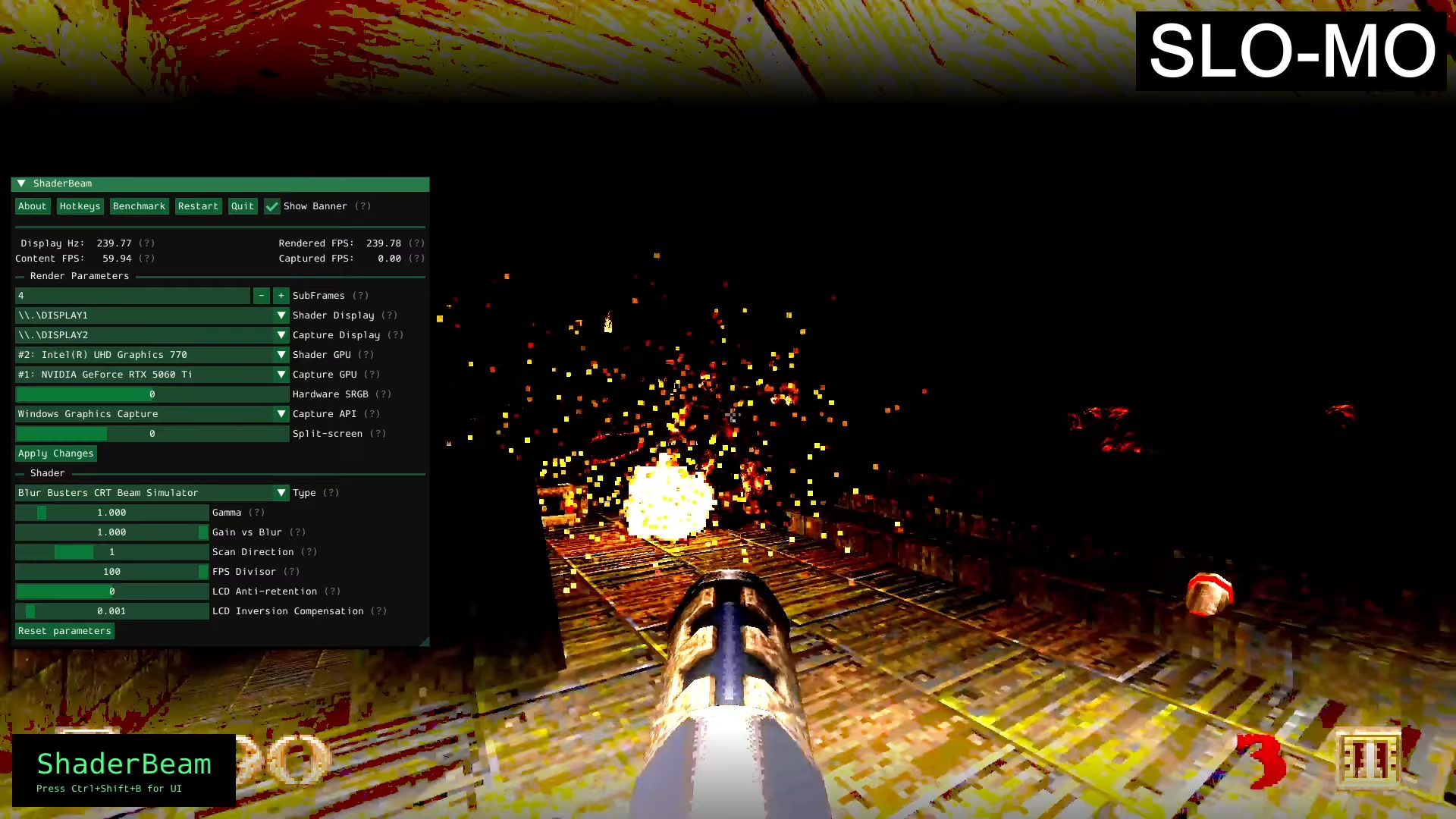
The team behind Blur Busters has created an overlay called ShaderBeam that finally brings its motion-blur-reducing CRT Beam Simulator to the desktop environment and PC games. The overlay can be downloaded from GitHub.
Blur Buster's CRT emulator was previously only available in a demo format, through RetroArch, or n ithe VintVideo Player. ShaderBeam changes this and enables the emulator to be used in Windows with any Windows application. To get the app to work, all you'll need is a 100Hz display or greater and Windows 10 or newer.
ShaderBeam v0.1 Released! - YouTube
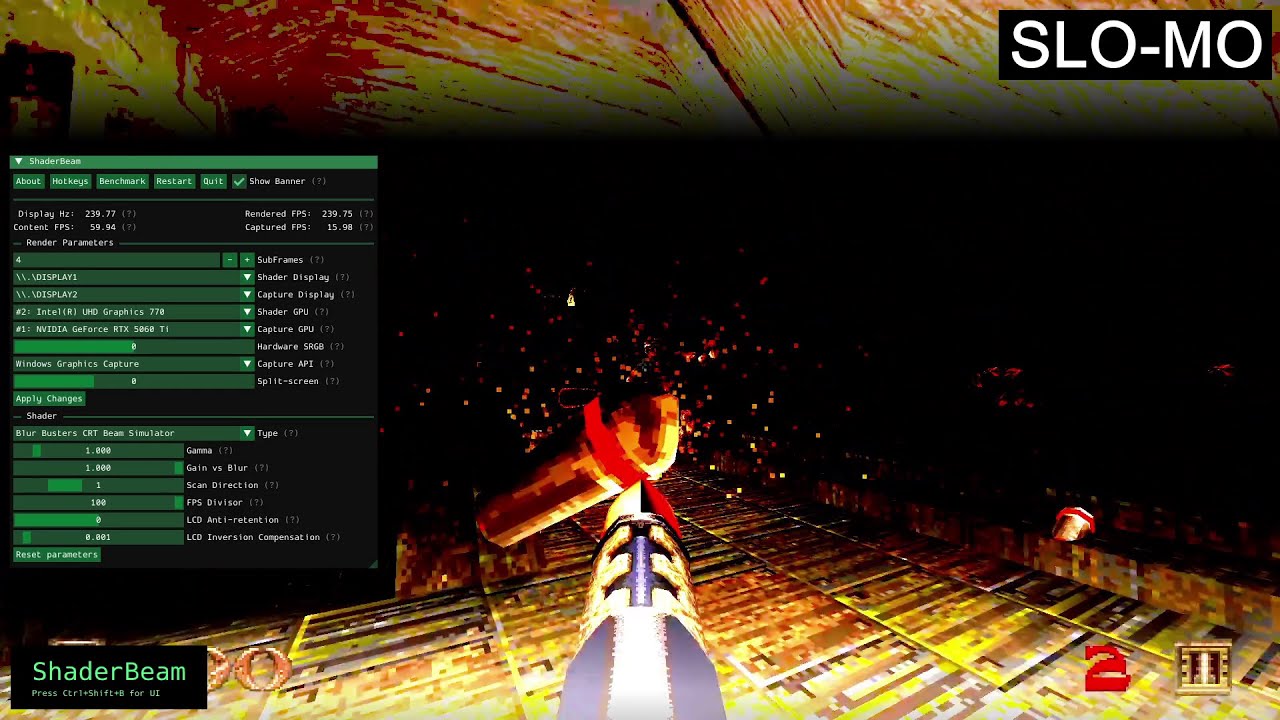
We have already written extensively about Blur Busters' CRT simulator shader in the past. CRTs have inherently excellent motion clarity, which even today's bleeding-edge LCD and OLED displays cannot fully replicate, especially at lower refresh rates. Emulating the phosphor fade and rolling scan of CRTs on LCDs and OLEDs gives these newer display types the same effect, boosting motion clarity. The CRT way of reducing motion blur is so good that it's even better than Black Frame Insertion, which is another blur-reducing technique that's found in many high-end gaming monitors like the Asus ROG Swift PG32UCDP.
Now that this CRT emulator is available in any game, gamers can finally experience the top-class motion clarity that CRT users have enjoyed for decades. There are several caveats, however. For the best experience, you'll want a 240Hz or higher refresh rate OLED display. Higher refresh rates provide cleaner images and are less prone to flickering with this technique. Blur Busters also recommends users set a variety of specific settings in Windows and in the GPU driver, including disabling hardware-accelerated GPU scheduling, disabling variable refresh rate (like G-Sync), disabling HDR, and using Process Lasso to prioritize ShaderBeam within Windows.
One of the overlay's most interesting quirks is the developer's recommendation to run two GPUs. Dedicating one GPU to just running the CRT emulation GPU shader allegedly eliminates a lot of desync issues in most games compared to running everything on one dedicated graphics card (even if that graphics card is very quick, apparently). Luckily, the GPU shader portion is extremely lightweight, and even an old Intel HD 770 can allegedly run the shader at well over 800 FPS at 1080p. This will be an annoying quirk gamers with no integrated graphics chips will have to deal with (particularly AM4-based Ryzen users), but enthusiasts will rejoice in having another reason to run two dedicated GPUs in their system.

Follow Tom's Hardware on Google News, or add us as a preferred source, to get our latest news, analysis, & reviews in your feeds.




 English (US) ·