
 3 weeks ago
39
3 weeks ago
39
Unlike some of its cooler competitors, Chiba Japan-based Scythe is a fabless company that partners with factories in China and Taiwan for manufacturing of its air coolers, fans, and other PC hardware. The company has been delivering cooling products aimed largely at quiet performance for more than 20 years. We’ve enjoyed testing its previous products, like the fan-favorite FUMA 3 air cooler. Today we’re looking at Scythe’s latest offering, the Magoroku – a dual tower heatsink paired with two of Scythe’s Wonder Tornado 120 fans.
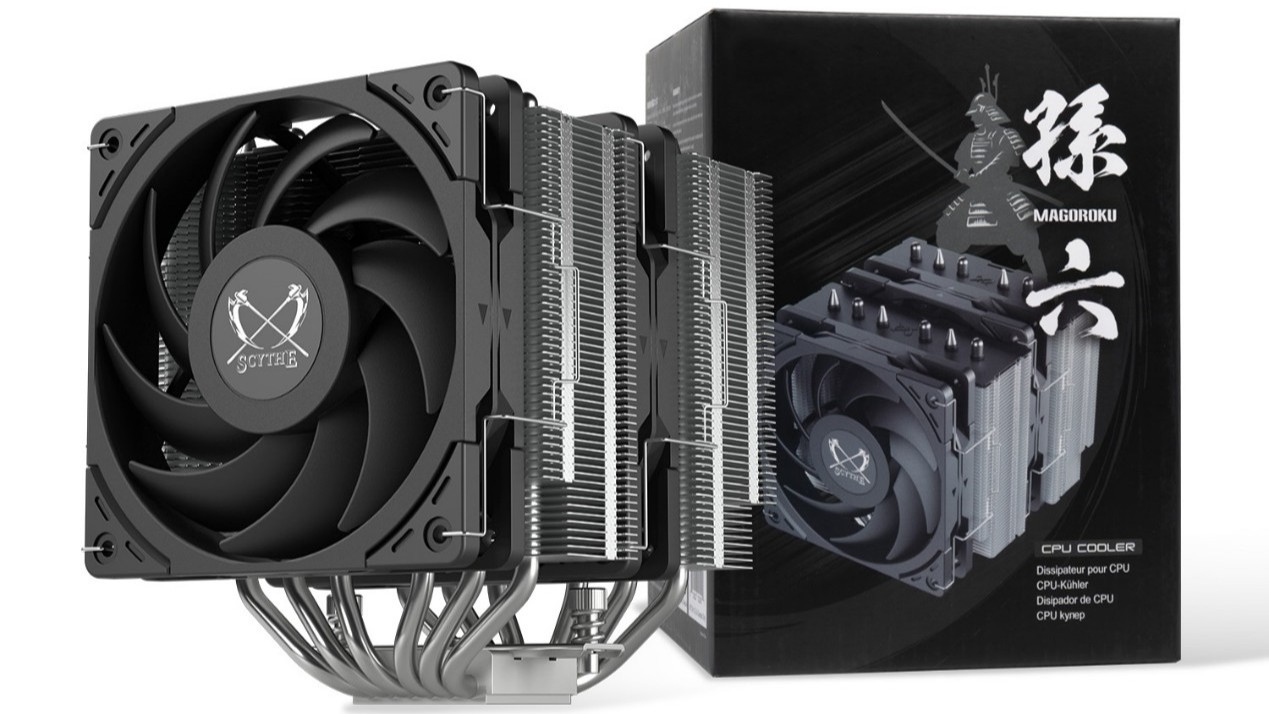
Let's take a look at the specifications and features of this CPU cooler. Then we’ll go over thermal and noise benchmarks to see if the Magoroku deserves to make our list of the best CPU coolers.
Cooler specifications
Swipe to scroll horizontally
Cooler |
Scythe Magoroku |
Colors |
Black |
MSRP |
$42.99 |
Lighting |
None |
Warranty |
One year |
Socket Compatibility |
AMD AM5/AM4 |
| Row 6 - Cell 0 | Intel 1700/1851/1200/115x |
Dimensions w/ fan |
134 (W) x 142.5 (D) x 155mm (H) |
Maximum TDP with AMD’s Ryzen 9 9950X3D (Our Testing) |
Full speed fans: >236W |
| Row 9 - Cell 0 | Noise-normalized: >228W average |
Features of the Scythe Magoroku air cooler
▶️ Dual tower heatsinks, six copper heatpipes
Latest Videos FromTom's Hardware
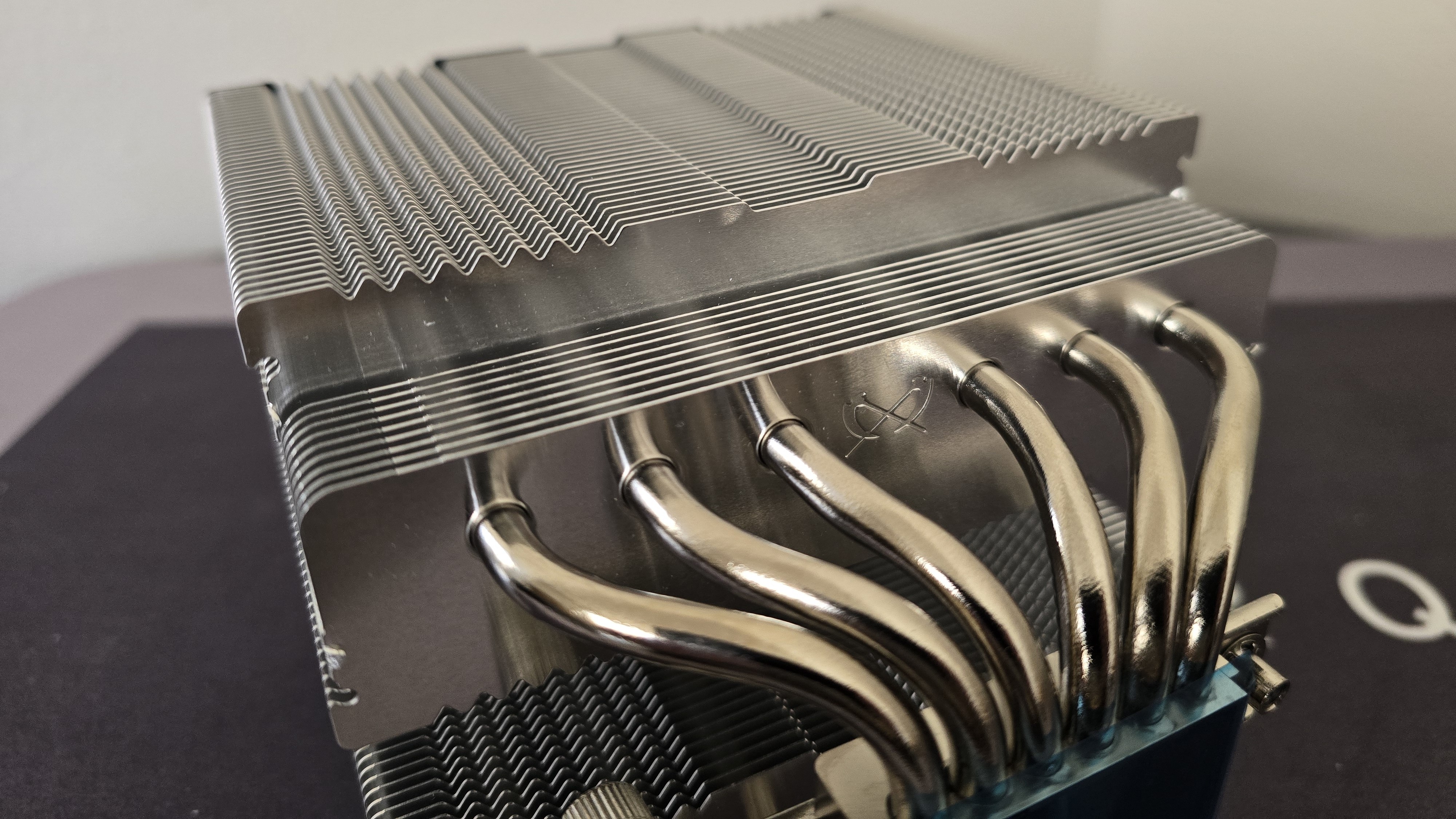
This air cooler features a dual-tower design, with six copper heatpipes to move heat from the CPU block into the metal fins above.
▶️ RAM Clearance
RAM compatibility with this cooler depends on how you look at it. Officially, Scythe mentions support for RAM up to 57mm tall. However, using the fan with tall RAM in this configuration does result in some performance loss.
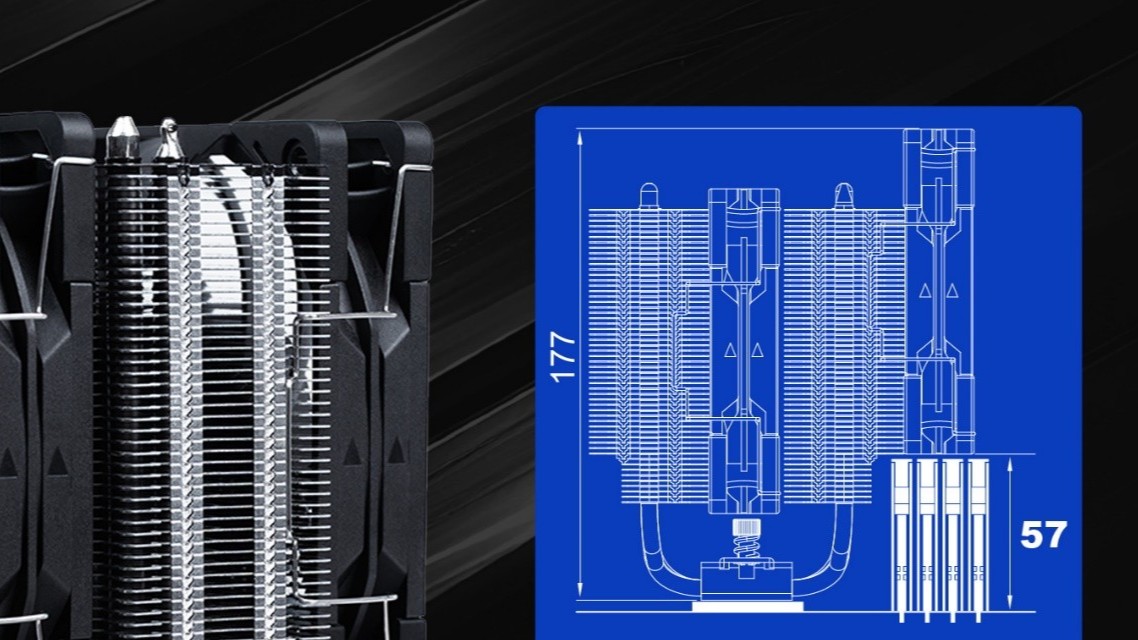
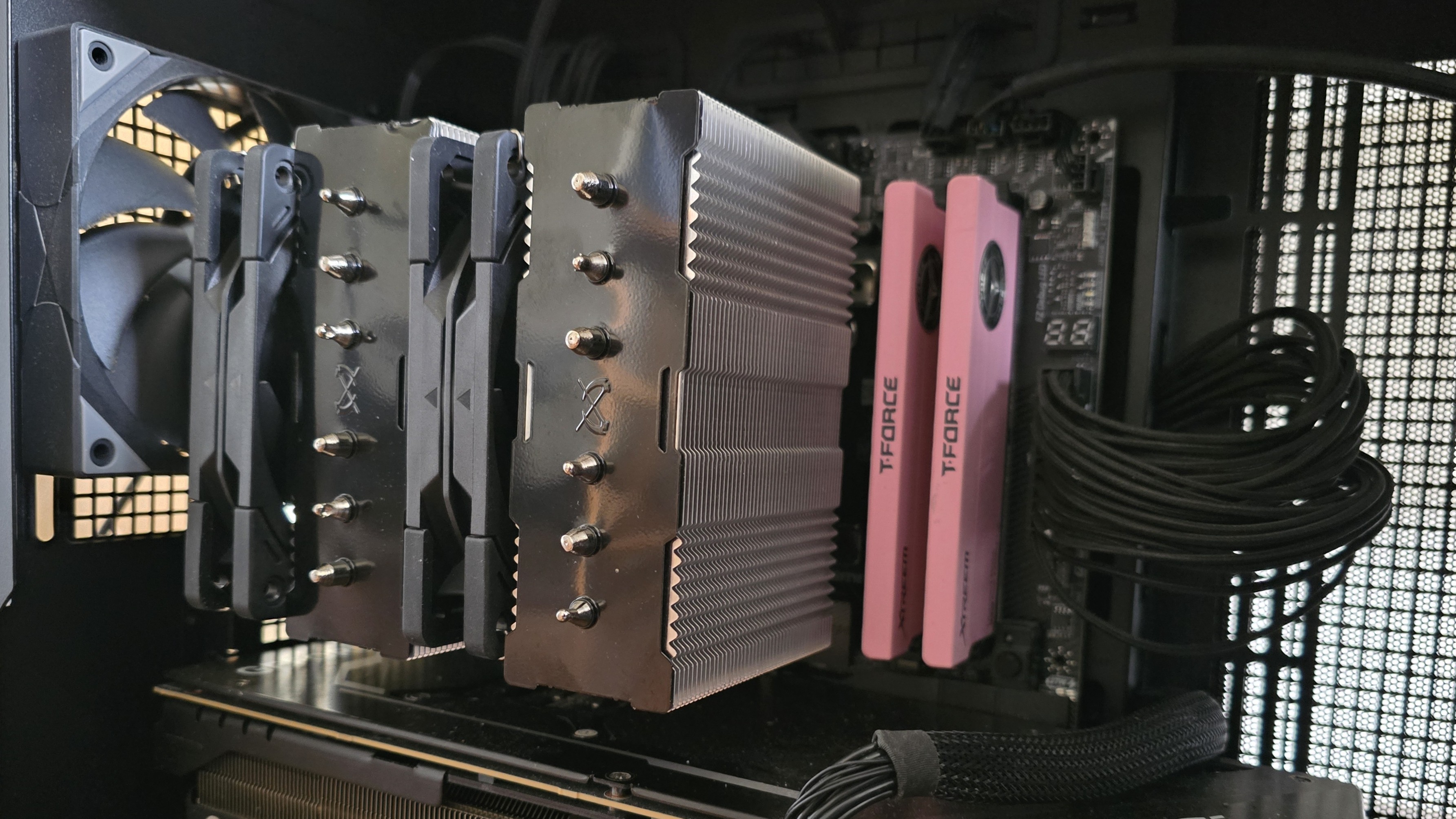
We instead recommend moving the front fan to the back of the unit, above your motherboard’s VRM heatsinks, for best thermal performance. This configuration also has the side effect of complete RAM compatibility, as nothing interferes with or overhangs the DIMM slots.
▶️ 120mm Wonder Tornado fans
There's more to a cooler than just the heatsink. The included fans have a direct impact on aesthetics, noise levels, and overall thermal performance. Scythe includes two of its Wonder Tornado 120 fans with the Magoroku air cooler.
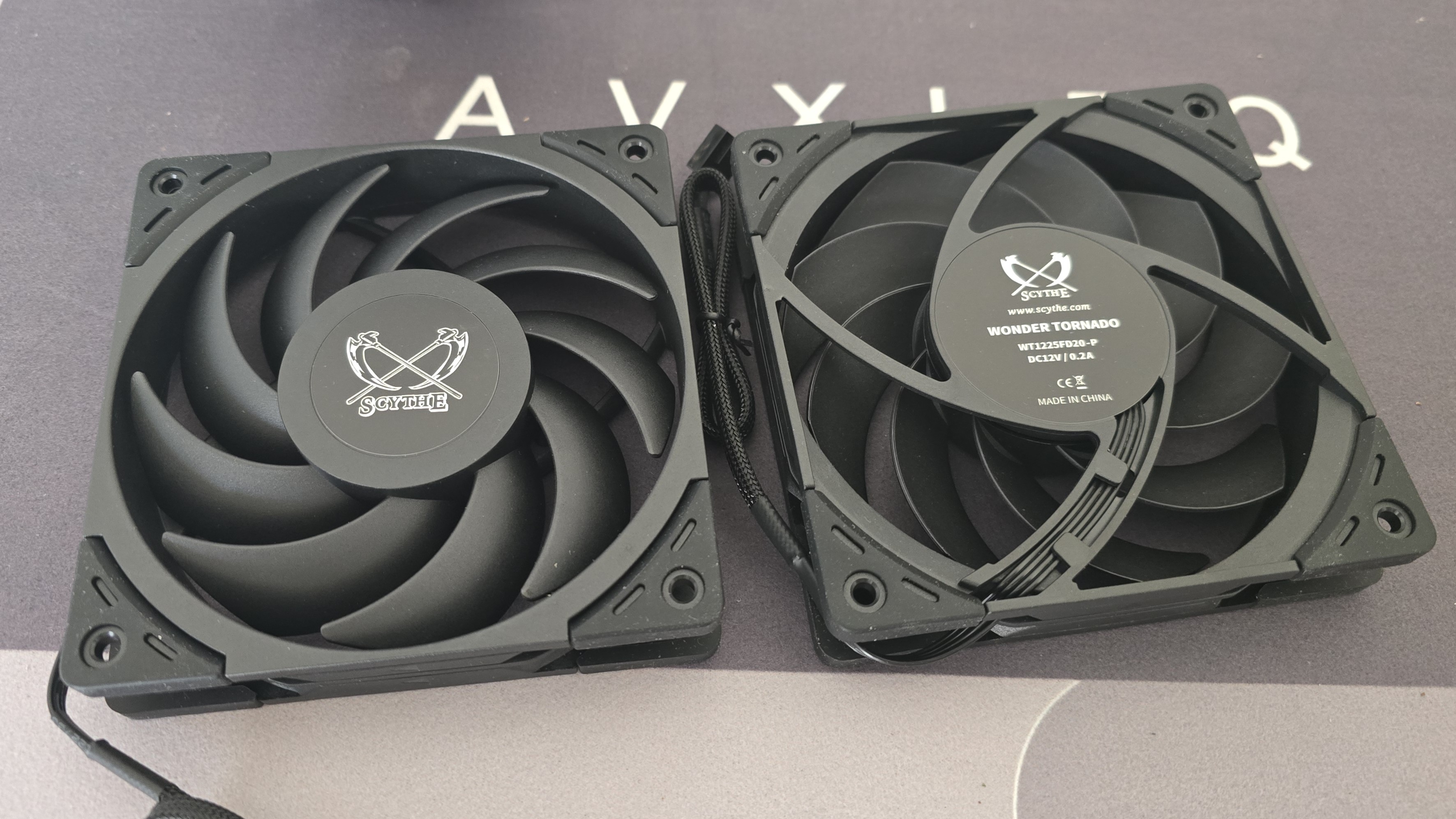
Swipe to scroll horizontally
Fan Speed |
300-2000 RPM |
Dimensions |
120 x 120 x 26 mm |
Airflow |
60.29 CFM |
Air Pressure |
2.45 MMH20 |
▶️ Packaging
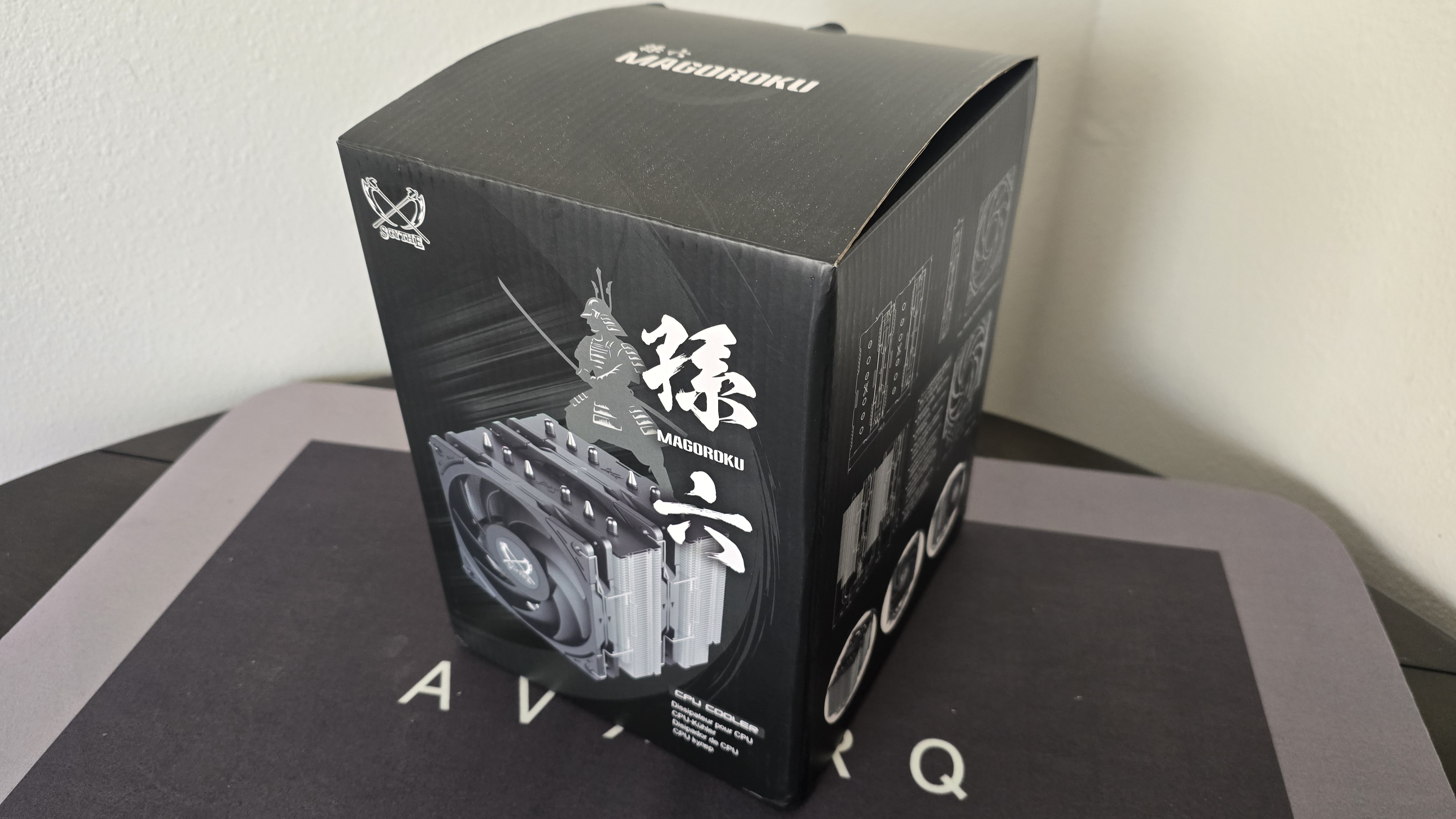
The outer packaging highlights the design of the product in a flashy but subtle way, incorporating a black background with grey and white highlights.
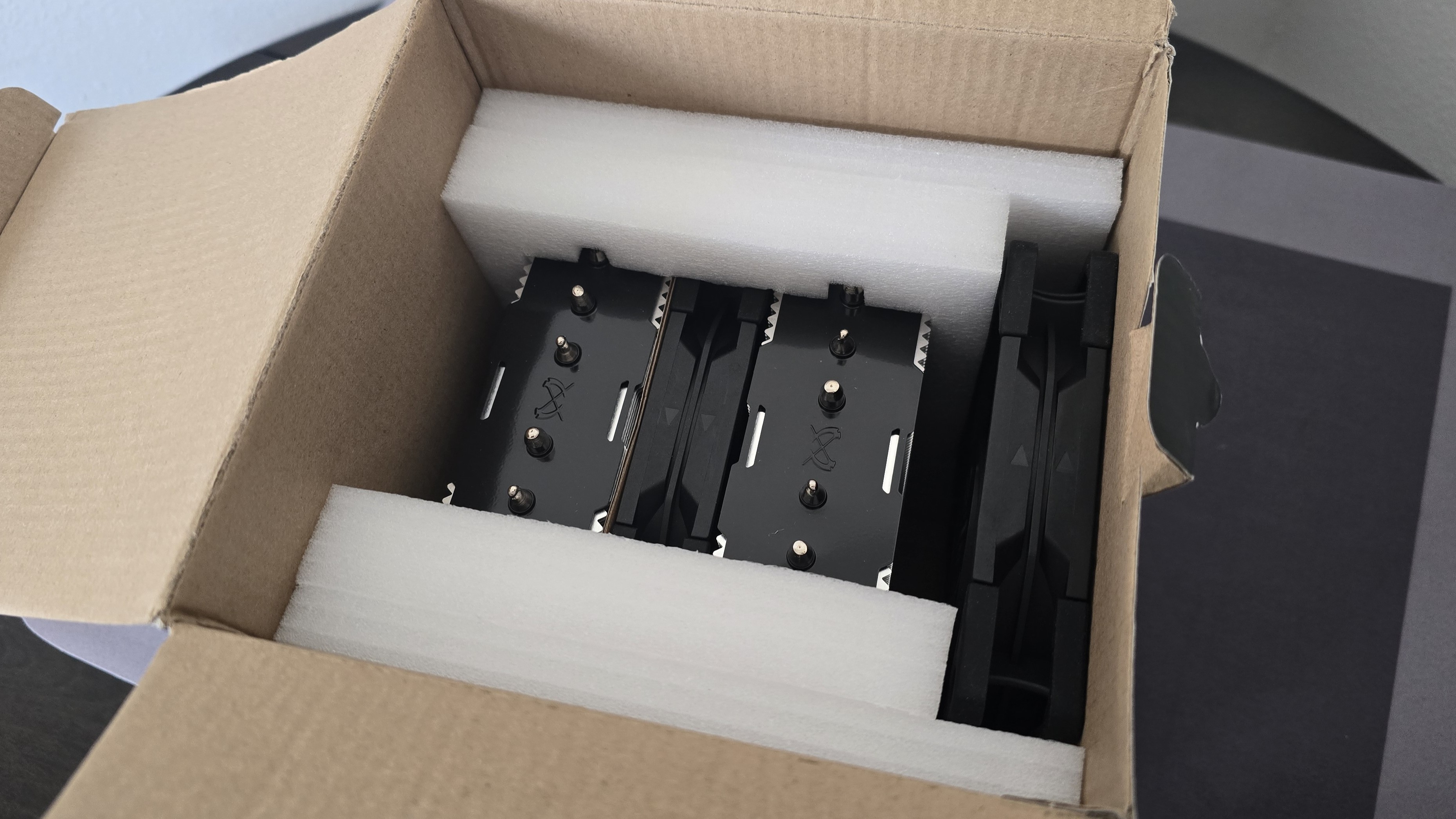
The CPU cooler and fans are protected by molded foam and cardboard inserts.
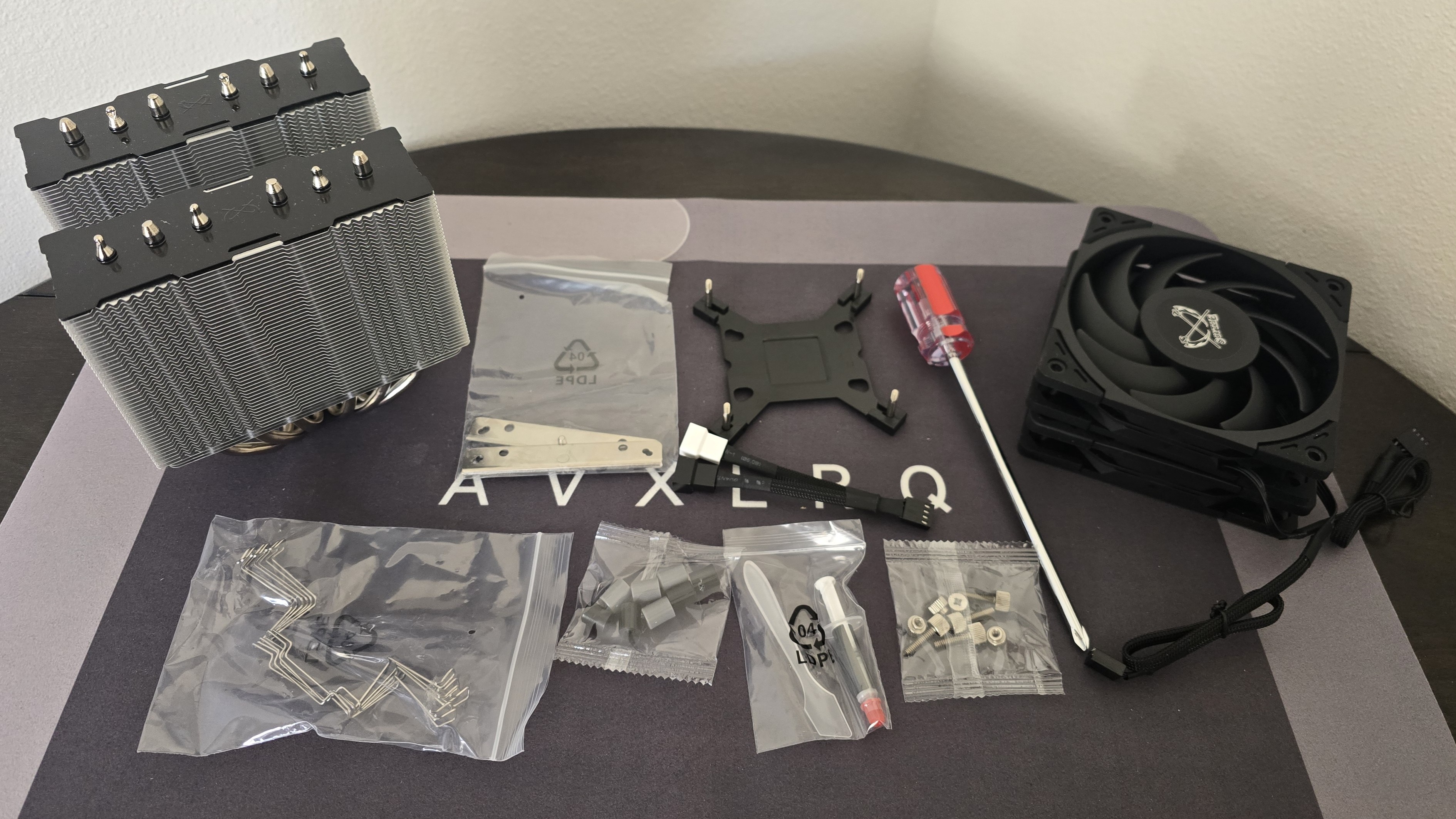
Included with the package are:
● Mounting hardware for AMD and Intel platforms
● Three sets of fan clips
● A small tube of thermal paste
● Two 120mm Wonder Tornado fans
● Screwdriver
AM5 Installation
To begin putting things together, you’ll need to first remove the default AM4/5 retention mechanism. Next, place the studs over the exposed holes.
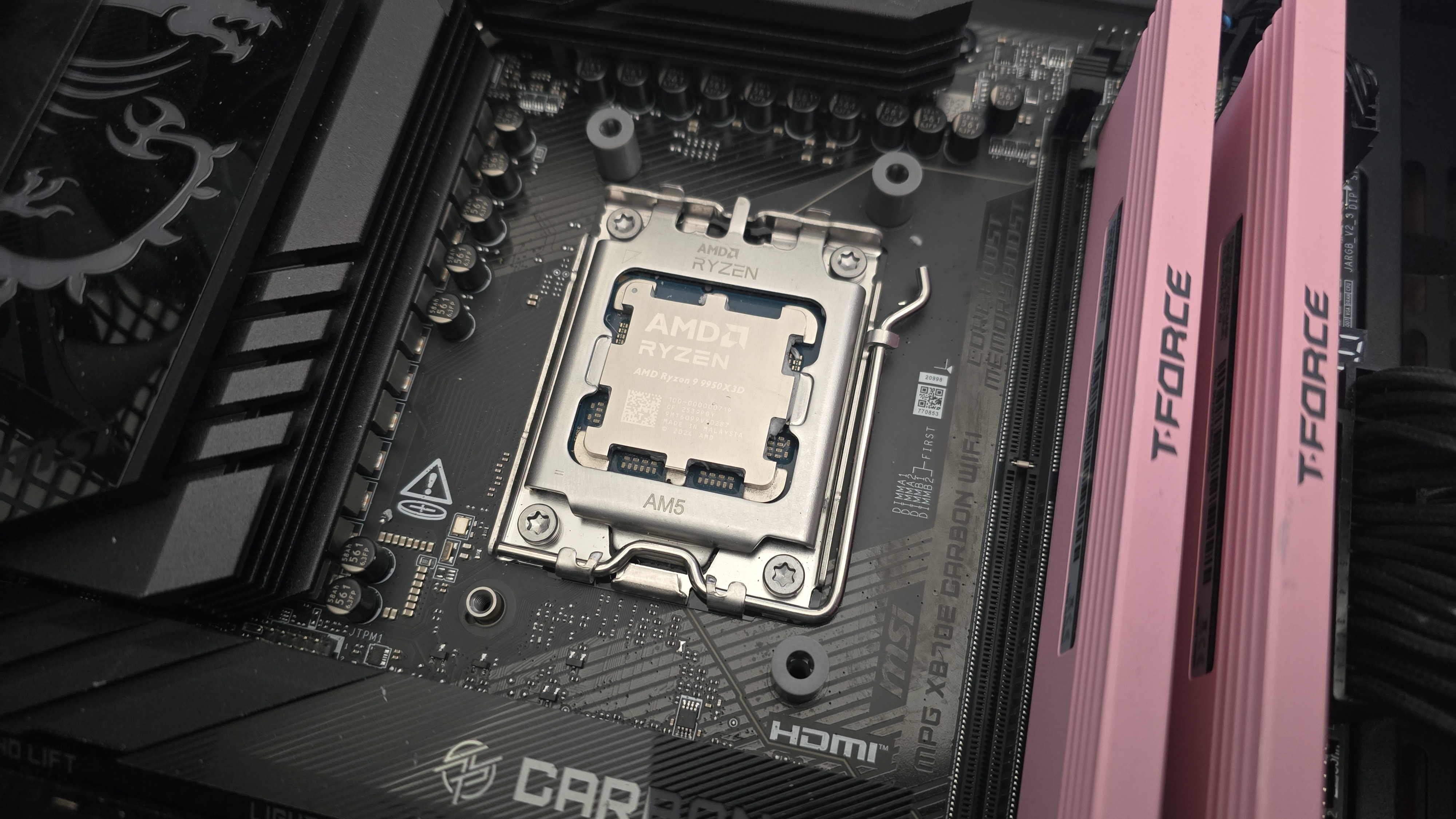
Afterwards, take the mounting bars and secure them with the included screws and screwdriver.
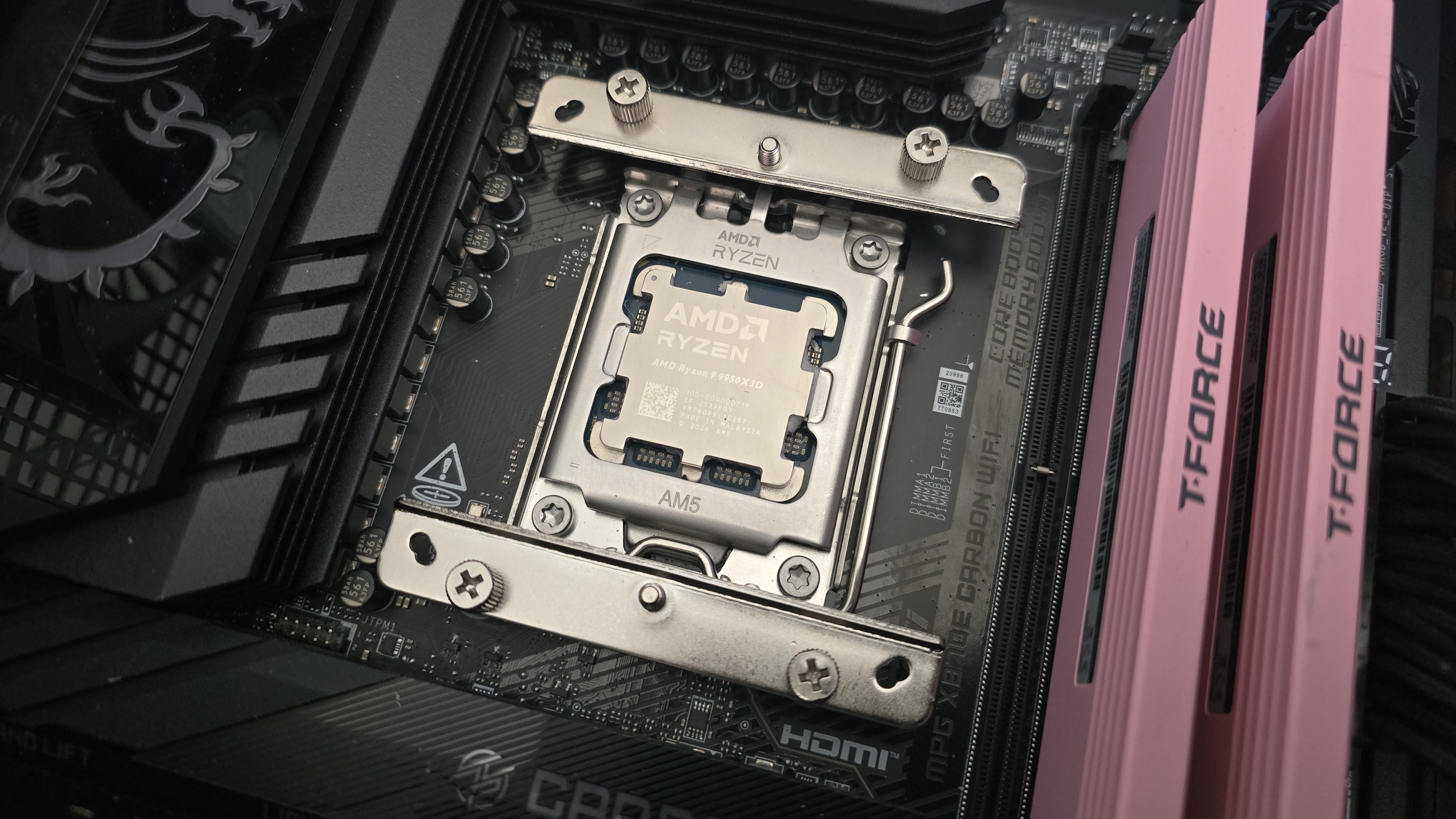
It’s time to apply the thermal compound. If you’re not sure how to do that, we have a handy thermal paste application guide that covers the best methods you can use.
After thermal paste is applied, take the CPU block and press it against the mounting bars, using the built-in screws and screwdriver to secure it in place.
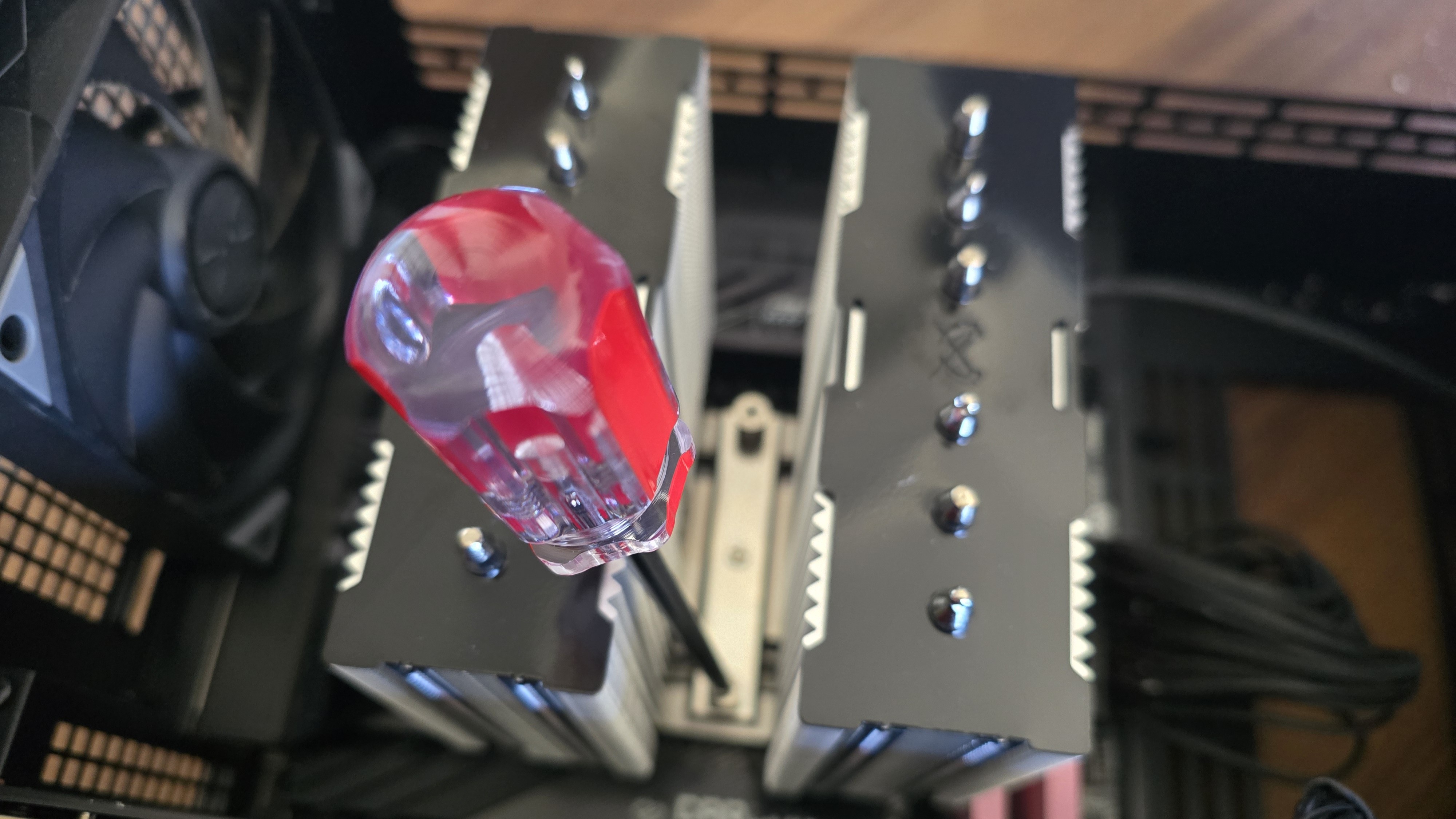
Finally, you’ll want to attach both fans using the clips included with the cooler and connect them to the motherboard’s PWM header. If you have tall system RAM, I advise moving the front fan and placing it in the rear for best thermal performance.
Real-world testing configuration on AMD’s AM5 platform
We’ve tested coolers with both the Ryzen 9950X3D and its non-V-Cache sibling, the 9950X. There are some differences in how the 9950X and 9950X3D CPUs are impacted by thermal events. While the heat output of the CCDs of AMD’s 9950X3D is relatively balanced, the 9950X I used has one CCD that runs much hotter than the other, with a difference of over 10 degrees Celsius in some scenarios, shown below.
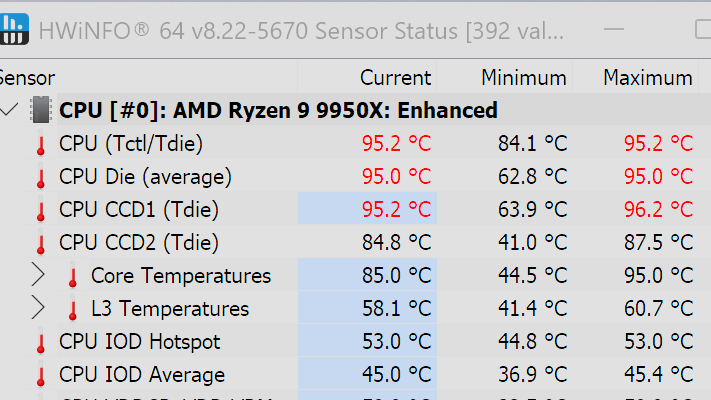
We’ve since returned to using a 9950X3D for cooler testing, as it has a more balanced heat profile, and is almost certainly a more widely adopted CPU. The benchmark results shared in these reviews may differ from others because I emphasize results that are comparable to real-world use. This means I generally test CPU coolers inside of a closed desktop case, which increases cooling difficulty compared to other testing methods.
Many reviewers test coolers on open test benches, which have a combination of lesser airflow needs and lowered ambient temperatures. This results in making weak coolers appear stronger than they really are. Some publications have also used generic thermal plates to test cooling solutions. I reject both of these methods because they don’t accurately reflect real-world cooler conditions.
Swipe to scroll horizontally
CPU |
AMD Ryzen 9 9950X3D |
GPU |
MSI Ventus 3X RTX 4070Ti Super |
RAM |
TeamGroup Diamond Rose T-Force Xtreem DDR5-7200 |
Motherboard |
MSI X870E Carbon Wifi |
Case |
Tryx FLOVA F50 |
Our latest testing setup uses the FLOVA F50 computer case from Tryx.
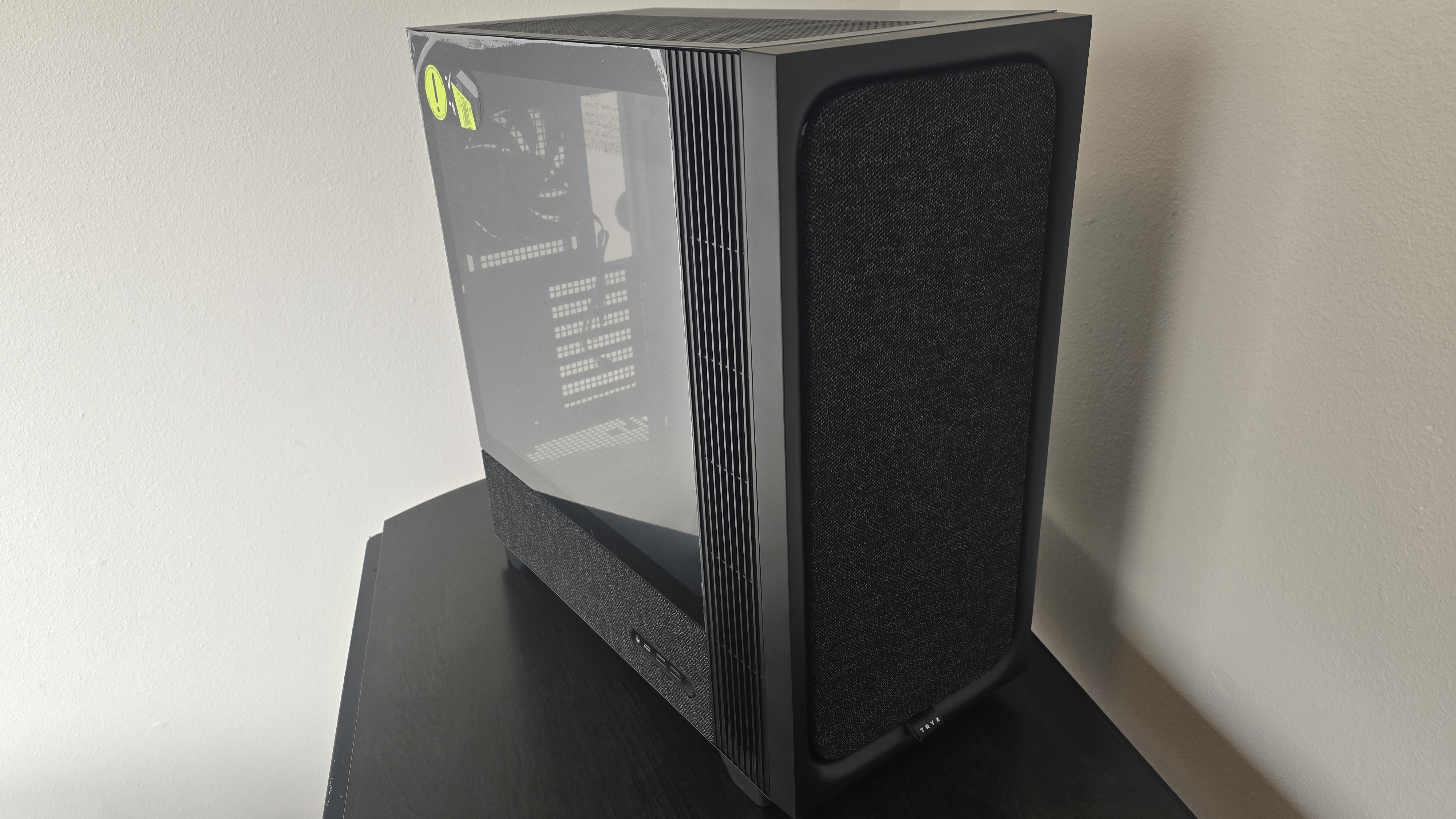
This case features a unique “crossflow” fan that pulls air from the side, which the company claims is more effective than traditional intake fans. For air cooling tests, we’ve added a single Noctua NF-A12 G2 intake fan.







 English (US) ·