
 4 weeks ago
35
4 weeks ago
35

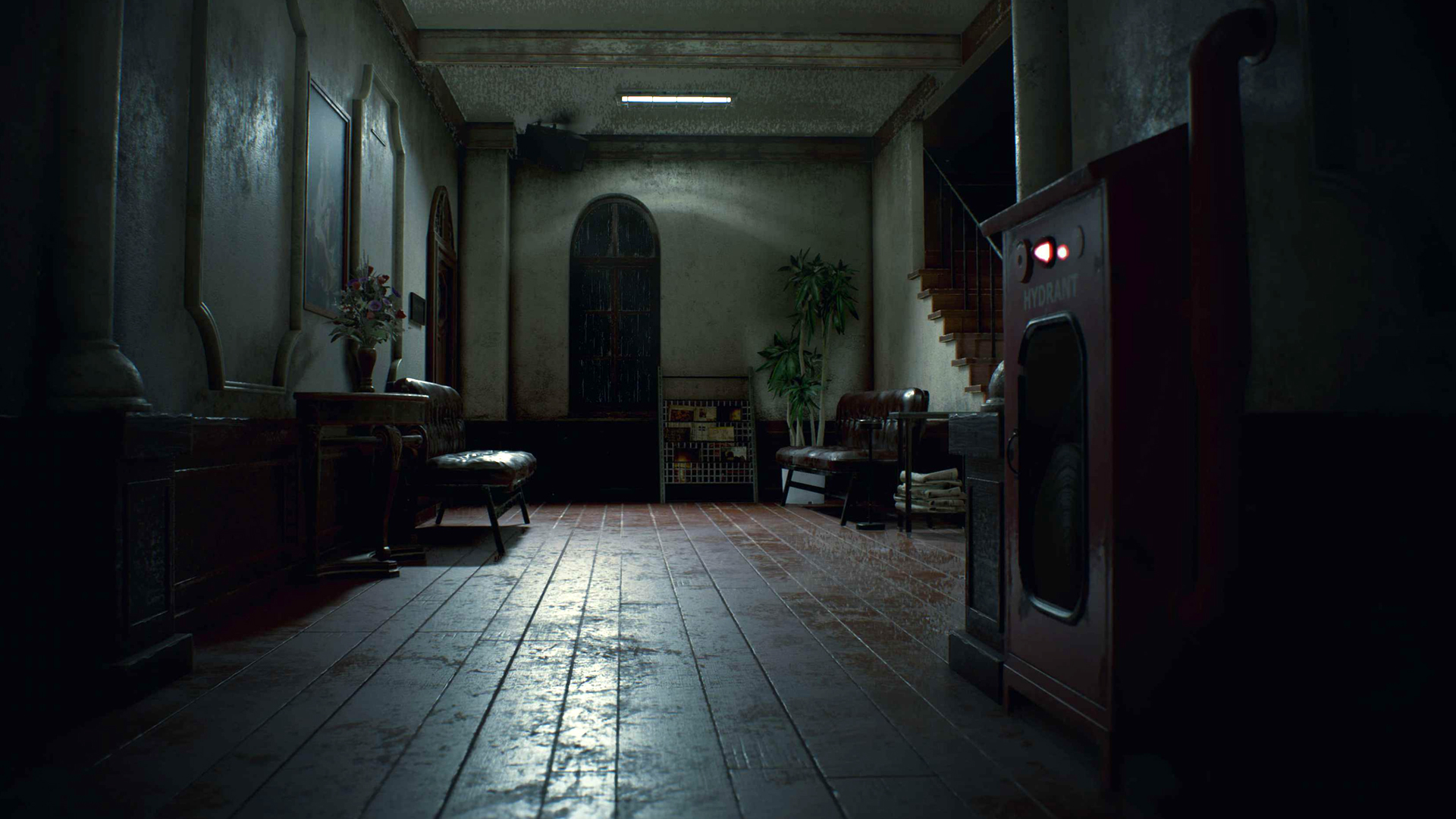
Resident Evil 2 Remake had the tough job of living up to the highest of expectations when it released in 2019, and outside the fixed camera purists there aren't many people who'd say Capcom failed to deliver. It's still the tense, eerie journey through the RPD and beyond that we all remember, but Leon and Claire's surroundings have received one heck of a visual upgrade, which we now get the see from an over-the-shoulder perspective.
In our Resident Evil 2 Remake review, Andy Kelly called it a superb reimagining of a survival horror classic that somehow made zombies exciting again. It was also named our best 2019 remake, with Wes Fenlon mentioning it "managed to retain the low-level anxiety and occasional bursts of terror that early Resident Evil excelled at," and Andy coming back for an encore to say that the remake "takes the essence of the 1998 original and transforms it into a fresh and excitingly modern game."
Quick details on Resident Evil 2 Remake
- Release date: January 25, 2019
- Developer: Capcom
- Publisher: Capcom
- Players: Singleplayer
RE2 Remake weapons
RE2 Remake codes and collectibles
RE2 Remake Mods

RE2 Remake: Things you should know
If you've never played the remake before, or it's been a hot minute since you've ran away from Mr X down the zombie-infested hallways of the RPD, then make sure you follow these handy Resident Evil Remake 2 tips for a smoother journey.
Ammo isn't as plentiful as you think, so save it

When you first start exploring the Raccoon City Police Department building, you'll quickly start to stockpile more ammo than you need in the moment. Having so many bullets to spare will make you want to take out every enemy you encounter, but that would be a huge mistake.
There's a finite amount of ammo to be found in the police station, and zombies have randomised health that means they can sometimes take up to six or more shots to go down. If you're not careful, you'll eventually find yourself running dry on all your weapons. That can make the second half of the police station a very difficult situation, so don't get cocky in the first hour or two. Save your bullets for when you absolutely have to use them.
Use the map and understand how it works
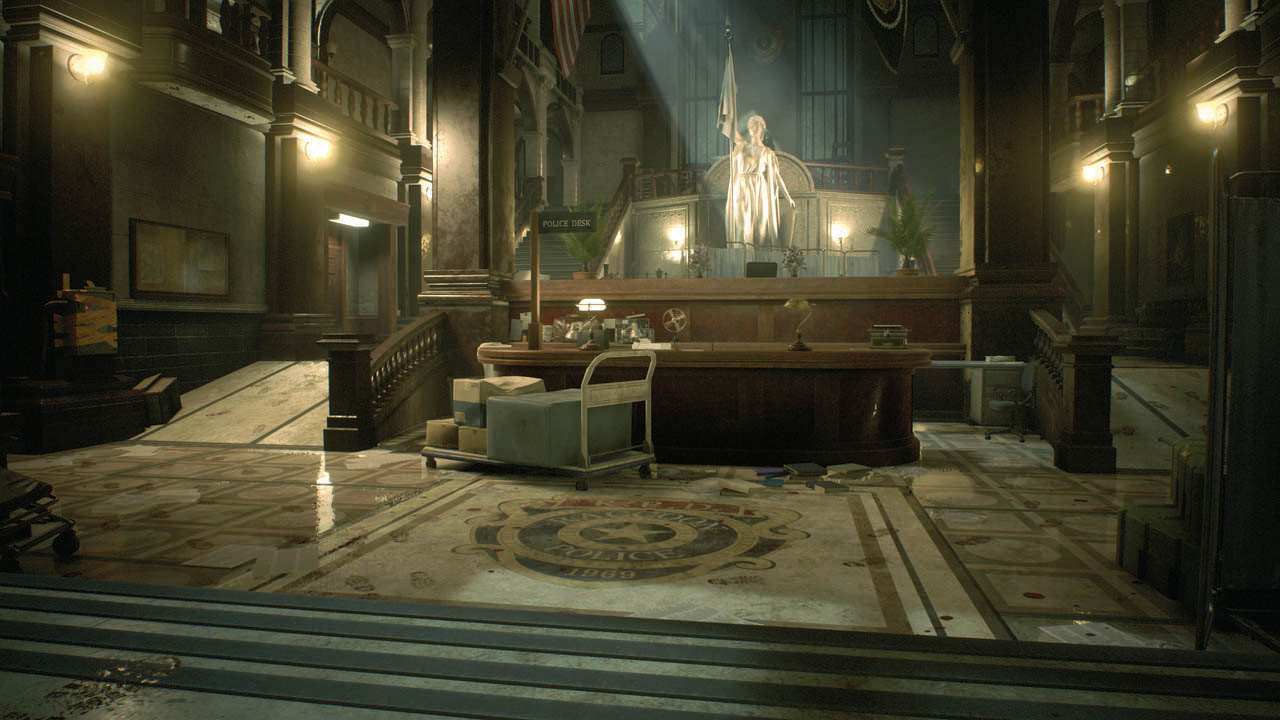
After a few hours spent in the remake's different locations, you'll quickly start to build a mental map of the rooms and adjoining hallways. But learn to reference your map frequently. For one, items you walk close to are automatically highlighted on the map, which is helpful if you're running from an enemy and miss that green herb tucked away on a shelf.
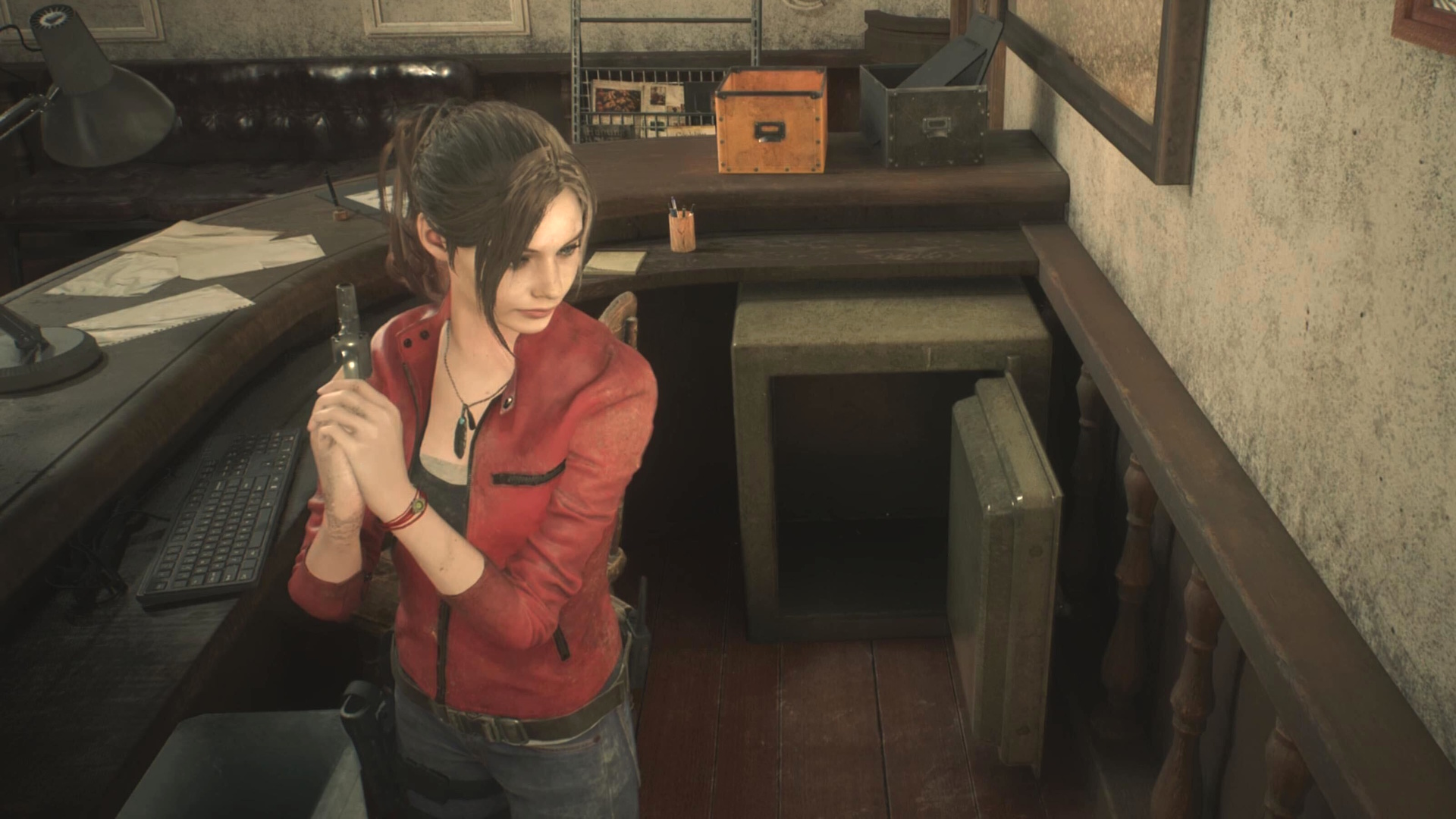
Another useful feature is that rooms are color coded to tell you whether you've found every item and completed every puzzle within them. If a room is blue, you can move on. But if the room is red (and you've already grabbed every item), there's a puzzle there that you can still solve, or a locker to open.
Mr X is attracted to gunfire
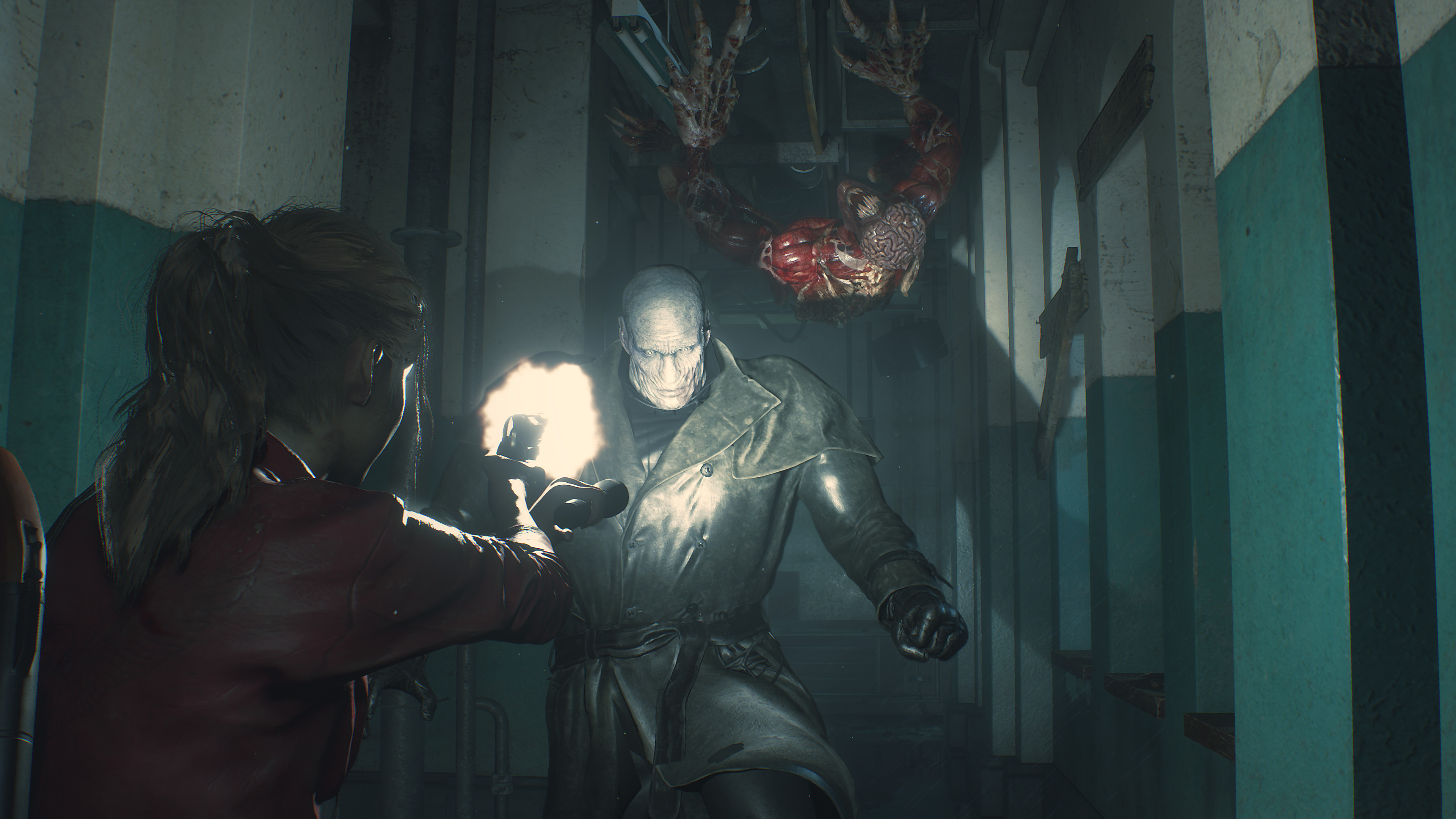
At certain points of the game, Leon and Claire are hunted by the mysterious Tyrant, or Mr. X as he's often referred to. This hulking great mutant is an unstoppable force, literally, and will shrug off gunfire and explosive damage alike. So your only option is to run away, weaving in and out of rooms to get around him. But one thing the game doesn't tell you is that the Tyrant will head towards any gunfire he hears. So if you're shooting at zombies, he'll start heading in your direction. If you are ever cornered by him, a thrown flashbang grenade will blind him for a few precious seconds.
Always keep a counter weapon on you
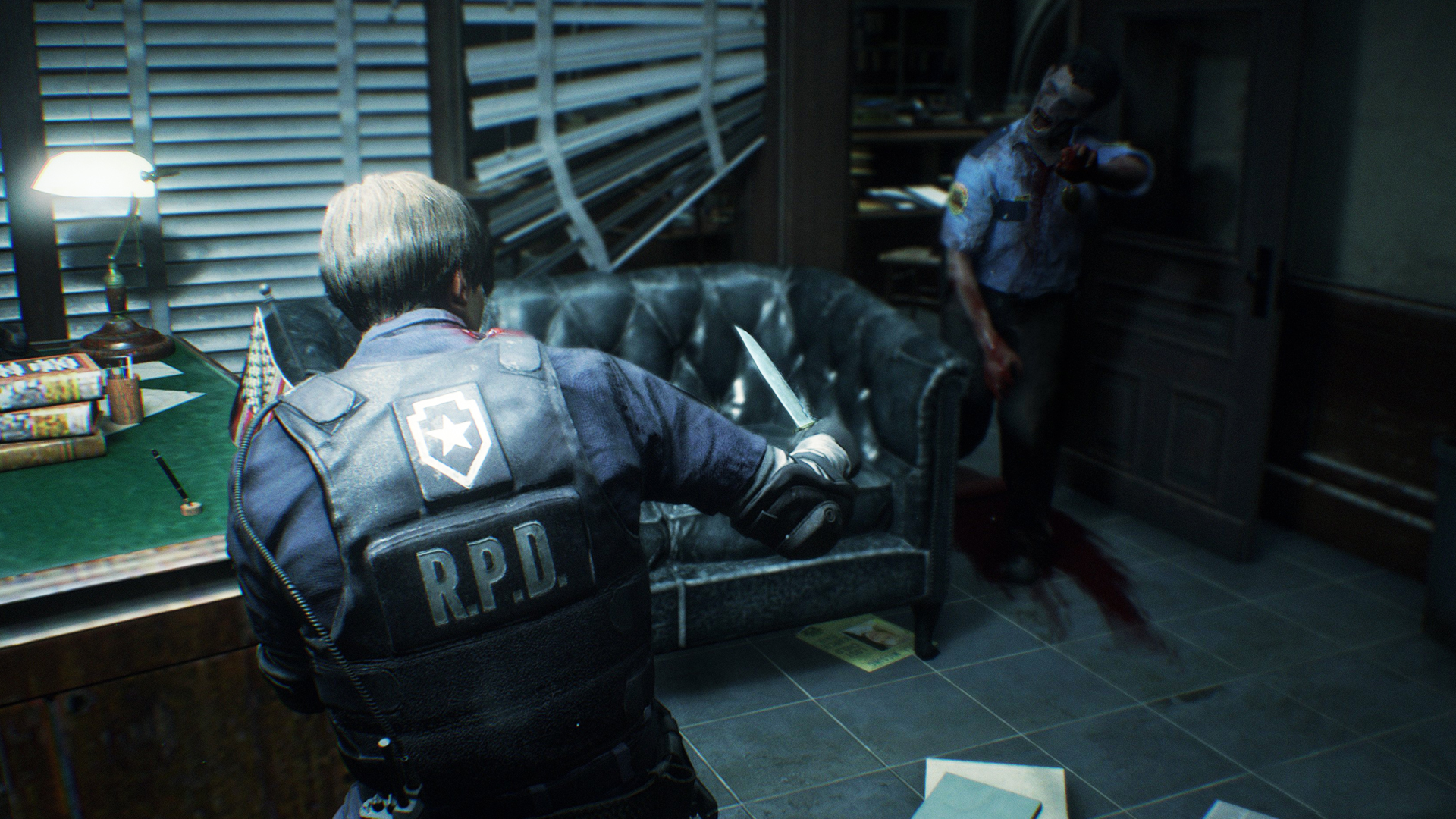
I've lost count of the number of times counter-weapons have saved my life. If an enemy grabs you and your health is low, chances are you'll die helplessly. But if you have a combat knife, a flashbang, or a grenade in your inventory, you'll be able to counter their attack and break free.
Shove a grenade in their mouth and it'll explode after a few seconds; or you can shoot it for an early detonation. And if you kill the zombie you stabbed with your knife you can retrieve it; although the knife will be damaged and eventually break. Later in the game there are enemies that can kill you instantly if they grab you, so always keep a grenade or knife handy to counteract this.
Don't destroy items to clear up space
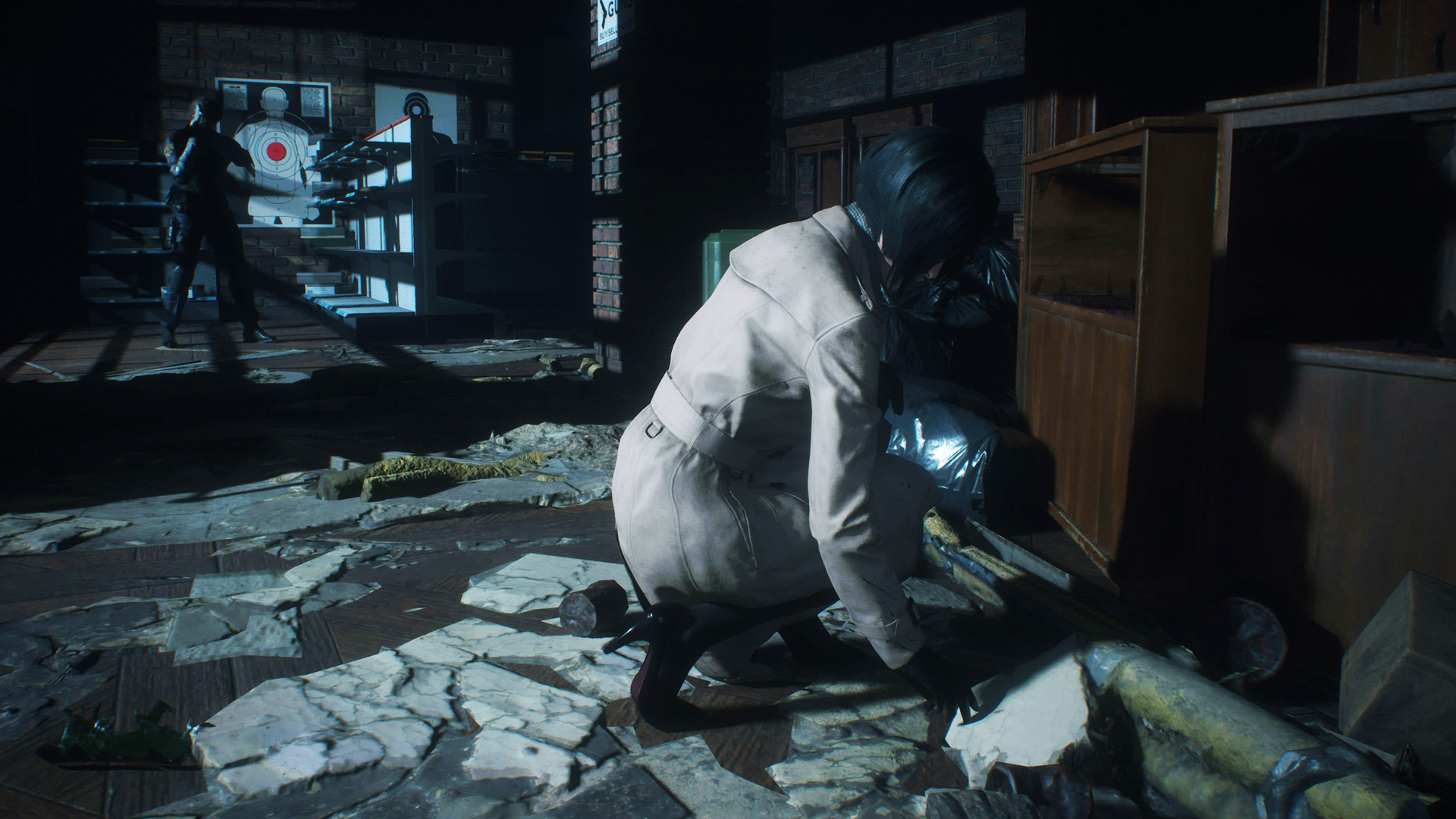
Inventory space is very limited early on, which can be a headache when you don't have any space for that special key you need or that bit of ammo. Because you can't put stuff down once you've picked it up, you might be tempted to destroy unused items, like wooden boards or counter-weapons such as flashbang grenades, but that's a big mistake. Resident Evil 2 is tough, and you're going to want to use everything to your advantage.
If you don't have the space for an item, you're better off making the trip back to a safe area and storing unwanted goods in your item box and then doubling back to pick it up rather than destroying something. Key items that have served their purpose get a red tick, which indicates you can safely destroy them.
Boarding up windows is actually super useful
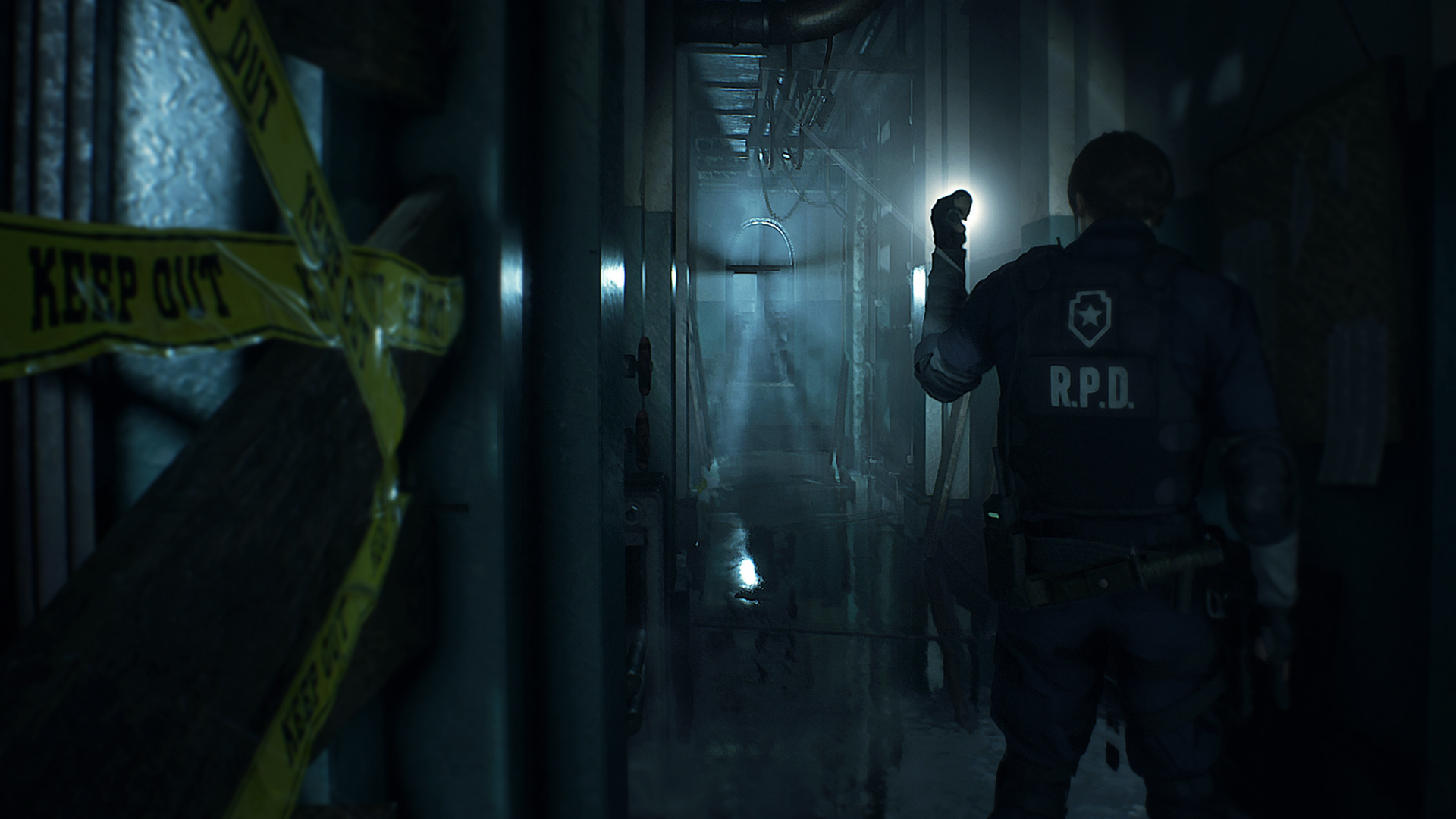
Zombies from outside will continually wander inside through broken windows, so it's better to take the time to use every board and block off broken windows to keep that from happening. Otherwise, certain sections of the police station can become crowded with zombies that are nearly impossible to avoid. Broken windows that can be boarded up are marked on the map as a small white rectangle.
Examine everything you pick up
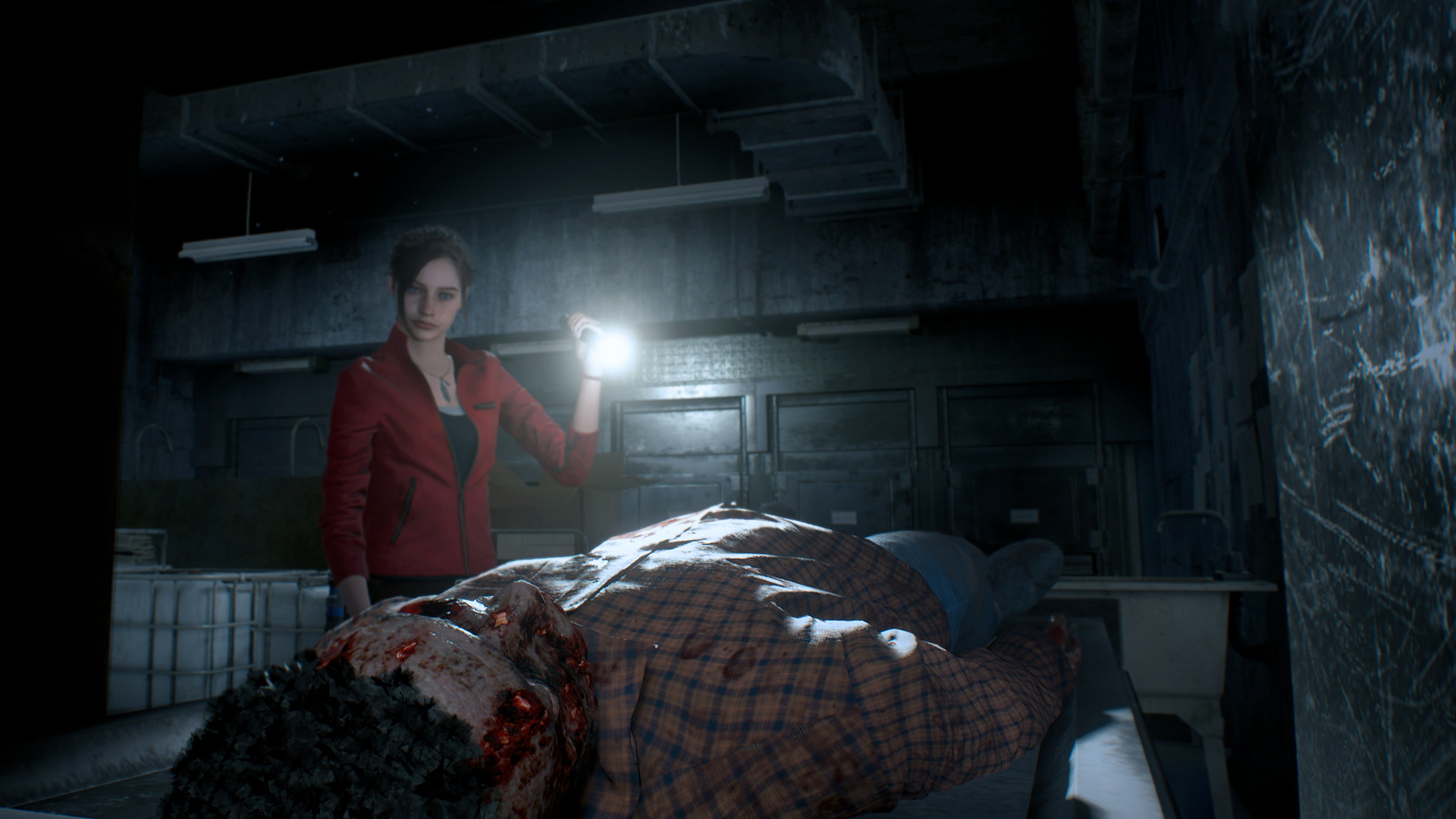
Veteran Resident Evil players will know that when you pick something up, the first thing you should always do is examine it. Click on the item in your inventory and hit "examine" and you'll be able to spin its 3D model around. Not only will this give you more information about said item, such as specifying which door a key opens, but there are hidden secrets to uncover too. Twirl the object around and if you see an interaction point, that means there's something you can activate.
Don't ignore all those safes and lockers
Scattered throughout the game are safes and lockers, which are helpfully marked on the map when you discover them. You might not think finding the hidden code to unlock them is worth the hassle, but in almost every instance the items within are enormously useful. It might be some priceless magnum ammo for the Lightning Hawk, or weapon parts to upgrade your guns. So before you leave a location behind, make sure you've opened all these valuable treasure caches.






 English (US) ·