
 4 weeks ago
31
4 weeks ago
31
MSI’s Tomahawk line of motherboards has been around for several generations and is a staple in the budget motherboard segment. The latest and greatest in the line so far, the B850 Tomahawk Max Wifi II, differs from the original by adding more M.2 storage, a full-length PCIe slot, and native support for the recently released Ryzen 7 9850X3D. Like many refreshed boards, the Max Wifi II also includes a larger 64MB BIOS ROM (but no auto install of Wi-Fi drivers), and this one receives the OC Engine chip for overclocking BCLK independently of other clock domains. Aesthetically, it’s a bit more subdued than even the Max Wifi, losing the highlighter-yellow accents and going for an almost all-black look. There isn’t a whole lot that has changed, but the board has improved; we’ll cover all the details below.
Priced at $269.99, the Tomahawk Max Wifi II costs more than the Max ($209.99 at Newegg - now slightly discounted from $229.99 MSRP), but does add some new features and styling. For the money, you now get four M.2 sockets (2x PCIe 5.0) and four SATA ports, fast networking with 5 GbE and Wi-Fi 7, a mid-range current-gen audio solution, capable power delivery, and an updated (now stealthy) design that gives off more premium vibes than the previous versions with the splash of flashy colors. You also get a couple of EZ DIY features (EZ M.2 installation, EZ PCIe release, EZ button), and AI features (AI Engine, LAN Manager, Frozr AI Cooling, and AI Boost that overclocks the NPU - if your CPU has one) with this full-featured budget offering.
Performance with the latest BIOS and AGESA (v. 7E62v5A20/1.3.0.0 in this case) was average overall, performing well across a wide variety of activities, including rendering, office work, and, of course, gaming. In short, performance isn’t a concern. The board happily ran our Ryzen 9 9900X and RTX 4080 combo without signs of any issues.
Below, we’ll examine the board's performance and other features to determine whether it deserves a spot on our list of the
best otherboards. But before we share test results and discuss details, here are the specifications from MSI’s website.
Specifications of the Tomahawk Max Wifi II
Swipe to scroll horizontally
Socket | AM5 (LGA 1718) |
Chipset | B850 |
Form Factor | ATX |
Voltage Regulator | 17 Phase (14x 80A SPS MOSFETs for Vcore) |
Video Ports | (1) HDMI (v2.1) |
USB Ports | (3) USB 3.2 Gen 2 (10 Gbps Type-C (1) USB 3.2 Gen 1 (5 Gbps) |
Network Jacks | (1) 5 GbE |
Audio Jacks | (2) Analog + SPDIF |
Legacy Ports/Jacks | ✗ |
Other Ports/Jack | ✗ |
PCIe x16 | (1) v5.0 (x16) |
PCIe x8 | ✗ |
PCIe x4 | ✗ |
PCIe x1 | ✗ |
CrossFire/SLI | ✗ |
DIMM Slots | (4) DDR5-8400(OC), 256GB Capacity • 1DPC 2R Max speed up to 6400+ MT/s • 2DPC 1R Max speed up to 6400+ MT/s • 2DPC 2R Max speed up to 6400+ MT/s |
M.2 Sockets | (2) PCIe 5.0 x4 (128 Gbps) / PCIe (up to 110mm) |
SATA Ports | (4) SATA3 6 Gbps |
USB Headers | (1) USB v3.2 Gen 2x2 (20 Gbps) Type-C |
Fan/Pump Headers | (8) 4-Pin (Accepts PWM and DC) |
RGB Headers | (3) 3-pin ARGB headers |
Diagnostics Panel | (1) EZ Debug LED |
Internal Button/Switch | ✗ |
SATA Controllers | ASMedia ASM1064 |
Ethernet Controller(s) | (1) Realtek 8126 (5 GbE) |
Wi-Fi / Bluetooth | Mediatek MT7927 Wi-Fi 7 - 320 MHz, 6 GHz, 5.8 GHz, BT 5.4 |
USB Controllers | Genesys Logic GL3532, GL850 |
HD Audio Codec | Realtek ALC4080 |
DDL/DTS | ✗ / ✗ |
Warranty | 3 Years |
Inside the Box
The B850 budget motherboard includes a few accessories to get you started, but the bundled bits are pretty sparse. You get the quick installation guide and stickers, along with a single SATA cable, three EZ M.2 Clips II, an EZ M.2 Clip II remover, the EZ Wi-Fi antenna, and a 1 to 3 EZ Conn-Cable (V2). It’s not much, but is about what's expected for the budget tier.
Design of the Tomahawk Max Wifi II
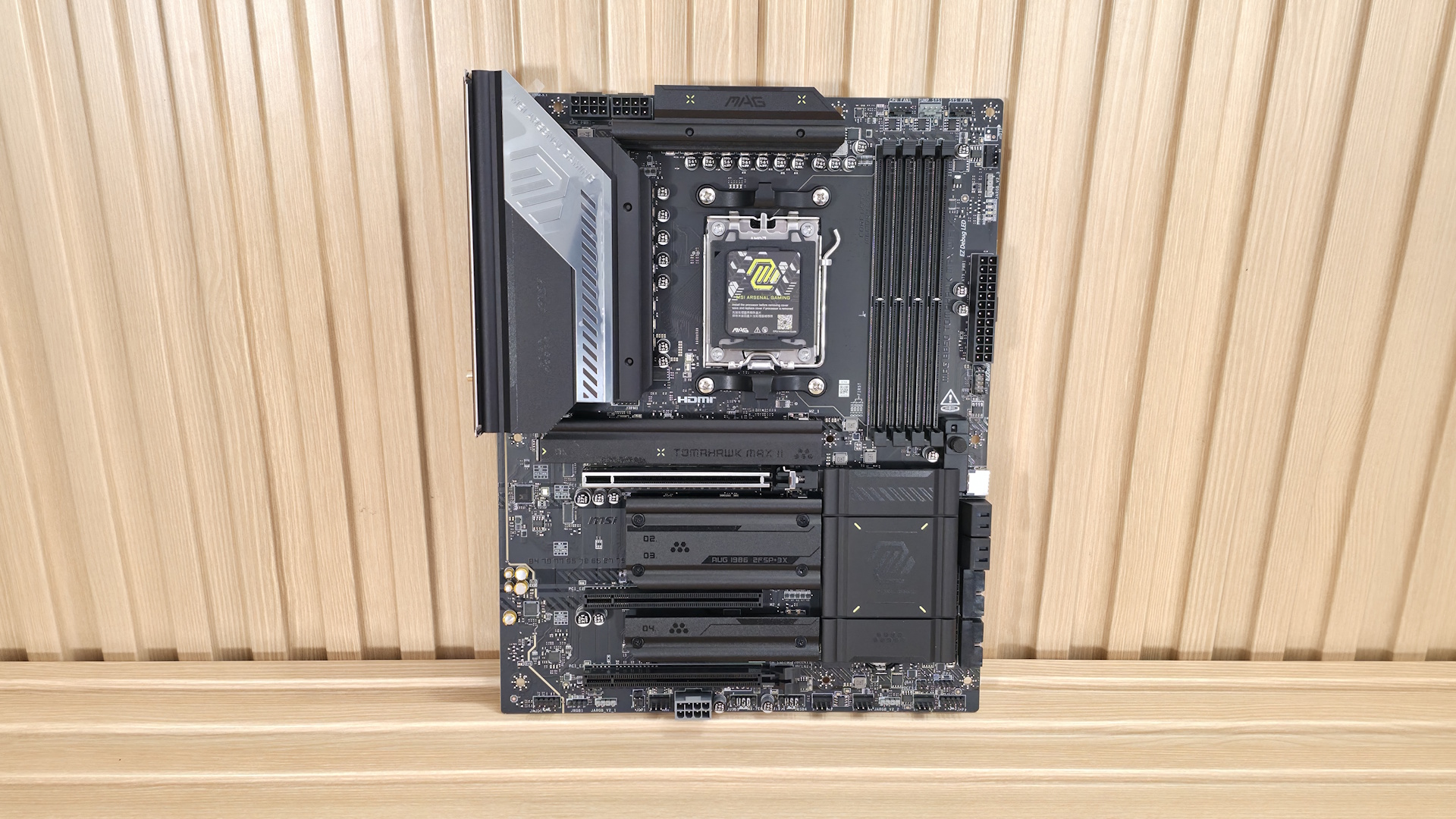
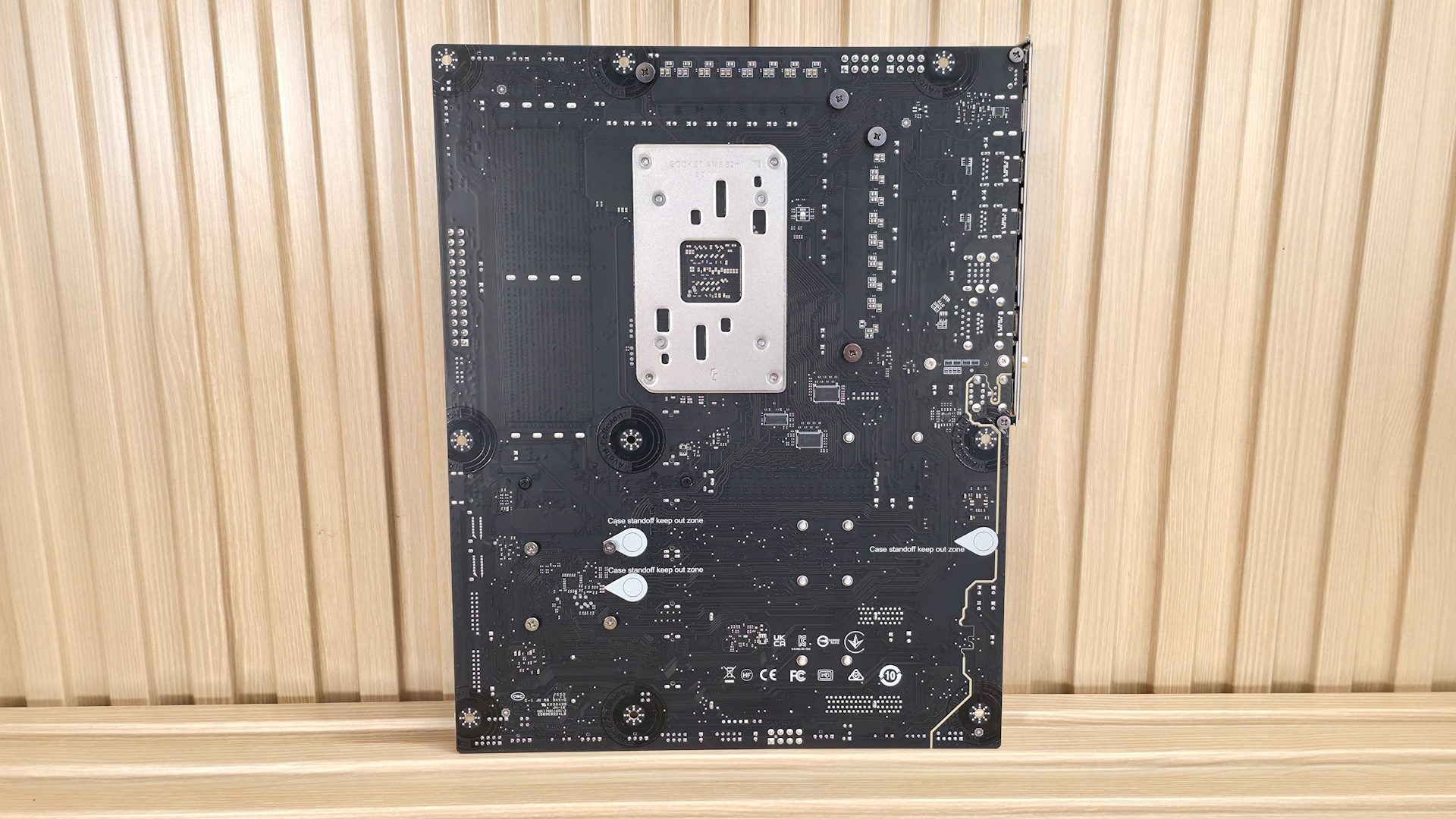
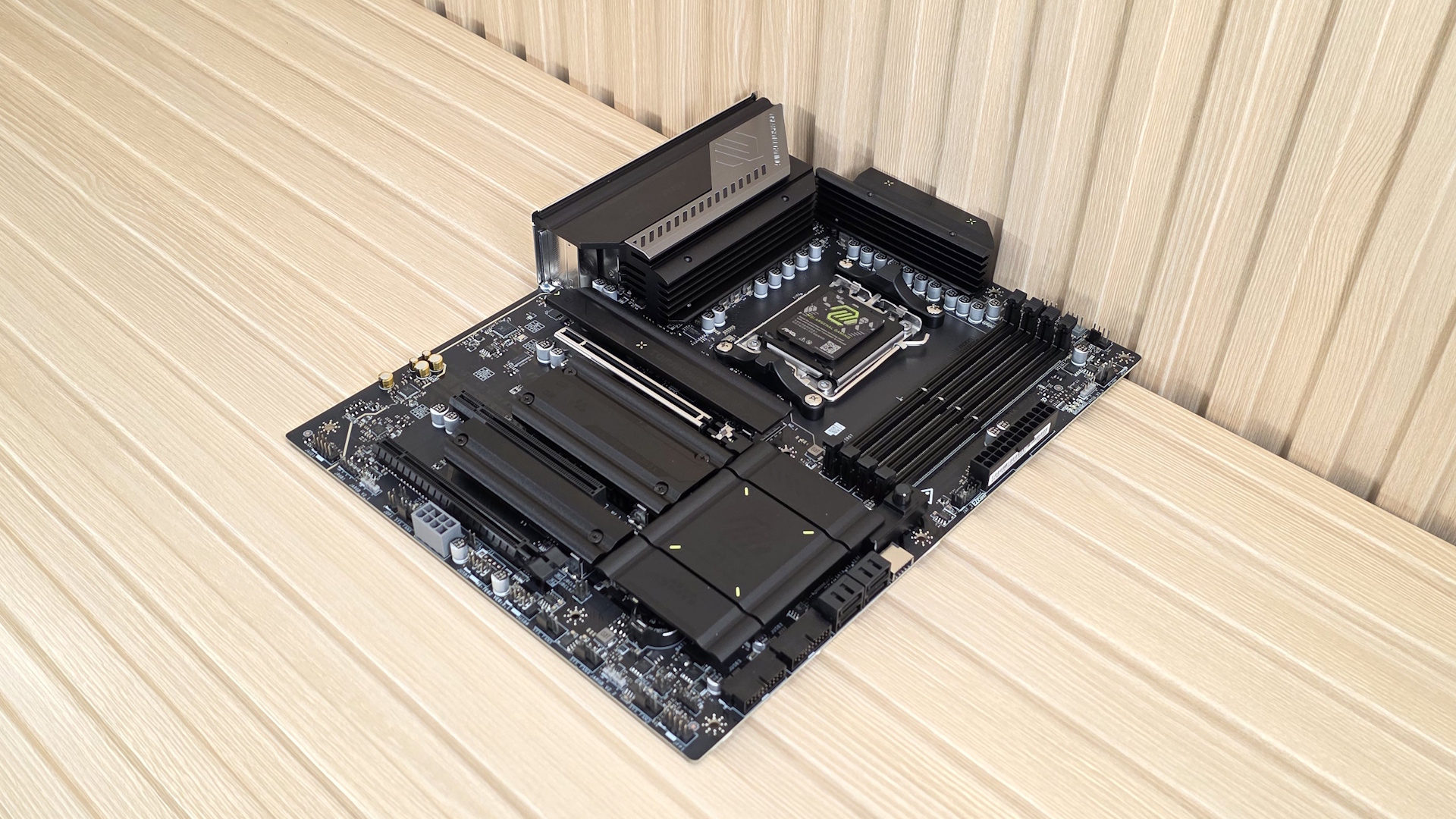
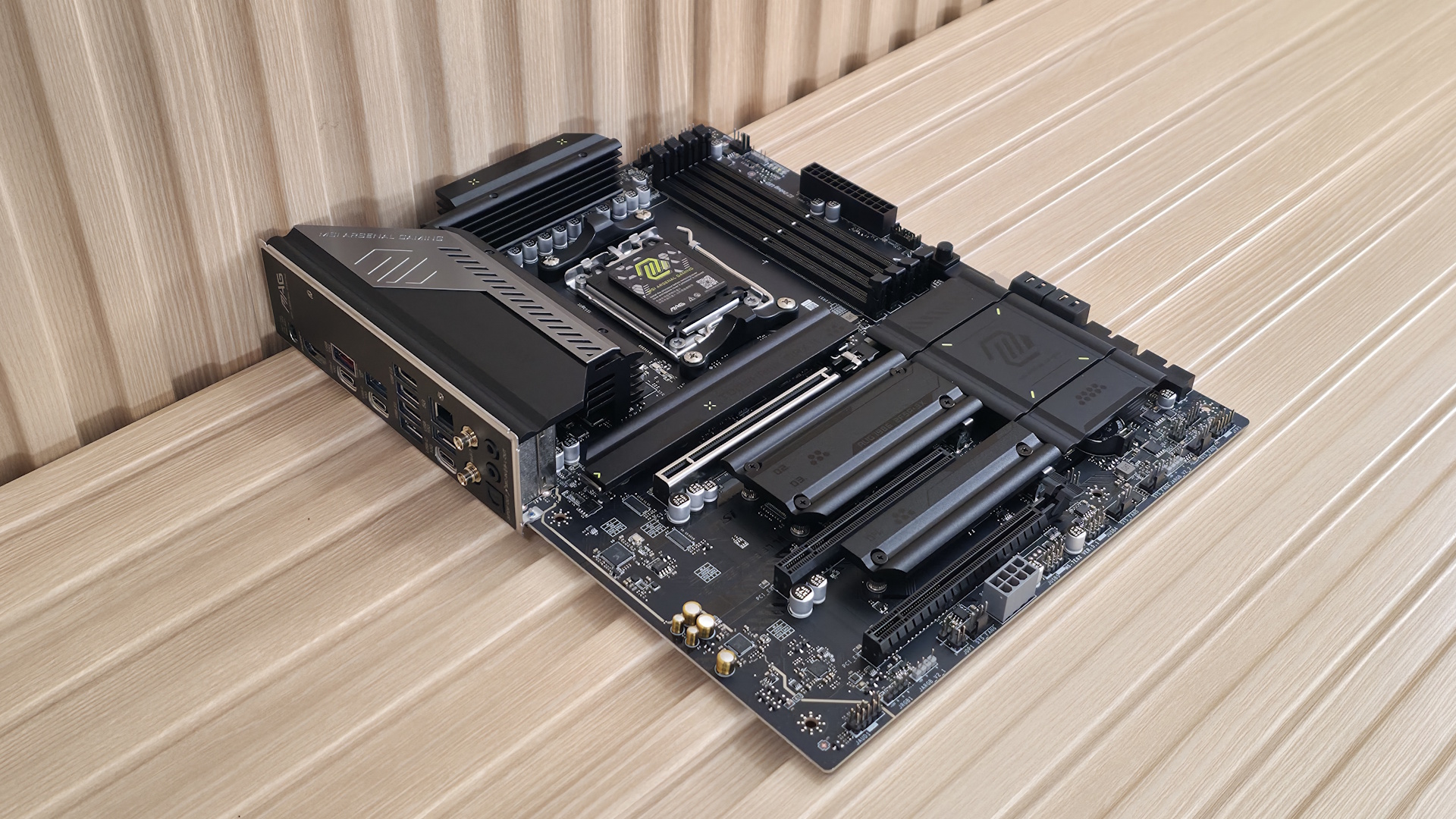
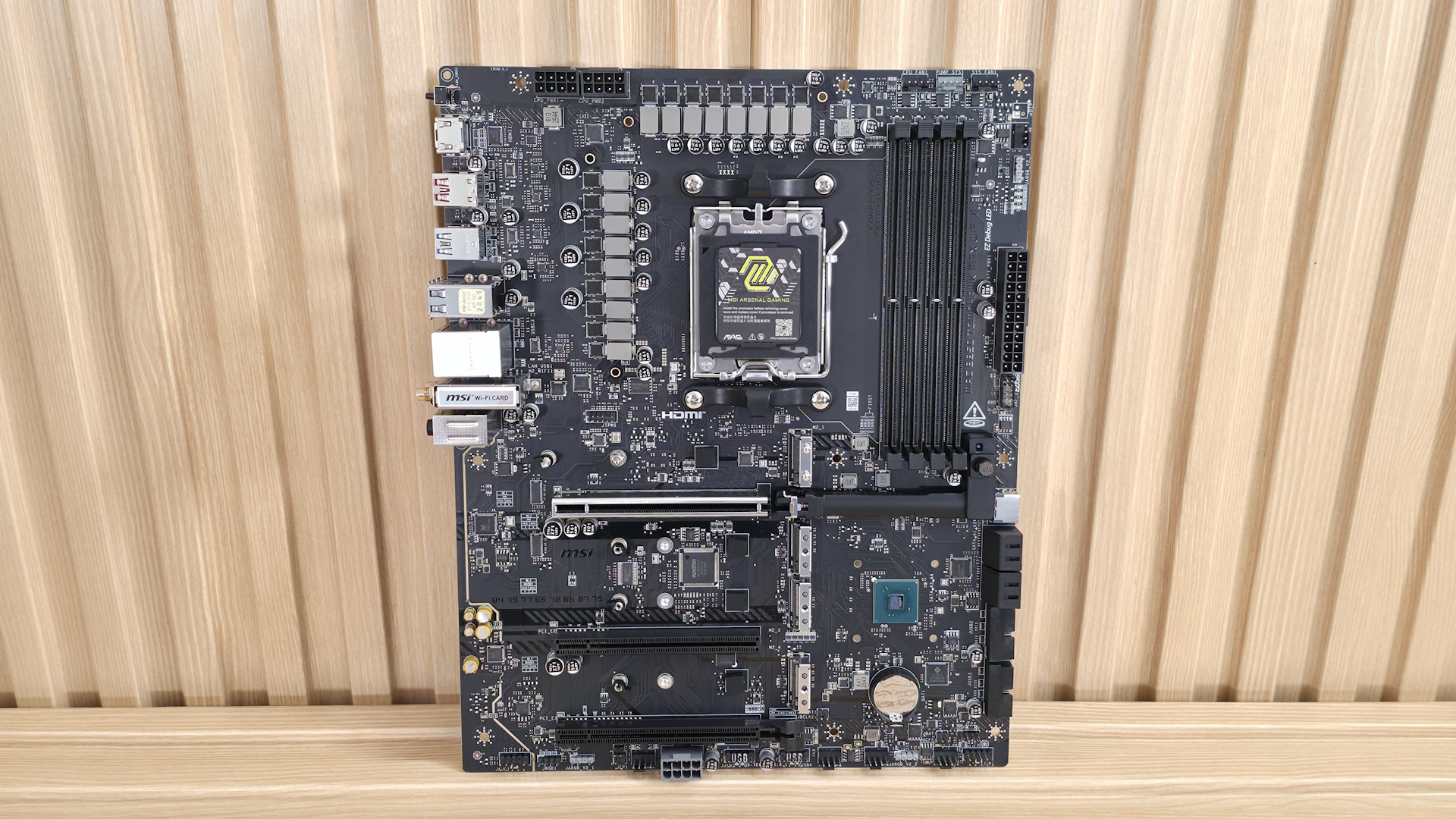
The Tomahawk Max Wifi II looks remarkably similar to the original Max. The only significant difference is that MIS removed the bright yellow-green accents and made most of them black (only four tiny lines on the chipset heatsink retain that color). The VRM heatsinks are now both black as well. The large heatsinks are not connected, unlike higher-priced boards, but they still do a good job cooling the VRMs below. All the branding is in the same place, but the change to black, for me at least, makes it the best-looking Tomahawk of this generation.
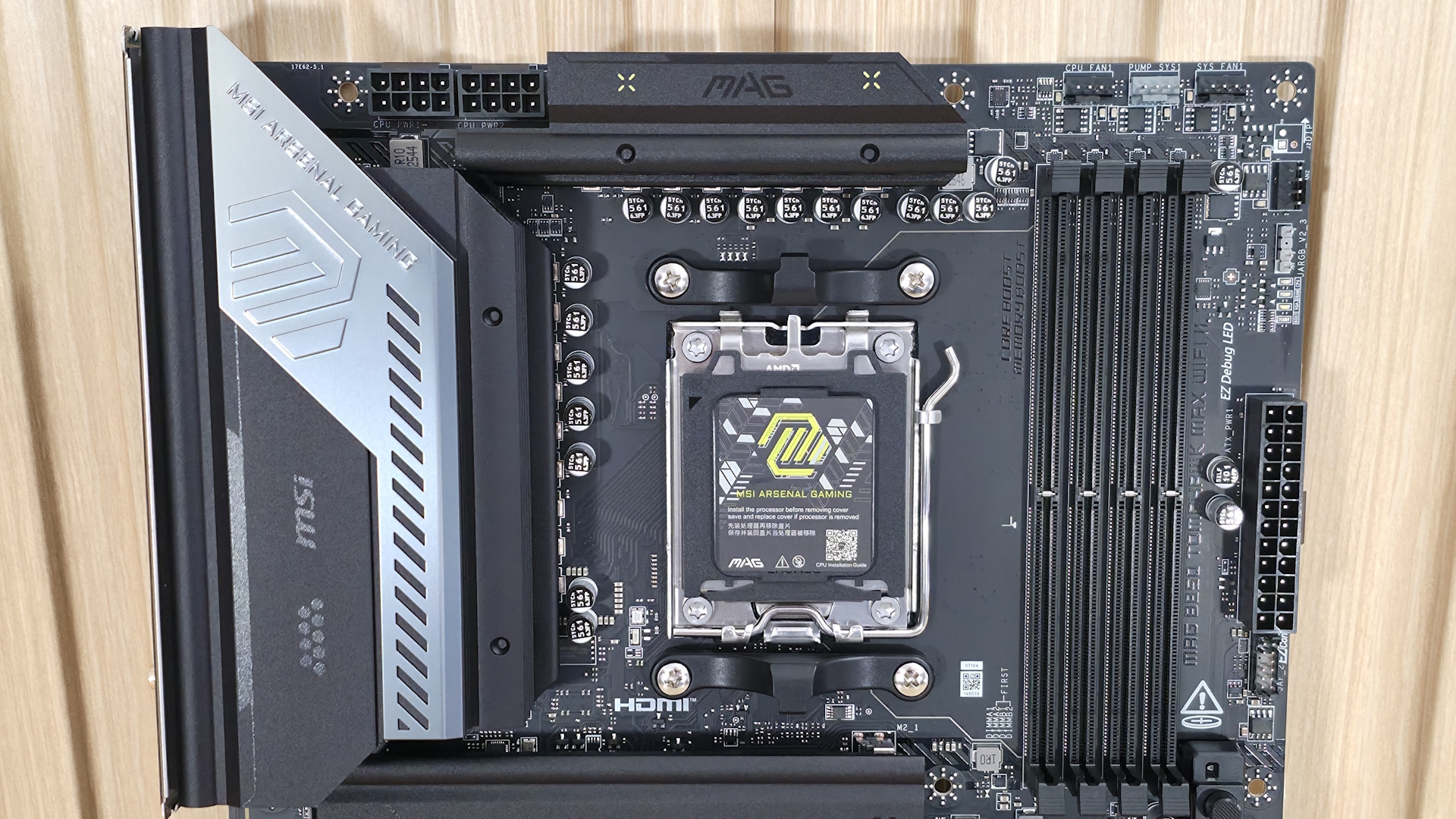
Zooming in on the top half, we get a clearer view of the extended and plated heatsinks (as MSI calls them) and the MSI MAG branding. There’s plenty of mass and surface area to effectively cool what’s below, no matter what supported processor you choose. Above the VRMs are two 8-pin EPS connectors (one required) to power the CPU.
Moving right and past the socket area, the next thing we see are four DRAM slots, with dual locking mechanisms to secure the RAM. MSI lists support for up to DDR5-8400 (likely with an APU; lower with a desktop-class processor), which is well past AMD’s sweet spot. As with most other boards we've tested on this platform, our DDR5-7200 kit worked without issue using the desktop-class CPU. With our recently acquired Ryzen 5 8600G APU, the board also happily ran our Klevv DDR5-8000 kit, proving that our desktop-class processor’s IMC was the issue with other boards not running this kit.
Just above the RAM slots are the first three (of eight) four-pin fan headers. Each header supports both PWM- and DC-controlled devices, with the output varying. The system fans are the lowest at 1A/12W; CPU_FAN1 is next at 2A/24W; and the PUMP-SYS1 header (defaults to PWM mode) is the highest at 3A/24W. This is plenty of power for most cooling systems. If you’re pushing the limits, be sure to connect the supplemental PCIe (6-pin) power to ensure the board can safely output all that juice at the same time.
Working our way down the right edge, we find another fan header and the first 3-pin ARGB header. MSI Control Center and the Mystic Light application control the integrated RGBs and those attached to the headers. Next is the EZ-debug LEDs (VGA, Boot, RAM, CPU) that light up during the POST process if there’s an issue, the 24-pin ATX power for the board, and the combo JAF_2 header that combines fan, USB, and RGB into one connector (EZ Conn-cable v2 included).
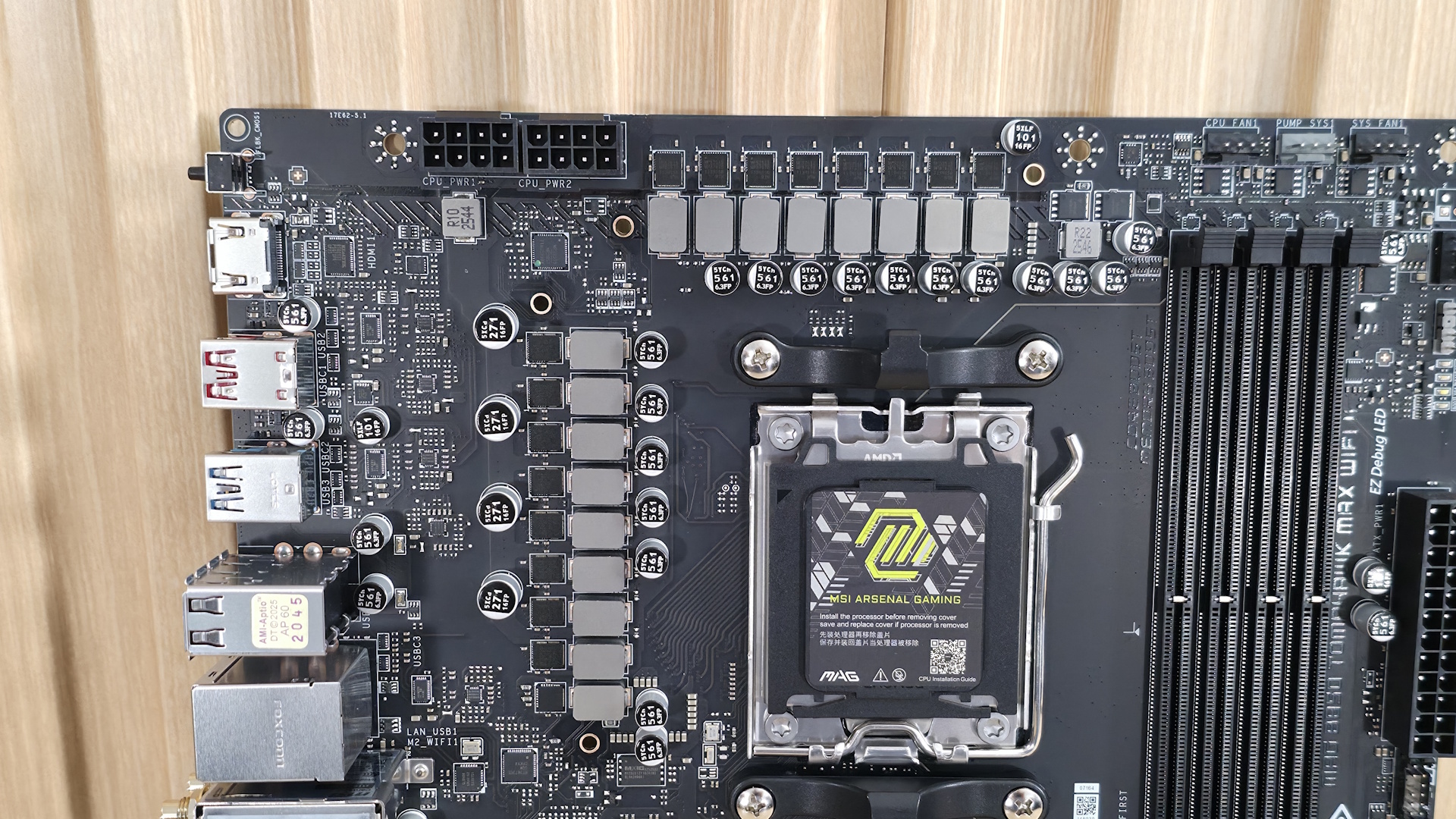
Power delivery on the B850 Tomahawk Max Wifi II consists of 17 total phases, with 14 dedicated to Vcore. Power heads from the 8-pin EPS connector(s) in the top-left corner, then to a Monolithic Power Systems MPS 2515 controller. From there, it moves to the 14 MPS2515 80A SPS MOSFETs. It’s a capable solution that will handle anything you throw at it, including the Ryzen 9 9950X or the purported Ryzen 9 9950X3D2.
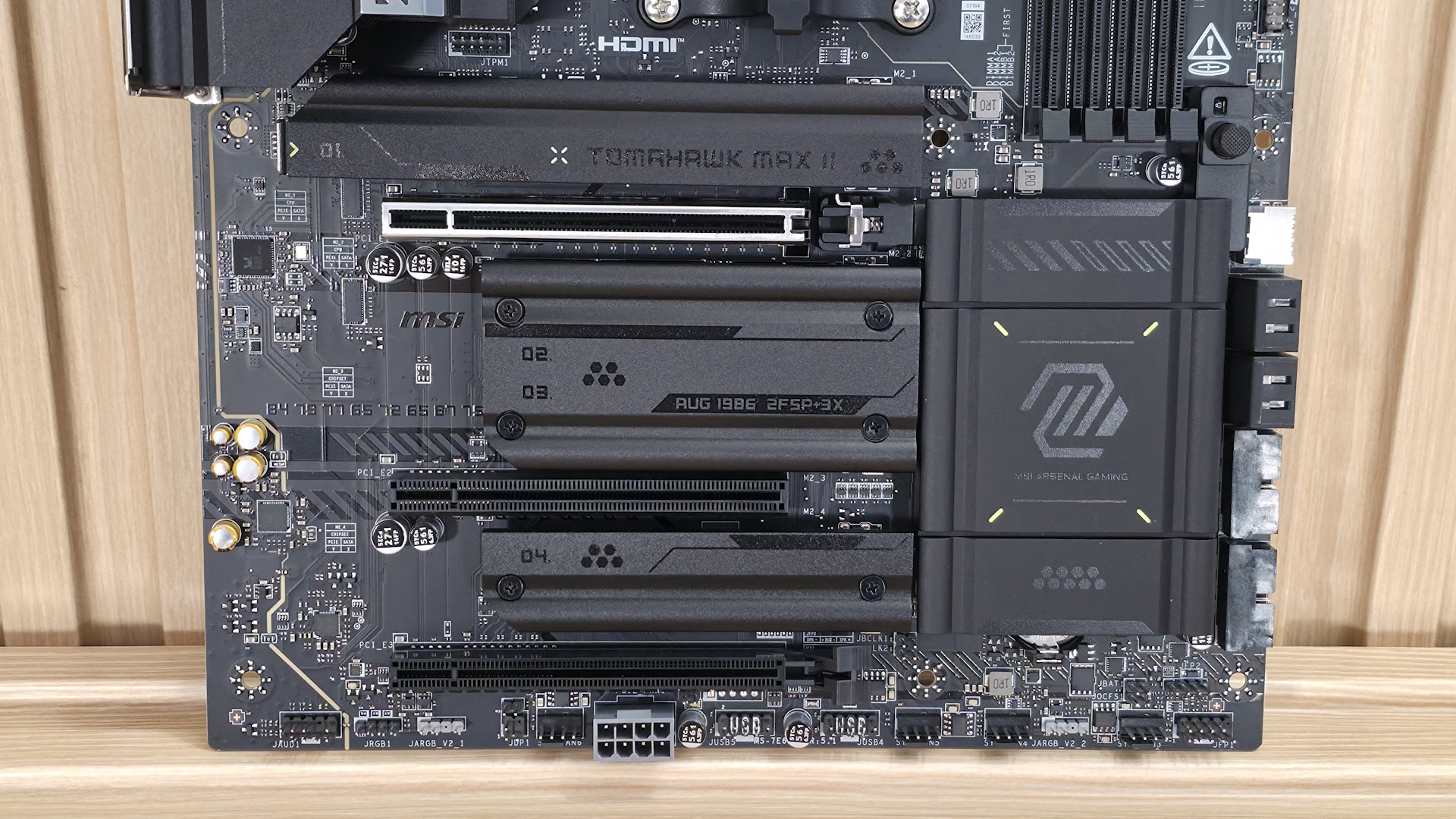
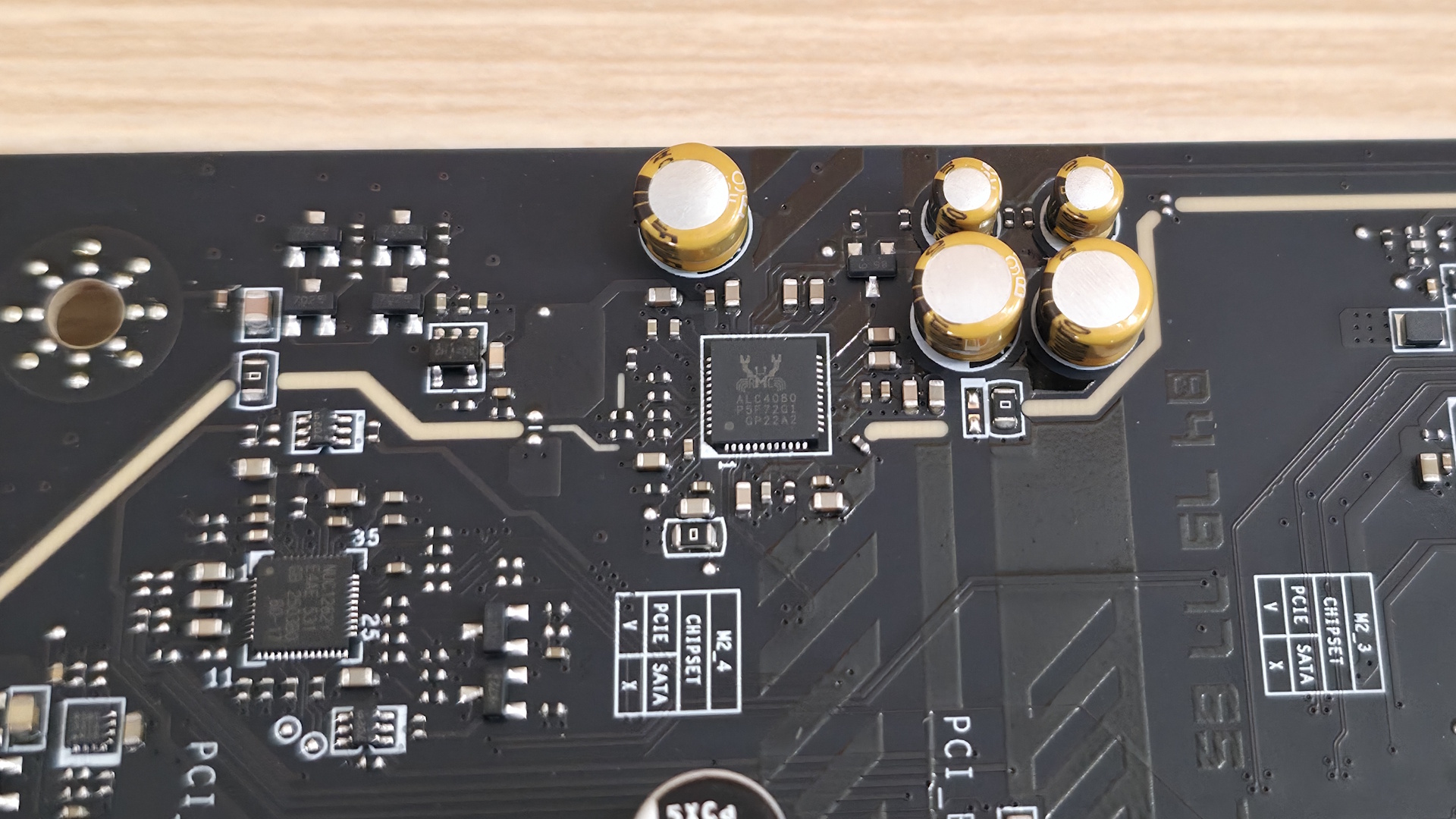
On the bottom half of the board, and hidden under a metal shroud labeled Audio Boost 5 on the left side, is the audio section. This board uses the mid-range Realtek ALC4080 codec, which is nice to see on a budget board. Often, companies will go last-gen or even down to the base ALC897 codec. You won’t find any fancy DAC/AMPs here, but the audio solution is sufficient for the vast majority of users.
In the middle are three full-length PCIe slots for graphics and expansion. The top slot, primarily for graphics cards, uses the EZ PCIe release button, connects through the CPU, and runs at PCIe 5.0 x16. The middle slot (PCI_E2) runs at a slower PCIe 3.0 x1, while the bottom slot PCI_E3 supports up to PCIe 4.0 x4. Note PCI_E3 will run at x2 speed when installing a device in M2_3. You can switch the slot to x4 in the BIOS, but this disables M2_3, so be aware if you plan on using the bottom slot.
Among the slots are four M.2 sockets (the original Tomahawk had three). The top two sockets, M.2_1/2, source their bandwidth from the CPU and run at up to PCIe 5.0 x4 (128 Gbps). M.2_1 supports larger 110mm modules, while M.2_2 supports 80mm. M.2_3/4 receive their bandwidth from the chipset, with M.2_3 running PCIe 4.0 x2 (32 Gbps) and the other the full PCIe 4.0 x4 (64 Gbps) supporting 80mm devices.
Past the one-touch plate heatsinks and on the right edge, we run into the front-panel USB 3.2 Gen 2x2 (20 Gbps - your fastest port on the board) connector, followed by four SATA ports and two 19-pin USB 3.2 Gen 1 (5 Gbps) connectors—standard fare, and the same configuration as the more expensive X870E Carbon Max, and
X870E Ace Maxwe recently reviewed.
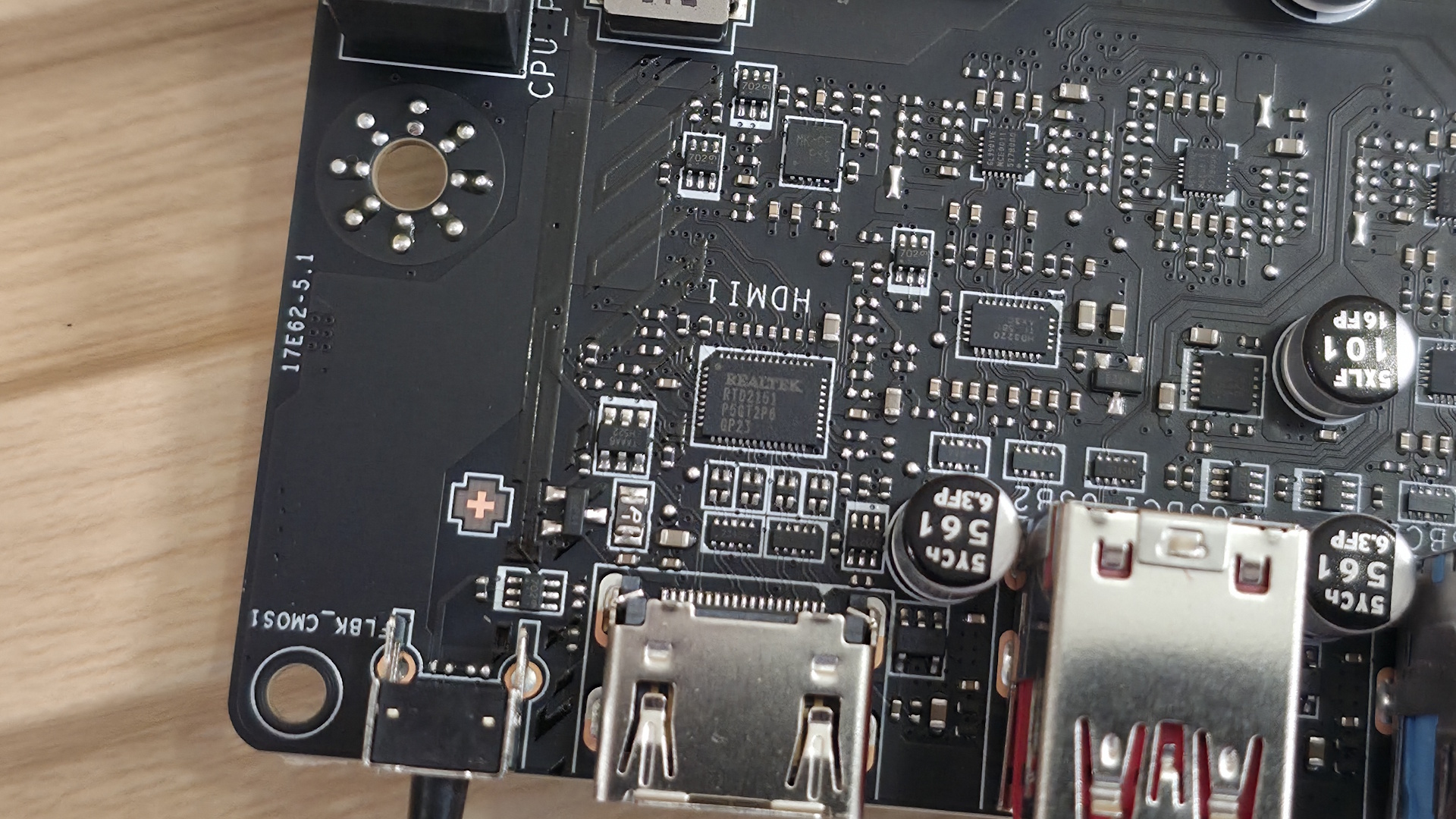
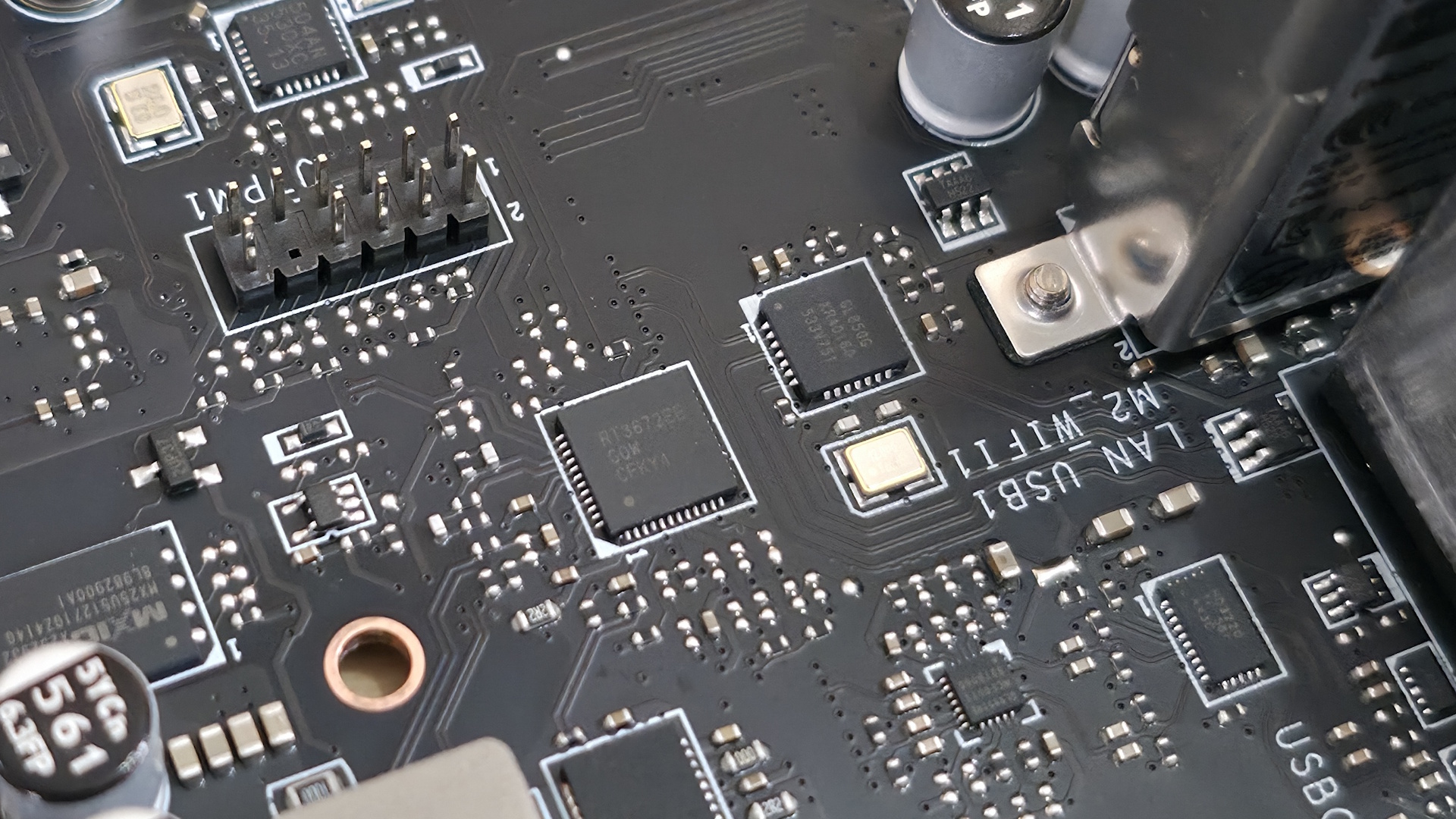
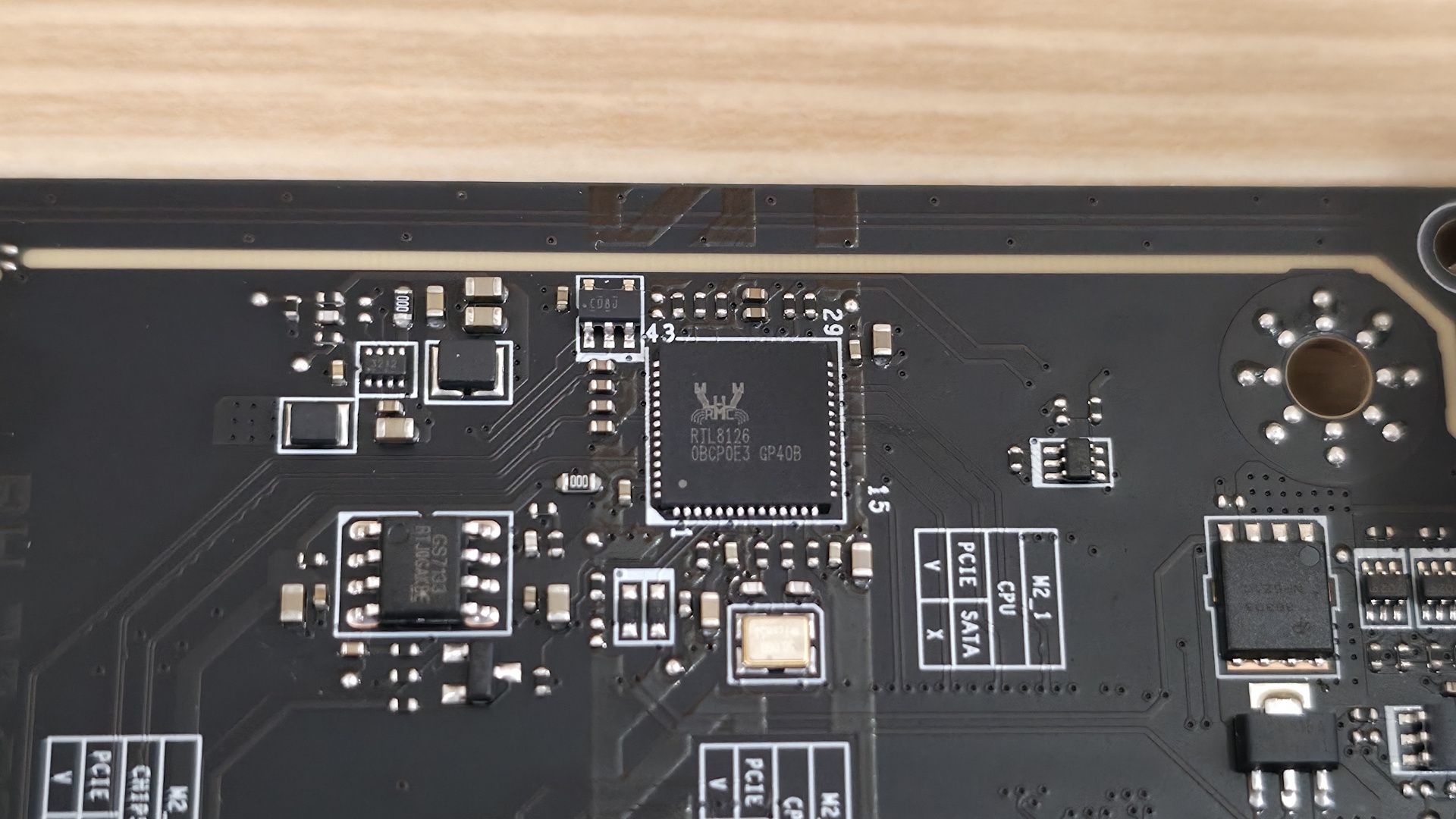
We also included images of several chips used on the board. MSI uses mainly Realtek (audio), Genesys Logic (USB), Monolithic Power Systems (MOSFETs), and PWM controller ICs.
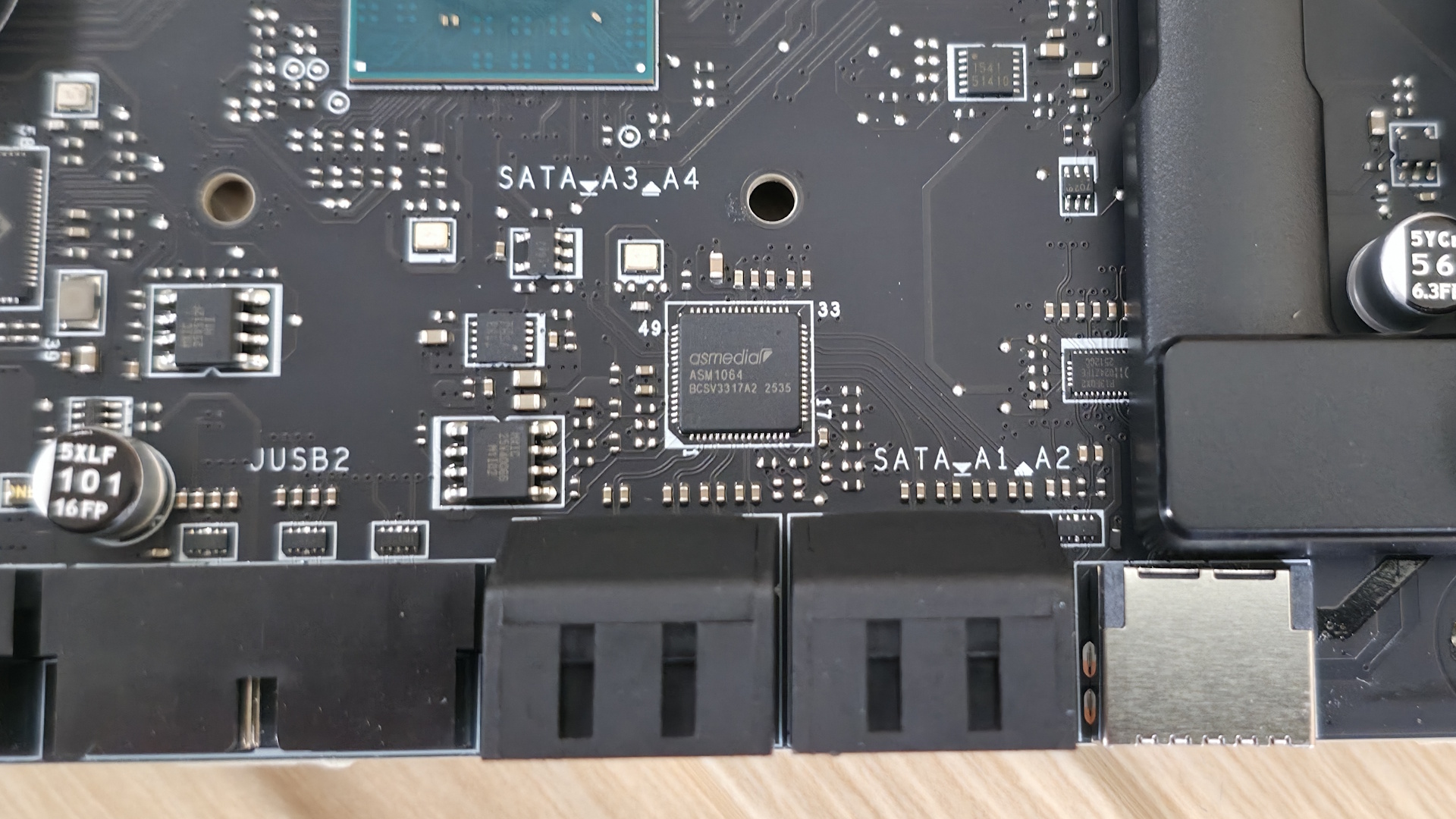
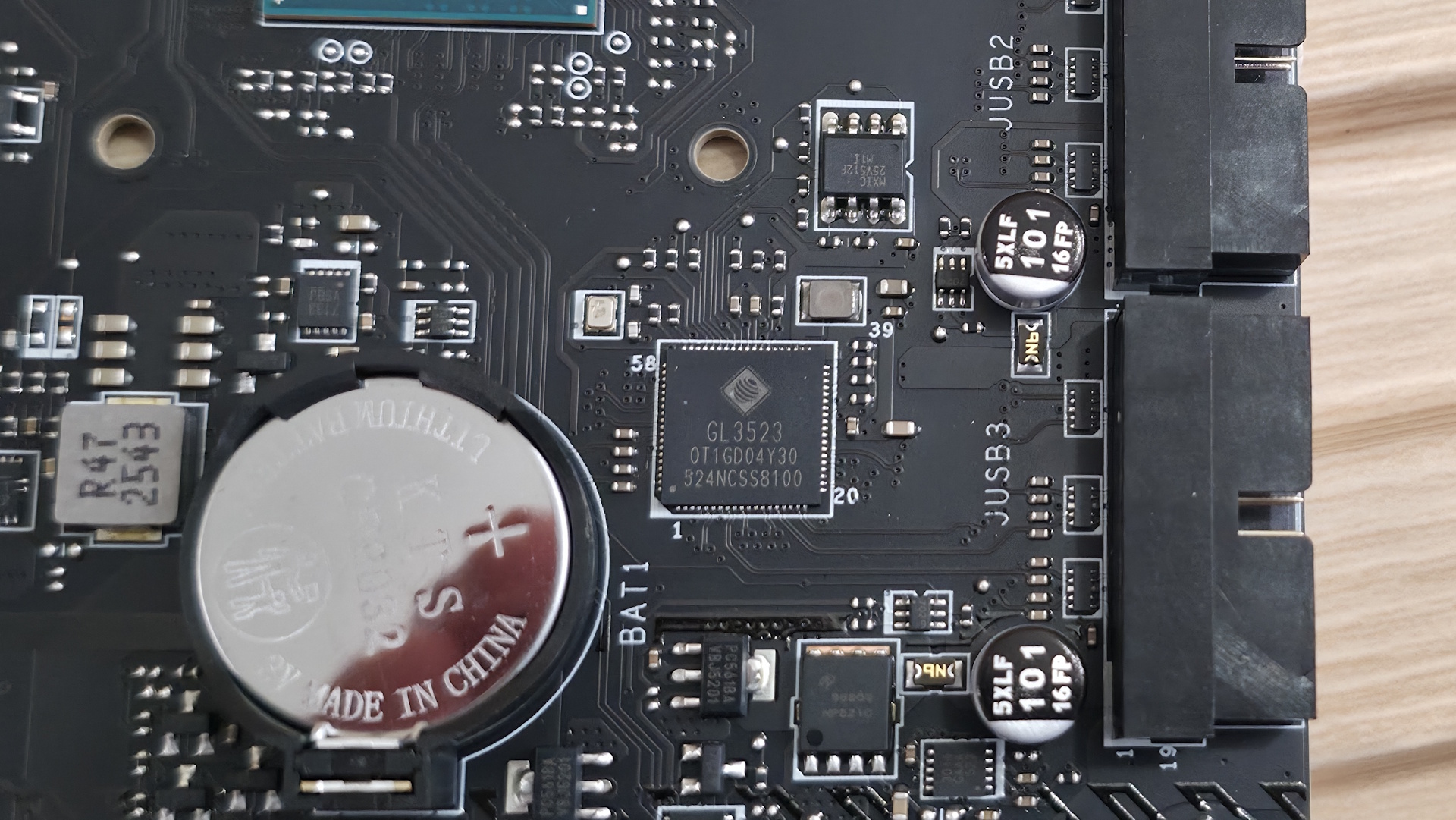
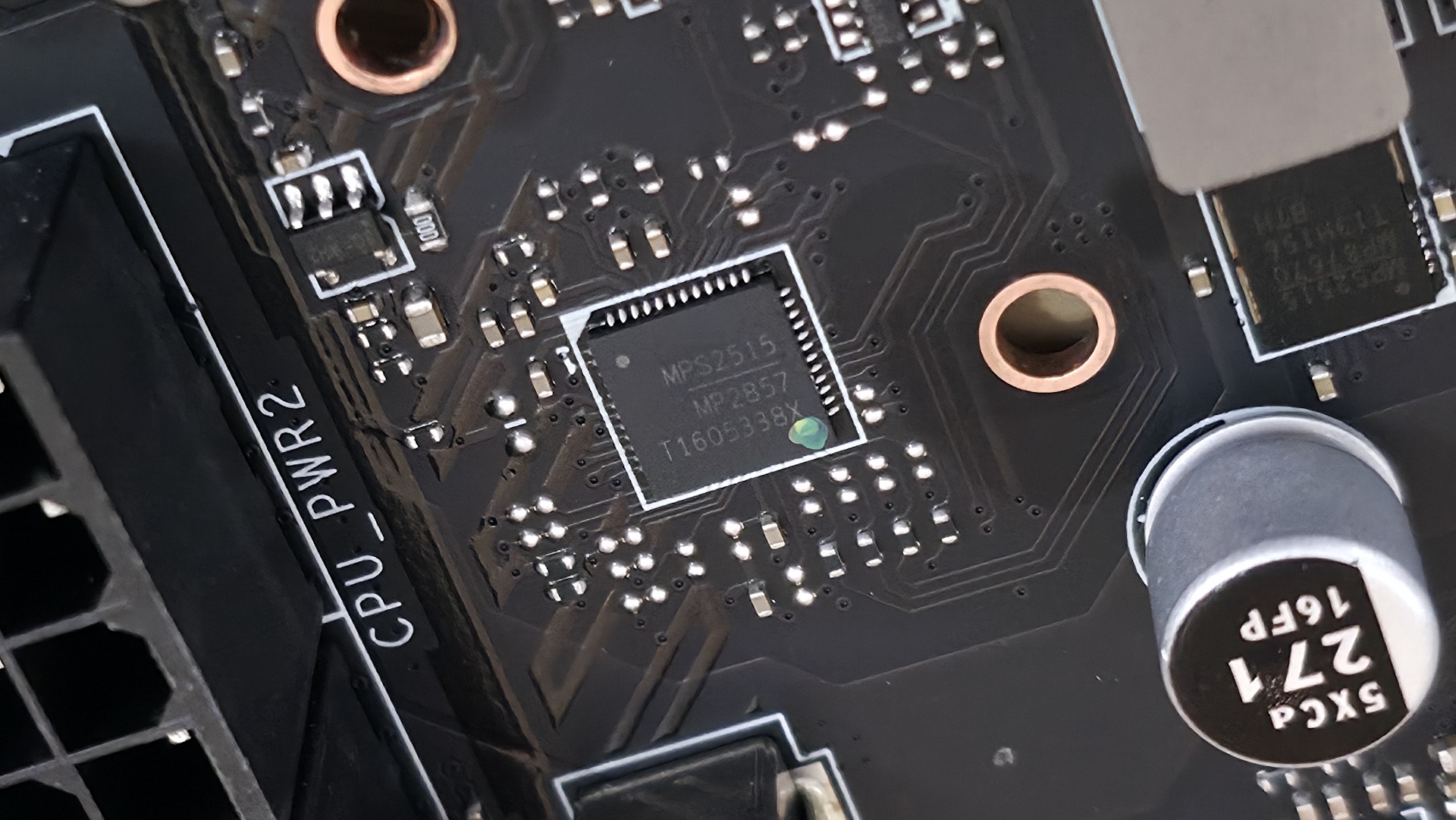
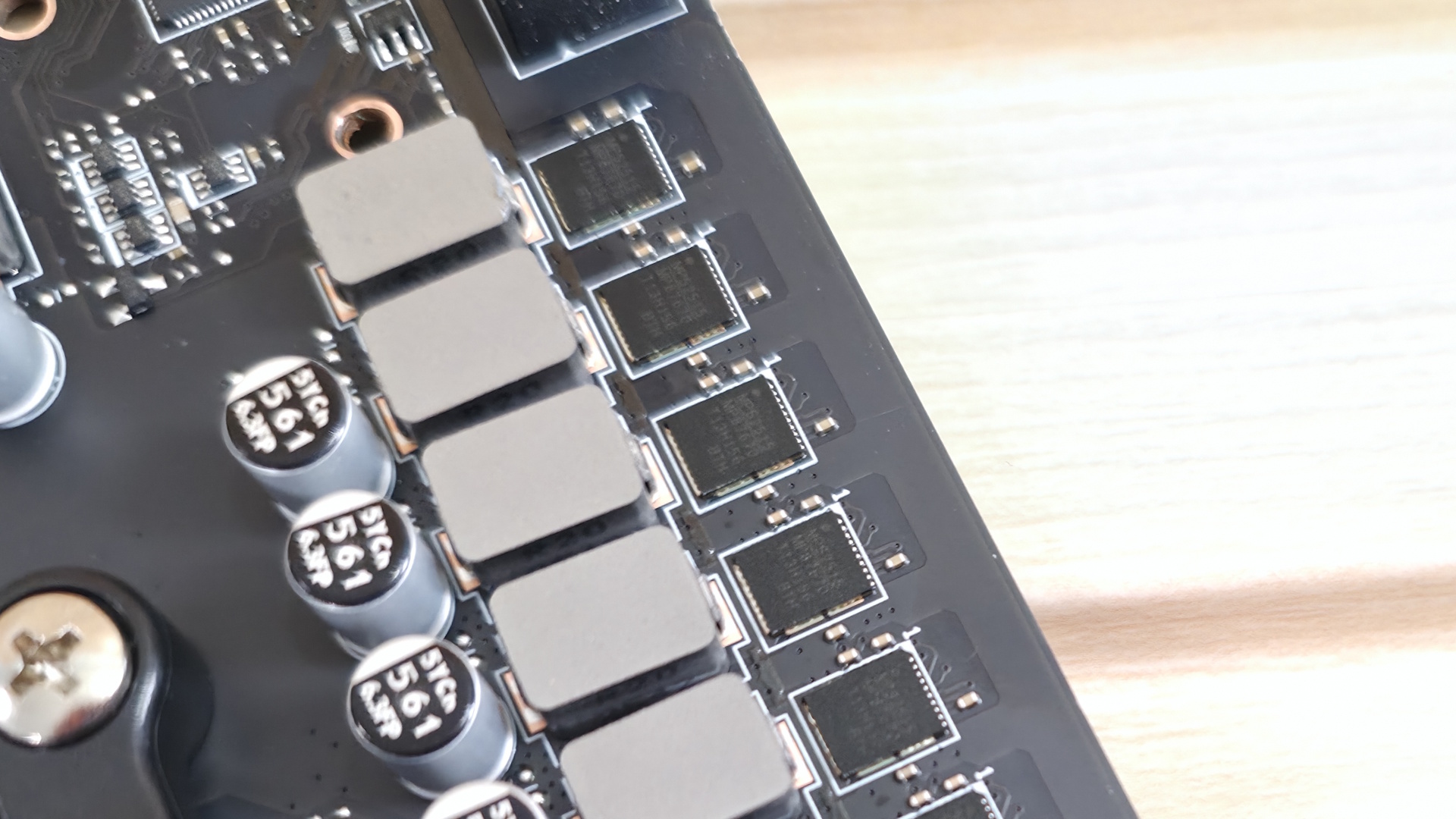
Along the bottom are several headers, ranging from the front panel to fans and supplemental PCIe power, and more. From left to right, we’ve listed them below. A couple items worth mentioning are the supplemental PCIe power connector for additional board power, so the board can actually output everything it’s rated for, and the 2-pin Direct OC jumper (connect a simple button to raise/lower BLCK manually).
- Front panel audio
- 4-pin RGB
- 3-pin ARGB
- 2-pin LED on/off header
- 3-pin system fan header
- PCIe supplemental power
- (2) USB 2.0 headers
- (2) 2-pin BCLK jumpers
- (2) 3-pin system fan headers
- 3-pin ARGB
- 3-pin system fan header
- 2-pin battery header(CMOS reset)
- Front panel
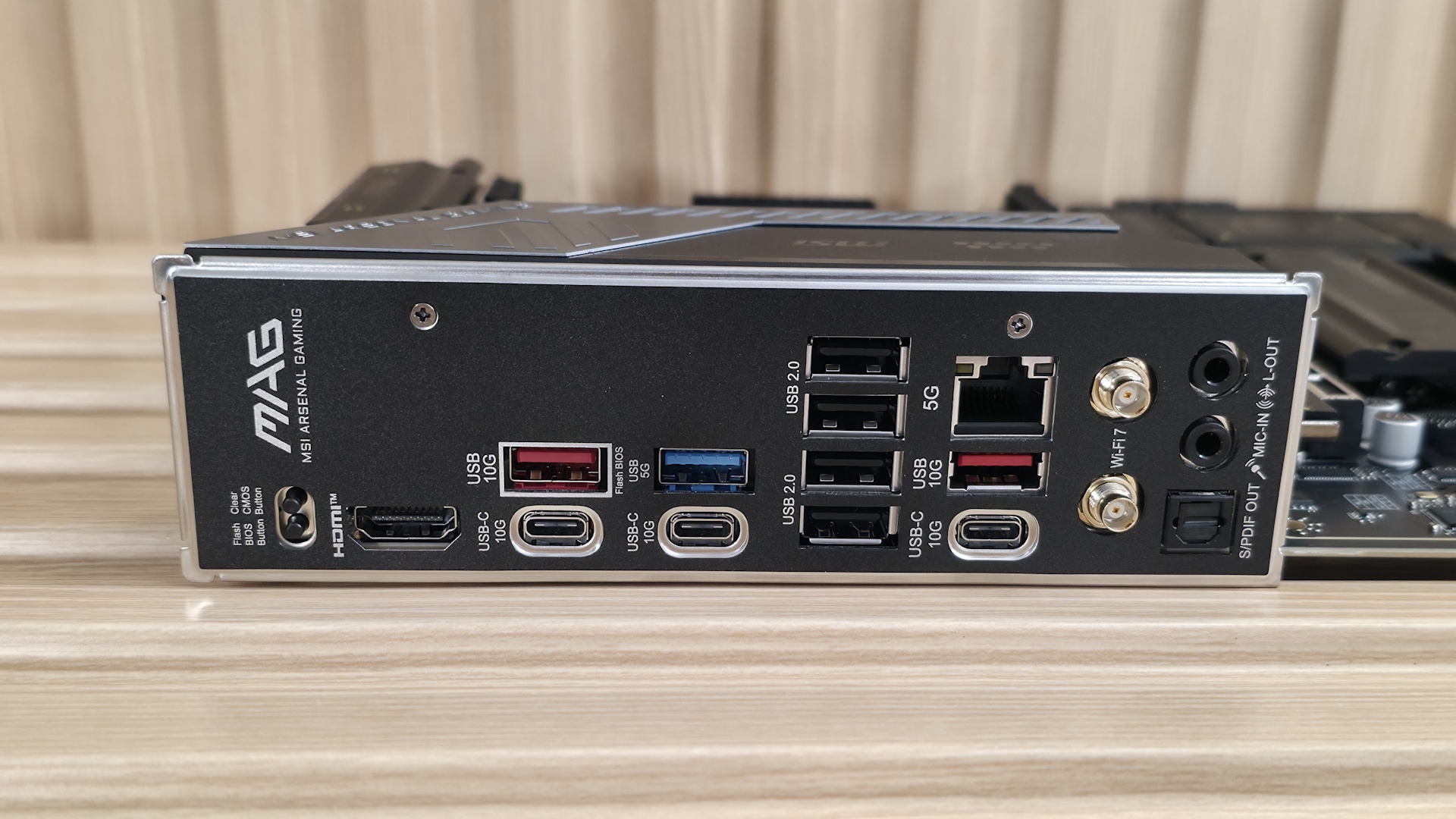
The rear IO on the Tomahawk Max Wifi II offers plenty of connectivity out back, including 10 total USB ports. Starting on the left, we see the convenient Clear CMOS and BIOS Flashback buttons, while to the right is the HDMI output for use with an iGPU. Along the bottom are three USB Type-C ports, all 10 Gbps. There are two USB 3.2 Gen 2 (10 Gbps) Type-A ports, a single 3.2 Gen 1 (5 Gbps) port, and four USB 2.0 (480 Mbps) ports. There’s enough by number, but some may find the speeds lacking. Next, we spy the Realtek 5 GbE port, the EZ-connect Wi-Fi antenna, and the audio stack with two 3.5mm ports (line-out mic-in) and the SPDIF Out.
MORE: All Motherboard Content







 English (US) ·