
 3 hours ago
3
3 hours ago
3
If you're familiar with the world of simulation, then force feedback racing wheels are likely nothing new to you. Force feedback (FFB) flight sticks, on the other hand, are a much rarer find. A search around for current options reveals a small selection of boutique, "made in a shed" solutions that may well be excellent for flying, but usually come with prohibitively expensive price tags.
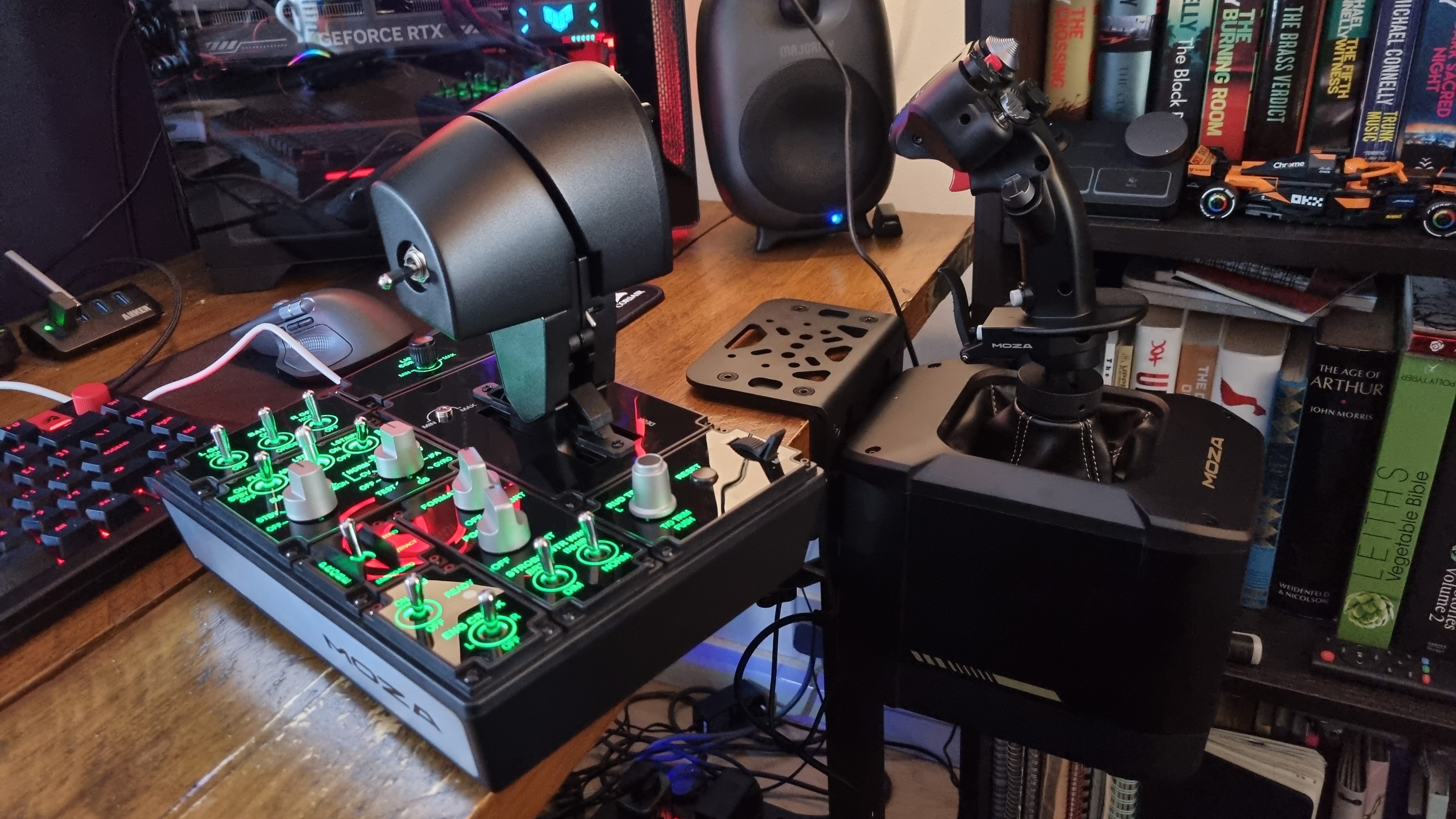
On the surface, Moza Racing's AB9 FFB base seems expensive. It's $499 by itself, and you'll need something like the Moza MH16 Flightstick to attach to it, lest you be left with a useless box. That'll set you back $149. You'll likely also want some throttle controls and switches, too, à la the Moza MTP Throttle for $329. Moza has provided me with all three (along with a $59 desk clamp for the base), and the total comes to $977 at current prices.
Moza AB9 FFB Base + MH16 Flightstick specs
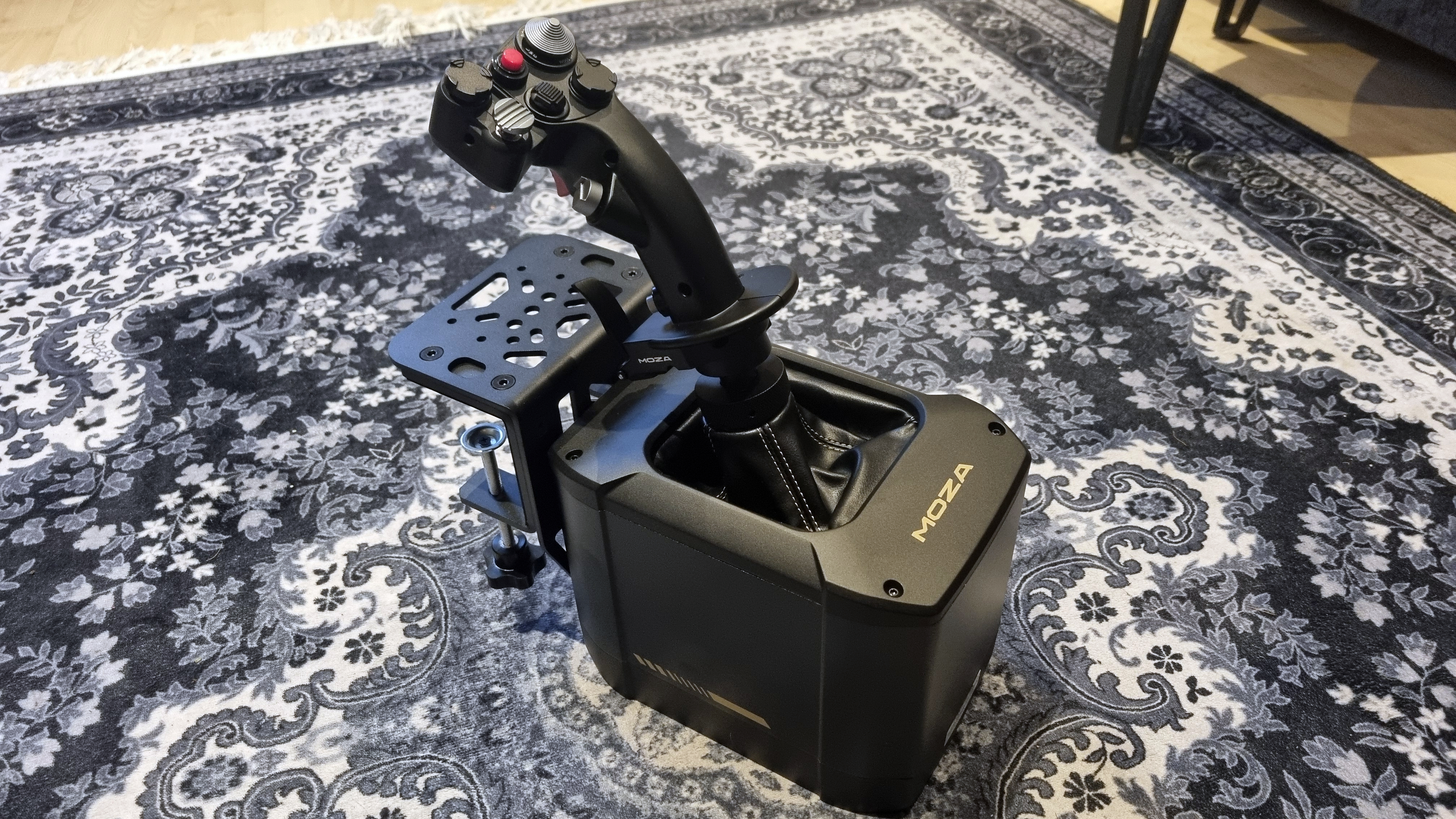
Type: Force feedback flight simulator base + flight stick
Peak torque: 12 Nm
Material: Aluminium + plastic
USB refresh rate: 1000 Hz
Connection ports: 1x proprietary power connector (and included 216 W brick), 4x Cat-5 connection ports for data, throttle, rudder pedals, 1x USB Type B
Controls (stick): Trigger, 8-way trim switch, three hat switches, paddle switch, FOV button, removable side module
Extras: USB Type-B to Type-A cable, mounting screws and tools
Price: $499/£479 (base), $149/£139 (flight stick)
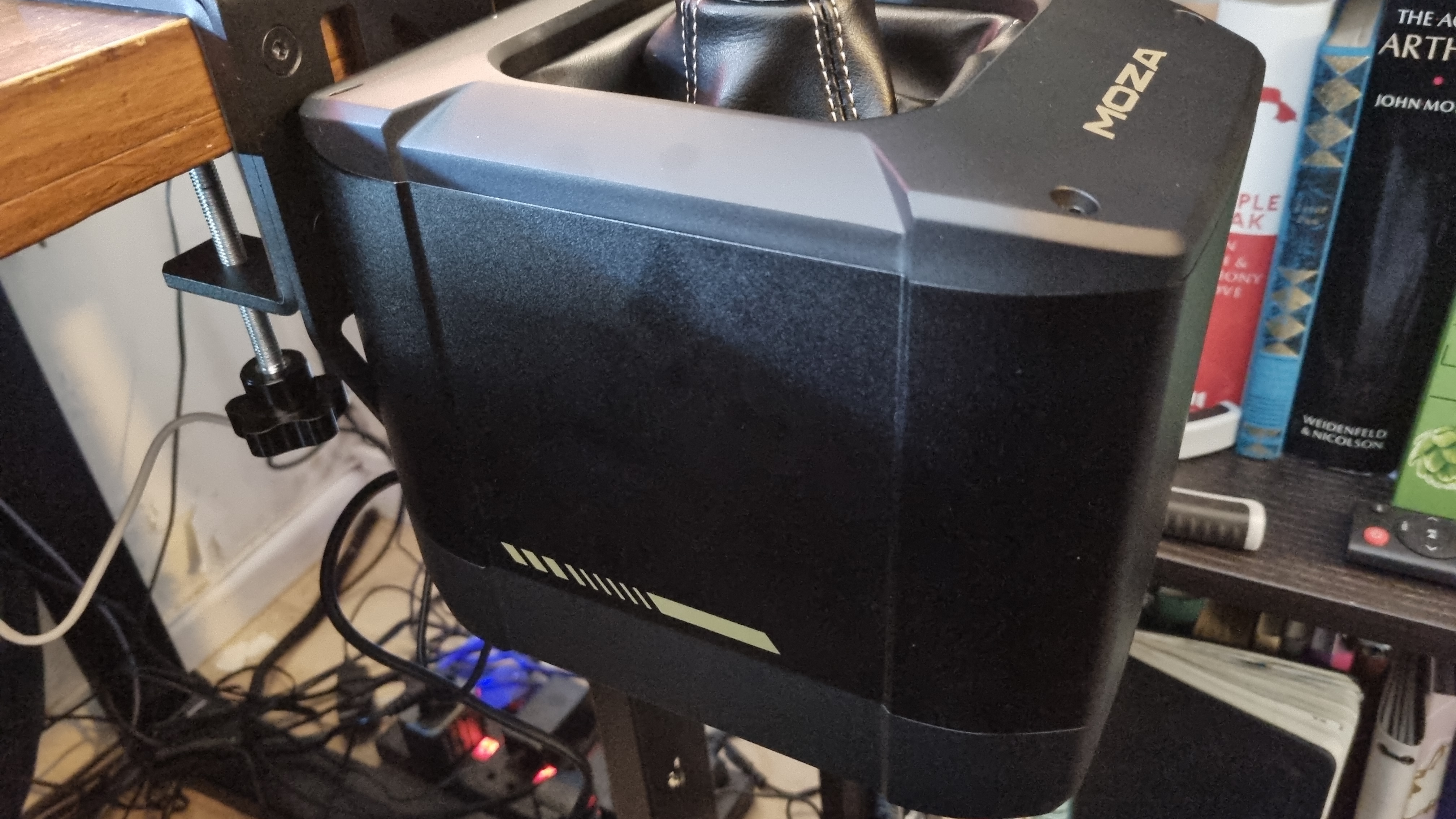
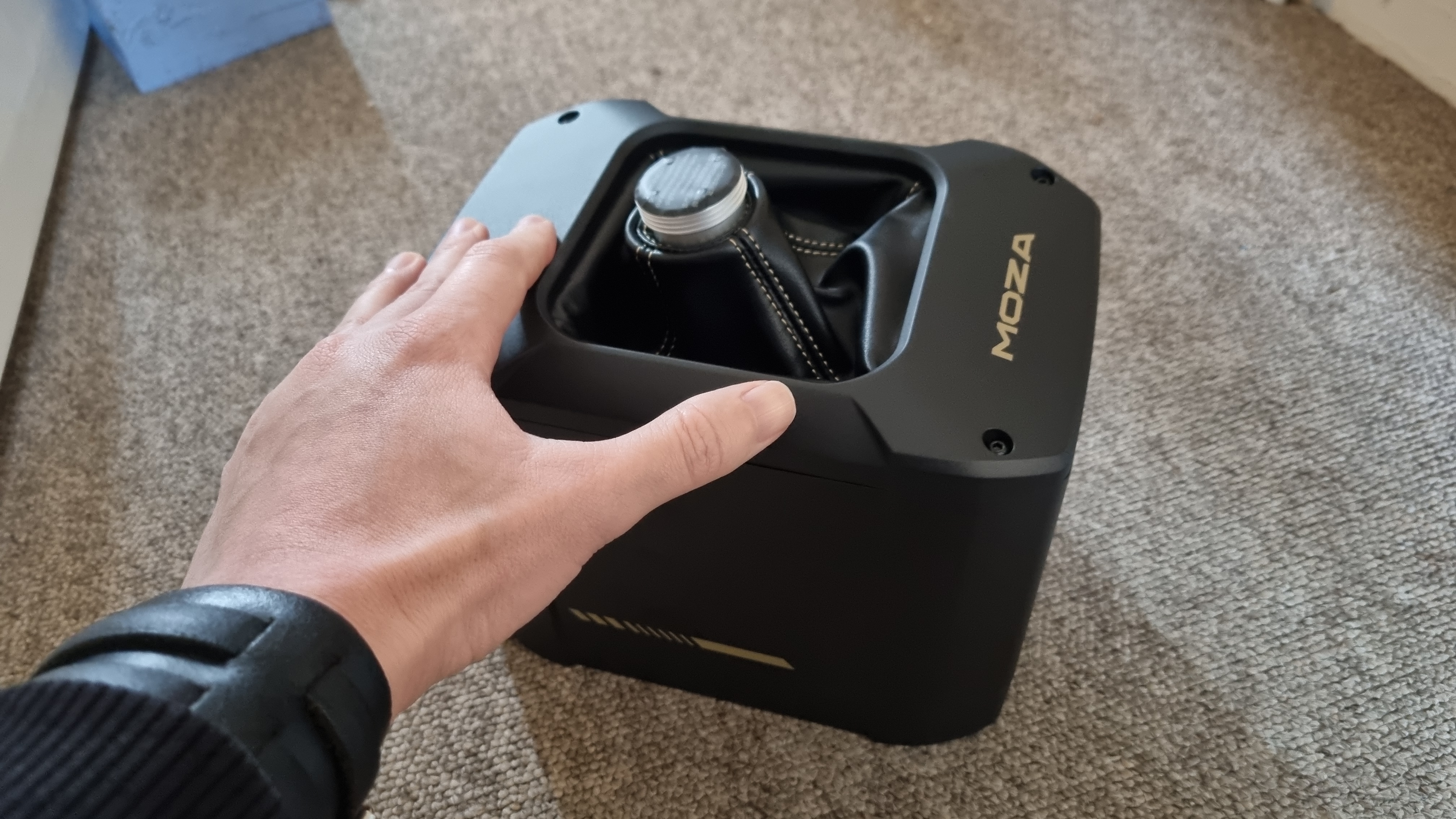
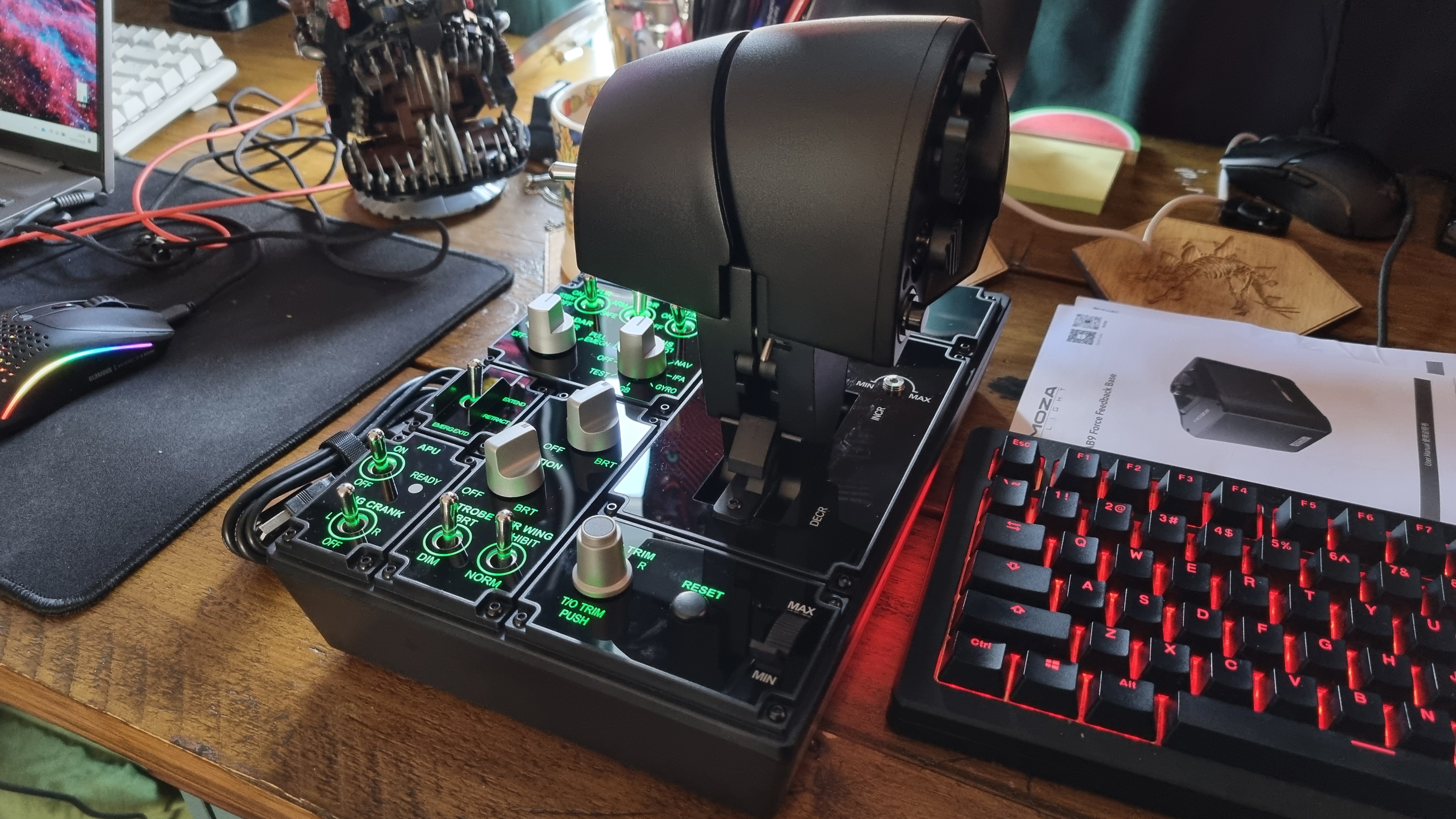
The AB9 Base itself, for example, is absolutely massive. It's roughly the same size as some small form factor PCs I've tested, and weighs 5.5 kg (12.1 lbs). Inside lies a pair of servo motors capable of delivering a peak torque of 12 Nm, which, I can tell you from sim racing experience, is quite the load on your wrists.
I initially eyed it with suspicion, not least because of the relatively small desk clamp. In practice, though, it's actually a remarkably robust solution thanks to its 5 mm thick steel construction. The clamp can be mounted to either the bottom or side of the base itself—although given the huge dimensions, you'll likely want to use the latter.
Small metal inserts slide into the front of the chassis to provide clamping points, and Moza provides a selection of hex keys and differently-sized mounting hardware to bring the two together, which means it'll likely attach to most flight rig setups as well.
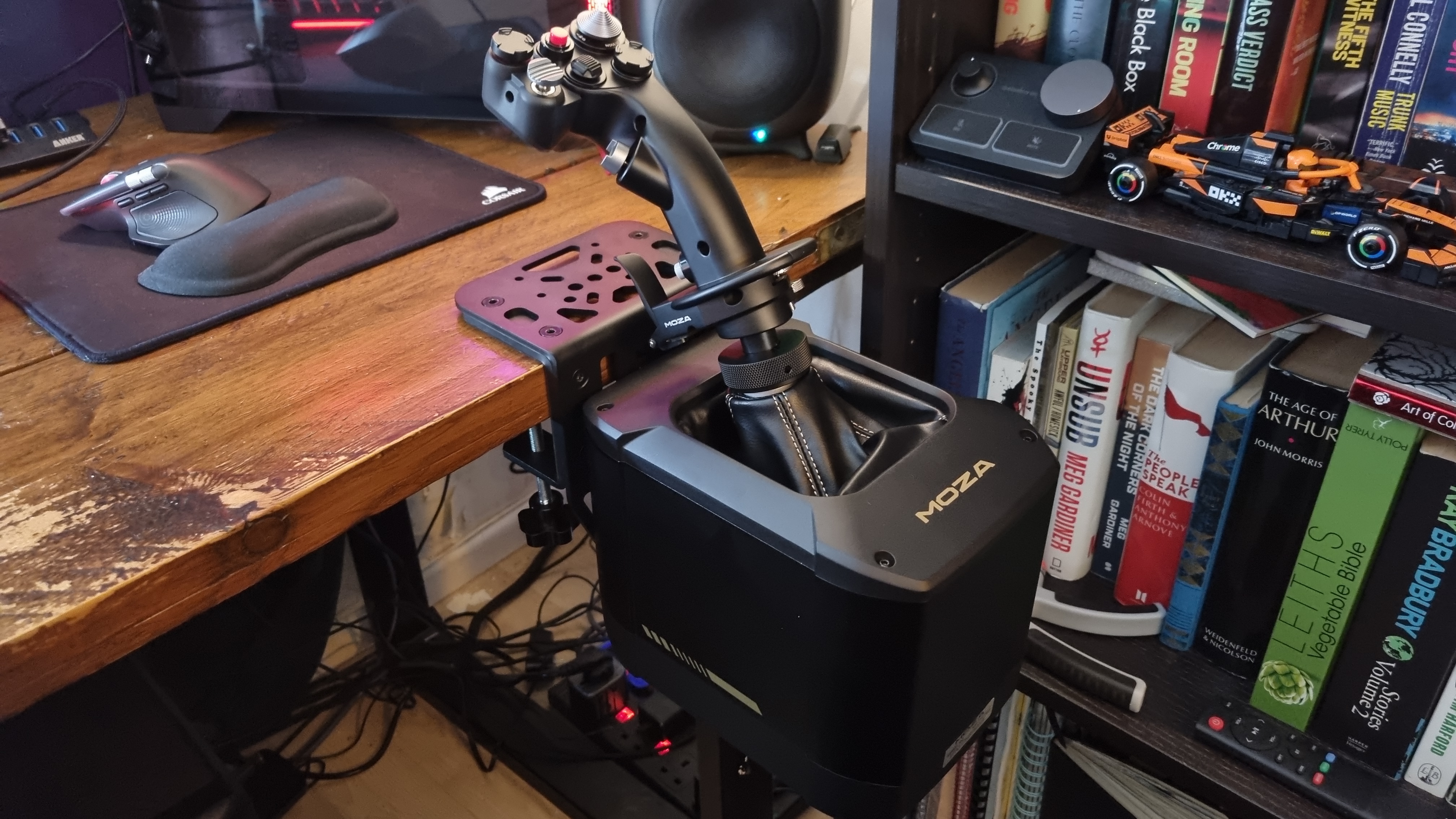
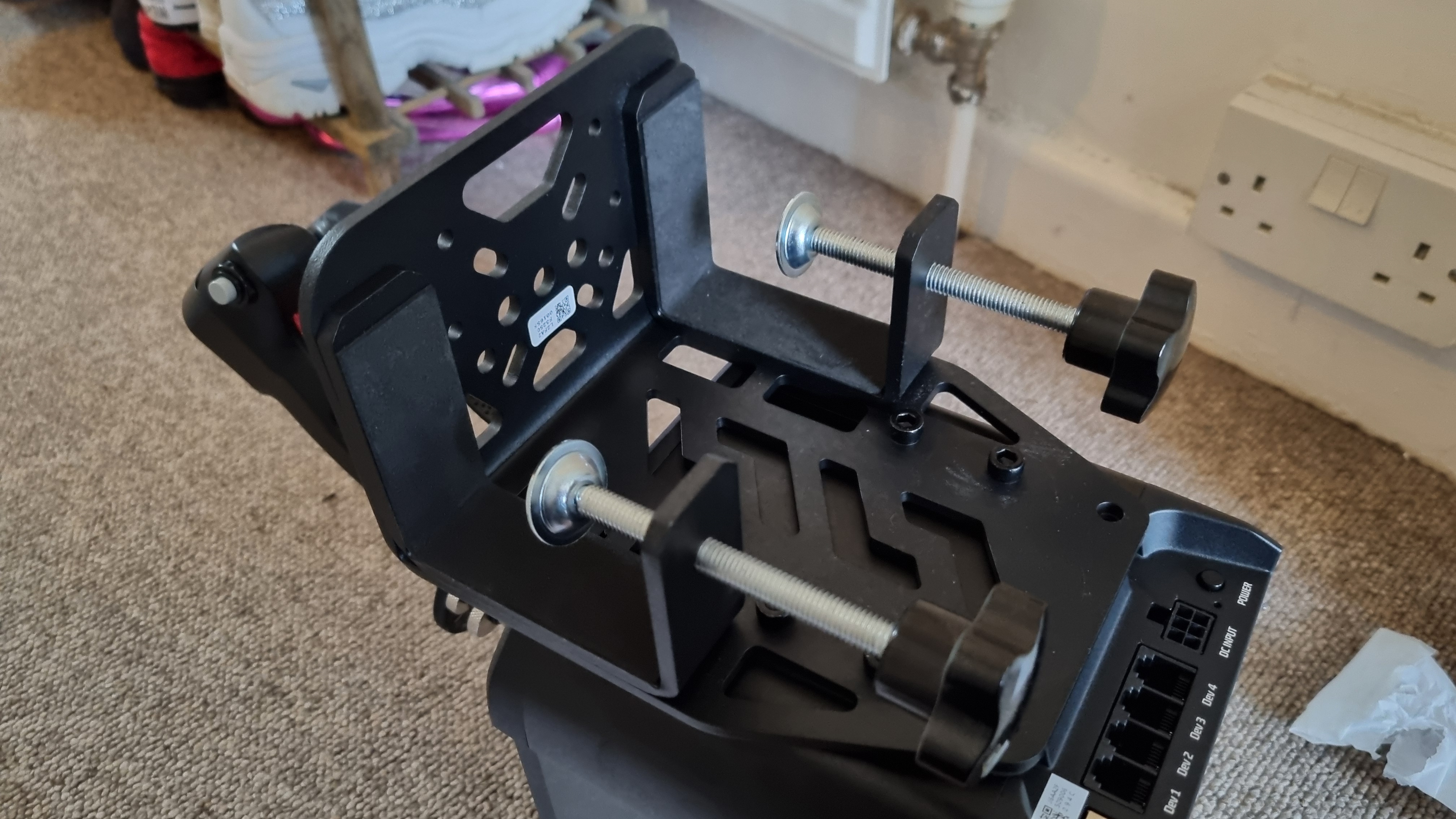
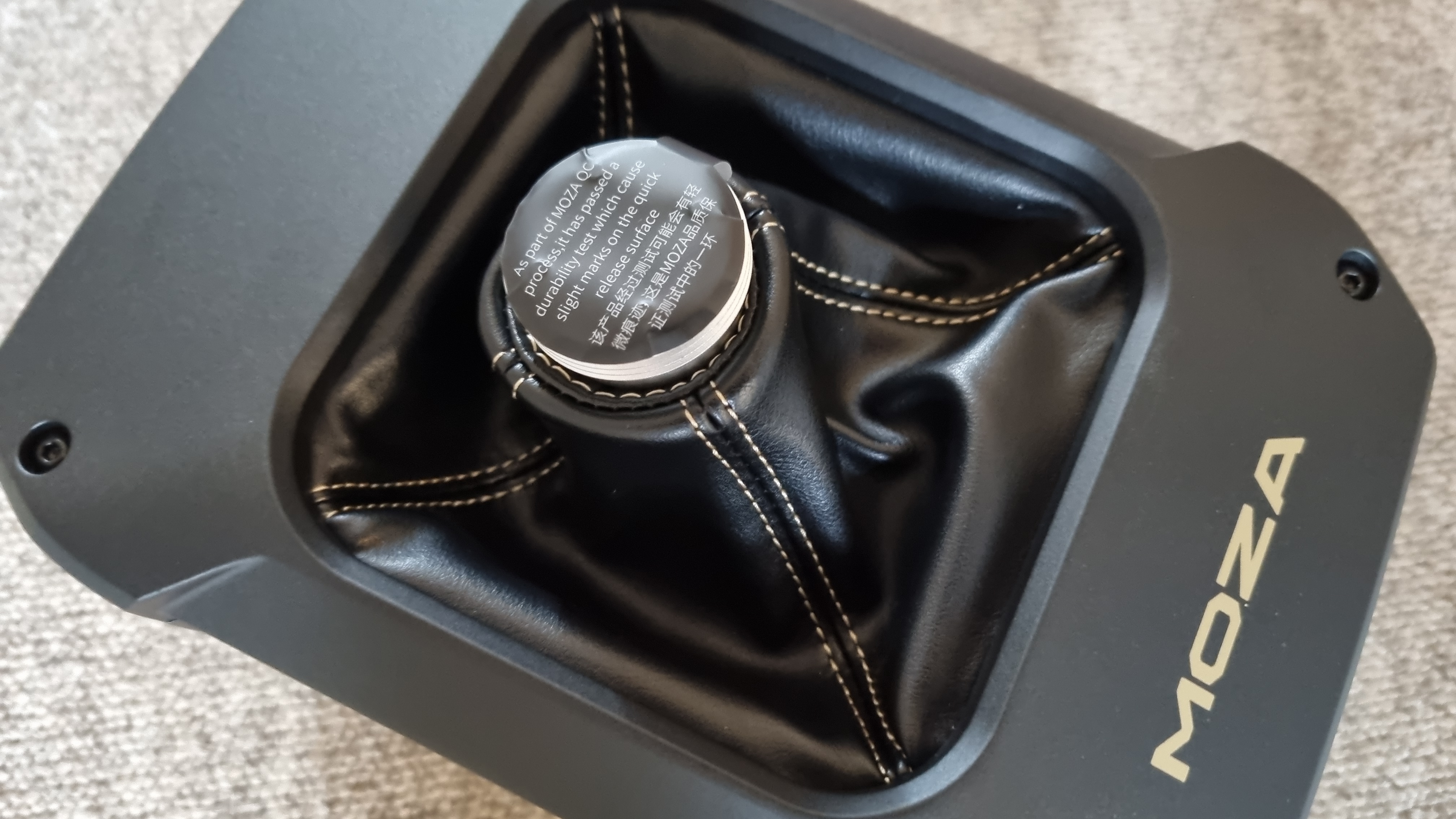
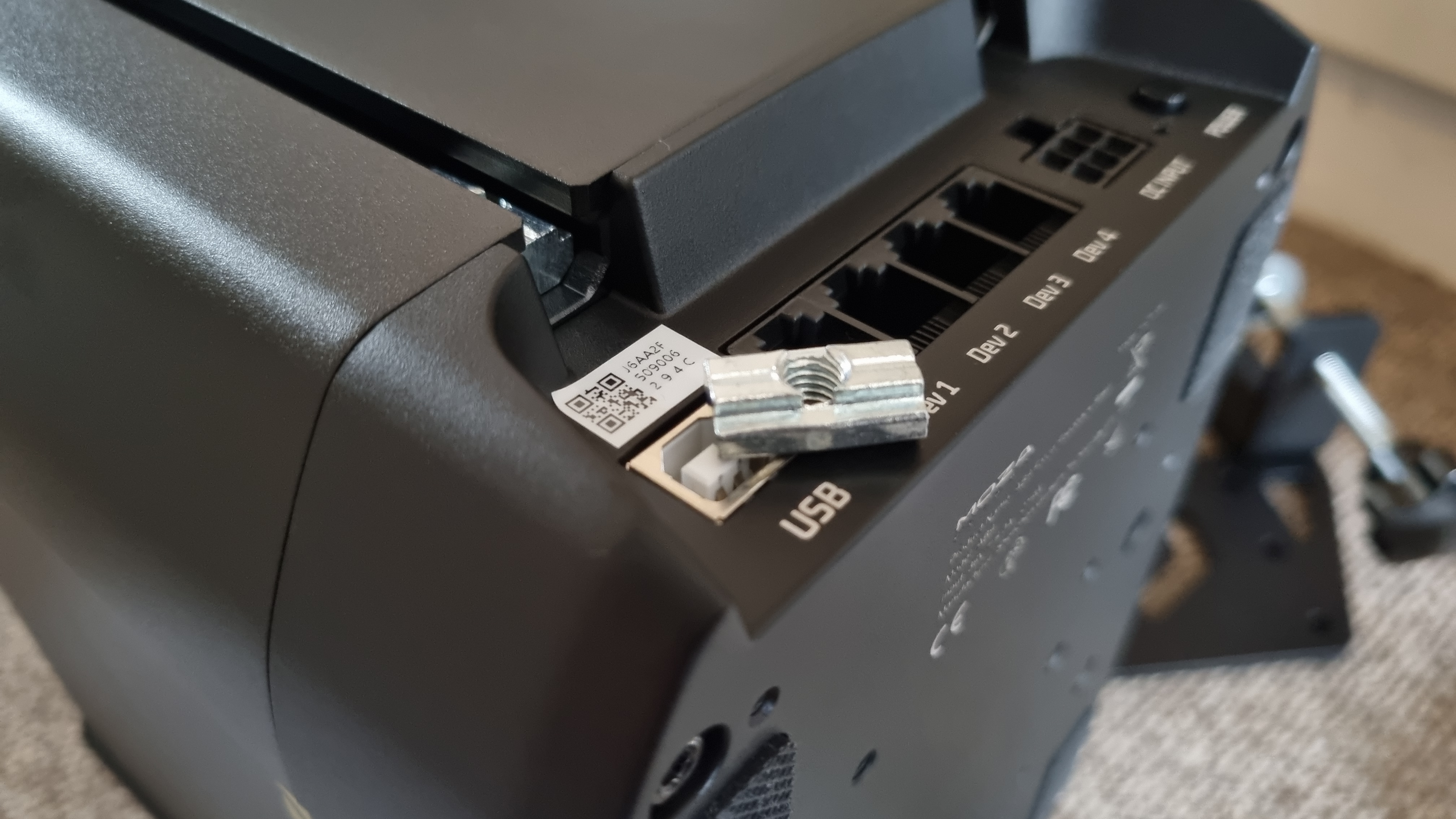
The MH16 Flightstick connects to a port on the top of the base via a pull-out cable, which means you can securely mate the connections together before clamping it down with a threaded mechanism. It's a nice touch, although the cable is initially a little tough to pull out, which led to a bit of head scratching as I thought I'd read the instructions wrong.
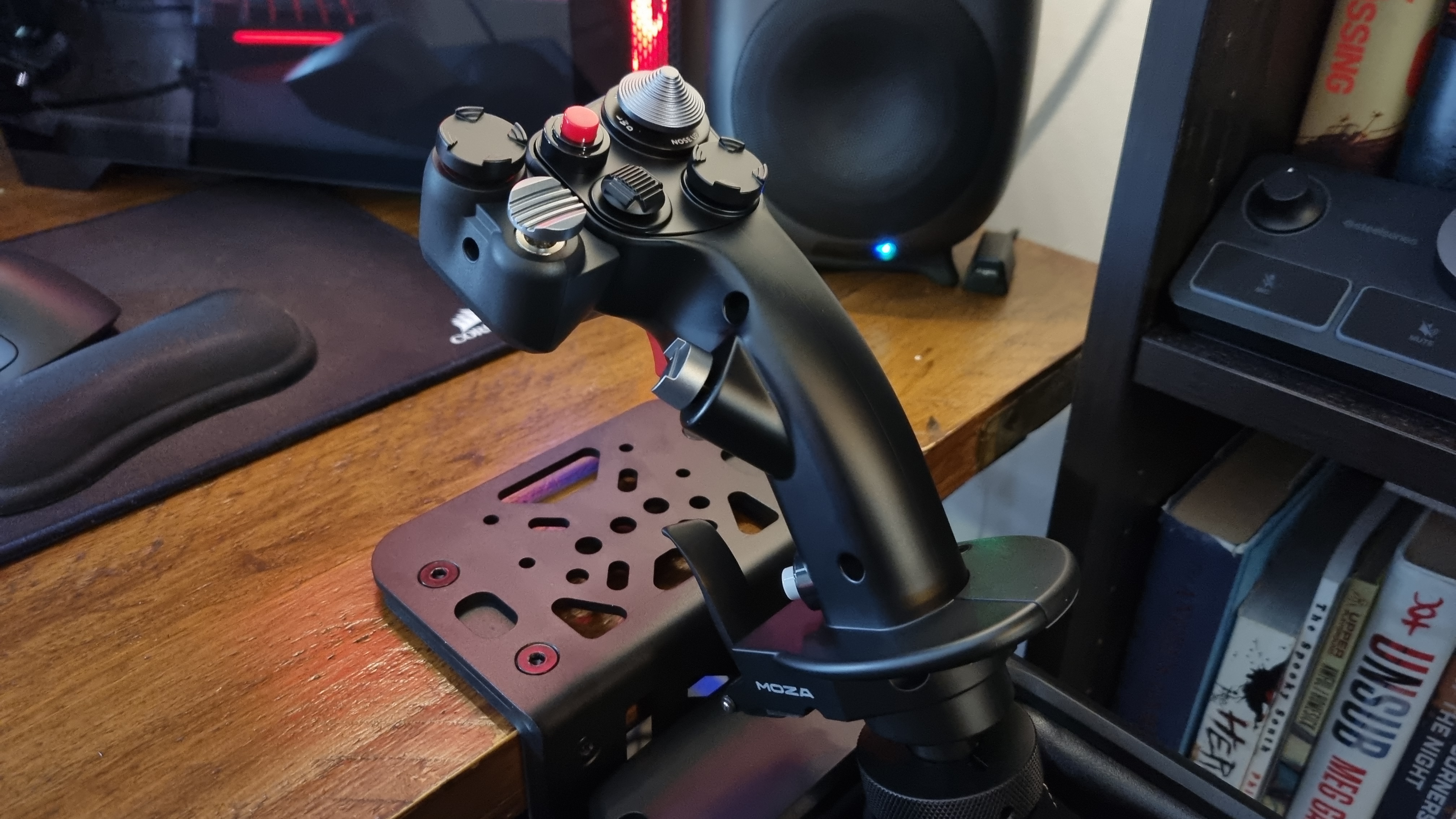
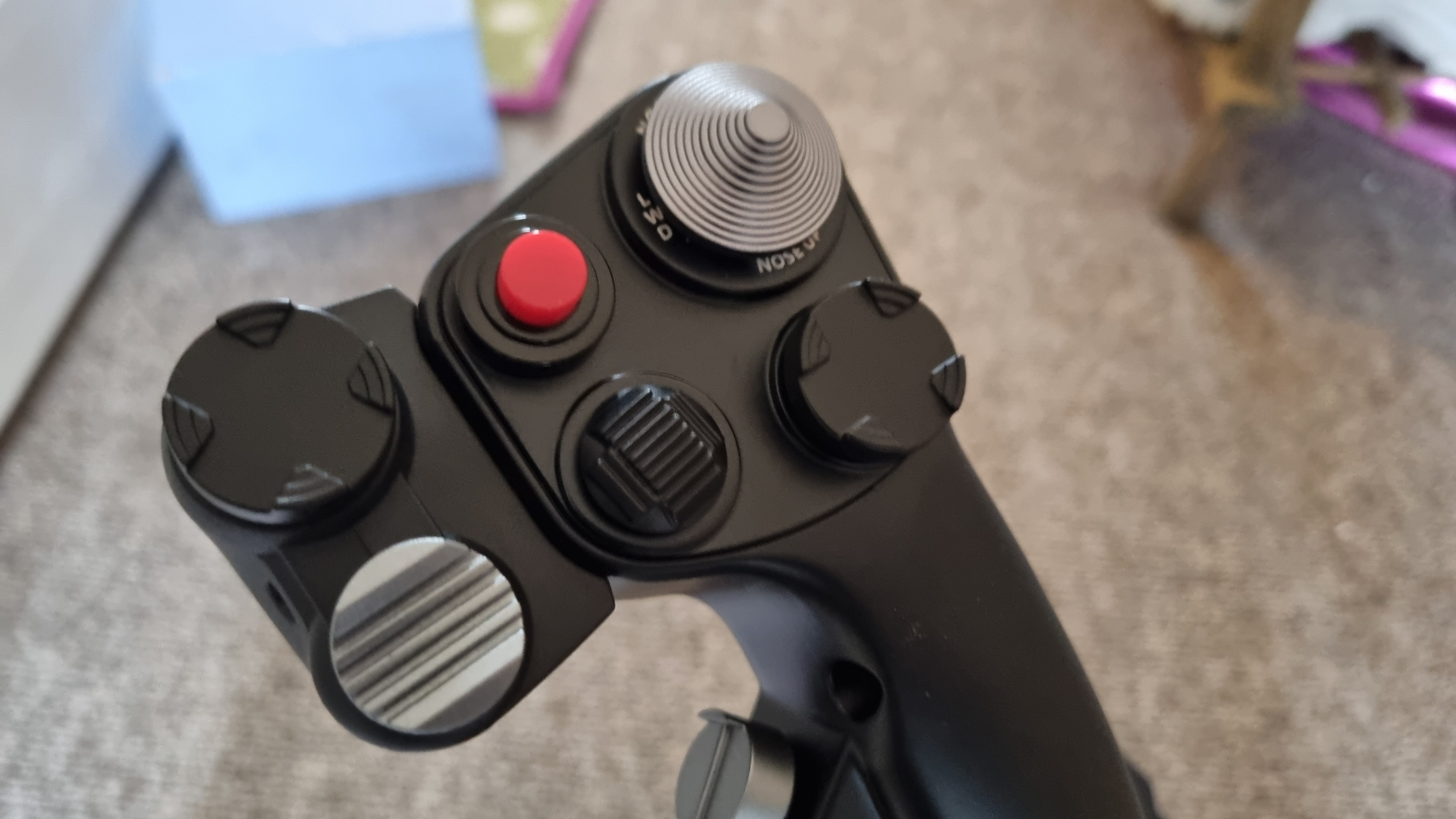
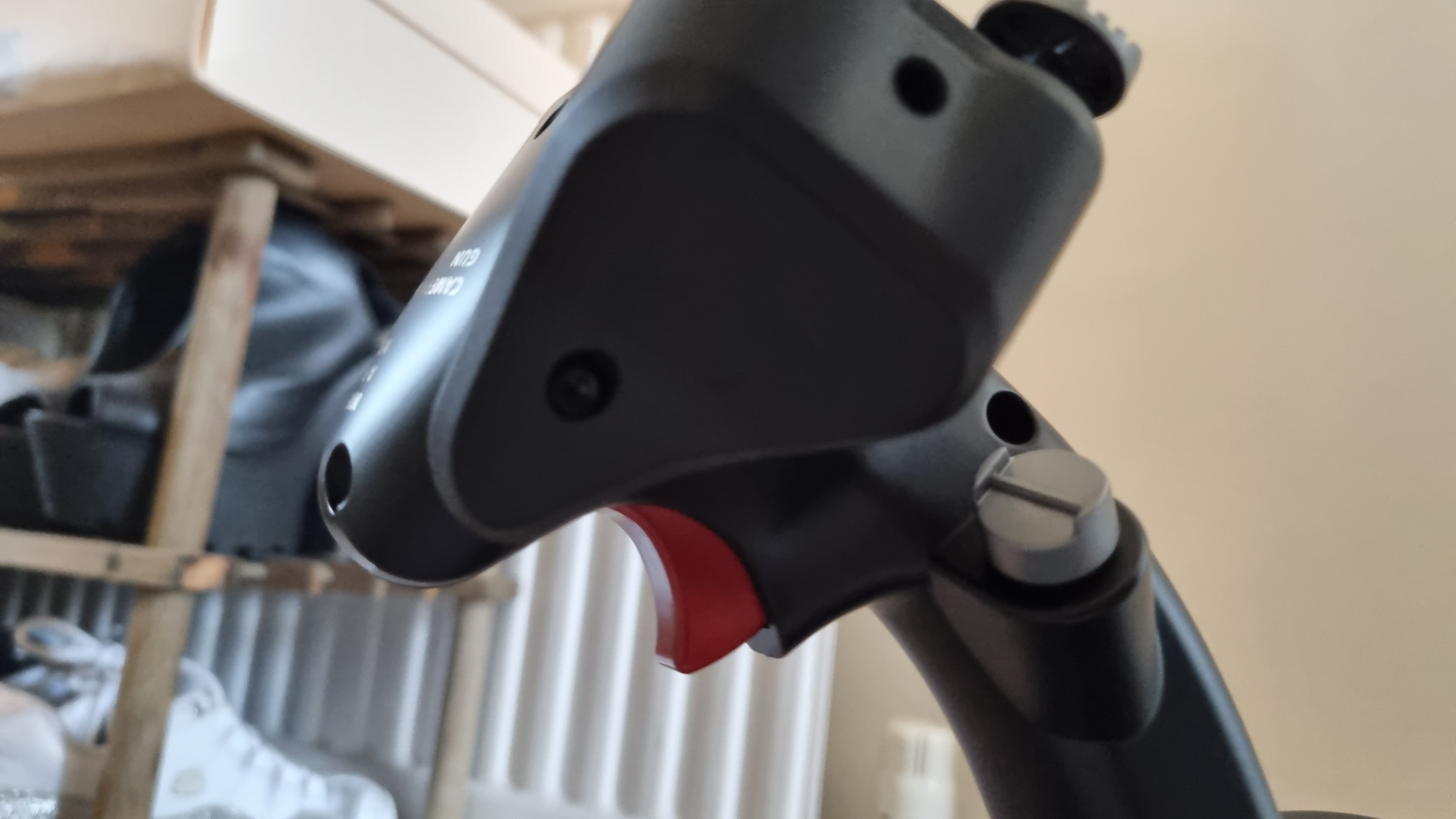
Atop the flight stick itself, you get a comprehensive selection of very well-made controls. There's a chunky, positive-feeling trigger, an eight-way hat switch, TMS and CMS hat controls, and two buttons, one of which is mounted on the front of the stick next to a large paddle switch. Attached to the top of the side of the stick is a modular unit with two more hat switches, which can be swapped on and off for different configurations.
It's a lovely-feeling stick to hold in the hand, which is a real boon. I'm often surprised by how cheap the controls can feel on mid-range units, but it's clear that you've bought into the high-end here, and material choice matters. It's not quite as premium-feeling as the Thrustmaster AVA F/A-18 Super Hornet, but then again, not much is.
The Thrustmaster unit is the Lamborghini of flight sticks as far as I'm concerned, but alas, it's got no force feedback or dedicated throttle controls, and costs a whopping $600 by itself. See what I mean about the Moza being relatively good value overall?
Moza MTP Throttle specs
Type: Flight sim throttle control
Material: Aluminium + plastic
Controls: 27 programmable switches, adjustable detent system, Hall effect joystick, split throttles, throttle-mounted paddles
Extras: Built-in vibration feedback, control panel lighting, Cat-5 connection cable
Price: $329/£329
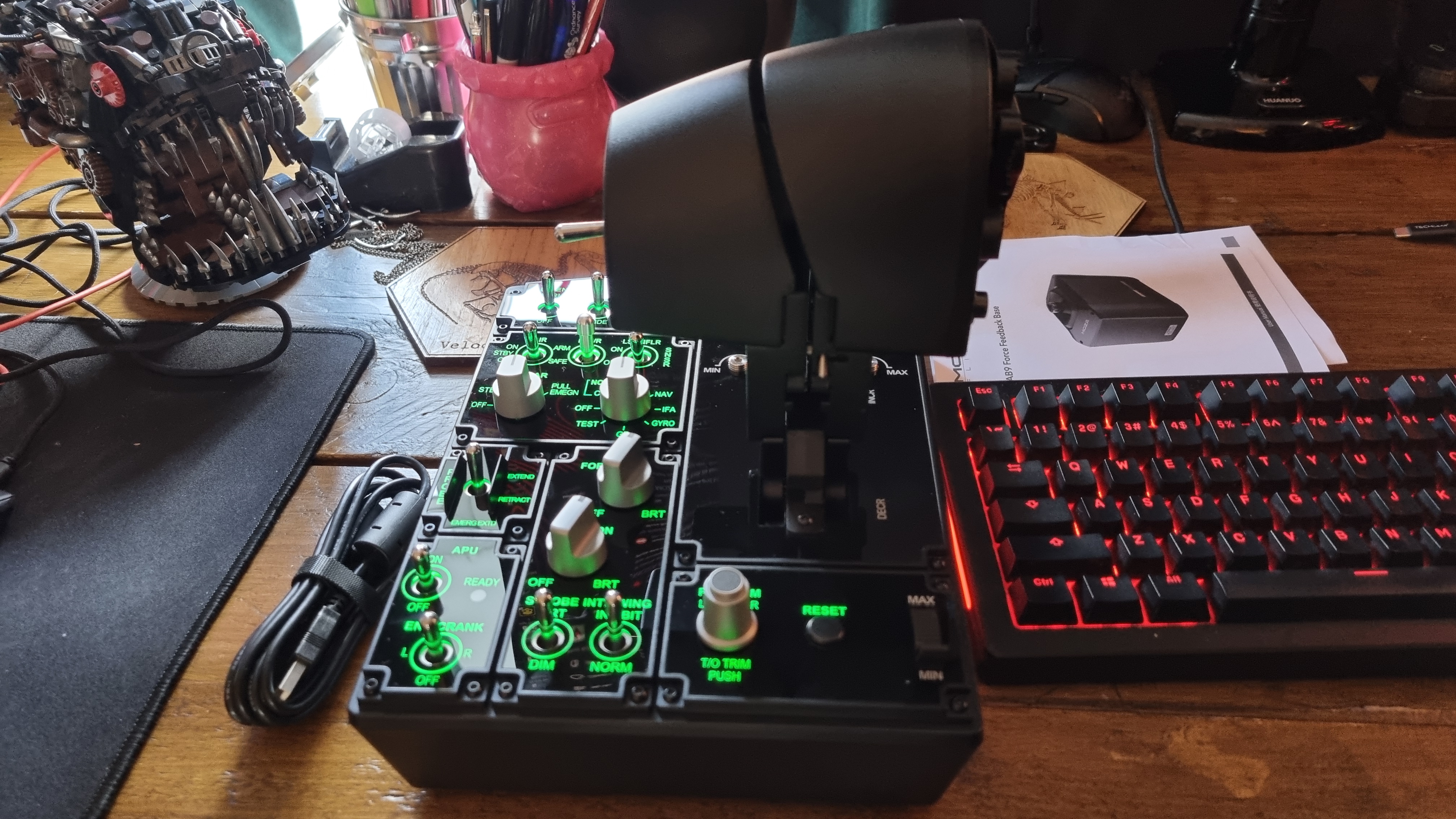
Then there's the MTP Throttle controller, which is also a very sizable unit. Here you get a dizzying array of controls to configure, with 27 programmable switches, split throttle controls, paddles, buttons, and adjustments galore. I could go into specifics here, but I'll be honest, I'm still figuring out what some of them do.
Again, this is proper pro-simmer stuff, and not for the casual user. I've endeavored to get the most out of this setup, but short of building a replica cockpit, I don't think most users will be left wanting for options.
One slight drawback here is the lack of desk clamp availability for the throttle control, which means you'll either have to mount it to an existing sim rig, or leave it to its own devices atop your desk.
I opted for the latter, and while it's heavy enough to prevent movement during most uses, I did manage to slide it out of position during the odd "oh shit" moment. Moza will sell you a mount adapter with suckers on the bottom to prevent it from sliding around, but it's an extra $35.
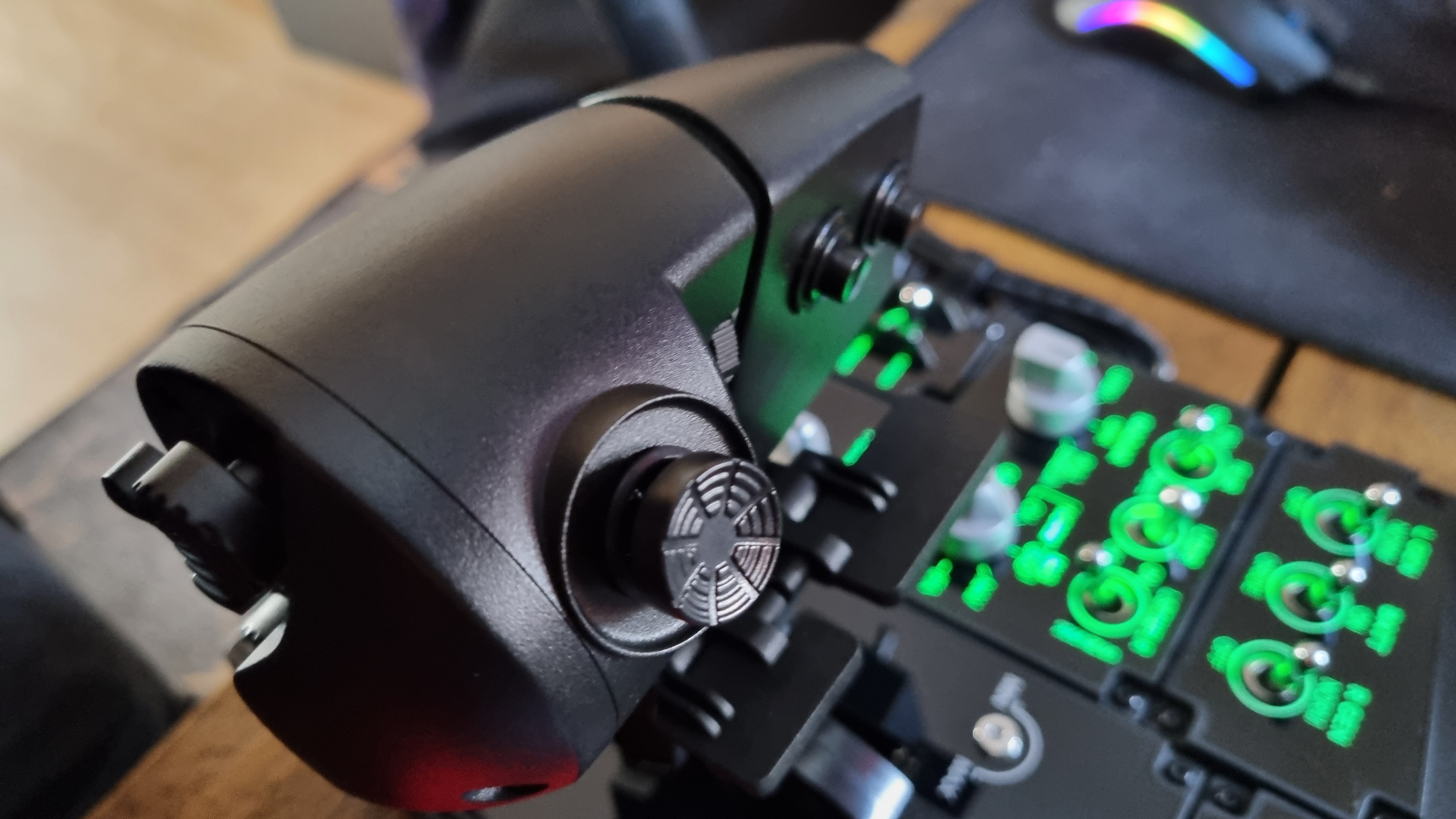
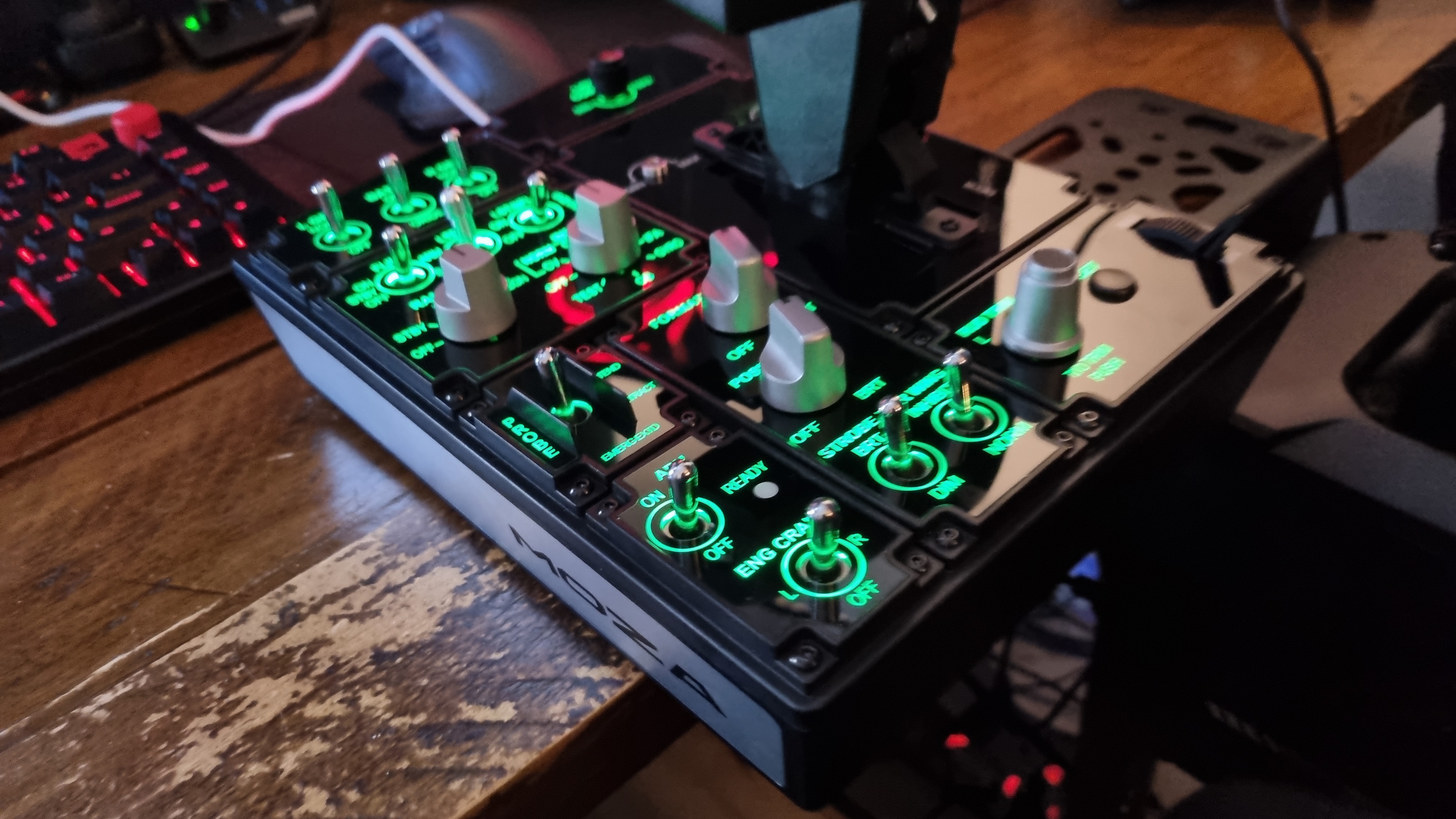
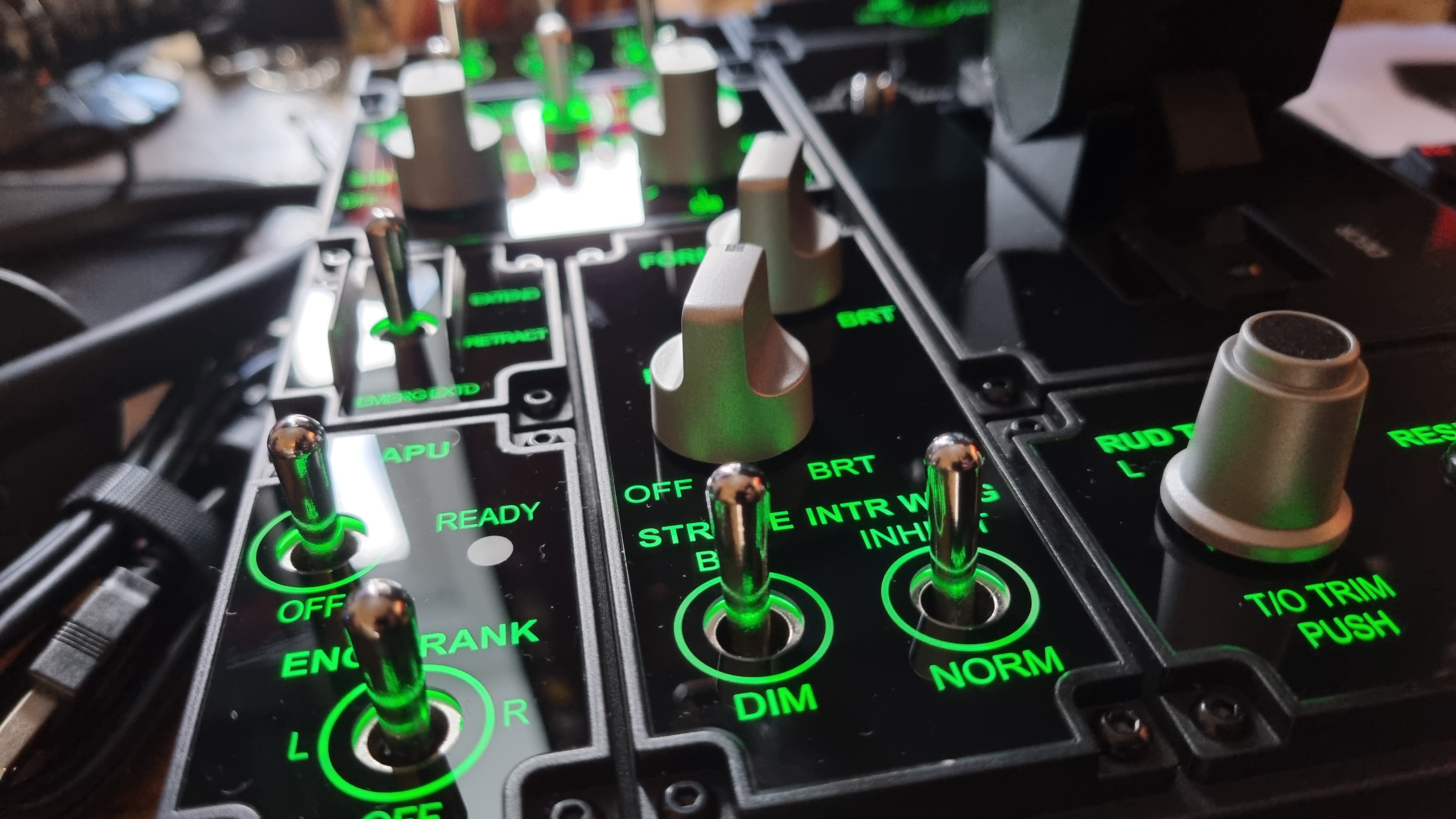
Similarly, the Z-Axis module for the flight stick will run you an extra $89, which feels a little like nickel and diming the end user for features many other flight controllers will include out of the box. Still, the grand total for everything would add up to $1,100, and again, we're talking a full set of force feedback controllers here—this sort of tech doesn't come cheap.
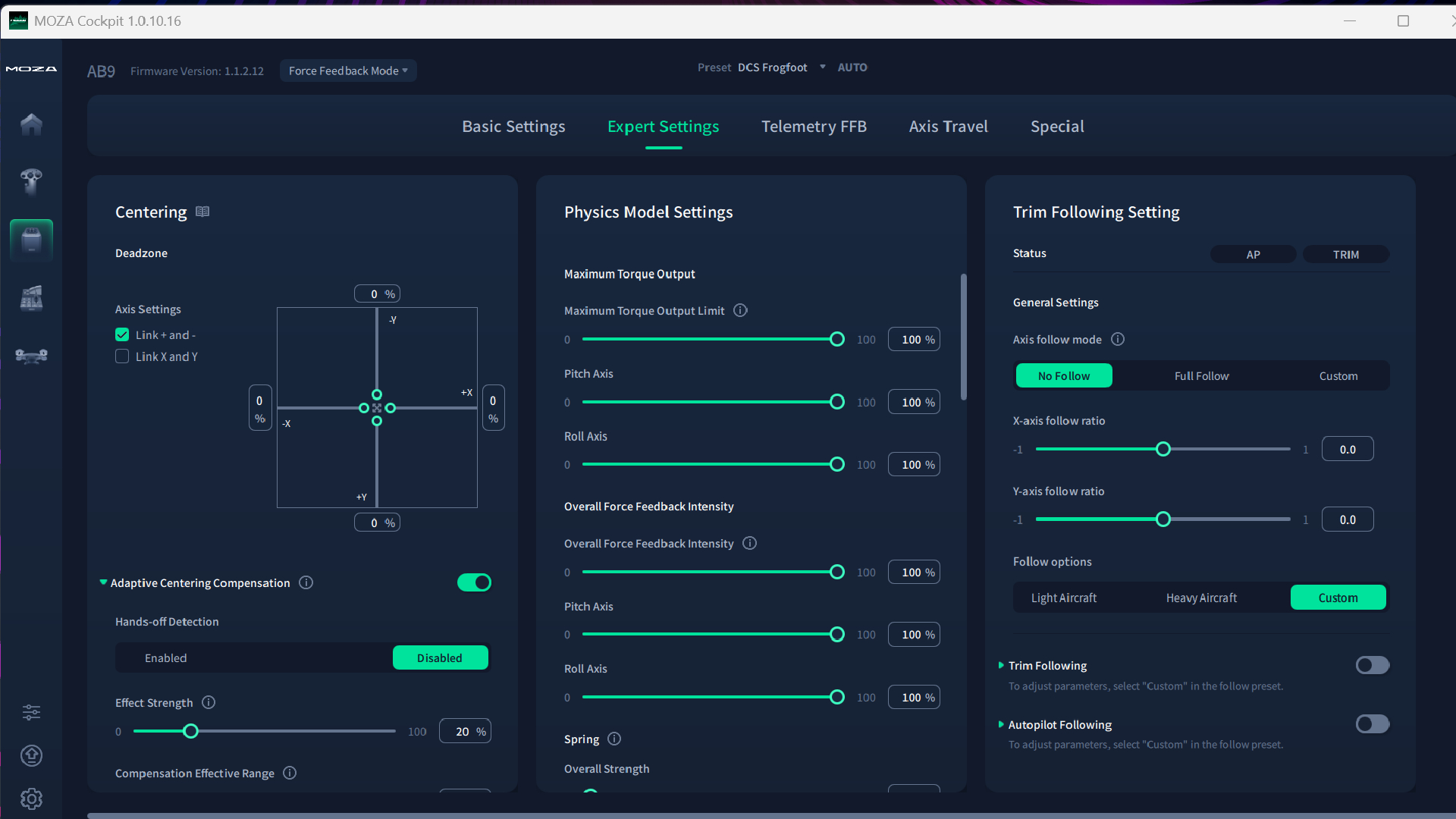
Moza's Cockpit software is a clever thing. The level of customization you can perform is mindboggling, and unlike just about every other flight stick software package I've ever used, it's got a clean and relatively straightforward UI. It's still not a simple thing to configure, but after using plenty of sticks with what can only be described as Windows 98-era interfaces, it comes as something of a relief.
As if to prove this "more modern than the rest" point, plugging in the base and throttle controls for the first time (the two chain together with an included network cable) results in an automatic self-test, and it's quite the moment. I recorded the effect because you'll want to see it for yourself.
Yes, that's the flight stick moving on its own in an act of auto-configuration. I'll be honest, it gave me a fit of giggles the first time I watched its choreographed tilting, and I could replay that video all day long. There's something about watching a PC gaming peripheral move by itself that never gets old, that's all I'll say.
The force feedback effect in telemetry mode is, to put it frankly, quite astonishing
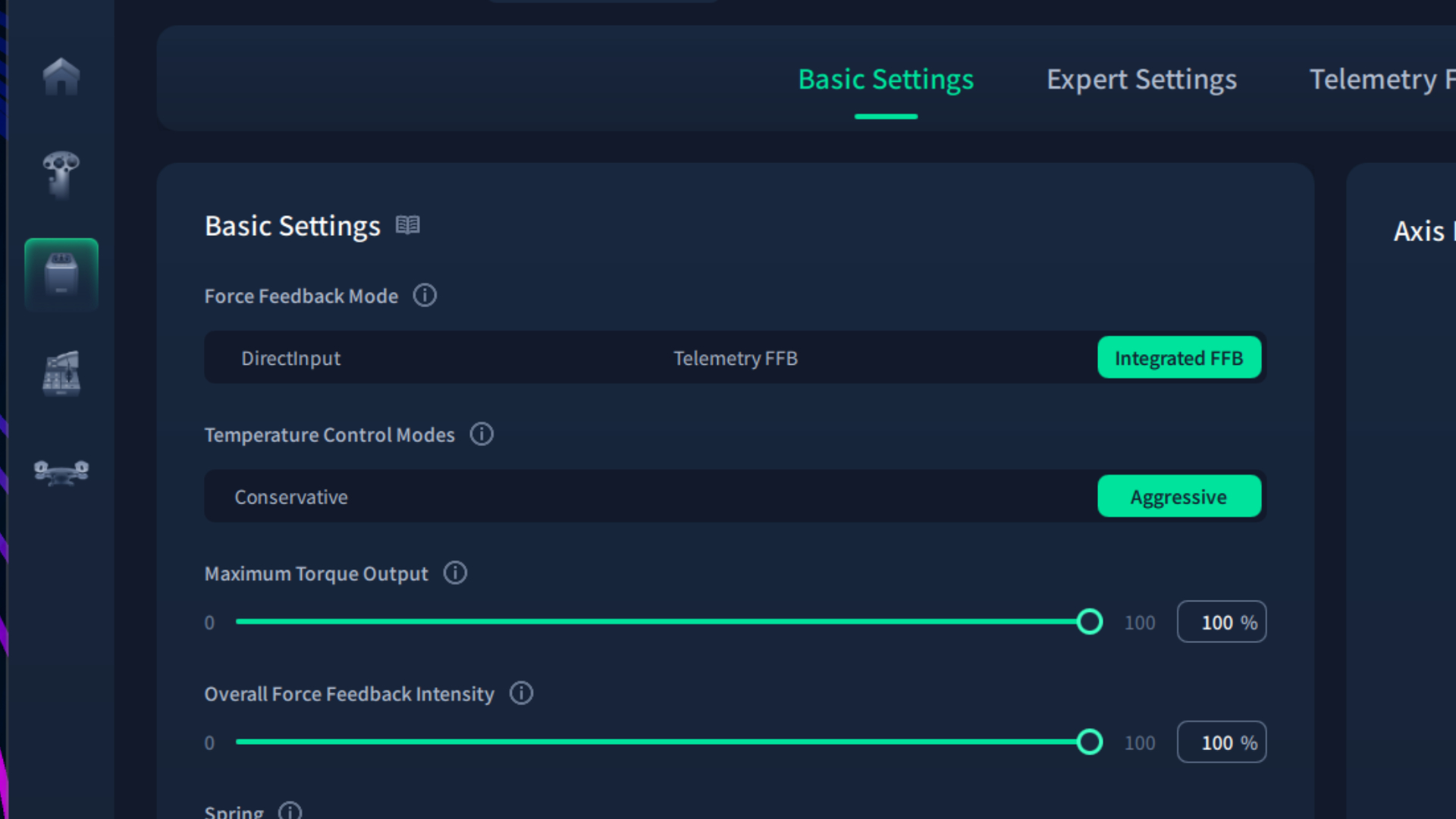
Moza Cockpit also has a clever way of integrating with a choice selection of games. As flight stick force feedback is such a rarity, the software has three primary modes to pull data from.
It can be used as a DirectInput controller, or it can hook itself into the flight telemetry of various games, including DCS, Microsoft Flight Simulator 2020 and 2024, XPlane 11 and 12, War Thunder, Elite: Dangerous, and others. The third mode, integrated FFB, attempts to use a combination of the two methods for extra compatibility.
All that's needed in most cases is to point the software towards the game's install path and select a telemetry process from a drop-down menu, wherein the software will attempt to hook the two together. While this is a relatively blunt solution to the problem of game compatibility, it worked fairly well in my testing.
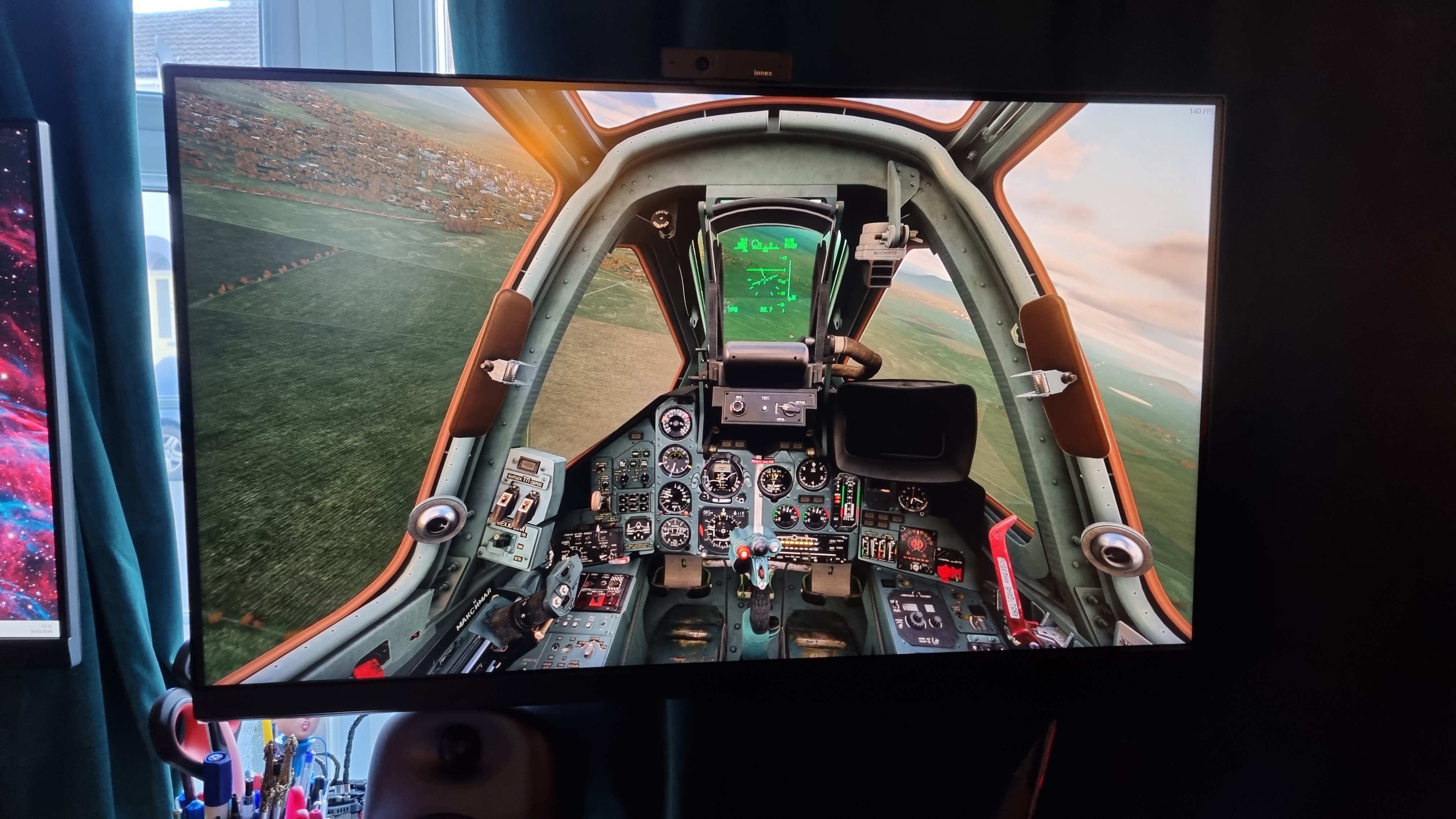
After configuring the basic controller options in DCS: World, I took to the skies for a swoop around in the Sukhoi Su-25T. It's my go-to flight testing configuration, firstly because it's free (and I'm cheap), and also because it's an easy-to-fly, yet hard to master, jet aircraft. And let's face it, we all know jets are the most fun.
The force feedback effect in telemetry mode is, to put it frankly, quite astonishing. The feedback is remarkably detailed, allowing you to feel not just the vibration of the engines at various throttle states, but also every little judder that suggests you might be stressing the airframe a touch too far. More than that, the way the stick lightens up when you screw up a manoeuvre and allow the controls to get away from you creates an oddly intuitive effect.
It makes you start flying the plane by feel, not by theory—and just like a good direct drive sim racing setup, the extra level of immersion it provides is genuinely hair-raising.
For the first time since starting my journey into the murky world of flight simulators, I feel like I'm actually in control of the plane when I'm flying with the Moza. I can use my intuition to figure out what the airframe wants out of me, and stall conditions become less about watching dials and managing airspeed and angle of attack, and more about feeling for unwanted judders, or over-lightening of the stick.
It feels like a setup with huge amounts of potential
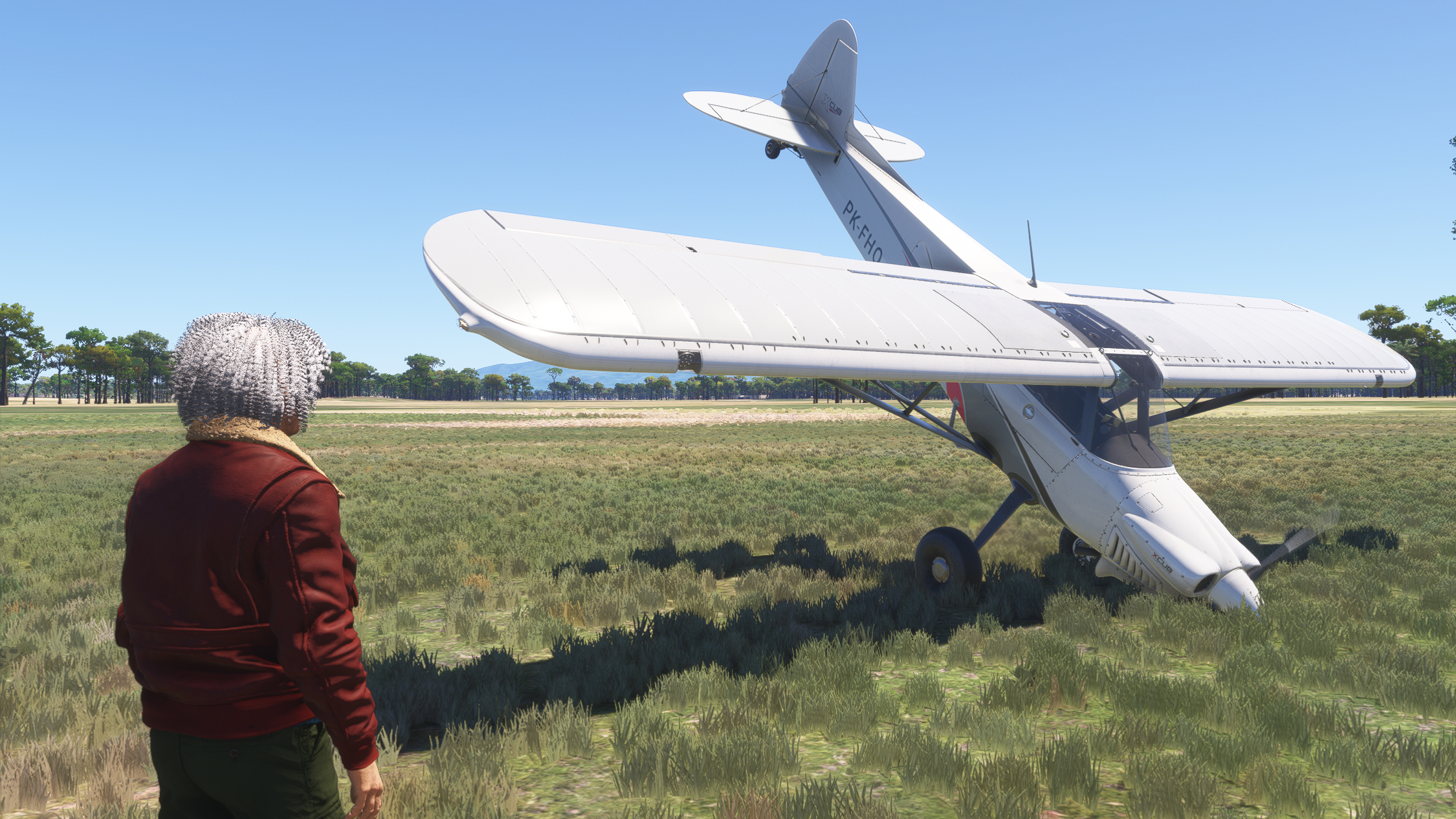
In short, it's massive amounts of fun. It's not a perfect compatibility experience, though. MSFS 2024 required a fair bit of tuning to get everything to work properly, as it only recognises the sticks on the most basic level. Essentially, it knows it's got a flight stick and throttle controls to work with, but doesn't appear to recognise exactly which ones, at least in my personal testing.
However, this is where the integrated FFB mode comes to the rescue. While configuring the telemetry mode alone led to some odd results (although I'm sure it's possible to configure it correctly with some more tweaking), sticking the Moza Cockpit software into integrated mode solved most of my issues.
It still required me to map some of the controls manually within MSFS itself, but the feedback in this mode is still chunky, reassuring, and detail-filled, once the initial faff has been shoved out of the way.
I'm once again reminded of how far flight simulator hardware has to go in terms of ease of setup. For flight sim pros, all of these options are likely child's play to configure, and a niggling feeling in the back of my head suggests that user error might be to blame here. For those of us still trying to work out our X-axis follow ratios from our elbows, though, it's all a bit much—and adding force feedback into the equation complicates things even further.
Every flight stick/flight sim game I've tried to date suffers from configuration hiccups of some sort, but for those looking to get into the hobby, I'd definitely suggest something on the more basic end of the spectrum to keep all that fuss to a minimum.
But my goodness, the Moza kit is really something when you've got everything up and running, even to a basic degree. The feedback is surprisingly detailed, the control options are legion, and the throttle is remarkably positive in its action.
It feels like a setup with huge amounts of potential—but even for a flight sim dunce like me, I can still bodge it together to create a giggle-inducing day of swooping the skies. And switching back to a regular stick afterwards feels… downright dull, actually.
Buy if...
✅ You want force feedback with less hassle: While other, more boutique solutions exist, it's a pretty sparse market for FFB flight sticks. Moza's attempts are fairly consumer-friendly, and while the kit is still expensive and a little fiddly to configure, it feels like a comprehensive, well-thought-out package.
✅ You take your flight sims seriously: Moza's gear is aiming for the high-end of the flight sim market, despite being more reasonably priced than similar equipment. If you're making a serious investment in flight simulation, though, it's got plenty to recommend it for.
Don't buy if...
❌ You're not all-in on flight sims: Moza's equipment might be more user-friendly than many, but it's definitely not for novices. Those looking to mess around in the skies rather than going all-in would be better served by a cheap but cheerful regular setup.
Still, whether you should buy any of this gear for yourself really comes down to how seriously you take your flight sims. Because while I can absolutely see the value added by this sort of setup, and how one might reasonably pay $1,000+ for it and feel like they've got a good deal, it's still proper enthusiast gear.
And while the software makes a good fist of tying everything together, it's not quite the plug-and-play experience you'll get (or something close to it, anyway) if you go for something like, say, the Logitech G X56 HOTAS RGB. Moza's software is some of the best I've used, there's no doubt—but you'll still find yourself hunting through many, many menus if you really want to get the most out of it.
But what this equipment adds to the experience of virtual flying is quite simply undeniable, and for that, I have to give the Moza setup its stars. It's bulky, it can be confusing, and it'll cost you a pretty penny.
But if you're looking to take flight sims seriously, and you've got the cash (and hours) to spare on this one particular facet of our hobby, I think you'll want to take this Moza FFB set to the skies. At least to experience the tingly dread of a lightened stick, a buzzing stall warning, and a desk-shaking rumble as you plummet to the ground.








 English (US) ·