
 2 weeks ago
29
2 weeks ago
29
The latest CPU cooler air cooler from Taiwanese manufacturer Montech PC is the NX600, a budget air cooler that incorporates six copper heatpipes to transfer heat from the CPU to the fin plates.
What sets the NX600 apart from the competition is the inclusion of two high-performance, thick E28 fans. And the price is right, at less than $30, which makes the purchase arguably worth it even if you’re only interested in the fans (and not the heatsink).
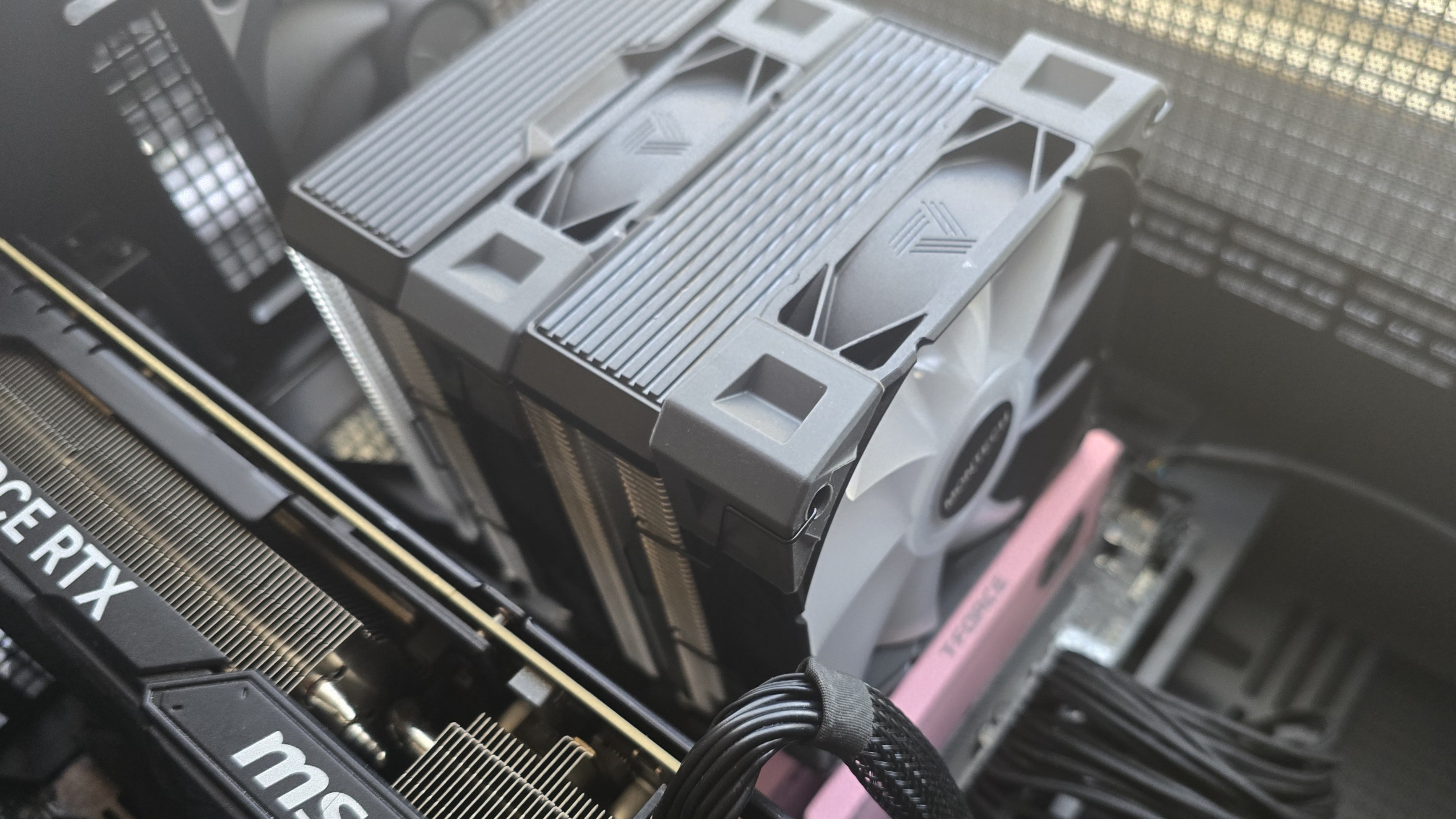
Let's take a look at the specifications and features of the cooler, then we’ll go over thermal and noise benchmarks so you can decide if the NX-600 deserves to make our list of the best CPU coolers.
Latest Videos From

Cooler specifications
Swipe to scroll horizontally
Cooler | Montech NX600 |
Colors | Silver/Black, White |
MSRP | $29.90 for standard model |
| Row 3 - Cell 0 | $34.90 for ARGB models |
Lighting | Non-ARGB and ARGB versions are available |
Warranty | 1 year |
Socket Compatibility | AMD AM5, Intel 1700/1851/1200/115x |
Heatsink dimensions | 160 (L) x 132.5 (W) x 120mm (H) |
Maximum TDP (Our Testing) | >248W with AMD’s Ryzen 9 9950X3D |
Features of Montech’s NX600 air cooler
● Dual-tower heatsink with six heatpipes
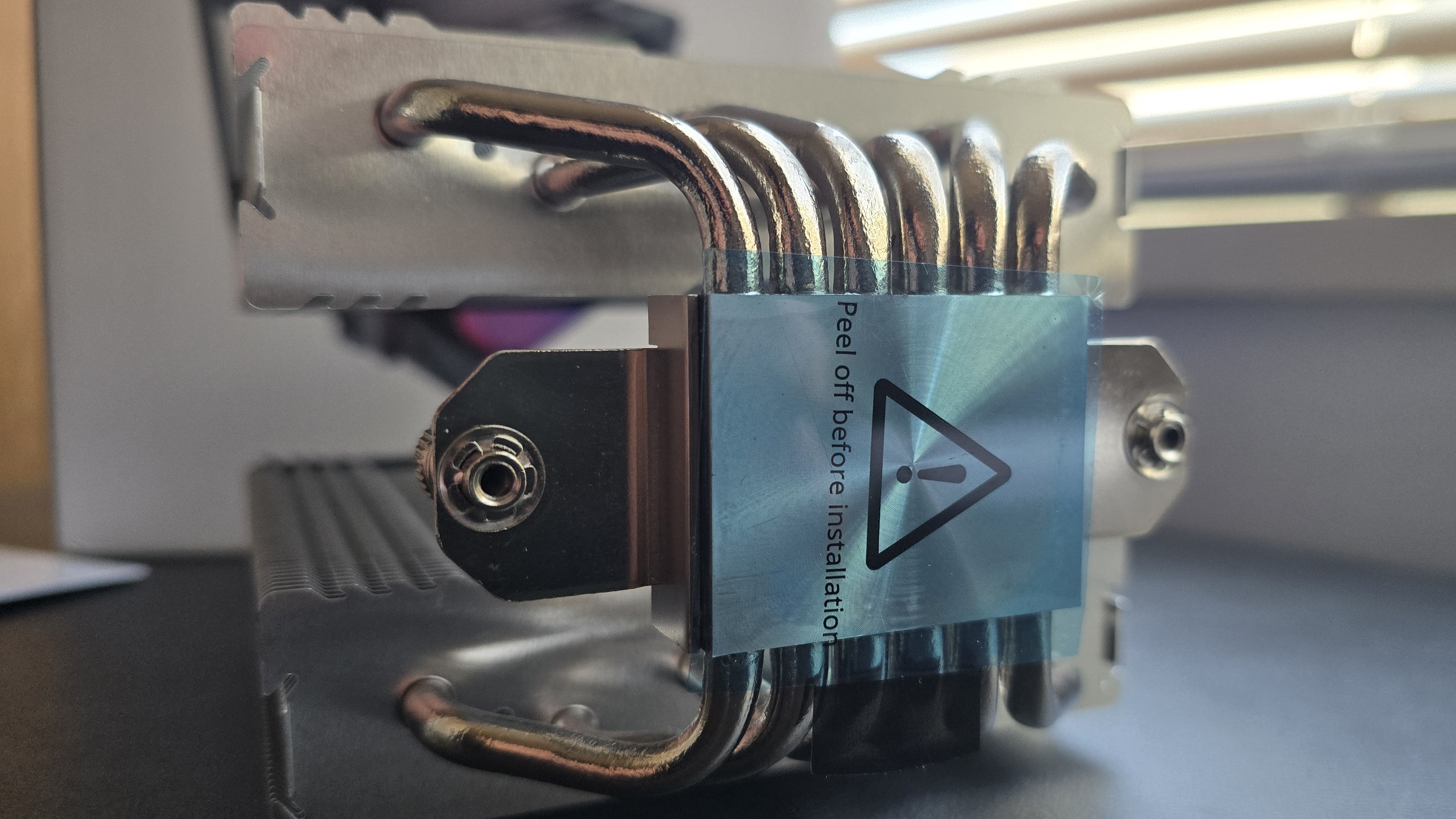
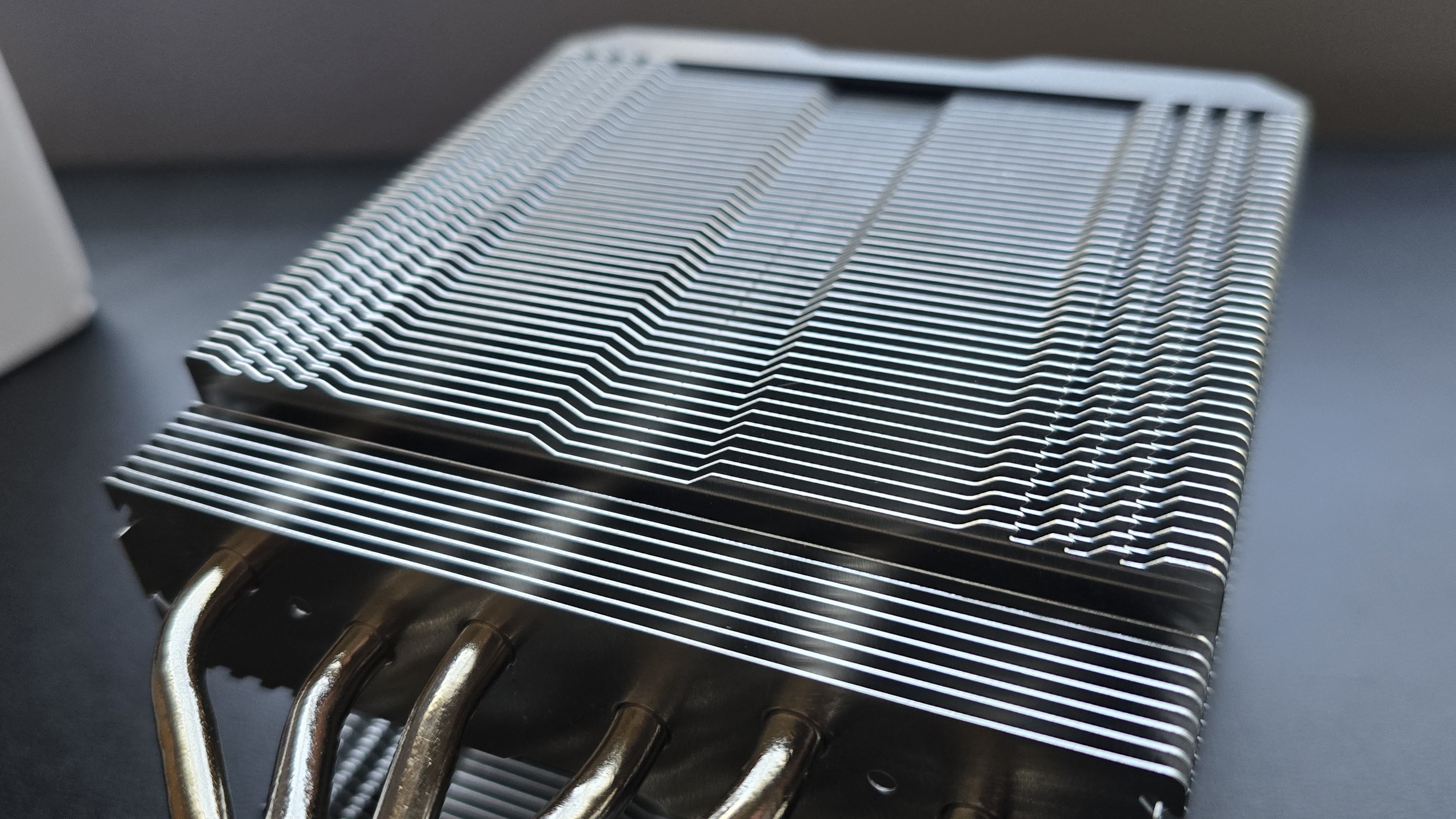
Six copper heatpipes transfer heat from the CPU contact plate to the fins of the heatsink. The heatsink features serrated edges – an engineering choice which generally results in lower noise from turbulence as air enters and exits the fin stack. There are interlocking “zipper” tabs on the sides of the fins, which improve structural rigidity and prevent the plates from squishing together to ensure proper airflow.
● Dual 120mm E28 performance fans
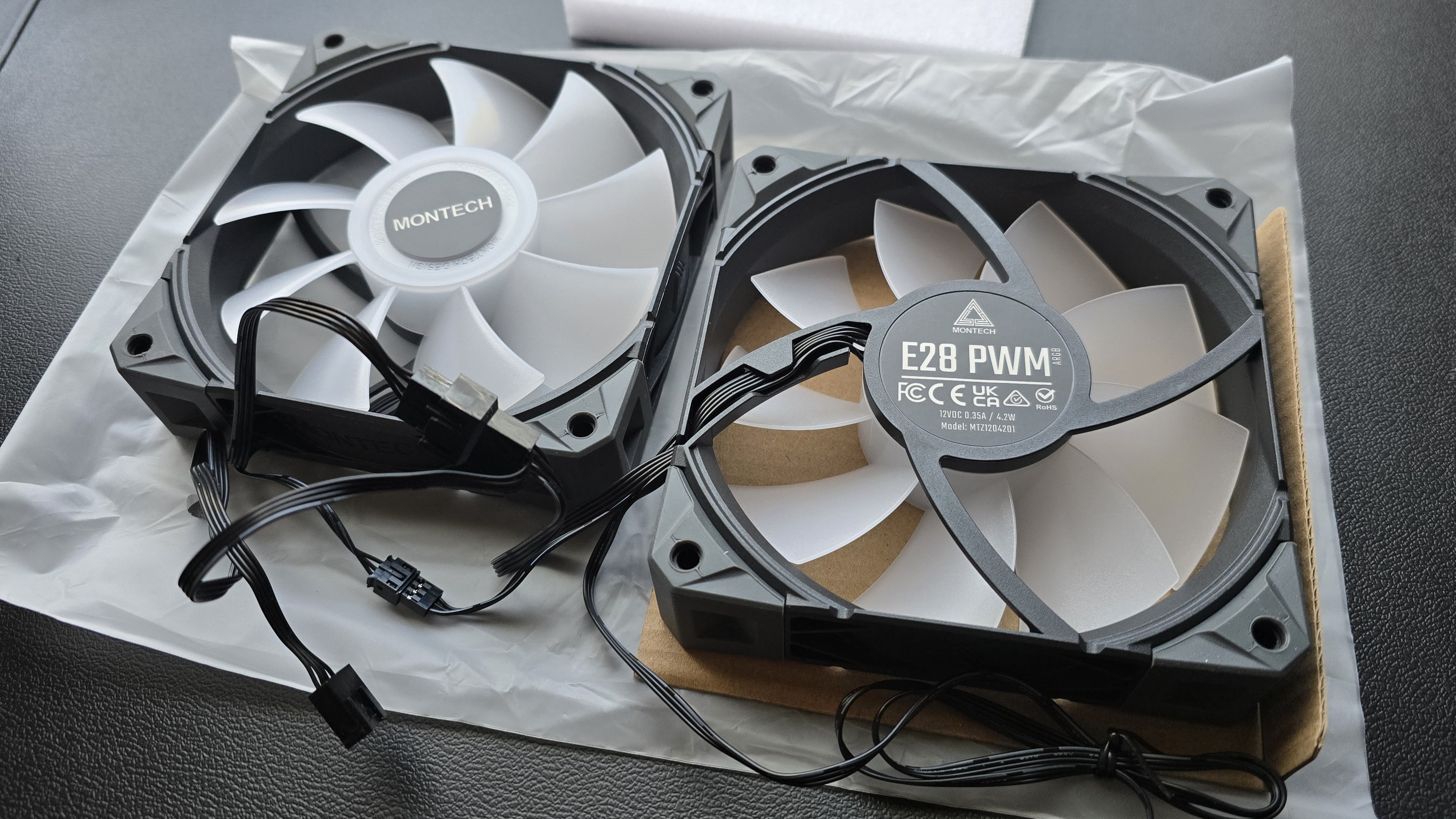
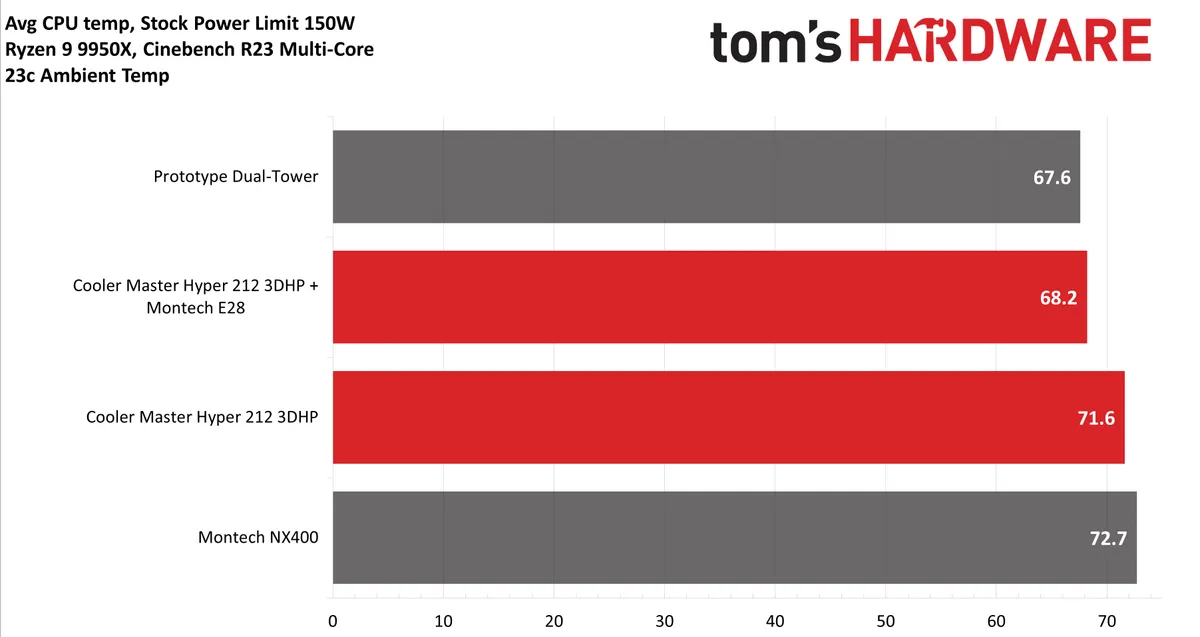
There’s more to a cooler than just the heatsink. The included fans directly impact on noise levels and cooling performance. The E28 fans are especially powerful, as we discovered in our review of Cooler Master’s Hyper 212 3DHP – dropping temperatures by over 3 degrees C compared to the default fan included with the 3DHP air cooler!
● Color scheme options
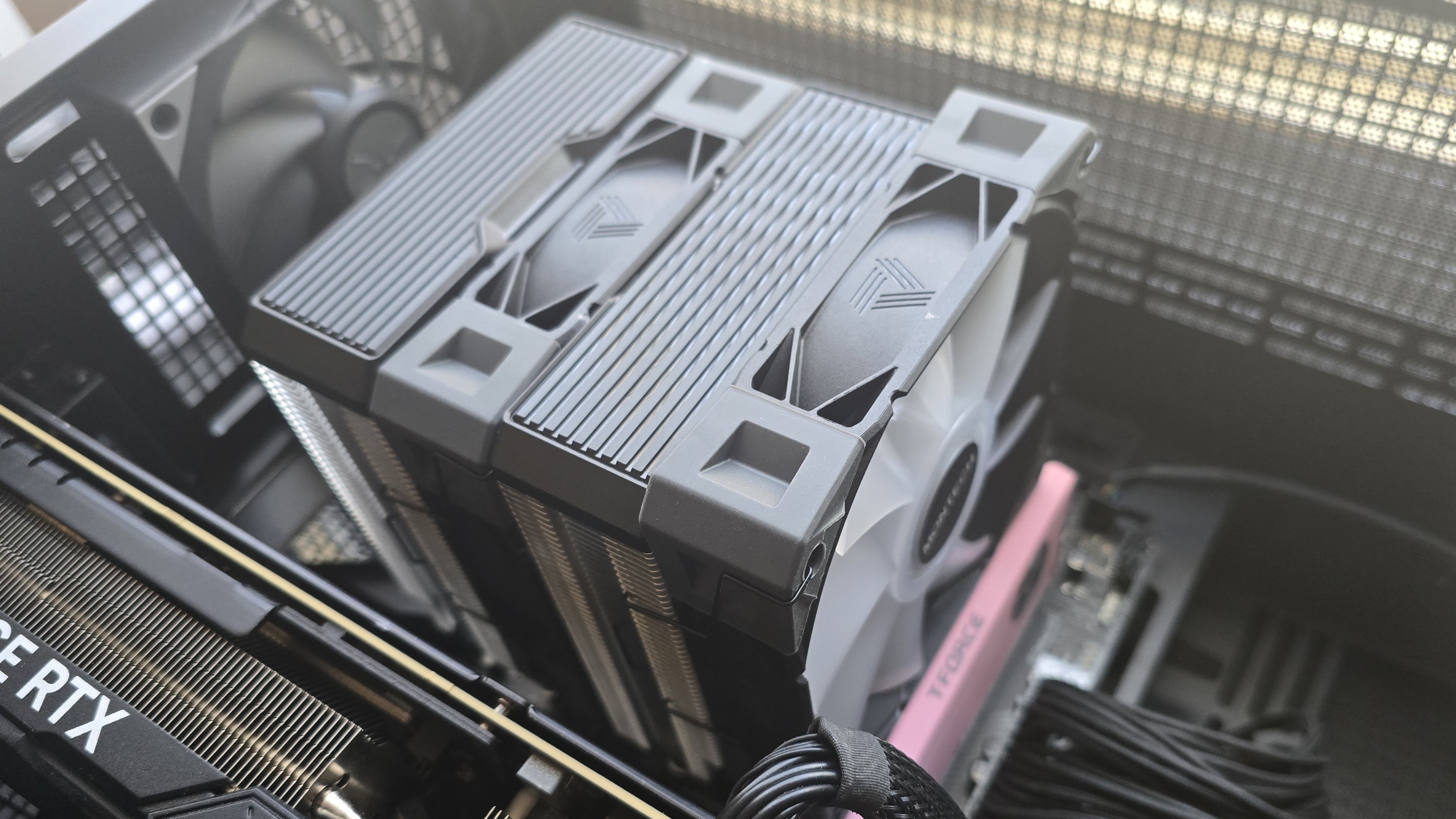
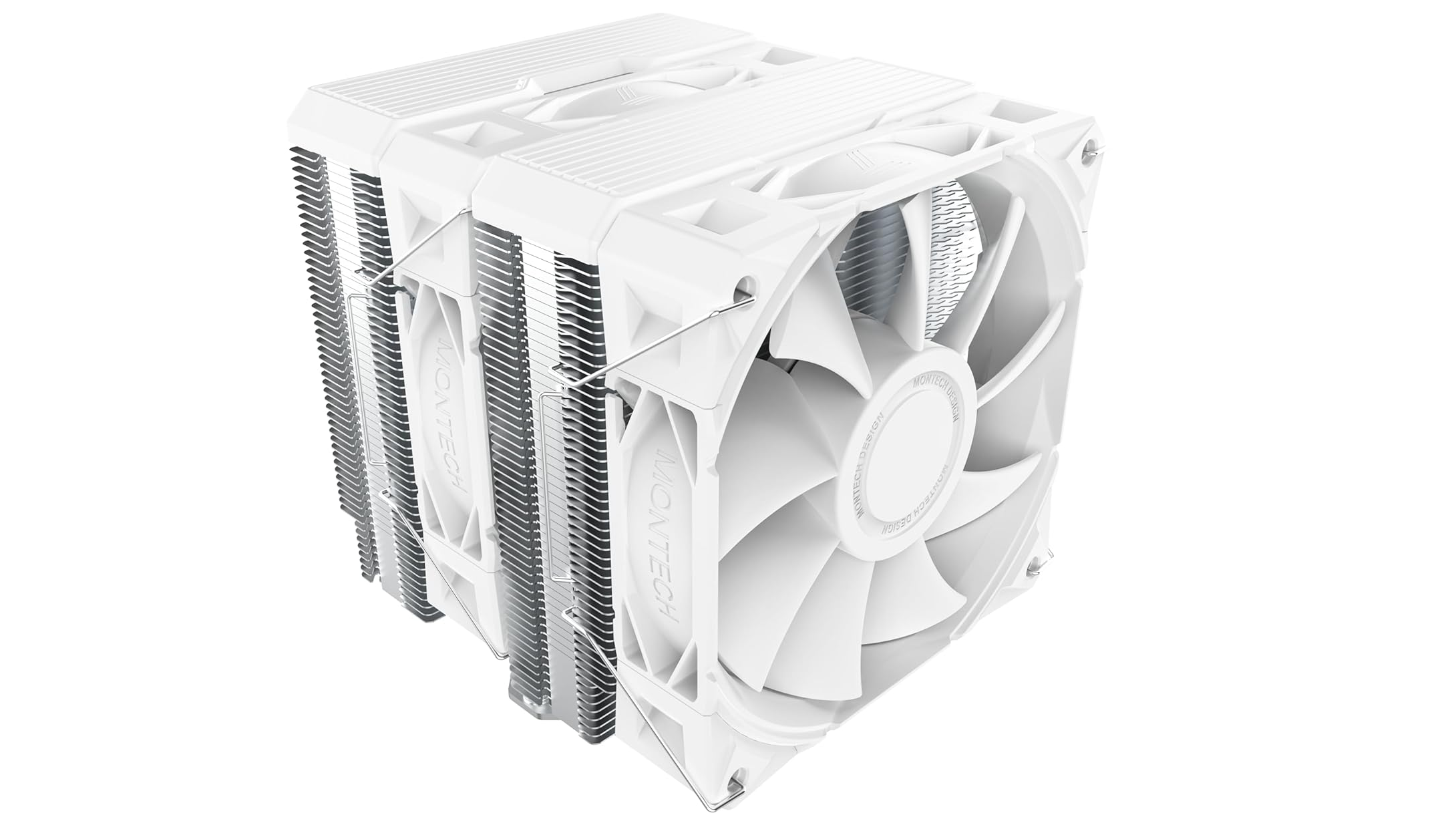
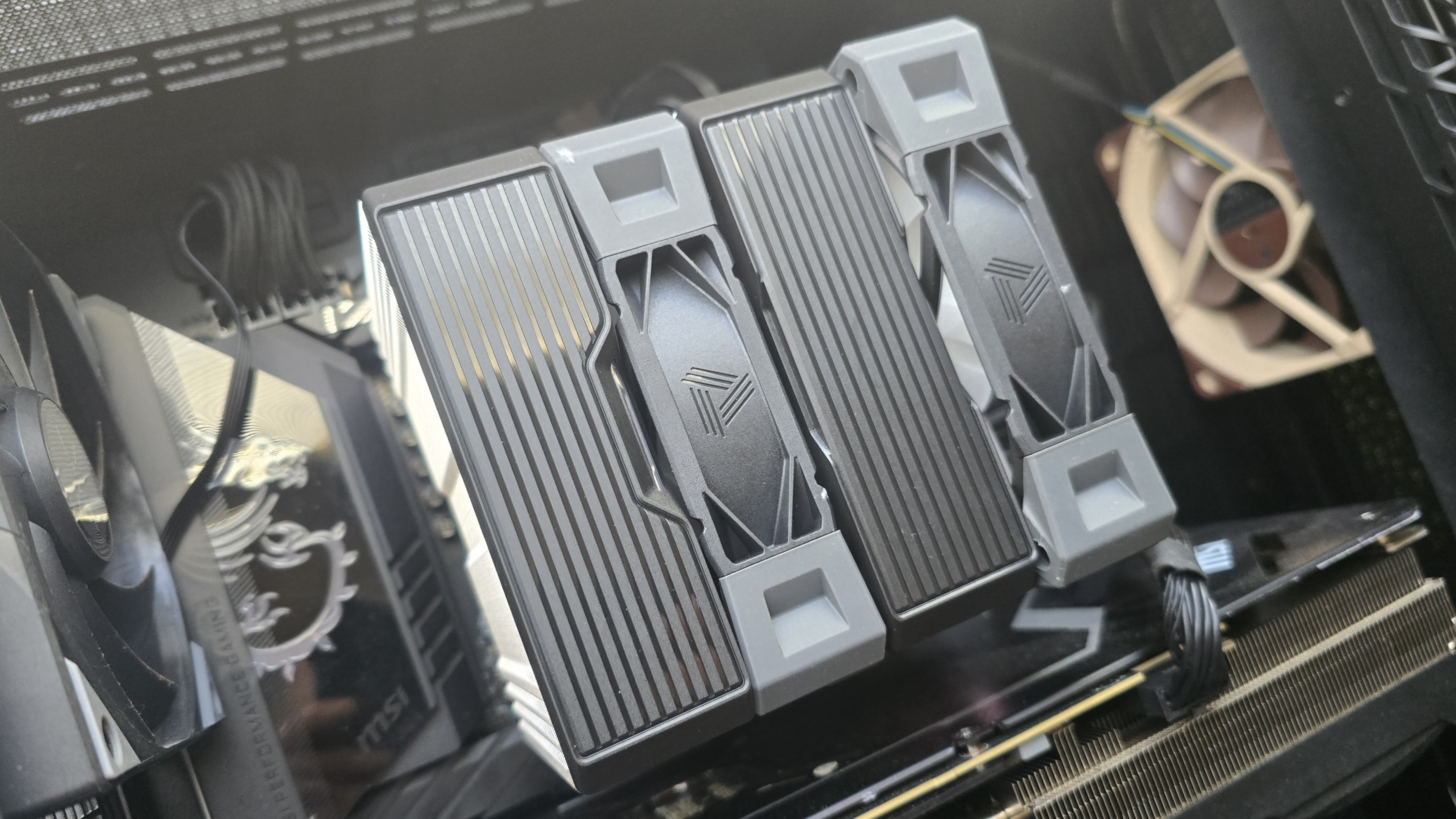
The color scheme of the NX600 model included in this review is black, grey, and silver, which might appeal to users who prefer old-school designs. There’s also a white option, shown below. ARGB and non-ARGB fan options are available with both heatsink designs, for about $5 more.
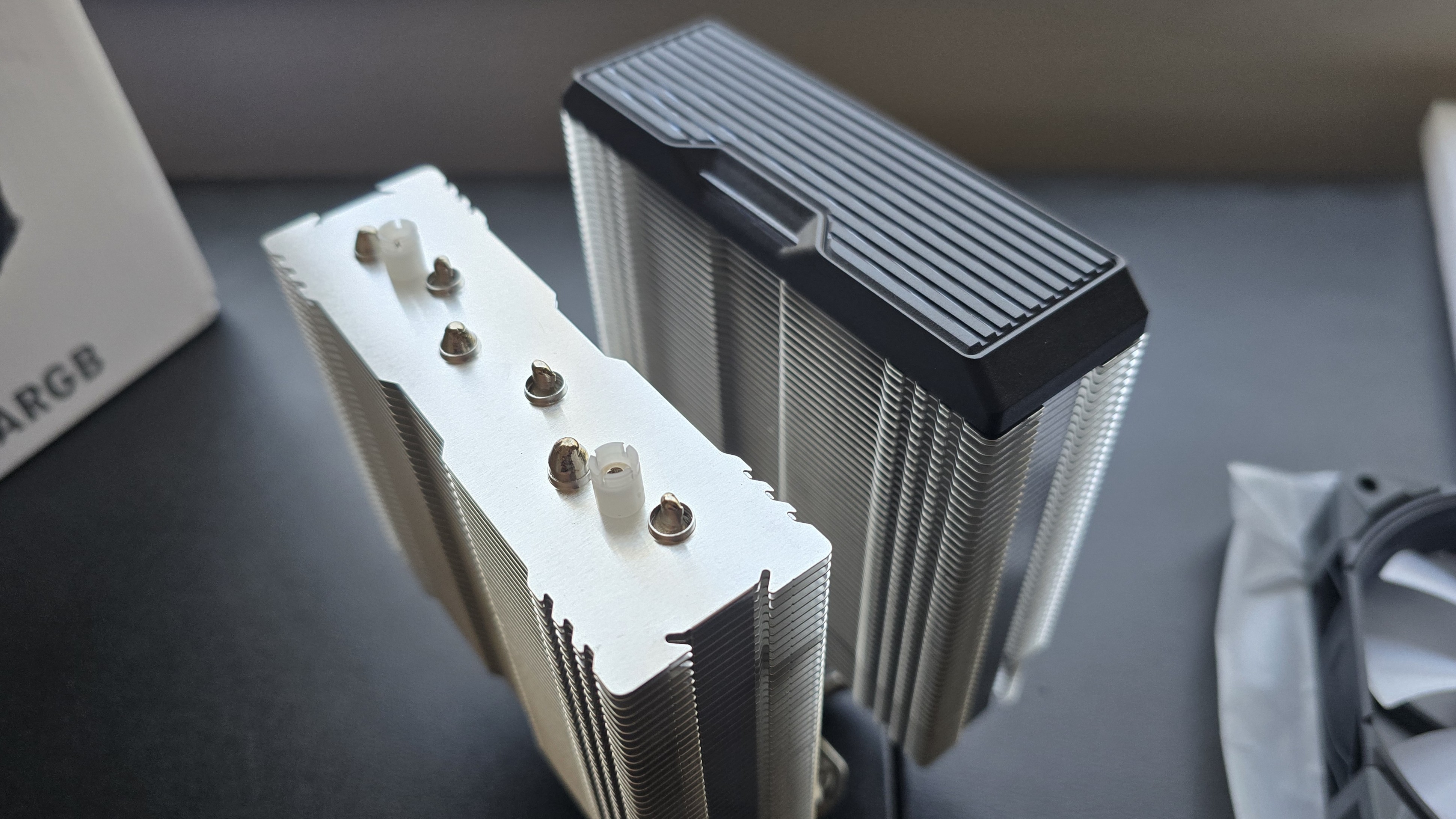
The top covers of the heatsink are mainly decorative, and can be removed if you so desire – as shown in the picture below.
● RAM Clearance
Standard-height DDR5 sticks 40mm tall fit well under the NX600 with the E28 fans installed, but taller sticks won’t fit perfectly underneath. Our current CPU cooler test bench incorporates TeamGroup’s Sakura Rose T-Force Xtreem DDR5-7200 sticks, 48.8mm (1.92 inches) tall.
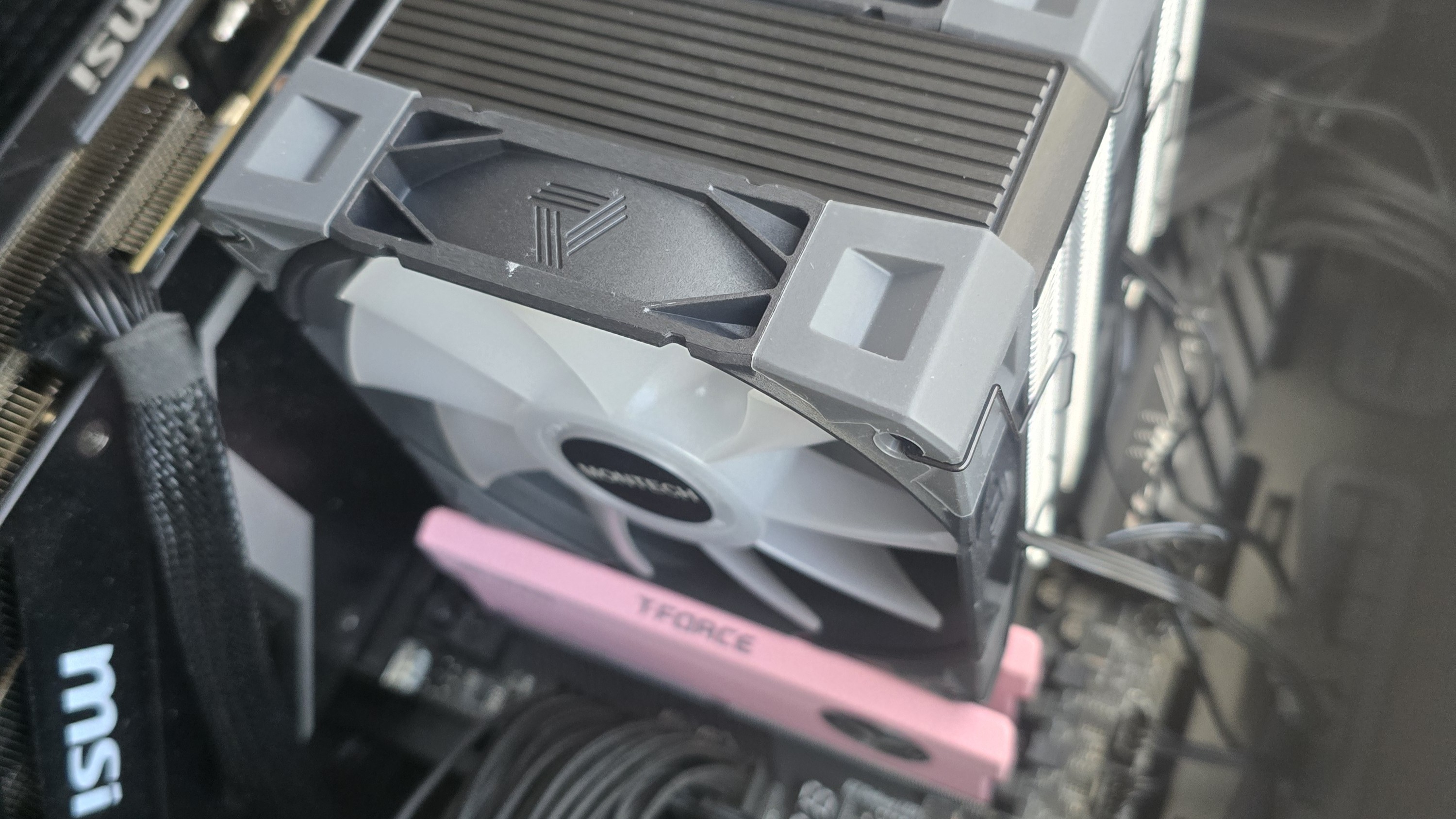
If you also use taller RAM DIMMs, you’ll have to raise the intake fan’s placement by a few millimeters for things to fit properly. This might result in slightly lower cooling performance in certain scenarios, particularly those where the fans’ speeds are limited to ensure lower noise levels.
● Packaging
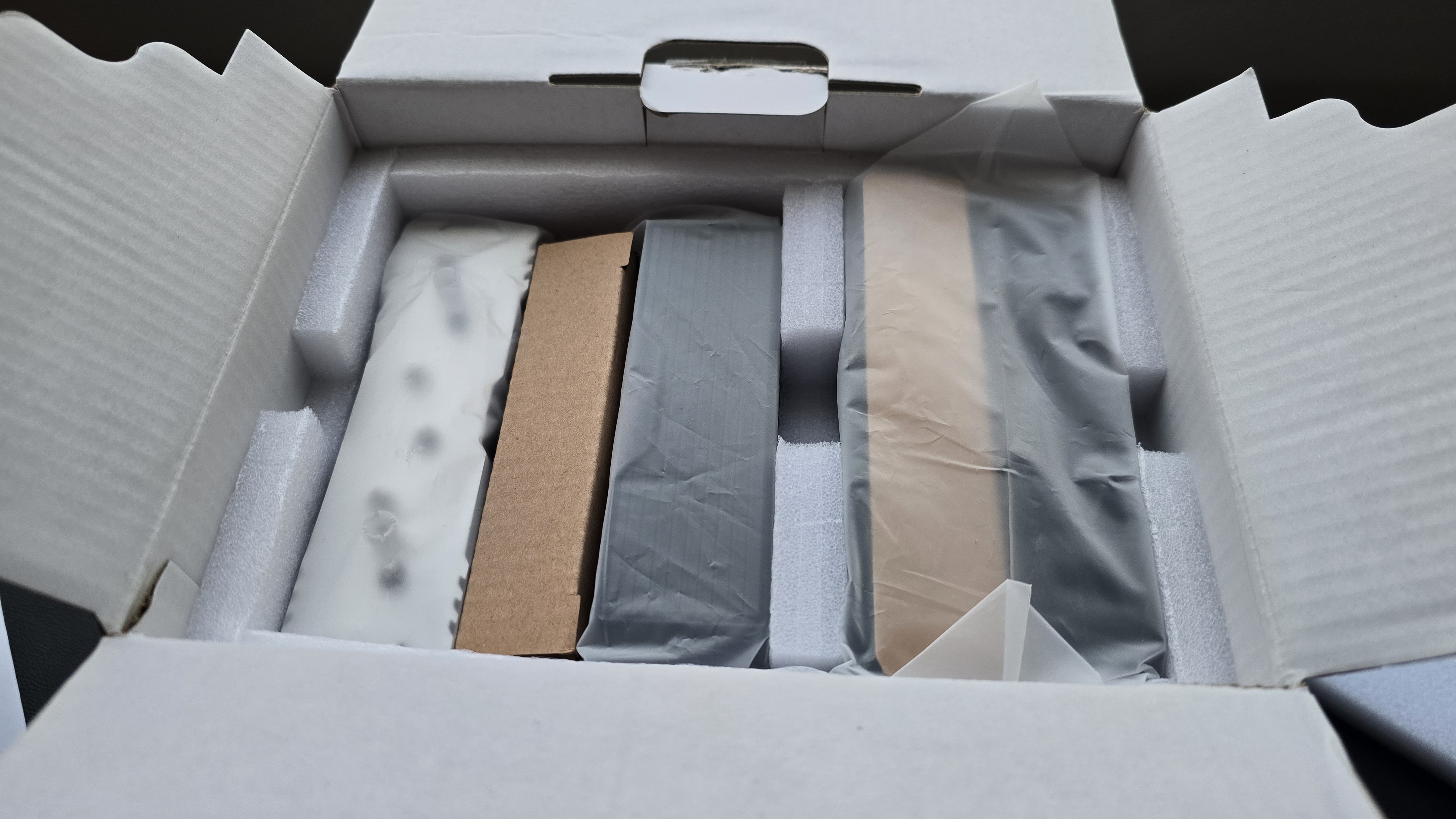
The heatsink towers are protected by soft coverings and foam inserts, with the fans and accessories packaged in cardboard. Included in the package are the dual-tower heatsink, two high-performance E28 fans, mounting hardware for Intel and AMD platforms, fan clips, and a small tube of thermal paste.
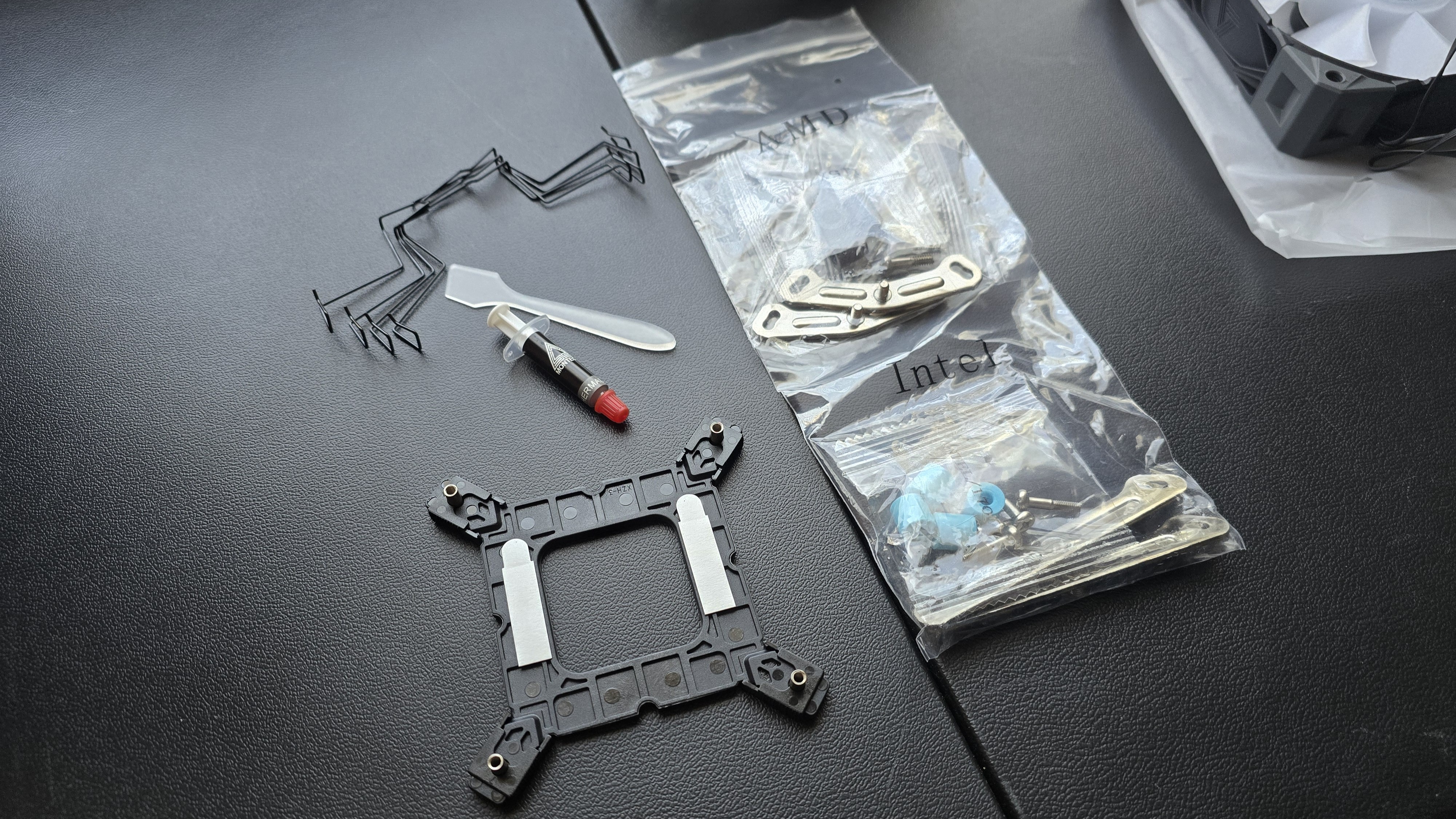
● AM5 Installation
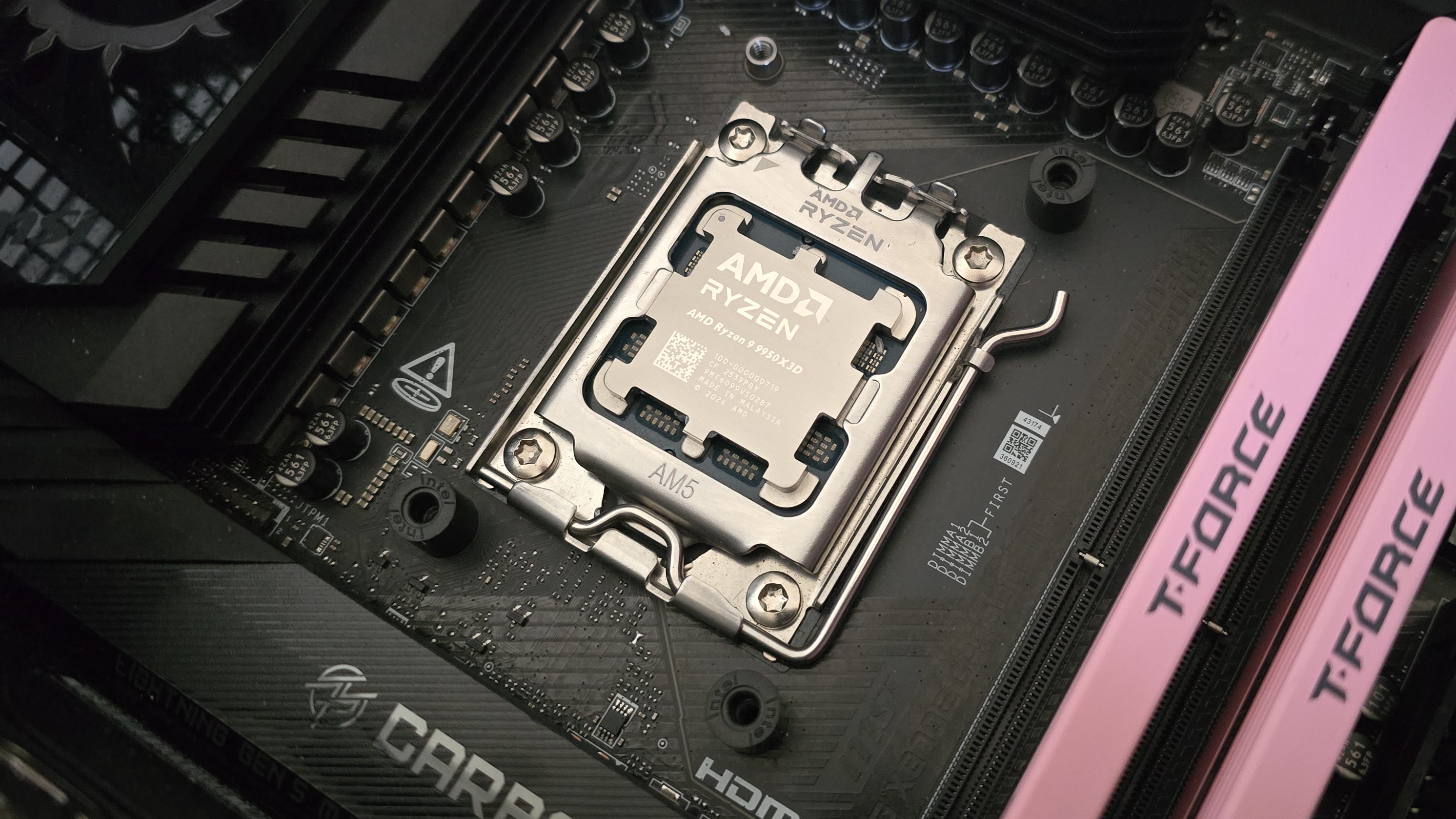
You’ll need to first remove the default AM4/5 retention mechanism and then place the mounting studs around the exposed screw holes.
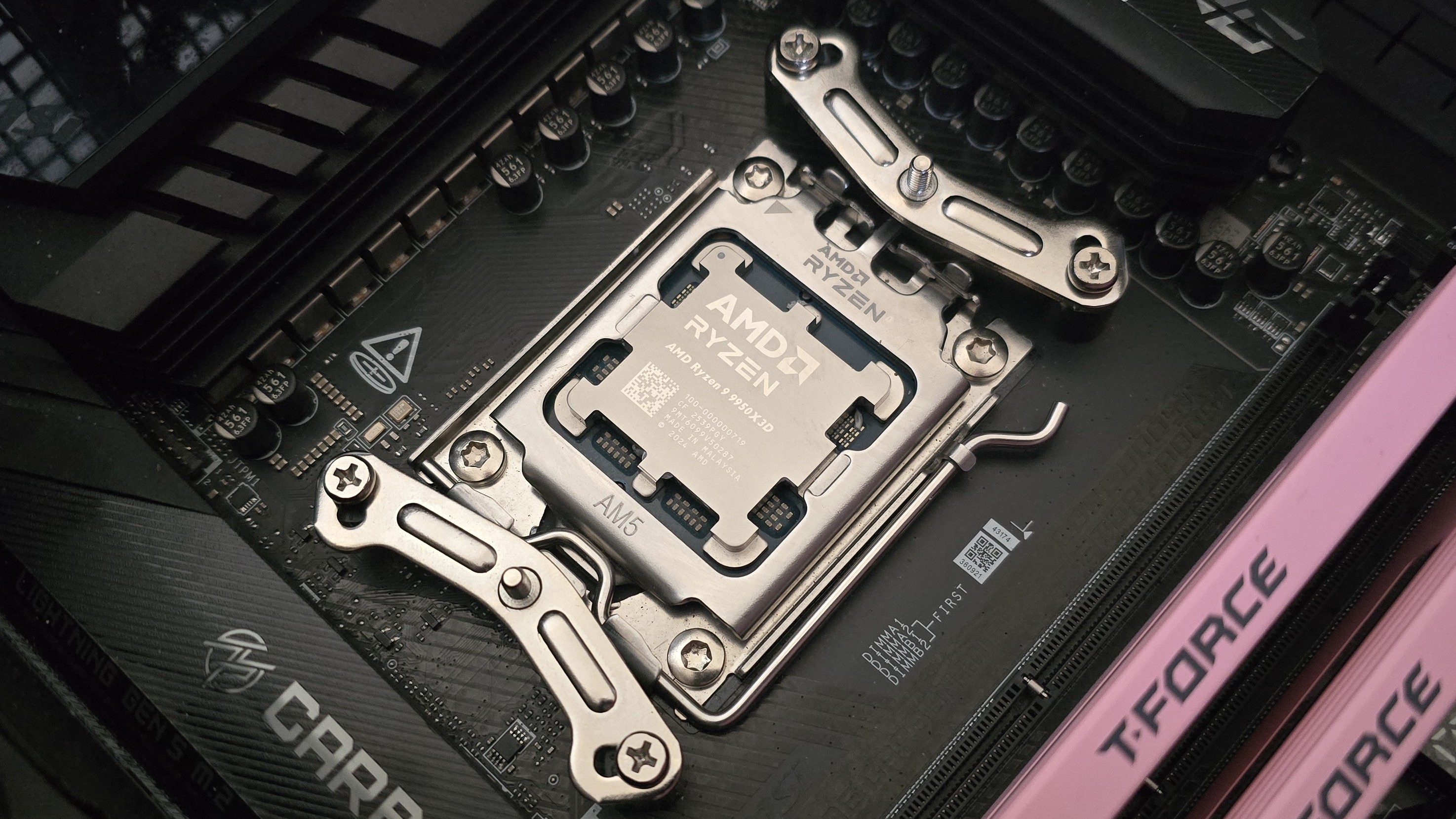
The next step is to place the mounting bars on top of the studs, securing them with the included screws.
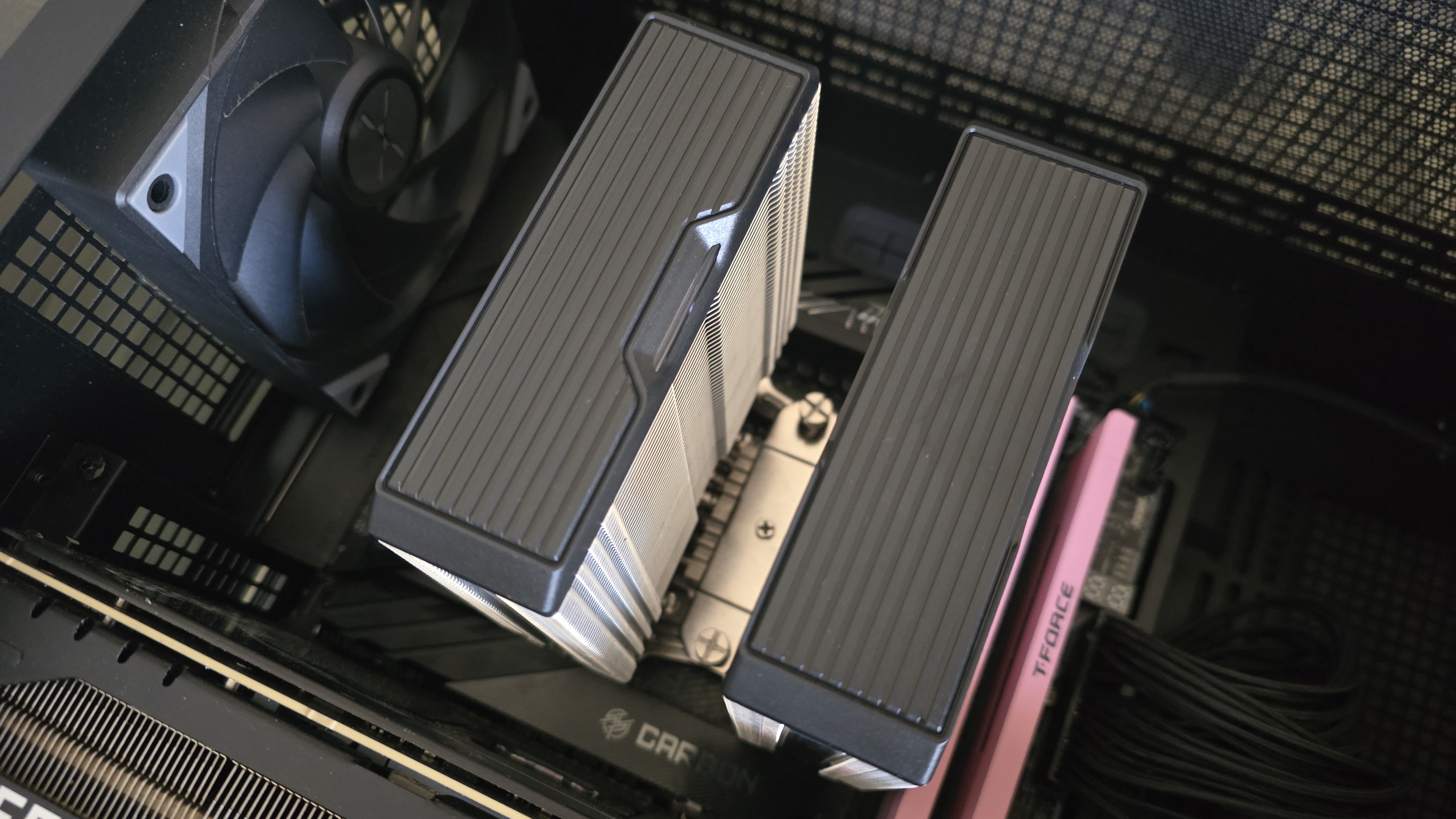
Then, apply Montech’s thermal paste. If you’re not sure how to do that, we have a hadny thermal paste application guide that covers the different methods you can use. Afterwards, place the heatsink tower against the CPU and mounting bars, and use a screwdriver to secure it.
Once the heatsink is secured, attach the high-performance E28 fans to the cooling tower with the included clips. Lastly, connect the PWM and (optional) ARGB cables of the fans to the corresponding headers of your motherboard.
Real-world testing configuration – AMD AM5 platform:
We’ve tested coolers with both the Ryzen 9950X3D and its non-V-Cache sibling, the 9950X. There are some differences in how the 9950X and 9950X3D CPUs are impacted by thermal events. While the heat output of the CCDs of AMD’s 9950X3D is relatively balanced, the 9950X I used has one CCD that runs much hotter than the other, with a difference of over 10 degrees Celsius in some scenarios, shown below.
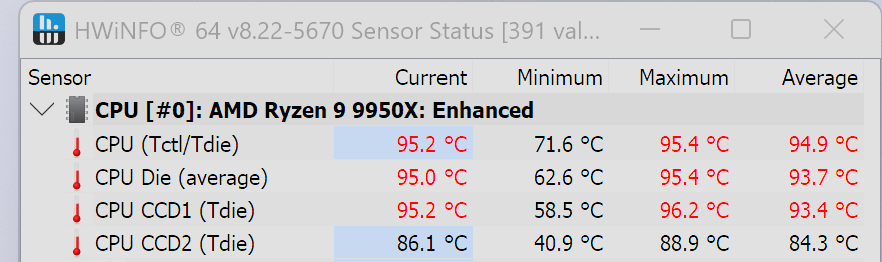
We’ve since returned to using a 9950X3D for cooler testing, as it has a more balanced heat profile, and is almost certainly a more widely adopted CPU.
The benchmark results shared in these reviews may differ from others because I emphasize results that are comparable to real-world use. This means I generally test CPU coolers inside of a closed desktop case, which increases cooling difficulty compared to other testing methods.
Many reviewers test coolers on an open test benches, which have a combination of lesser airflow needs and lowered ambient temperatures. This results in making weak coolers appear stronger than they really are. Some publications have also used generic thermal plates to test cooling solutions. I reject both of these methods because they don’t accurately reflect real-world cooler conditions.
Swipe to scroll horizontally
CPU | AMD Ryzen 9 9950X3D |
GPU | MSI Ventus 3X RTX 4070Ti Super |
RAM | TeamGroup Diamond Rose T-Force Xtreem DDR5-7200 |
Motherboard | MSI X870E Carbon Wifi |
Case | Tryx FLOVA F50 |
Our latest testing setup uses the FLOVA F50 computer case from Tryx.
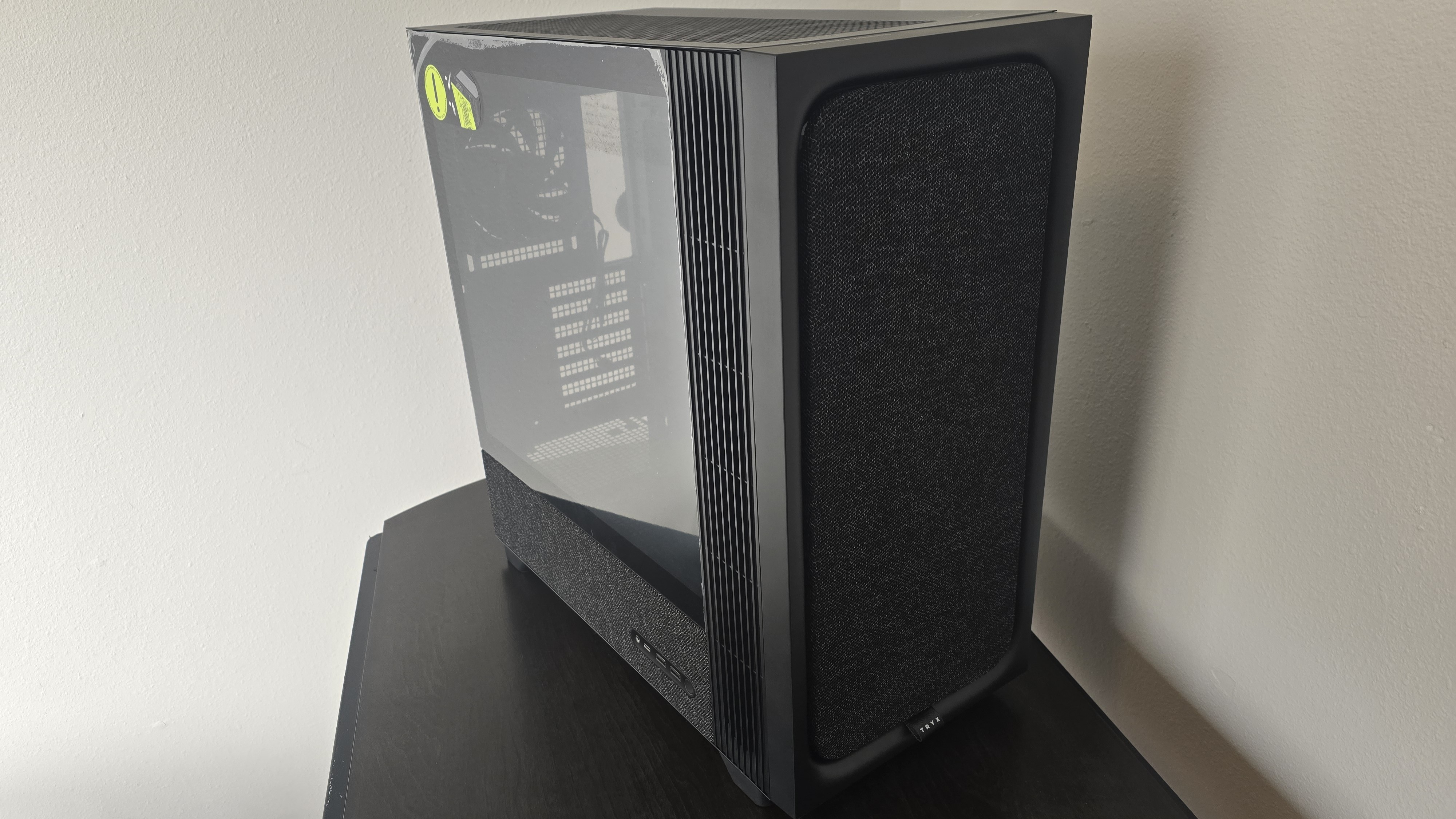
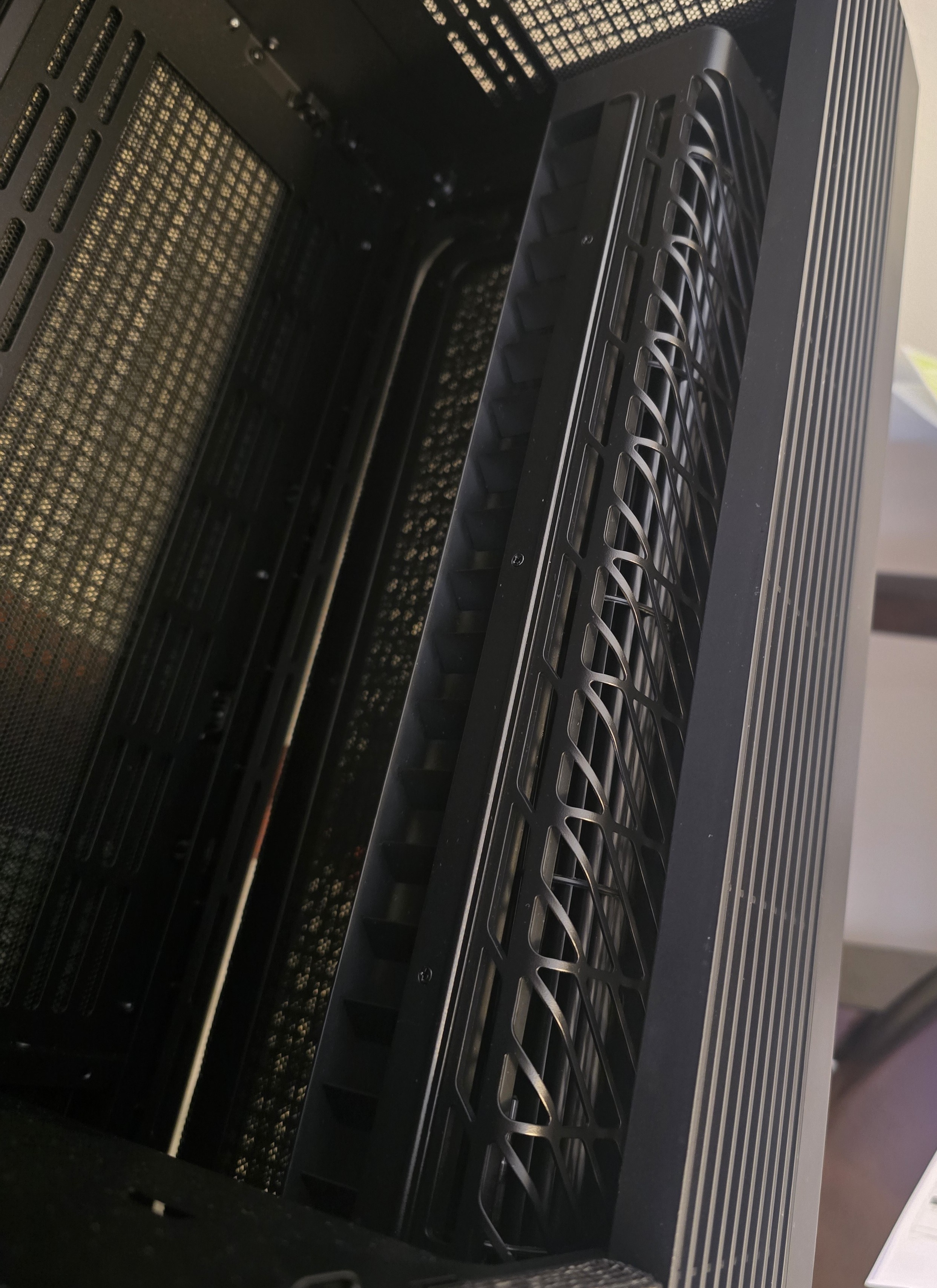
This case features a unique “crossflow” fan that pulls air from the side, which the company claims is more effective than traditional intake fans. For air cooling tests, we’ve added a single Noctua NF-A12 G2 intake fan.







 English (US) ·