
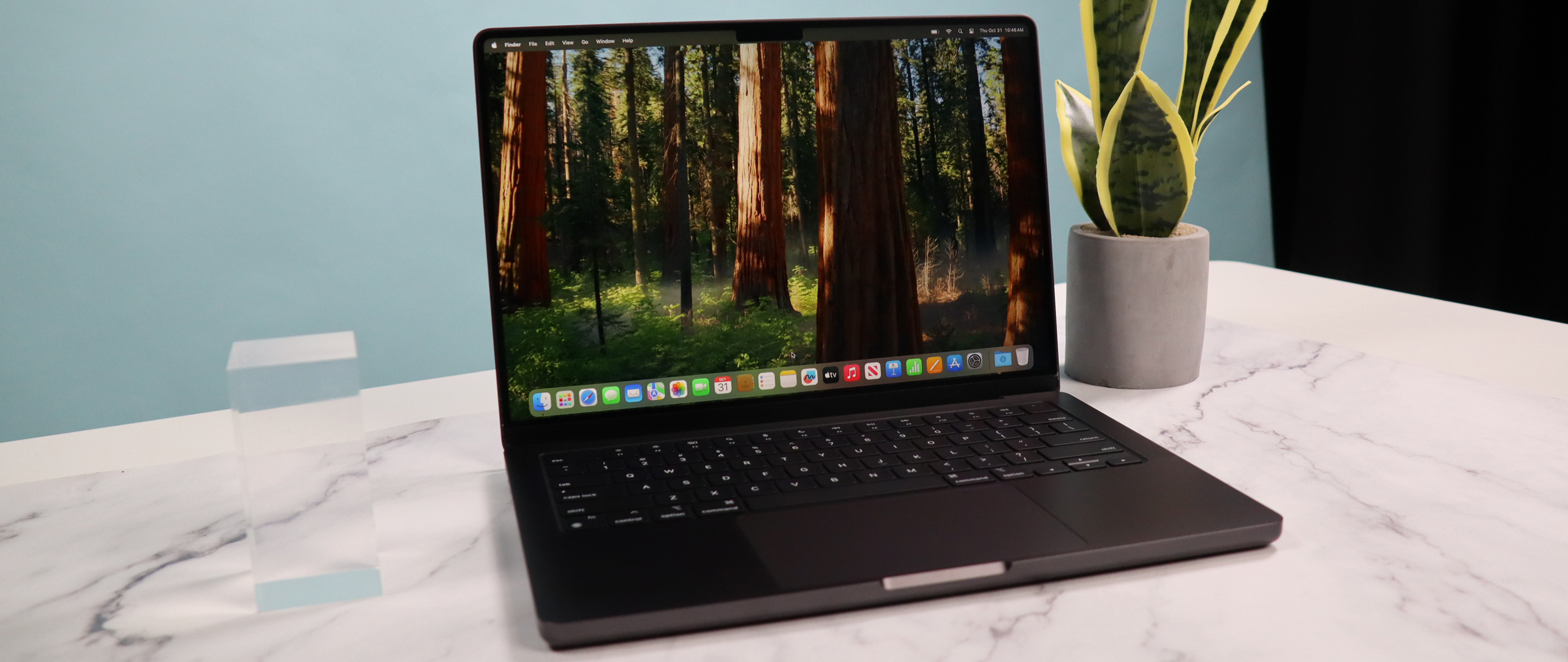
Apple MacBook Pro (14 inch, M4) review
The 14-inch MacBook Pro with the M4 chip is a powerful laptop designed for professionals. It features the M4 chip for exceptional performance in tasks like video editing and graphic design. The device boasts a 14.2-inch Liquid Retina XDR display with ProMotion technology for vibrant visuals and smooth scrolling.
Pros
- M4-chip is extreem krachtig
- Scherm met nanotextuur
- Centerstage webcam
Cons
- Geen Wi-Fi 7
- Geen OLED-scherm
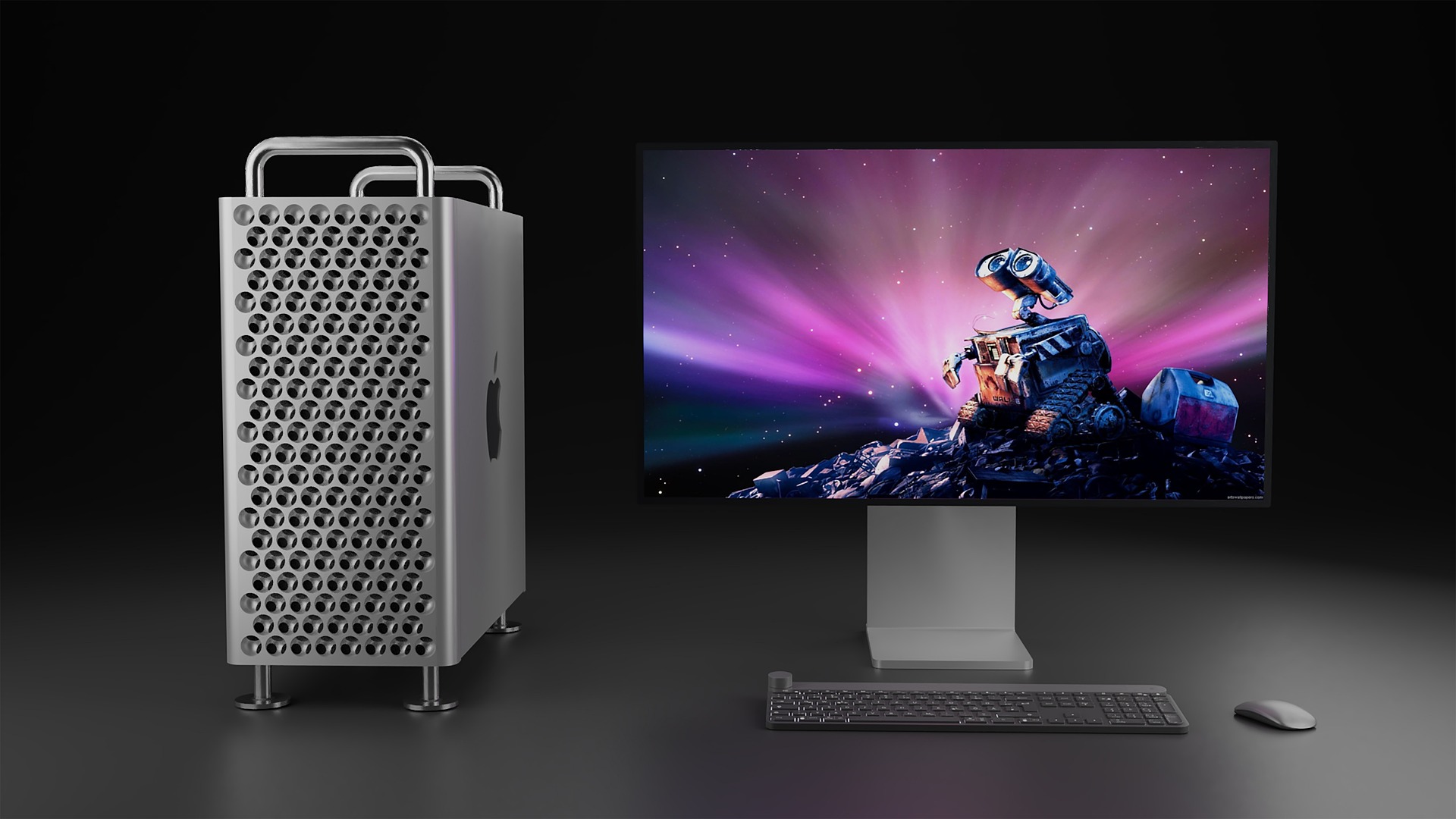
The Mac Pro M2 is an older machine, but with the high-powered M2 Ultra chipset it still offers flexibility in choosing GPU, memory, and storage.
Pros
- Incredibly powerful pro-grade machine
- More customization option
- More memory and storage options
Cons
- Old machine with older internals
- Expensive
- Now discontinued
This comparison guide will show you where the real differences between these two machines lie.
Article continues below
MacBook Pro M4 vs Mac Pro M2: Specs
Swipe to scroll horizontally
| Row 0 - Cell 0 | MacBook Pro M4 | Mac Pro M2 |
Display | 14.2 inches or 16.2 inches | None |
Type | Liquid Retina XDR display | N/A |
Refresh rate | Up to 120Hz adaptive refresh rate (ProMotion technology) | N/A |
Processor / Graphics | M4 (base model), M4 Pro, or M4 Max | M2 Ultra |
Memory | 8GB, 16GB, or 24GB | Up to 192GB |
Storage | 512GB, 1TB or 2TB | Up to 8TB |
Ports | 3x Thunderbolt 4, HDMI, SDXC, MagSafe 3, headphone jack | Front: two Thunderbolt 4 (USB-C) ports, 3.5 mm headphone jack Rear: Six Thunderbolt 4 (USB-C) ports, two HDMI ports, two USB-A (USB 3) ports |
MacBook Pro M4 vs Mac Pro M2: Prices & availability
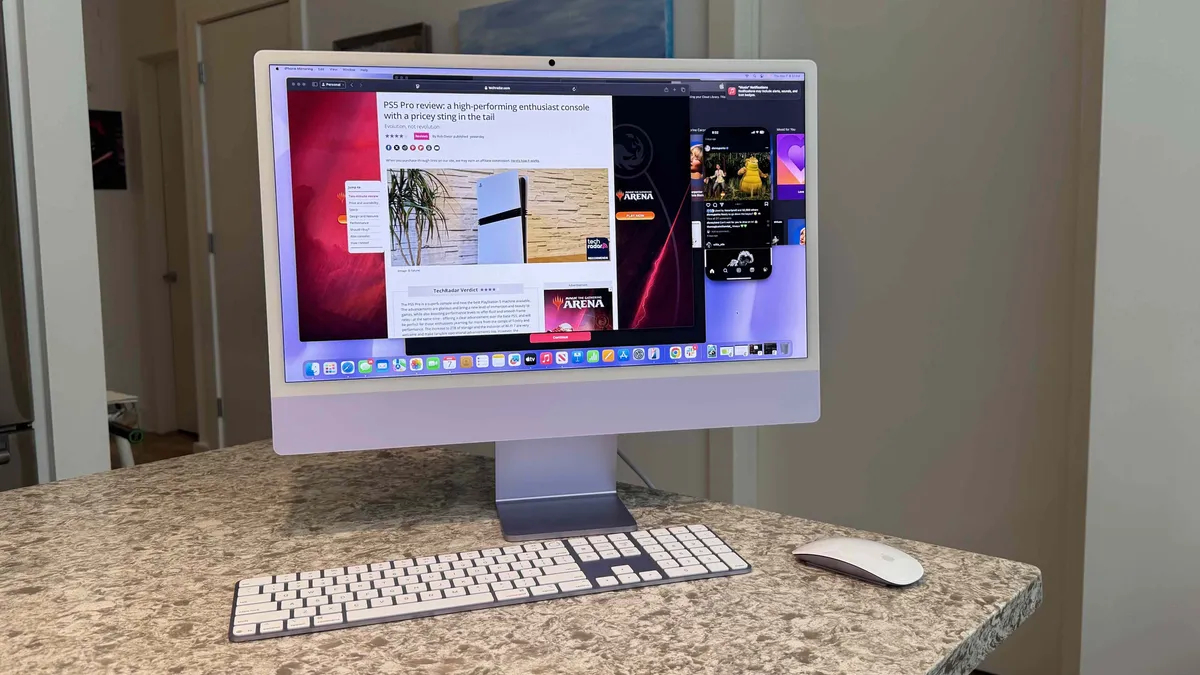
The 2024 MacBook Pro models come in two sizes: 14-inch and 16-inch, with the entry-level M4 chipset available exclusively in the 14-inch model. For the 16-inch model, you can choose between the M4 Pro or M4 Max chips.
Unified memory options range from 16GB to 128GB, and storage can go up to 8TB. The MacBook Pro is offered in silver and space black as previous versions.
Prices for these machines will start at around $2000 / £2000 for the base model. For comparison, the new M5 models direct from Apple are priced from $1699 in the US and £1699 in the UK, with costs increasing depending on size and chipset.
The Mac Pro model was designed to be highly customizable but is significantly less so than previous Intel-based models. There a few configurations around, including machines with a 60-core or a 76-core GPU, 64GB and 192GB RAM, and storage ranging from 1TB to 8TB.
Unfortunately, you can no longer purchase it from Apple - but expect to pay around $5000 / £5000 at least.
MacBook Pro M4 vs Mac Pro M2: Portability
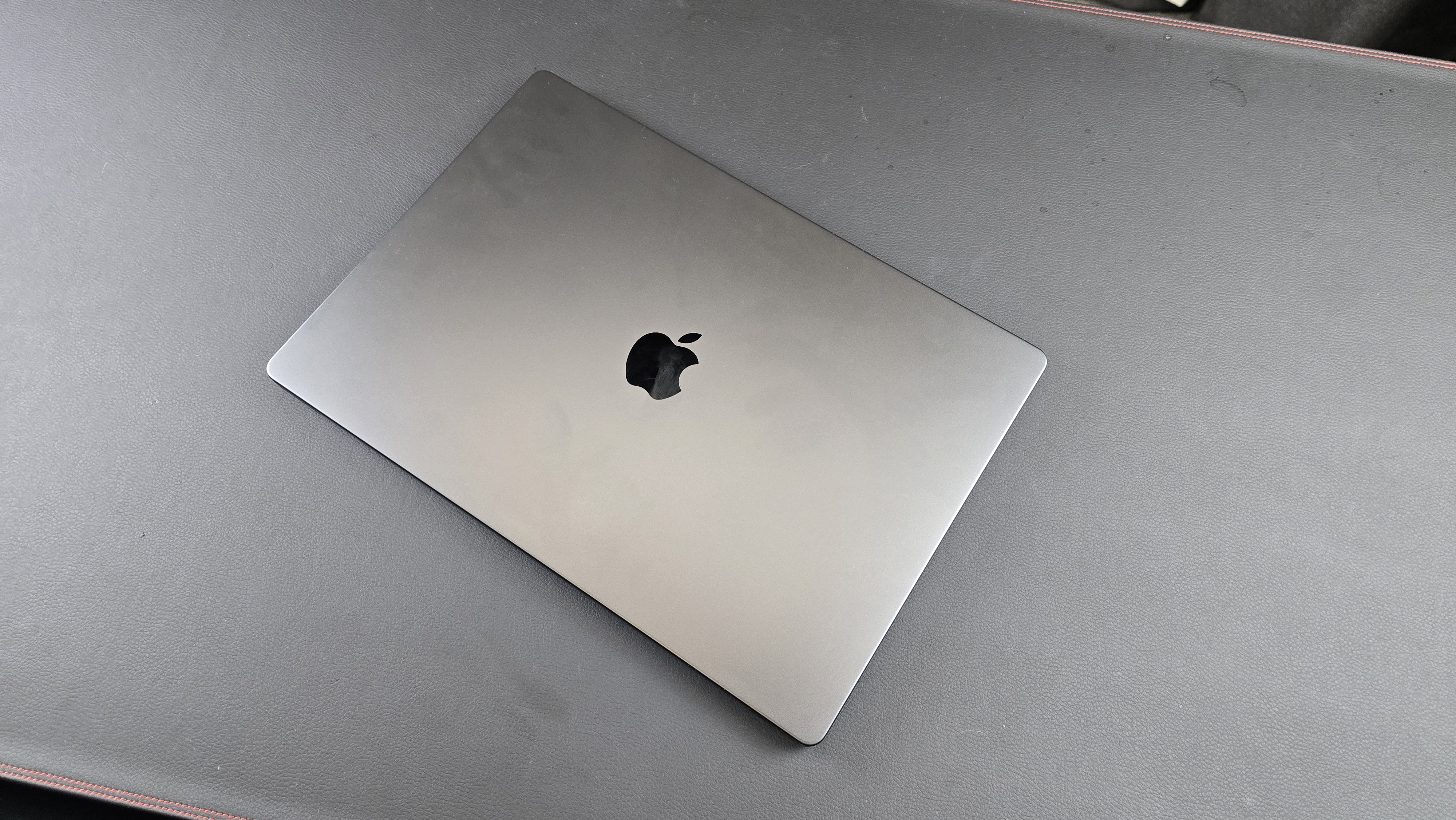
The MacBook Pro M4 and the Mac Pro M2 differ greatly in terms of portability. The MacBook Pro M4 is a laptop designed for easy transport, featuring a built-in screen, keyboard, and trackpad. Its slim and lightweight design allows it to be carried in a backpack with ease.
In contrast, the Mac Pro M2 is a desktop computer that requires a separate monitor, keyboard, and mouse. Its tower design is intended to sit on a desk, making it significantly larger and heavier than the MacBook Pro, and therefore, it is not portable.
Essentially, the MacBook Pro M4 is tailored for users who need to work on the go, while the Mac Pro M2 is meant for stationary use in a workspace.
Winner: Not surprisingly, the MacBook Pro
MacBook Pro M4 vs Mac Pro M2: Performance
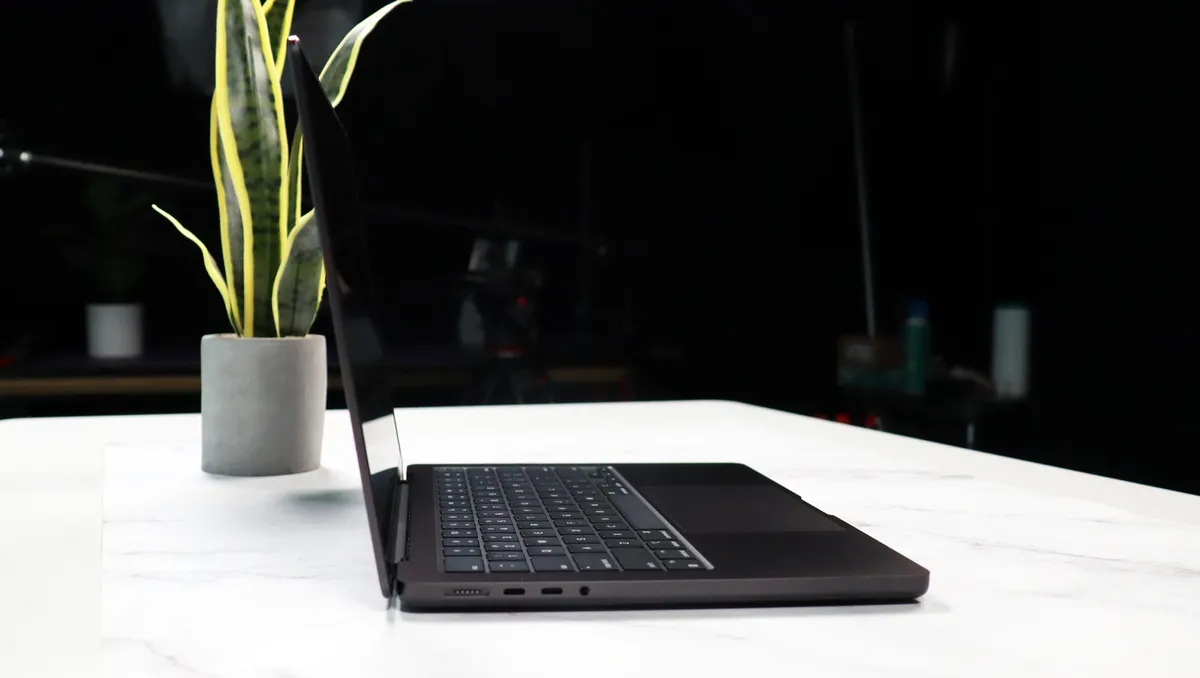
When comparing performance, the M2 Ultra should be evaluated against the current M4 chips: M4, M4 Pro, and M4 Max.
Despite having fewer cores, the base M4 chip offers surprisingly competitive performance. While the M2 Ultra holds a slight edge in multi-core benchmarks, the difference is narrower than expected, thanks to the M4’s architectural advancements.
The M4 excels in graphics tasks due to its new GPU architecture with hardware ray tracing, leading to smoother gaming, faster 3D rendering, and improved efficiency. This results in longer battery life and lower power consumption. Although the M2 Ultra has advantages in memory bandwidth and maximum RAM capacity for professional workflows, the M4 provides an impressive balance of performance and value.
The M4 Pro also shows noteworthy performance, surpassing the M2 Ultra in multi-core benchmarks due to its advanced architecture. Like the base M4, it features hardware ray tracing, enhancing graphics performance, especially in gaming and creative applications.
The M4 Max further outperforms the M2 Ultra in several areas, particularly in multi-core performance, thanks to similar architectural efficiencies. It also benefits from hardware ray tracing for better performance in graphics-intensive tasks. While the M2 Ultra remains strong in memory capabilities, the M4 Max stands out as a high-performance option.
Winner: It depends on the chip, but even the base M4 stands up well against the M2 Ultra.
MacBook Pro M4 vs Mac Pro M2: Display
To use the Mac Pro, you'll need to purchase a separate monitor. Given the Mac Pro's immense power and versatility, it's essential to pair it with a monitor that can keep up.
For professionals seeking top-tier visual fidelity, the Apple Studio Display is an excellent choice. Its 5K Retina resolution, wide color gamut, and impressive brightness deliver stunning visuals. However, some may be concerned about its high price tag and limited ergonomic adjustments.
Alternatively, the Dell UltraSharp U2723QE offers outstanding image quality with its 4K resolution and IPS Black technology, which provides deeper blacks and better contrast. It is also more affordable and features a highly adjustable stand.
For those looking for a larger display, the BenQ PD3225U is a 32-inch 4K monitor known for its excellent color accuracy and a wide range of connectivity options. It is particularly well-suited for creative professionals due to its support for Mac-friendly color spaces, like Display P3 and M-book mode.
Ultimately, the right monitor for your Mac Pro will depend on your specific needs, budget, and desired screen size.
Winner: the MacBook Pro, of course, if you want a built-in display
MacBook Pro M4 vs Mac Pro M2: Upgradeability
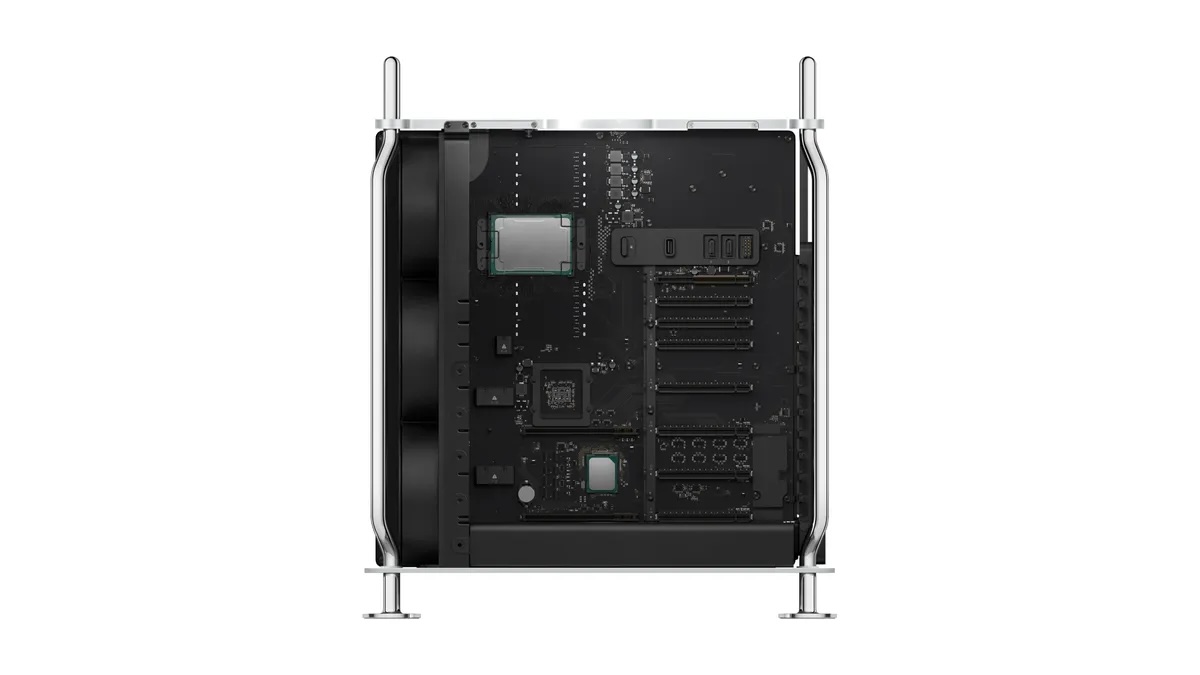
The Mac Pro and the MacBook Pro (2024) serve very different purposes when it comes to upgradeability. The Mac Pro is a modular powerhouse, equipped with multiple slots for RAM, PCIe cards, and even GPUs.
This design allows for significant expansion and customization, enabling you to upgrade components as your needs change. In contrast, the MacBook Pro prioritizes portability and sleek design. Its RAM and storage are soldered onto the logic board, making upgrades impossible after purchase.
While this limits its long-term flexibility, it contributes to the laptop’s compact form factor.
The Mac Pro functions like a desktop tower, built for customization and expansion, whereas the MacBook Pro is a streamlined laptop that focuses on performance and portability over user upgrades.
Winner: Mac Pro
MacBook Pro M4 vs Mac Pro M2: Connectivity
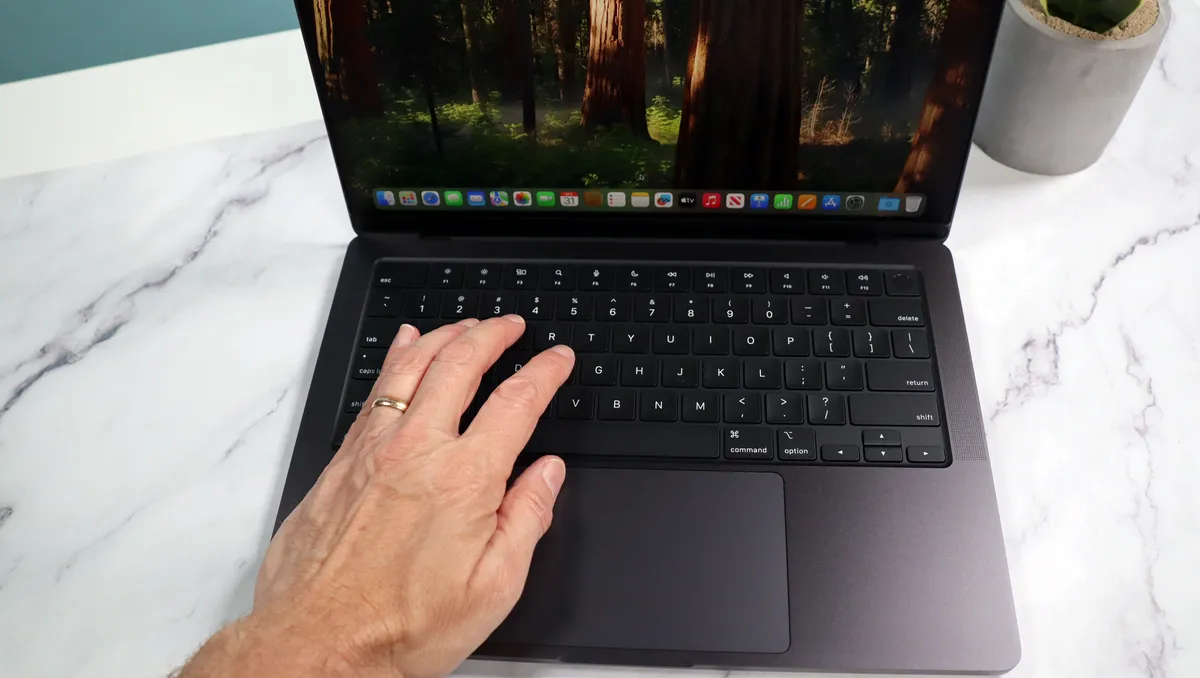
Both the MacBook Pro M4 and the Mac Pro M2 offer a good range of ports, but the Mac Pro provides more extensive connectivity options. Both machines include Thunderbolt 4 ports, with the MacBook Pro featuring three and the Mac Pro offering an impressive eight. Additionally, the Mac Pro has two HDMI ports, which are not available on the MacBook Pro, enabling more versatile display setups.
The Mac Pro also includes two USB-A ports and a headphone jack on the front panel for easy access, whereas the MacBook Pro positions these on its sides. Furthermore, the Mac Pro's modular design allows for additional connectivity through PCIe cards, offering a level of versatility that the MacBook Pro cannot match.
Ultimately, the Mac Pro is better suited for power users with demanding workflows, as it provides greater flexibility and a wider range of connectivity options.
Winner: Mac Pro
MacBook Pro M4 vs Mac Pro M2: Verdict
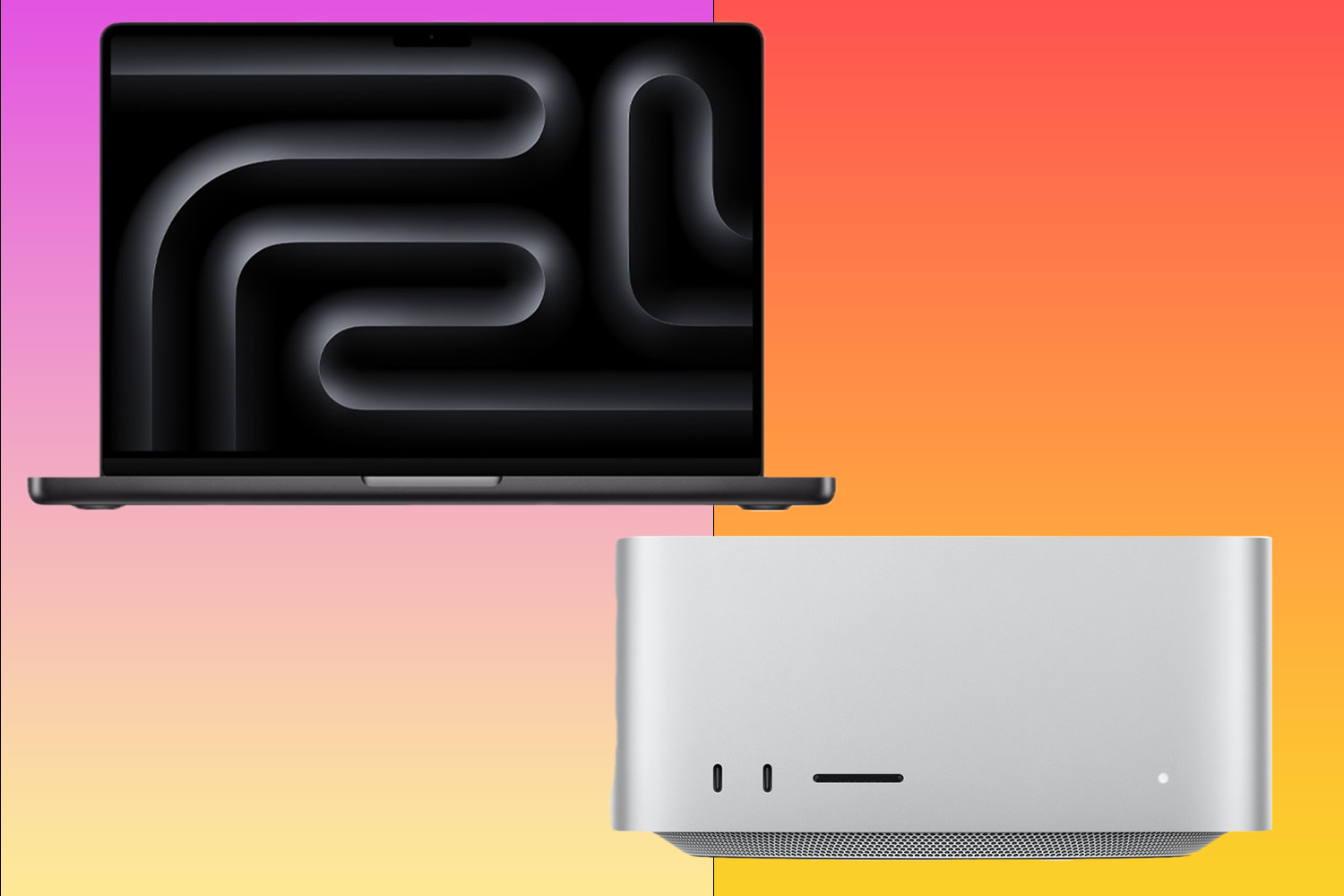
The 2024 MacBook Pro and Mac Pro serve different needs and priorities. The MacBook Pro, equipped with M4 series chips, excels in portability and efficiency, delivering impressive performance in a sleek, compact design. It is ideal for users who prioritize mobility and need a powerful device for everyday tasks, creative work, and even light professional workloads.
In contrast, the Mac Pro, powered by the M2 Ultra, is a workstation designed for maximum performance and expandability. Its modular design allows for extensive customization and upgrades, making it perfect for professionals who require the highest level of power and flexibility for demanding tasks such as video editing, 3D rendering, and software development. While the MacBook Pro focuses on providing a streamlined experience, the Mac Pro offers unmatched power and customization for those who push the boundaries of their workflows.
Winner: Honestly, it all depends on your needs and budget. Both are fine machines, but they cater to vastly different users. The real issue is finding a Mac Pro now that Apple has discontinued the line.







 English (US) ·