
There are a lot of business professional computers out there right now. I’ve got several that I’m actively testing right now on my desk, even. But most of those are designed for power, for maximum output, or for computational prowess.
For some, a several-thousand-dollar powerhouse is not what they need. For admins, front desk workers, data entry, or those who simply help manage calendars and email via a web browser, they don’t need a big machine, they just need something that can boot up quickly, operate reliably, and get the job done.
That’s where the land of mini or compact PCs comes in. Smaller units that can plug into any monitor size, hide away, and work as needed. That’s exactly what a good chunk of the professional workforce needs.
For that reason, it's never going to top our list of the best mini PCs we've tested. But if you’re a classic business professional who doesn’t need to max out their machine, this may be a great option to consider for office and home office use.
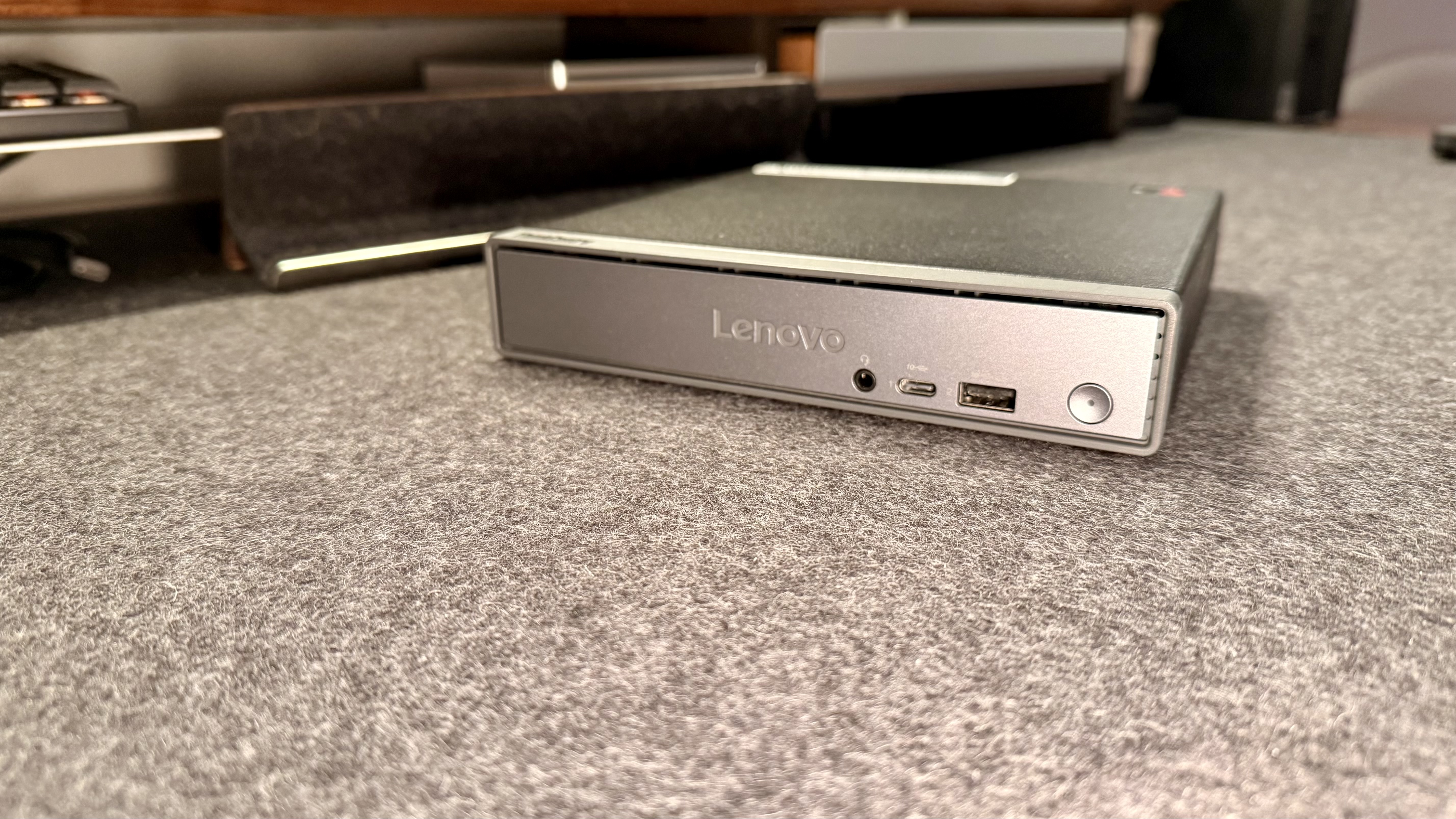
Lenovo ThinkCentre Neo 50q QC: Unboxing and First Impressions
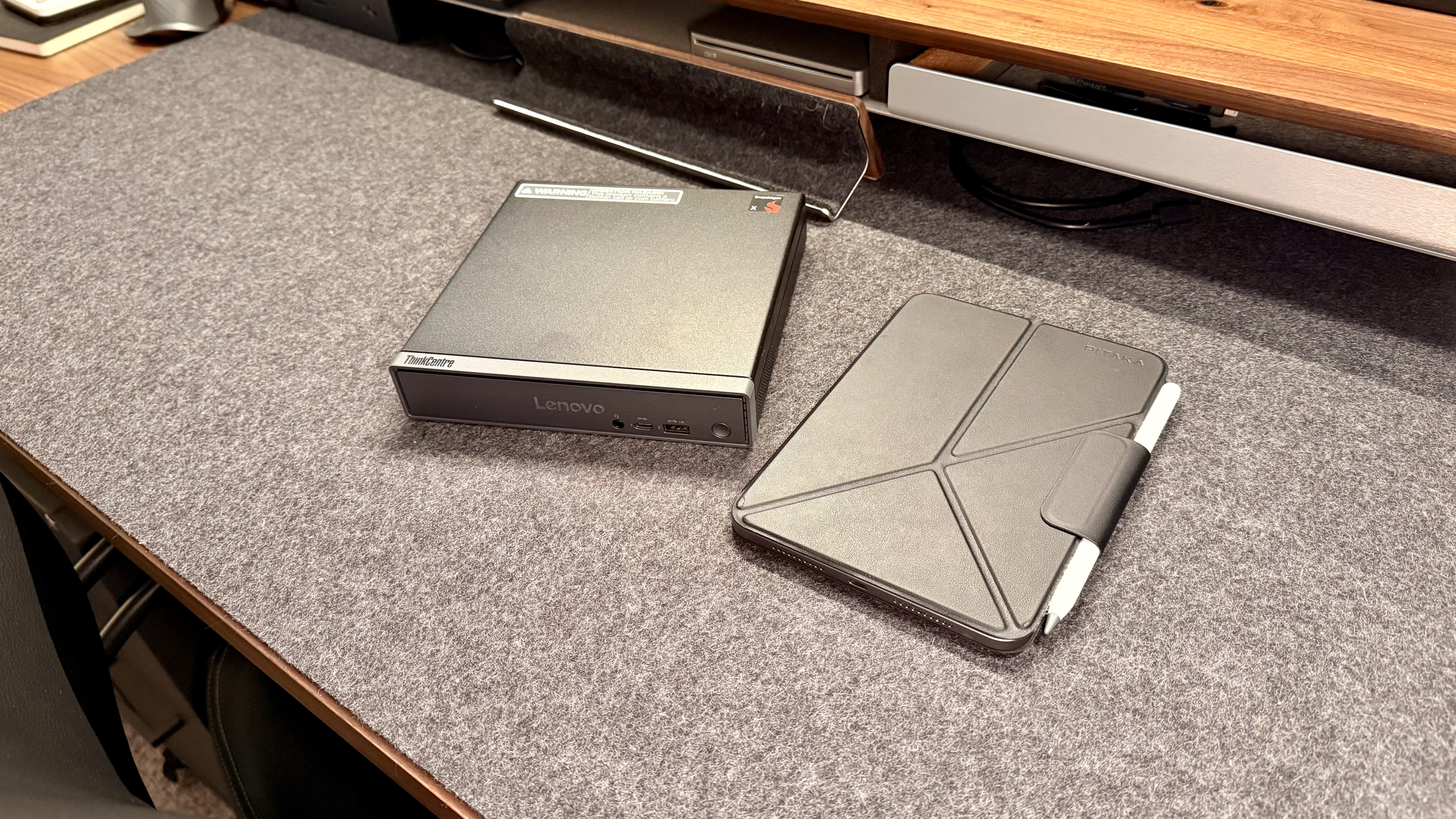
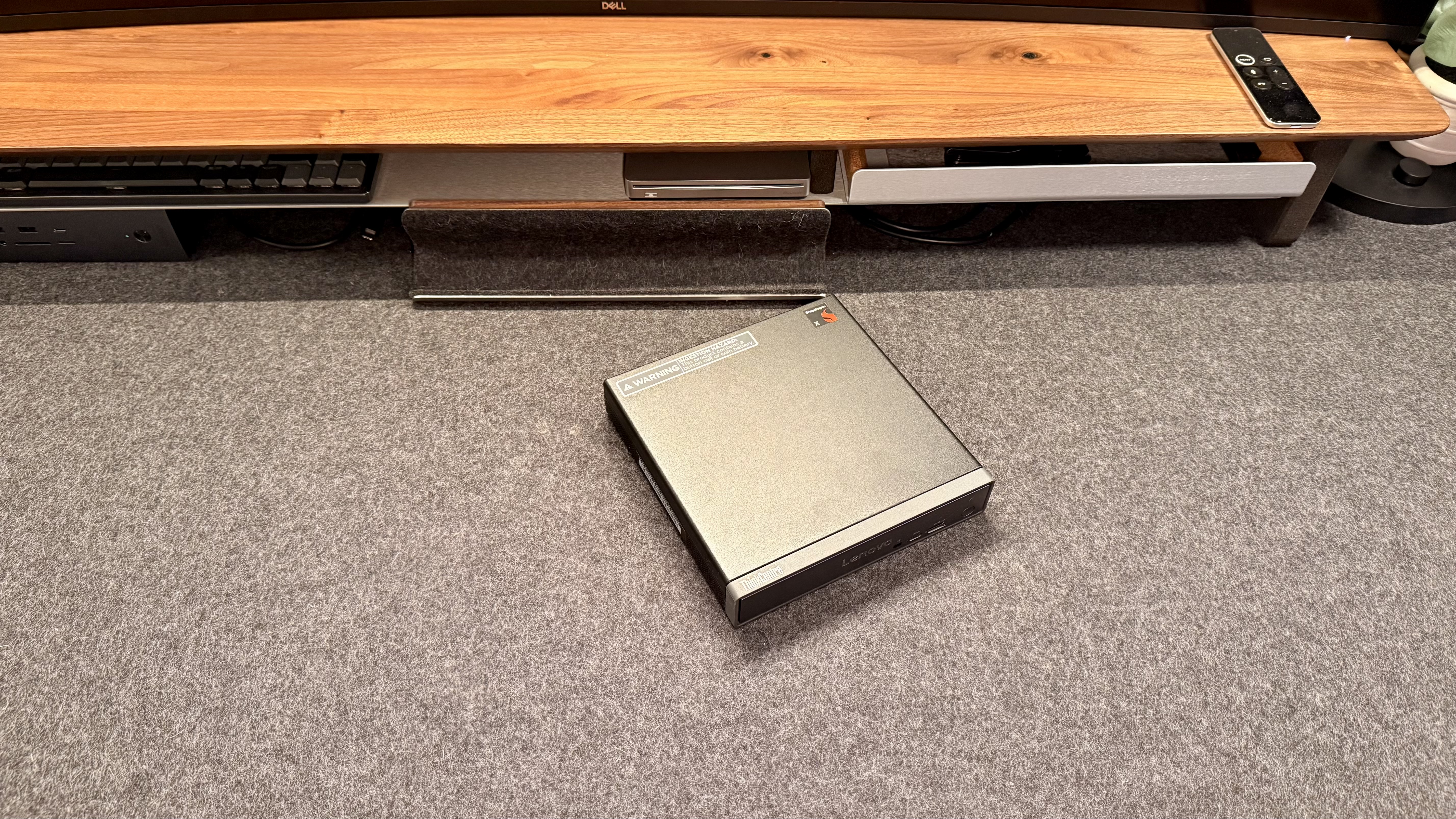
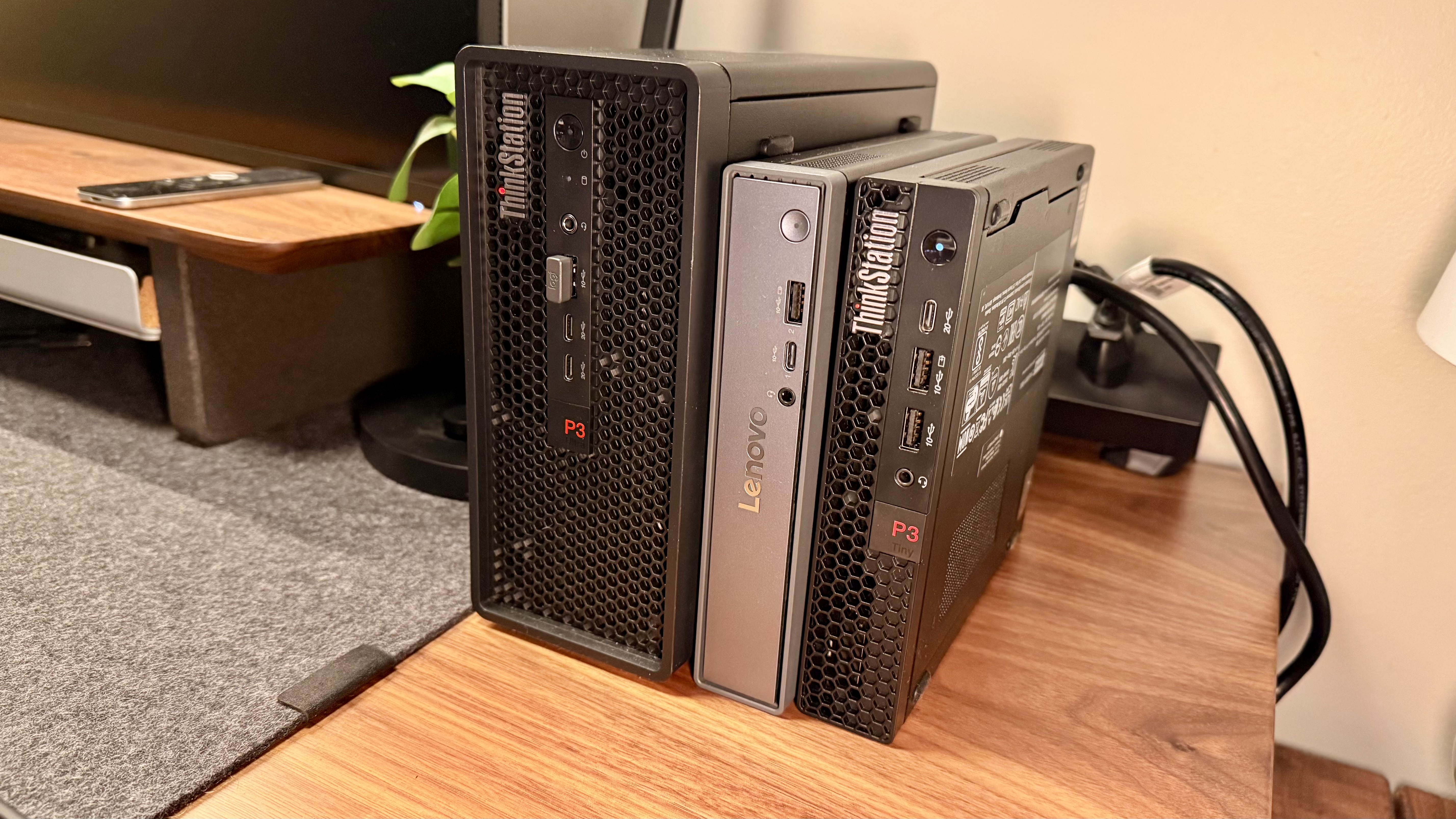
Right off the bat, this is a spectacular representation of a compact machine. It’s great, not sacrificing too much for its compact size, balancing portability and real-world usability with the right workplace demand.
The fact that within the box, Lenovo have sent a mounting bracket as one of the only accessories in the box shows the focus on having this machine tucked away in a convenient or more aesthetic position, depending on the user.
The bracket makes it very easy to VESA mount, mount under a desk, behind a monitor on a wall, or something similar. That right there shows quite a bit of what you’d need to know about this unit before deciding whether to purchase.
We’ll go further into it later on in the review, but TLDR: it’s a solid machine that can fit just about anywhere, as long as your computing needs won’t outpace what it has onboard.
Lenovo ThinkCentre Neo 50q QC: Design & Build Quality
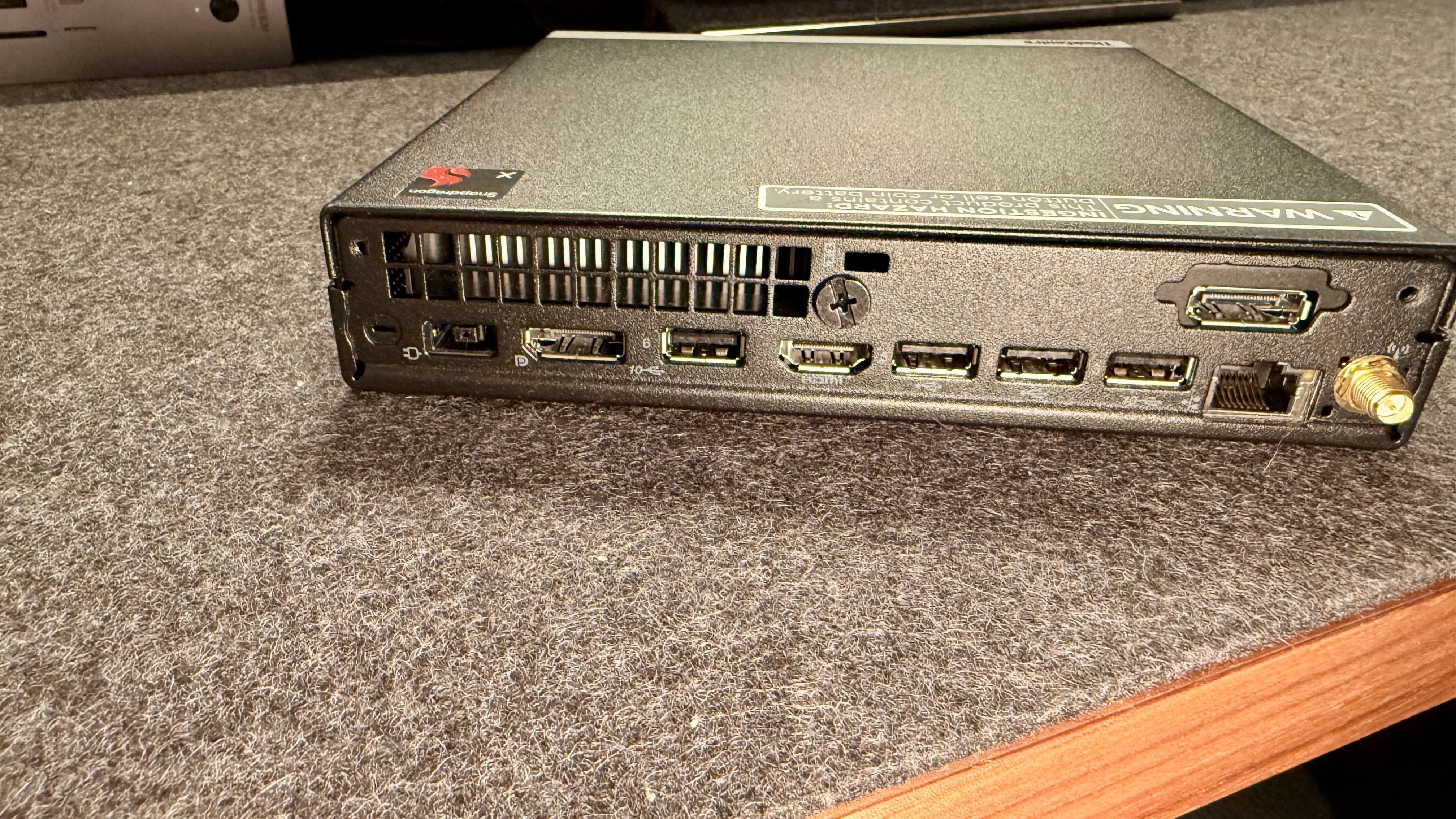
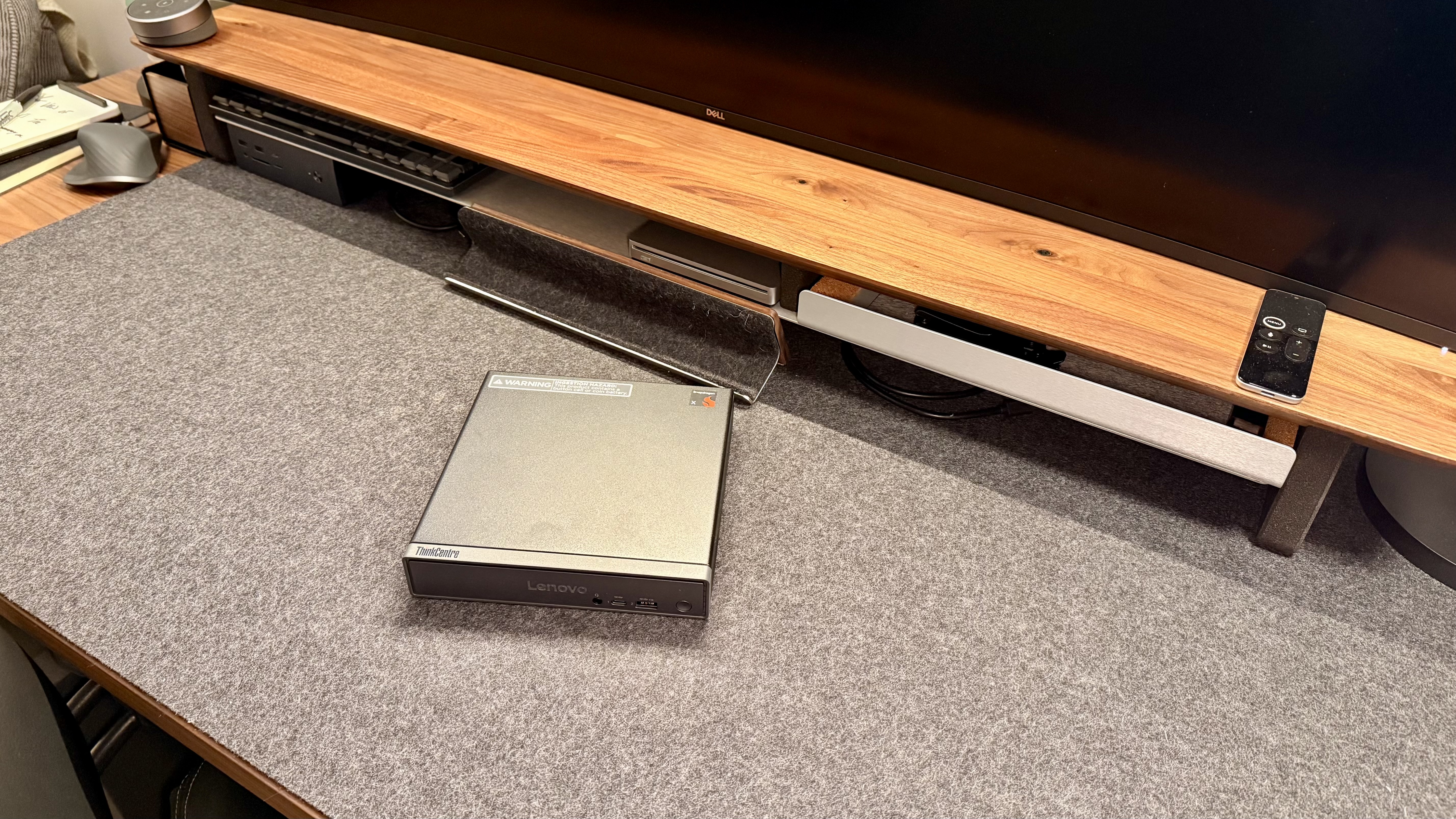
I’ve mentioned the smaller size, but perhaps this is the right time to go into the port offering. It has most of the ports on the back, with only a headphone, USB-C, and a USB-A on the front.
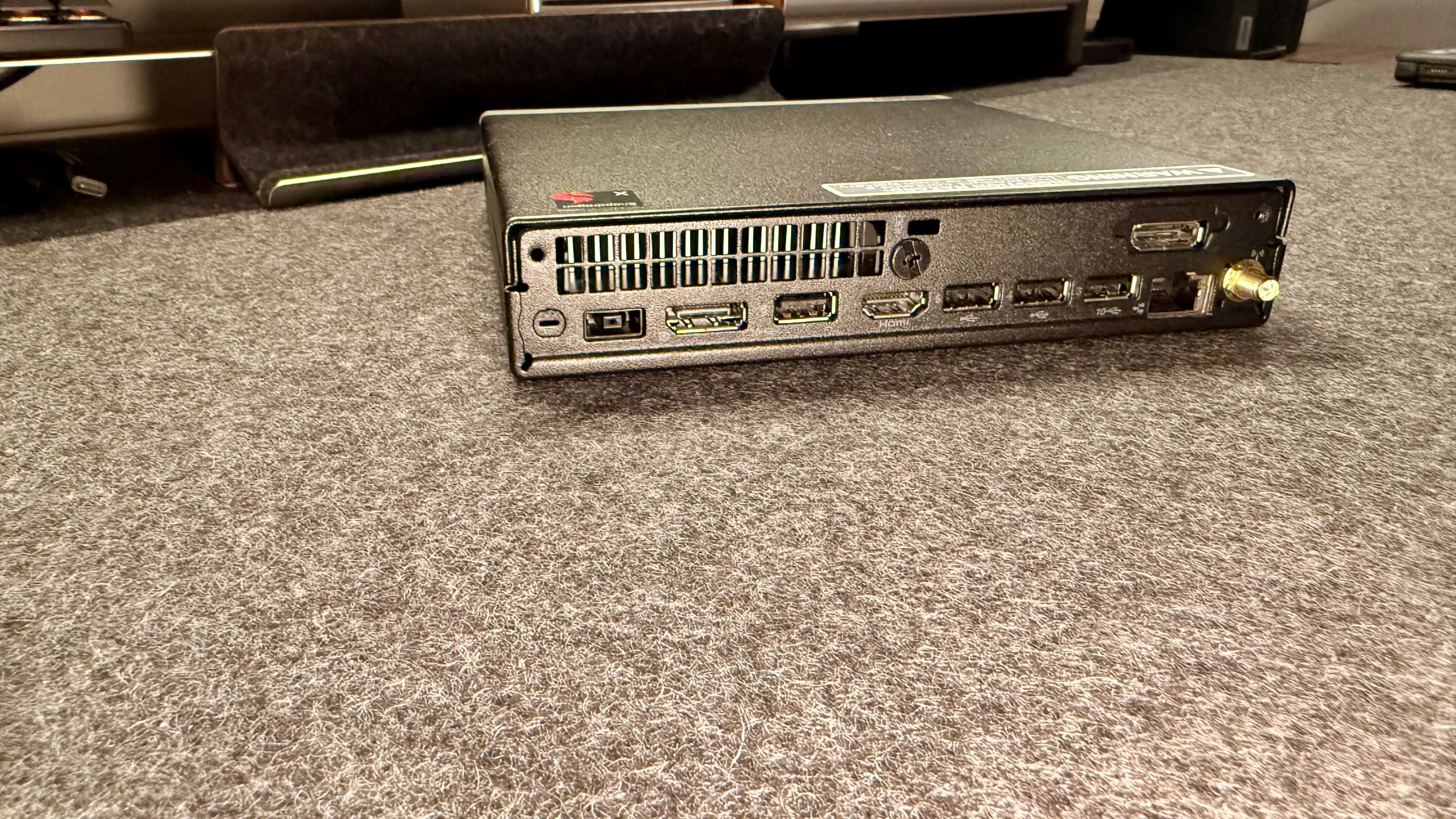
On the back, with all the ports, there are two DisplayPorts (on this model), an HDMI, a power port (sadly not USB-C), four USB-A ports, Ethernet, and an antenna port for adding a Wi-Fi antenna if desired. For most scenarios that this is designed to run in, I’d suggest hard-lining the internet, but that’s just one man’s opinion.
One thing to note is that there are not a lot of USB-C ports on this machine, even though it’s 2026 and USB-C is pretty common. I genuinely believe it’s because Lenovo knows its target. They aren’t trying to market to those who are brimming with the newest technology with this device; they care more about reaching the people and companies
Lenovo ThinkCentre Neo 50q QC: In use
The Lenovo ThinkCentre Neo 50q QC is a spectacular “behind-the-scenes admin machine” providing usability, ports you actually want, and easy setup. One of the great things about a monitor like this is the ability to connect any monitor you so choose.
For me, right now, I have rotated this machine around a few monitors during my testing.
The current monitor I have it on is the Dell 52-inch monster that was just released (review coming soon), but I have also used this mini PC on some BenQ monitors, some portable monitors, and others. It’s worked well on all of them, though pushing the 52-inch 6K beast at 100% scaling (small and sharp) was a bit much for this guy, so I had to scale it a little bit. But that’s understandable and was not a shock.
Using this machine as a kiosk, a front desk, or a basic always-on machine is exactly what it’s meant for. It works quickly and reliably, and it’s got enough ports not to need adapters. What else could you want for your basic office uses?
Because I wanted to simulate an office setup I have seen, I hooked this PC up to dual 1080p Dell monitors, and it worked great. Even going up to dual 4K still ran fine.
Another great option for this kind of setup is hot desking. Some companies need to have machines that can be used by multiple people via a network login or a guest login. This machine is great for that due to the abundance of ports, smaller profile requiring less desk space (or none if mounted), and good balance of power and price.
Lenovo ThinkCentre Neo 50q QC: Final verdict
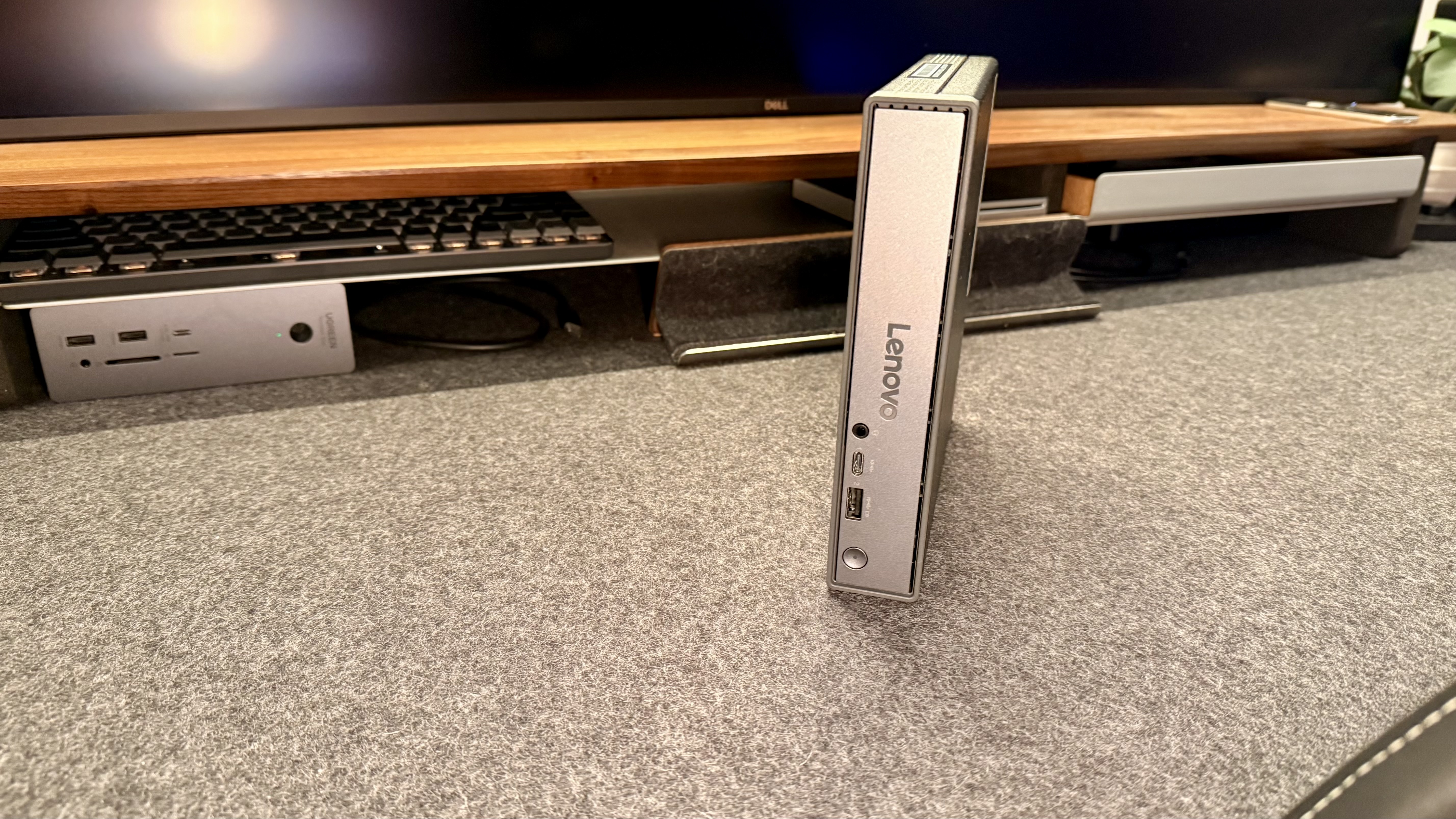
In a world where everyone is boasting about the most advanced "this-or-that" machines, the ThinkCentre Neo 50qc QC is quietly puttering along as the machine most businesses would actually be interested in, not just flabbergasted by in a demo.
It’s got a great balance of power, price, and ports, making it a serious contender for a basic business machine.
To be frank, on paper, the specs won’t impress. This desktop PC isn't some advanced supercomputer that will power through every task. Despite that, the price is relatively high when compared to other Windows 11 mini PCs we've reviewed, and I wouldn't blame some for looking elsewhere to get a little more power for the same (or slightly less) cost.
Beyond that, though, this is a solidly built mini PC from a well-known brand that's well-specced for day-to-day business use, and it's difficult to find many faults if you know what you're getting into.
For more options, we've tested the best business computers.






 English (US) ·