

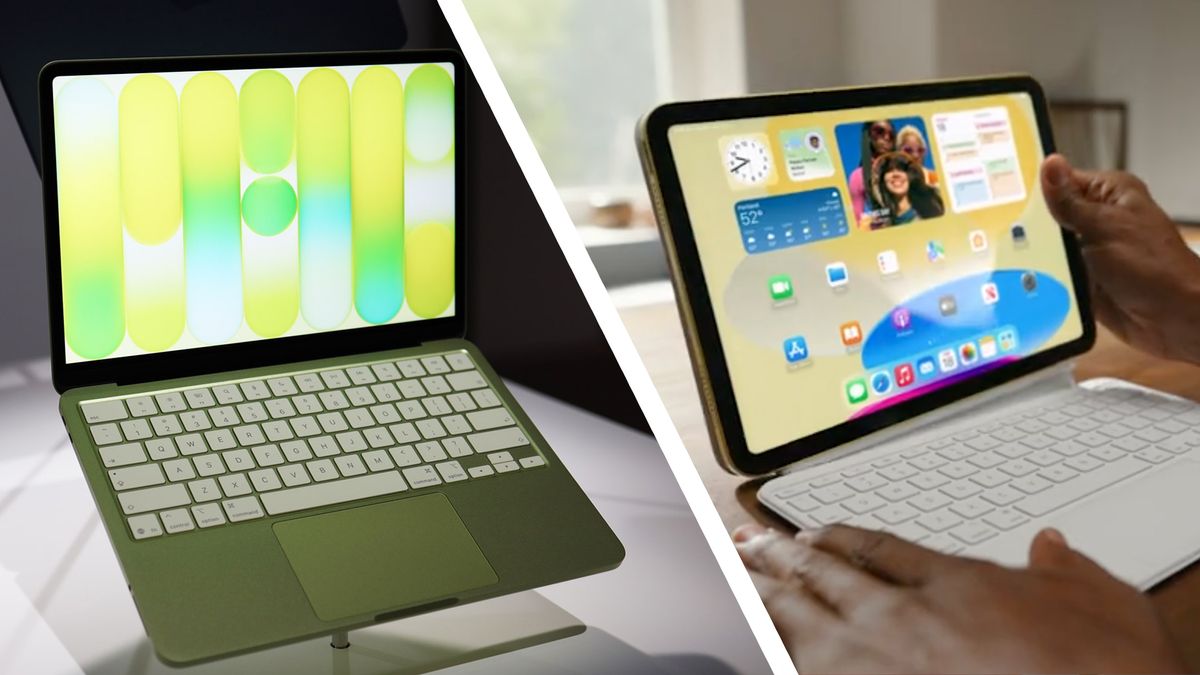
The launch of Apple's MacBook Neo has caused quite a stir. Starting from only $599, it's perfect if you're a student looking for a new portable study companion. However, using a new device on campus or on coffee shop networks comes with some risks.
In the UK, 91% of universities were targeted by cyberattacks in 2025. In the US, the likes of Harvard and Princeton have been targeted by cybercriminals on the hunt for people's data, too.
The inclusion of antivirus software means Surfshark helps keep your MacBook safe during file downloads. Unlike many VPNs, the majority of Surfshark's features also work on Mac, and its Antivirus performs better than almost any other top VPN. Only NordVPN's Threat Protection Pro performed better, but it'll set you back more than a dollar month per more.
For the super budget-focused student, it's also worth looking at PrivadoVPN. A two-year plan will set you back only $30, cheaper than any other top provider. Its Sentry tool isn't as effective as Surfshark's Antivirus, but it's quick, easy to use, and available on any platform.






 English (US) ·