
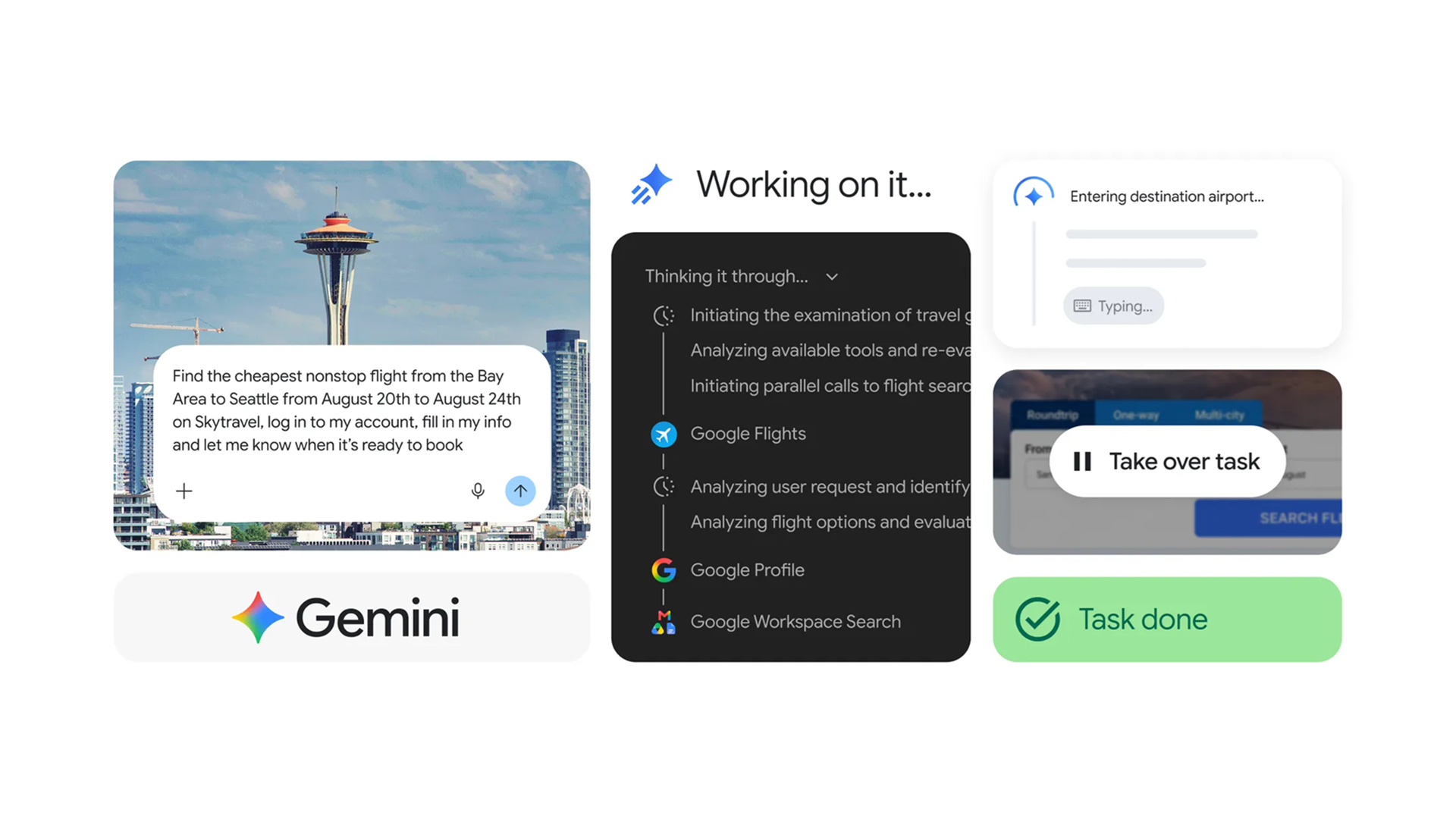
As soon as I heard that Gemini Spark was now part of the Chrome browser I had to try it for myself.
Gemini Spark is an AI agent designed to take on longer-running tasks that continue in the background. It's much smoother now thanks to an update that incorporates the platform directly into Google's Chrome browser. So now the AI can actually browse the web alongside you, doing its own tasks, instead of simply talking about it, even if you close your browser.
Before you can try Spark, you need the right ingredients. You will need the latest version of Google Chrome on Windows or macOS, a personal Google account, and either a Google AI Pro or Google AI Ultra subscription. With the right subscriptions, you just need to set Safe Browsing to either Standard Protection or Enhanced Protection before Spark becomes available.
With those requirements out of the way, click the three dots in the upper right corner of Chrome and choose Settings, then AI Innovations or Gemini in the Chrome menu, where you can navigate to the Permissions section and switch on the Let Gemini browse for you option.
Now you can open the Ask Gemini panel at the top of Chrome and give it a task that benefits from browser access. Spark will show you its proposed plan before doing anything, and the first time you use it, Chrome will ask whether you want to connect your browser to Spark. Click Allow or Connect, and from then on you can start handing Spark more ambitious jobs.
If something involves making a purchase, entering sensitive information, or confirming an important action, Spark pauses and asks for your approval before continuing.
The video below shows you exactly how Spark works:
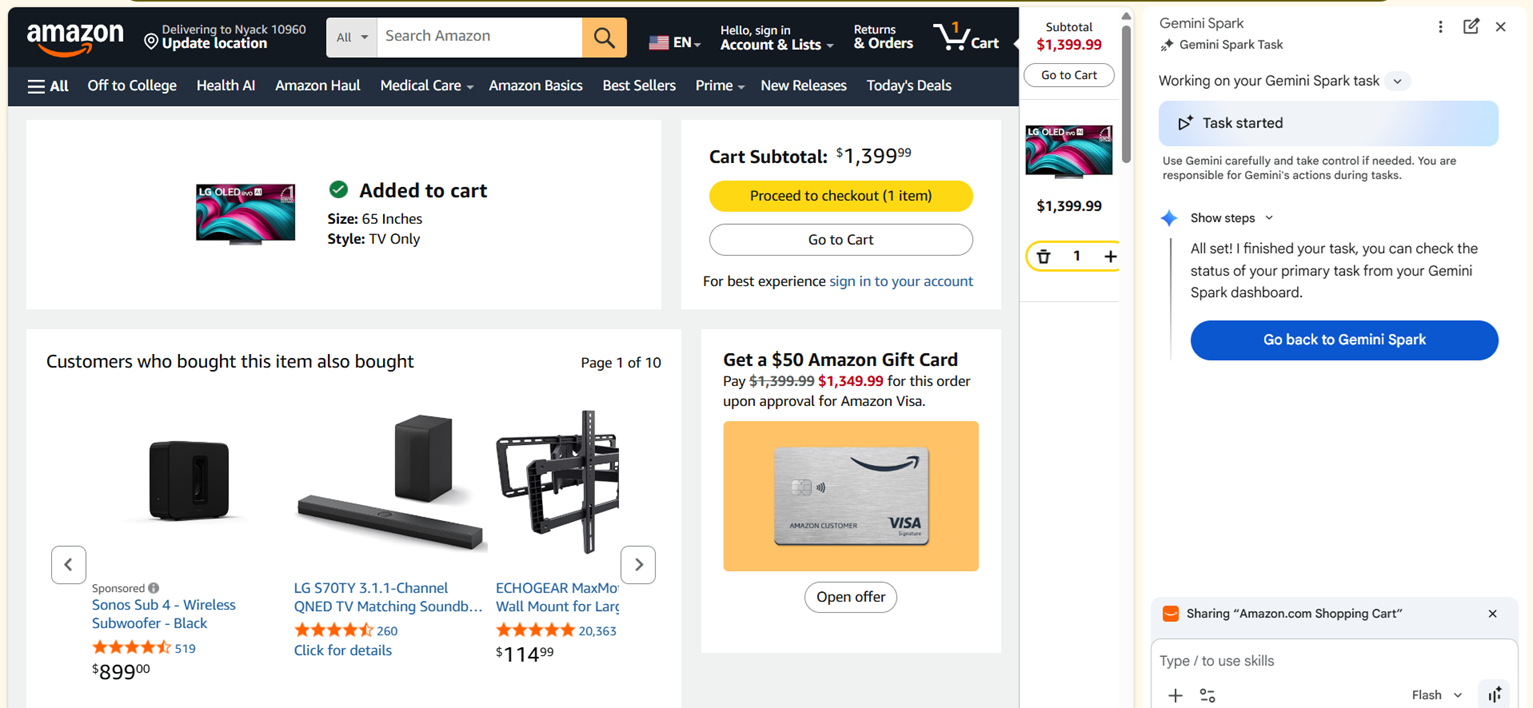
I first decided to see how the AI did at the often time-consuming but important chore of comparison shopping. I asked Gemini using Spark to find a good deal for a TV.
Instead of asking which television I should buy, I gave Spark a proper assignment. I told it to compare prices for a 65-inch model at Amazon, Best Buy, Costco and Walmart, look for promo codes, and calculate the final price after discounts then prepare for checkout.
Spark didn’t just provide a summary. I could watch the AI navigate to different websites, try out different options, and work out which I might prefer.
When it found what it believed was the best option, it added the television to the cart and stopped, waiting for me to approve the purchase before doing anything involving payment.
Spark is happy to do the repetitive work, but it won’t spend your money without asking first. It feels like exactly the right balance between useful automation and common sense.
Planning a family day out
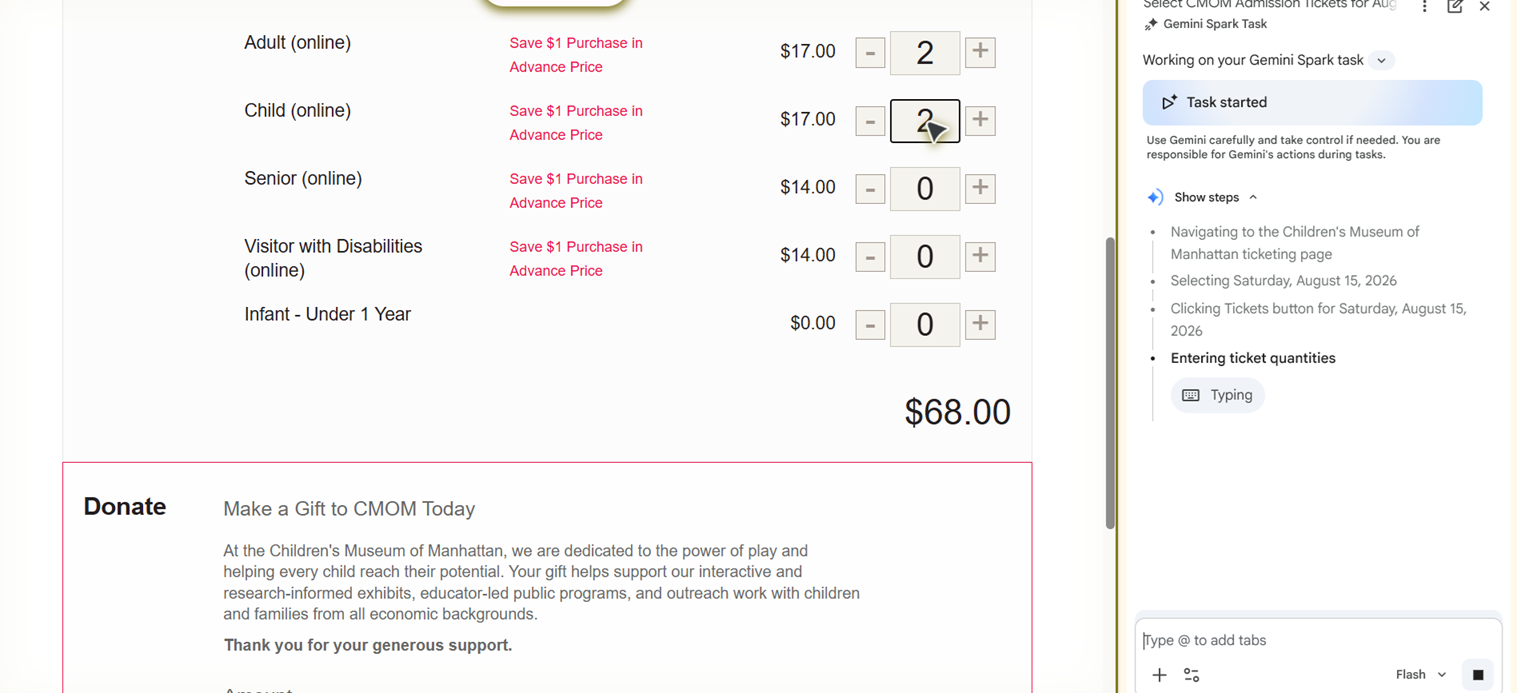
My second experiment was slightly more ambitious because it combined several different tasks into one. I asked Spark to plan a family day out for two adults and two toddlers.
Normally that would have meant switching constantly between Google Maps, museum websites, restaurant reviews and booking pages. Spark simply got on with it. It compared opening hours, checked travel times, built a schedule that actually flowed logically through the day, found a restaurant with online reservations and reserved it, then prepared the museum ticket purchase and before asking me to approve the bookings.
AI for tedious tasks
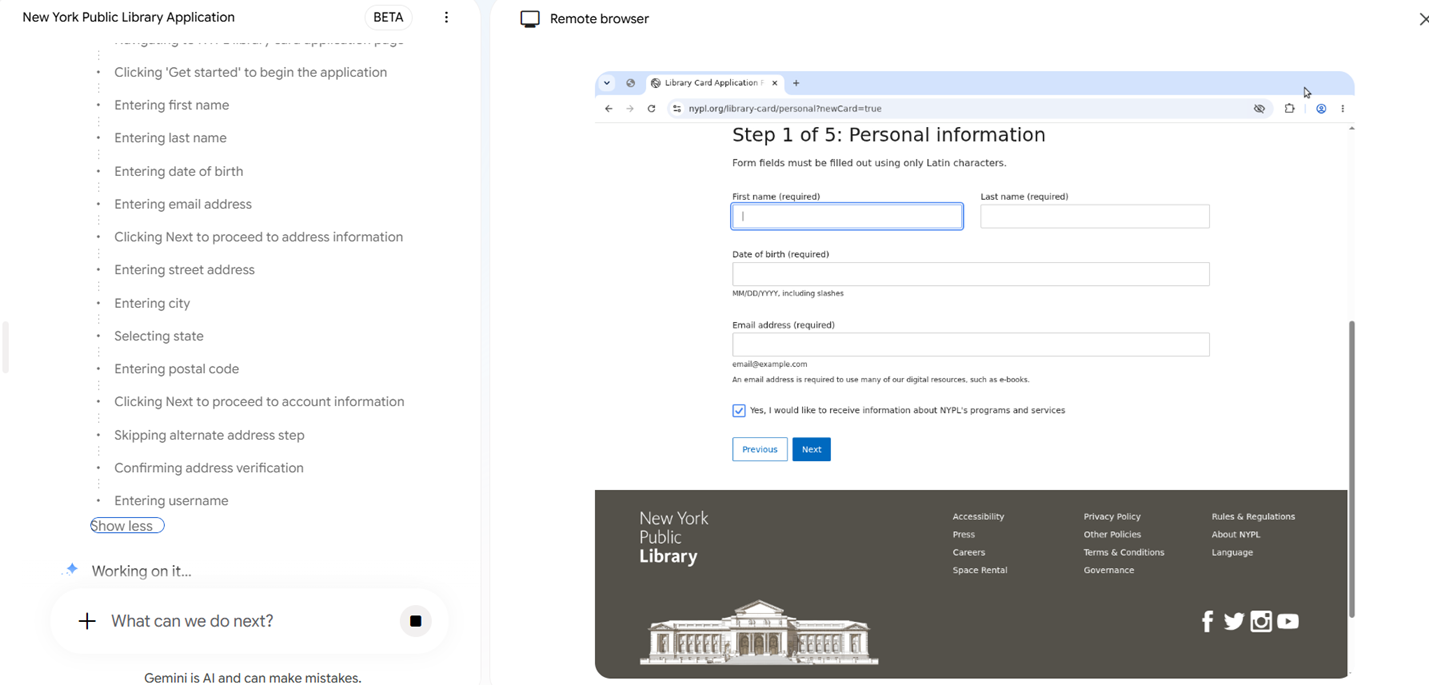
Google claims Spark is great at filling out paperwork, especially using information from your own Google accounts. As my kid is getting to the right age for it, I asked Spark to fill out his library card application.
After checking that it had the right information about my address and other details, Spark opened up my library's website and went to work. It filled in my contact information, mailing address and other saved details. When it reached the final submission page, it stopped and waited for my approval instead of clicking the button itself.
It’s not an incredibly long form, but it’s easy to see how Spark could save quite a lot of time on the more complex medical or insurance papers. It’s a lot faster to review and make sure the AI got it right than to write it all out yourself.
Using Spark highlighted how different it feels from regular Gemini. Spark shifts the workload because it can actually interact with the browser instead of simply describing what I should do next.
Gemini Spark is one of the more compelling AI features Google has introduced in quite some time. It won’t replace every online task, but it can quietly eliminate a surprising amount of clicking, tab juggling and repetitive typing.

Follow TechRadar on Google News and add us as a preferred source to get our expert news, reviews, and opinion in your feeds.






 English (US) ·