
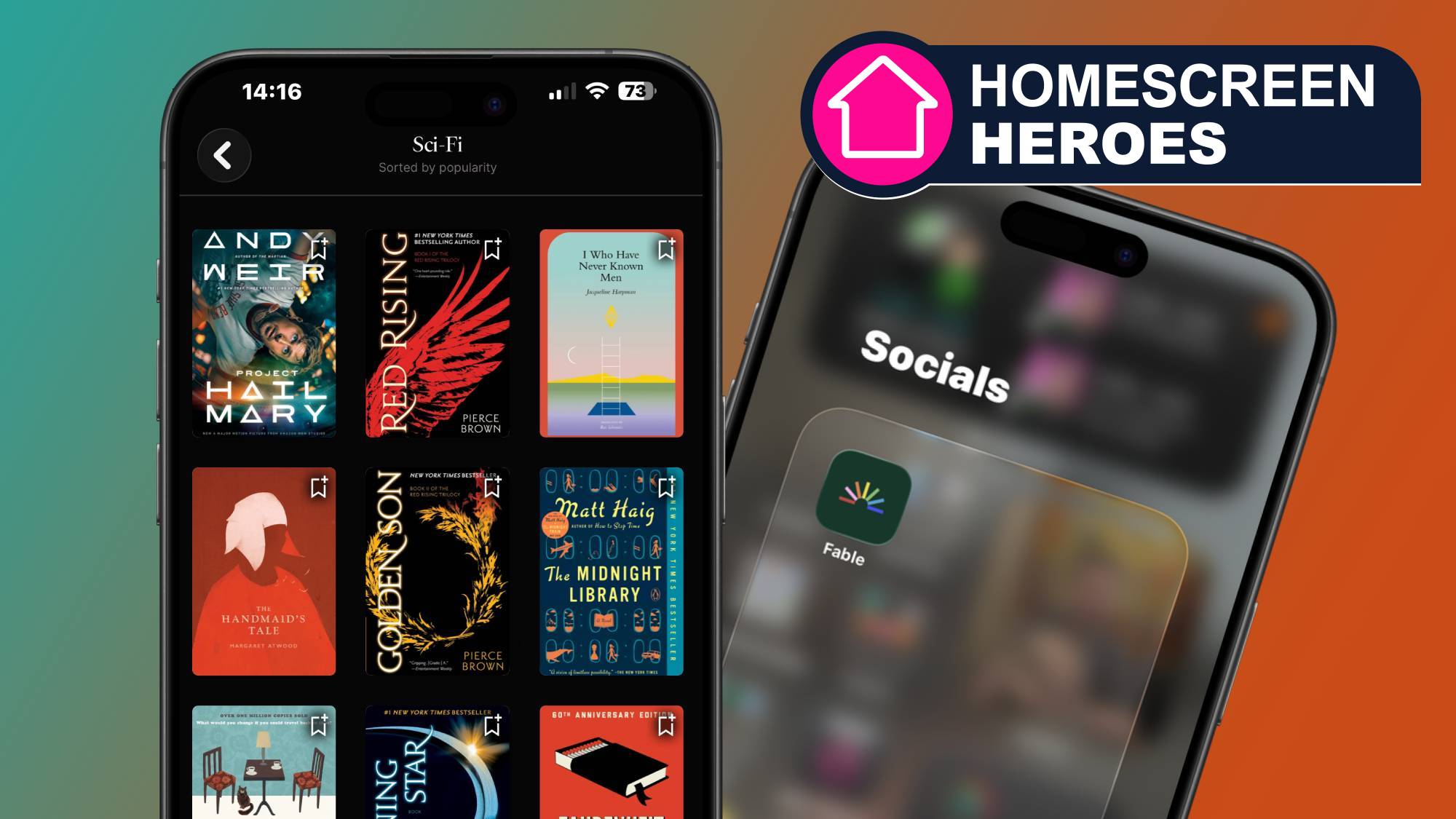
Homescreen Heroes
This is part of a regular series of articles exploring the apps that we couldn't live without. Read them all here.
For someone who has a degree in journalism and a master's in English, I should read more than I actually do.
But movies are my thing, and apps like Letterboxd encourage me to broaden my cinematic horizons. That said, there’s one app that’s lifted me out of my years-long reading slump — and no, it’s not Goodreads.
Fable is a reading and book club platform on iOS and Android that launched in 2021, but it’s only been an integral part of my homescreen for the past year or two. When I saw that most of my friends were migrating to Fable from Goodreads, I joined the club — and I don’t regret it.
Now, Fable hasn’t completely seized the throne from Goodreads; the latter is still widely used and takes the number four spot in the iOS App Store’s ‘Books’ category (Fable is number nine). But popularity doesn’t always equate to the best, and I’ve found Fable to be a true all-rounder.
A real page-turner
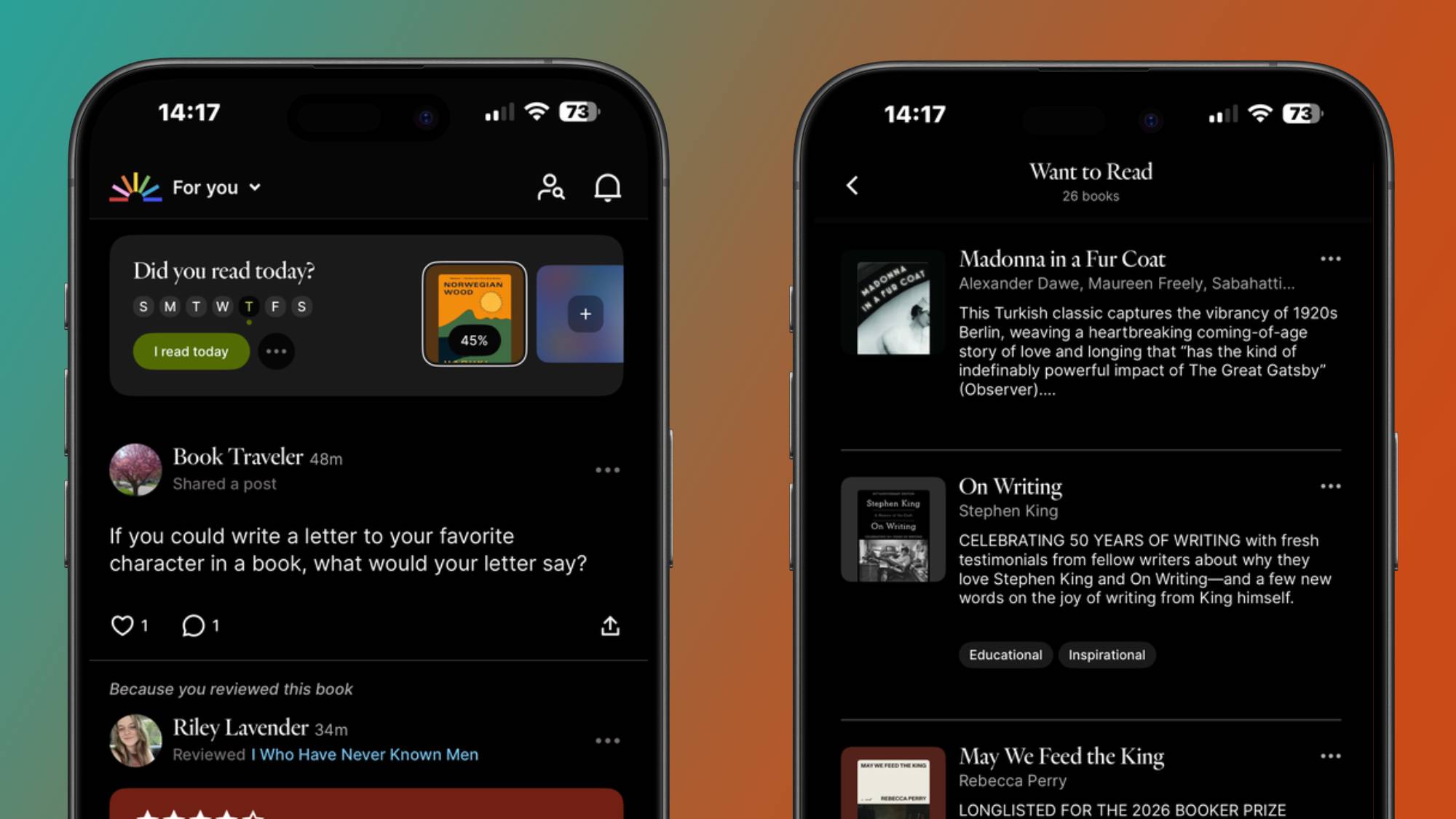
Compared to Goodreads, which I found slow, janky, and unresponsive at times, navigating Fable is much smoother and there’s more of an emphasis on the graphic design side. While Goodreads adopts a predominantly beige interface, Fable’s is brighter, more vibrant, almost like a psychological magnet that once you look at it, you can’t help but want to engage with the app on a more personal level.
Even its book reviewing process is colorful and engaging. Once you’ve finished a title and you decide to log it into Fable, you don’t just review the overall book with a small entry and call it a day. The app lets you give star reviews for individual elements including writing style, characters, plot, setting, and it even asks you questions like ‘how did this book make you feel?’ or ‘how spicy was this romance book?’, giving you a carousel of emoji reactions to choose from.
Graphics aside, Fable’s layout is divided into distinct tabs (Home page, Clubs, Search, Library, and Profile) like most social media platforms — and this is where its main focus lies.
With any social media app, you can follow friends and popular accounts, whose posts and reading updates all appear in the ‘Following’ section of the Fable Home page. Alternatively, you can switch to the ‘For You’ page, which displays posts and updates from other accounts it thinks you’d like to see. These are all based on the books you add to your ‘Want To Read’ list, books you’ve reviewed that you have in common with others, and more.
This means suggested posts and profiles are all based solely on your activity and interests, which Goodreads doesn’t have. But that’s not the only stand-out feature with Fable.
Across both platforms, book reviewing and reading tracking is a given, but Fable actually allows you to share written posts up to 750 characters, to which you can also attach images and tag titles and specific book clubs — like a combination between a Facebook post and a Tweet. Posting is also another useful way to find other bookworms with similar tastes and interests, thanks to how Fable’s algorithmic recommendations work.
Find your tribe
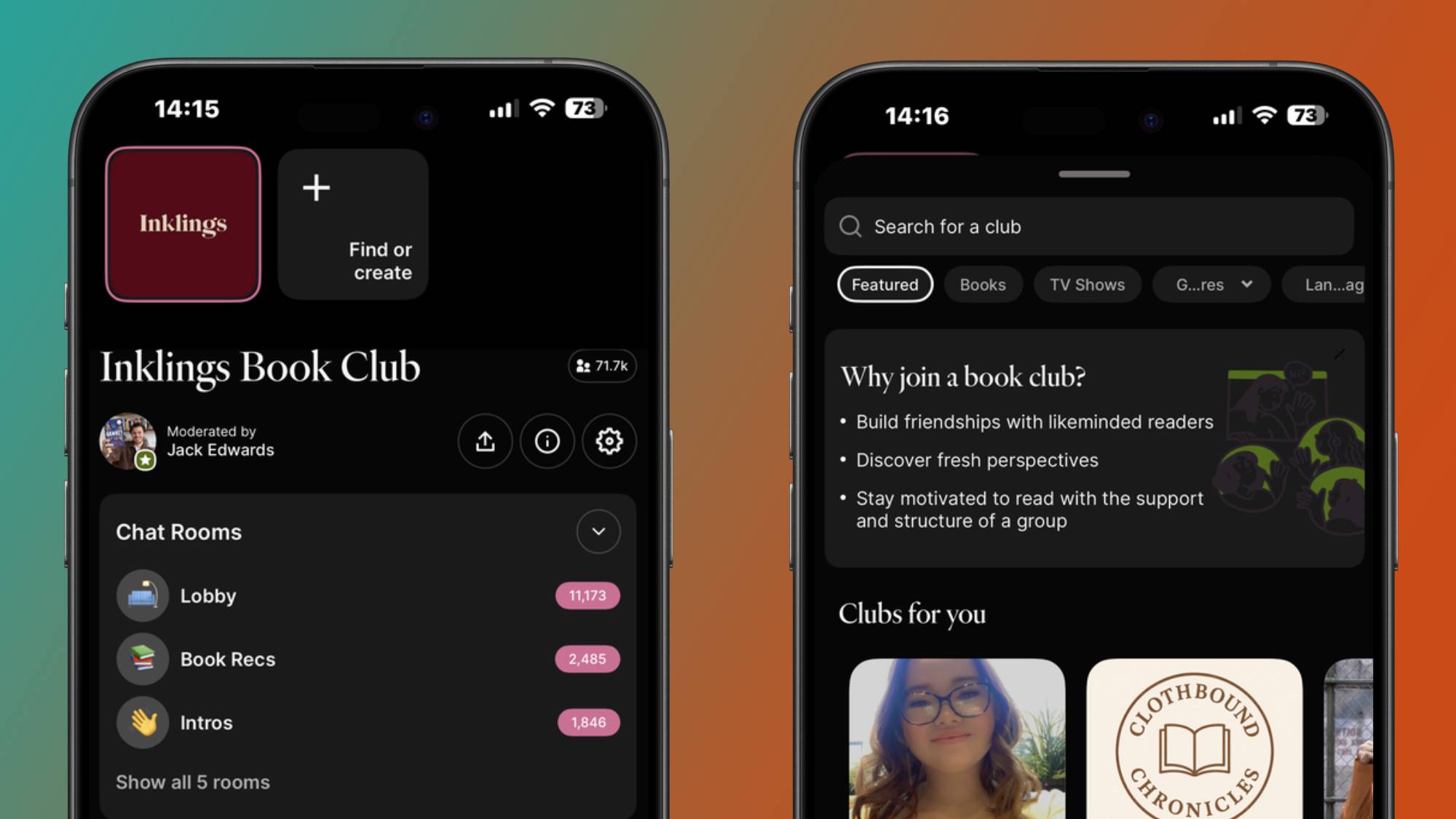
Speaking of which, book clubs have become integral to how bookworms socialize with each other in modern times, and tech has really helped readers optimize this — and Fable taps into that sense of community.
Unlike Goodreads, where you have to manually search for groups, Fable has an entire hub dedicated to themed book clubs. Fancy yourself a book club dedicated entirely to Shakespeare? Fable has them. Or perhaps you want a club that’s all about reading banned books? That’s right, Fable has them too.
Fable’s community focus is one of the shining stars of the app, as is its book logging tool, but it isn’t just a place for this or to see what your friends have been reading. It gives you a full rundown of your most-read authors and favorite genres — kind of like Spotify Wrapped, but these stats are always present on your Profile.
If you’ve ever fallen in and out of reading ruts like myself, Fable has a roster of tools to give you the push you need to pick up the book that’s been sitting on your shelf for a while — starting with reading goals.
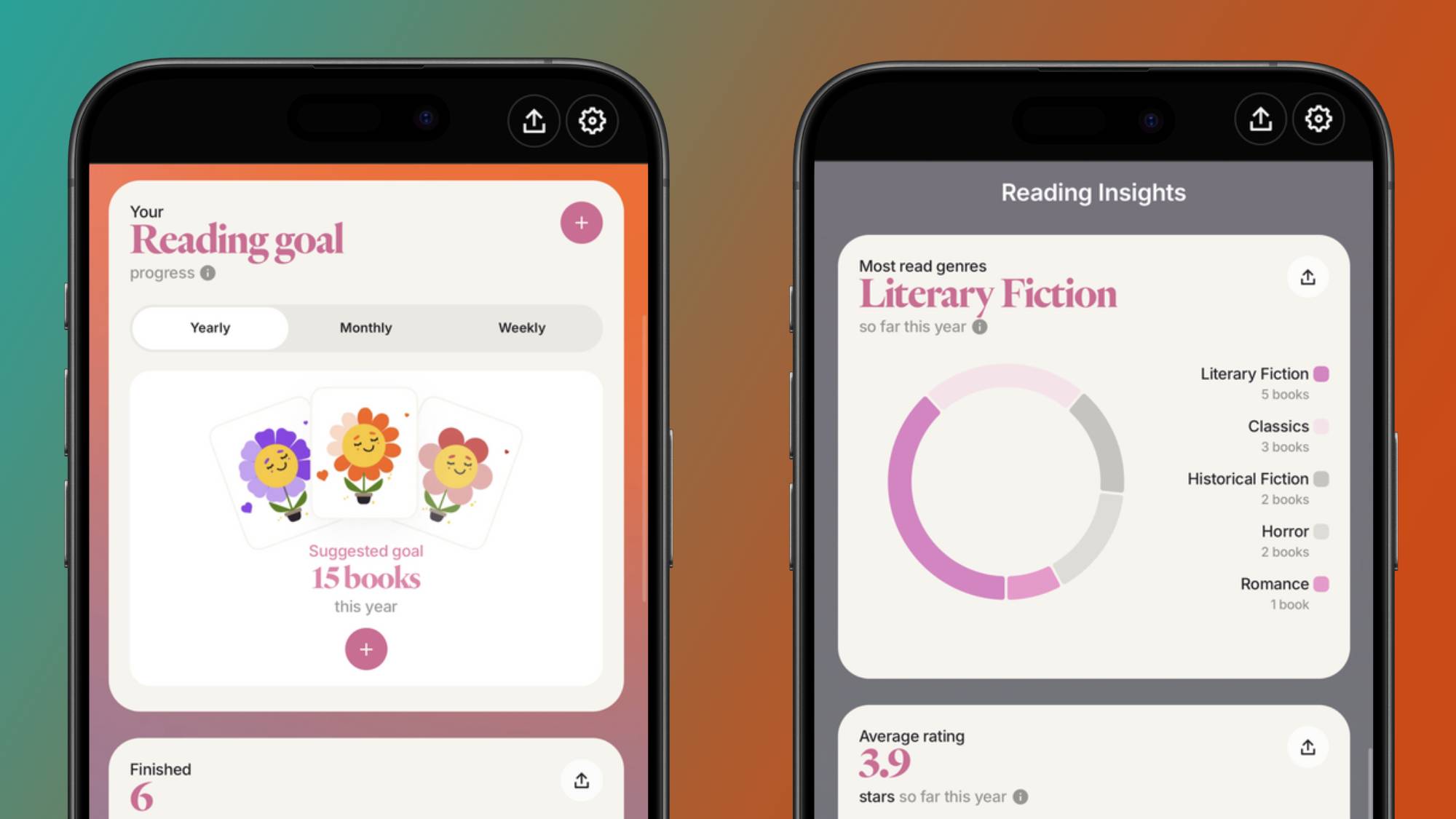
Though Goodreads offers a similar function, the layout is all over the place, and you have to set goals in a separate section of the app. With Fable, you can set reading goals and display them right in your profile, so they’re all in one place.
Secondly, Fable’s Search page makes the job of finding your next literary obsession a lot easier. In addition to a carousel of recommendations based on the books in your list, the Search page is packed with mini genre hubs filled with Fable’s most popular titles.
This way you can browse your favorite categories in-depth, or explore one you’ve been meaning to try — there’s even a fun Mood Quiz feature that does the searching for you based on the answers you select. Even though you have to subscribe to Fable Plus to set monthly and weekly goals, you can set yearly reading goals for free, which is enough for casual users like myself.
Everyone goes through the odd reading slump now and then, but believe me when I say that having an app on your homescreen that allows you to log everything you’re reading really helps — I found the same helped with movies when I first downloaded Letterboxd.
That said, I’m still a novice when it comes to using Fable to its full potential; I haven’t quite found the courage to share posts, but I have no doubt that day will come as I continue to fill up my lists and find my book tribes — then I’ll become a full-bodied power-user.
In addition to weekly and monthly goals, Fable Plus offers a multitude of other tools, including visual progress tracking, Smart Coaching, and deeper insights into your reading performance. You can also customize your Fable experience with exclusive art and custom app icons, all with the absence of ads.
Fable is available in the App Store and on Google Play.

Follow TechRadar on Google News and add us as a preferred source to get our expert news, reviews, and opinion in your feeds.





 English (US) ·