
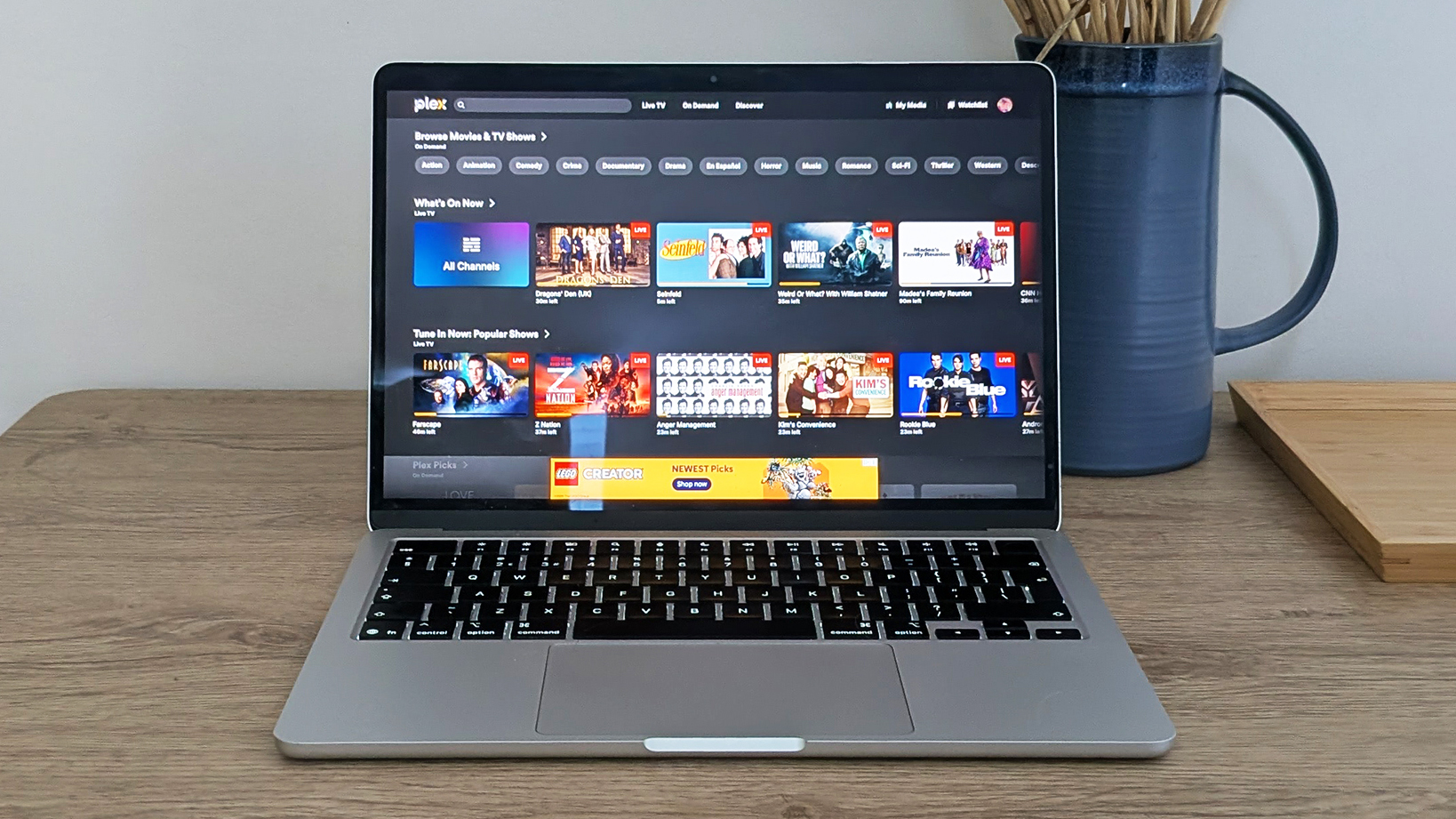
Wasn't streaming entertainment much easier when Netflix first pioneered the idea? It had a host of new and classic content to stream on demand, to any device, at any time. It felt like the future, and in many ways it was.
However, the 2026 streaming experience is much more frustrating. Movies and shows are now siloed across a multitude of platforms, run by the likes of Apple, Amazon, HBO, and Disney, as well as Netflix. The cost of keeping up keeps on rising, and even if you sign up to multiple subscriptions, there's no guarantee of finding everything you want.
I had a bit of an epiphany a few weeks ago, when I realized the number of streaming subscriptions I had was into double figures — and I still couldn't find anything I wanted to watch. The dishes the algorithms were serving up weren't particularly appealing, and I was wasting money on services I wasn't using.
With that in mind, I decided to hit cancel on a few of these streaming apps, and go back to Plex: while it does offer a streaming component, it also lets you stream local media across your devices, so you can put together your own Netflix — without necessarily having to pay for another subscription.
How Plex works
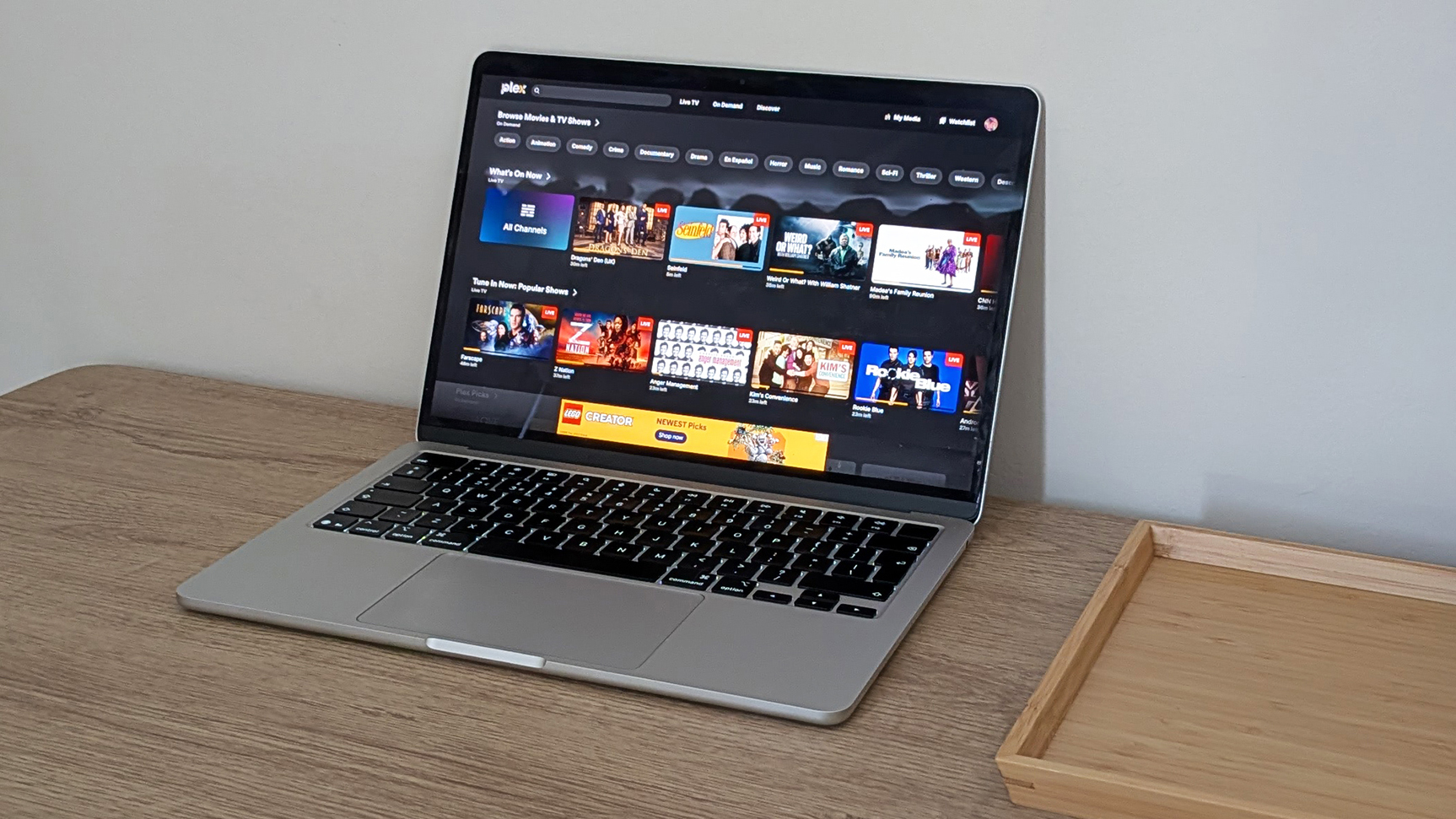
Open the Plex website today, and the service looks a lot like other FAST (free ad-supported streaming television) services, such as Pluto TV or Tubi. You can tune into plenty of shows and movies for free, but if you look closely there's also a My Media section that you can use to build a library from your own files.
Plex can work with video, but also audio and photos. You set up a Windows or macOS computer as a server where all your media lives, and then the software takes care of streaming it to other laptops, desktops, tablets, consoles, and phones. There's a Plex app for just about every device out there, including Android phones and iPhones.
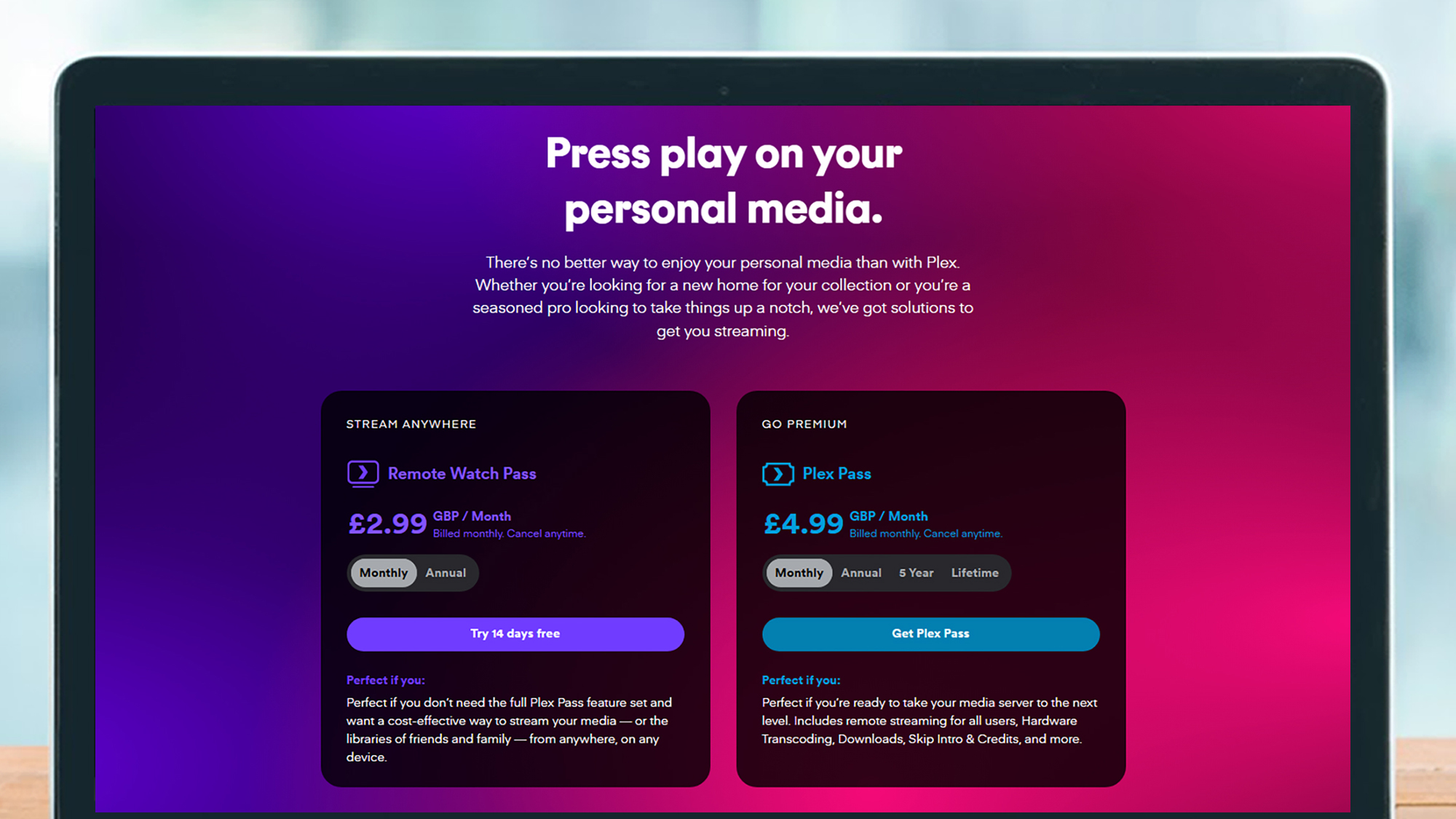
Streaming content around your home is free, and that's enough for me. If you want to watch something remotely while you're away, that's where the subscriptions come into play. They start at $2.99 / £2.99 / AU$4 a month for a single user streaming content over the internet, and go up from there if you need more features (like offline downloads).
Clearly this means you need to have your movies and TV shows in digital form — which is the case with me after years of buying DVDs and Blu-rays. There is some legal uncertainty around ripping these discs, but personally I've got no qualms about creating backups of movies and shows that I've paid good money for, so that I can watch them on my own on more devices more easily.
Getting back into Plex
I was a serious Plex user years ago, but haven't opened the app for quite some time: so I was faced with having to find my old media library again, remember my Plex username and password, and get everything set up properly as it was before. Thankfully, my movie and show files were still lurking on my main PC, ready to be used.
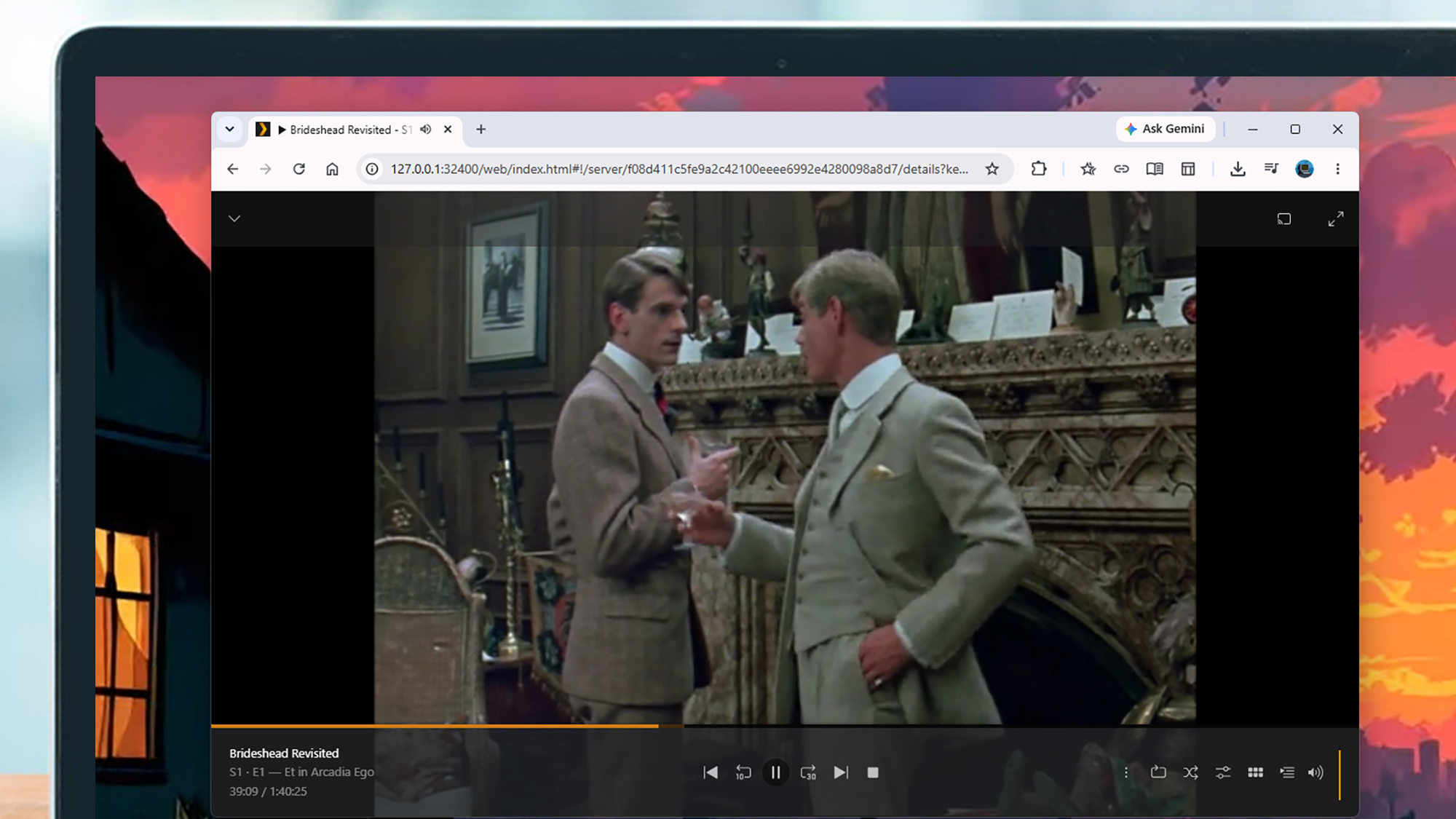
Google Password Manager remembered my Plex login details, so it was then a case of downloading the Windows server client and crossing my fingers. On Windows and macOS, the bulk of the app's operations are handled in a browser tab, and I was left waiting for several minutes before I was met with an authentication error. However, after a quick restart, I was back up and running.
Understandably, Plex hadn't remembered my media library library settings from my last login (which I think was on an entirely different PC), so I had to point it towards the relevant folders on my system again. However, once this was done, the scanning took less time than I expected, and my films and shows soon popped up, ready to be accessed.
There were plenty of old favorites that I haven't watched in years that I was keen to revisit, all free from adverts and subscription fees, and available to any device in any room — you can simply carry on watching where you left off as you jump between devices. Getting back up and running was thankfully very straightforward indeed.
Plex vs the rest
I'm happier now with my more Plex-centric setup, but there are pros and cons to it. You need to have your own media, and buying a DVD or Blu-ray can cost as much as a month of Netflix — so it's not always going to save you money, depending on how much new stuff you want to watch. A lot of shows made for streaming won't be available on physical media either, though some are (including Severance and Stranger Things).
What Plex does protect you against is shows or movies suddenly disappearing from digital stores and streaming services. Once you've bought something, you've got it for good. All the big streaming platforms have a rotating library of content that changes month to month, but that's not something you need to worry about with Plex.
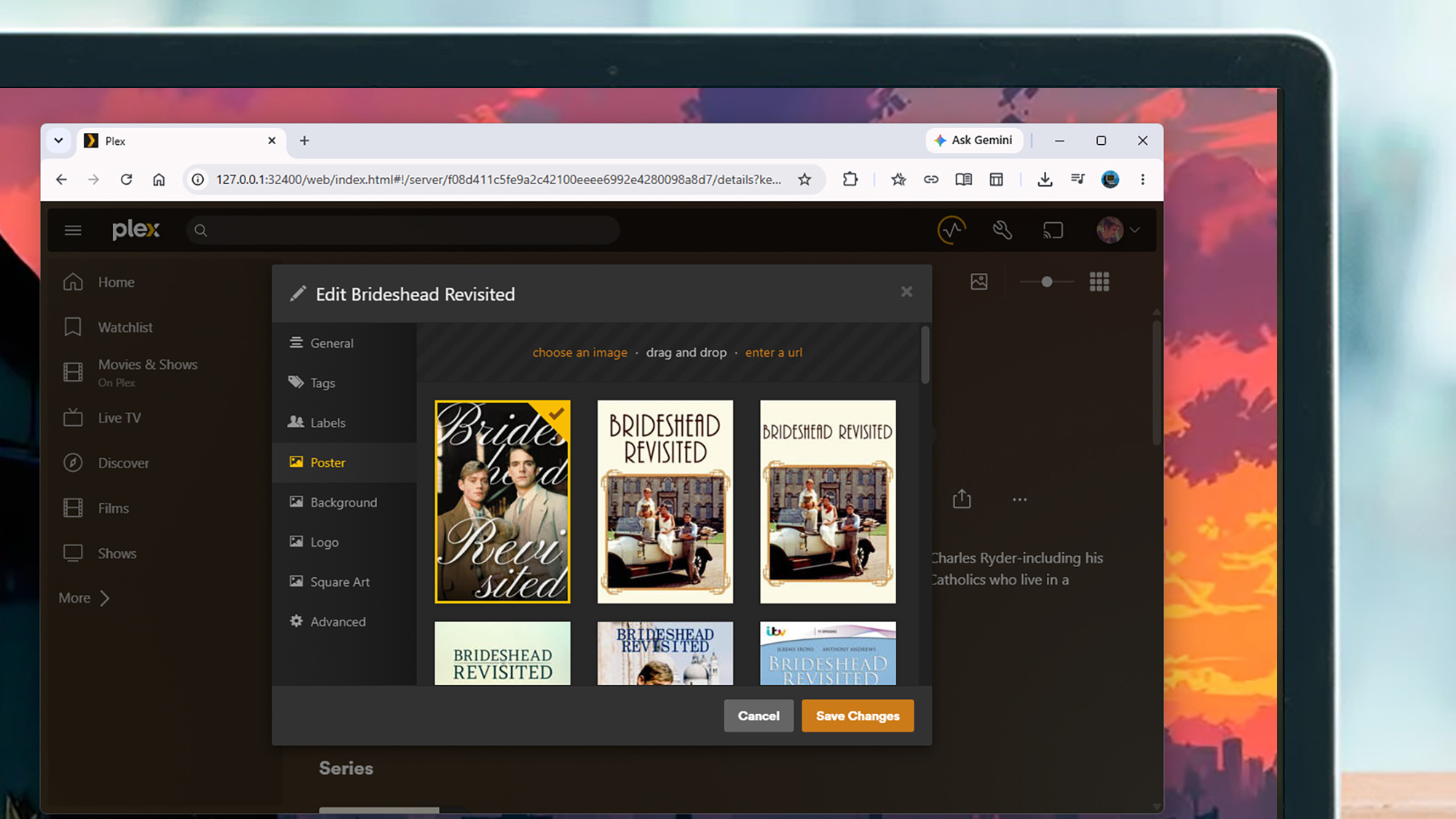
Another big advantage is how much customization you get. Whether you want to change the thumbnails used for library titles, or adjust the threshold beyond which a movie stays in your 'continue watching' row, Plex lets you personalize your viewing experience in a host of ways. It's a library that you've actually got control over.
It's fair to say it's not for everyone, and setting Plex up from scratch takes significantly more time and effort than I put in going back to it — you need to do a lot more in the way of media organizing and tagging when you first get started, to get everything just right. However, having mostly abandoned Plex, I'm now glad to have it back amidst the rising prices and changing catalogs that come with the big streaming apps.

Follow TechRadar on Google News and add us as a preferred source to get our expert news, reviews, and opinion in your feeds.





 English (US) ·