
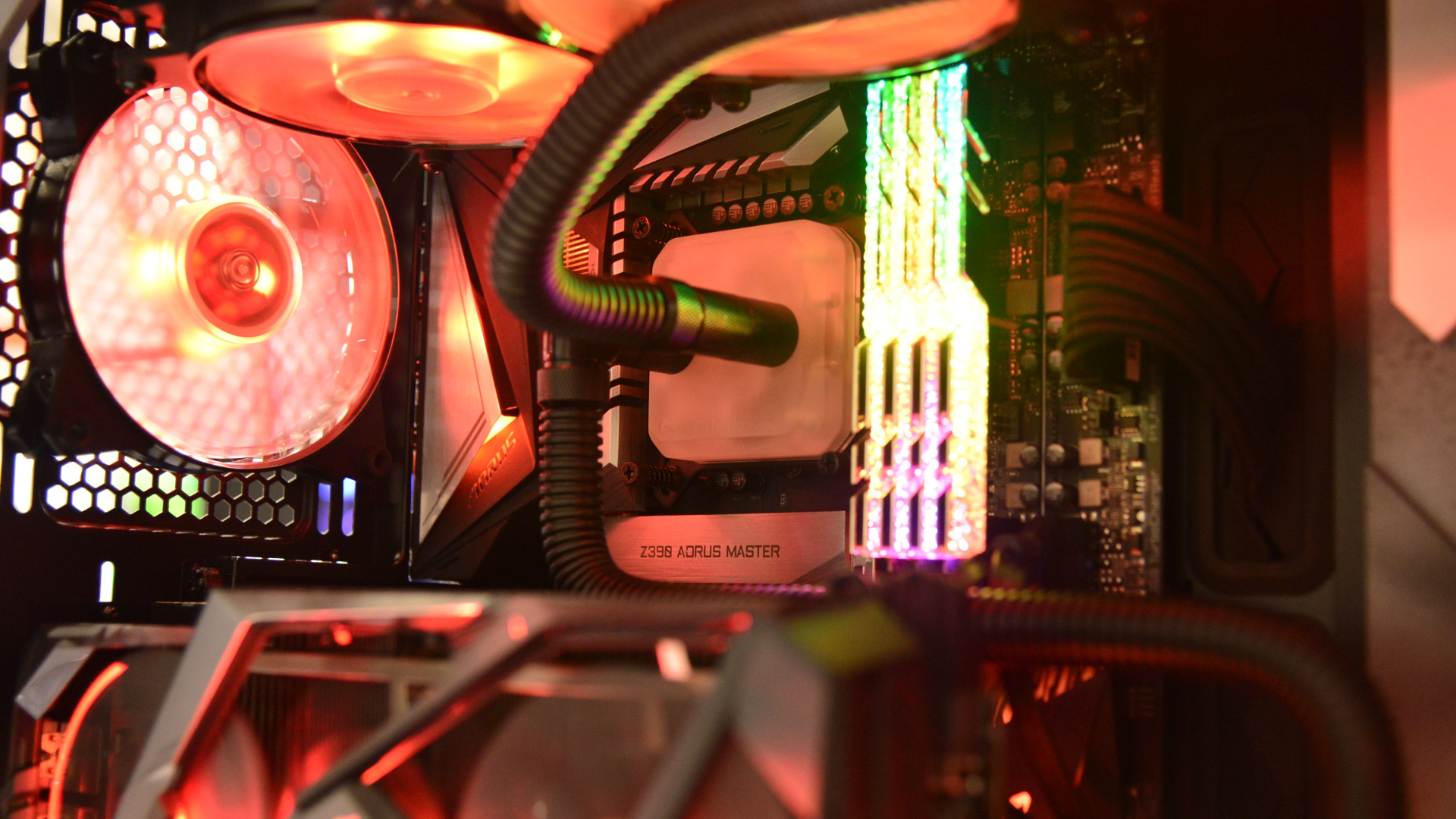
RAM prices have risen to ridiculous heights over the past 6 months. It's to the point where you may well be better off purchasing a prebuilt PC than trying to source the parts at reasonable prices yourself.
And with a looming GPU shortage coming in 2026, it's only going to get worse for prospective PC builders.
RAM requirements for the top 20 most popular PC games
Swipe to scroll horizontally
Fortnite | 8GB | 16GB | 16GB |
Roblox | 1GB | N/A | N/A |
Minecraft | 2GB | 4GB | N/A |
League of Legends | 2GB | 4GB | 16GB |
Counter-Strike 2 | 8GB | N/A | N/A |
Valorant | 4GB | N/A | N/A |
Overwatch 2 | 6GB | 8GB | N/A |
Apex Legends | 6GB | 8GB | N/A |
Rocket League | 4GB | 8GB | N/A |
Genshin Impact | 8GB | 16GB | N/A |
PUBG: Battlegrounds | 8GB | 16GB | N/A |
GTA: V (Enhanced) | 8GB | 16GB | N/A |
Dota 2 | 4GB | N/A | N/A |
Helldivers 2 | 8GB | 16GB | N/A |
Call of Duty: Modern Warfare 2 (2022) | 8GB | 12GB | 16GB |
Arc Raiders | 12GB | 16GB | N/A |
Battlefield 6 | 16GB | 16GB | N/A |
Marvel Rivals | 16GB | 16GB | N/A |
Path of Exile 2 | 8GB | 16GB | N/A |
Rust | 12GB | 16GB | N/A |
Note: Statistics for this list were pulled from Steam's "Top 100 played games by Daily Players" list and estimates from activeplayer.io's "Top 15 Most Popular PC Games of 2025" list. They are not sorted by total player count. RAM requirements were collected from the system requirements sections.
As you can see from the table above, 8GB is by no small margin the most common minimum RAM requirement for modern games.
In the past, I'd recommend a minimum of 16GB of DDR5 - and that's still what I ultimately think you should aim for, and what shows up most prevalently in the Recommended category - but with memory prices the way they are now, you may be able to skate by with half that. At least until RAM prices stabilize again and you can think about upgrading.
Unfortunately, only a few games list a "max" configuration requirement, but those that do all specify 16GB.
It's also important to note that if you run other programs, such as Chrome and Discord, for music and comms while you game, you'll need to factor that RAM usage into your setup.
Google Chrome sucks up a ton of free memory - of course, some browsers are better optimized - but you may run into bogged-down performance if you're running a resource-intensive game at high settings with these other programs in the background.
There are also a few exceptions I'd like to highlight from the list, namely Minecraft and Roblox. Both of these games are essentially playgrounds for mods, and if you're playing a particularly impressive Roblox game or one of Minecraft's many massive modpacks, you're going to need more RAM than just 1 or 2GB.
How much RAM do I need on my laptop?
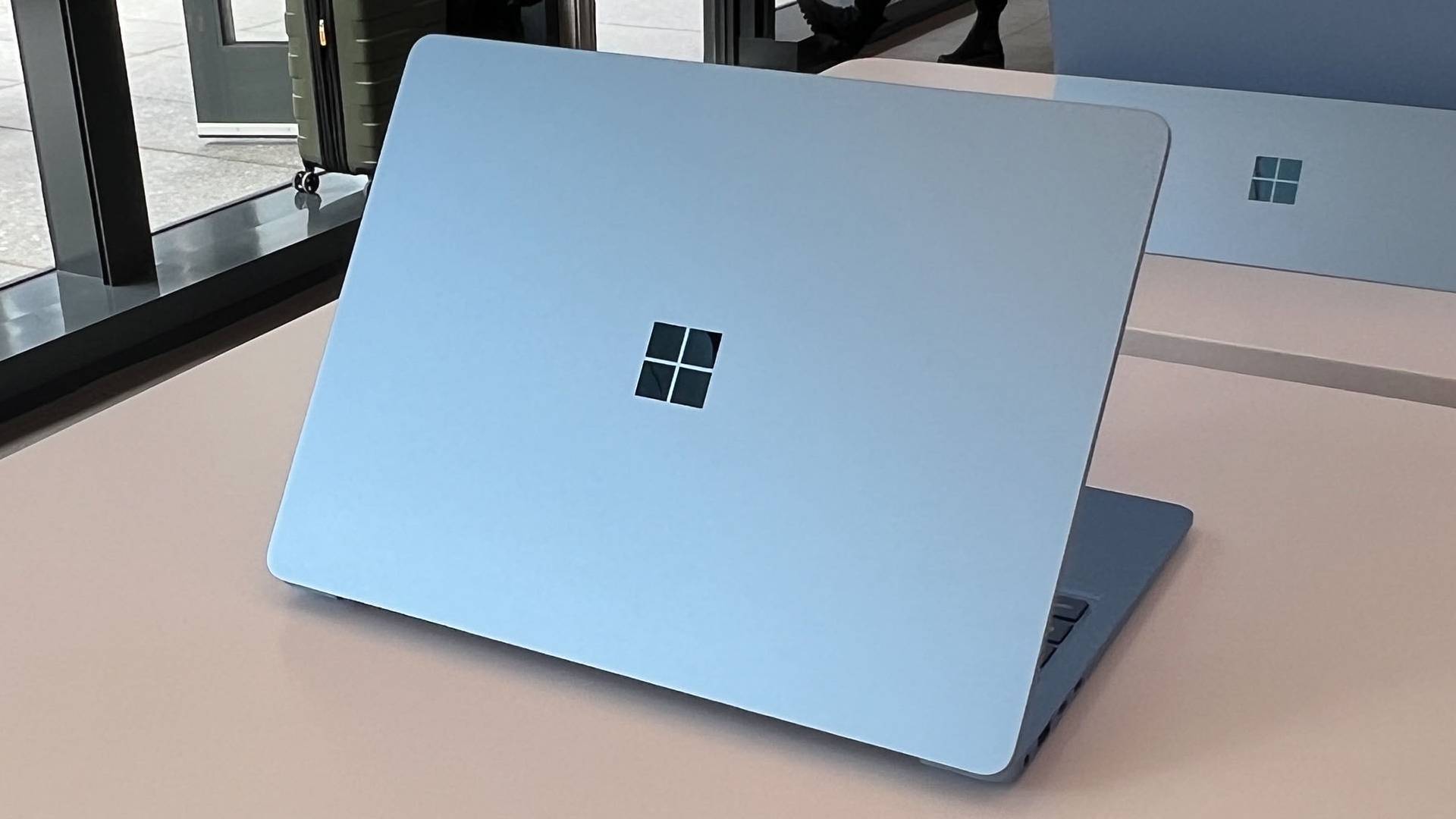
If you're not a gamer and mainly use a laptop for work and media, my recommendations remain the same as they have for the past few years.
8GB is a solid minimum to shoot for - unless you're using a Chromebook, in which case 4GB is sufficient thanks to ChromeOS optimizations. 16GB is better if you push the limit on open Chrome tabs or run heavier programs like Photoshop. You may need 24GB if your job involves video editing or working with LLMs.
Anything more than that is a superfluous cherry on top.
How much RAM do I have?
If you want to find out how much RAM you currently have in your system, it's quick and easy - here's how.
- For Windows 10 and 11, open the Windows Start menu from your taskbar (or by clicking the Windows button on your keyboard). Then, type in "About your PC." Your RAM is shown under "Installed Memory."
- For macOS, click the Apple icon at the top left of your screen, then select "About this Mac." Your RAM is displayed by "Memory."
This is also where you can see your CPU, GPU, device model, and operating system version.
To see how much of your RAM is currently in use on a Windows machine, open Task Manager (right-click the taskbar and select "Task Manager"), then go to the Performance tab (second option in the left-side navigation).
On macOS, open the Spotlight search bar (Command + Space), then type in "Activity Monitor." Click the Memory tab in the top navigation bar to view your current RAM usage.
This is a good way to see if your usage habits bump into the higher end of your total installed memory, which is an indication that it may be time for an upgrade.



 English (US) ·