
 5 hours ago
4
5 hours ago
4
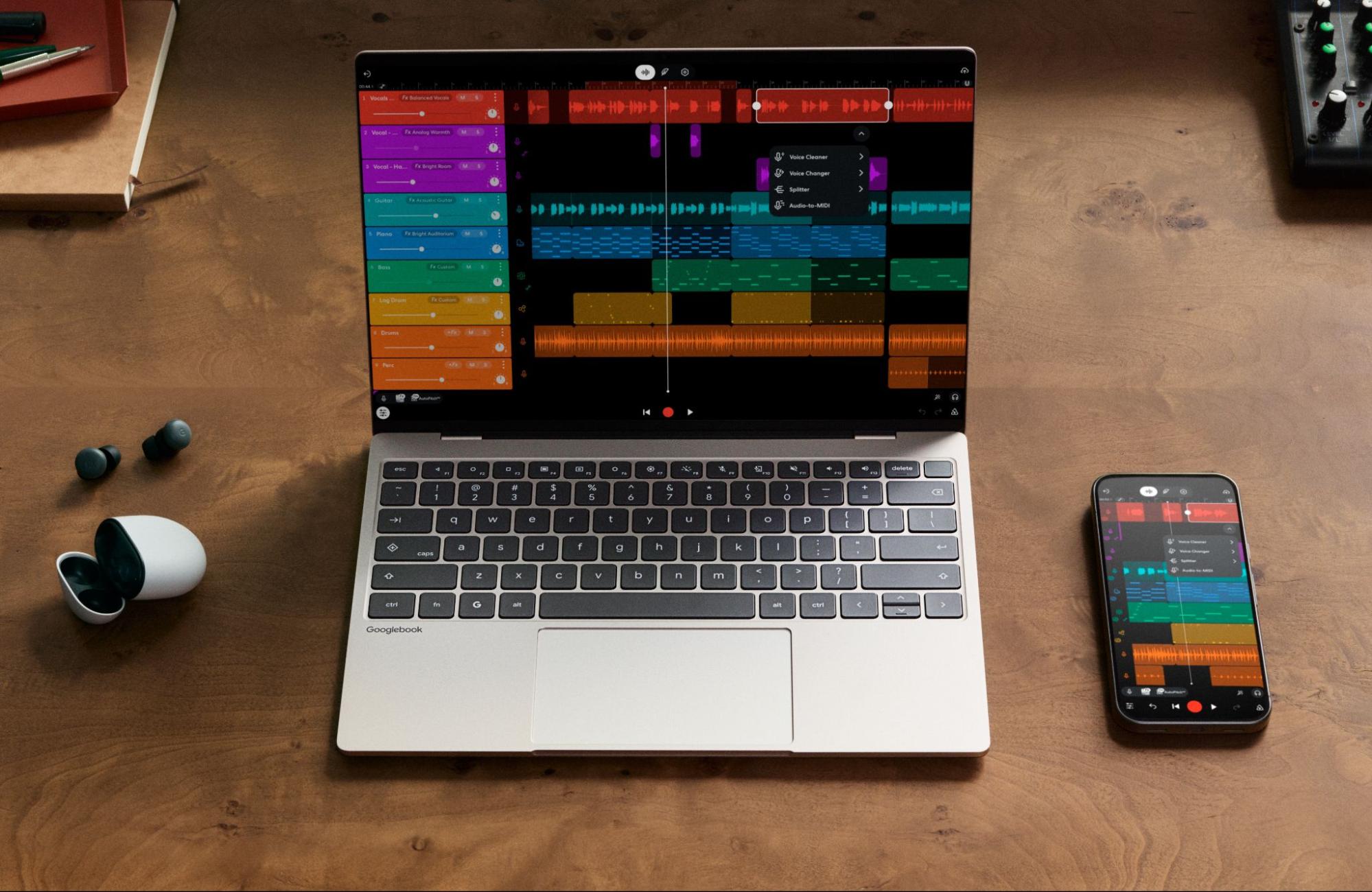
After a brief tease back in May, Google is detailing its lineup of Googlebooks, its new line of laptops designed to serve as premium systems that work best with Android phones and deliver unique abilities through Gemini.
At an event ahead of the launch, Sameer Samat, Google's president of the Android ecosystem, said that the device's new OS would pull from the best aspects of ChromeOS and Android to design a modern
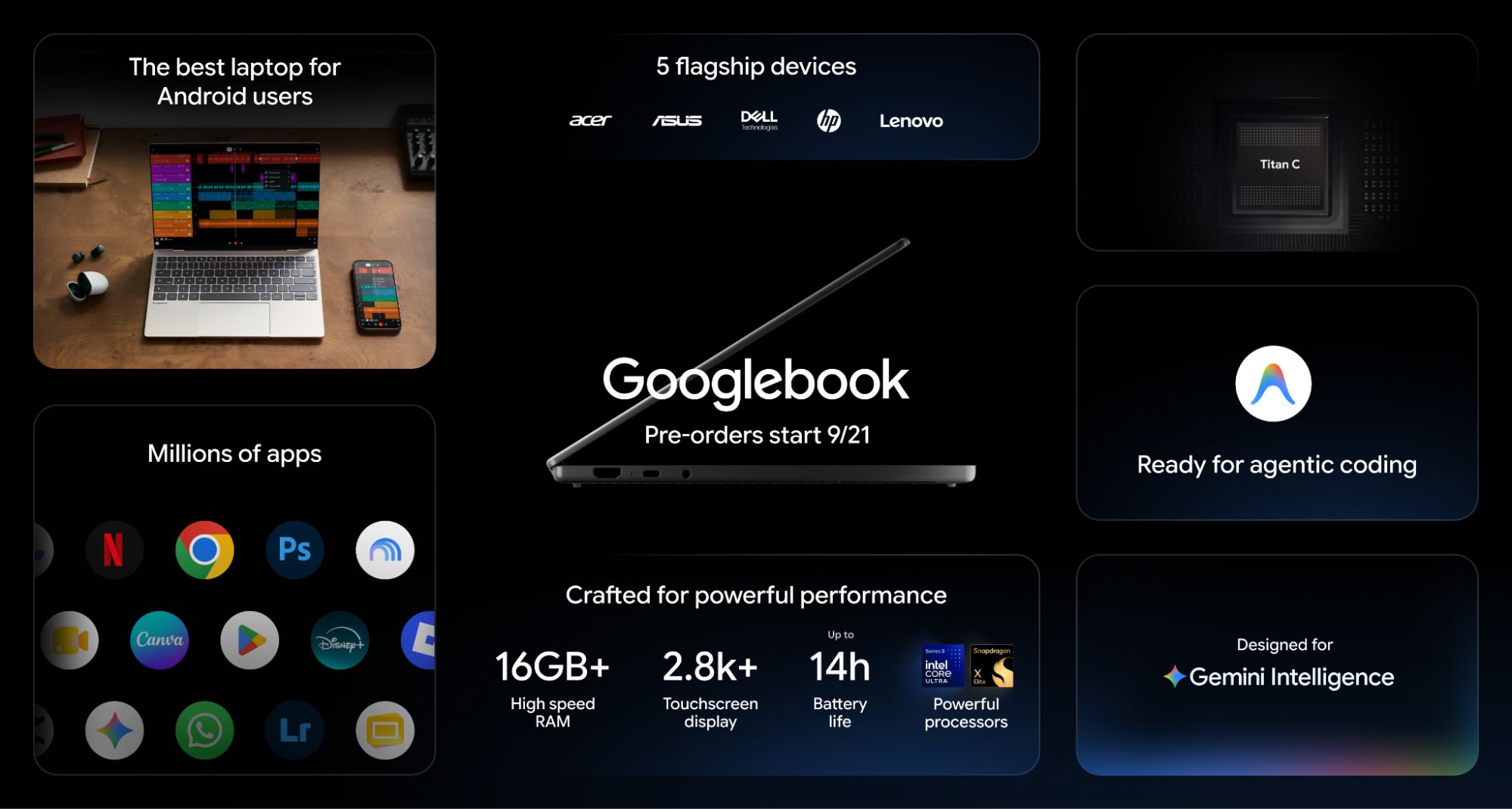
The systems are available for pre-order today and will land in stores on October 4 in the U.S. and October 5 in Canada, the U.K., Ireland, France, Germany, and Australia.
Googlebook hardware
The first five Googlebooks come from five partners: Dell, Lenovo, HP, Asus, and Acer, and offer silicon from either Intel or Qualcomm. MediaTek is also listed as a partner, but its chips aren't in the first wave of devices.
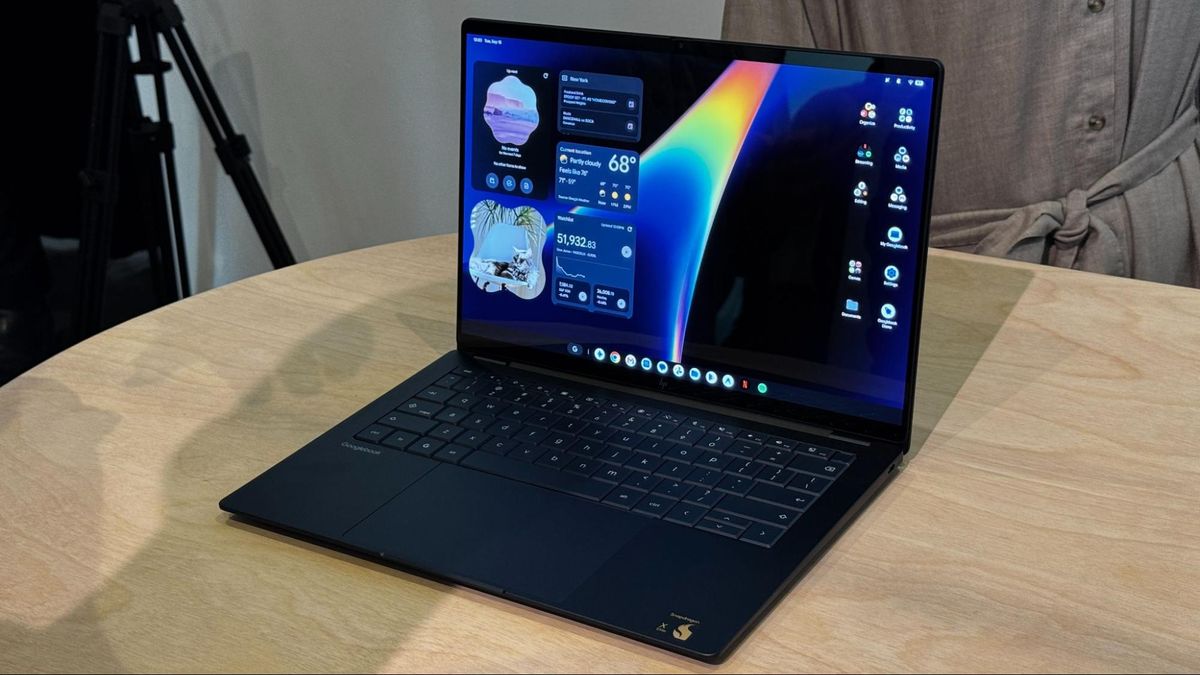
These devices are clearly designed to go after the MacBook Air and premium Windows laptops, using materials like aluminum, magnesium, and carbon fiber rather than plastic. The screens are all high-resolution, with several 2880 x 1800 OLED screens. Most of the lineup has haptic touchpads.
Google has set a floor of 16GB for RAM, with several of the options offering up to 32GB. 256GB is the minimum for storage, though many go up to 512GB, and Dell and HP go up to 1TB.
Swipe to scroll horizontally
| Row 0 - Cell 0 | HP Googlebook 14 |
Dell XPS Googlebook |
Lenovo Googlebook 15 |
Acer Googlebook 14 |
Asus Googlebook 14 |
CPU |
Qualcomm Snapdragon X Elite X1E-80-100 |
Qualcomm Snapdragon X Elite |
Intel Core Ultra 5 and 7 (Panther Lake) |
Intel Core Ultra 5 processor 325 or Intel Core Ultra 7 processor 355 |
Intel Core Ultra 5 processor 325 or Intel Core Ultra 7 processor 355 |
RAM |
16GB - 32GB |
16GB - 32GB |
16GB |
16GB |
16GB - 32GB |
Storage |
256GB - 1TB |
512GB - 1TB |
256GB - 512GB |
256GB - 512GB |
256GB - 512GB |
Display |
14-inch, 2880 x 1800, OLED, touch, 500 nits |
13-inch, 2560 x 1600, touch, 500 nits |
15.3-inch, 2880 x 1800, OLED, touch |
14-inch, 2880 x 1800, touch, 500 nits |
14-inch, 2880 x 1800, OLED, touch, 500 nits |
Biometric Login |
Fingerprint sensor, |
Fingerprint sensor, IR camera |
Fingerprint sensor, IR camera |
Fingerprint sensor |
Fingerprint sensor |
Weight |
2.7 pounds / 1.22 kg |
2.5 pounds / 1.13 kg |
2.68 pounds / 1.22 kg |
2.7 pounds, 1.22 kg |
2.2 pounds / 1 kg |
Starting price |
$1,299 |
$1,199 |
$1,299 |
$899 |
$1,299 |
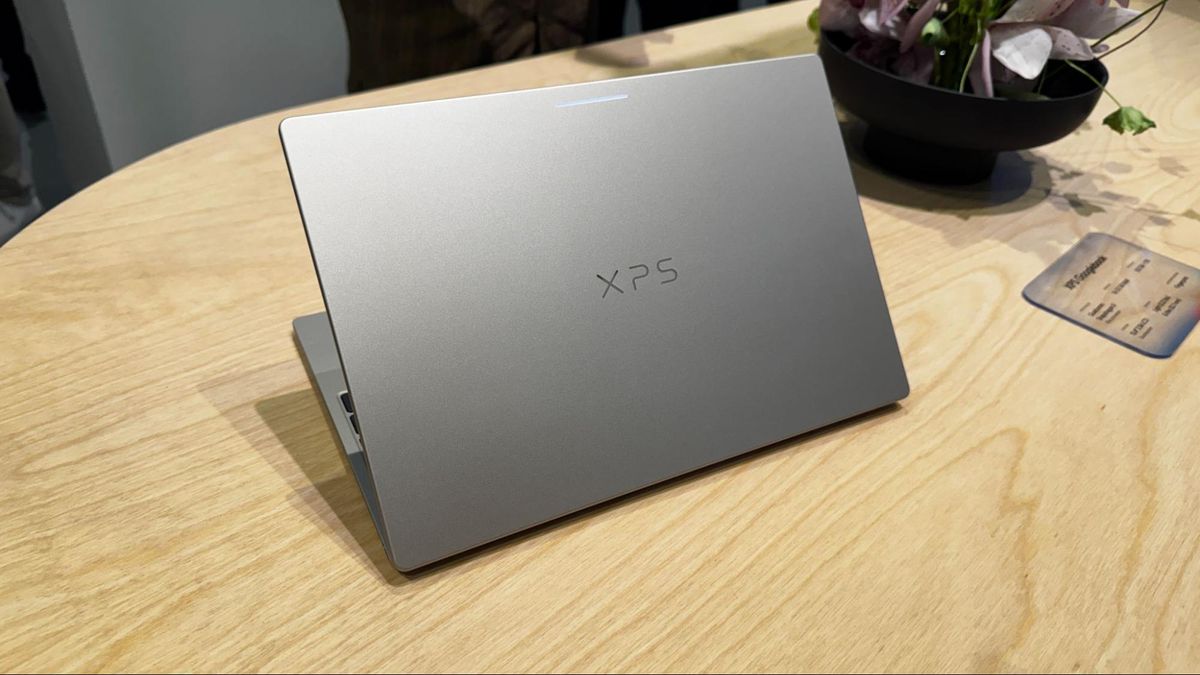
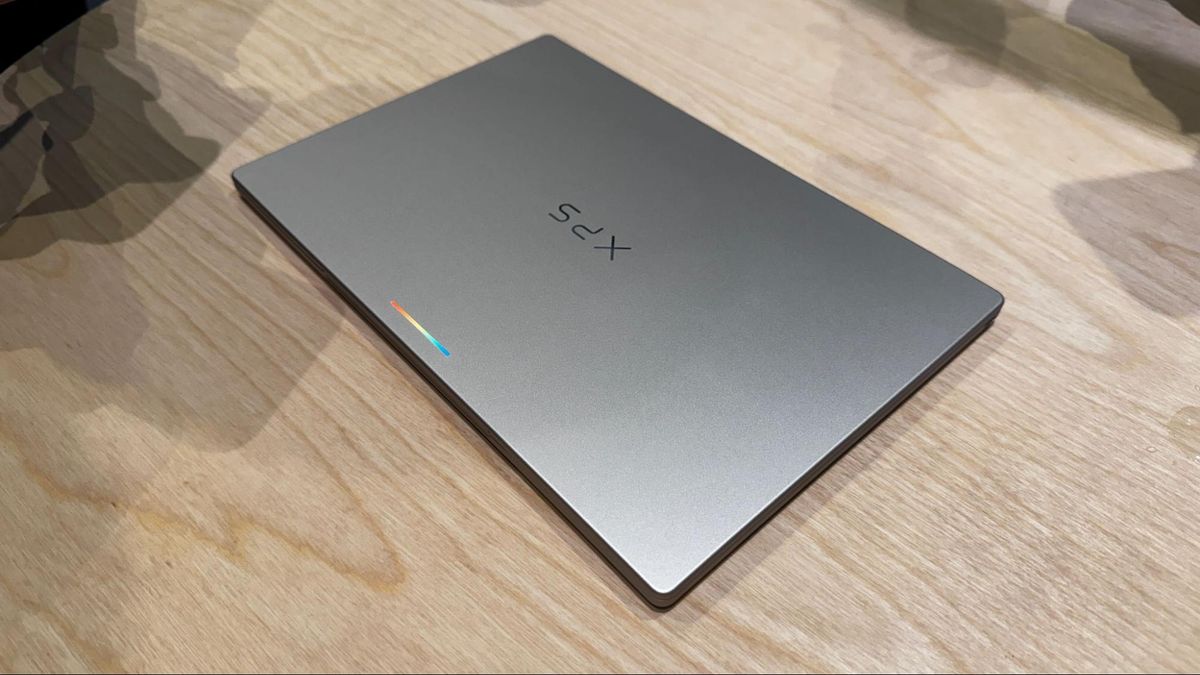
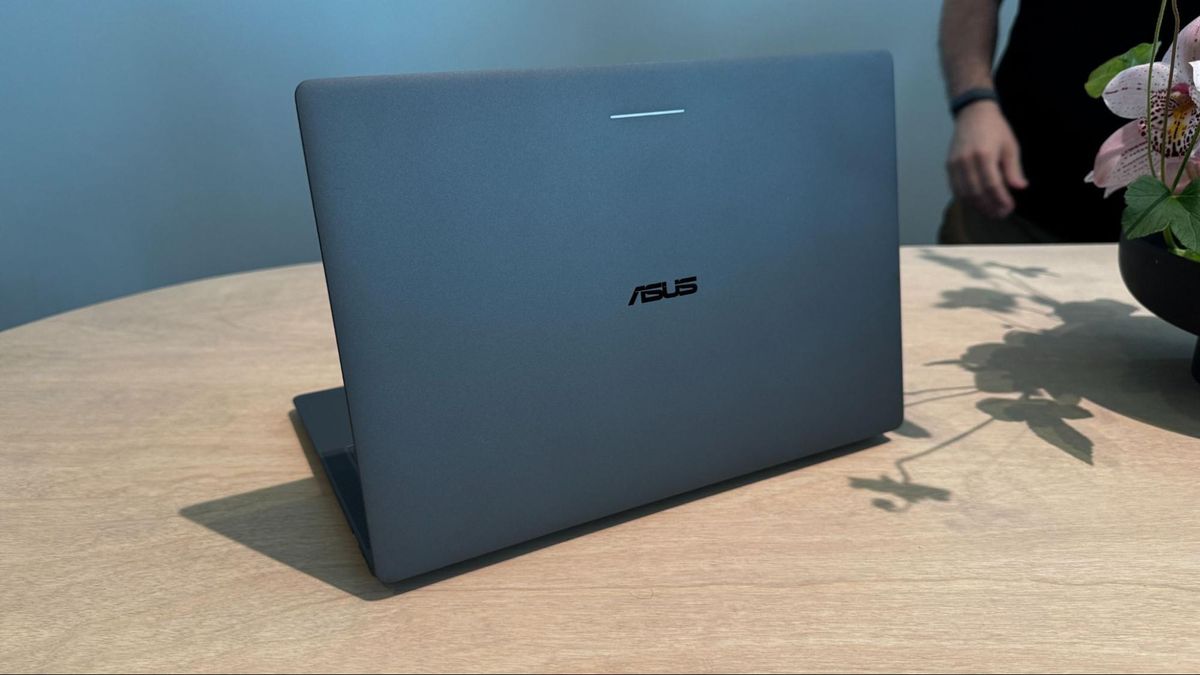
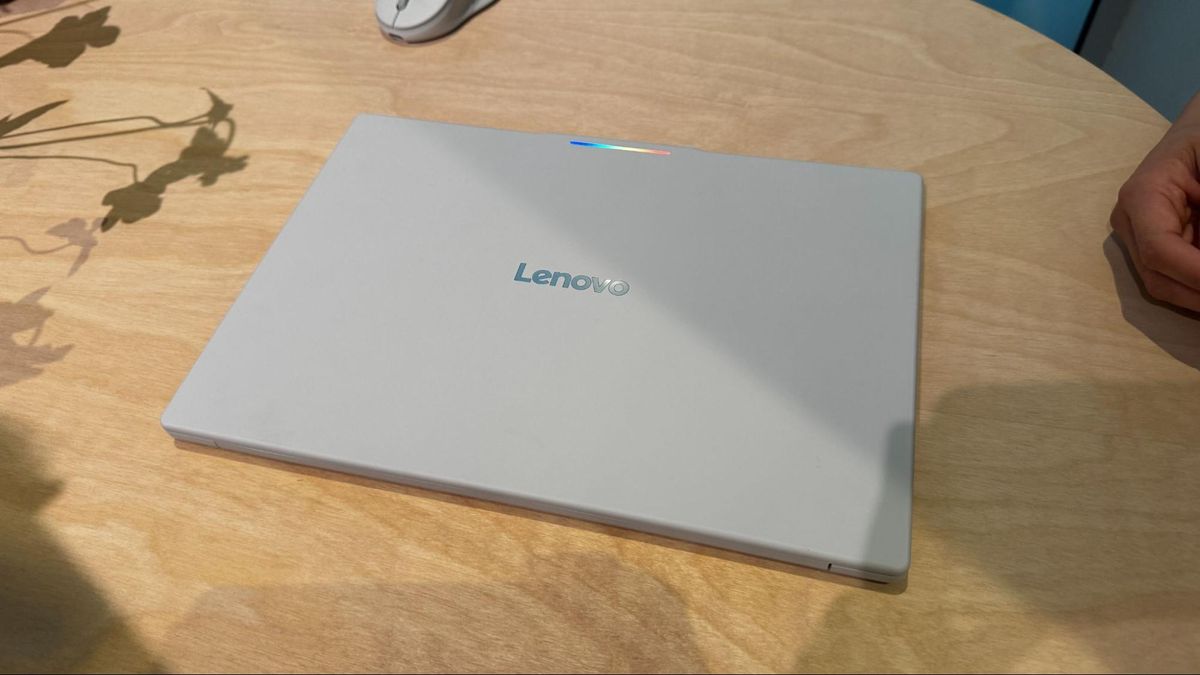
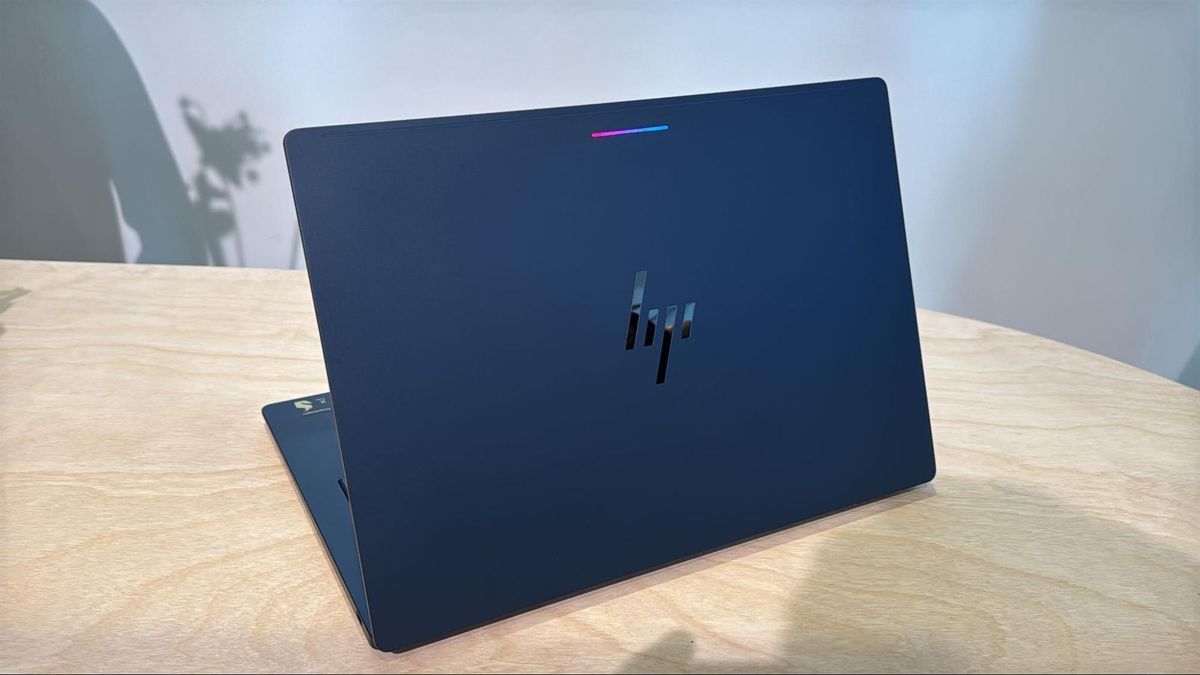
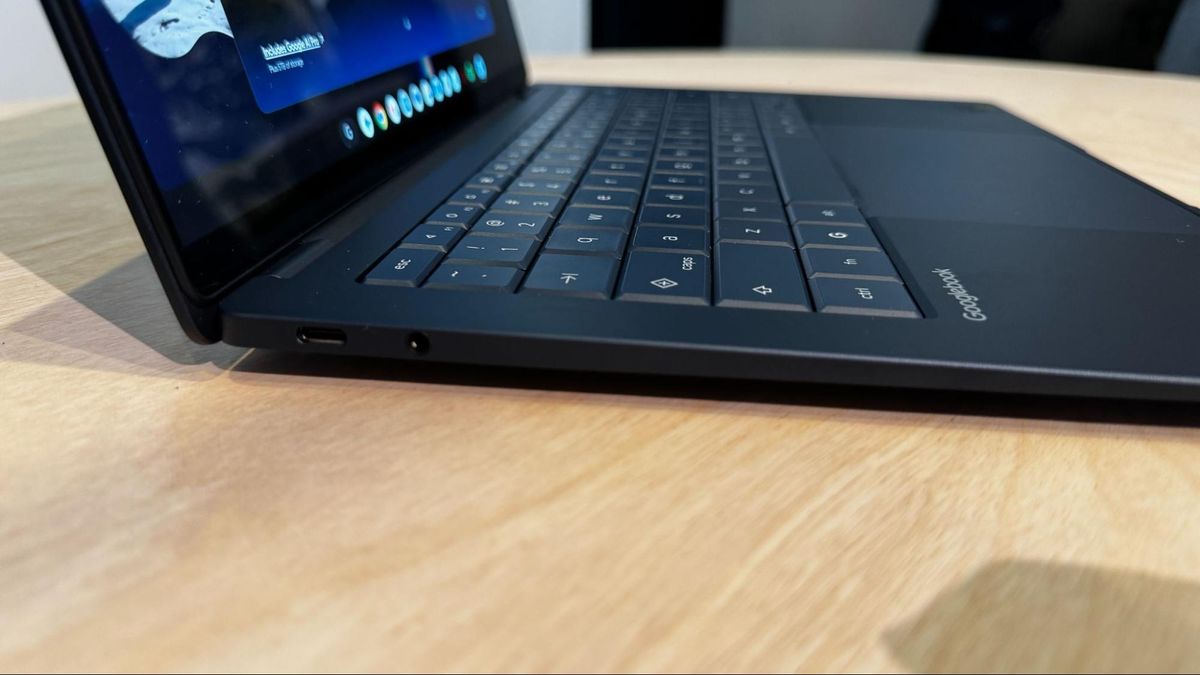
All of them also feature a Glowbar (a throwback to the Chromebook Pixel and Pixel C tablet), a series of RGB lights on the lid that glows playfully at startup, shows battery charge, and can react when you talk to Gemini. Given that the Glowobar is behind the screen, we'll see how much use it gets, but Google says it's going to open an API for developers.
Get Tom's Hardware's best news and in-depth reviews, straight to your inbox.
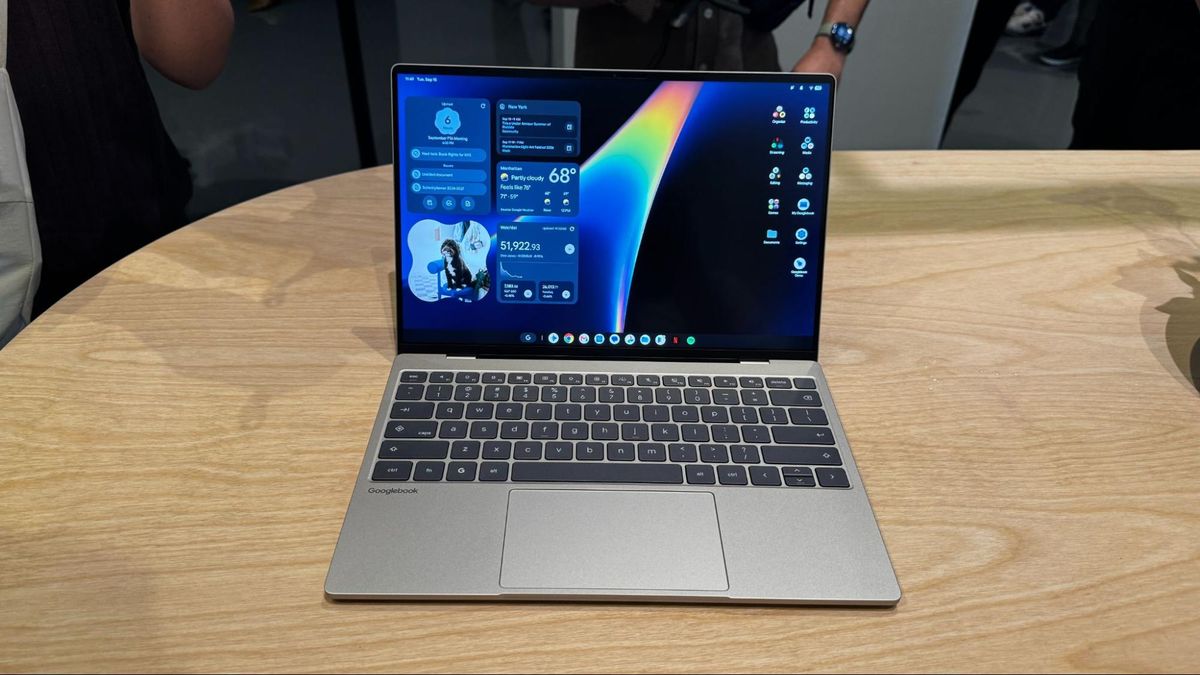
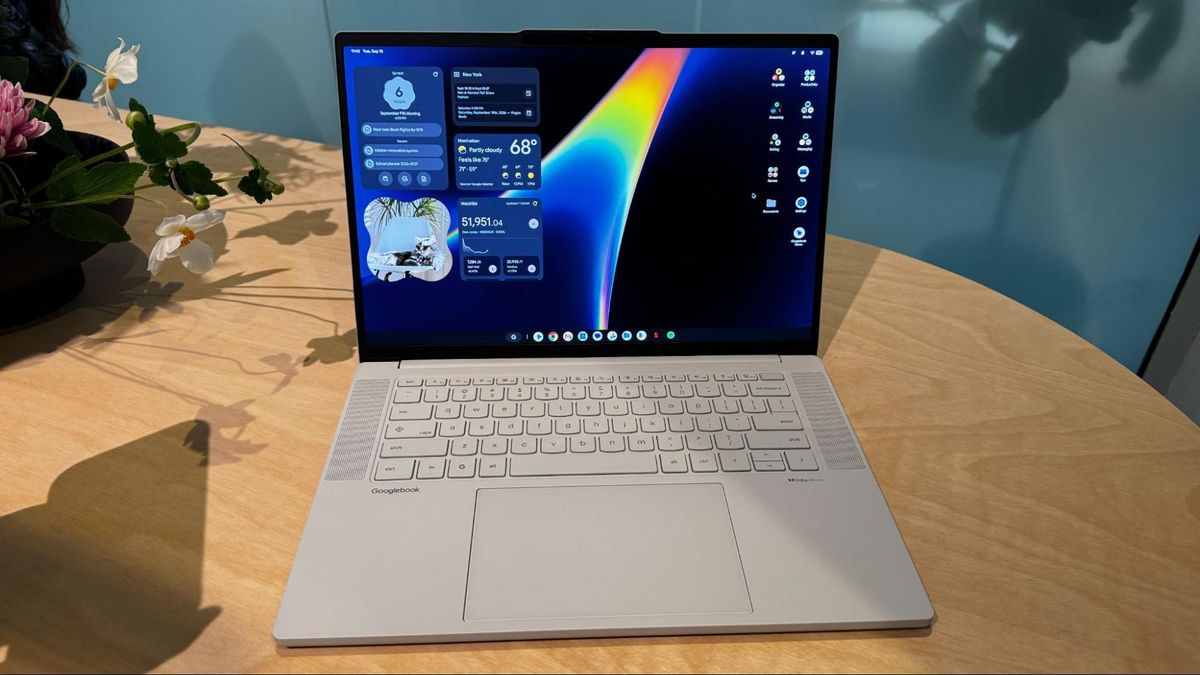
Several of the new laptops are reminiscent of existing Windows machines. The HP Googlebook 14 resembles the HP OmniBook Ultra, while the Dell's XPS Googlebook is effectively this year's XPS 13. The Asus Googlebook 14 is a dead ringer for the premium, enterprise-focused ExpertBook Ultra.
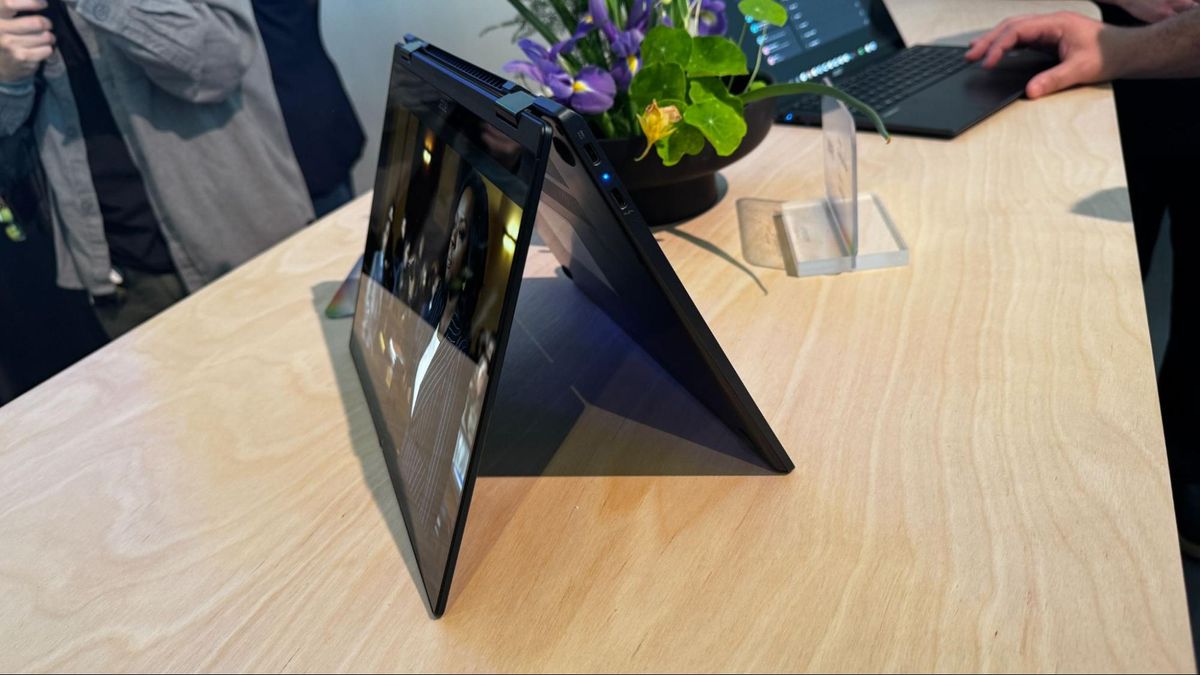
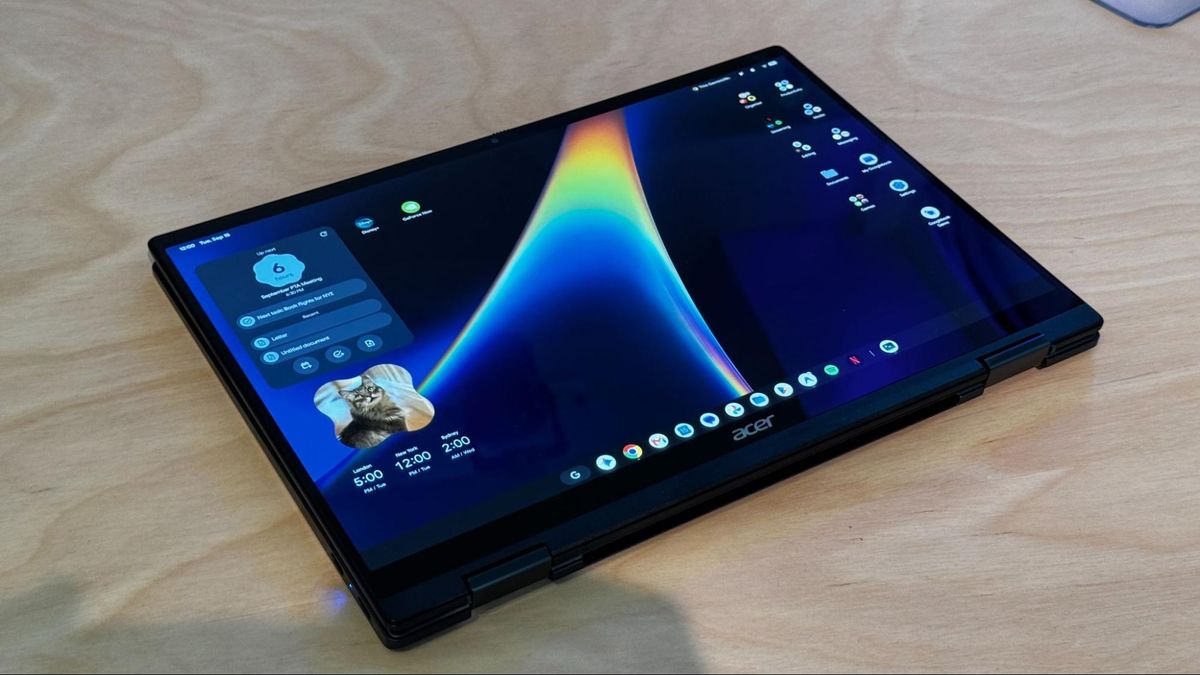
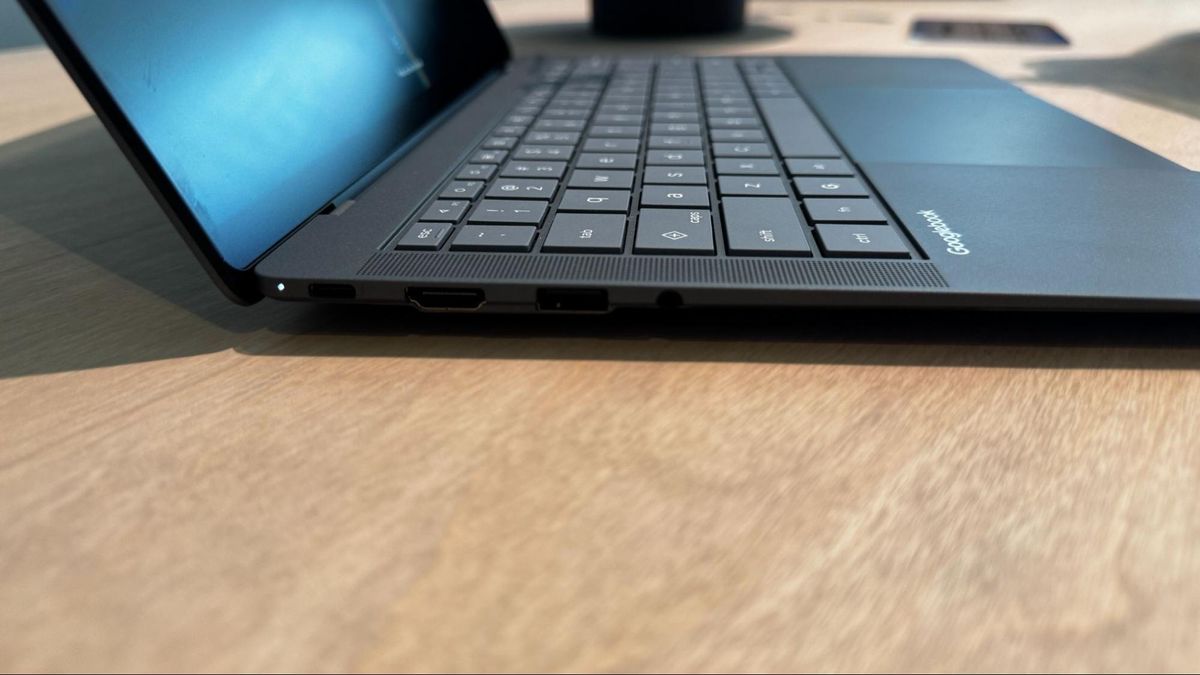
And yet some of those familiar looks were my favorites on first impression. I particularly appreciated how thin and light both Asus and Dell's designs are, though Asus' has far more ports. With the exception of Acer's 2-in-1, the entire lineup consists of clamshell designs.
The laptops aren't cheap, particularly if you're used to the lower end of Chromebooks. The cheapest notebook, the Acer Chromebook 14, starts at $899, though the notebook maker says it's a limited-time price. The XPS starts at $1,199, while the rest all start at $1,299, the price of a base MacBook Air.
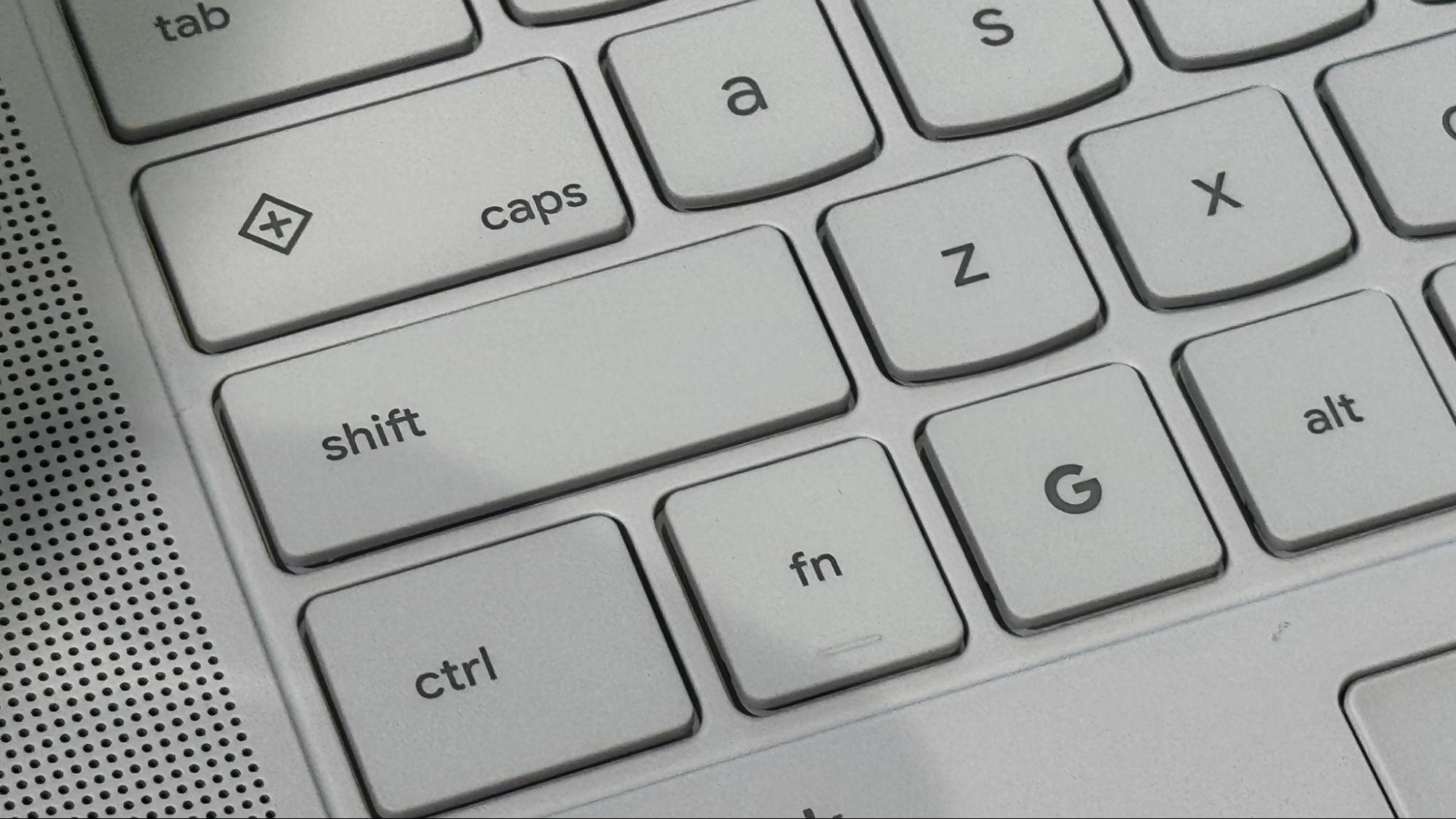
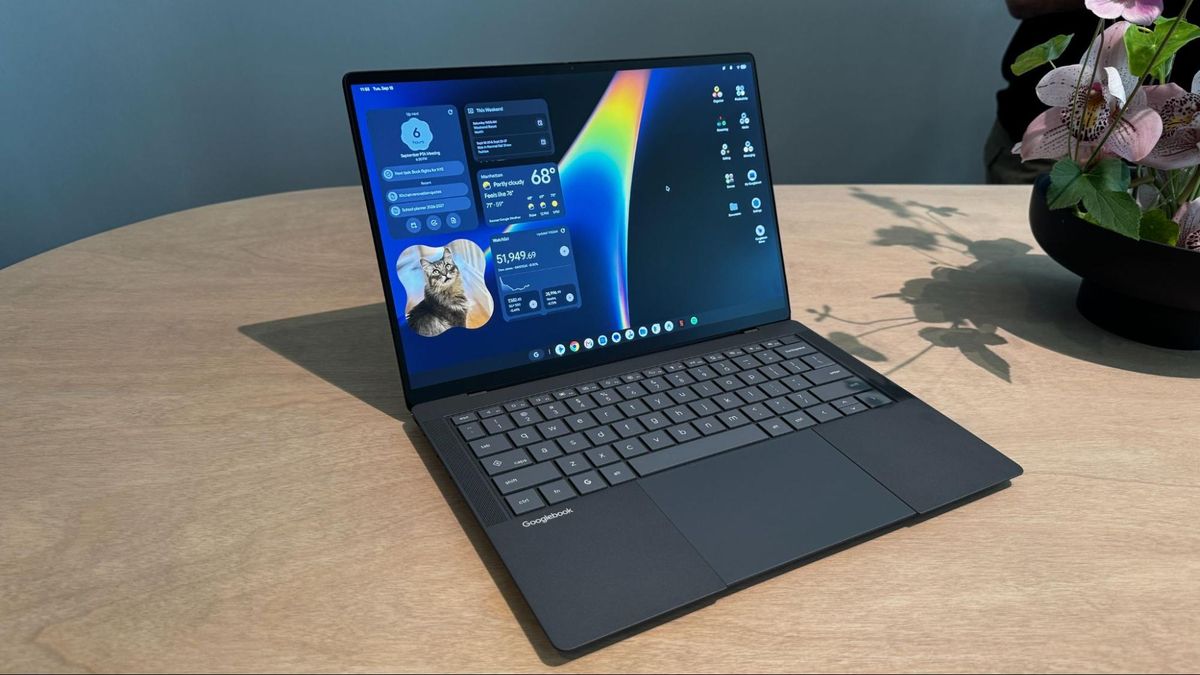
Google's keyboard layout brings back the caps lock key (which also doubles as the Quick Insert key, see below), and also adds a G key that brings up the launcher.
Meet the Googlebooks
*️⃣ Acer Googlebook 14
Image 1 of 3
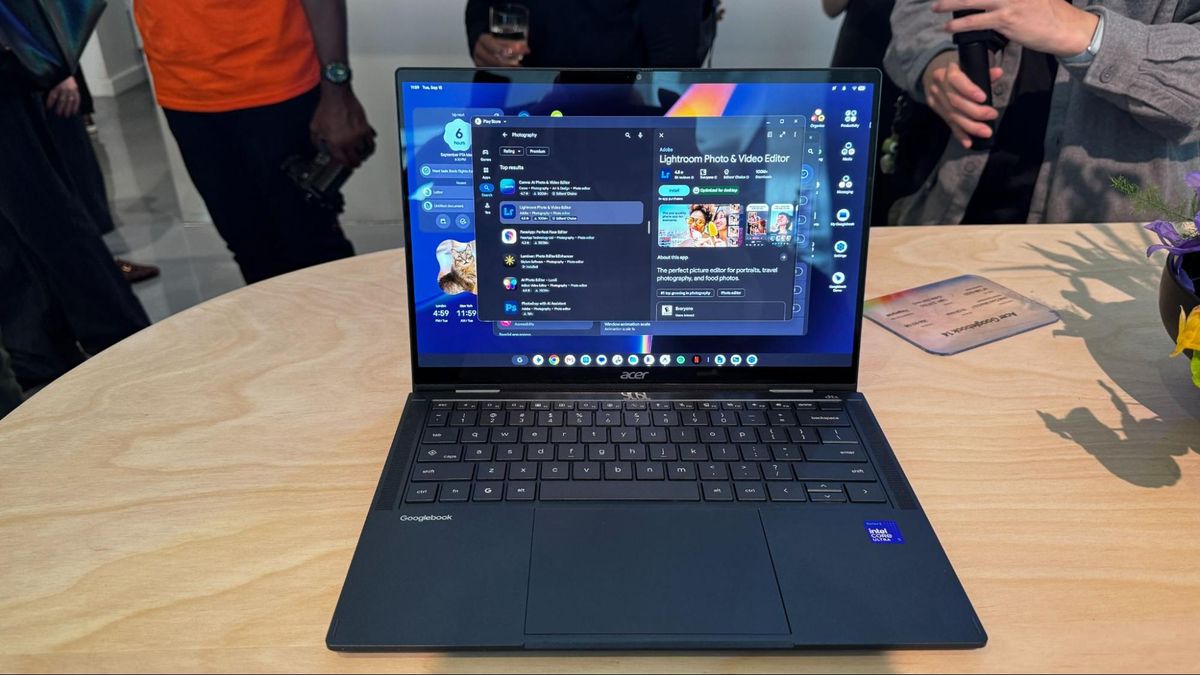
*️⃣ Dell XPS Googlebook
Image 1 of 3
*️⃣ Asus Googlebook 14
Image 1 of 3
*️⃣ Lenovo Googlebook 15
Image 1 of 2
*️⃣ HP Googlebook 14
Image 1 of 3
Googlebook OS
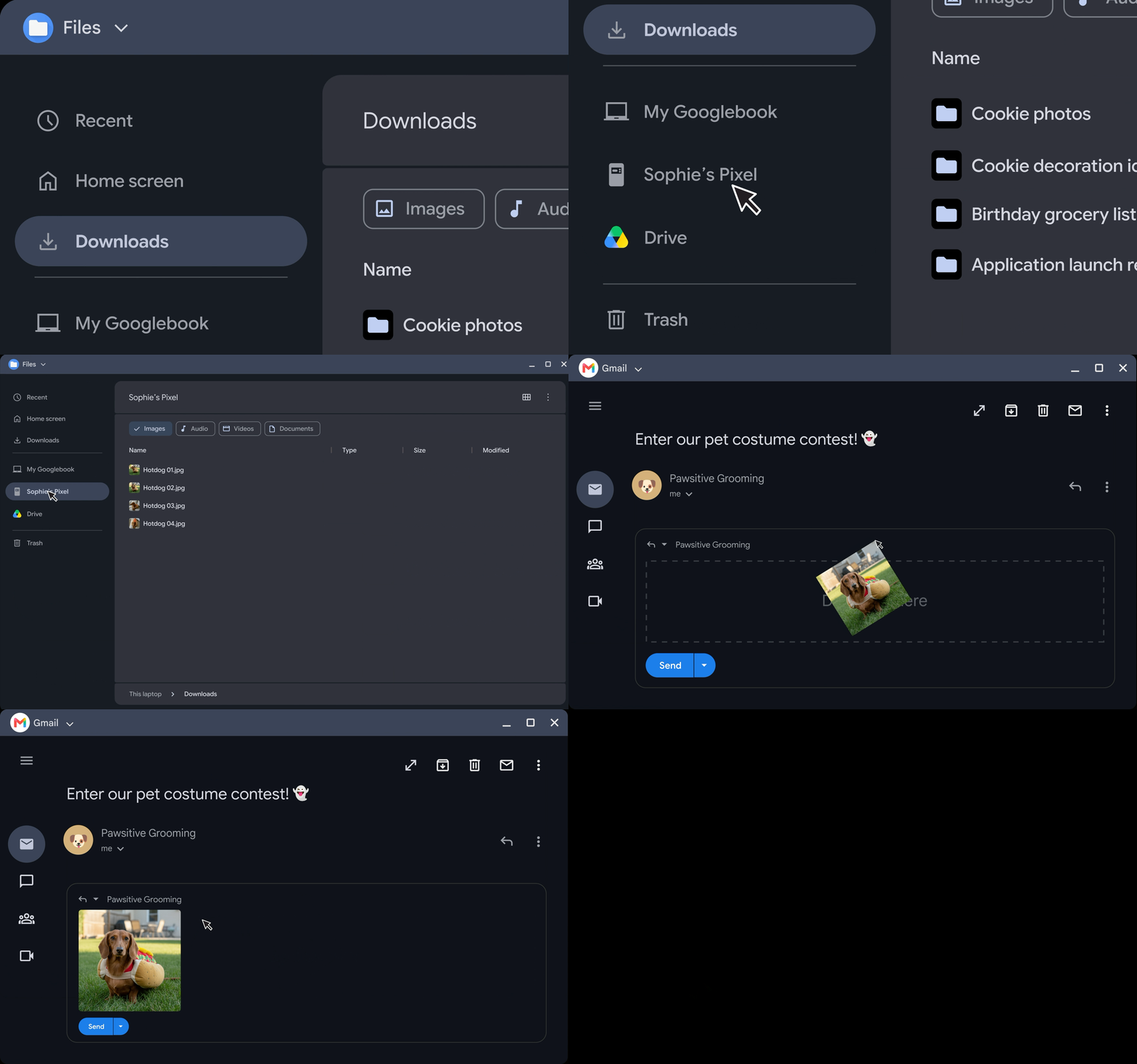
The Googlebook OS is designed to be tightly integrated with your existing Android phone. The idea is that once you log in and set up the laptop for the first time, you'll find all of your files, photos, apps, emails, and saved passwords right where you would expect them, with changes flowing back to your phone. The whole idea seems very Mac-like, but for Android, which never had that same tight integration with Microsoft's Windows, despite multiple attempts.
In general, this seems like a simple but mostly full-featured desktop OS for the crowd growing out of Chromebooks. Much of the work still occurs in your browser (in this case, Chrome), but there's a full file manager (including AI descriptions of files) to open files locally. You can put phone-style widgets on your desktop, and there's a taskbar at the bottom of the screen.
The applications, however, all come from the Android side of things. Google provides apps through the Play Store. Google is counting on a mix of the Play Store and web apps, meaning you won't be downloading any executables to use on a Googlebook from the web. Google claims that 70% of time on a laptop is spent in a web browser.
The company is highlighting Adobe's Photoshop and Lightroom, CapCut, Netflix, and Disney+ (with offline viewing). Those apps, among others, will have a desktop mode. Additionally, Google says that half of the 100 top games on Android are "already optimized for keyboard, mouse, and large screen, with new games launching monthly."
That latter point is quite PC gaming, though. For that, Google is offering a free year of Nvidia GeForce Now, and suggests more gaming will come to Googlebooks soon enough. (Gaming Chromebooks didn't quite take off, so we'll see what Google does differently here).
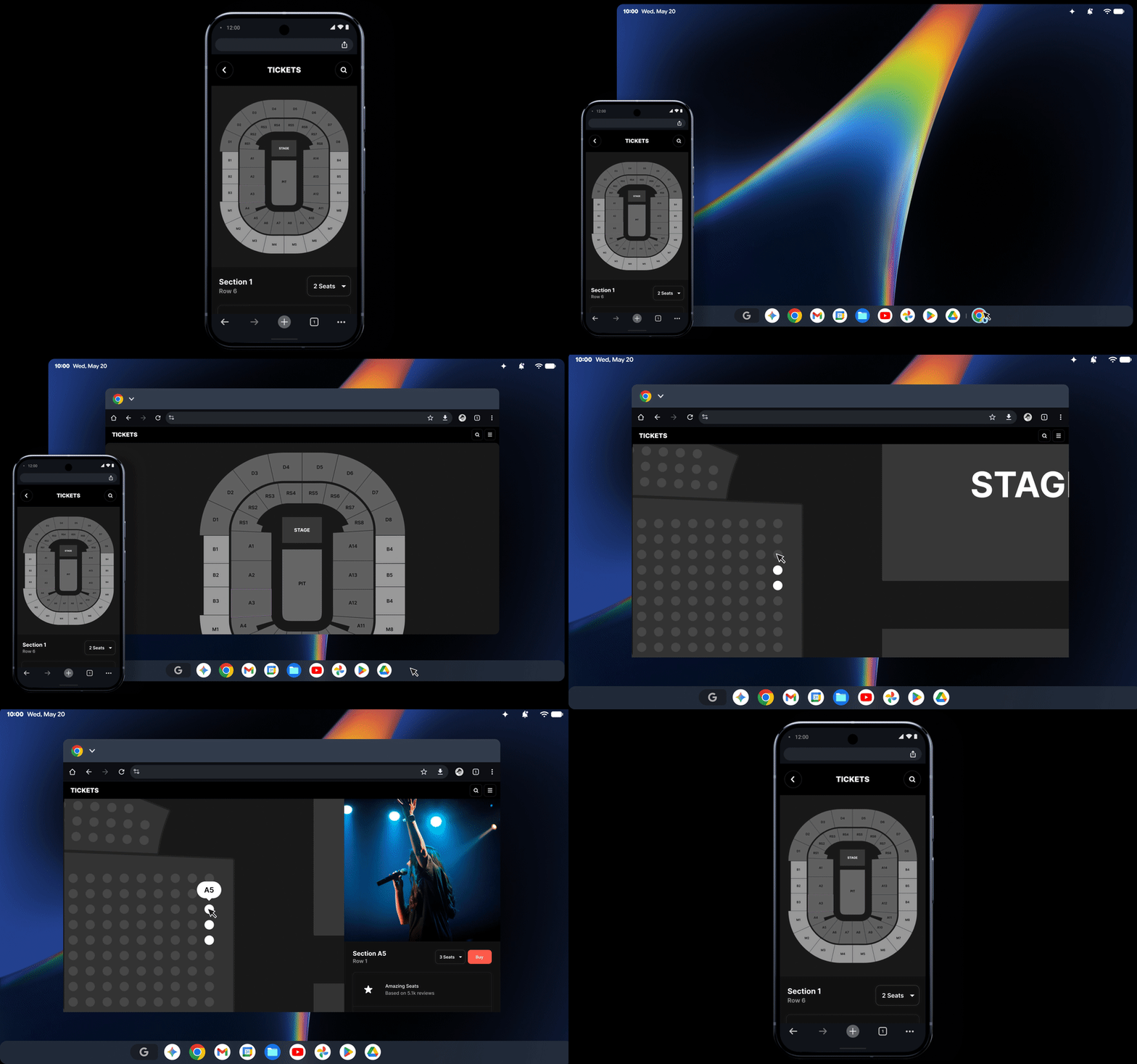
There are a handful of features to move back and forth between your laptop and your phone that seem helpful (and again, quite similar to macOS). Continue On is effectively macOS and iOS's Continuity, which lets you pick up on a task from your phone on your laptop, and vice versa. The application for the file you're working on shows up in a Googlebook's taskbar. For when you want to use your phone directly on the laptop, Cast My Apps lets you control it from the desktop (similar to macOS's iPhone Mirroring)
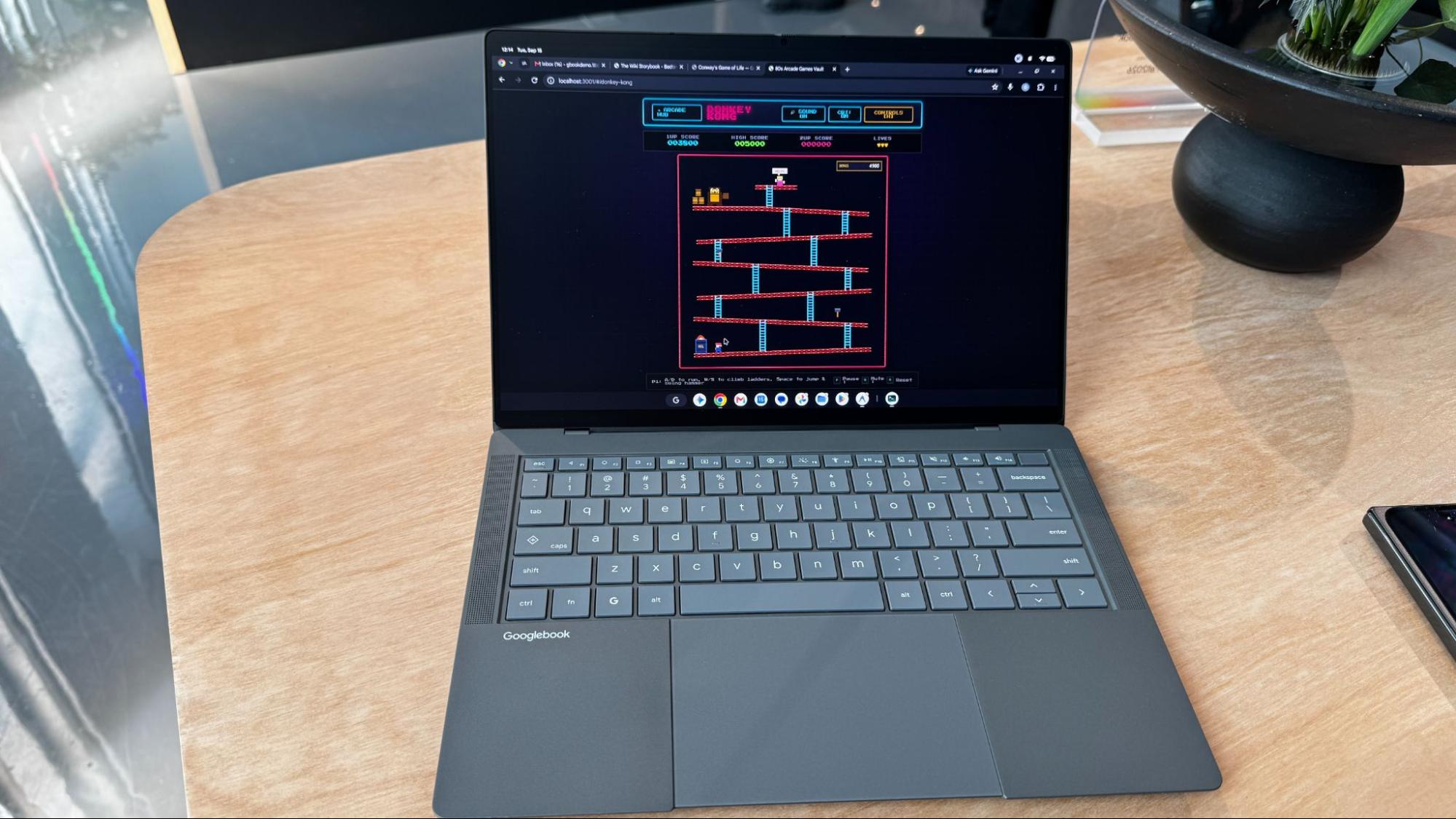
Google also includes Antigravity, its platform for developing agentic workflows and agents to build web apps or Android software on your device. At an event ahead of the show, Googlers were vibe coding software to put on their machines, from a teleprompter Android app to an arcade full of '80s arcade games. Google says Antigravity will also include a Linux terminal environment to run tools like Claude CLI or Antigravity CLI.
Google promises 10 years of support for Googlebook OS on a Googlebook, though at a press event, there was a big asterisk next to that claim. The 10 years starts from the launch of the platform and chip inside the Googlebook, I was told, which means that Intel's Panther Lake chips will have nearly a year lopped off immediately (they launched in January this year), while Snapdragon X Elite, which first shipped in 2024, will already be 2 years behind.
This isn't terribly different from how Google supports its Chromebooks now — by platform, not launch of the system, but that difference may not play the same in the big leagues. Google keeps a database where you can see when any given Chromebook model will stop receiving updates, and presumably it will do something similar with Googlebooks.
Gemini Intelligence
The features that make Googlebooks stand out are the ones where Google baked its Gemini AI directly into the operating system. That also means how much you like a Googlebook may be directly tied to how useful you find these features.
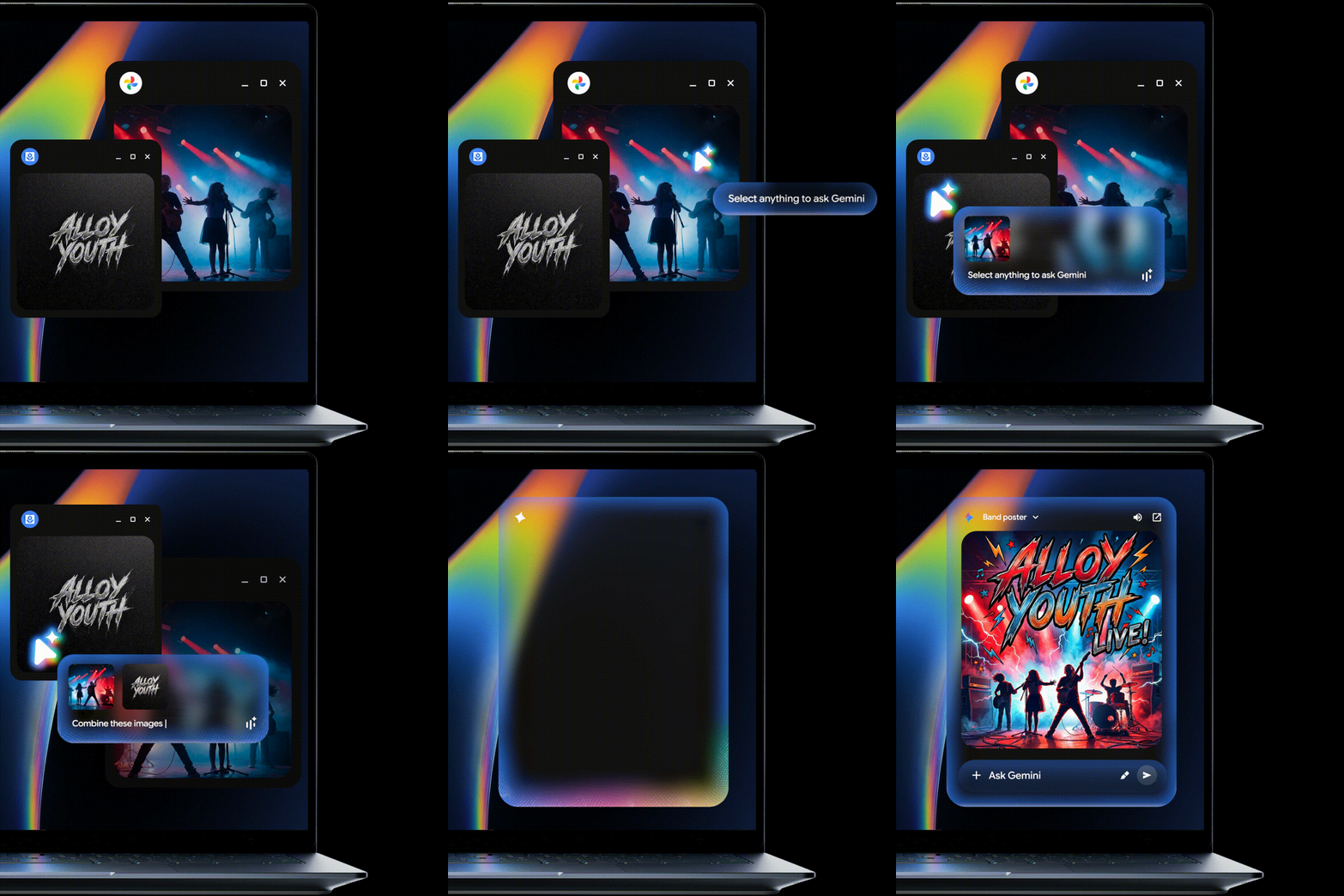
The one feature Google talks up the most is the Magic Pointer. You wiggle your cursor, and it becomes a Gemini-focused pointer. Click on anything to get contextual suggestions or type into the assistant to get answers about what you chose. For example, one demo showed someone using Magic Pointer on a PDF of a calendar and asking Gemini to add the dates to their calendar. In many cases, it felt like a shorter way to get to Gemini than copying and pasting screenshots, but I didn't get enough time to judge how useful it could be.
The Caps Lock key doubles as a "Quick Insert tool" — effectively a souped-up copy and paste that includes your clipboard history, emojis, translation tools, proactive assistant capabilities, and opens Rambler, which allows for text-to-speech and cleans up where you might have stumbled and messed up.
Rambler was introduced at I/O this year and debuted on the Pixel 11, but it was impressive on the Googlebook. I tend to type rather than speak on a computer, but this might convince some people otherwise. It even did well in a relatively loud demonstration environment.
While there are a number of widget options in Googlebook OS, you can also create your own with natural language. I was able to make one that showed me the top movie of the day in a given year.

Perhaps the most natural are Magic Cues — recommendations to do something with the information you're seeing — peppered throughout the OS. If you see dates, you may be cued to make a calendar invite. If someone asks a question in a text message, the answer might pop up if it is in your email, texts, or somewhere else it was discussed before. This has also been on Pixel phones before, but seems to fit in just fine on a laptop.
Beyond the Gemini features, every Googlebook is shipping with 12 months of Google AI Pro (usually $19.99 per month), offering 5TB of cloud storage and advanced tools like higher rate limits in Gemini, entry rate limits to agent models in Antigravity, credits for use in Google Flow, and higher access to AI in Google Search. There are also 3 months of YouTube Premium, CapCut, and Photoshop. Additionally, there's 1 year of Gemini Spark, a version of the AI that acts as an autonomous agent. That's a lot of freebies, and it will be interesting to see how many people feel the need to keep and renew them to make the most of their Googlebooks.
Can Googlebook break through?
Despite Android's popularity globally, Chromebooks have largely been seen as kid stuff — quite literally for education. Googlebooks are a play to be more serious computers, but also bring a premium price.
The AI features are neat in some cases, and showboaty in others. I need to spend real time with a Googlebook to truly decide what's useful.
What is undoubtedly the most important part here is that Android users will have a device that integrates with their phones as well as Macs do with iPhones. Whether that's enough to justify a new operating system that still has some limitations is an open question. Again, we have to try these.
Google clearly has some OEMs excited, but as computers get more expensive thanks to a component shortage, we'll have to see how these prices land, and if the company finally has a mainstream competitor on its hands.






 English (US) ·