
Founded in 2008, GreenGeeks offers shared, WordPress, WooCommerce, reseller, VPS, and dedicated hosting. Its defining feature is not a proprietary control panel or unusual hosting architecture, but a 300% renewable-energy certificate match and tree planting alongside conventional hosting tools. It's an interesting pitch, so we tested it out to see how it fares among the best web hosting services.
GreenGeeks: Pricing & plans
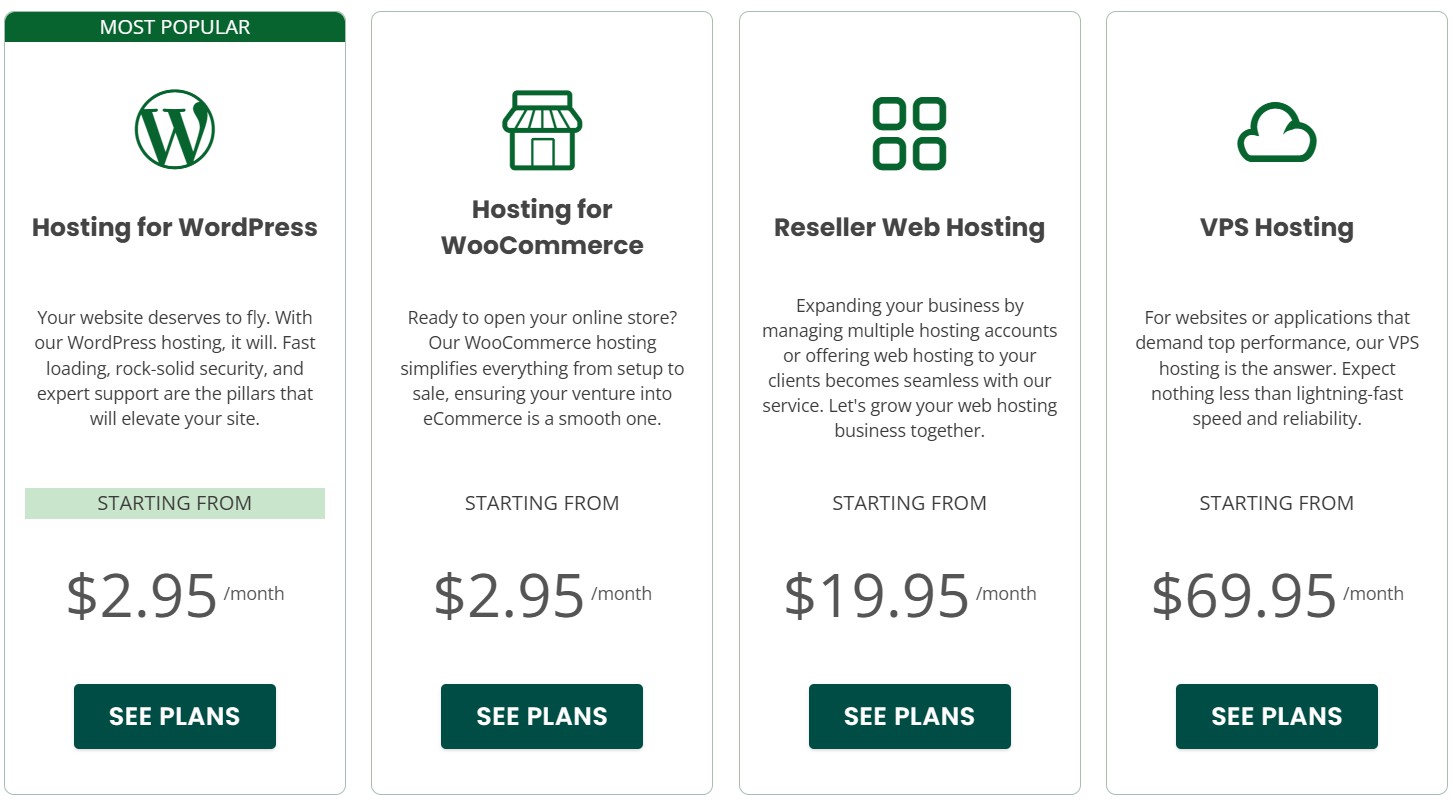
Shared hosting is the main attraction, with WordPress and WooCommerce packages built on the same platform. Reseller hosting targets agencies, while VPS customers can choose four self-managed or three managed tiers. Dedicated servers start at $169 a month and are ordered through sales.
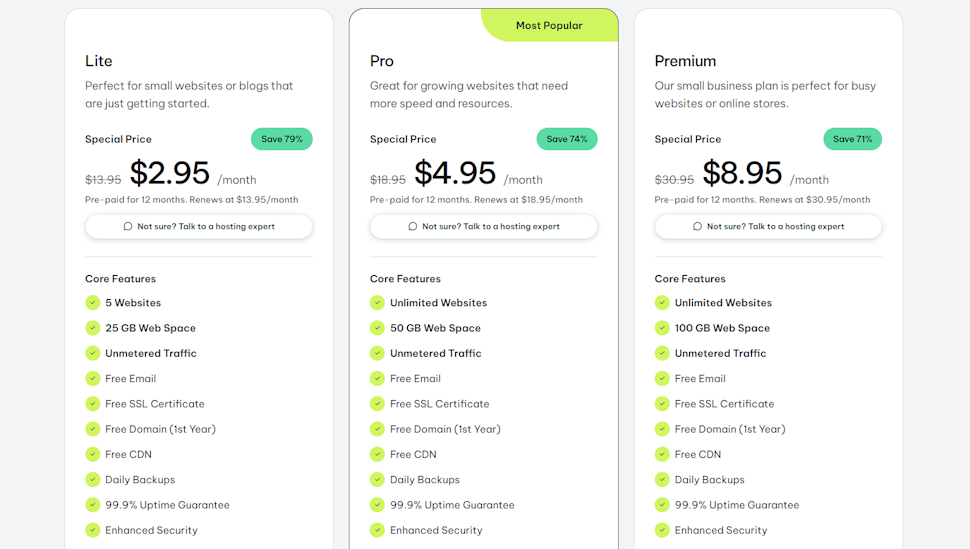
Lite costs $2.95 a month for the first 12-month term, paid as $35.40 upfront, and renews at $13.95. It includes 25GB of storage, unmetered traffic, email, SSL, CDN, a first-year domain, migration, cPanel, Git, SSH, staging, and the AI builder. There is one unresolved problem: GreenGeeks' main pricing page currently advertises five websites, while its dedicated shared-hosting page and support table still say one. Buyers needing more than one site should confirm the limit before ordering.
Latest Videos FromTechRadar
Pro costs $4.95 a month initially and $18.95 on renewal, with unlimited websites, 50GB of storage, on-demand restores, priority support, and a WordPress repair tool. Premium rises from $8.95 to $30.95, increases storage to 100GB, and adds a dedicated IP, AlphaSSL, and Redis object caching. Renewal prices are around 3.5 to 4.7 times the introductory rates, making Pro the most balanced option but long-term value less convincing.
The 30-day money-back guarantee covers initial shared, reseller, and VPS hosting charges, but not domains, setup fees, add-ons, or renewals. In my sales chat, the agent twice confirmed that a $35.40 Lite purchase using an existing domain and no paid extras would be fully refundable if canceled within 30 days.
GreenGeeks WordPress hosting
GreenGeeks' WordPress hosting uses the same Lite, Pro, and Premium prices and resources as shared hosting. All tiers include installation, migration, automatic updates, LiteSpeed Cache, WP-CLI, SSH, staging, and Git; Pro and Premium add priority support and the repair tool. These are useful conveniences, but this remains optimized shared hosting rather than a specialist managed WordPress platform with isolated resources or dedicated WordPress support.
GreenGeeks VPS hosting
The four self-managed VPS plans start at $9.99 a month for 4GB of RAM, two vCPUs, 80GB of NVMe storage, and unmetered transfer, renewing at $19.99. The 8GB, 16GB, and 32GB tiers initially cost $19.99, $39.99, and $59.99, then renew at $39.99, $79.99, and $109.99. Customers handle the operating system, patches, software, and backups.
Managed VPS starts at $69.95 a month for four vCPUs, 4GB of RAM, and 75GB of SSD storage. The 8GB and 16GB plans cost $129.95 and $179.95. They include cPanel Solo, a dedicated IP, migration, DDoS protection, monitoring, operating-system updates, and security patching. GreenGeeks does not automatically back up VPS servers: self-managed customers arrange their own solution, while managed customers can configure cPanel backups if they have sufficient storage.
For more alternatives, see our guide to the best VPS hosting services.
GreenGeeks green hosting
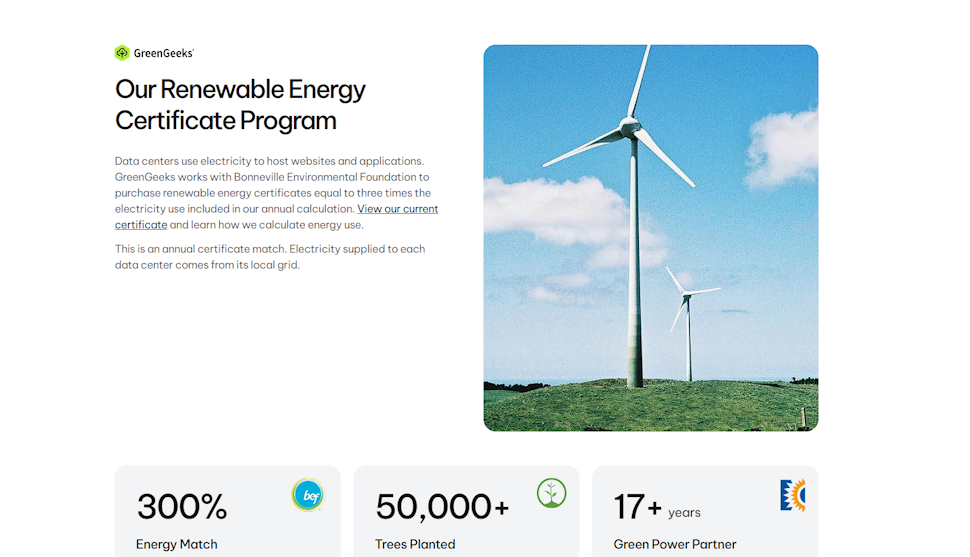
GreenGeeks' environmental program is its best-in-class feature. It works with the Bonneville Environmental Foundation to purchase renewable energy certificates equal to three times the electricity included in its annual calculation. Electricity still comes from each data center's local grid, so this is an energy-matching program rather than a claim that every facility runs directly on renewables.
The company has been an EPA Green Power Partner since 2009 and works with One Tree Planted to plant a tree for each new hosting account; it reports more than 50,000 trees planted. Renewable certificates do not eliminate emissions, but the 300% match, long-running partnerships, and explanation of the local-grid limitation make this commitment more transparent than most green-hosting claims. See our guide to the best green web hosting.
GreenGeeks: Website builder

The AI WordPress builder is included at no extra cost. It asks about the site, goals, tone, and preferred structure, then generates pages, text, imagery, and design options that can be customized in WordPress.
In our hands-on testing it offered a quick, approachable starting point. It is not a standalone service: users select WordPress + AI during WordPress installation. It may not be the best website builder for a lot of sites, but it gets the job done easily enough.
GreenGeeks: eCommerce store
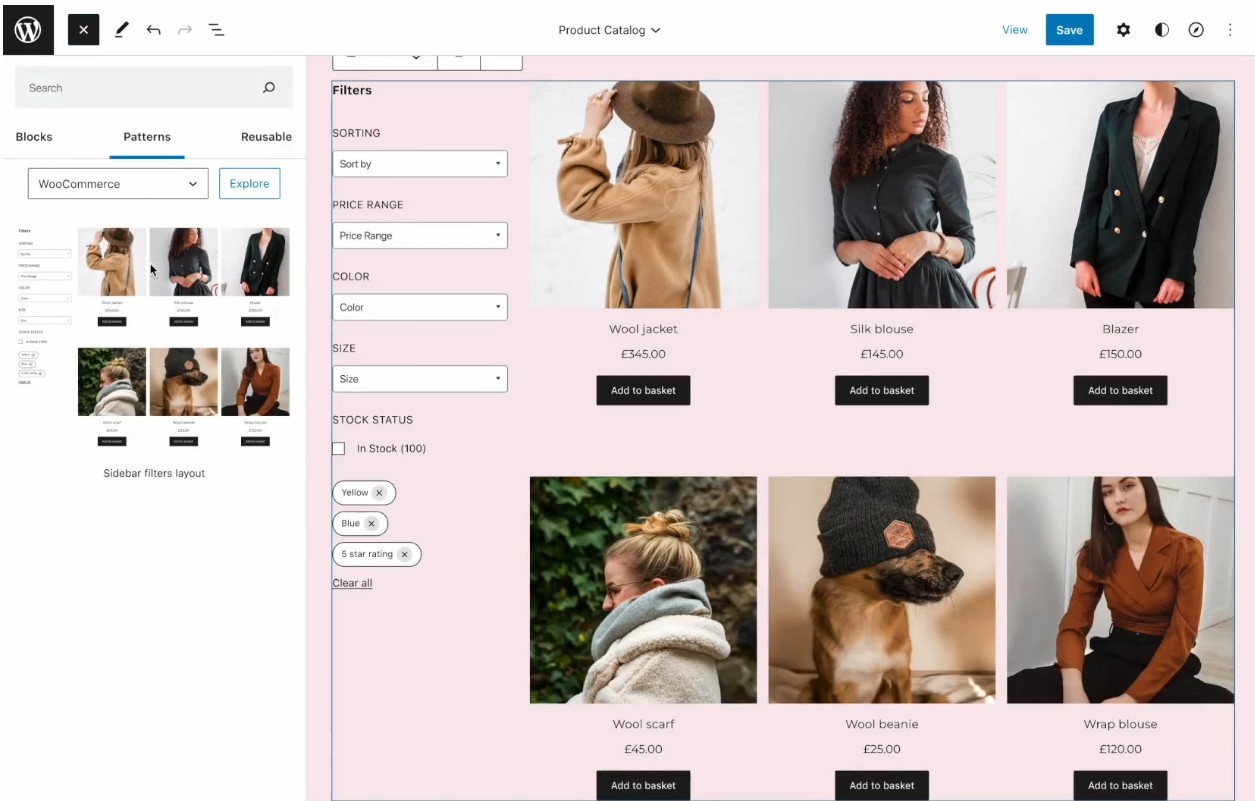
GreenGeeks has a WooCommerce hosting range which is very capable of building a top-quality web store (WooCommerce is one of the best ecommerce platforms around).
WooCommerce is available on every shared tier, but these packages use the same underlying platform and prices as regular shared hosting. Premium is the strongest store option because it adds a dedicated IP, AlphaSSL, 100GB of storage, and Redis.
GreenGeeks can install WooCommerce, but its support policy does not extend to developing or deeply debugging third-party applications, so the plans suit users comfortable managing the store itself.
GreenGeeks: Ease of use
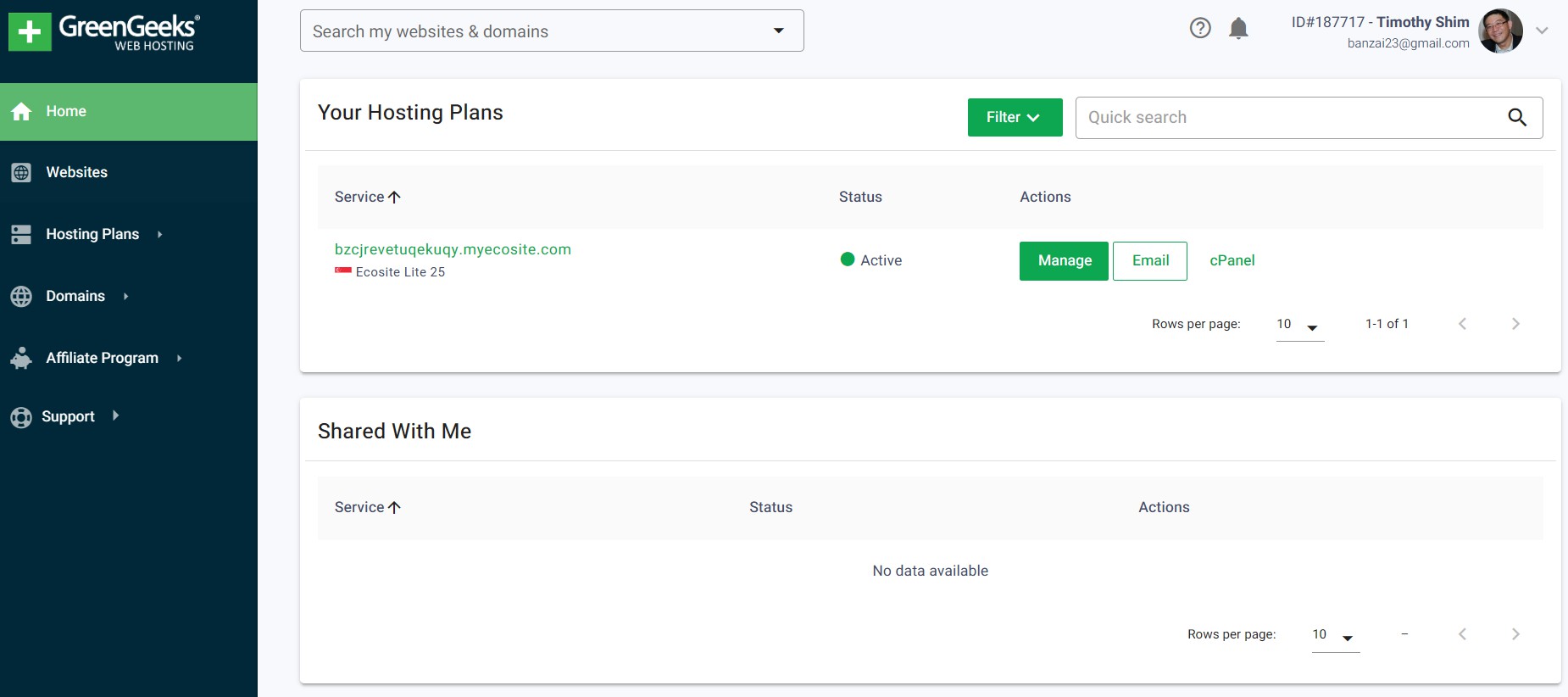
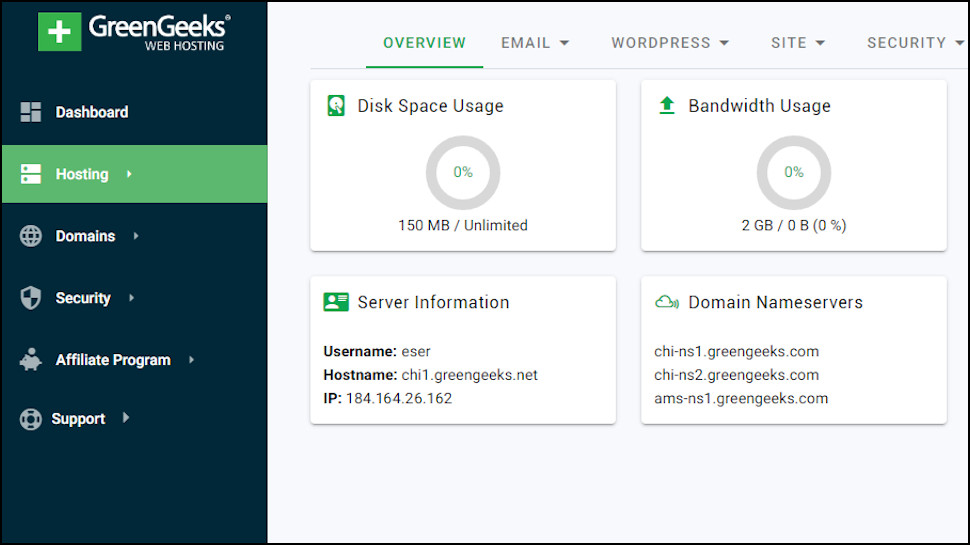
Our hands-on testing found GreenGeeks straightforward to navigate. The custom dashboard keeps websites, plans, domains, billing, and support in a simple sidebar, while cPanel handles email, domains, databases, files, and advanced settings.
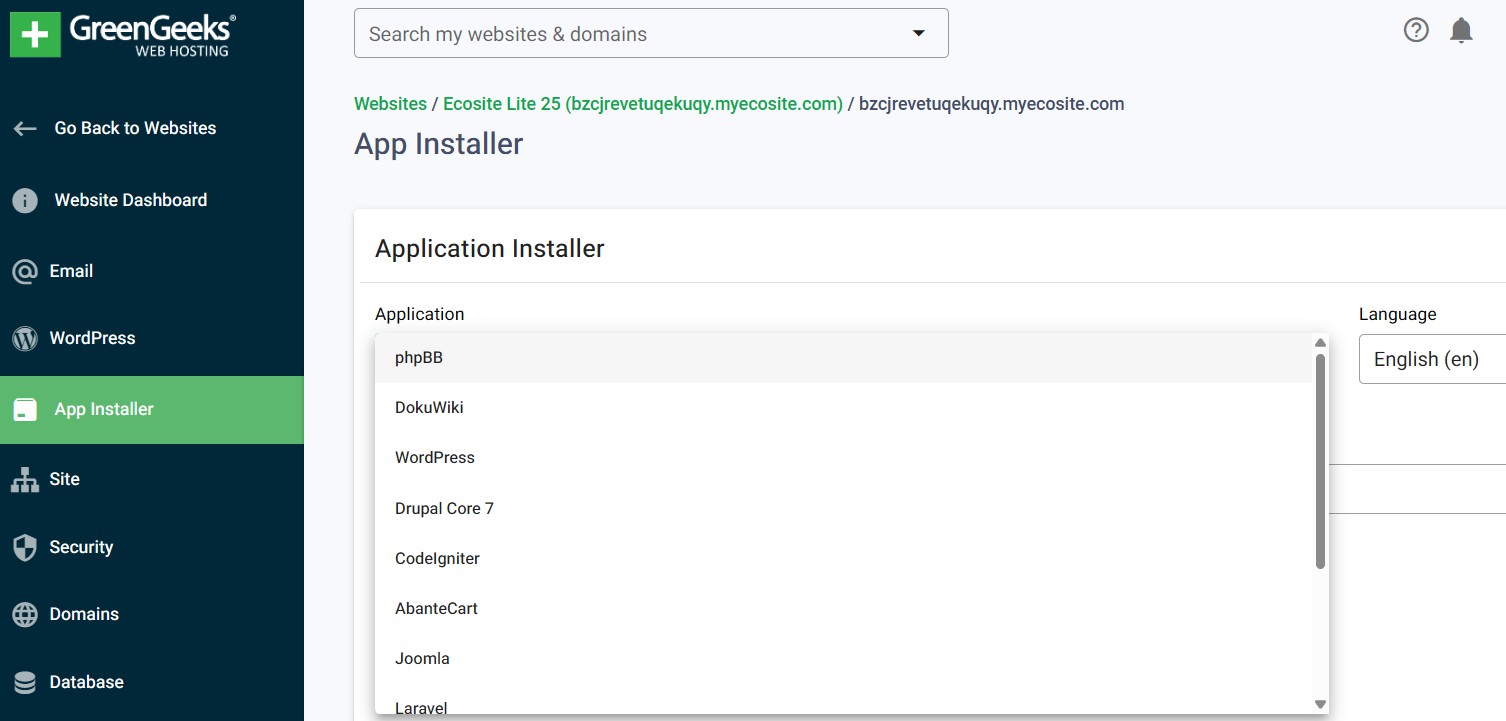
WordPress can be installed from the dashboard, and app installers handle more than 150 other applications. Beginners get a cleaner front end without depriving experienced users of cPanel.
GreenGeeks: Speed
Performance was the biggest weakness in our shared-hosting test. The WordPress benchmark returned an overall score of 4.7; database and several text operations were respectable, but file handling, persistent object caching, and some WordPress operations pulled the result down. These findings apply to the tested shared-hosting setup, not the VPS range.
Swipe to scroll horizontally
CPU & Memory |
Operations with large text data |
8.08 |
| Row 1 - Cell 0 | Random binary data operations |
6.33 |
| Row 2 - Cell 0 | Recursive mathematical calculations |
3.86 |
| Row 3 - Cell 0 | Iterative mathematical calculations |
7.32 |
Floating point operations |
1.99 |
|
Filesystem |
Filesystem write ability |
|
| Row 6 - Cell 0 | Small file IO test |
|
Small file IO test |
2.53 |
|
Database |
Importing large amount of data to database |
5.09 |
| Row 9 - Cell 0 | Simple queries on single table |
8.05 |
Complex database queries on multiple tables |
4.58 |
|
Object Cache |
Persistent object cache enabled |
|
WordPress Core |
Shortcode processing |
3.84 |
WordPress Hooks |
6.02 |
|
| Row 14 - Cell 0 | WordPress option manipulation |
8.08 |
| Row 15 - Cell 0 | REGEX string processing |
|
| Row 16 - Cell 0 | Taxonomy benchmark |
6.01 |
| Row 17 - Cell 0 | Object capability benchmark |
5.2 |
| Row 18 - Cell 0 | Content filtering |
7.23 |
JSON manipulations |
5.47 |
|
Network |
Network download speed test |
6.86 |
Overall |
Your server score |
4.7 |
The Siege test was more troubling. At five concurrent users, availability was 55.42%, average response time was 6.96 seconds, and 37 transactions failed. Availability fell to 31.48% at nine users and 12.31% at 15, with 74 and 114 failures respectively. That result remains a serious warning for traffic-sensitive shared-hosting projects, even though it should not be generalized to every GreenGeeks product.
Swipe to scroll horizontally
Concurrent Users |
5 |
9 |
15 |
Transactions |
46 |
34 |
16 |
Availability |
55.42 |
31.48 |
12.31 |
Elapsed time |
299.63 |
299.24 |
299.21 |
Data transactions |
0.31 |
0.3 |
0.15 |
Response time |
6.96 |
8.57 |
48.41 |
Transaction rate |
0.15 |
0.11 |
0.05 |
Throughput |
|||
Concurrency |
1.07 |
0.97 |
2.59 |
Successful transactions |
55 |
46 |
106 |
Failed transactions |
37 |
74 |
114 |
Longest transaction |
37.2 |
22.27 |
49.97 |
Shortest transaction |
0.04 |
0.04 |
0.04 |
GreenGeeks: Support
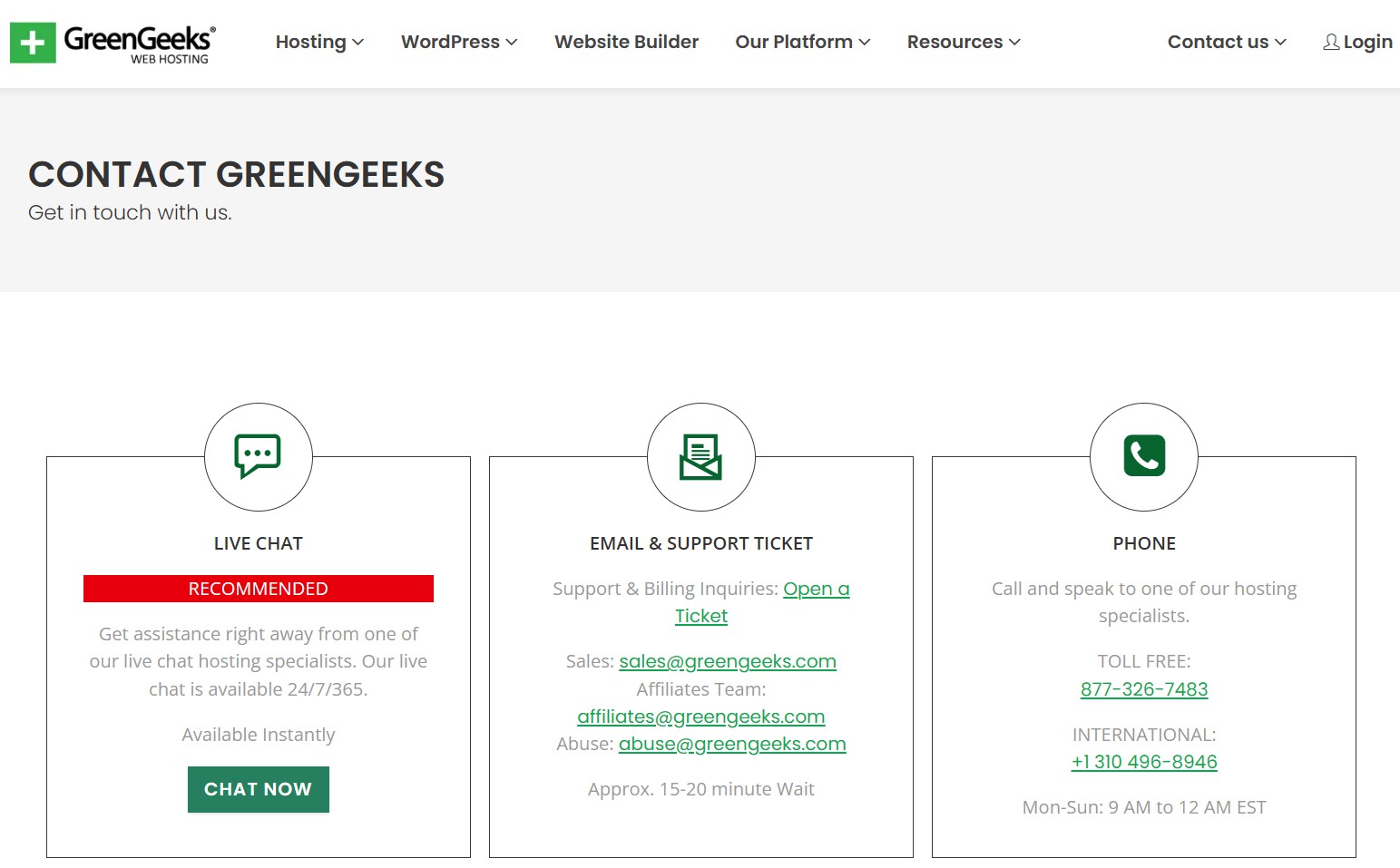
GreenGeeks offers 24/7 live chat, telephone, and support tickets, although VPS help and billing issues require tickets.
My pre-sales chat received a substantive human response in about a minute. The agent clearly confirmed the refund conditions, included AI builder, data center selection, and dashboard cancellation process. In this interaction, support was fast and specific.
The agent initially said backups were available for up to 48 hours, then corrected the answer and linked the policy. GreenGeeks aims to keep around 30 disaster-recovery sets for shared and reseller hosting, but does not guarantee a particular restore date. Pro and Premium customers have direct restore access; Lite users can request one free manual restore per month, with additional restores at $25.
User-generated cPanel and large Softaculous backups are normally removed after 48 hours, so important sites still need an independent copy.
GreenGeeks: Final verdict
GreenGeeks remains the clearest mainstream choice for buyers who put environmental commitments first. The 300% renewable-energy certificate match is unusually well explained, while cPanel, email, app installers, the AI builder, four data centers, and responsive support make the shared plans practical as well as green.
Steep renewals, inconsistent Lite information, and our poor load-test result prevent a stronger score. 3.5 stars remains appropriate: best-in-class environmental credentials, but an average overall hosting proposition.
GreenGeeks FAQs
What payment types does GreenGeeks support?
The initial purchase can be paid by major credit or debit card. PayPal becomes available as a payment method after the initial purchase.
Does GreenGeeks offer refunds?
Initial shared, reseller, and VPS hosting charges are covered by a 30-day guarantee. Domains, setup fees, add-ons, dedicated servers, and renewals are excluded. A free-domain registration fee may be deducted from the refund.
Does GreenGeeks have an uptime guarantee?
Yes. GreenGeeks advertises 99.9% network uptime and has an SLA credit policy. Confirmed scheduled downtime is credited at the hosting rate; unscheduled or emergency downtime is credited at three times that rate. Claims must be requested within seven days, and several exclusions apply.
Where are GreenGeeks’ data centers?
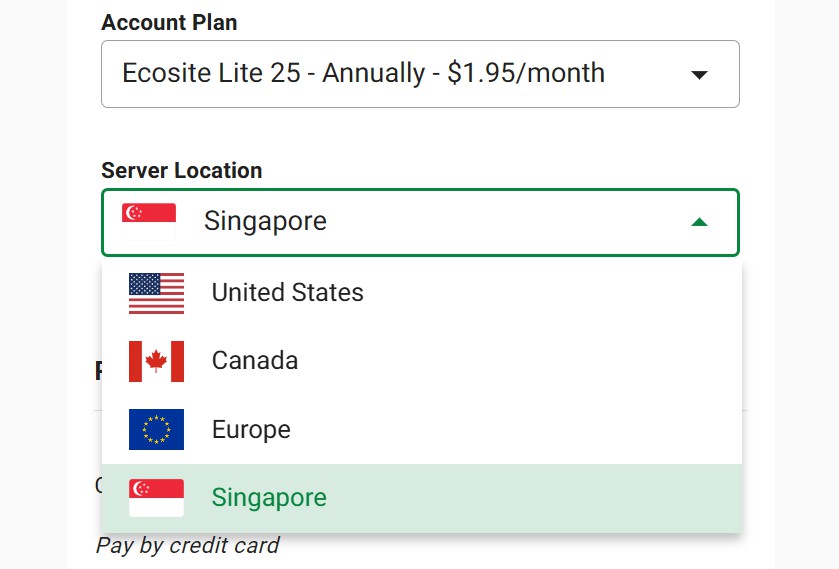
GreenGeeks lists Chicago, Montreal, Amsterdam, and Singapore, with all four shown as available for hosting. Customers can choose the location nearest their main audience.
What is my GreenGeeks IP address?
Open the GreenGeeks Dashboard, select the hosting account, and choose Manage. The server IP appears in the account's server information.
What are GreenGeeks' nameservers?
GreenGeeks currently recommends NS1.GREENGEEKS.NET and NS2.GREENGEEKS.NET. Enter them at the registrar that manages the domain.
How do I cancel a GreenGeeks product?
In the Dashboard, open the relevant service and disable auto-renewal to generate a cancellation request. GreenGeeks says this should be done at least five business days before renewal; billing can occur 24 hours before the renewal date. Cancel Now terminates service immediately, so download the site and backups first.







 English (US) ·