
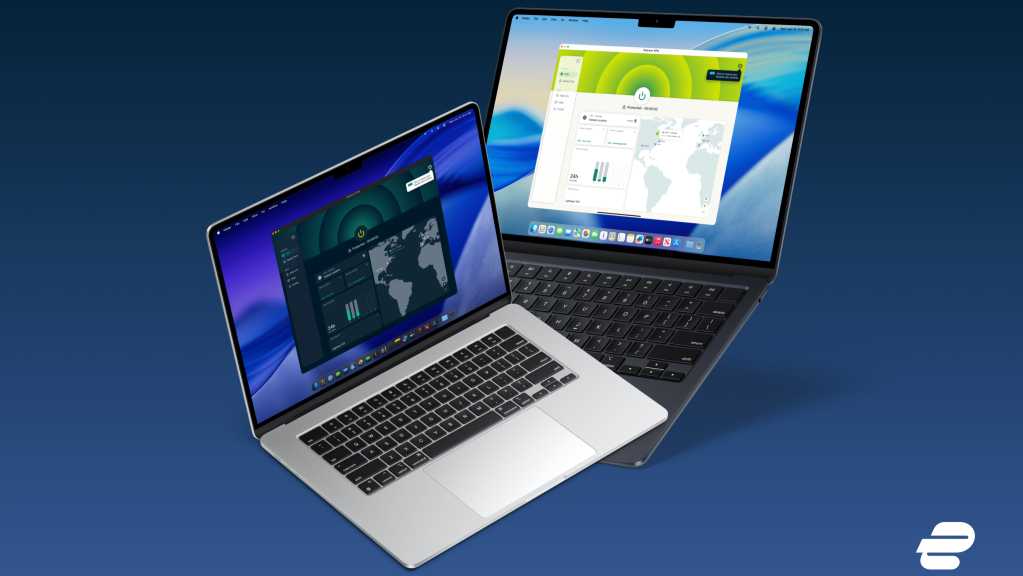
- ExpressVPN has just updated its Mac, Windows, and Linux apps
- The kill switch can now be toggled instantly for faster use
- It also adds full keyboard navigation and screen reader support
ExpressVPN has just pushed out an update for its Windows, Mac, and Linux apps.
While it isn't the kind of headline-grabbing release we saw earlier this year, ExpressVPN's version 14.1.0 is a tidy round of refinements that should make day-to-day use noticeably smoother. All desktop users gained access to smarter startup, snappier kill switch controls, and better accessibility options.
The same set of changes lands on all three desktop platforms simultaneously, in fact. That's a welcome shift for a provider that has historically rolled out features to Windows first, leaving Mac and Linux VPN users waiting in line.
Article continues below
The release also caps off a busy run for one of TechRadar's best VPN recommendations. ExpressVPN has been steadily expanding its desktop feature set in 2026, with a major macOS overhaul earlier in the year and a beta MCP server that lets AI agents control the desktop app on all three operating systems.
What's new in ExpressVPN version 14.1.0
The headline change is a new minimized startup setting. If you have ExpressVPN set to launch when your computer boots, you can now have it open quietly in the background instead of popping up and stealing focus. It's a small thing, but for anyone who keeps the app running constantly, it's the kind of friction that adds up.
The kill switch — a security feature that ensures your data never leaks even when the VPN connection drops —has also been streamlined. Toggling it on or off no longer requires an extra confirmation step, so you can flip it instantly when your needs change.
Reliability gets a boost, too. The app now reconnects more consistently after your device wakes from sleep, addressing a common annoyance where the VPN could be slow to re-establish a tunnel after a laptop had been closed.
ExpressVPN has also fixed a login loop bug that could trap users signing in with an expired account.
A big step forward for accessibility
The most meaningful changes in 14.1.0 are arguably the accessibility improvements. ExpressVPN has added full keyboard navigation, better screen reader support, spoken VPN status announcements, and clearer focus and selection cues across all three desktop apps.
That's a notable upgrade for a category of software that often falls short on accessibility. Our review of ExpressVPN gave the app top marks for usability but only three out of five for accessibility, so a coordinated push in this area is exactly the kind of investment that should move the needle.
Windows users get one extra tweak: a fix for the system tray icon, which previously didn't always update its VPN status correctly when running in Combined mode.
How to use the new features
Most of the new options live in the app's standard settings. Open ExpressVPN, head into Options (or Settings on Mac and Linux), and you'll find the new minimized startup toggle alongside the existing launch-on-boot controls.
The kill switch is in the same place it has always been, just with one fewer click to activate.
Accessibility features, including keyboard navigation and screen reader compatibility, are enabled by default and work with the standard assistive tools on each operating system.
If you're already running ExpressVPN, the update should arrive automatically. Otherwise, you can grab the latest build directly from ExpressVPN's website.
Follow TechRadar on Google News and add us as a preferred source to get our expert news, reviews, and opinion in your feeds. Make sure to click the Follow button!








 English (US) ·