
 6 days ago
11
6 days ago
11
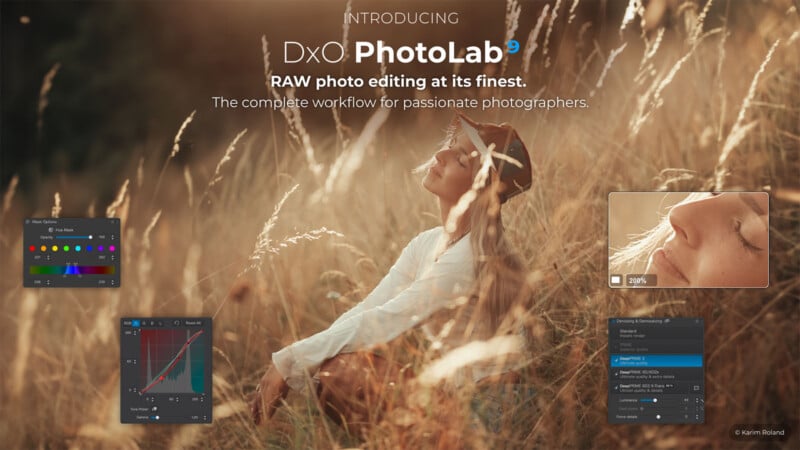
DxO has released PhotoLab 9.6 to bring its more advanced noise reduction algorithms, only recently introduced when the company launched PureRAW 6. While this was an anticipated move, it makes official the expanded coverage for a wider range of cameras. This includes new edge-softening controls for its AI-based masking tools, along with a compressed DNG export option to reduce storage overhead.
DeepPRIME XD3 Comes to Bayer Cameras
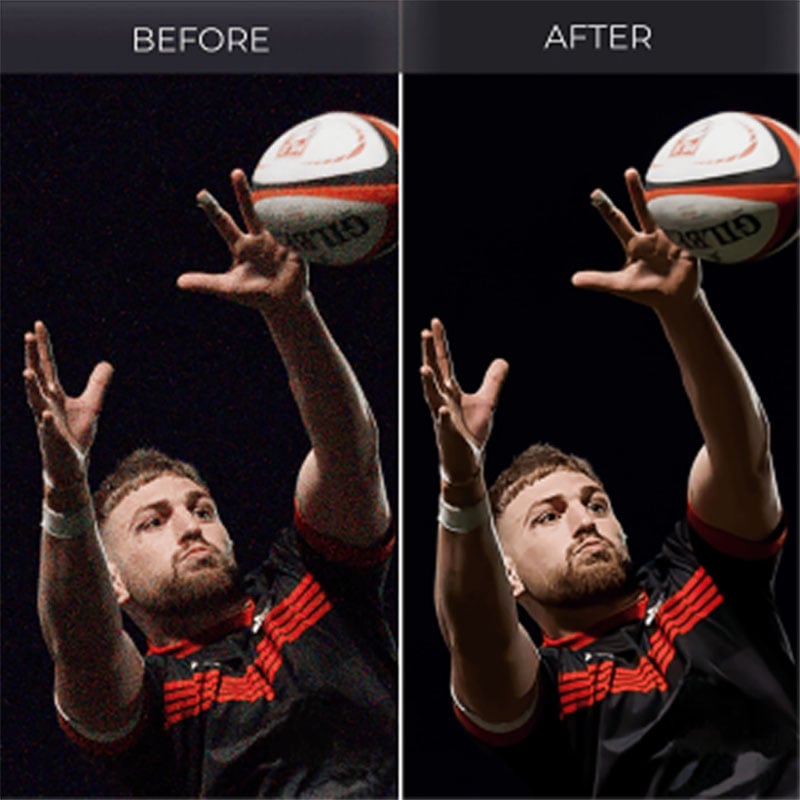
Arguably, the biggest technical shift is that DxO’s DeepPrime XD3 now supports cameras with Bayer sensors. Previous versions limited the algorithm only to photographers shooting with Fujifilm’s X-Trans sensor cameras. That’s over now, enabling PhotoLab 9.6 to handle both noise reduction and demosaicing simultaneously, opening the floodgates for the vast majority of mirrorless and DSLR cameras on the market.
DxO made this move when launching PureRAW 6 only weeks prior, setting the stage for what feels like an inevitable synergy between the two applications. DxO considers DeepPrime XD3 particularly useful for high-ISO captures to preserve fine detail with more effective noise reduction. The company claims it leads the market in this area when used alongside its proprietary DxO Modules, which apply camera- and lens-specific corrections drawn from laboratory measurements.
AI Masks Get Diffusion Controls
PhotoLab’s AI Masks feature, which automatically selects subjects or objects based on subject recognition, gains a diffusion option with this update. Users will be able to feather mask edges and soften the transition between an image’s adjusted and unadjusted areas. DxO says while manual masking workflows make this type of control standard, this helps address a common limitation of hard-edged AI selections, particularly in portraits and scenes with gradual tonal shifts.

Smaller DNG Files Without Sacrificing RAW Data
Another PureRAW carryover: PhotoLab 9.6 delivers the same high-fidelity compressed DNG output. Just like with that program, you can save in DNG at up to four times the compression of a standard DNG file, helping reduce storage bloat in the process. Equally so, there should be no visual difference between images in either format. Plus, they’ll work just fine in any RAW photo editor. You can process such a file in PureRAW first, if you choose, and then output it into the compressed DNG file to work with in PhotoLab 9.
What you can’t do is take an existing DNG file and retroactively convert it to the new compressed format. You have to first process an original, unprocessed RAW file. This caveat mirrors that in PureRAW 6 as well, so there are no current workarounds within DxO’s apps. Either way, it’s one way to cut down storage issues for photographers managing large archives or high-volume shoots.
Pricing and Availability
DxO PhotoLab 9.6 is available now for macOS and Windows. A new license will cost $239.99, while DxO offers upgrades from versions 7 or 8 for $119.99. A 30-day trial is available on DxO’s website. Those who already have PhotoLab 9 can download the update for free.
Image credits: DxO





 English (US) ·